

Description
Curved gaming monitor with VA panel and AMD FreeSync Premium
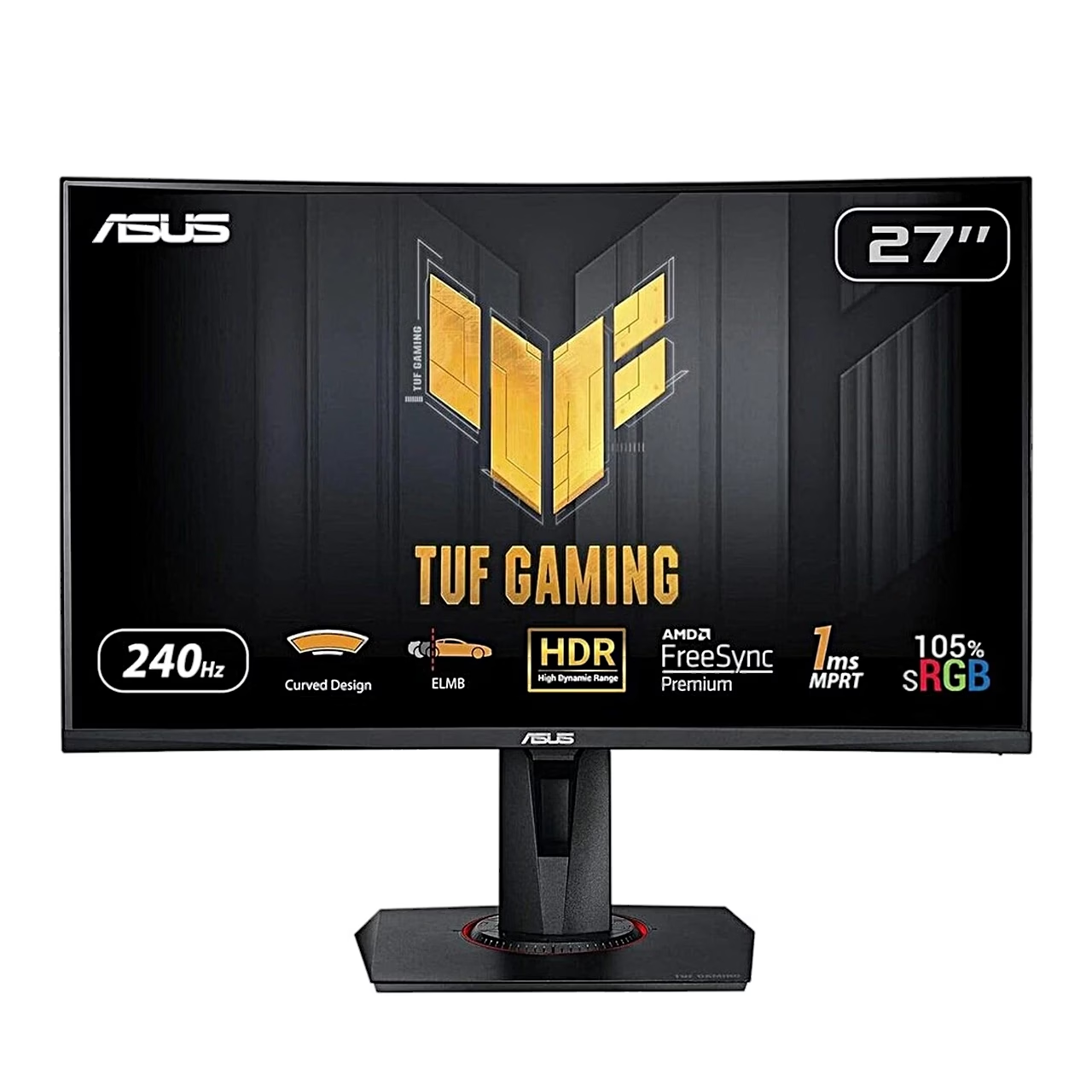
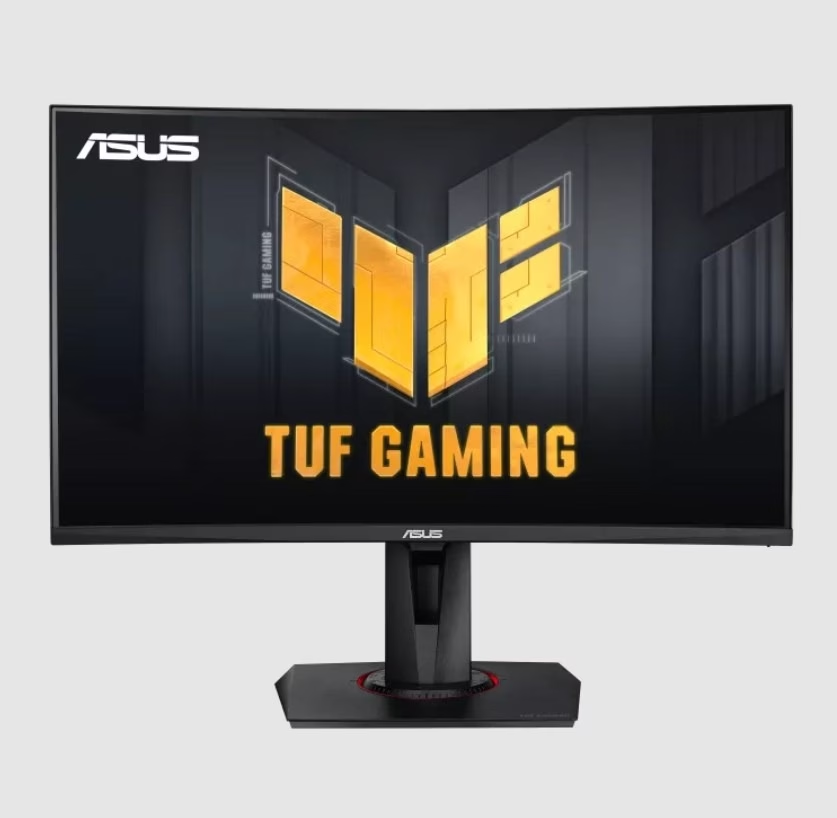
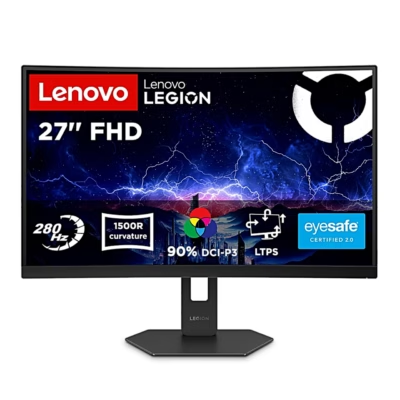
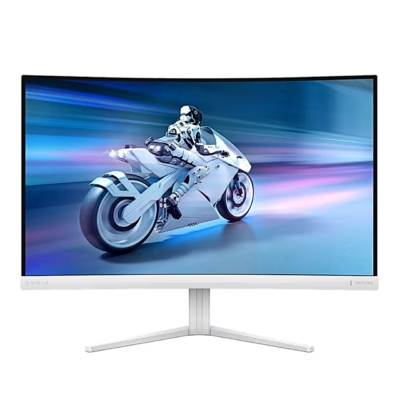
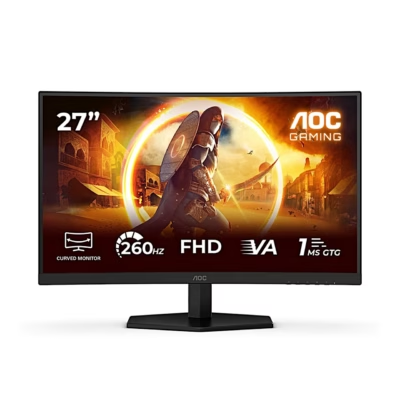
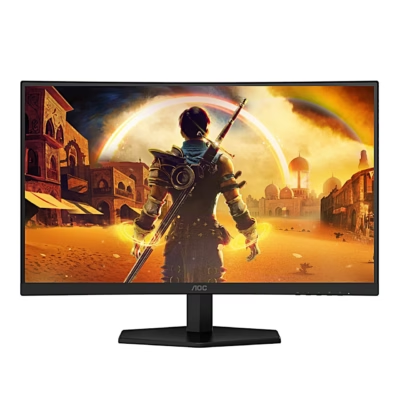
The curved 27-inch gaming monitor ASUS TUF Gaming VG27VQM uses a VA panel with 1500R curvature and a resolution of 1920 × 1080 pixels. Response time is 1 ms MPRT and 5 ms GtG. AMD FreeSync Premium matches the refresh rate to the graphics card’s frame rate between 48 and 240 Hz, which reduces stutter.
Gaming features and picture modes
ELMB (Extreme Low Motion Blur) reduces motion blur and works when FreeSync Premium is switched off. GamePlus adds a crosshair with 6 options, a timer, a frame rate counter and alignment lines for multiple monitors. GameVisual has 7 picture modes including sRGB, and Shadow Boost makes dark areas easier to see. For HDR content there are the ASUS Gaming HDR and ASUS Cinema HDR modes.
Connections and USB hub
There are three video inputs: 2 × HDMI 2.0 and DisplayPort 1.2. The 2 USB-A ports of the USB 3.2 Gen 1 hub work once the monitor is connected to the computer with a USB-B cable. The headphone jack works with an HDMI or DisplayPort connection, and the monitor has two 2 W speakers.
Adjustable stand and wall mounting
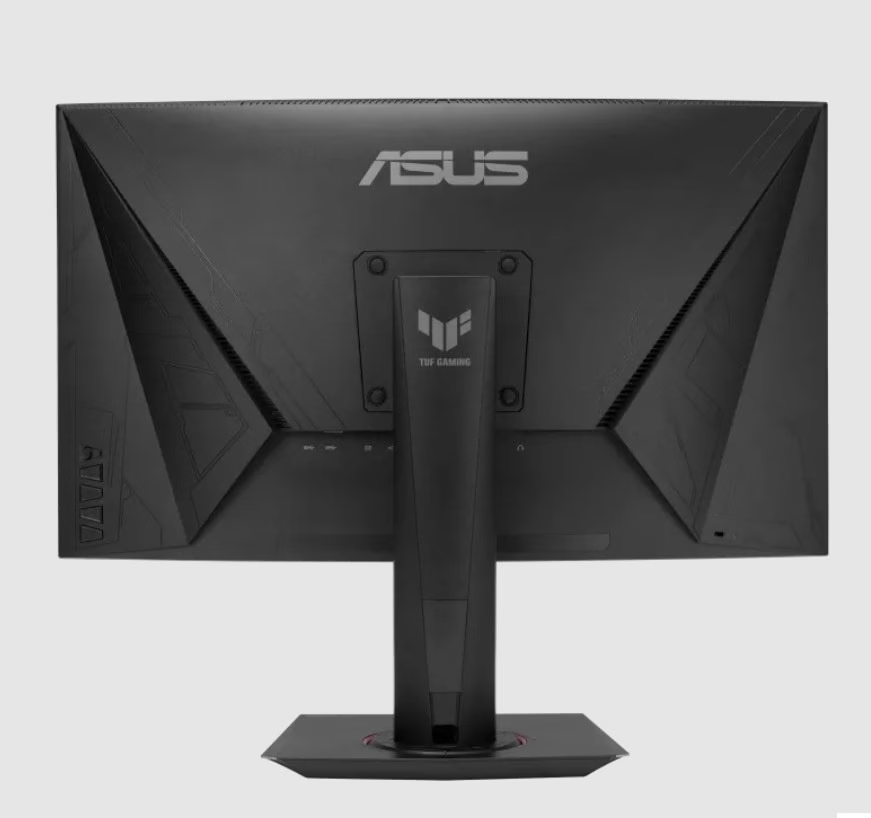
The stand lets you raise and lower the screen by 120 mm, tilt it from –5° to +25° and swivel it up to 90° either way. Instead of the detachable stand, the monitor can be fitted to a VESA 100 × 100 mm wall mount. A Kensington lock slot on the back lets you secure it with a security lock.
Assembly and use
Place the monitor face down on a table covered with a soft cloth. Attach the base to the arm so that the tab on the arm fits into the groove on the base, and tighten the base screw. Connect the power adapter to the monitor’s DC input and the power cord to the adapter and a power outlet. Hold the stand when changing the angle so that the monitor does not fall.
Cleaning and care
Before cleaning, switch the monitor off and unplug the power cord. Clean the surface with a lint-free, non-abrasive cloth; for stubborn marks, dampen the cloth with a mild cleaner. Do not use cleaners containing alcohol or acetone and never spray cleaner directly on the screen. When lifting, hold the monitor by its edges, not by the stand or the cord.
In the box
- Monitor
- Base
- Power adapter
- Power cord
- Quick start guide








































Reviews
There are no reviews yet.