

Description
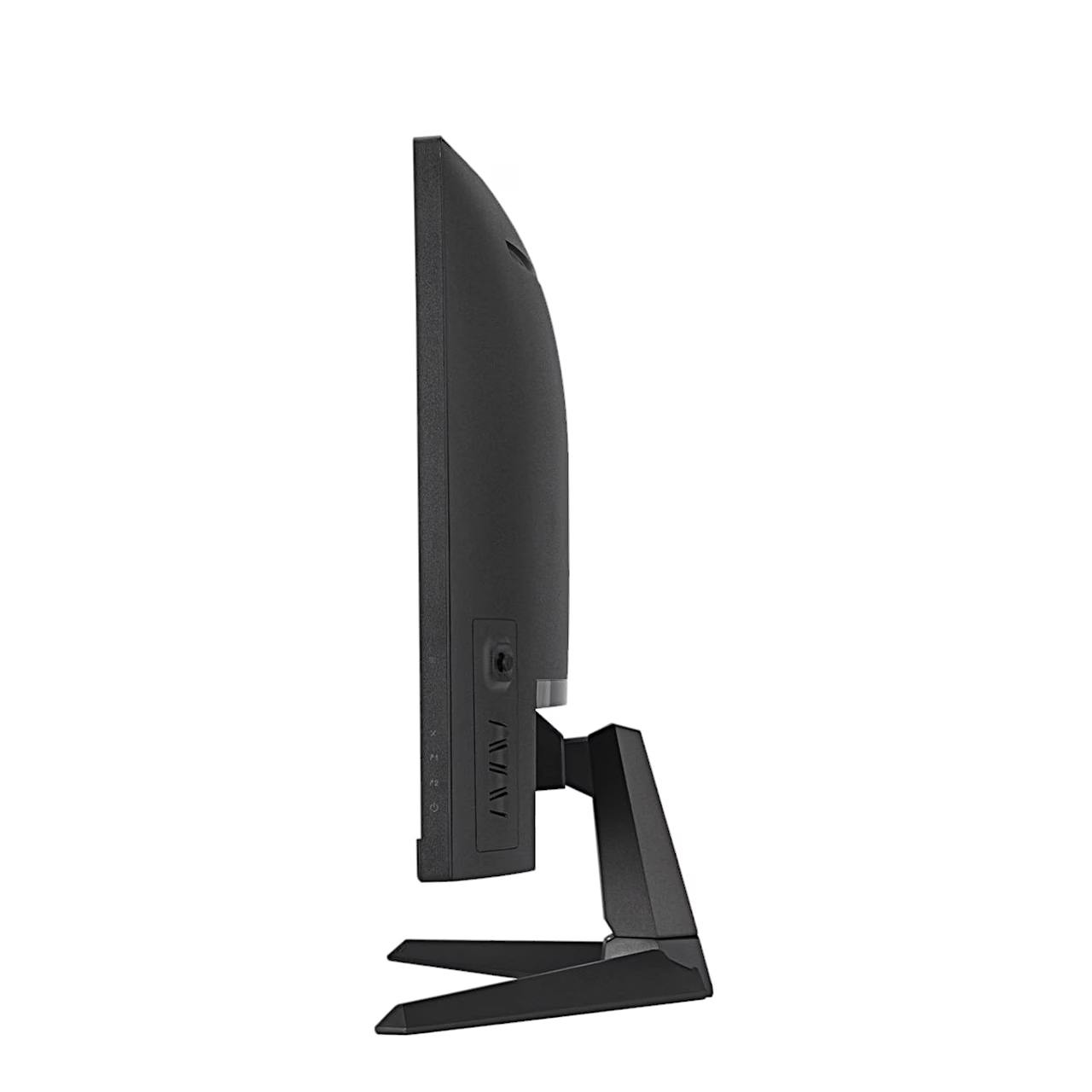
Curved gaming monitor with FreeSync Premium
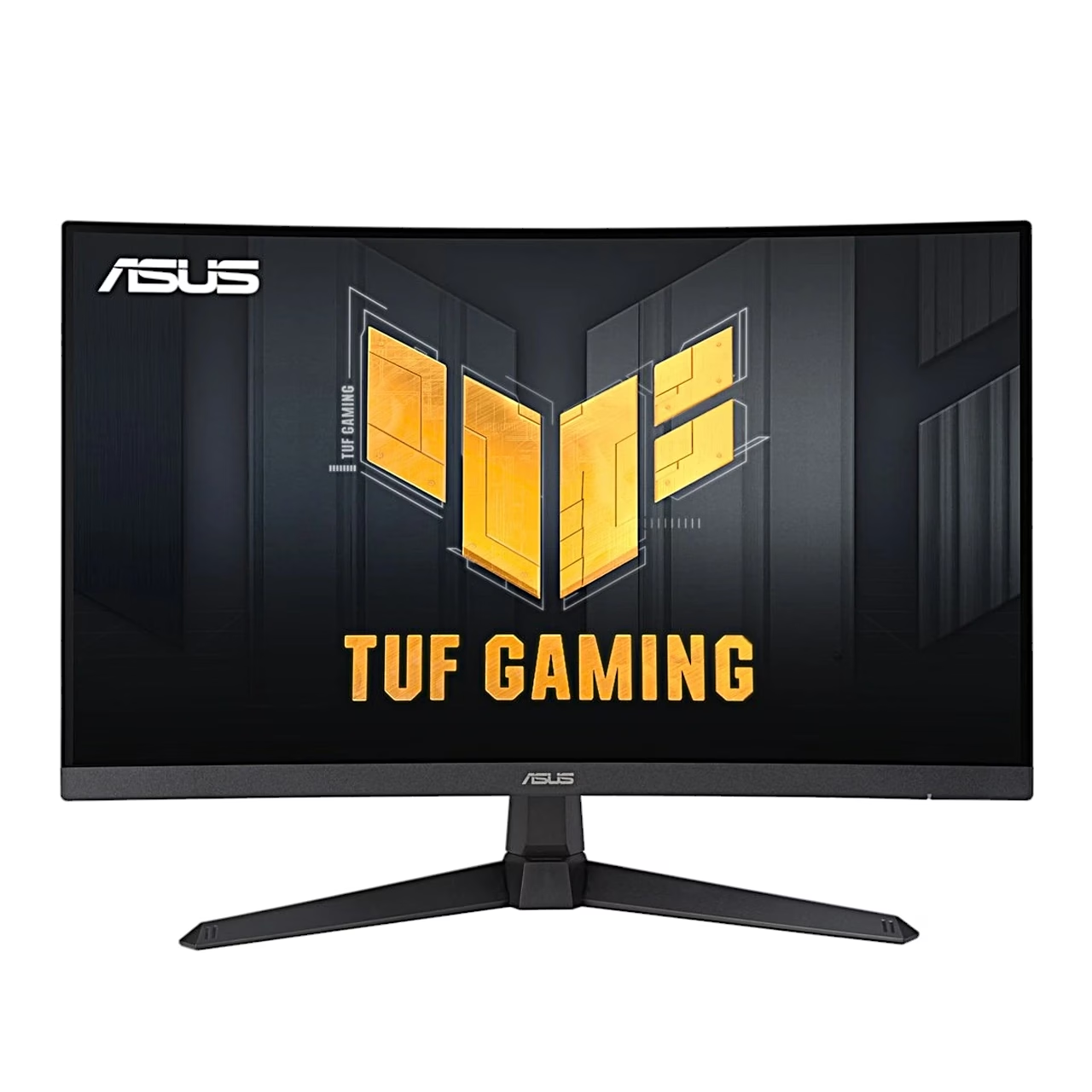
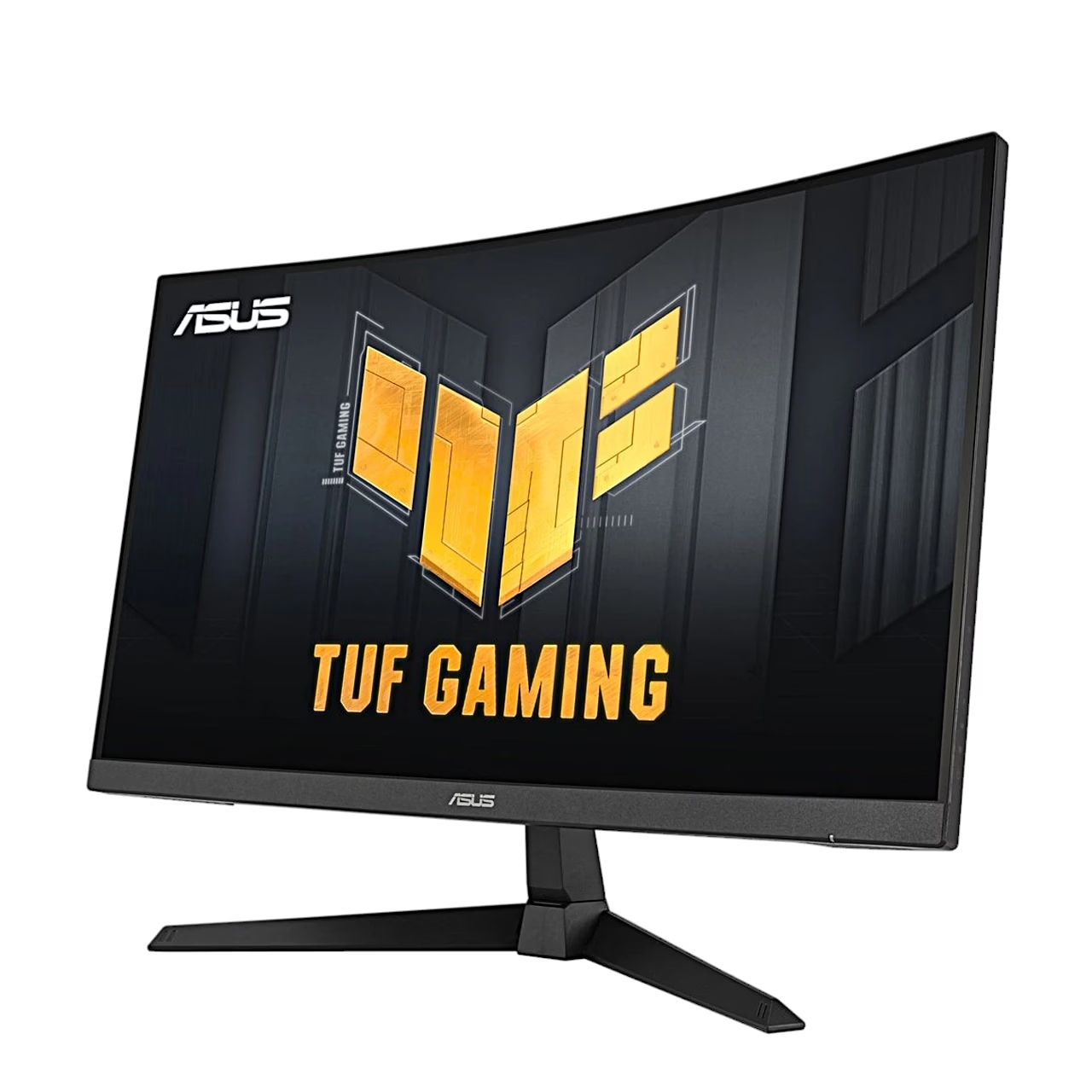
The ASUS TUF Gaming VG27VQM1B curved gaming monitor has a 27-inch (68.6 cm) screen with a resolution of 1920 × 1080 pixels. AMD FreeSync Premium matches the refresh rate to the graphics card frame rate, so the image does not tear or stutter. To reduce blur on fast-moving objects there is ELMB mode, which works with an input signal of at least 85 Hz, and Variable OD pixel overdrive has five levels.
GamePlus and GameVisual
The GamePlus shortcut button brings an FPS counter, crosshair, timer, stopwatch and multi-display alignment lines onto the screen. The GameVisual button switches between nine picture modes: Scenery, Racing, Cinema, RTS/RPG, FPS, sRGB, MOBA, Night Vision and User. Shadow Boost adjusts the gamma curve so that objects in dark scenes are easier to see.
Colours and picture
The panel covers 90% of the DCI-P3 colour space and displays 1.07 billion colours, and the colour space can be set to sRGB, DCI-P3 or Wide Gamut. Brightness is 250 cd/m², contrast 4000:1 and the viewing angle 178° in both directions. The screen has a matt surface, flicker-free backlight and a four-level blue light filter.
Connections and sound
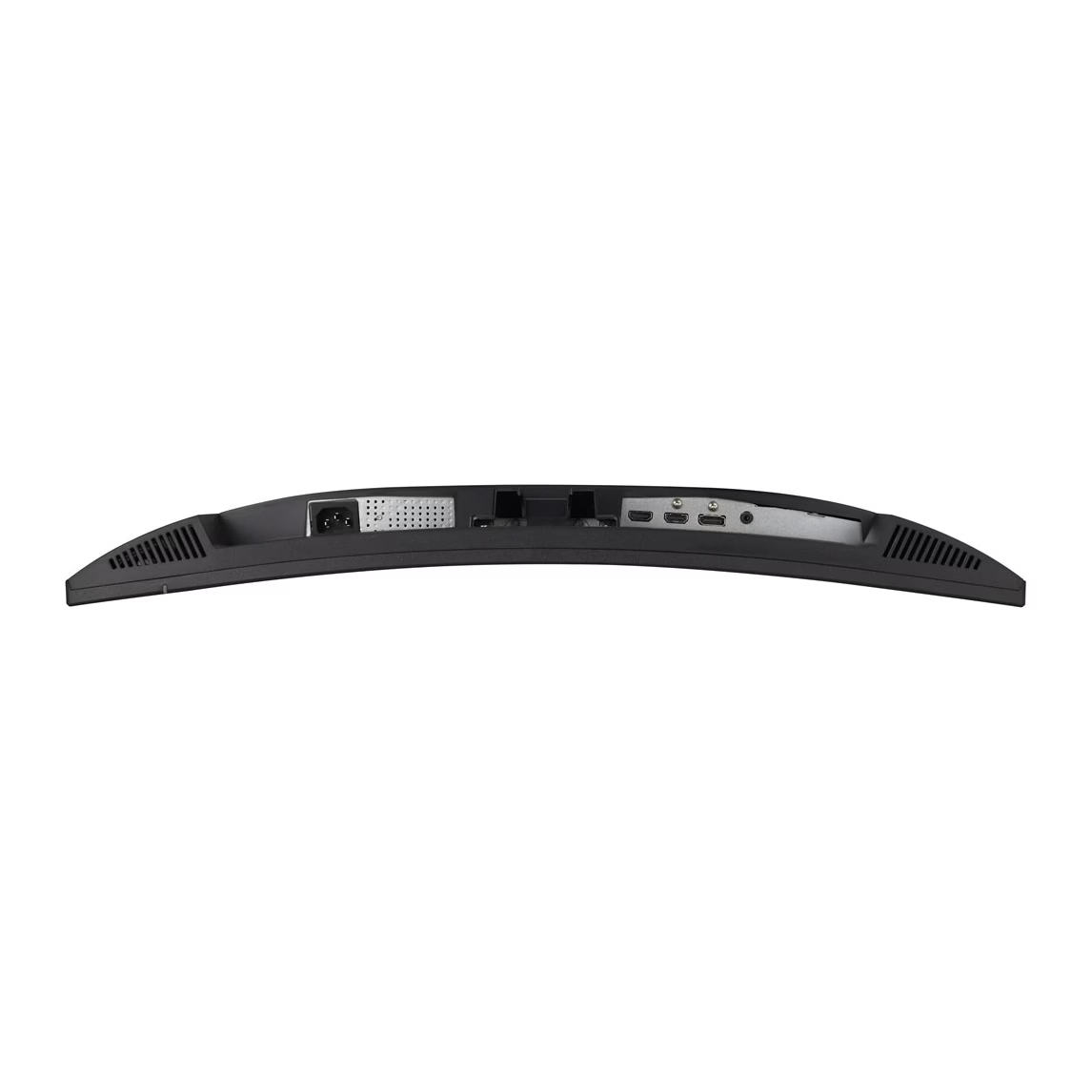
Two HDMI 2.0 ports and one DisplayPort 1.2 port connect the computer. Two 2 W stereo speakers play sound from HDMI or DisplayPort, and there is a 3.5 mm headphone output. The housing has a Kensington lock slot.
Assembly and use
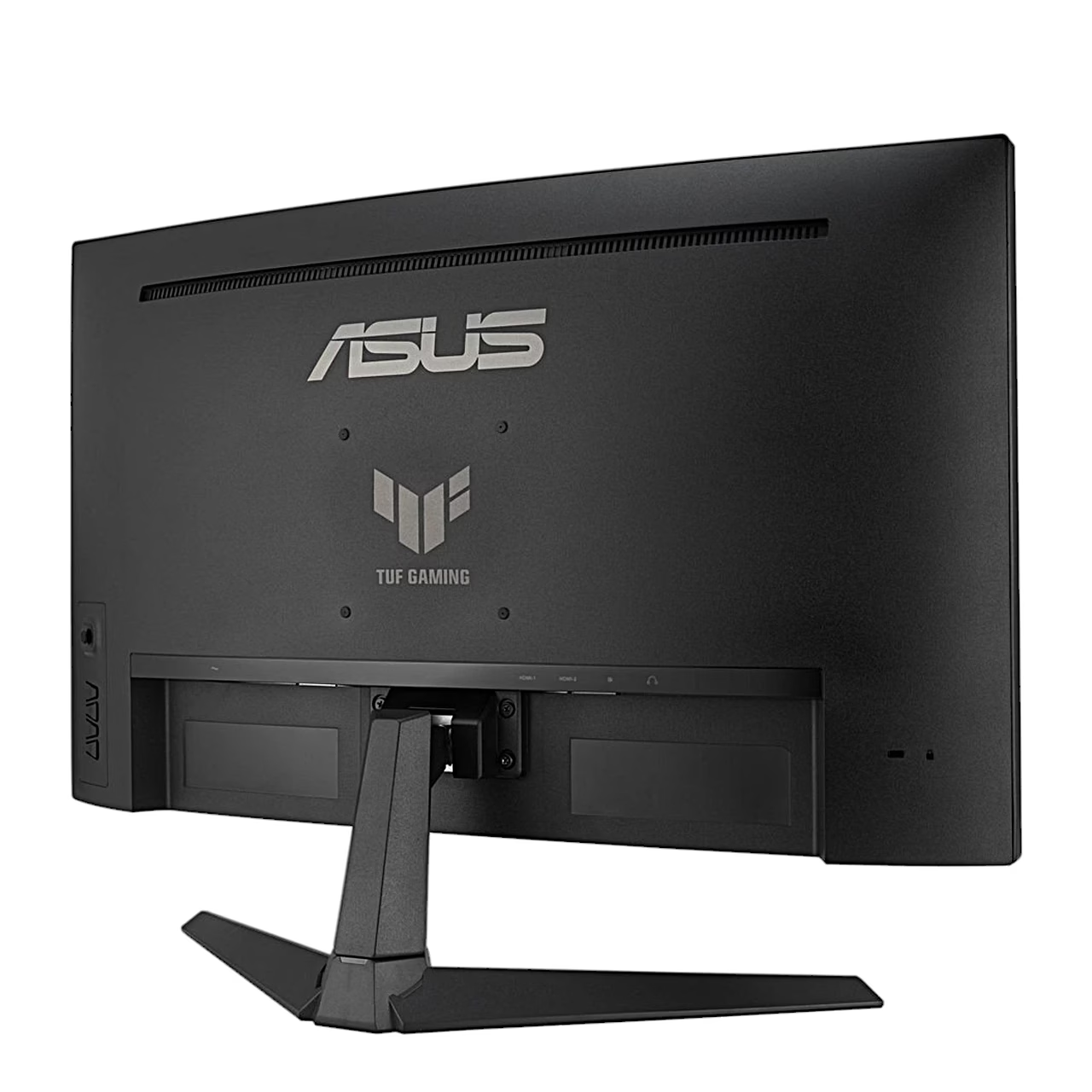
To assemble, place the screen on a cloth-covered table, attach the base to the stand and tighten the M6 × 15 mm screw by hand. The screen tilts from −5° to 23°. The stand can be removed and the screen fitted to a wall with a 100 × 100 mm VESA mount rated for at least 12 kg, using M4 × 10 mm screws. The on-screen menu is operated with a five-way button on the back.
Cleaning and care
Before cleaning, switch the monitor off and unplug the power cord. Clean the screen with a lint-free, non-abrasive cloth; stubborn marks can be removed with a cloth dampened with a mild cleaner. Use a cleaner intended for LCD screens without alcohol or acetone, and apply it to the cloth rather than directly to the screen.
Energy consumption
The energy efficiency class is E, and in SDR mode the energy consumption is 21 kWh per 1000 hours.
In the box
- Monitor
- Stand
- Base
- Power cord
- 4 screws
- Quick start guide








































Reviews
There are no reviews yet.