
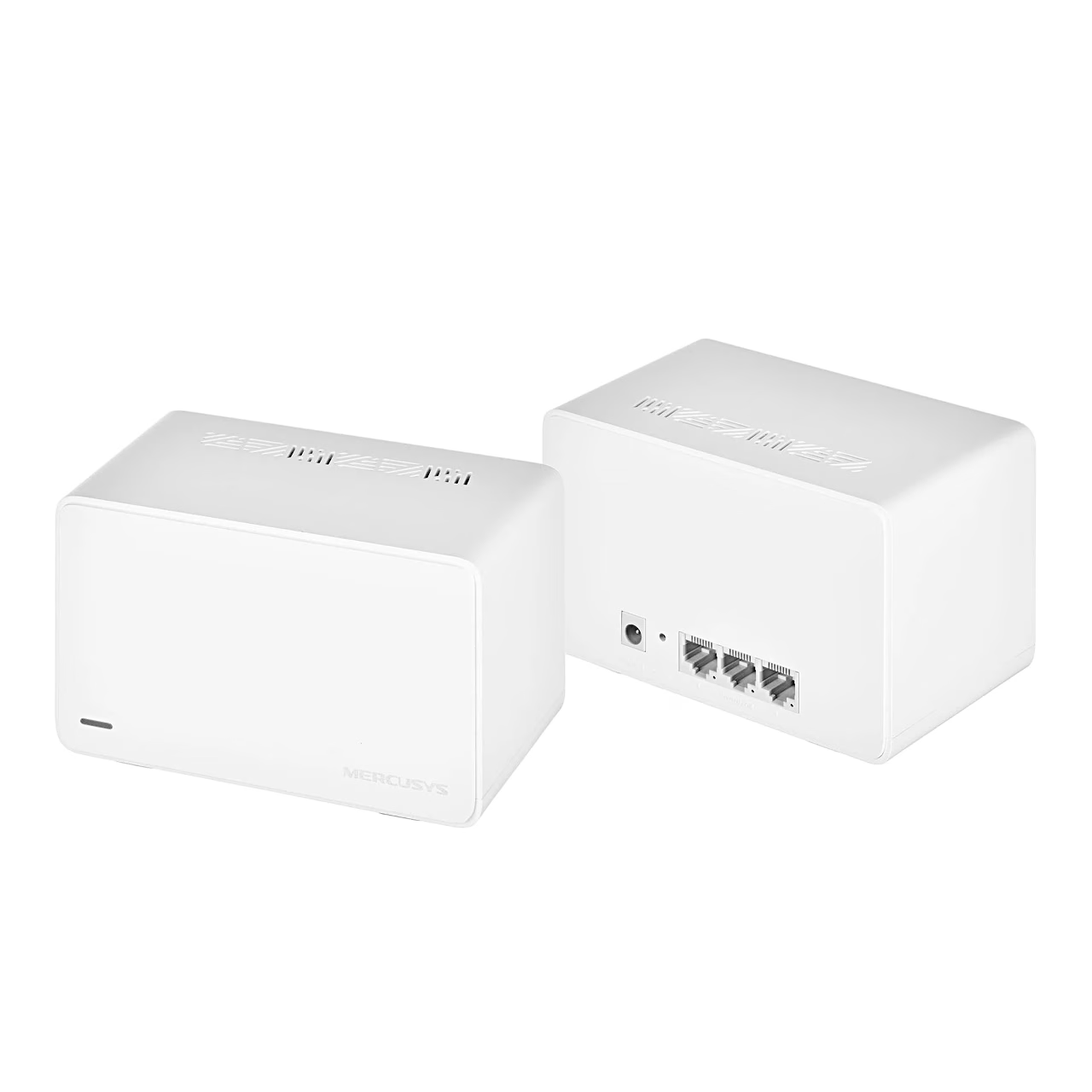

Description
Mesh Wi-Fi system with Wi-Fi 6 speeds
This mesh Wi-Fi system reaches up to 2402 Mbit/s on the 5 GHz band and up to 574 Mbit/s on the 2.4 GHz band. MU-MIMO and OFDMA let the unit send data to several connected devices at once, provided they also support MU-MIMO. The Halo units form a network with one network name, in which a phone with 802.11k/v/r support moves from room to room without dropping the connection.
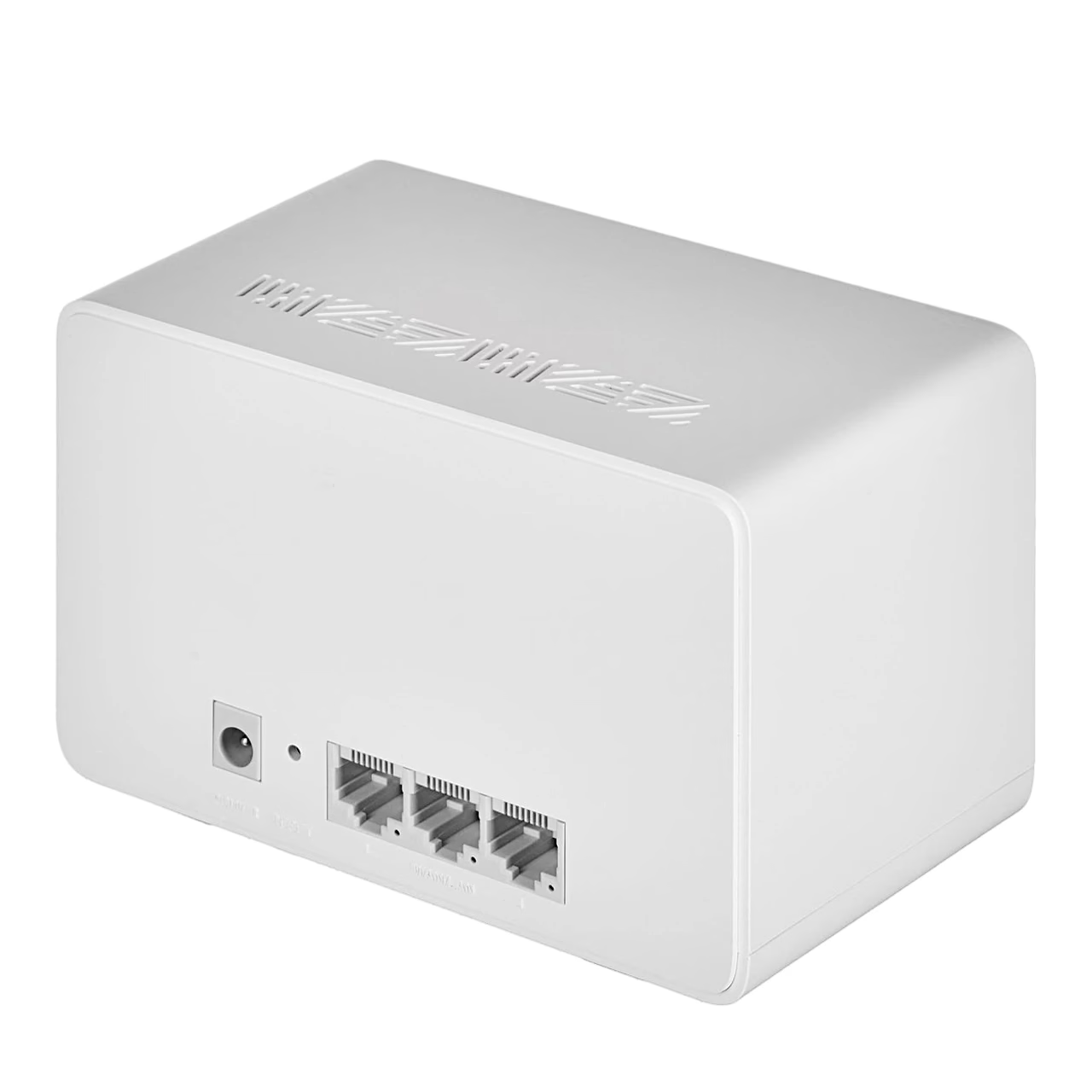
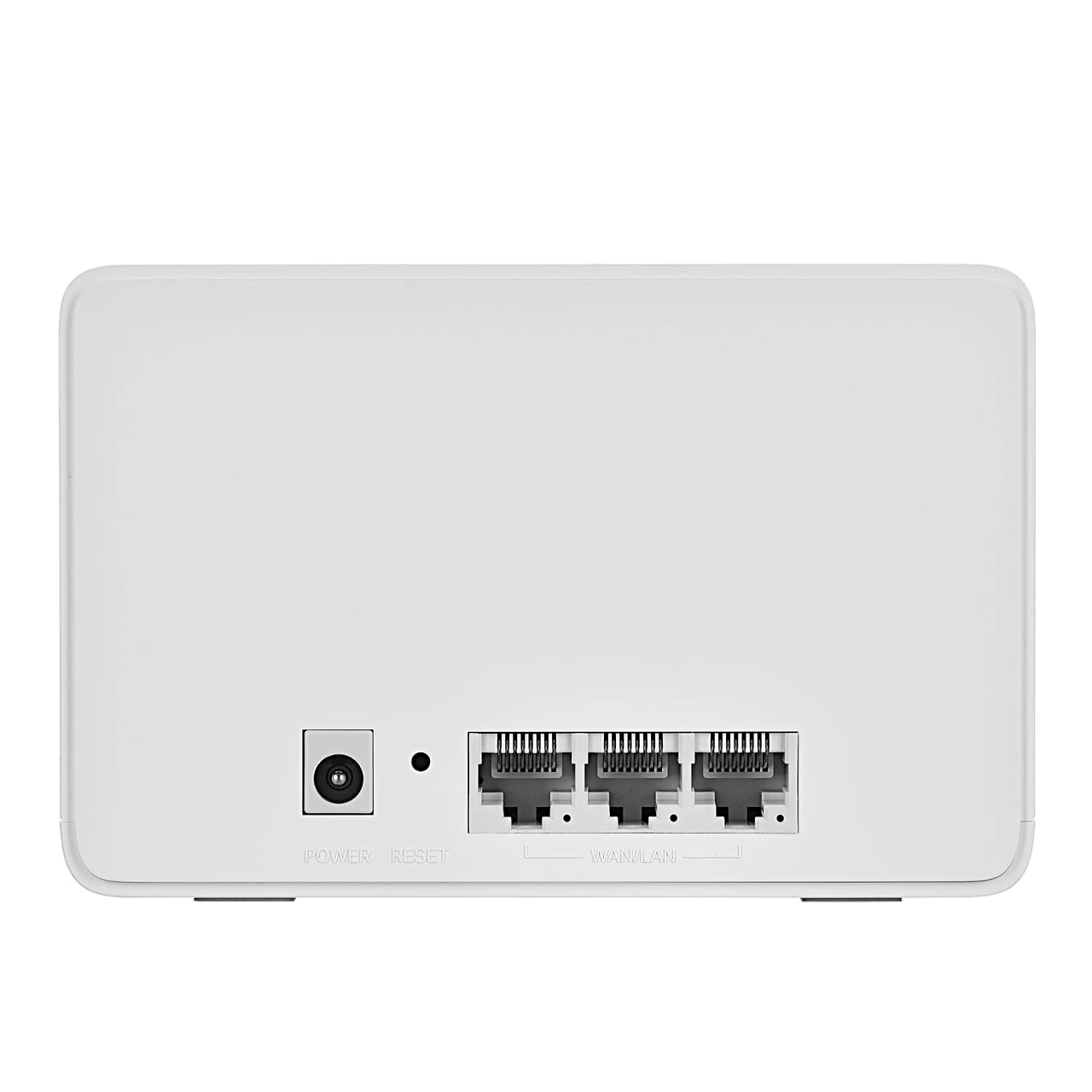
Ethernet backhaul and gigabit ports
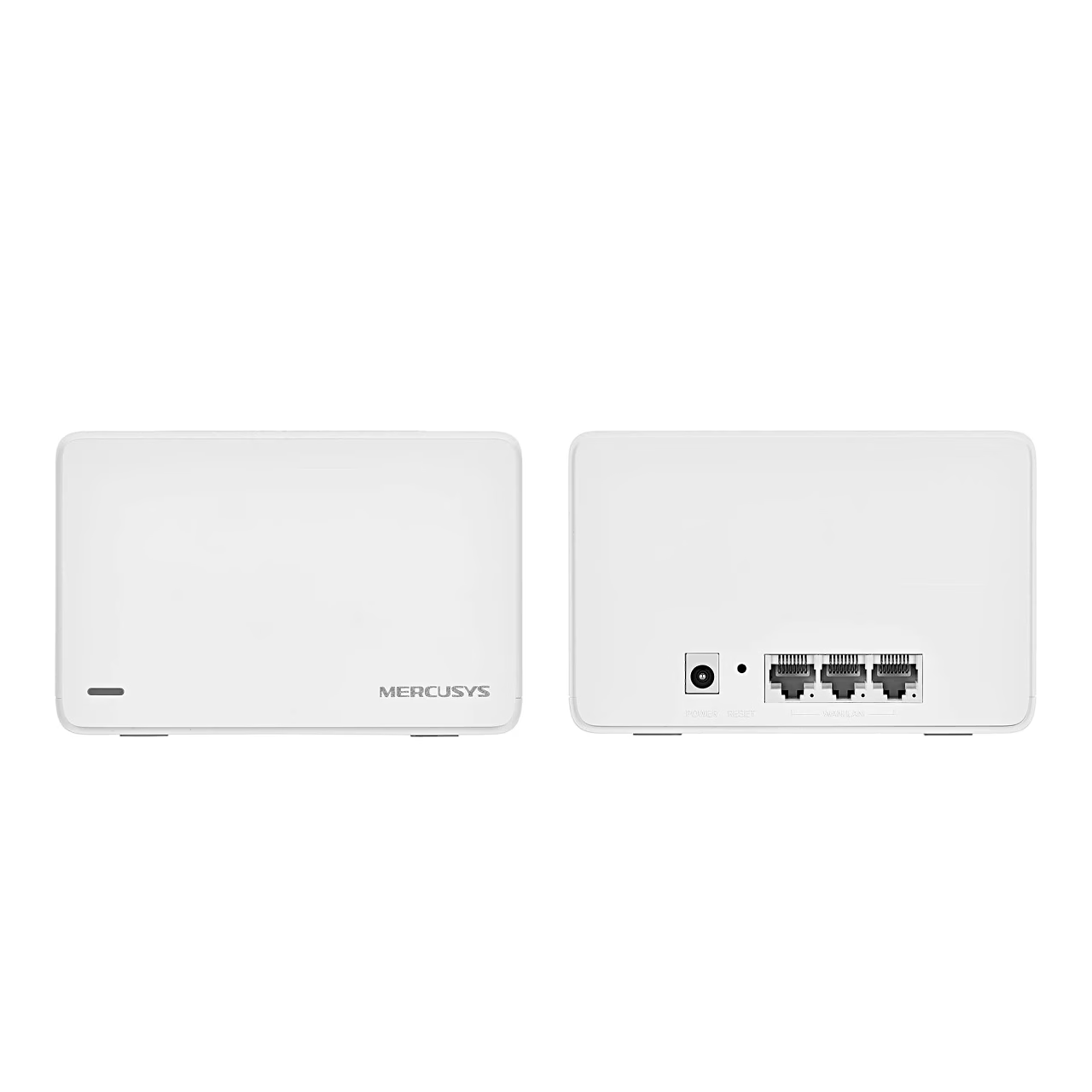
The units can also be linked to each other with an Ethernet cable instead of the wireless backhaul. The ports detect by themselves whether a modem or another network device is connected. More Halo H series units can be added to the network in the app.
Parental controls, QoS and guest network
Parental controls let you create profiles for family members, set a content filter level, limit when and for how long each person uses the internet, and pause the internet when needed. With QoS you can give a chosen device, such as a laptop during a video call, priority for a set time. A separate guest network can be created, and the blacklist lets you block unwanted devices. The monthly report shows security threats and the number of connected devices each day.
Using it
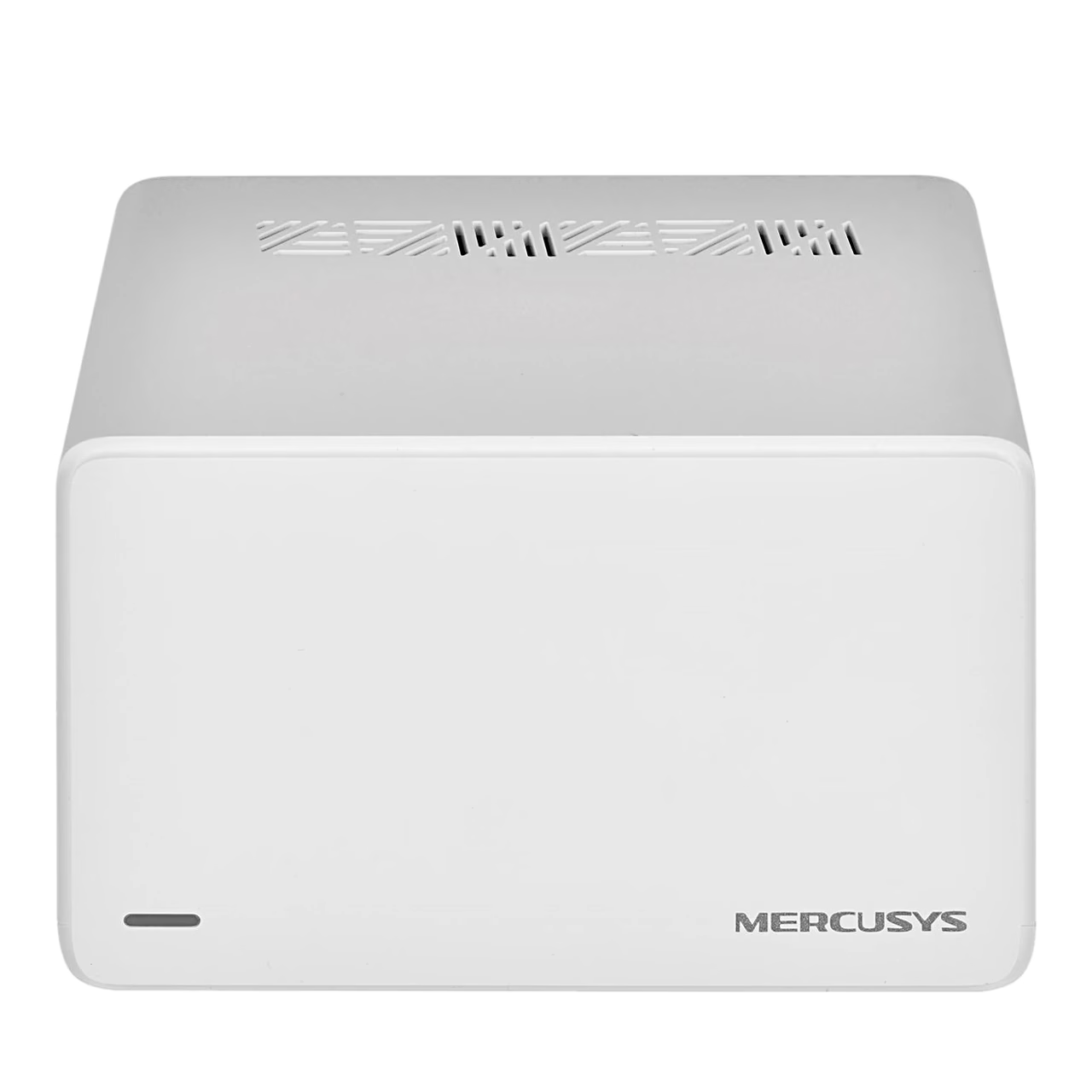
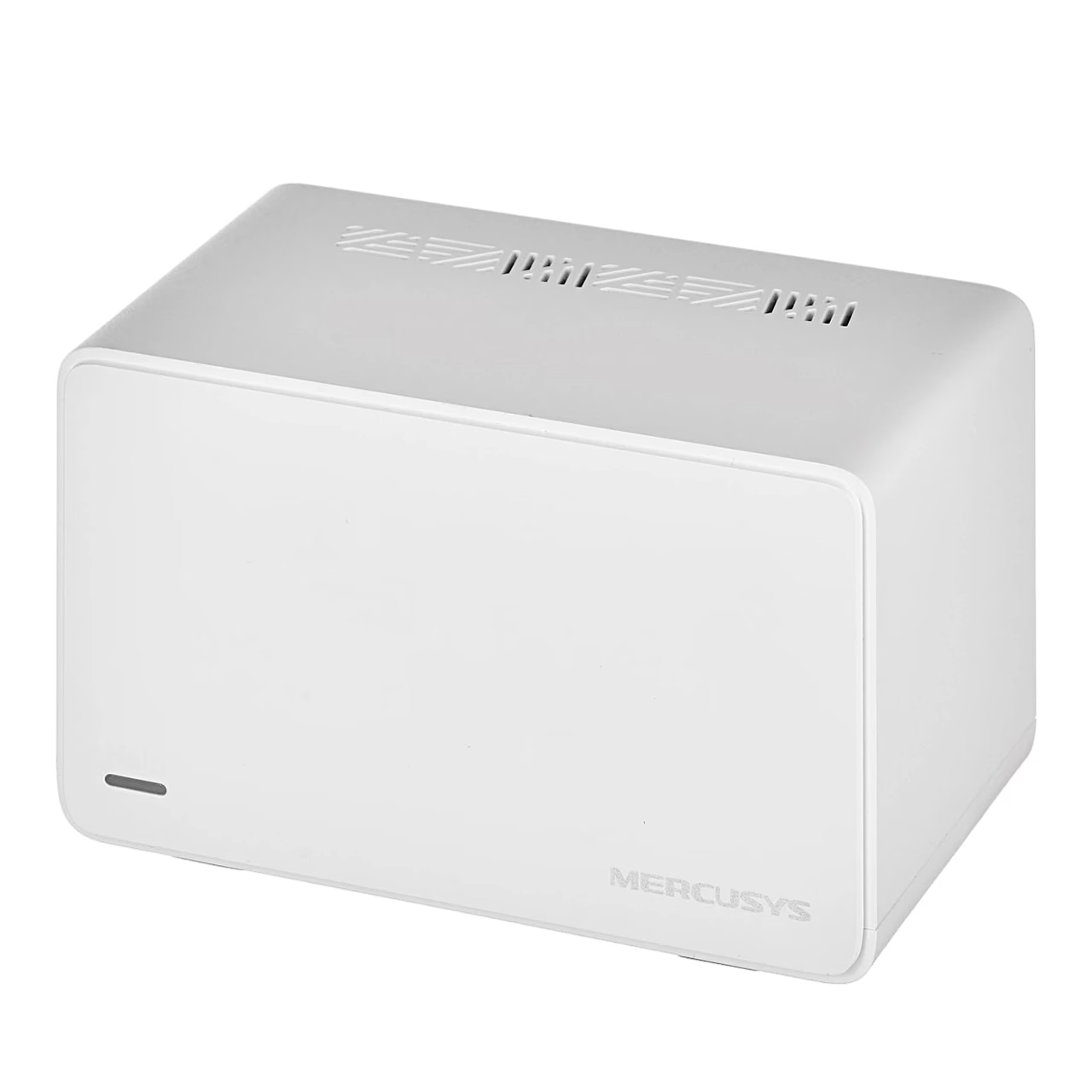
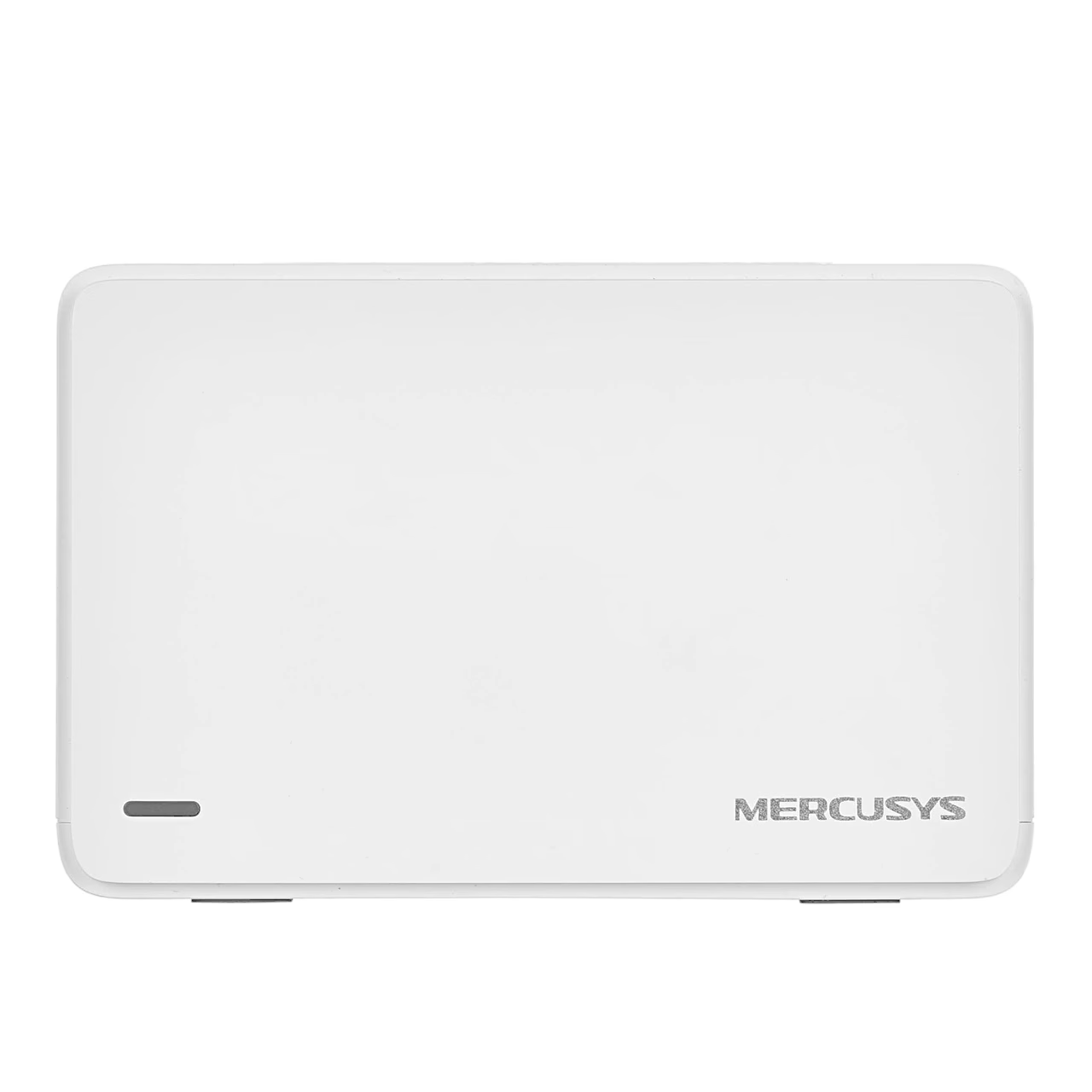
Download the MERCUSYS app and log in with your Mercusys ID; if you do not have one, choose Sign Up. Tap “LET’S BEGIN” and follow the step-by-step instructions in the app. The + button in the top right corner of the app adds more Halo units to the network. To restore factory settings, press the Reset button for 1 second. A solid white LED means the unit is registered and working, while a pulsing red light means it is disconnected from the main unit.
In the box
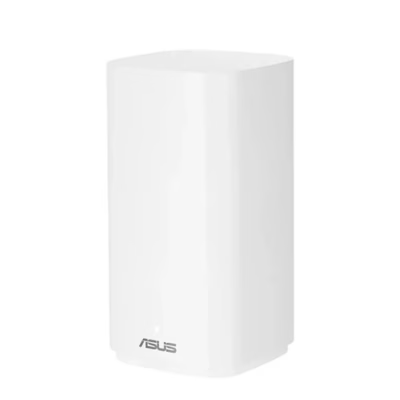
- 2 Mercusys Halo H80X mesh units
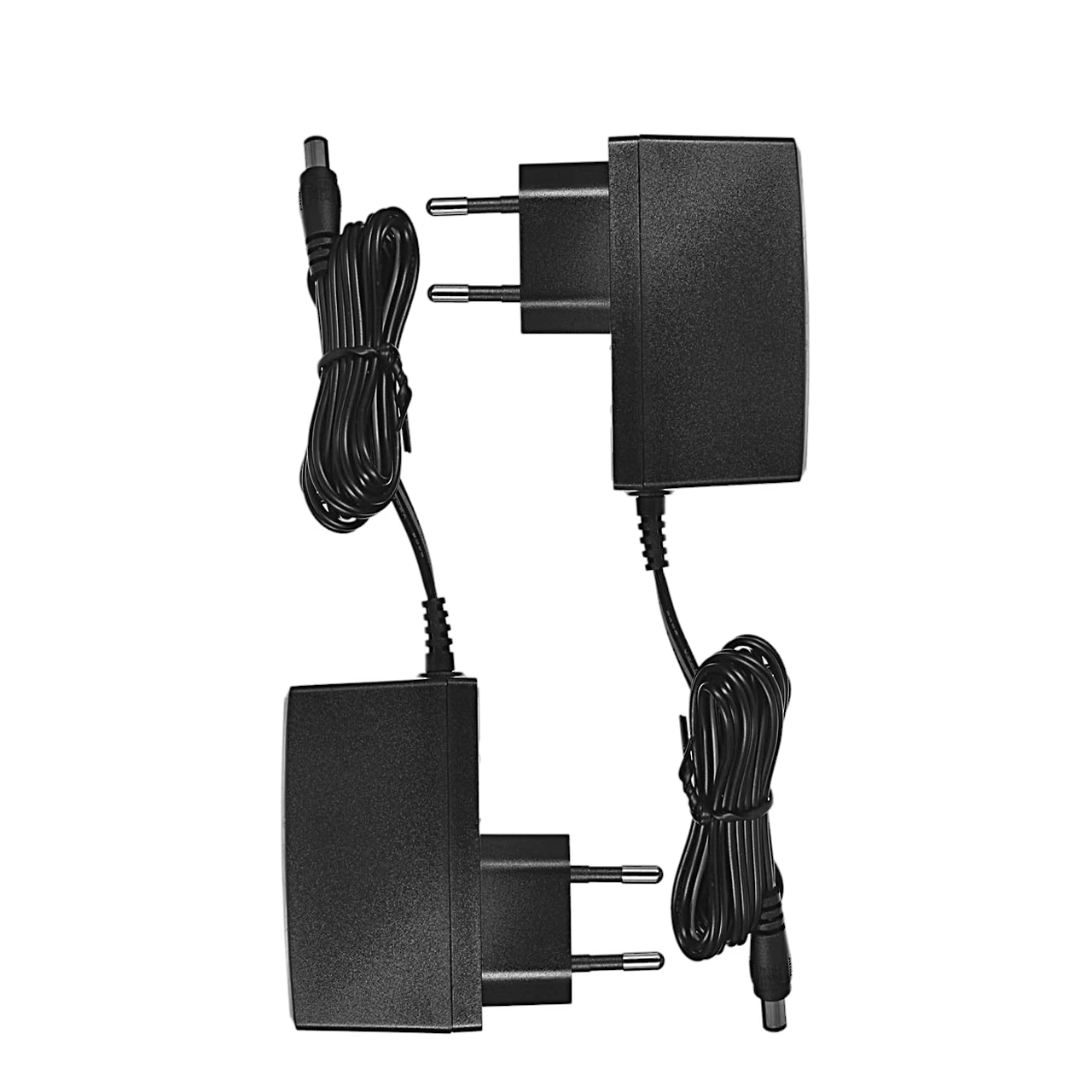
- 2 power adapters
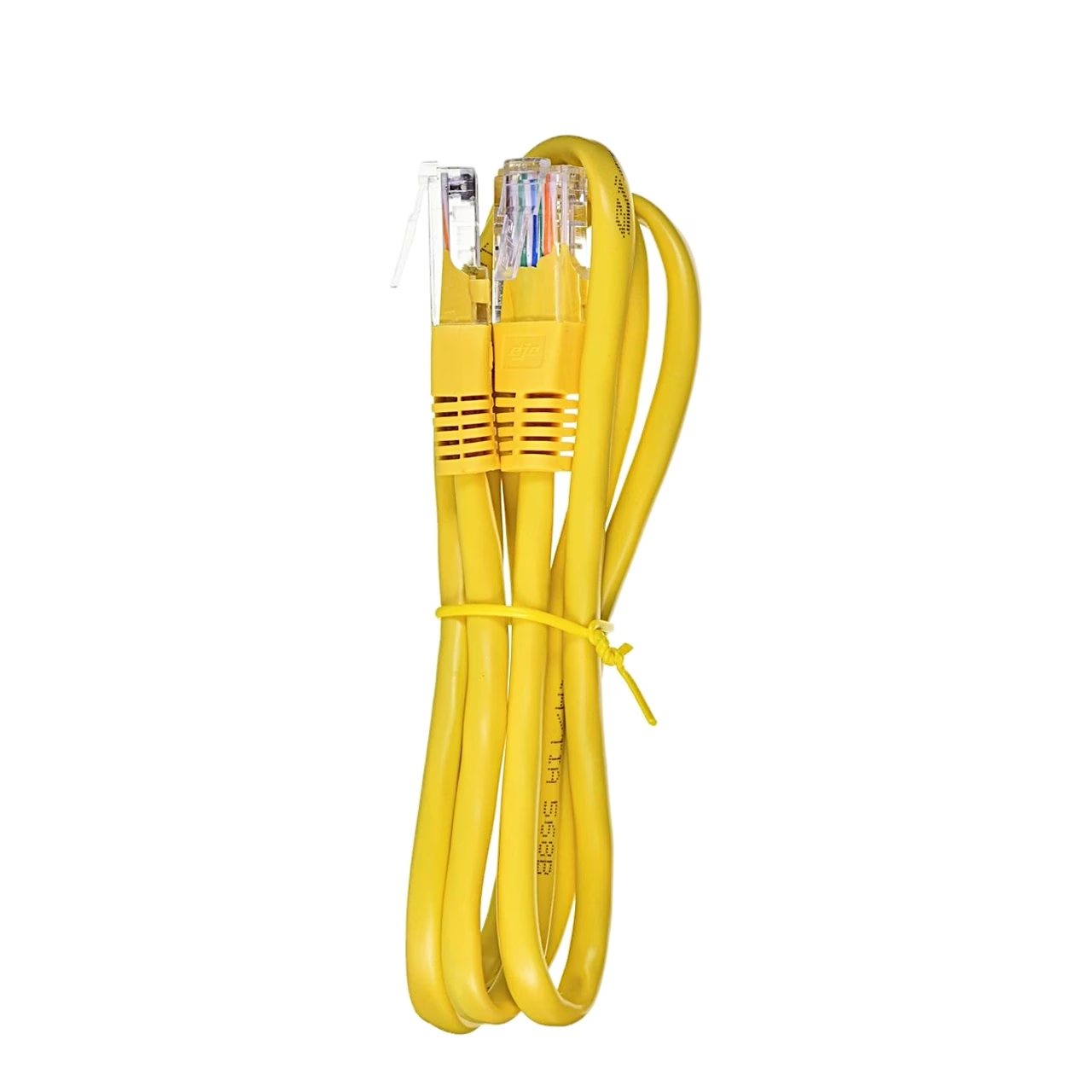
- Ethernet cable

















































Reviews
There are no reviews yet.