


Description
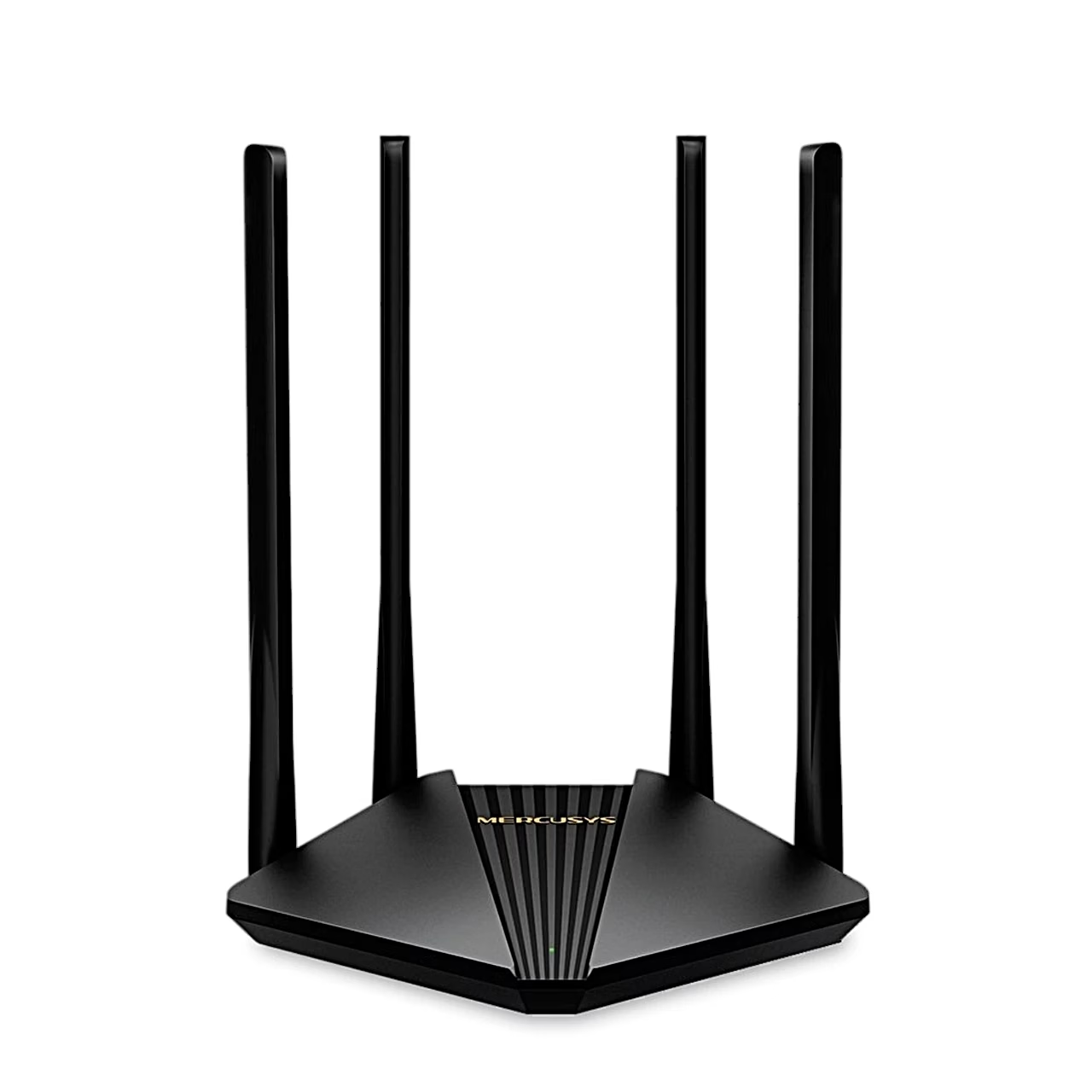
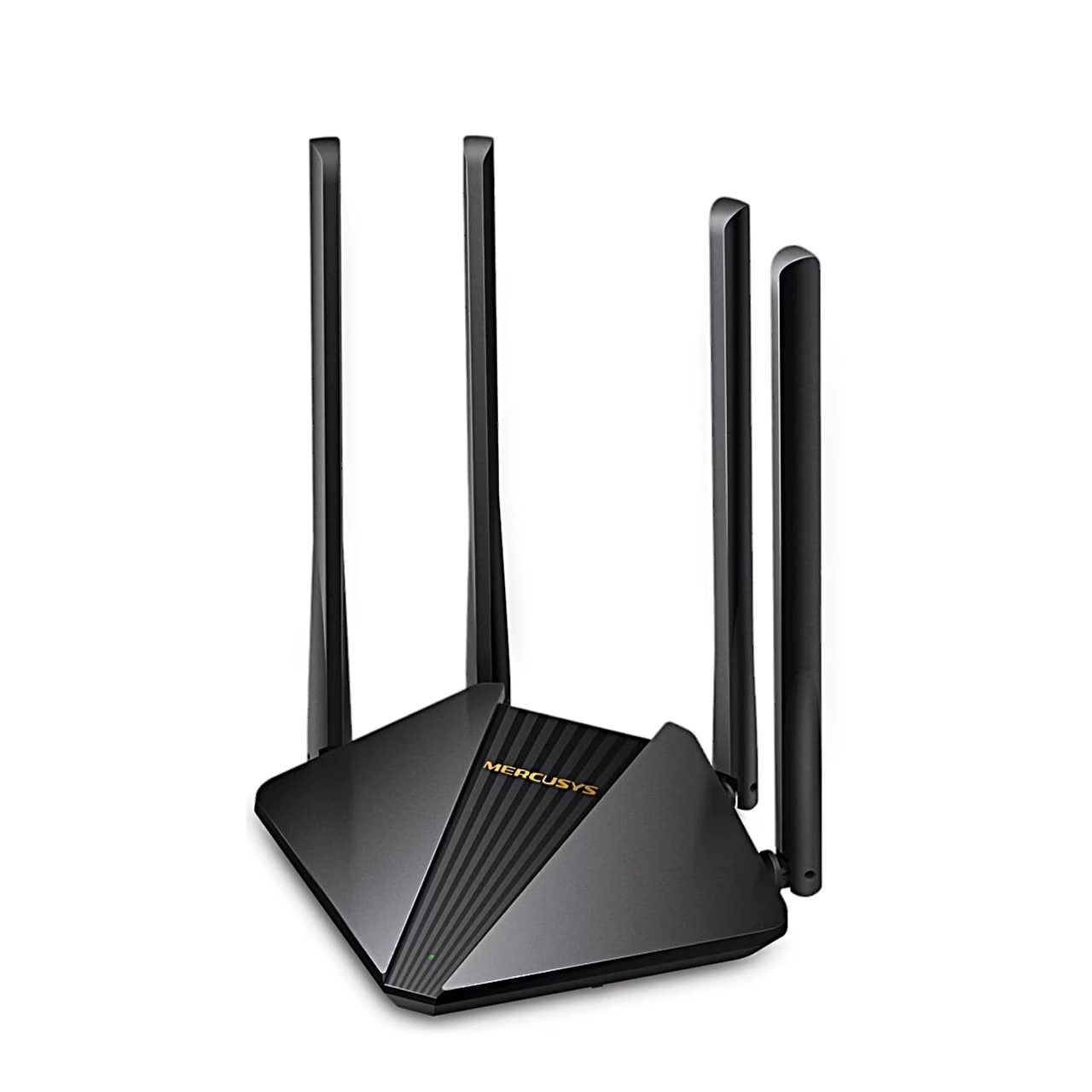
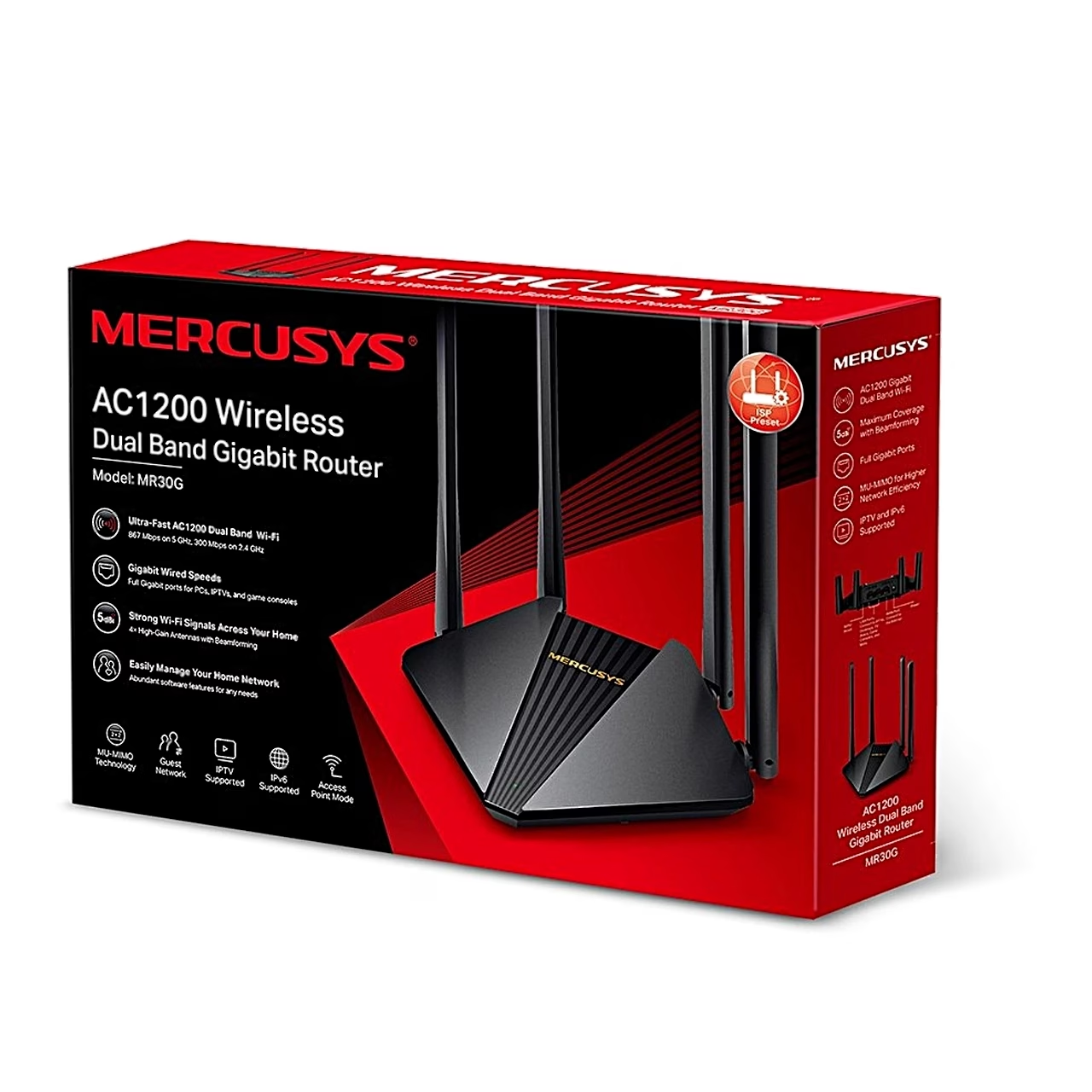
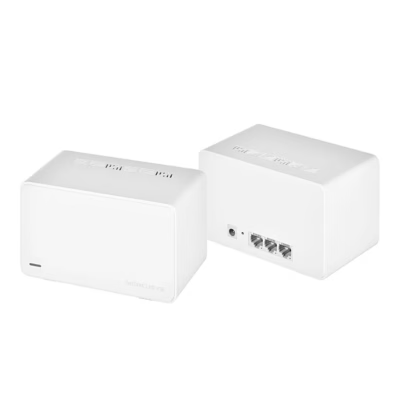
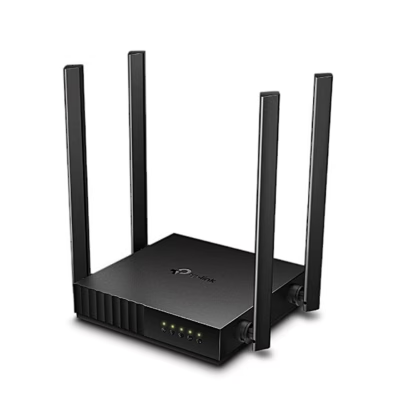
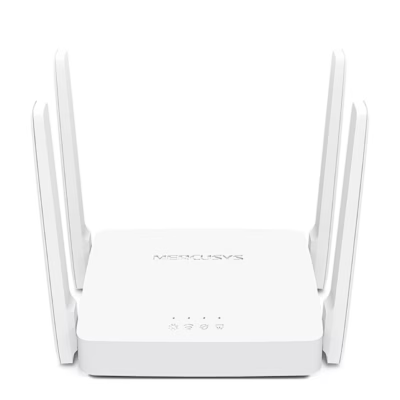
Wi-Fi router with Wi-Fi 5 and AC1200 speed class
The router works to the 802.11ac standard and also connects older 802.11a/b/g/n devices. The 5 GHz band carries up to 867 Mbit/s and the 2.4 GHz band up to 300 Mbit/s; the speed class is AC1200.
Gigabit ports and security settings
The internet connection goes into the gigabit WAN port, and wired devices have three LAN ports at 10/100/1000 Mbit/s. In the management interface you set up a guest network, parental controls, an access control list (ACL), the SPI firewall and IP and MAC address binding. NAT settings include port forwarding, port triggering, UPnP and DMZ, and the Wi-Fi network is protected with WPA-PSK or WPA2-PSK encryption.
Connecting and setting up
Switch off the modem, connect it to the router’s WAN port with an Ethernet cable, switch on the router and then the modem. If the internet comes from an Ethernet wall socket, connect the cable straight to the WAN port. Then connect a computer to a LAN port or to the Wi-Fi network named (SSID) on the router’s label, open mwlogin.net in a browser, create an admin password and set up the internet connection with Quick Setup. Supported connection types are dynamic IP, PPPoE, L2TP and PPTP.
Cleaning and care
Unplug the power adapter before cleaning and clean the housing dry, without liquid, spray cleaner or a damp cloth.
In the box
- Wi-Fi router Mercusys MR30G
- Power adapter
- Ethernet cable (RJ-45)
- Quick installation guide


















































Reviews
There are no reviews yet.