


Description
Smart radiator thermostat that keeps room temperature on schedules
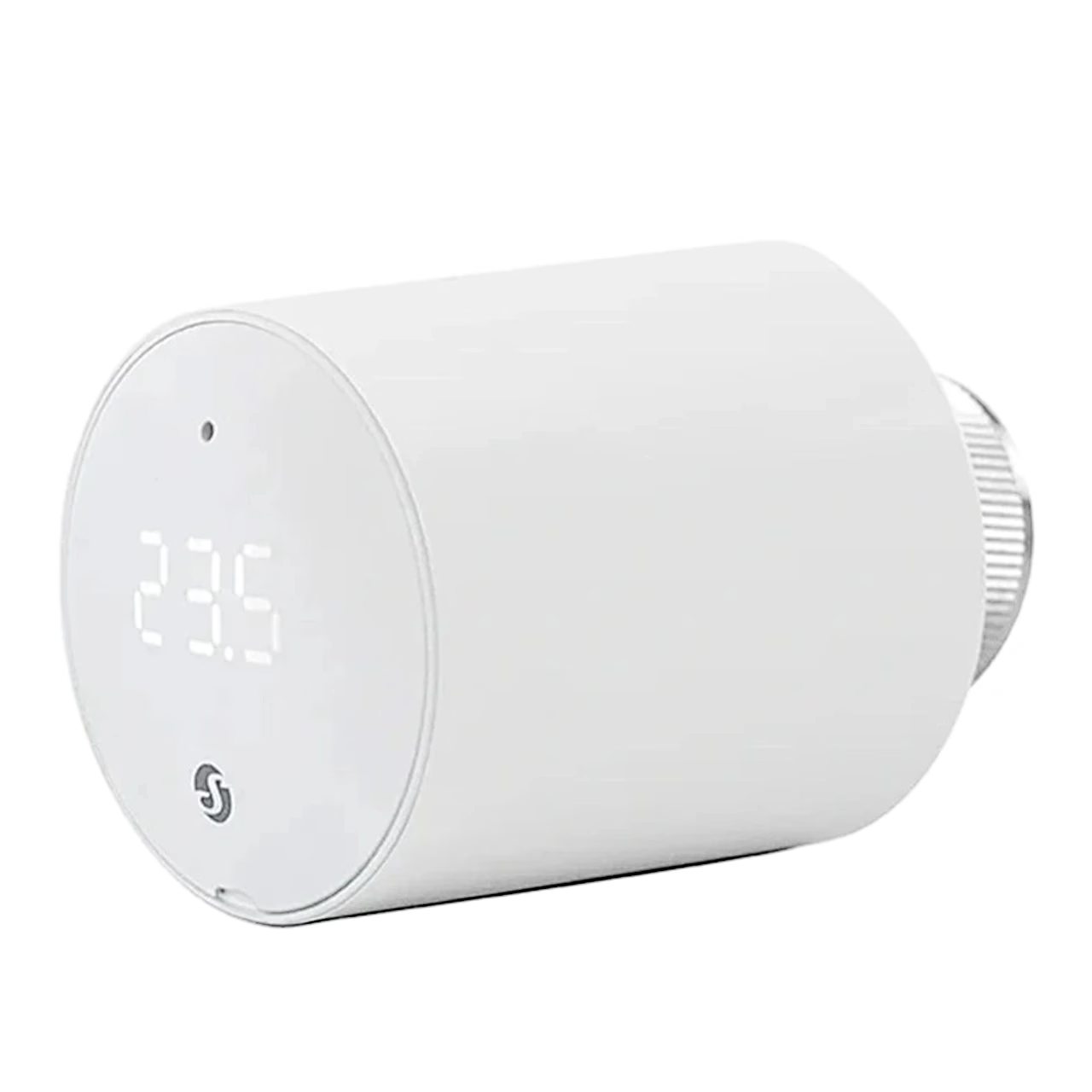
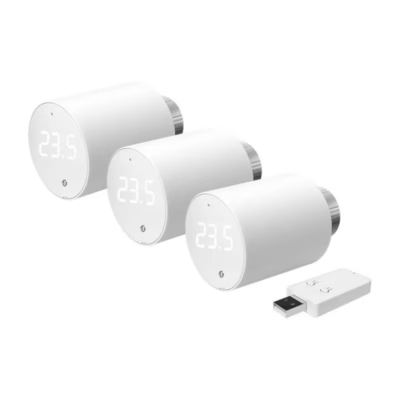
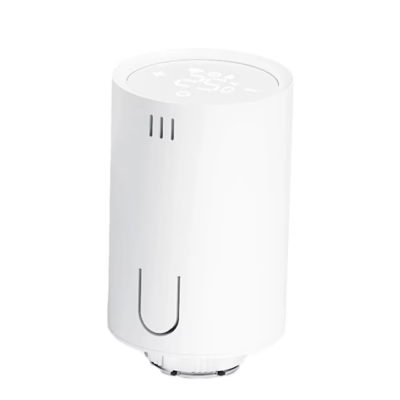
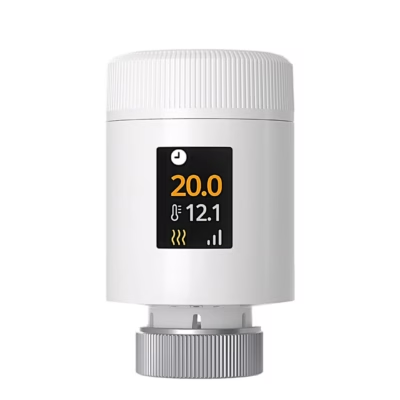
The Shelly BLU TRV V2 smart radiator thermostat regulates room temperature by controlling the flow of hot water through the radiator. The head connects via Bluetooth or Zigbee, and you can also change the temperature with its control knob. Temperature can be set by schedules.
Control from the app or a Zigbee hub
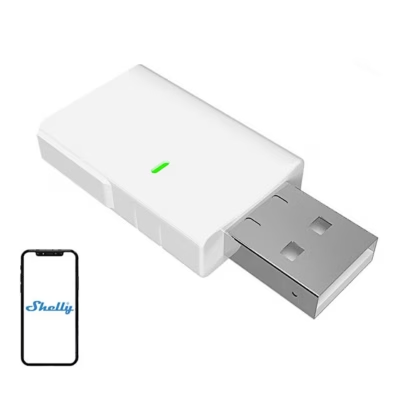
With the Shelly BLU Gateway Gen3 hub the head works with local control: settings and data are stored on the hub and can be changed in its web interface on the same network. For remote control, the hub is added to the Shelly Smart Control app, which also opens the head’s settings in a web browser. To add it to Zigbee, press the reset button three times and pair the head with your Zigbee coordinator. Bluetooth 5 LE and Zigbee range is up to 10 m indoors.
Fitting to the radiator valve
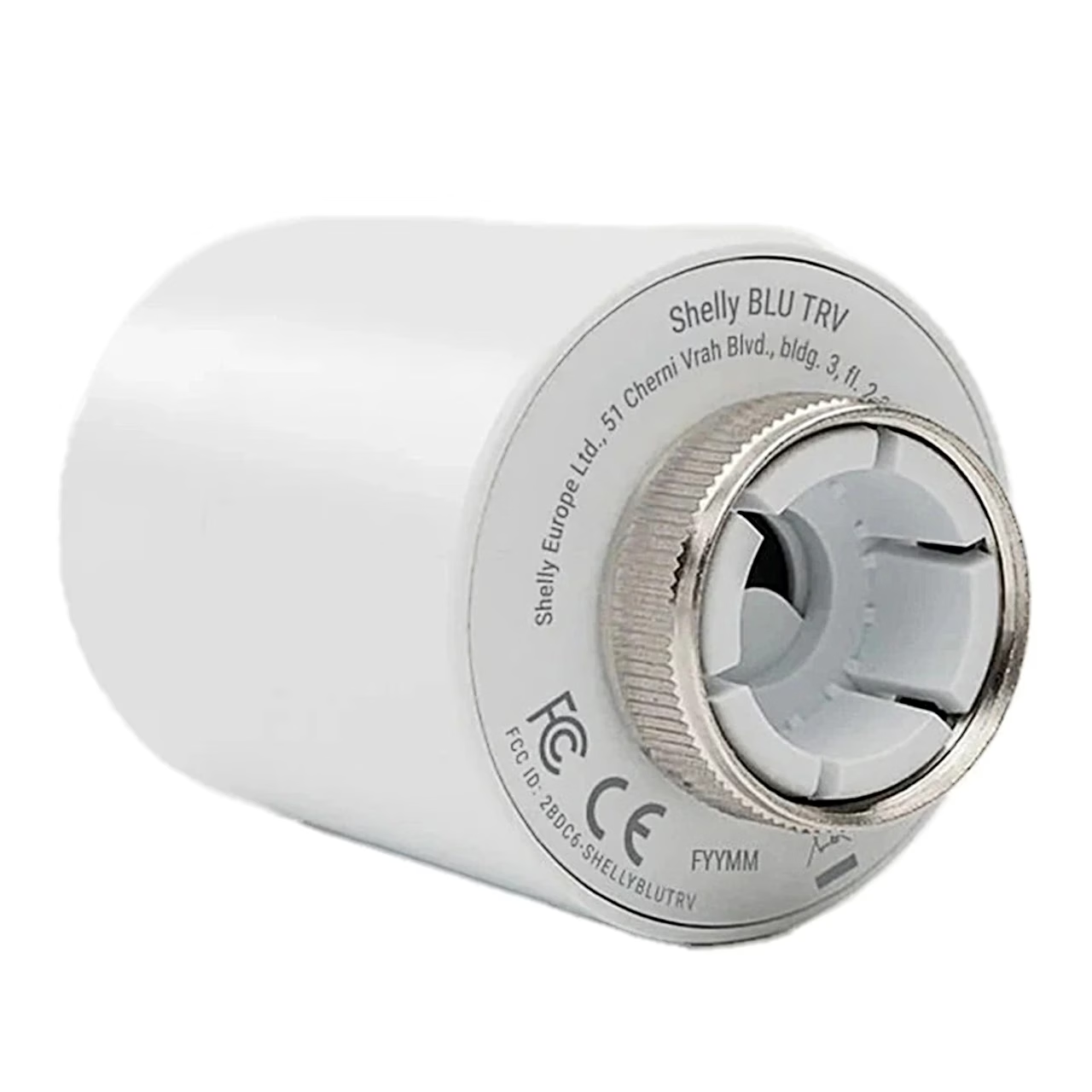
The head fits M30 × 1.5 valves directly, such as Heimeier, Oventrop OV, Honeywell-Braukmann, Siemens and Comap valves, and Danfoss RA, RAV and RAVL valves with a Shelly adapter.
- Turn off the radiator and let it cool completely.
- Screw the backplate mounting nut clockwise onto the valve by hand, with the alignment mark pointing up.
- Remove the insulating tab from the battery compartment.
- Align the square lug of the backplate with the slot in the head, slide the head on, press the front cap with your palm and turn clockwise until it clicks.
- The head calibrates itself automatically within one minute.
Replacing the batteries
The head runs on two AA batteries (1.5 V). To replace them, press the front cap, turn the head anticlockwise off the backplate and slide the battery cover up. Insert new batteries following the polarity marking on the cover, slide the cover down and refit the head onto the backplate. To restore factory settings, hold the reset button for 30 seconds.
In the box
- Smart radiator thermostat Shelly BLU TRV V2, 1 pc
- AA battery 1.5 V, 2 pcs, supplied fitted in the head








































Reviews
There are no reviews yet.