

Description
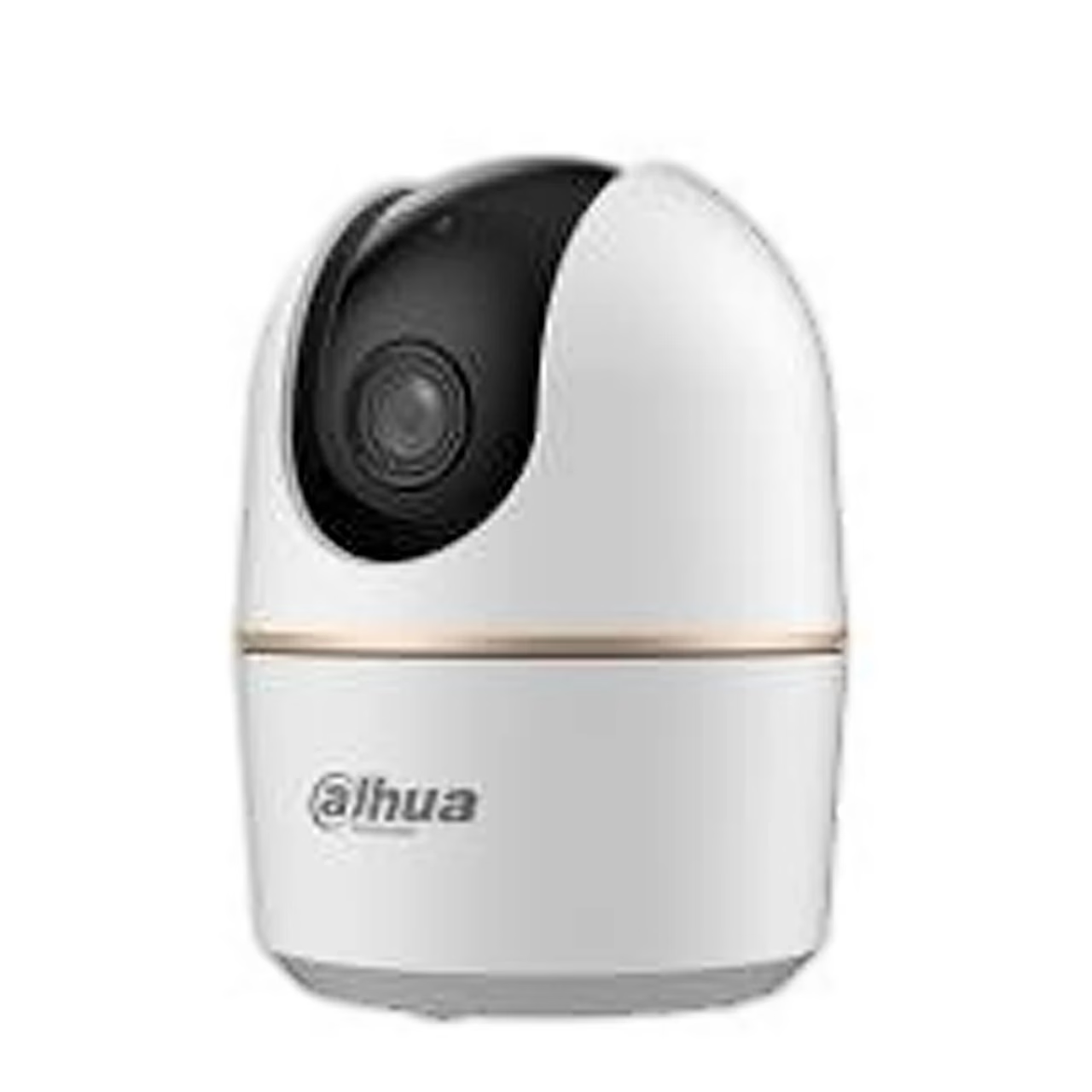
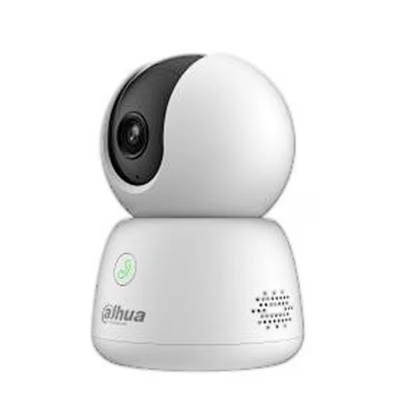
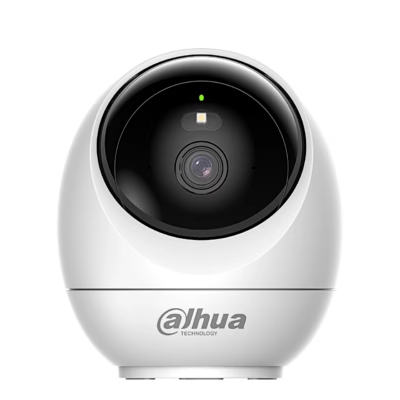
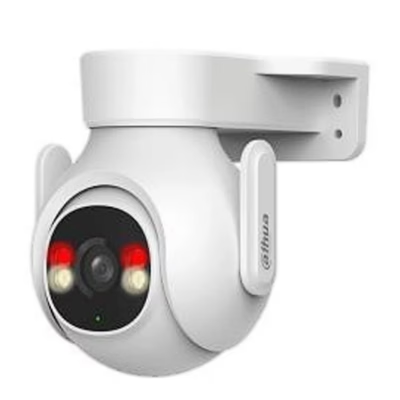
Pan-tilt security camera for home and office monitoring
The indoor pan-tilt security camera Dahua H5A connects over Wi-Fi 6 (802.11ax) in the 2.4 GHz band or through its RJ-45 port with an Ethernet cable. Pan range is 0–355° and tilt range −5° to +80°. For first pairing the camera uses Bluetooth.
Picture, night mode and detection
The camera records at 5 MP (2880 × 1620) with H.265 compression at up to 30 frames per second, and the lens has an 88° diagonal field of view. In the dark the camera switches on the infrared illuminator automatically and changes to night mode with its ICR filter. Human and pet detection tells the cause of motion apart, and auto tracking turns the lens to follow a moving target.
Audio, alerts and storage
With the built-in microphone and speaker you can talk to people near the camera through the DMSS app. On an abnormal sound the camera sends an alert to your phone, and privacy mode switches on with one tap. The camera patrols between preset positions. Video is stored on a microSD card of up to 256 GB; a memory card is not included.
Installation and setup
The camera stands on a desk or is fixed to a wall or ceiling with the supplied bracket. Drill 5 mm holes, insert the wall plugs, fix the bracket with a PH2 screwdriver, then place the camera on the bracket and twist it tight. The mounting surface must hold at least 3 times the weight of the camera and bracket.
To set up, download the DMSS app, scan the camera’s QR code and enter the Wi-Fi password. Your phone must be on Wi-Fi with Bluetooth switched on. Switch the power off before inserting or removing the memory card. To restore factory settings, hold the reset button for 5 seconds.
Cleaning and care
Clean the housing with a soft dry cloth; for stubborn stains use a soft cloth dampened with a neutral detergent, then wipe the surface dry. Do not use ethyl alcohol, petrol, benzene, thinner or abrasive cleaners. Remove dust from the lens with an air blower.
In the box
- Security camera Dahua H5A
- Mounting bracket
- Screws and wall plugs
- Power adapter
- USB power cable
- Quick start guide



































Reviews
There are no reviews yet.