


Description
Security camera motion tracking and patrol
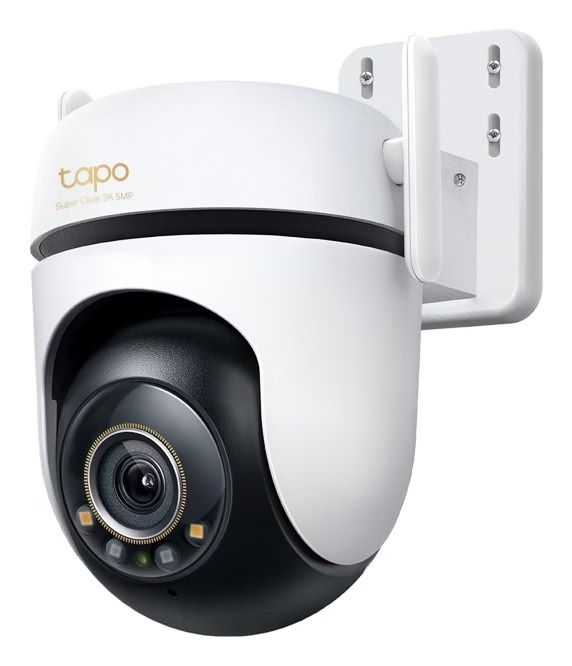
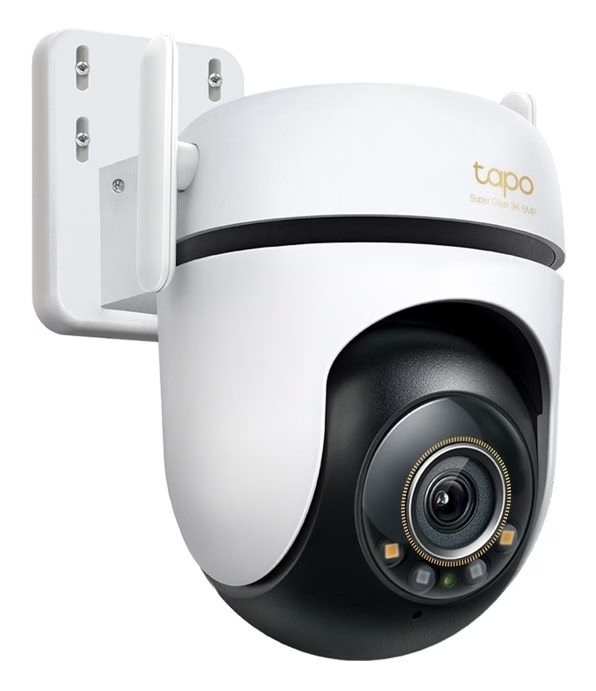
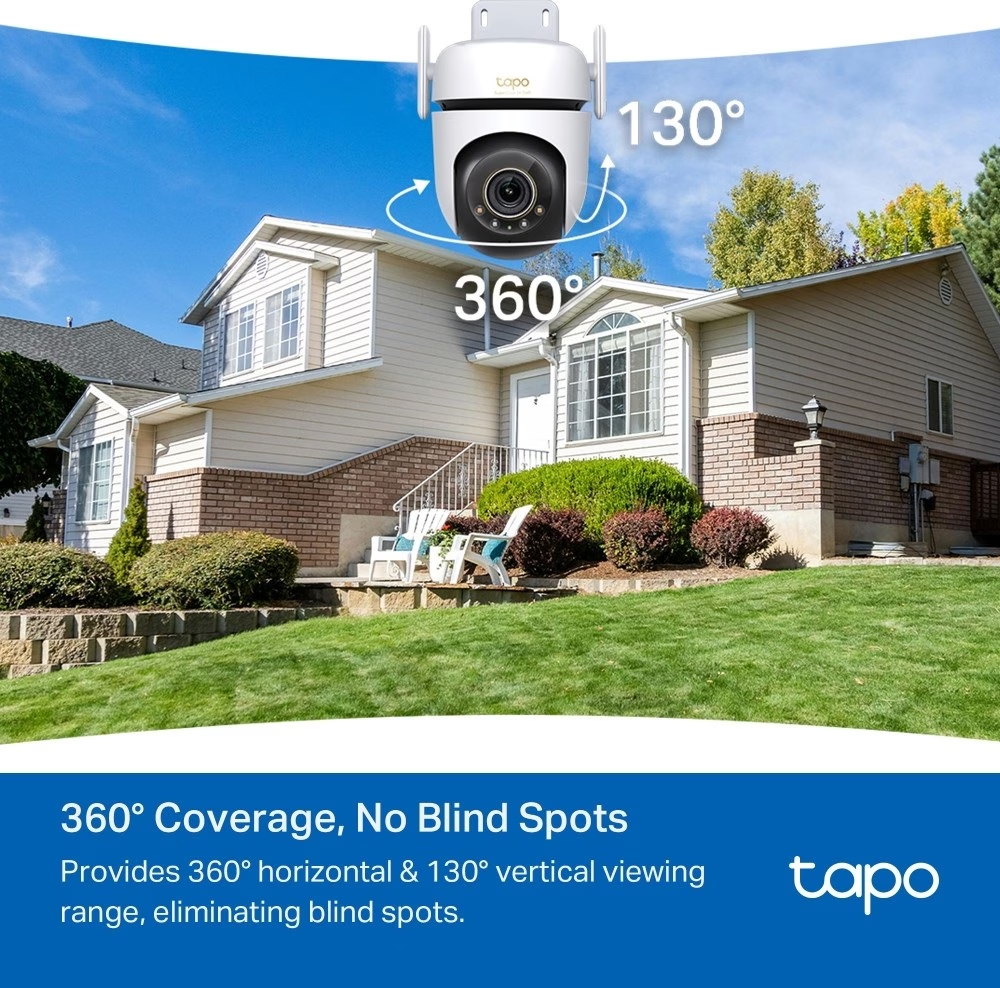
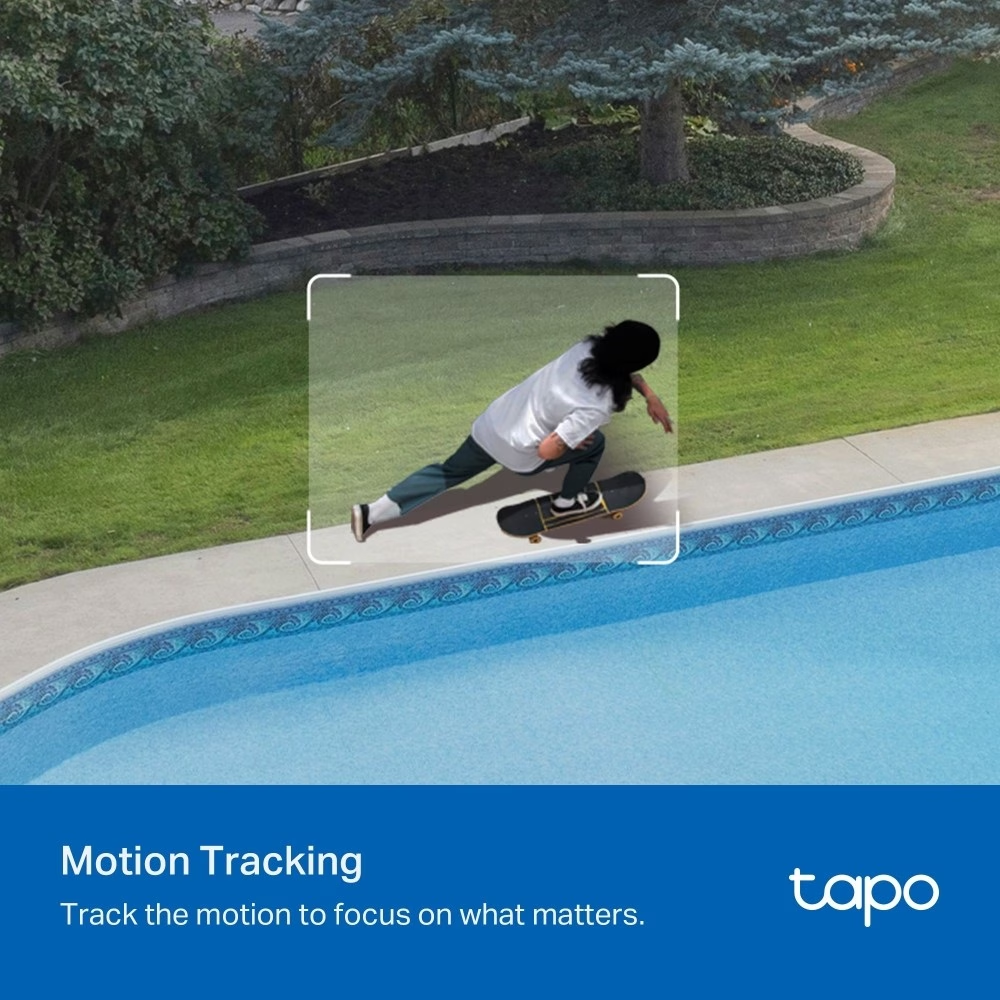
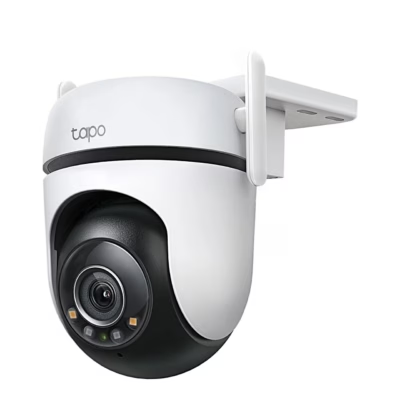
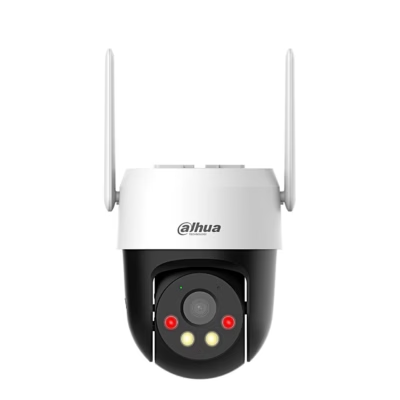
The mechanical pan range of the lens of the outdoor pan-and-tilt security camera TP-Link Tapo C530WS is 340° and the tilt range is 60°. In object tracking mode the camera turns to follow movement, and in patrol mode it moves between several selected points.
Picture, zoom and night view
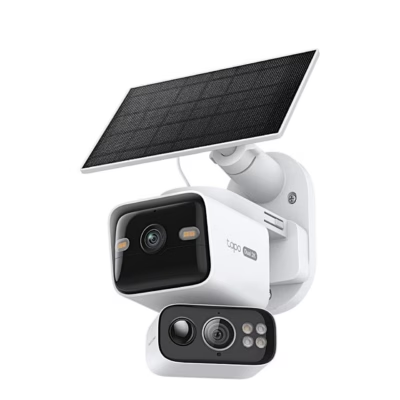
The lens has a focal length of 3.2 mm, an aperture of f/1.6 and a diagonal angle of view of 105.9°, and the picture is captured by a 1/3″ Starlight sensor. In infrared mode, night vision reaches 29.9 m, and in colour mode two floodlights illuminate the field of view. The picture can be digitally zoomed up to twelve times.
AI-based detection and alarm
The camera also detects line crossing and intrusion, and with activity zones you can choose the areas for which notifications are sent. For the alarm you can record your own voice message and adjust the brightness of the two floodlights; the siren volume is 93 dB at a distance of 10 cm. Through the microphone and speaker you can talk in real time with someone outdoors.
IP camera network connection and recording
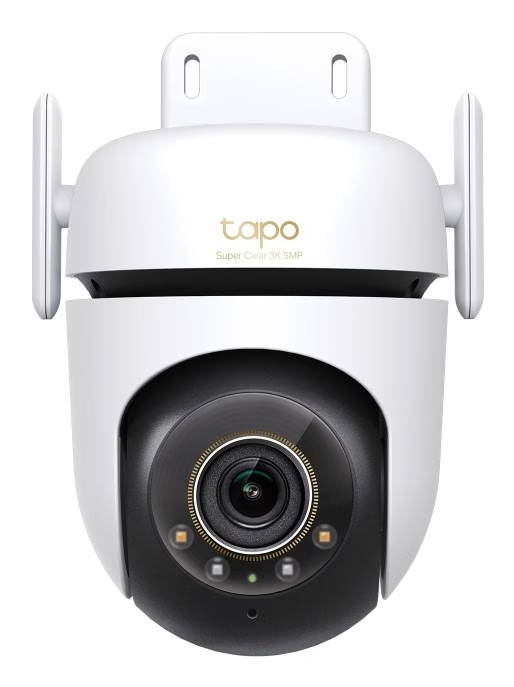
Two external antennas connect the camera to a 2.4 GHz Wi-Fi network (IEEE 802.11b/g/n/ax), and for a wired connection there is a 10/100 Mbit/s RJ45 port. In the manufacturer’s tests, the Wi-Fi connection reached up to 150 m on open ground. The camera is set up in the Tapo app and can later be used either over Wi-Fi or by cable; voice commands work via Amazon Alexa and Google Assistant. Videos are saved to a microSD card of up to 512 GB, whose slot is under a silicone cover and becomes visible when the camera is turned down by hand. Cloud storage with Tapo Care requires a subscription, and via RTSP and ONVIF support the picture can also be viewed in an ONVIF-compatible recorder.
Mounting on a wall, ceiling or pole
When placed on a table or shelf the camera is not waterproof, so for outdoor use mount it on a wall, ceiling or pole. Pass the power cable and Ethernet cable through the clamp opening and fix the clamp to the camera with the two clamp screws. Stick the mounting template to the desired spot, drill 4 holes of 6 mm diameter, insert the wall plugs and screw the camera together with the clamp to the wall. To mount it on a pole you need two mounting straps up to 12 mm wide, which are not included. For the best Wi-Fi signal, set the antennas vertically. Outdoors, put the waterproof seal between the power plugs and waterproof cable glands on the network port; an unused port is closed with a waterproof cap.
Maintenance and operating conditions
Clean the camera only with a dry cloth; liquids must not be used. The IP66 protection rating means the camera is dust-tight and protected against strong water jets, and it operates at temperatures from –30 °C to +60 °C. To reset, open the silicone cover and hold the RESET button with a needle for 5 seconds with power connected to restore Wi-Fi settings, or for 10 seconds to restore factory settings.
Included in the box
- Camera Tapo C530WS
- Power adapter
- Mounting clamp
- 4 wall plugs
- 4 mounting screws
- 2 clamp screws
- Mounting template
- Waterproof seal for power plugs
- Waterproof cable glands for network port
- Quick start guide









































Reviews
There are no reviews yet.