

Description
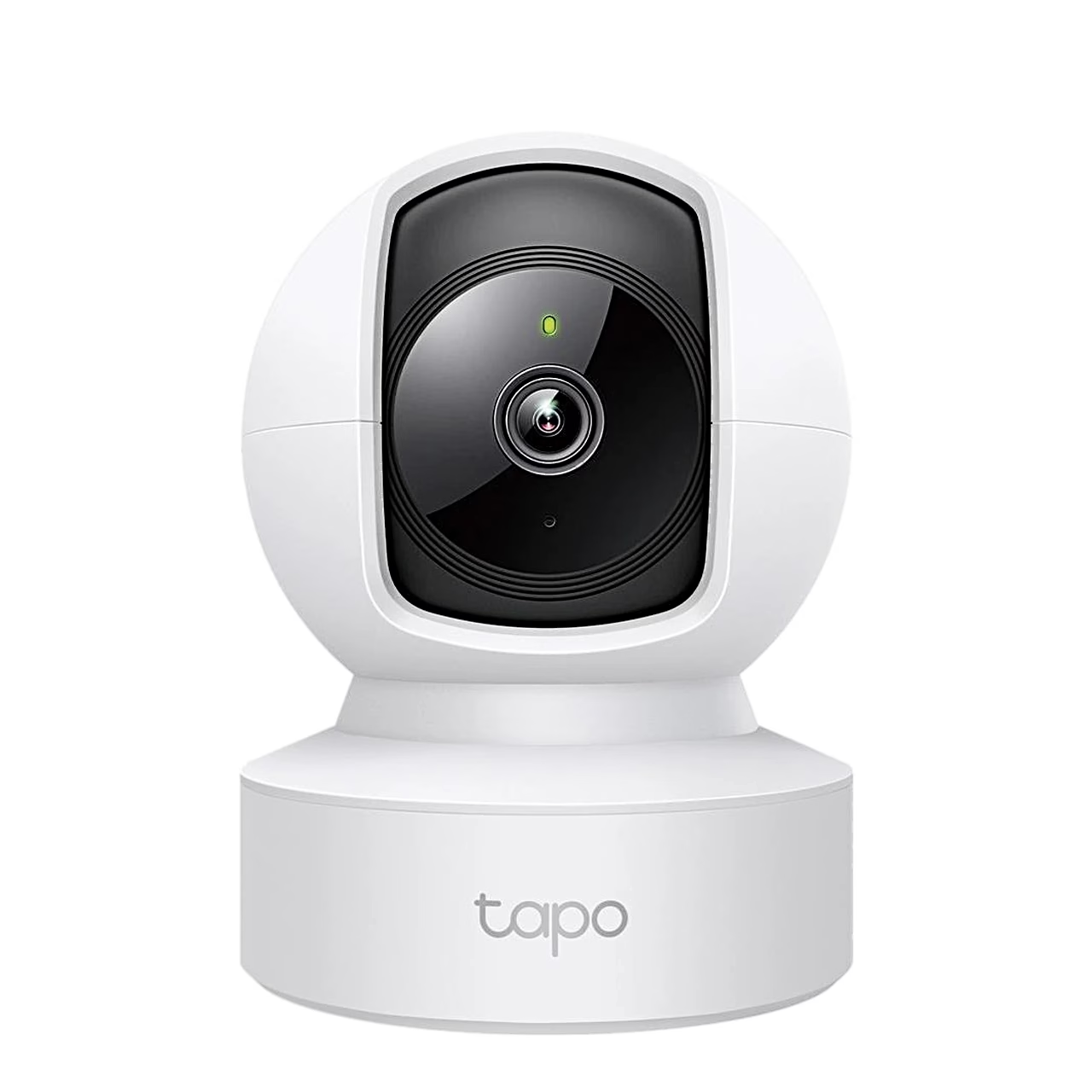
Indoor pan-tilt security camera with Wi-Fi and wired connection
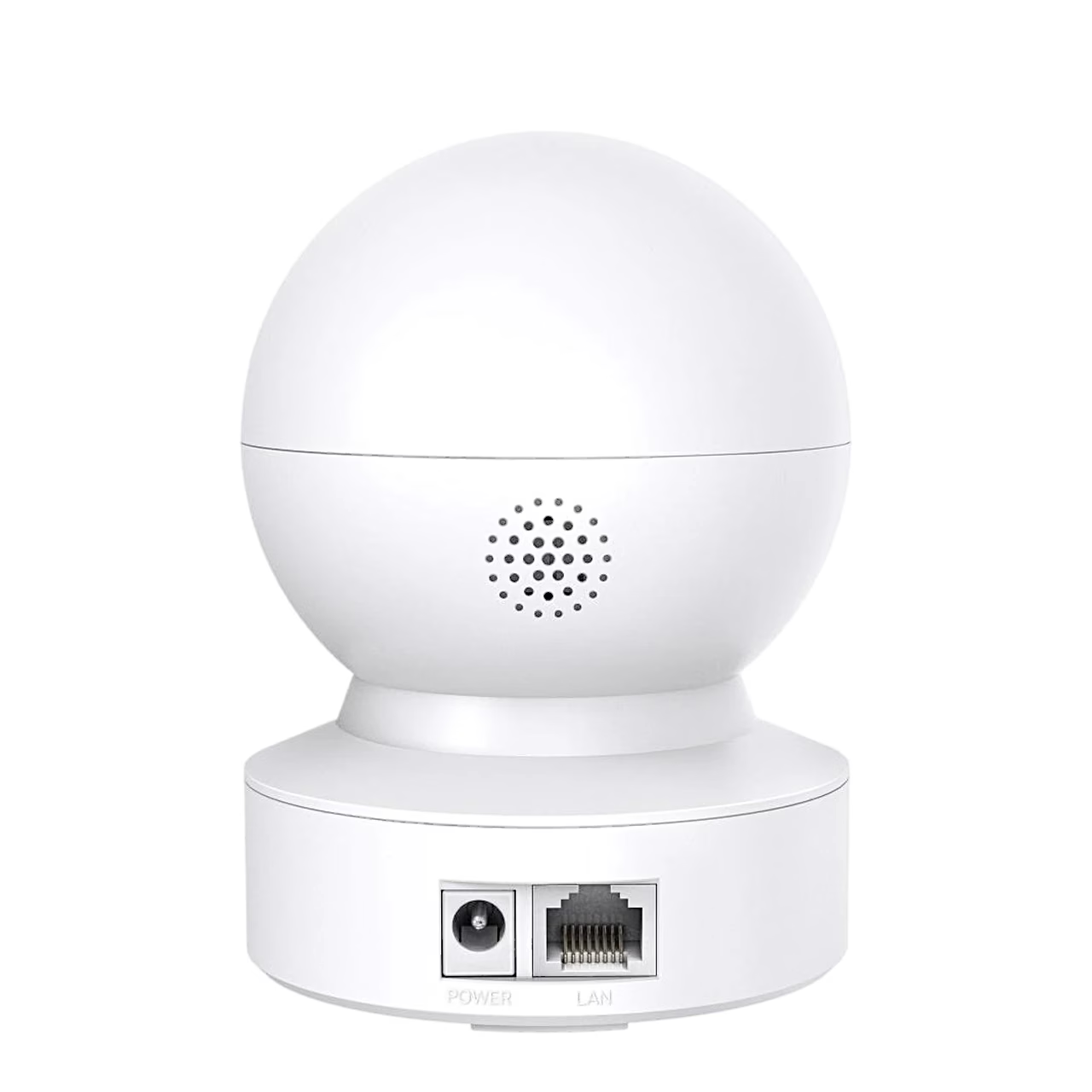
The TP-Link Tapo C212 pan-tilt security camera is made for indoor use and connects to your home network over 2.4 GHz Wi-Fi or with an Ethernet cable to its RJ-45 port. It is powered by a 9 V power adapter with a 3 m cable.
Pan, tilt and motion tracking
You can turn the camera head 360° horizontally and 114° vertically from the app, so one camera sees the whole room. When it detects motion, the camera turns by itself and keeps the moving person in frame.
Day and night picture
A 1/2.8″ CMOS sensor records at 2304 × 1296 at up to 30 frames per second, and the 3.83 mm F2.4 lens has an 88.11° horizontal field of view. In the dark, 850 nm IR lighting switches on automatically and gives a night picture up to 10 m away.
Alerts, siren and two-way audio
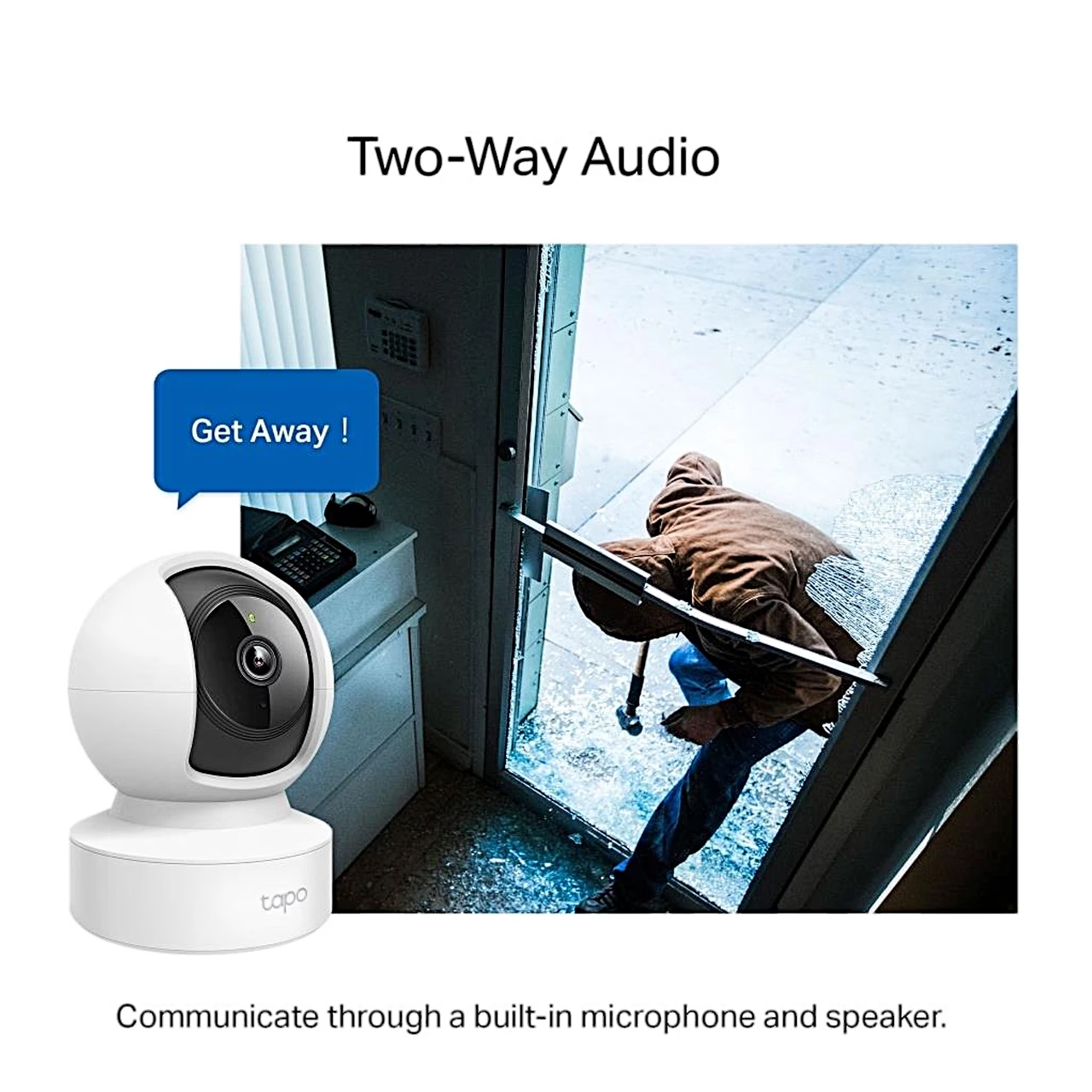
The camera tells a person apart from other motion and also alerts you when a baby cries. Activity zones set where alerts come from, and privacy zones keep chosen areas out of the picture. A sound and light alarm deters unwanted visitors, with a siren of 90 dB measured at 10 cm. With the built-in microphone and speaker you can talk to someone at the camera using two-way audio with noise cancellation.
Storage, app and smart home
Recordings go to a microSD card of up to 512 GB, and to the cloud with a paid Tapo Care subscription. You control the camera from the Tapo app (iOS 11.0 or later, Android 5.0 or later), and the picture can also be shown on Google Assistant and Amazon Alexa displays. ONVIF Profile S and RTSP support lets you send the picture to an NVR (network video recorder).
Installation
Place the camera on a table or shelf, or fix it to a wall or ceiling. For a wall, mark two holes with the template, drill them, insert the anchors and screw the base in place; then put the camera on the base and turn it until it locks.
Setup in the Tapo app
To set it up, log in to the Tapo app with your TP-Link ID, tap + and select the camera model. To insert a microSD card, turn the camera head down and push the card into the slot until it clicks. Holding the reset button for 5 seconds resets the Wi-Fi settings, 10 seconds restores the factory settings.
Cleaning and care
Unplug the power adapter before cleaning and clean the camera with a dry cloth only.
In the box
- Pan-tilt security camera TP-Link Tapo C212, 1 pc
- Camera base
- Power adapter
- Mounting screws and anchors
- Drilling template
- Quick start guide
A microSD card is not included.











































Reviews
There are no reviews yet.