

Description
Online UPS for a server rack or as a tower
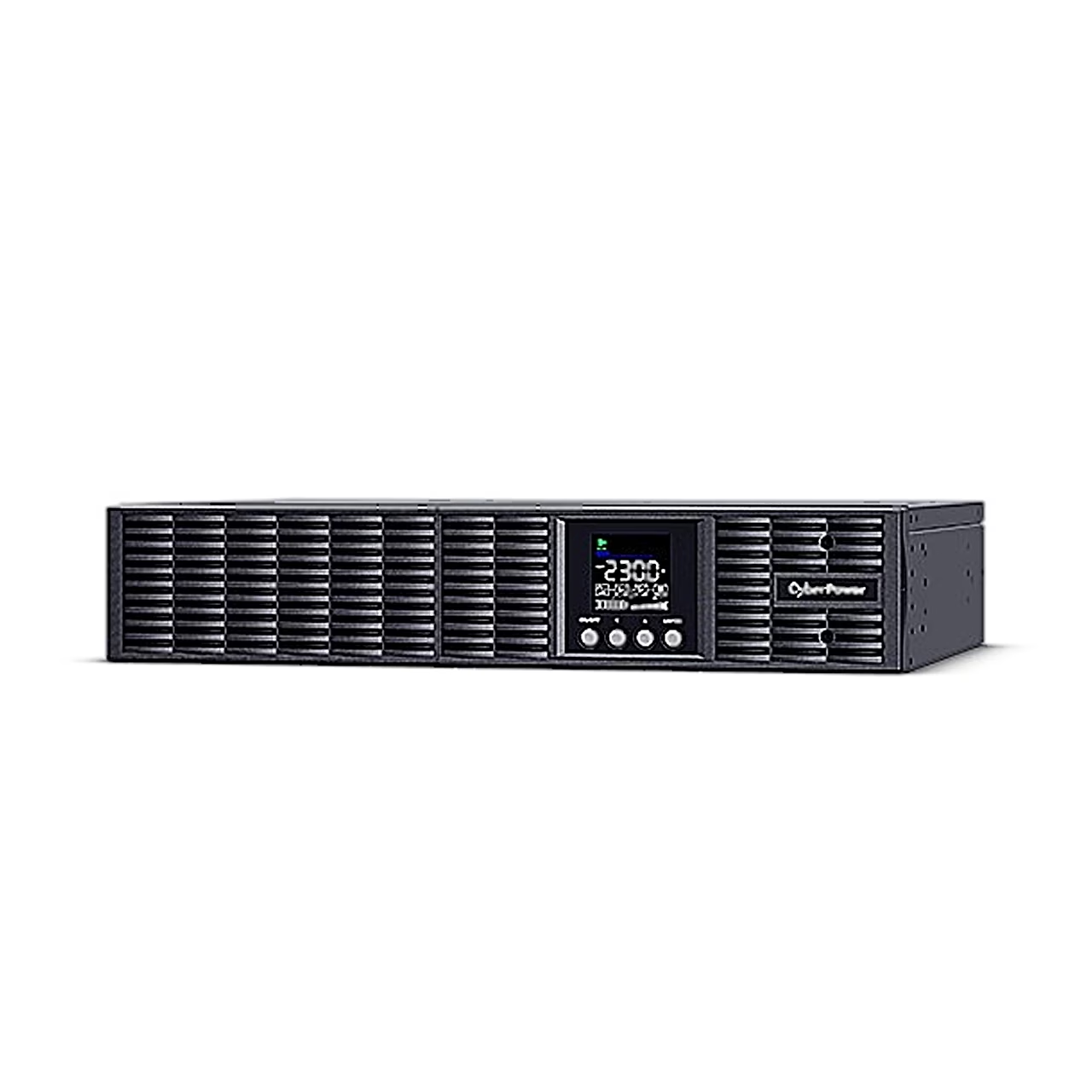
The double-conversion online UPS CyberPower OLS2000ERT2UA continuously converts mains voltage to DC and back to AC through its inverter, so the transfer time to battery is 0 ms. The output is a pure sine wave and the output voltage can be set to 208, 220, 230 or 240 V with ±1% accuracy. The permitted input voltage range is 80–300 V at 40–70 Hz.
Rack or tower installation
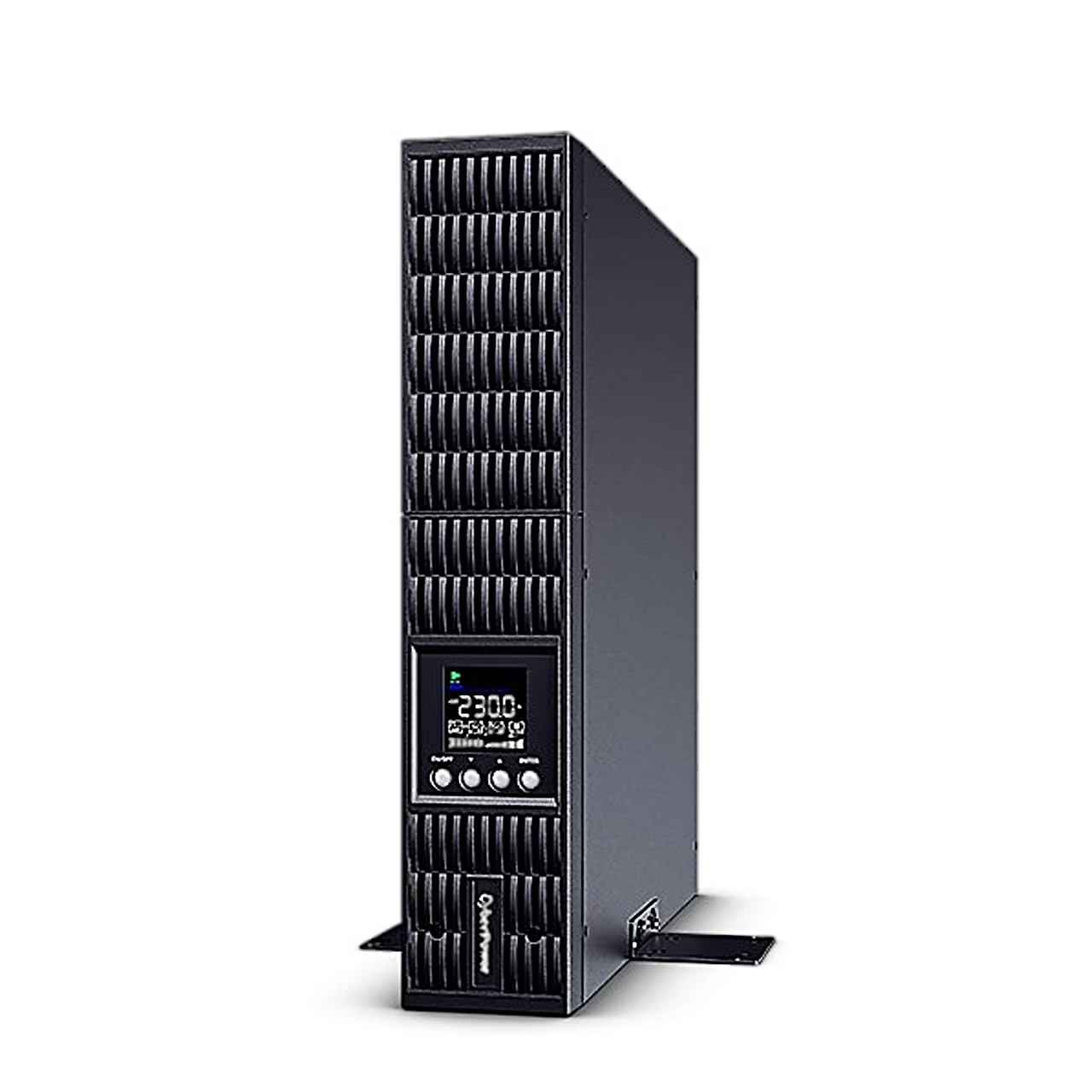
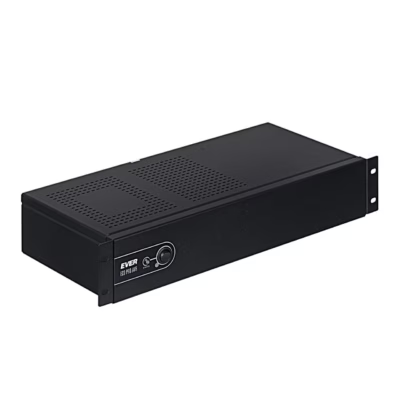
The UPS can be installed 2U high in a 19-inch server rack 46.4–73.8 cm deep, or upright as a tower. For rack mounting, attach the mounting ears to the UPS and the rails to the rack, then fix the UPS from the front with four M5 screws. For tower use, rotate the LCD module to the upright position and fit the stands made from the mounting ears under the UPS.
Outputs and connections
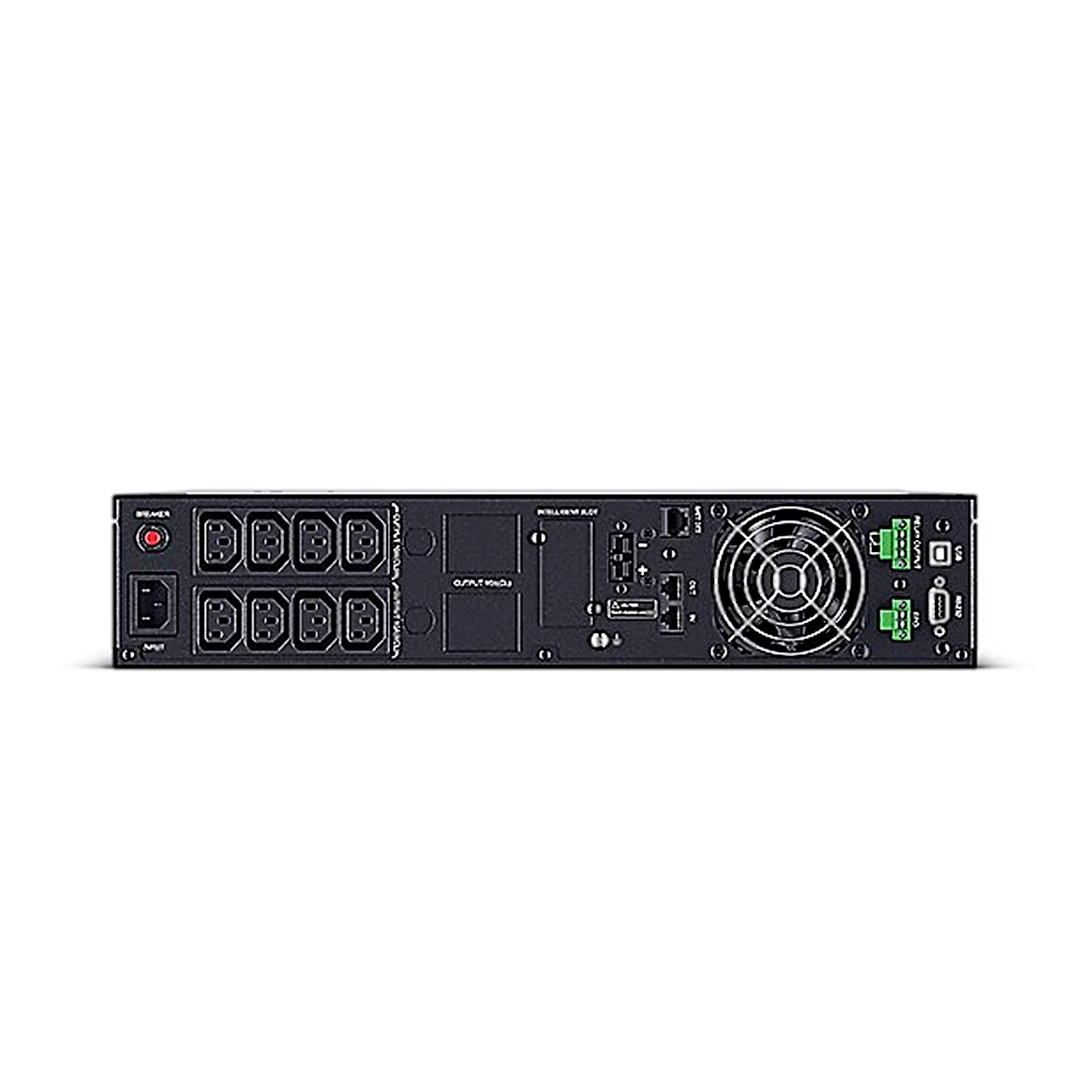
The rear panel has 8 IEC C13 outputs in two groups of four, all with battery backup and surge protection. The UPS connects to a computer through the USB or RS-232 port, and the PowerPanel Business software can shut the computer down in a controlled way during a power cut. RJ11 and RJ45 jacks protect a telephone and network line, and there is an SNMP/HTTP slot for the optional RMCARD 205. There is also an EPO/ROO interface for remote shutdown and a potential-free relay output.
LCD display and settings
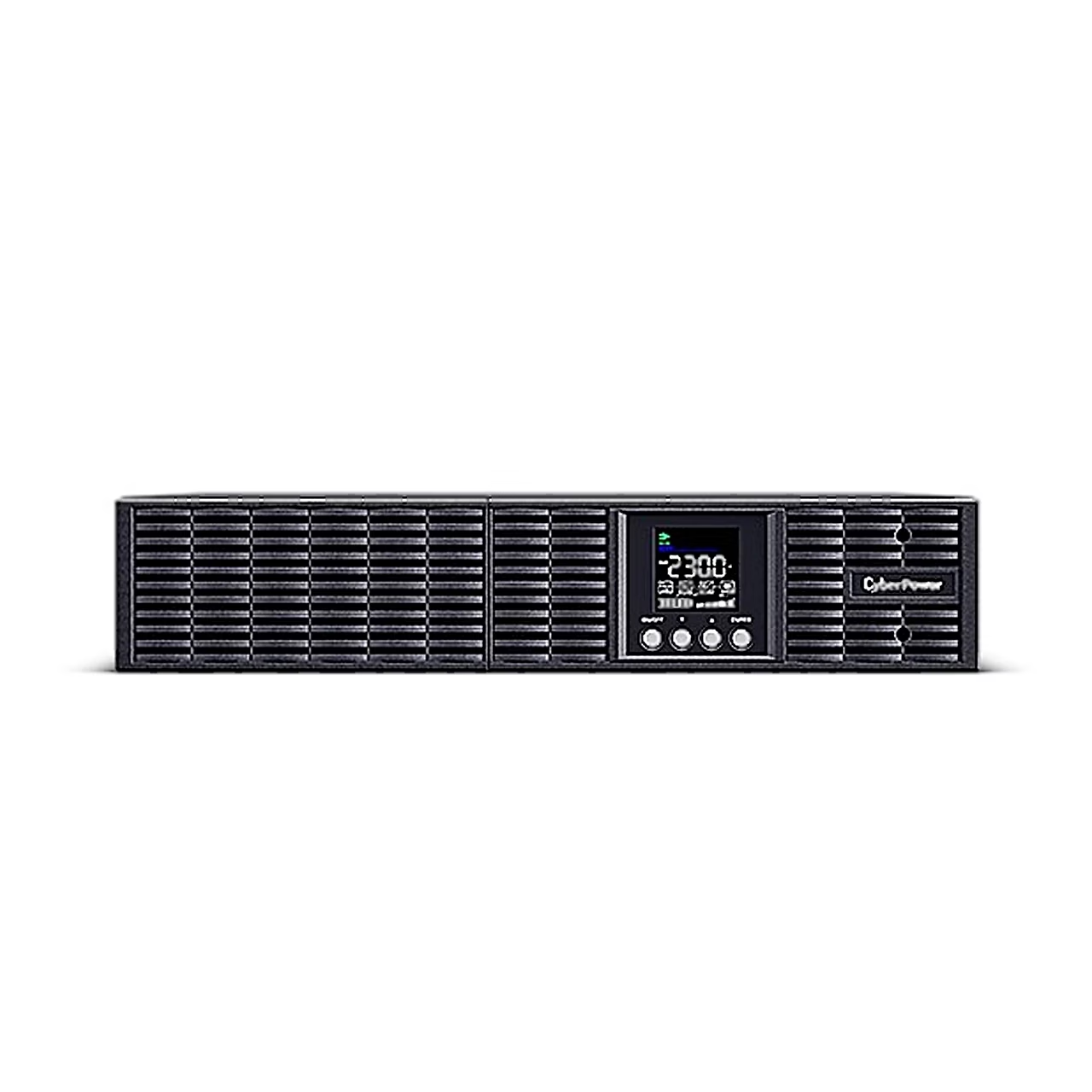
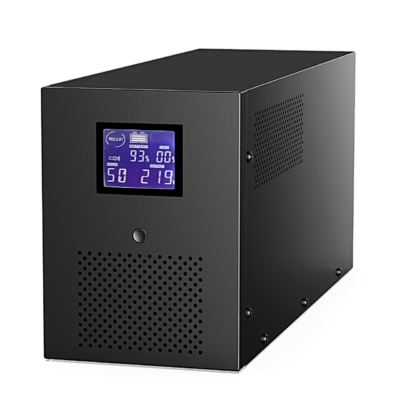
The graphic LCD on the front shows input and output voltage, load, battery charge and estimated runtime on battery. In ECO mode the UPS efficiency is at least 95%. The menu also sets the startup delay, battery test interval and low-battery alarm threshold.
First start and use
Before first use, let the batteries charge on the mains for 5 hours. Connect the computer, monitor and externally powered storage devices only while the UPS is switched off and unplugged. The UPS switches on when the ON/OFF button is held for at least 3 seconds and then runs a self-test of about 15 seconds. The alarm can be silenced by pressing any button.
Storage and maintenance
For longer storage, switch the UPS off, cover it and keep the batteries fully charged, recharging them every three months. To keep the battery charged, leave the UPS on the mains at all times. Batteries must be replaced by a qualified person and only with batteries certified by CyberPower.
In the box
- UPS CyberPower OLS2000ERT2UA
- User manual
- Input power cord
- Output power cord
- USB cable
- Phone cable
- Rack rails (2)
- Mounting ears or stands (2)
- Screws, nuts, washers and screw hole dust covers










































Reviews
There are no reviews yet.