

Description
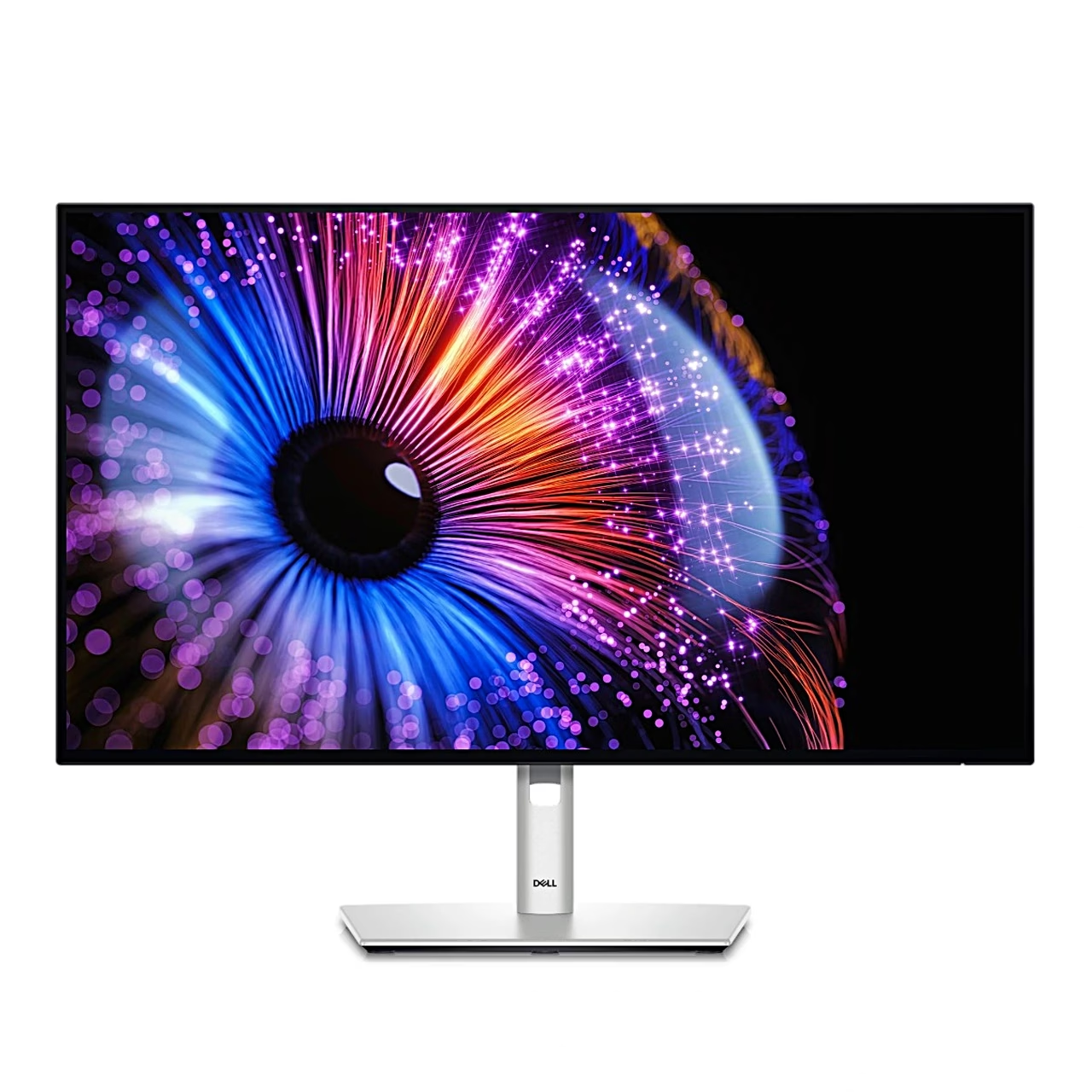
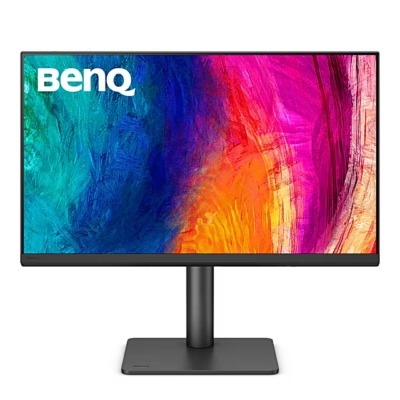
Monitor with two Thunderbolt 4 ports
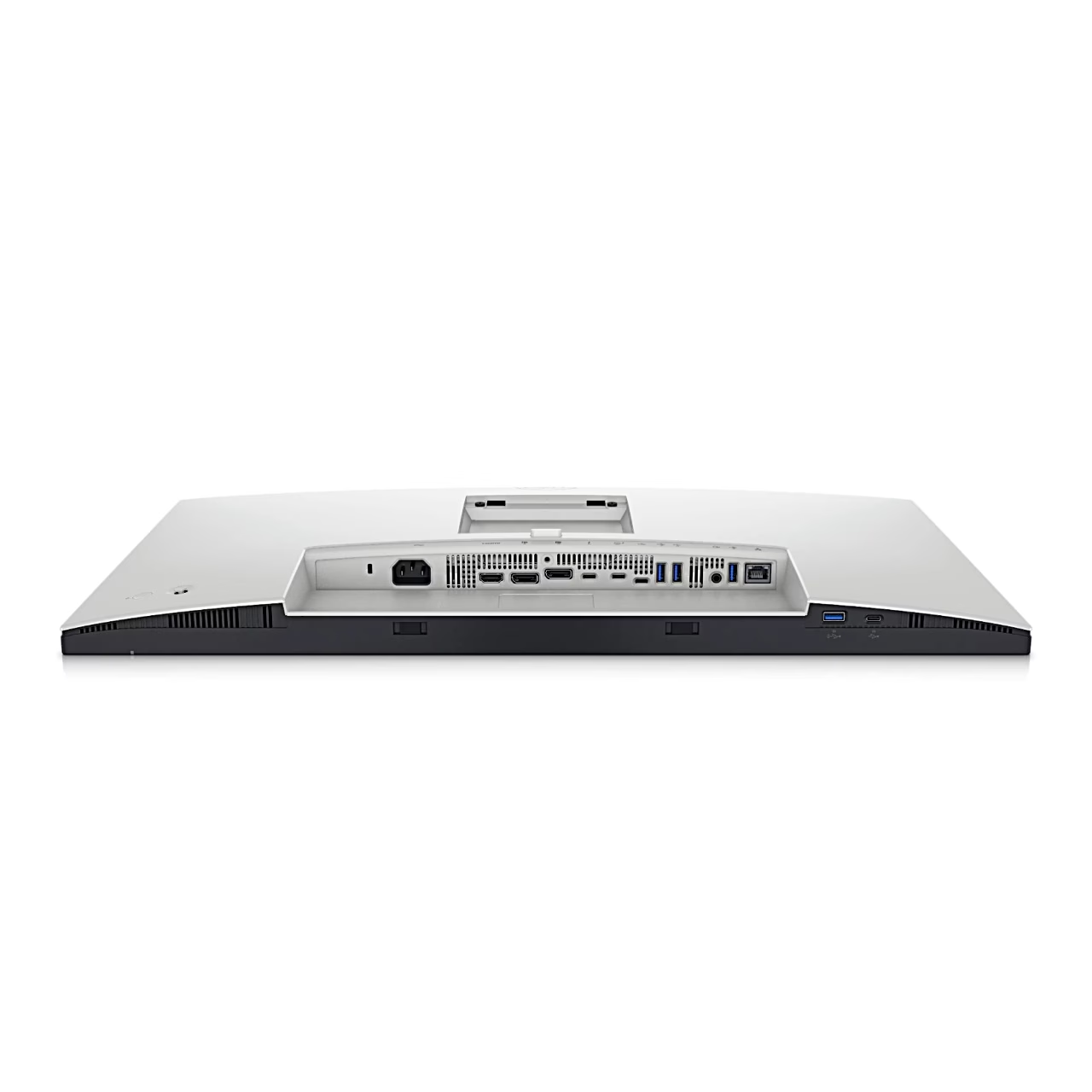
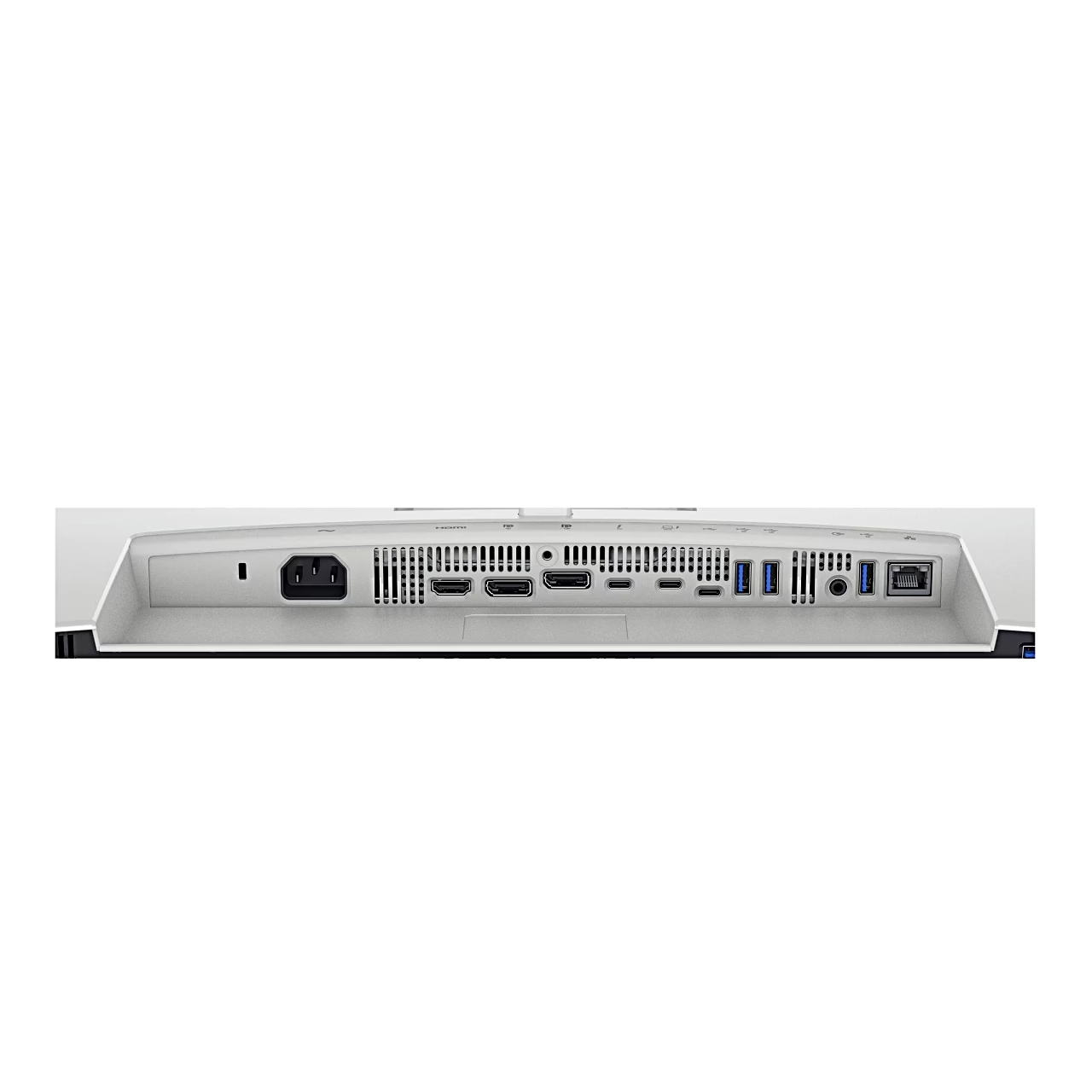
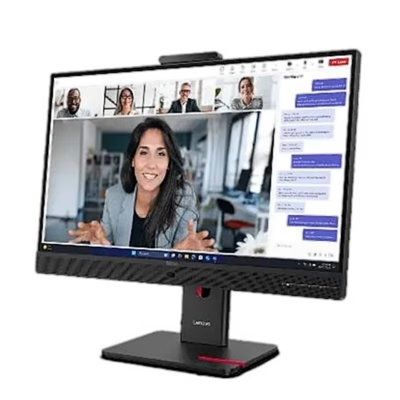
This Thunderbolt 4 monitor connects to a laptop with a single USB-C cable: the same cable carries the picture via DisplayPort Alt Mode, transfers data and charges the laptop at up to 90 W. The monitor has two Thunderbolt 4 ports.
Connections and USB hub
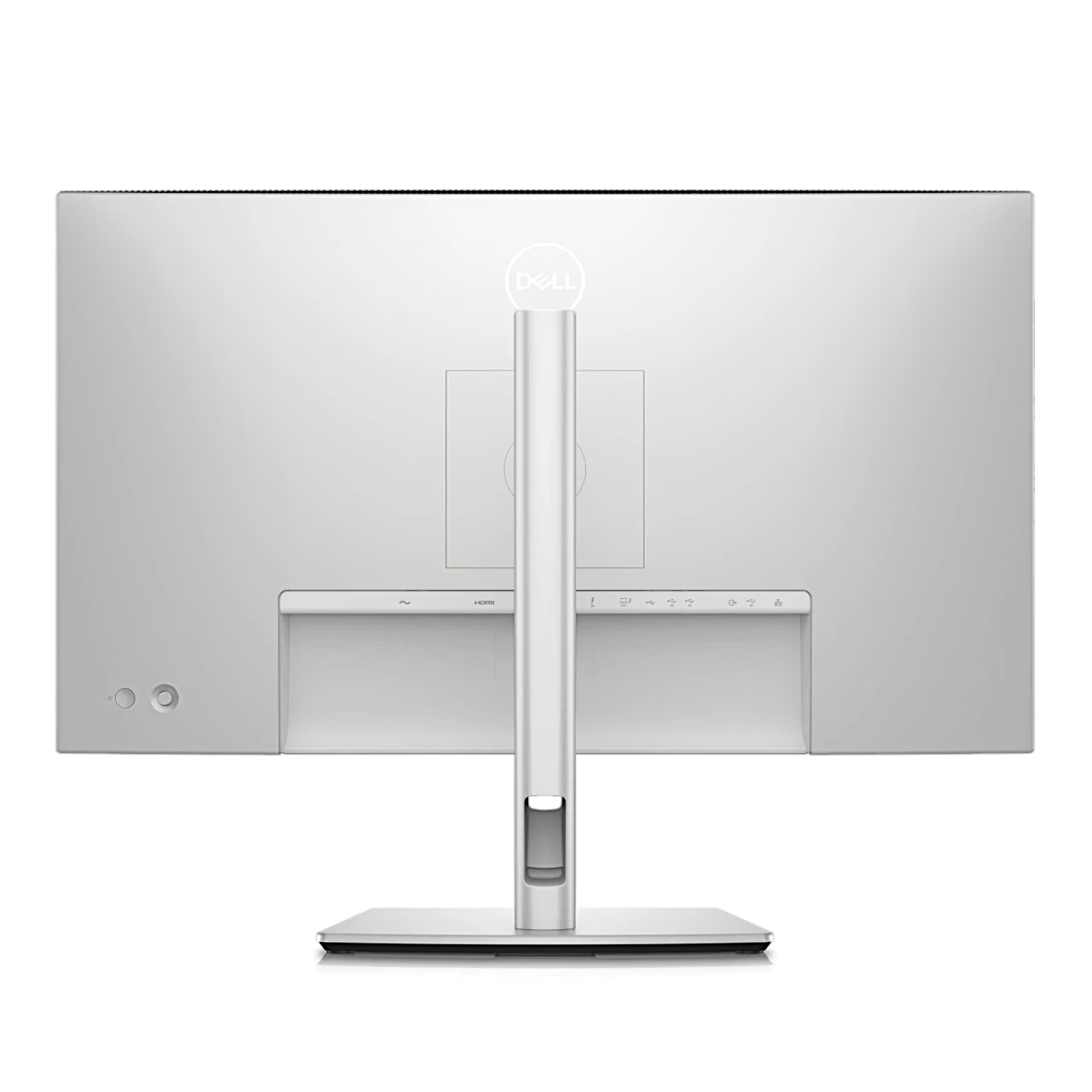
For other computers there is an HDMI 2.1 port and two DisplayPort 1.4 ports. The USB hub has four USB-A ports and one USB-C port for peripherals. A network cable plugs into the RJ-45 network socket and headphones into the headphone output; the monitor has no built-in speakers.
Stand and mounting
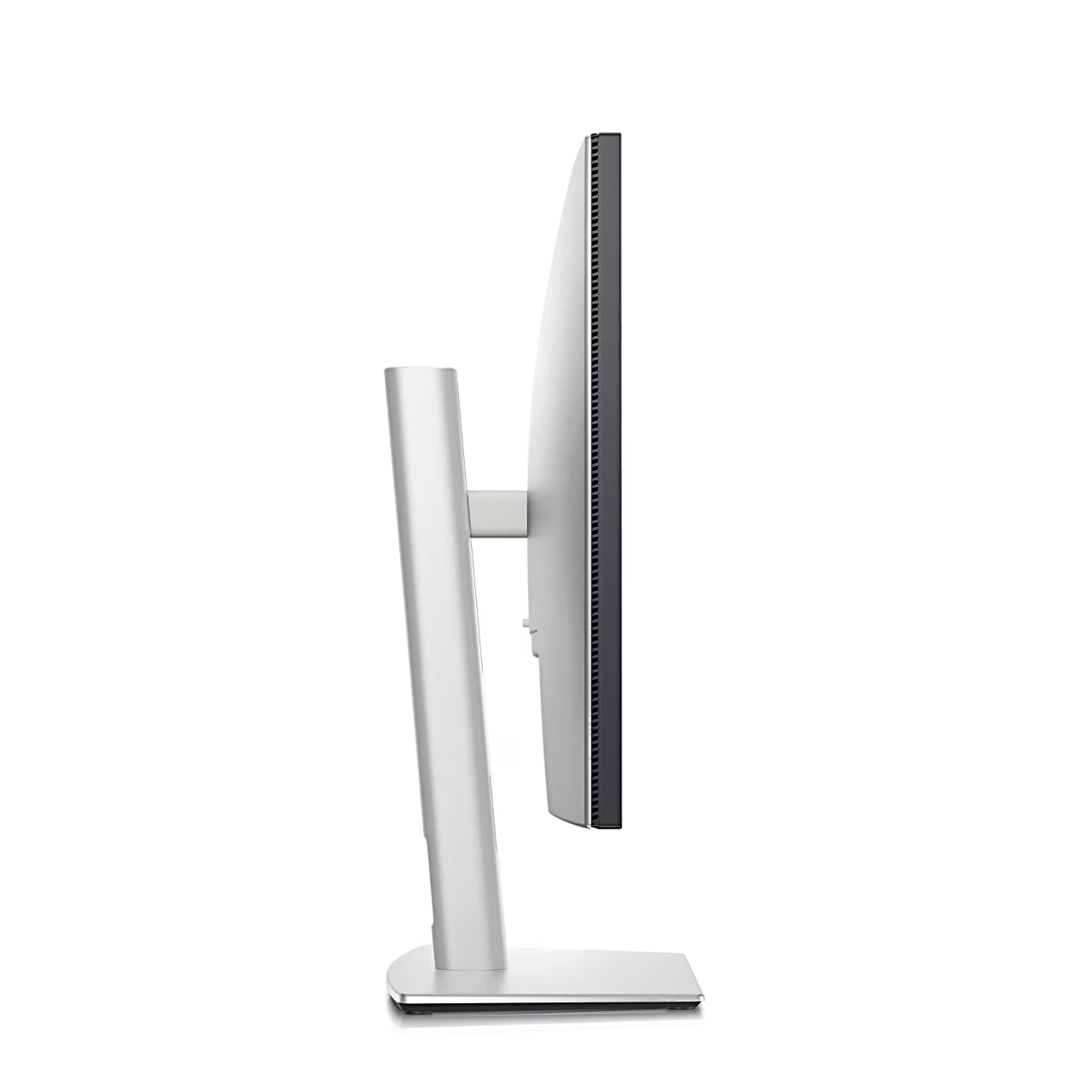
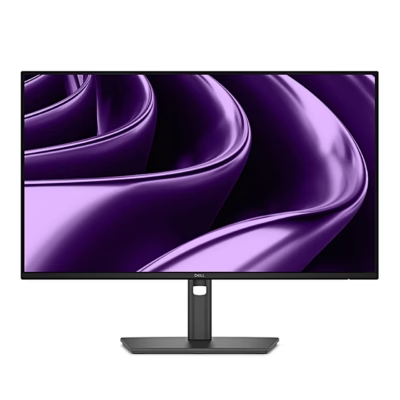
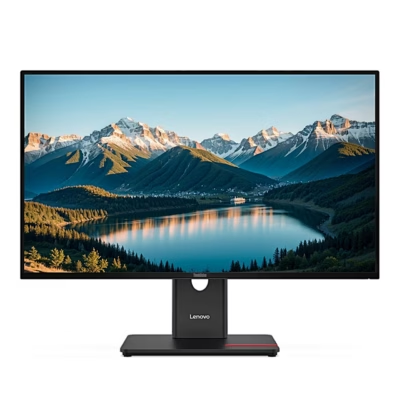
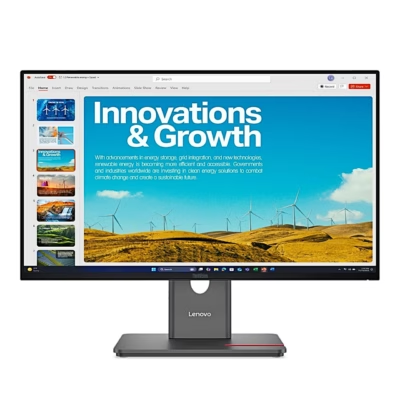
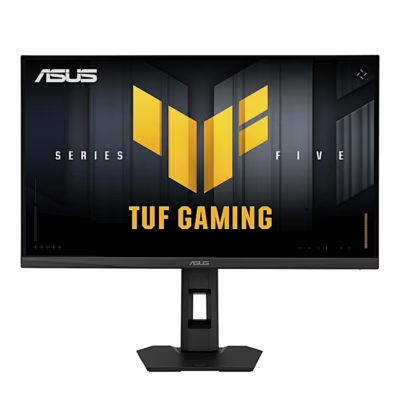
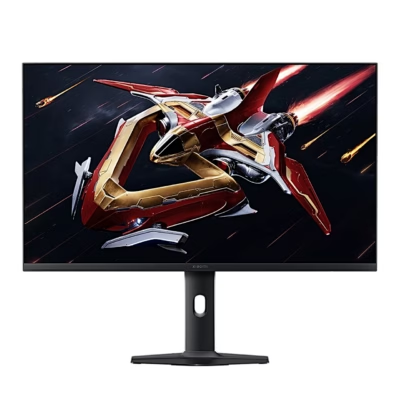
The stand raises and lowers the screen over a 15 cm range, tilts it between −5° and 21° and swivels it 45° to either side. The screen rotates 90° into portrait position. Instead of the stand, the screen can be mounted on an arm using the VESA 100 × 100 mm holes, and a Kensington slot locks the monitor.
In the box
- Power cable
- Thunderbolt cable
- DisplayPort cable
- USB-A to USB-C cable
- Quick start guide









































Reviews
There are no reviews yet.