

Description
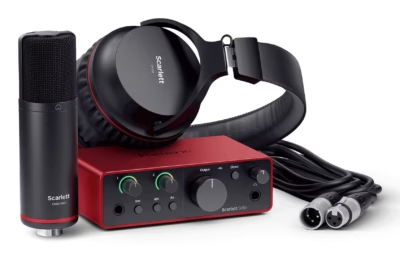
USB audio interface kit with microphone and headphones
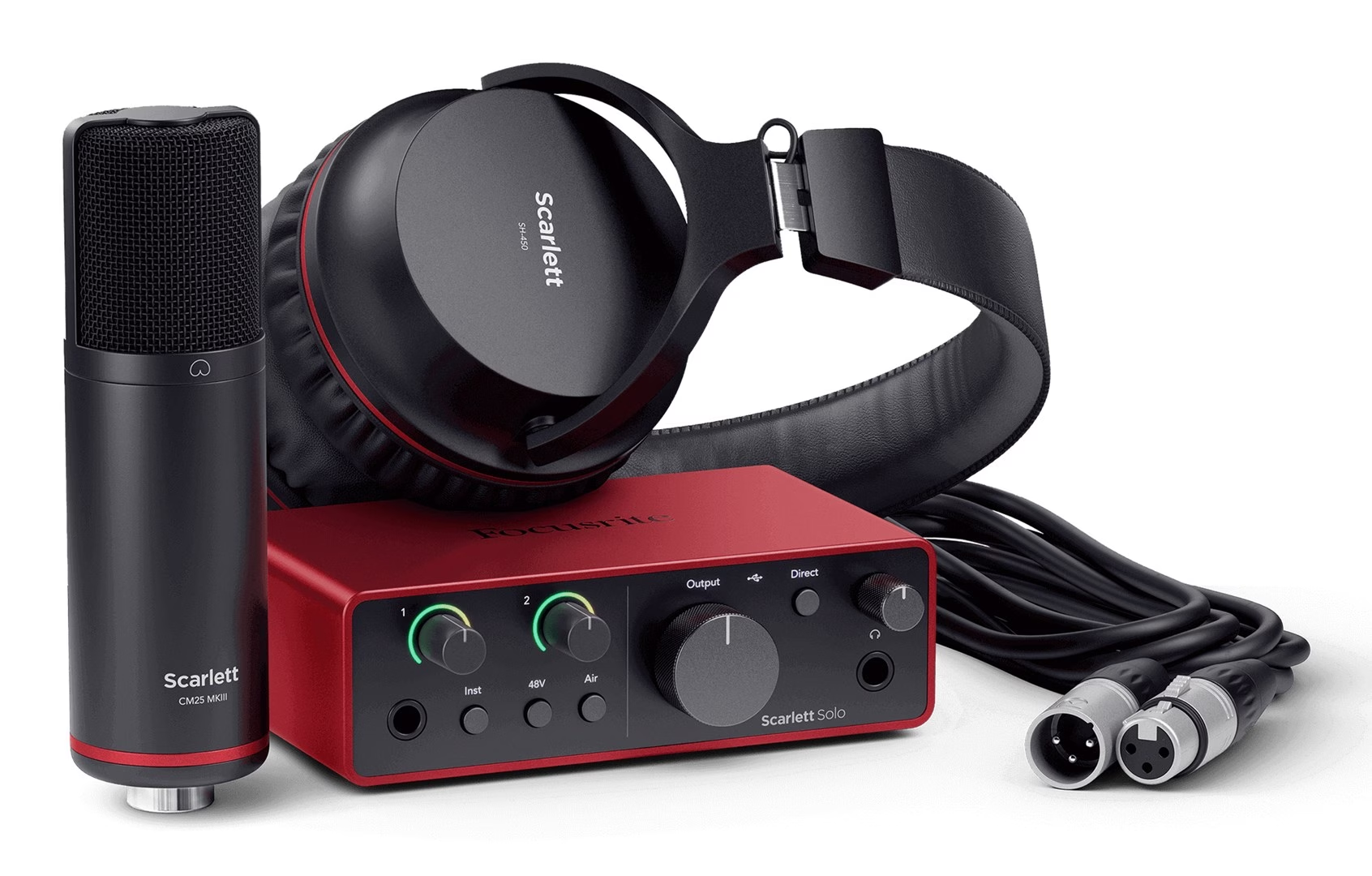
The audio interface, microphone and headphones kit is built around the two-input USB audio interface Scarlett Solo 4th Gen. The front panel has a 6.35 mm line and instrument input, and the rear panel has an XLR microphone input, and each of them has a gain range of 57 dB. The first press of the Air button switches on the analogue Presence boost on the microphone input, and the second press adds Harmonic Drive to it. The Direct button lets you hear the inputs without the delay caused by the computer, and Loopback routes the computer’s sound to input channels 3 and 4 for recording.
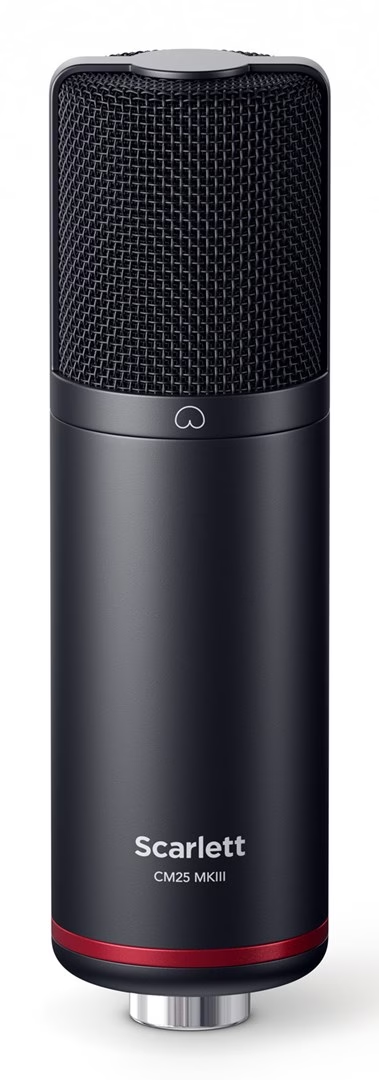
Scarlett CM25 MkIII condenser microphone
The microphone included in the kit is an electret condenser microphone with a 20 mm capsule, and it needs the interface’s 48 V phantom power to work. The cardioid pickup pattern picks up sound mainly from the front and rejects sound coming from the sides and rear, which reduces background noise in recordings. The included pop filter reduces plosives from p and b sounds when recording singing and speech, as well as wind noise. The microphone attaches with a 5/8-inch microphone clip that has a 3/8-inch thread adapter.
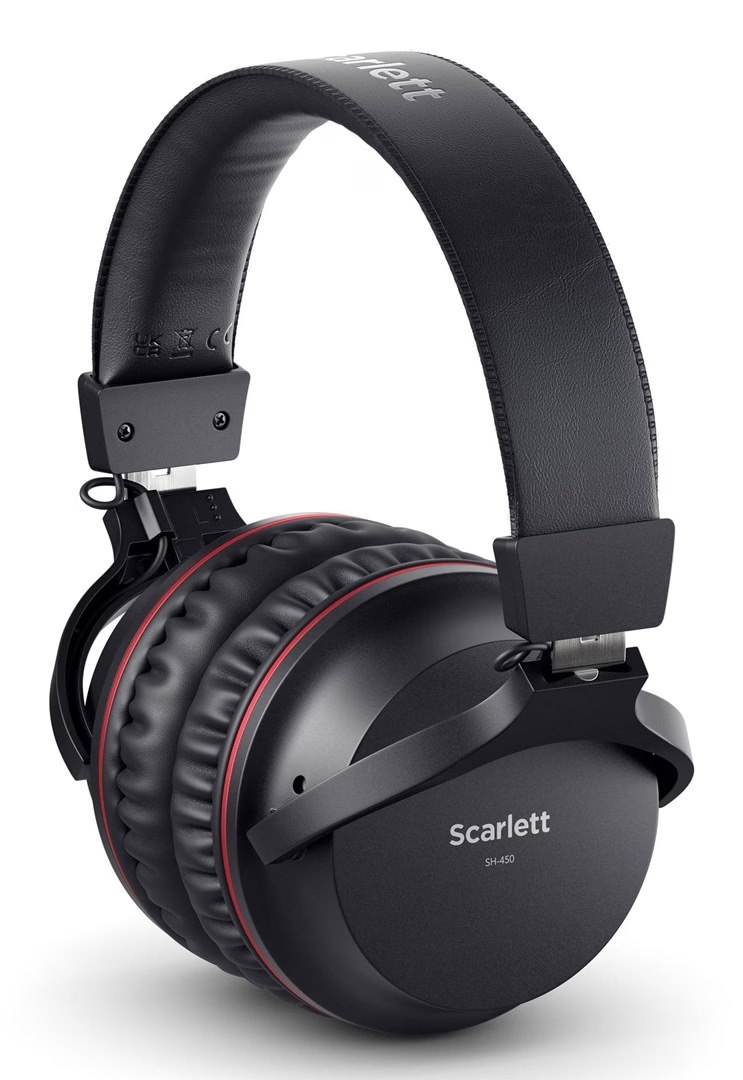
Scarlett SH-450 closed-back headphones
The SH-450 over-ear headphones have a closed-back design that blocks out surrounding noise. At the end of a cable about 3 m long is a 3.5 mm plug, and the included rotating adapter turns it into a 6.35 mm plug for the interface’s headphone output.
Connecting and using the microphone
- Connect the audio interface to the computer with the USB cable and install Focusrite Control 2 using the Easy Start setup guide. After the firmware update, the interface works at sampling rates up to 192 kHz.
- Turn the microphone input’s Gain knob to minimum and switch off the phantom power.
- Connect the CM25 MkIII microphone to the interface’s XLR input using the included XLR cable.
- Switch on the 48 V phantom power and use the Gain knob to set the level at which the Gain Halo does not light up red.
- Connect the headphones to the headphone output on the front panel using the adapter, and adjust the volume with the headphone knob.
Included in the kit
- Scarlett Solo 4th Gen USB audio interface
- USB cable with a USB-C and USB-A connector
- Scarlett CM25 MkIII condenser microphone
- Microphone pop filter
- Microphone clip with thread adapter
- XLR cable
- Scarlett SH-450 headphones
- Rotating plug adapter for headphones
- Cardboard microphone stand in the packaging
- Quick start guide on the inside of the box lid
- Safety information leaflet









































Reviews
There are no reviews yet.