

Description
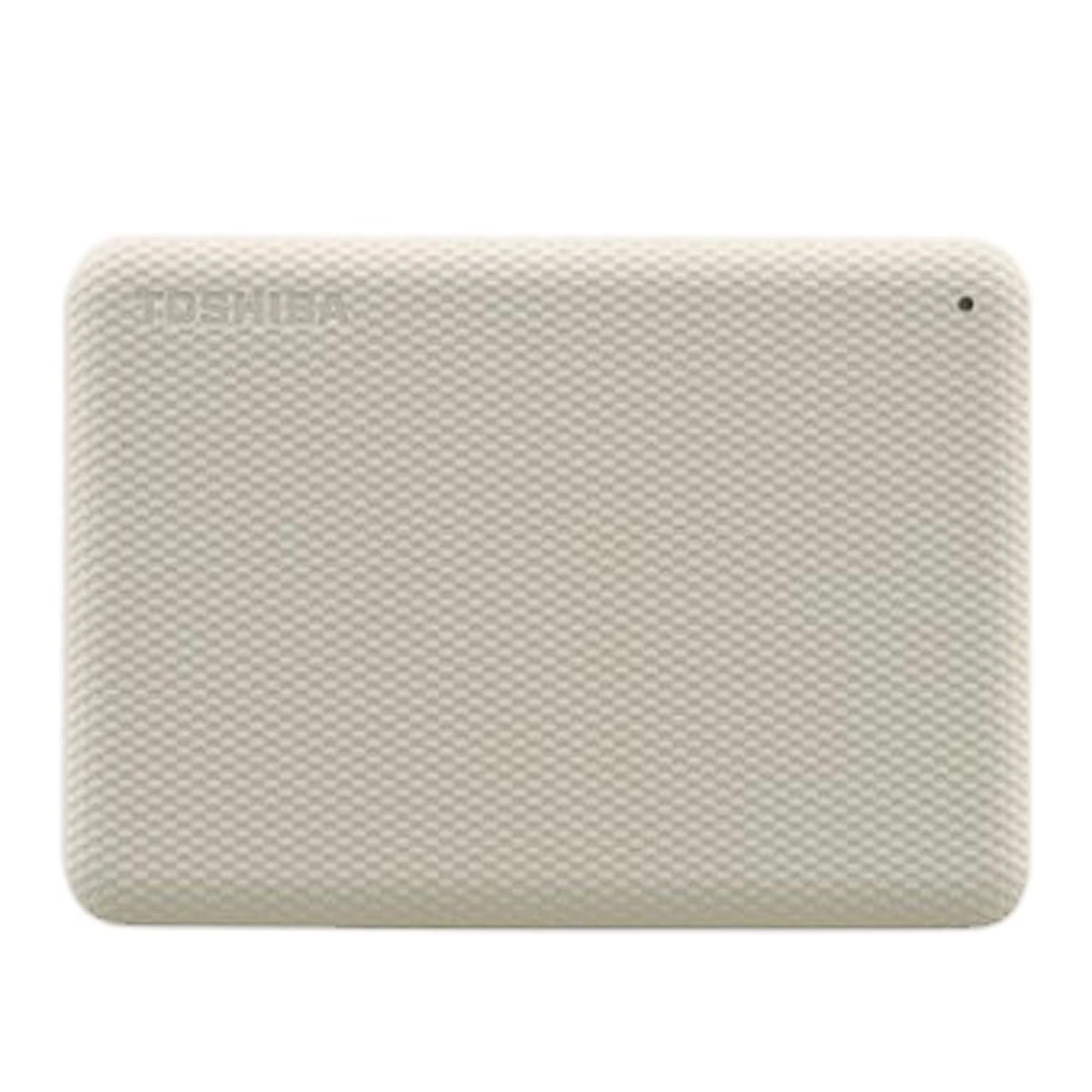
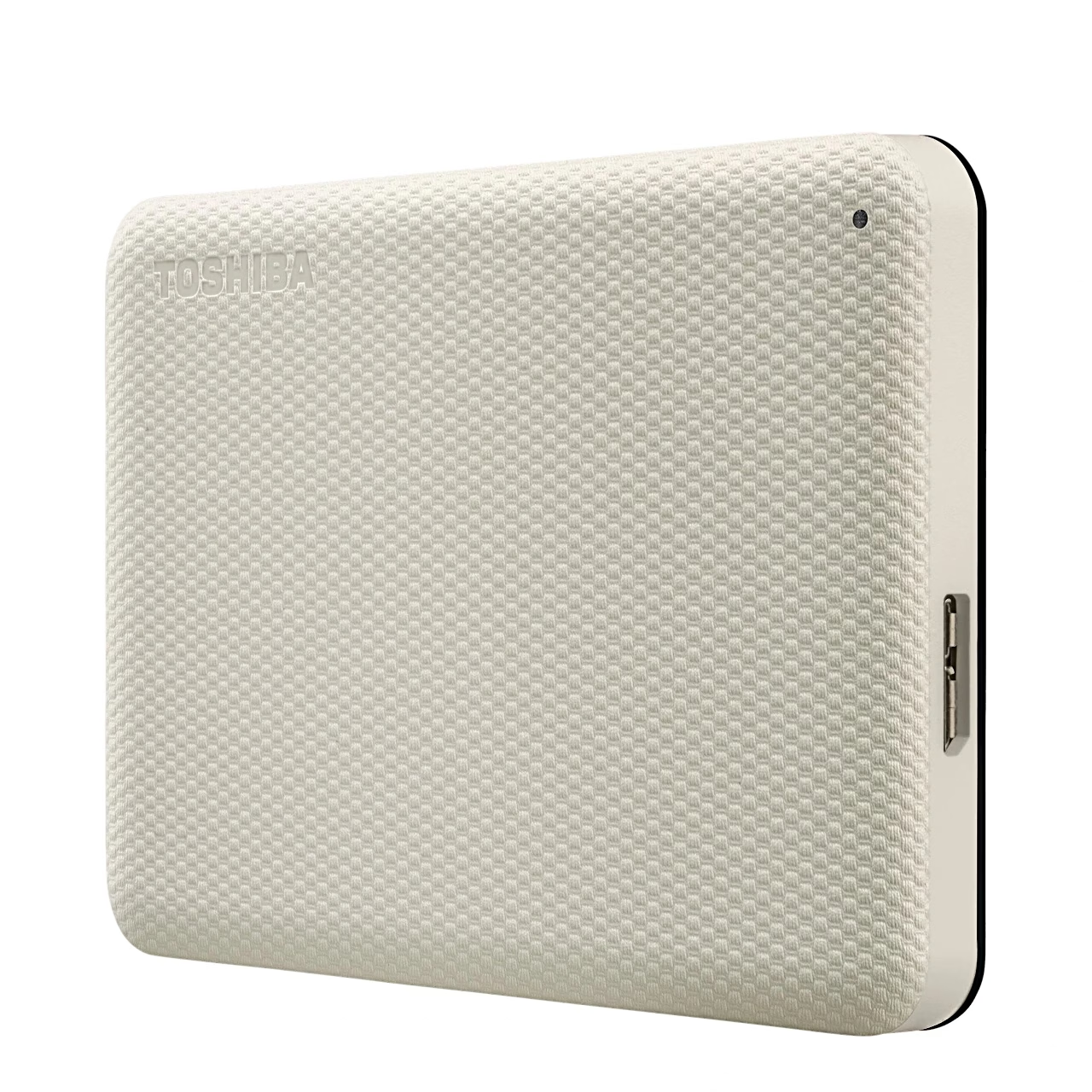
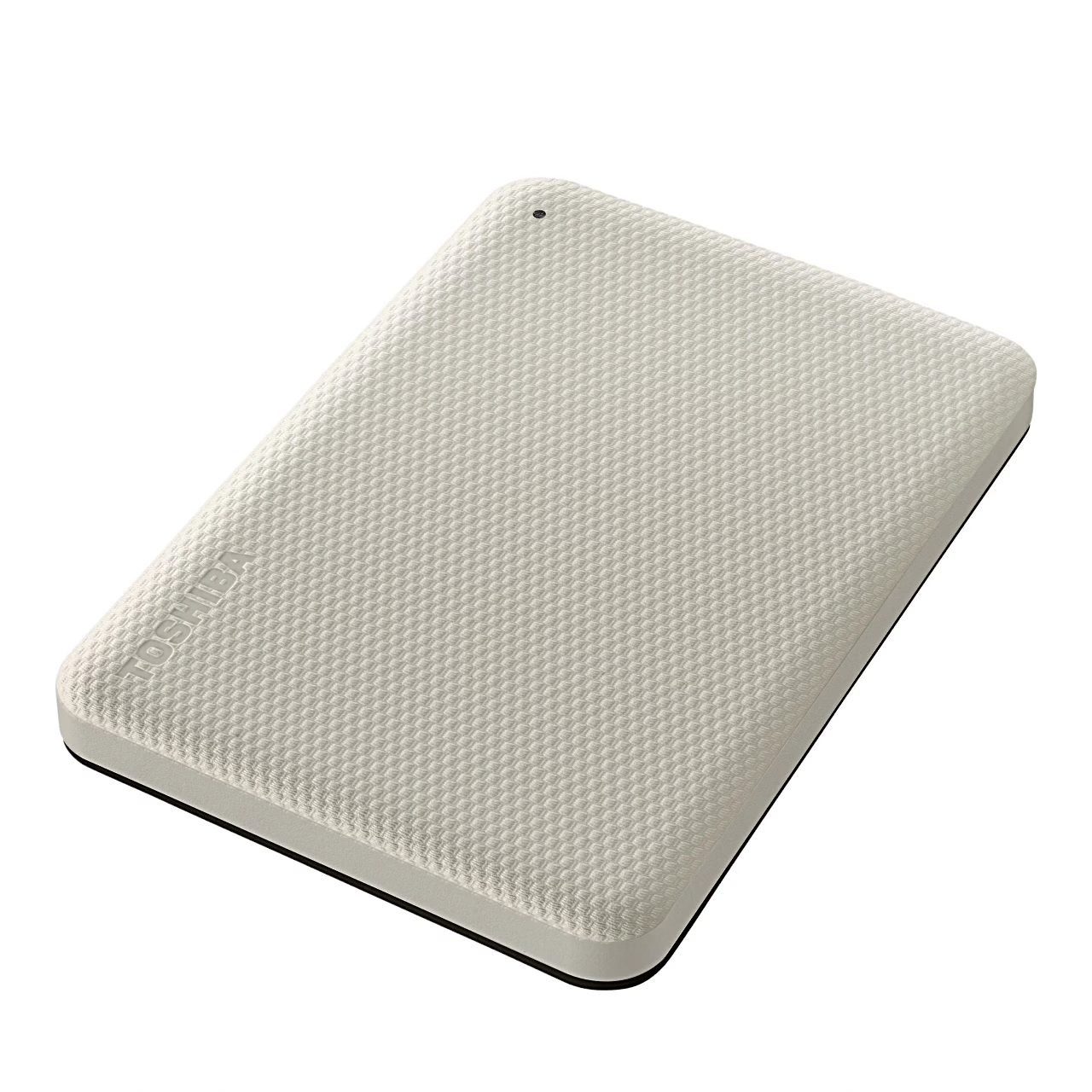
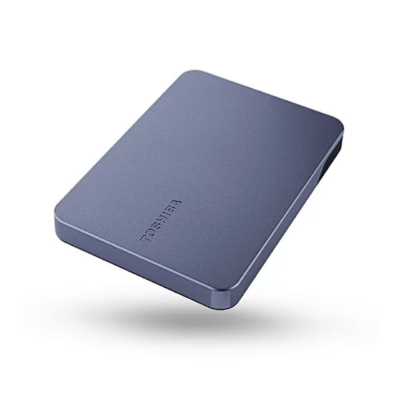
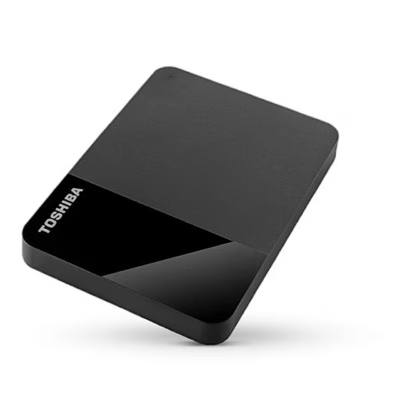
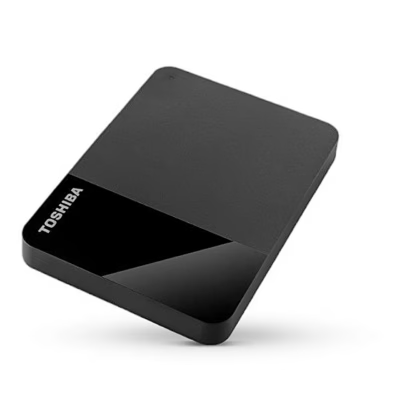
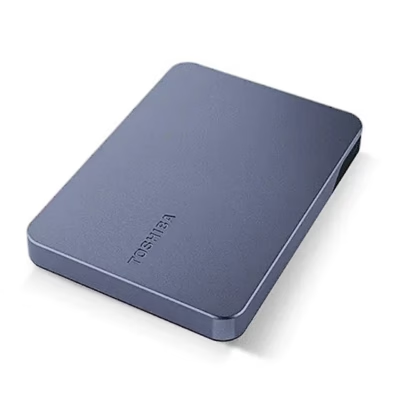
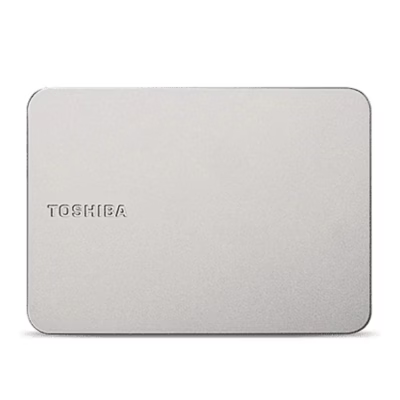
External hard drive with password protection and automatic backup software
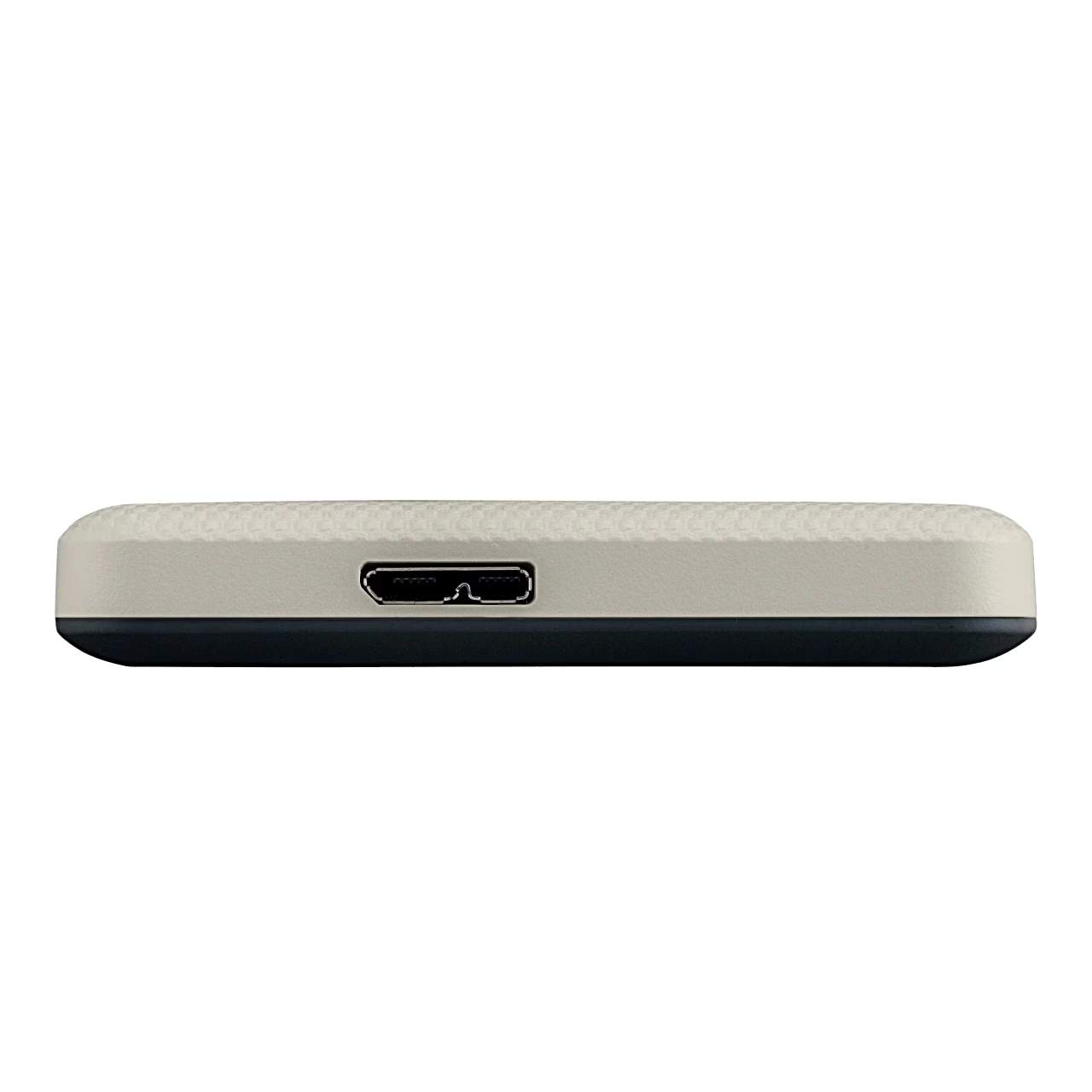
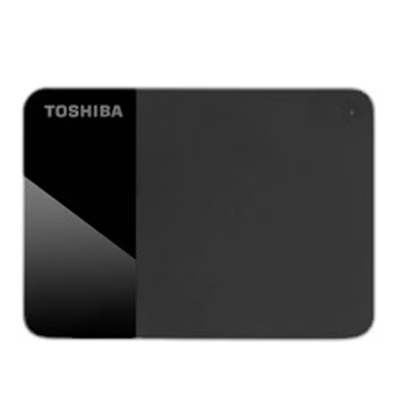
This USB-powered external hard drive connects to the computer’s USB-A port with the supplied cable and draws up to 900 mA from the same port, so one cable is all you need. With Toshiba Storage Security Software you can set a password on the drive to keep other users away from your files. In Toshiba Storage Backup Software you choose files or folders, the backup interval and the time, and the program then makes the backups itself. Both programs are available for download for use with the drive.
Key features
- Data transfer at up to 5 Gbit/s over USB 3.2 Gen 1
- Also works with a computer’s USB 2.0 port
- Factory-formatted NTFS, ready to use with a Windows 11 computer
- Dimensions 109 × 78 × 19 mm
- Weight about 217.5 g
In the box
- Toshiba Canvio Advance external hard drive
- USB 3.2 Gen 1 cable with USB-A and Micro-B plugs
- User manual, stored on the drive








































Reviews
There are no reviews yet.