

Description
External hard drive with shock sensor for data protection
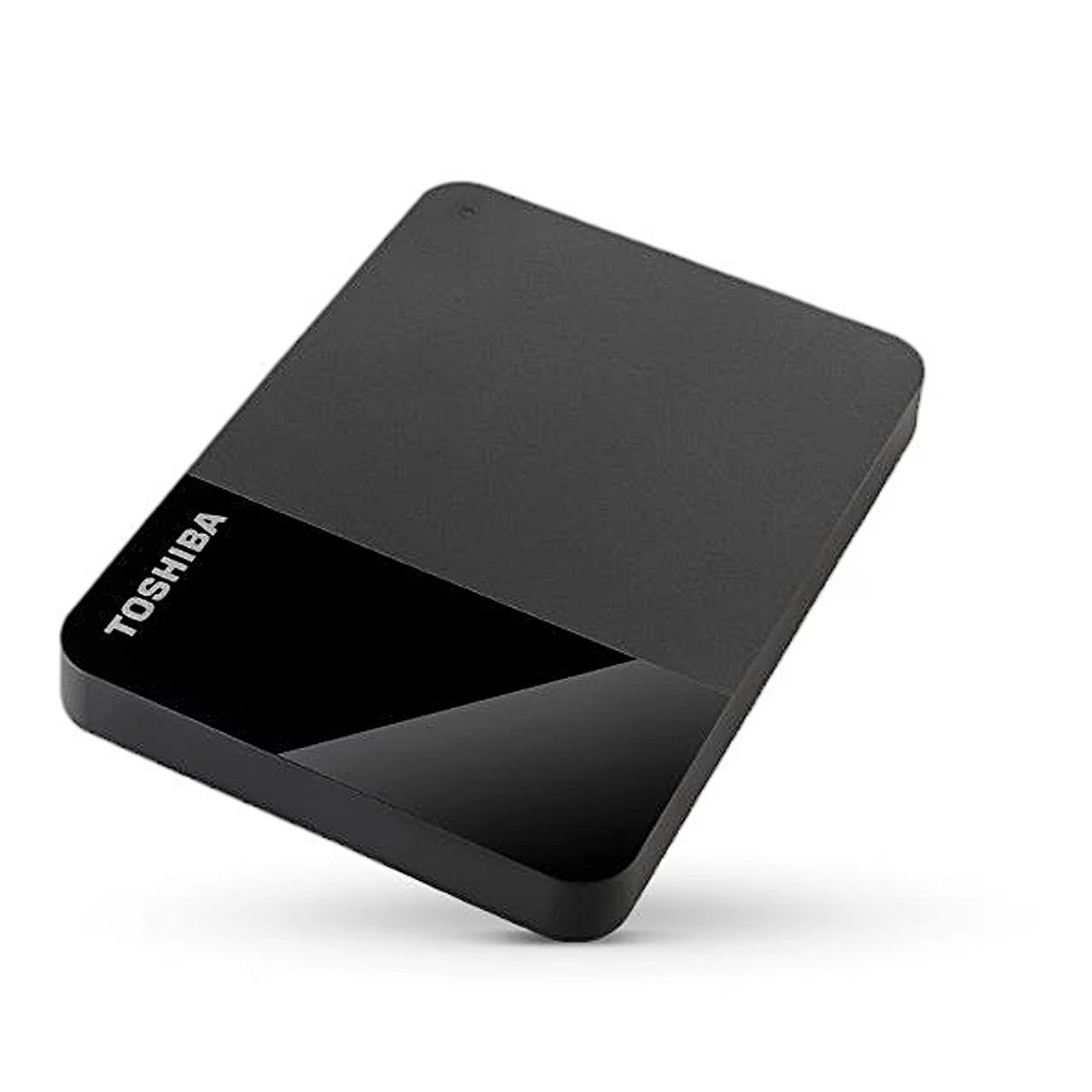
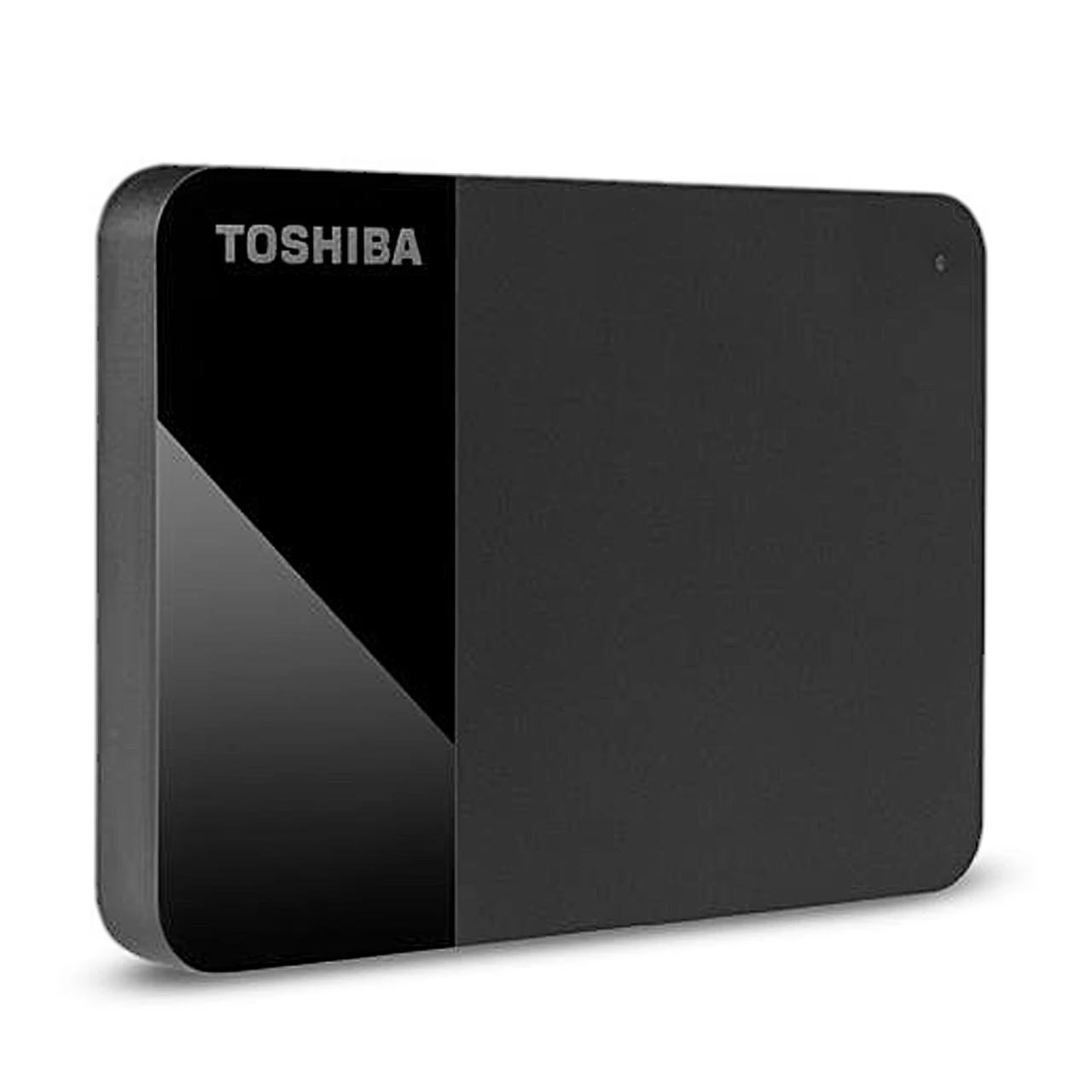
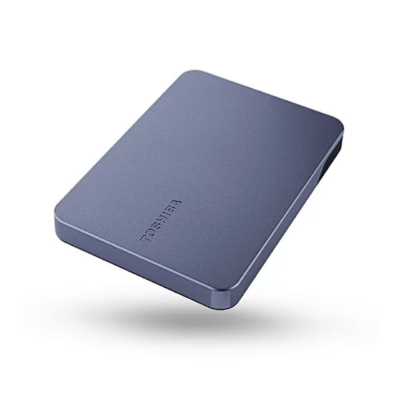
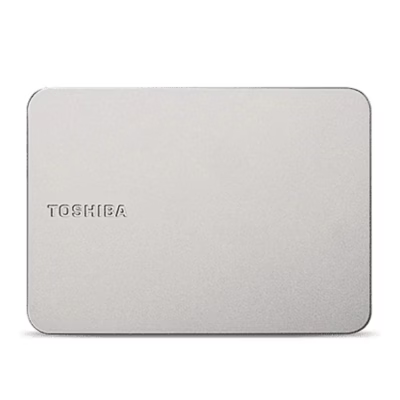
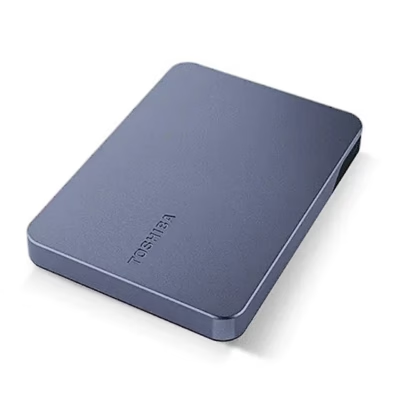
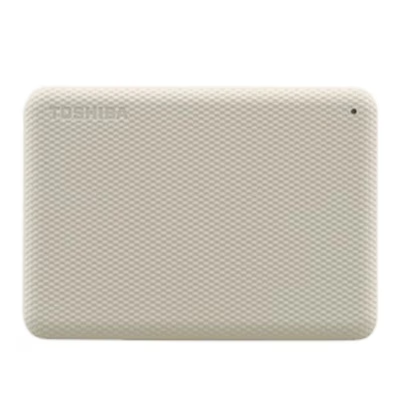
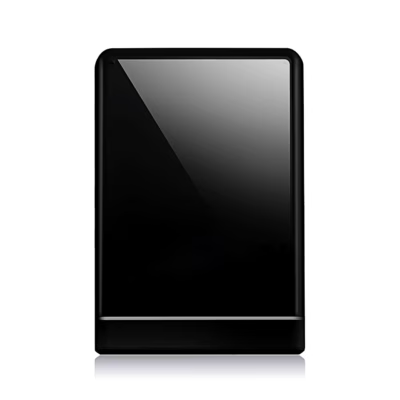
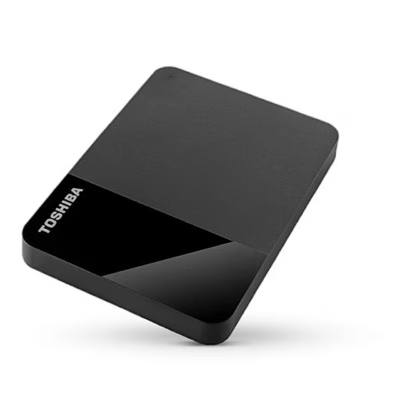
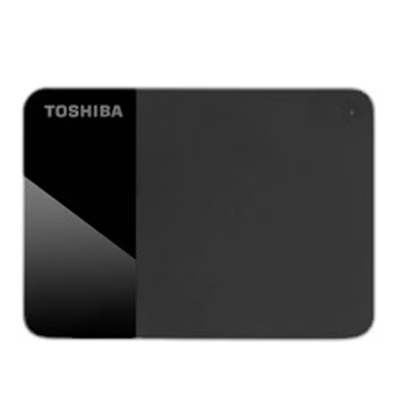
2.5-inch external hard drive with shock sensor The Toshiba Canvio Ready parks the read head on a ramp (ramp load), which protects the disc from damage during carrying. The drive also has a power-cutting shock sensor: in case of physical stress, it cuts the power to protect the data. The housing has a two-tone matt and glossy finish.
Use
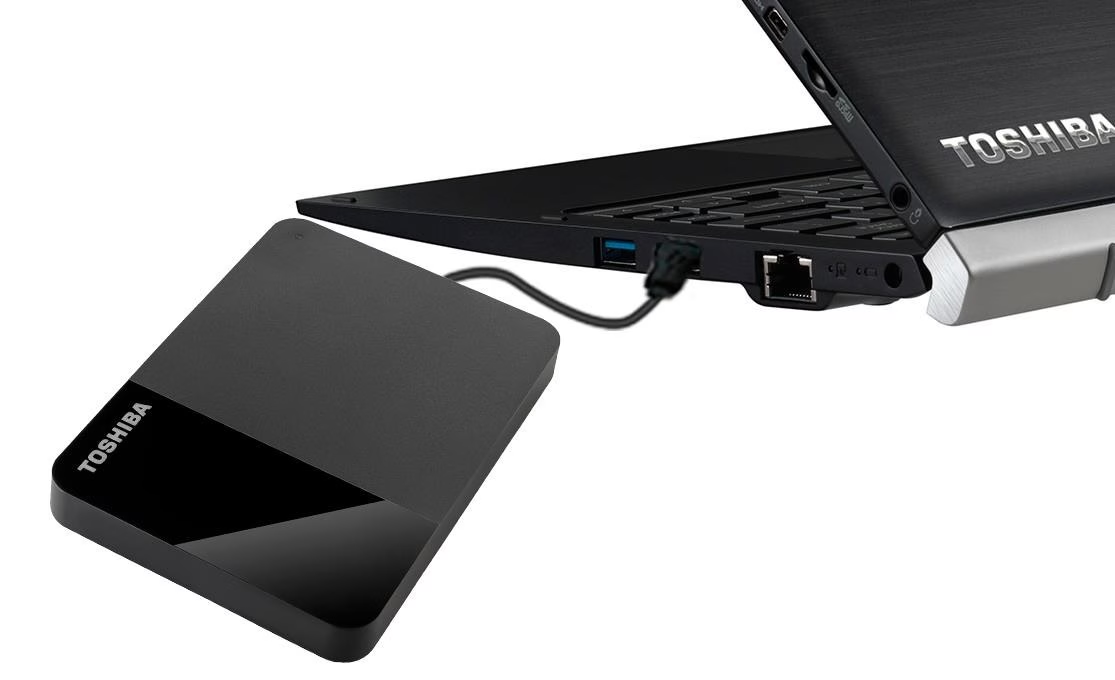
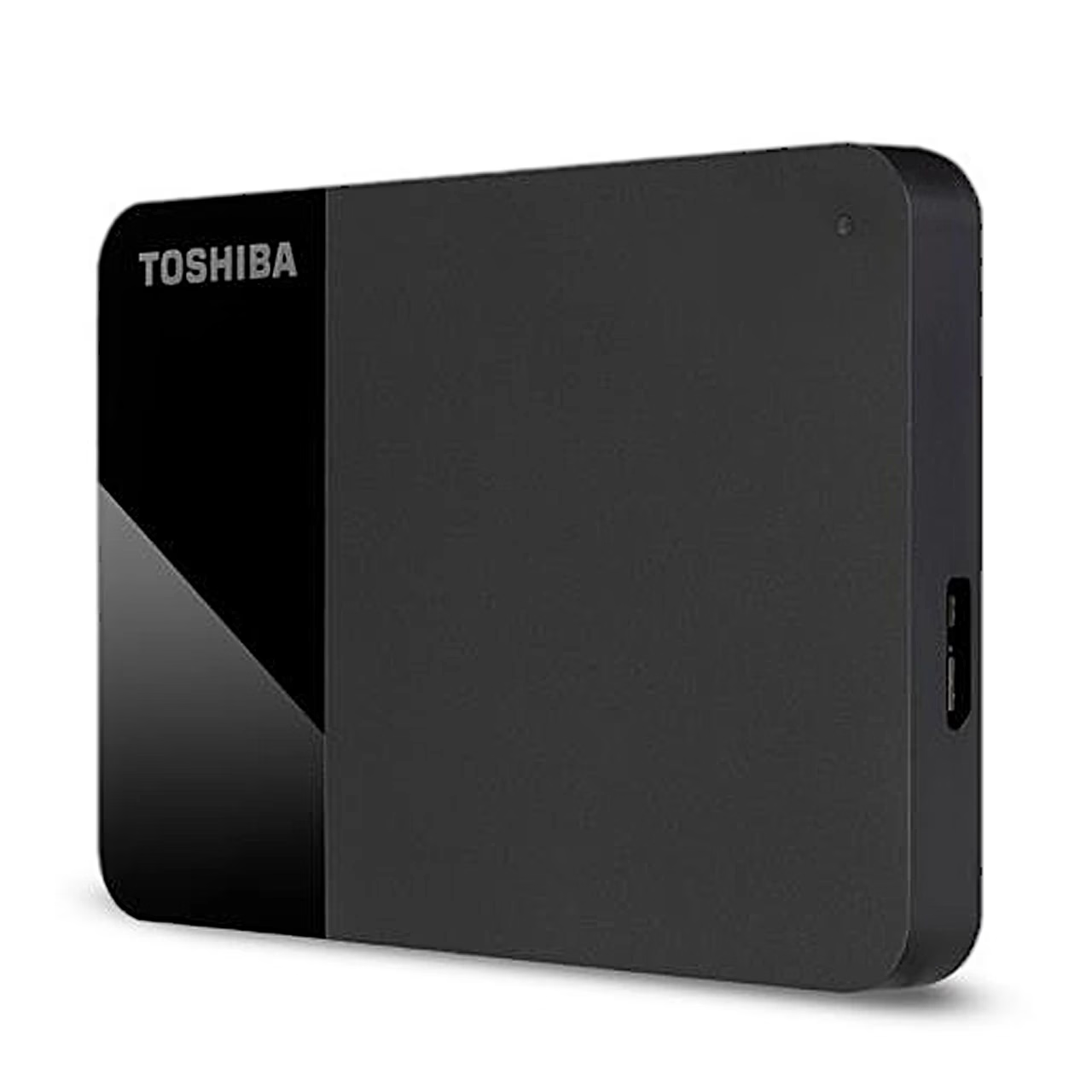
Connect the Micro-B plug of the cable to the drive’s port and then the USB-A plug fully into the USB-A port of a fully started computer. The drive draws power from the USB port, with a power consumption of up to 900 mA. The indicator light comes on and a new drive appears on the computer. Before removing the cable, eject the drive in Windows via the Safely Remove Hardware icon, or on a Mac with the Eject command.
File system for Windows and Mac
At the factory the drive is formatted with the NTFS file system. To use it with a Mac, the drive must be formatted to the HFS+ file system. Formatting deletes all data on the drive.
Cleaning
Before cleaning, disconnect the drive from the computer. Clean the housing with an ordinary cleaning agent and wipe away any liquid left on the surface.
Included in the package
- Toshiba Canvio Ready external hard drive
- USB 3.2 Gen 1 cable with USB-A and Micro-B plugs
- User manual pre-loaded on the drive









































Reviews
There are no reviews yet.