

Description
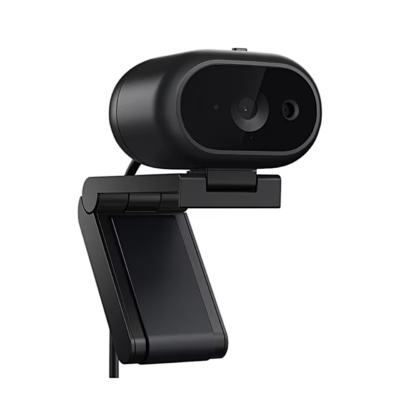
Webcam with 4K video and face recognition
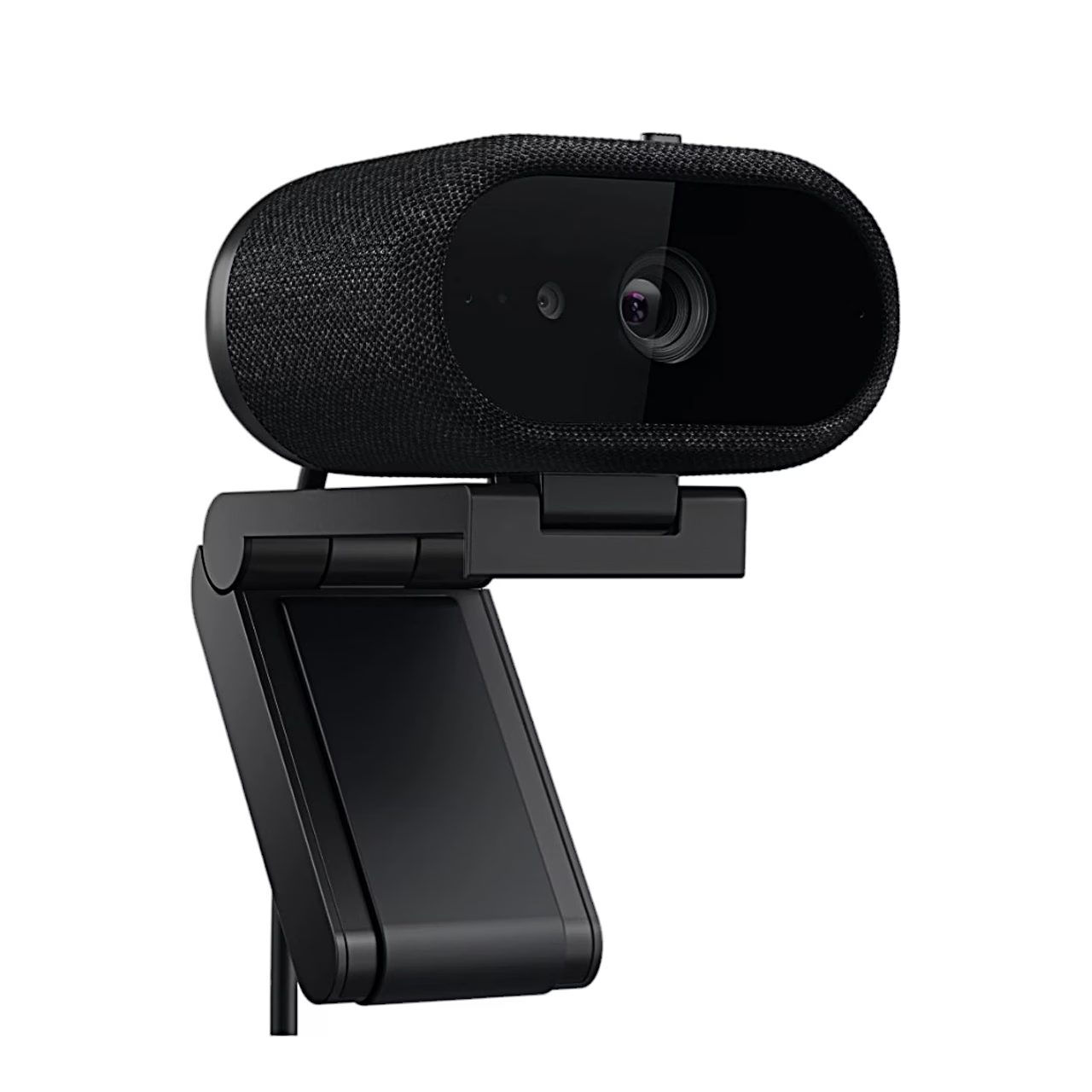
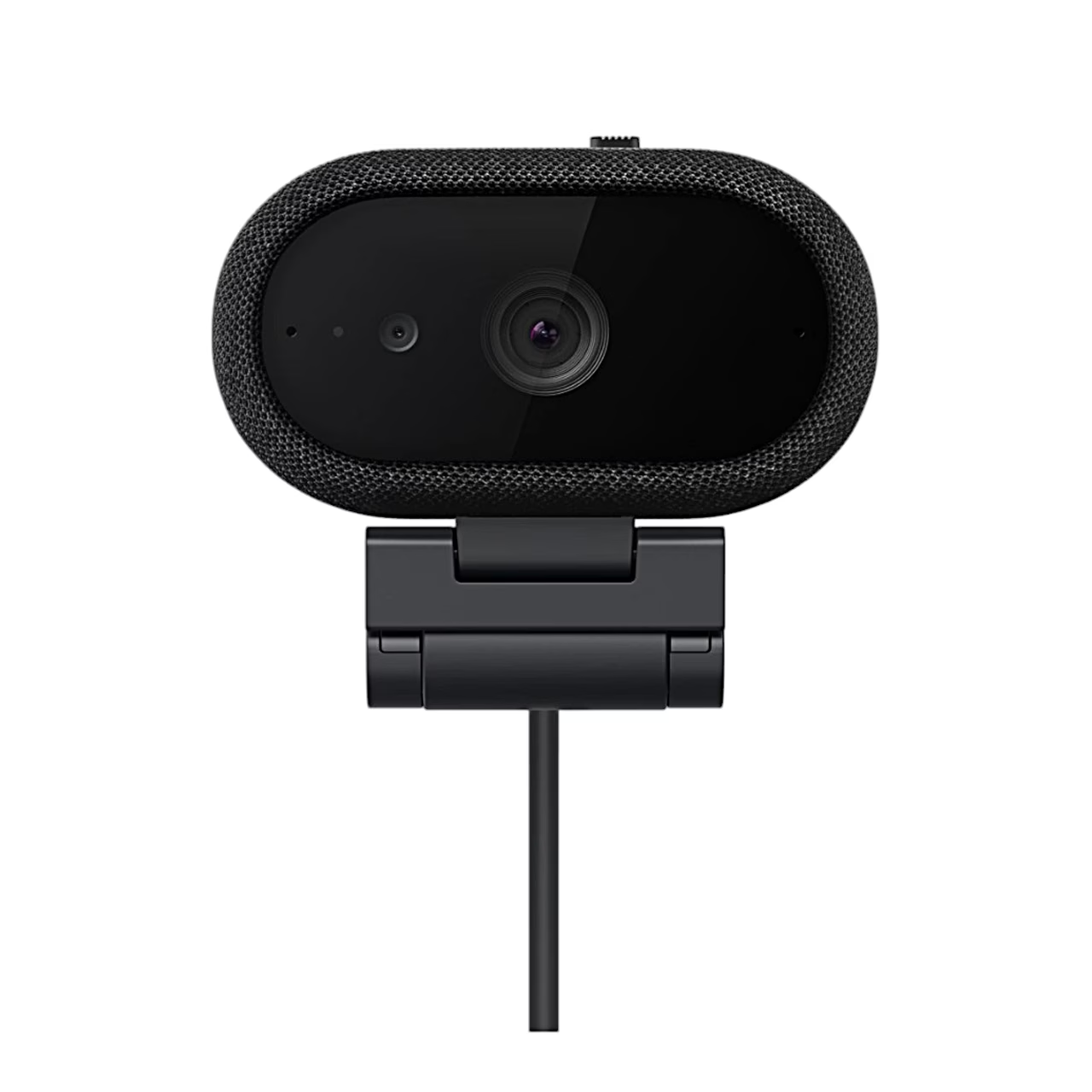
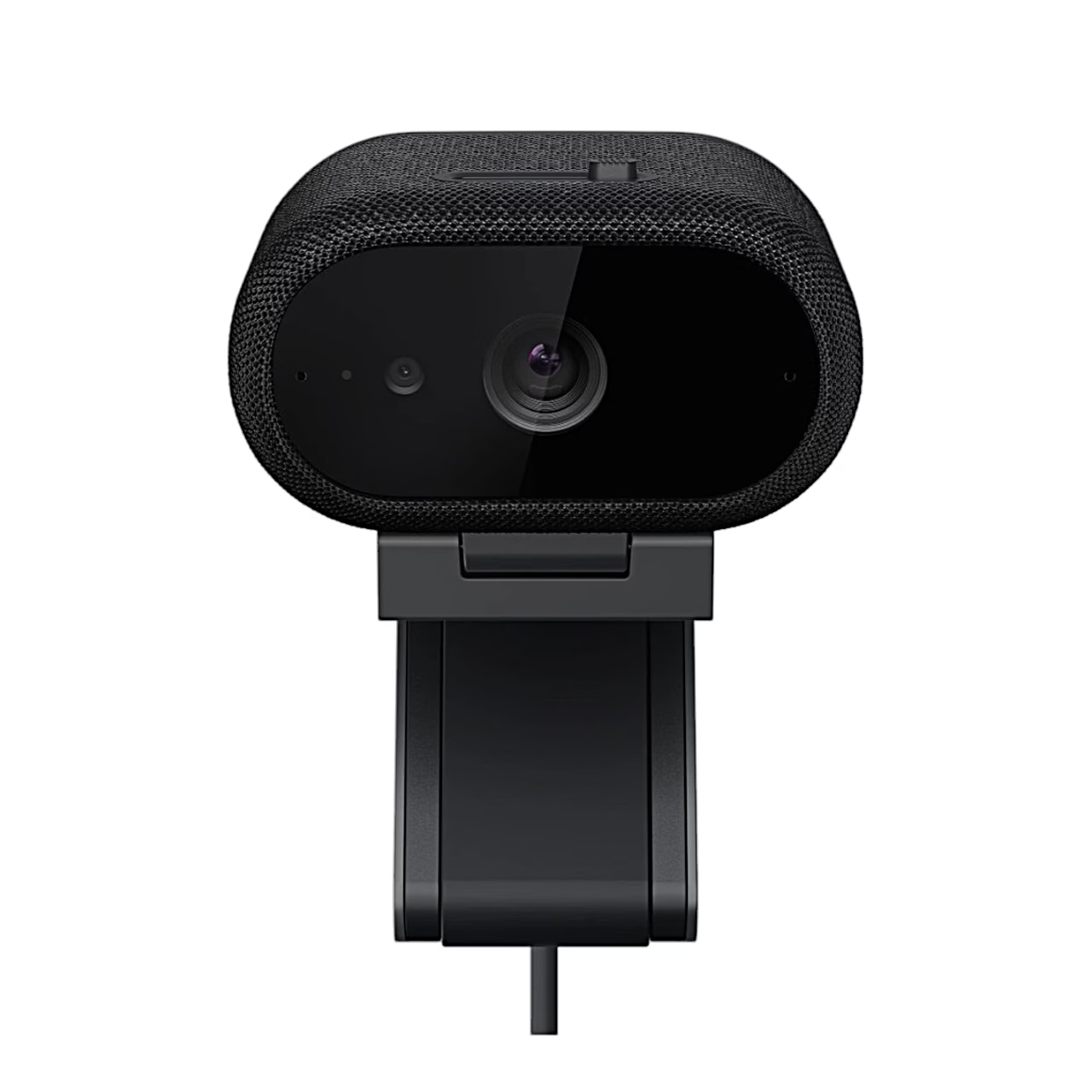
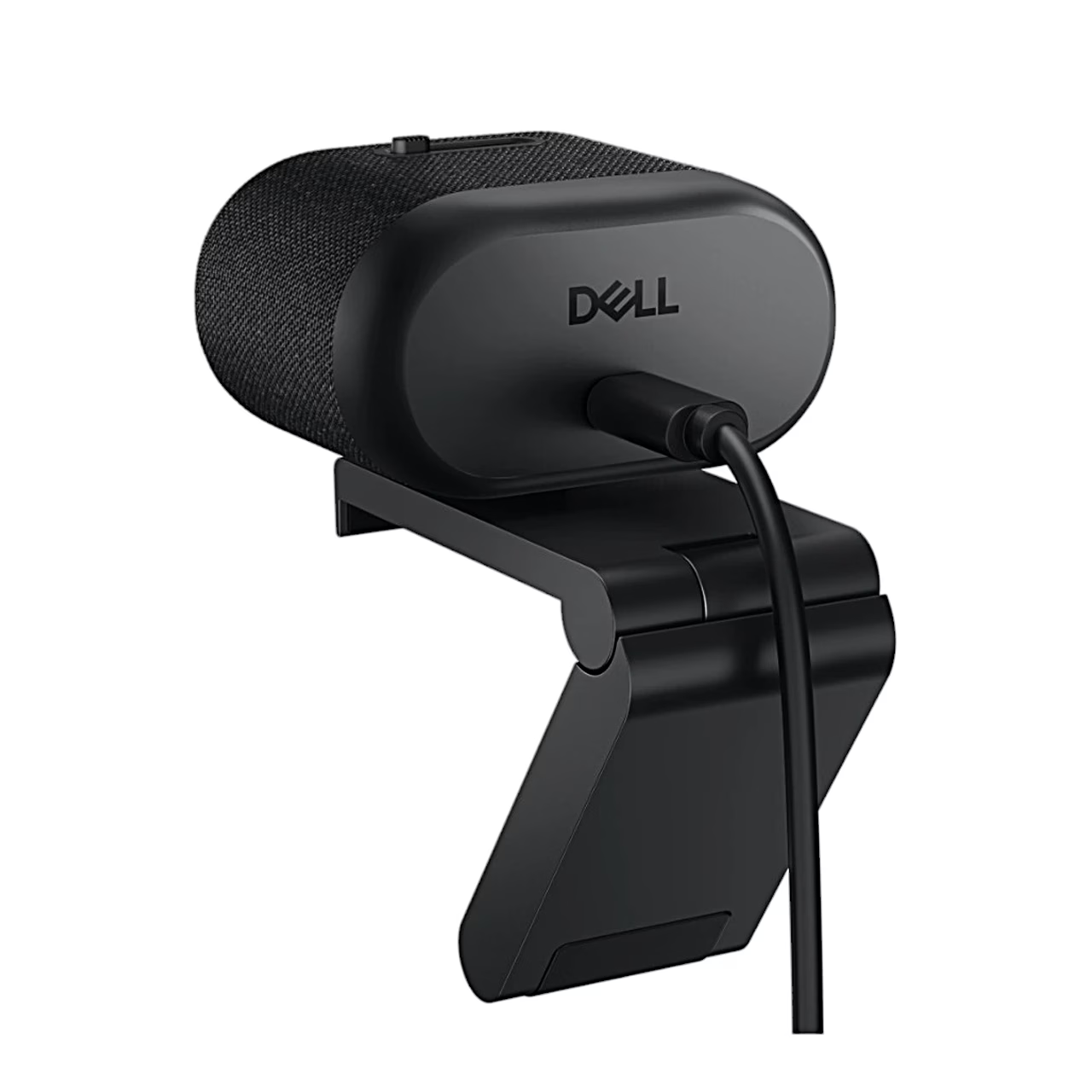
4K webcam Dell Pro 7 WB726 uses a large Sony STARVIS CMOS sensor and a multi-element lens with an aperture of f/2.0. You can choose 4K, Full HD or HD resolution and a frame rate of 30 or 60 frames per second. For 4K video, connect the camera to a USB 3.0 or newer port on the computer; with a USB 2.0 port, Full HD and HD are available. At the top of the camera is an integrated privacy cover: slide it to the right before use and to the left after use.
Picture and sound settings
You can choose a field of view of 65°, 78° or 90°. In the Dell Display and Peripheral Manager app, you can turn on Smart HDR, automatic white balance, face-based exposure and auto-framing, which works at 30 frames per second. Two directional microphones pick up sound from up to 3 m away, and in field-of-view mode they capture only the voice of the person in front of the camera. The proximity sensor detects a person in front of the computer and is compatible with the Microsoft Presence Sensing feature in Windows.
Document view and gesture control
For document view, tilt the camera 60° towards the desk: the app detects the edges of the document and corrects the perspective automatically or according to the four points you mark. To highlight an object, hold an open palm upright in front of the camera for up to 2 seconds; the camera then shows a second view in a picture-in-picture window. Highlighting ends when you hold an open palm in front of the camera for up to 1 second.
Installation
- Connect the USB-C cable to the USB-C port on the camera.
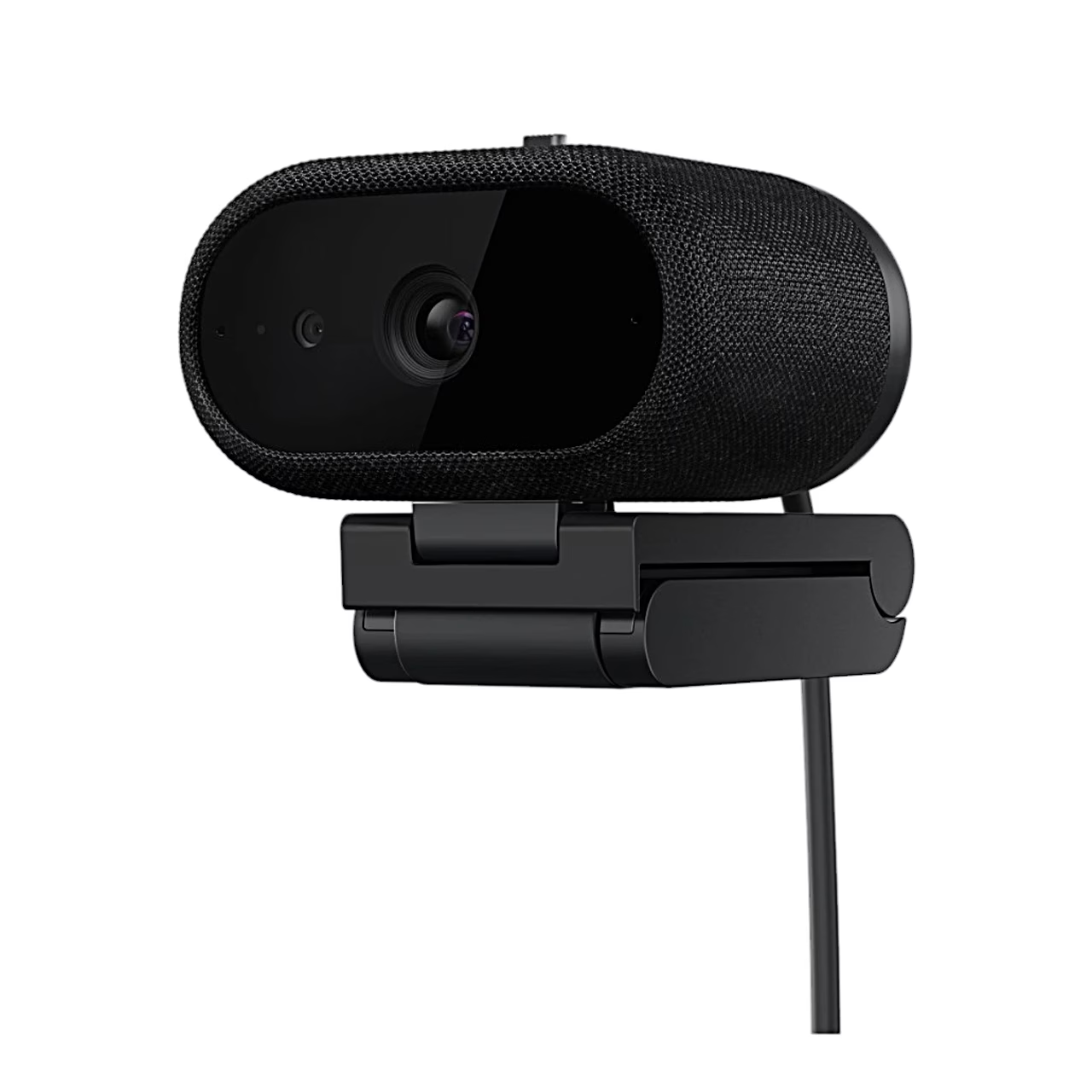
- Slide the head of the holder into the socket on the underside of the camera.
- Open the holder, place the camera on the edge of the monitor and press the base of the holder against the back of the monitor so that the camera stays firmly in place.
- Connect the cable to a USB-C port on the computer or monitor, or to a USB-A port using the included adapter.
- Set up the camera in the Dell Display and Peripheral Manager app, which Windows offers to download the first time you connect it.
Included
- Dell Pro 7 WB726 webcam
- Monitor holder
- USB-C cable (USB 3.1 Gen 1, 2 m) with USB-A adapter and cable ties
- User documentation
















































Reviews
There are no reviews yet.