

Description
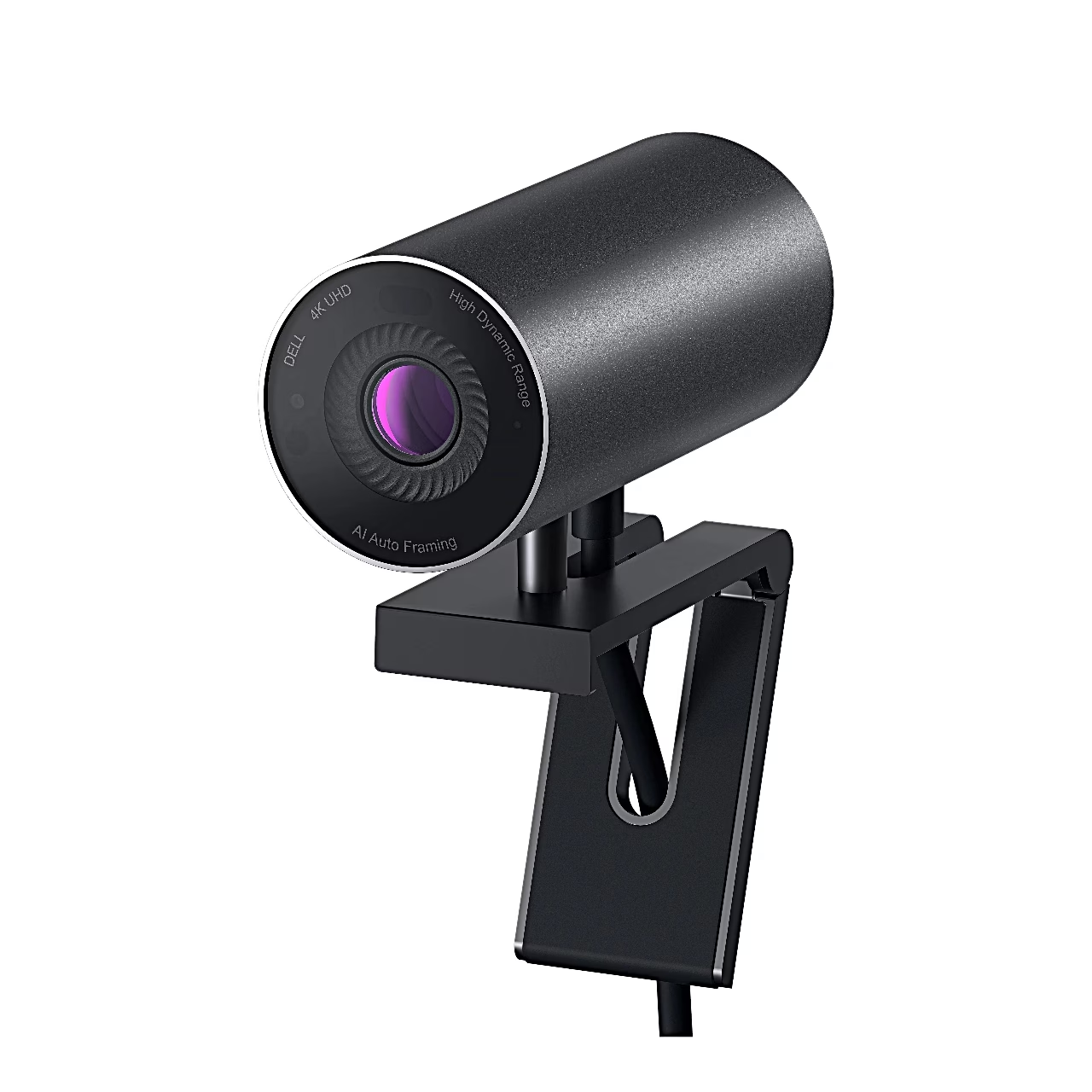
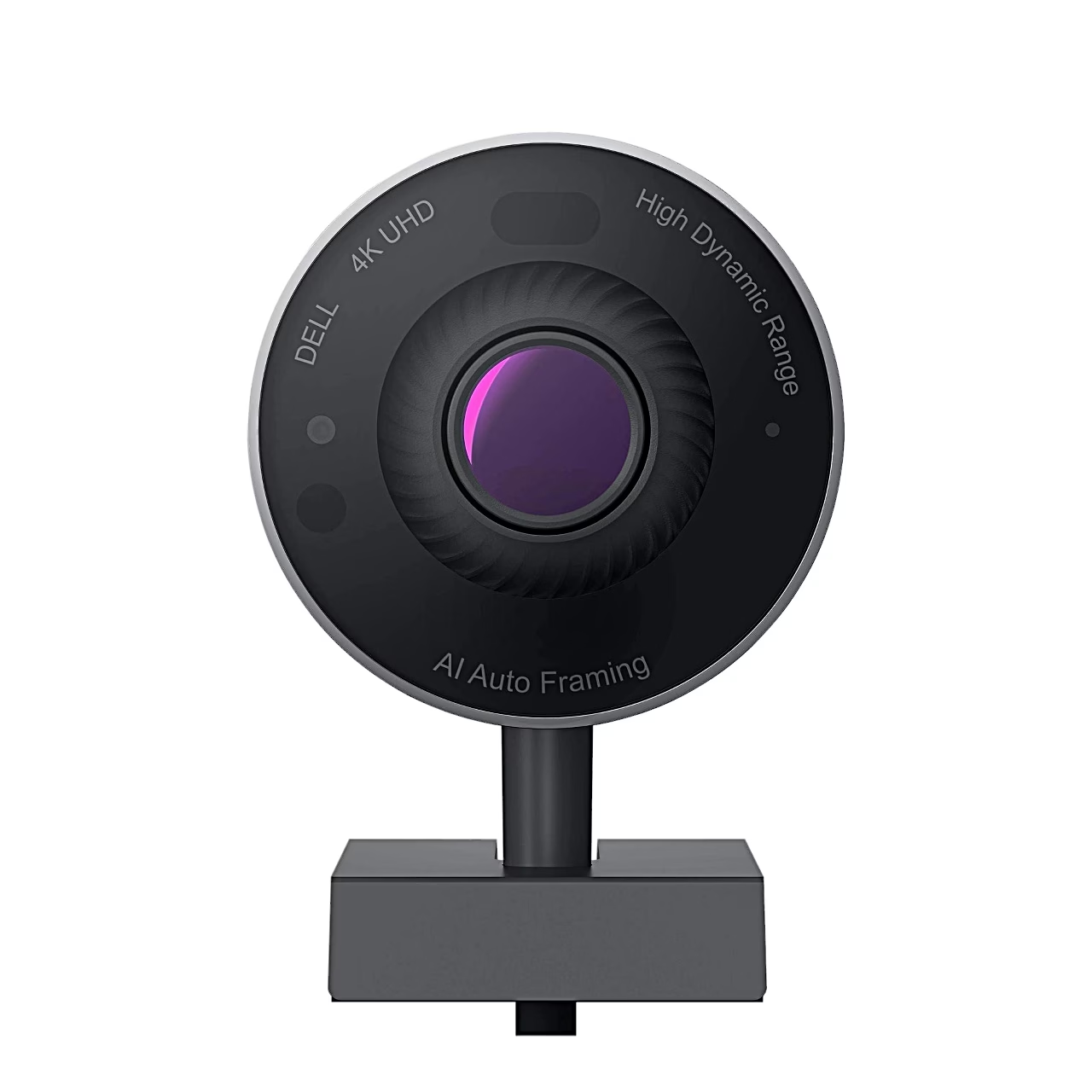
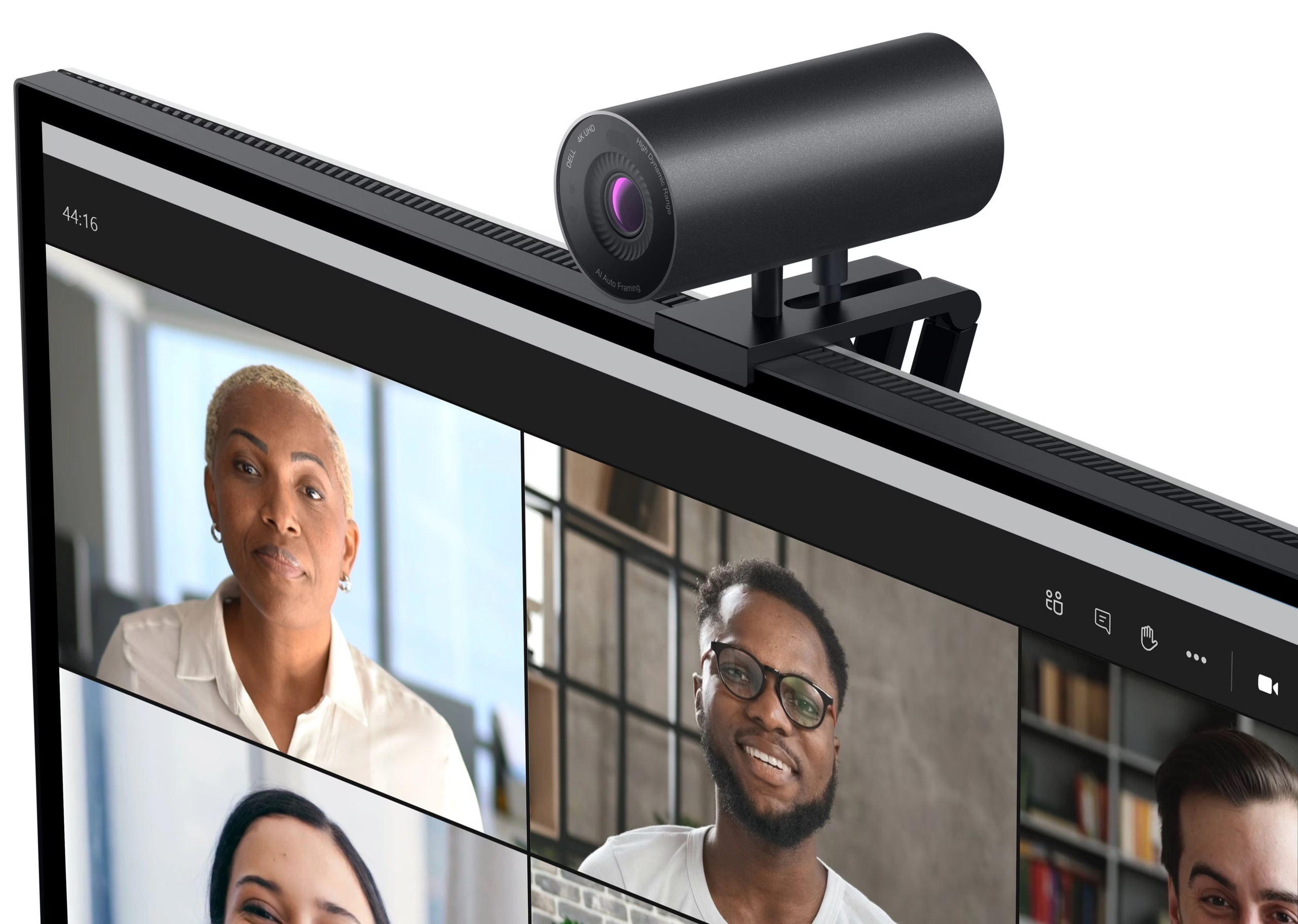
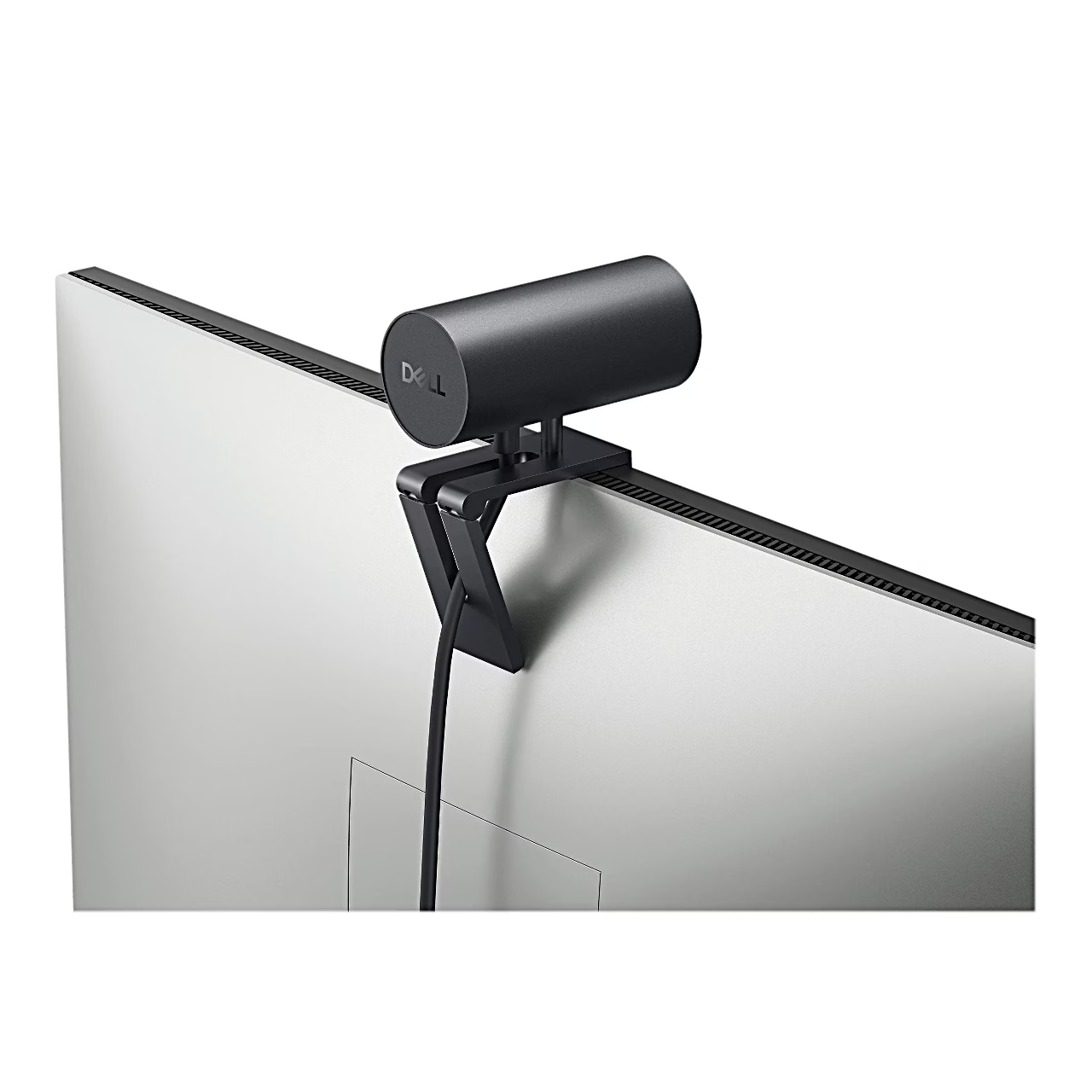
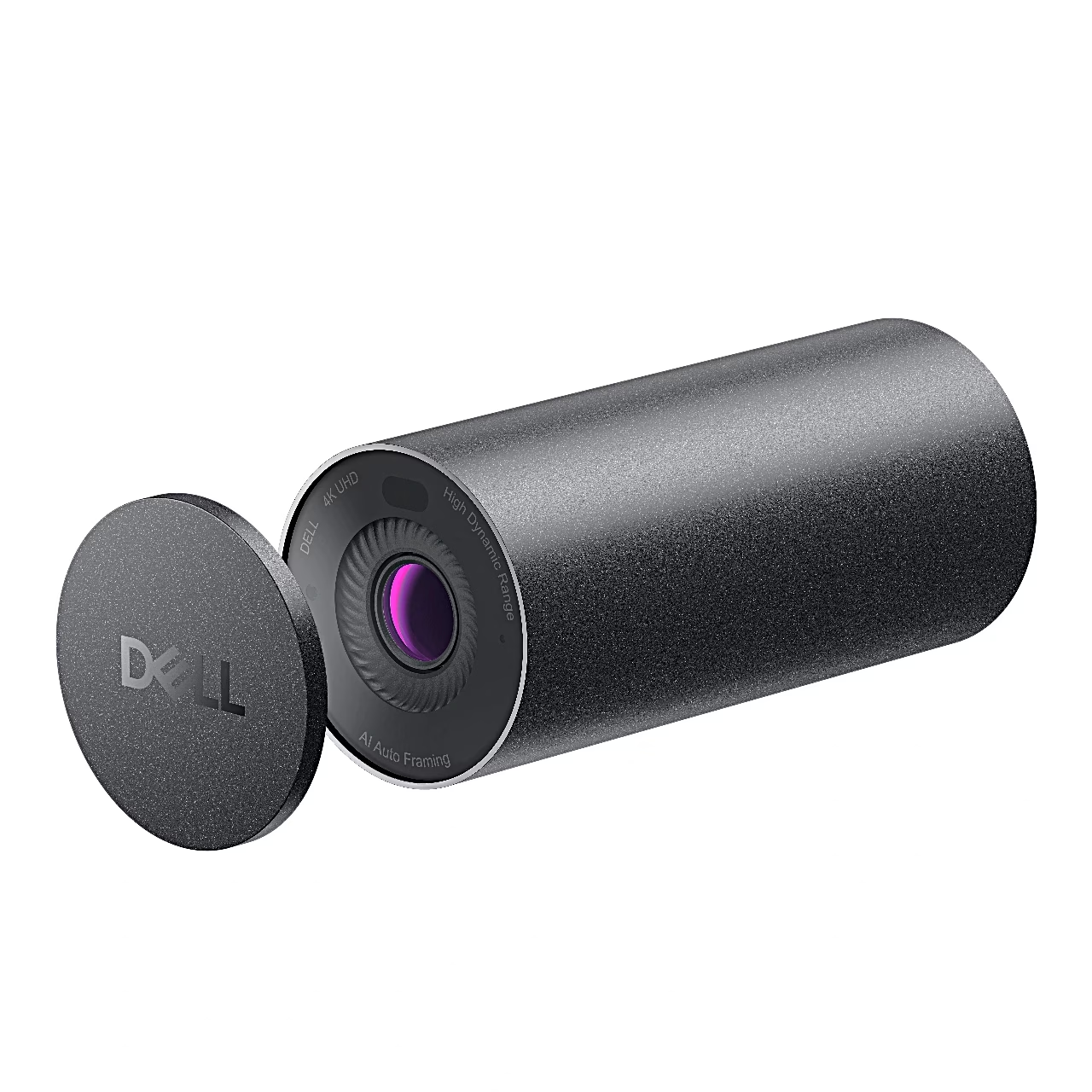
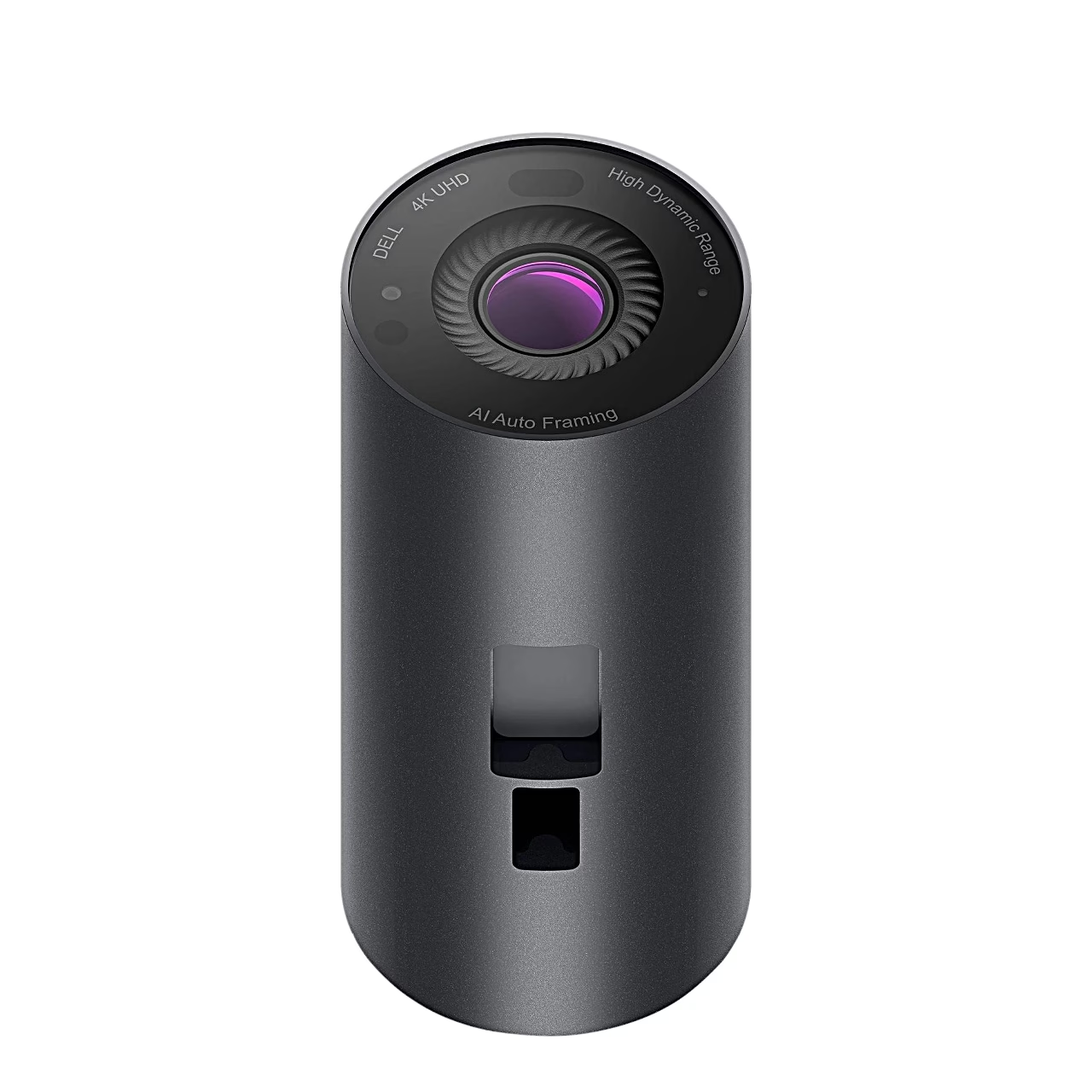
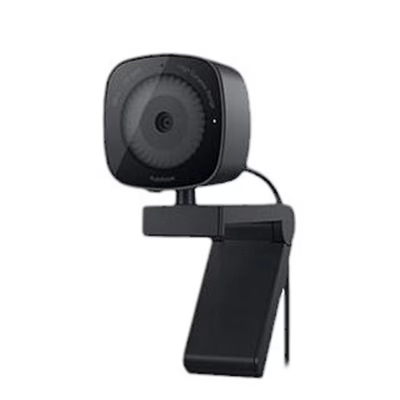
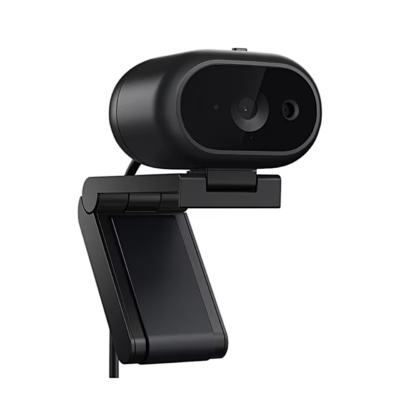
Dell UltraSharp WB7022 4K webcam with Sony STARVIS sensor The anodised aluminium camera is cylindrical, 42 mm in diameter and 90 mm long. The camera attaches to the edge of a monitor or to a tripod, and it has no built-in microphone.
Webcam field of view, zoom and automatic framing
The field of view can be set to 90°, 78° or 65°: the widest shows more of the background, the narrowest suits close-ups. In addition to autofocus, the camera offers up to five-times digital zoom. Automatic framing (AI Auto-Framing) keeps a user up to 2 m away centred in the frame when the camera runs at 24 or 30 frames per second.
Picture quality in low light and backlighting
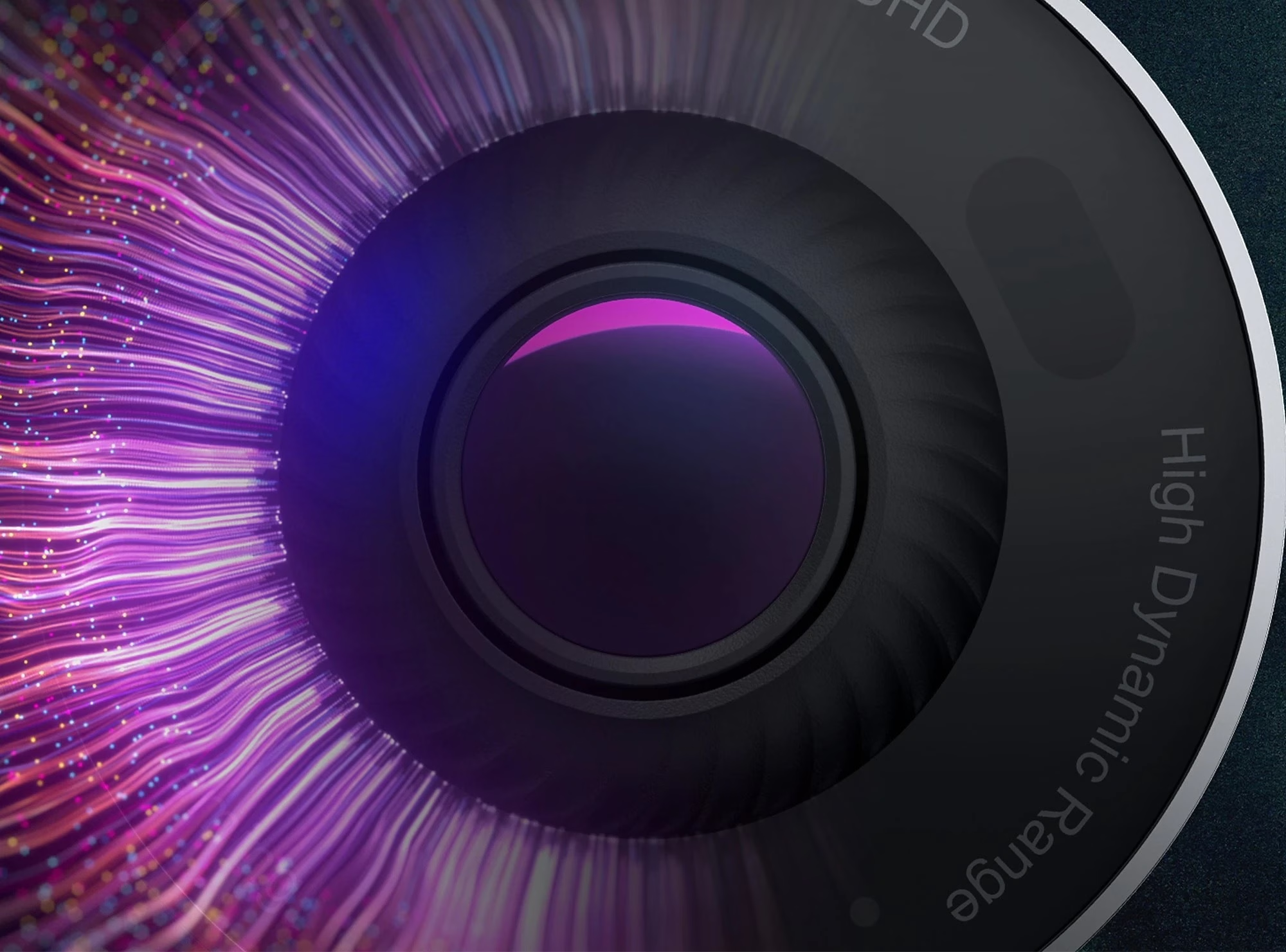
Digital Overlap HDR keeps colours correct in front of a bright window, and noise reduction (3DNR and 2DNR) removes graininess from images taken in low light. In the Dell Display and Peripheral Manager app you can adjust HDR, autofocus, zoom, framing, brightness, sharpness, contrast and saturation. To counter flicker caused by LED or fluorescent lighting, you can turn on the anti-flicker setting in the app and choose 50 or 60 Hz.
Windows Hello and presence detection
The infrared sensor recognises the user’s face and signs them in to the computer with Windows Hello face recognition. With a Dell computer, the proximity sensor locks the computer when the user leaves and wakes it in under 10 seconds when they return.
Installation
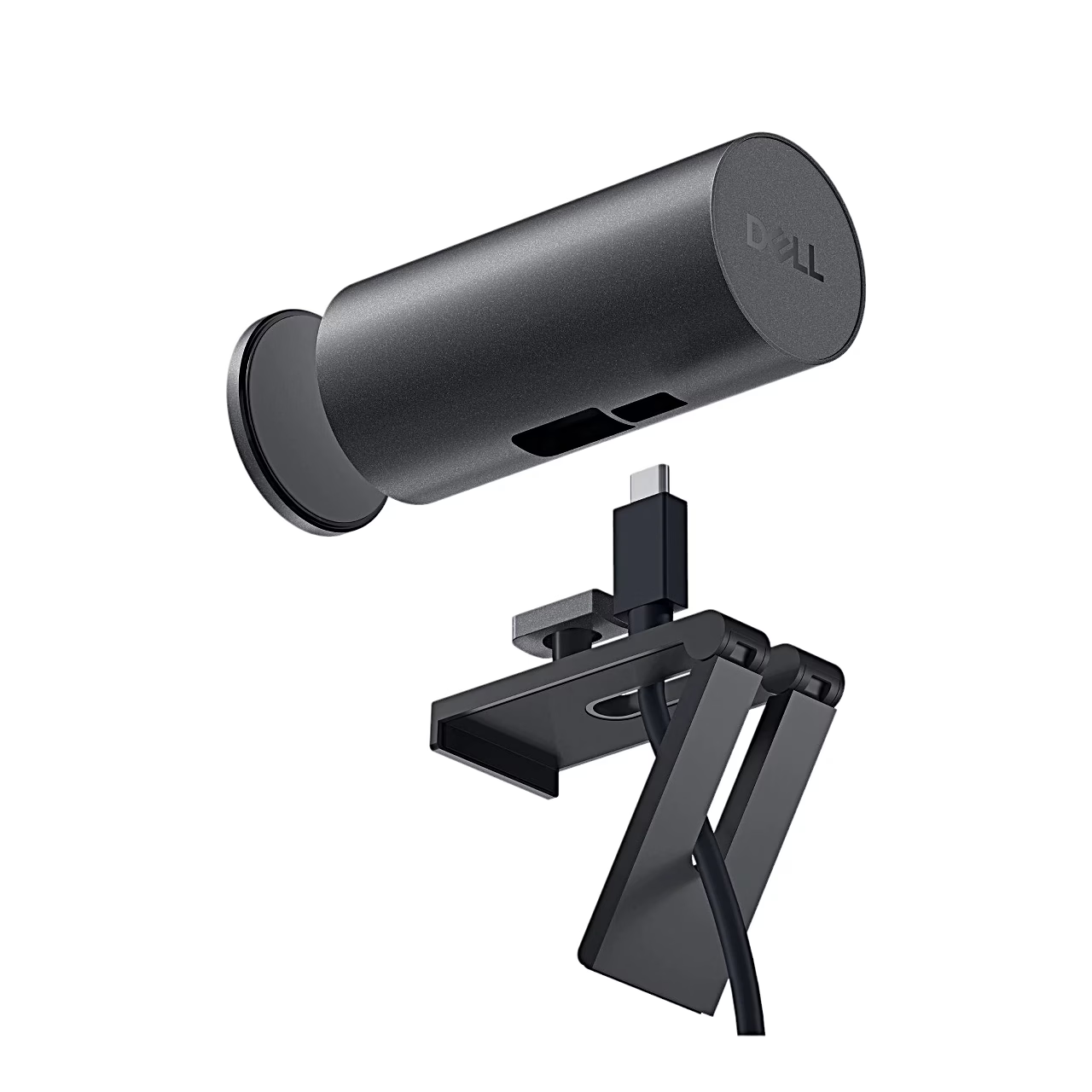
Connect the USB-C end of the cable to the camera port and push the head of the monitor mount into the camera socket. Open the mount base, place the camera on the edge of the monitor frame and press the base against the back cover of the monitor. To fit it to a tripod, screw the tripod adapter onto the tripod thread and push the adapter head into the camera socket. Then connect the USB-A end of the cable to a USB 3.0 port on the computer or monitor, and place the privacy cover on the back of the camera.
What’s in the box
- Dell UltraSharp WB7022 webcam
- Monitor mount
- Cable with USB-C and USB-A ends (USB 3.1 Gen 1, 2 m)
- Tripod adapter
- Magnetic privacy cover
- Quick start guide and documentation


















































Reviews
There are no reviews yet.