

Description
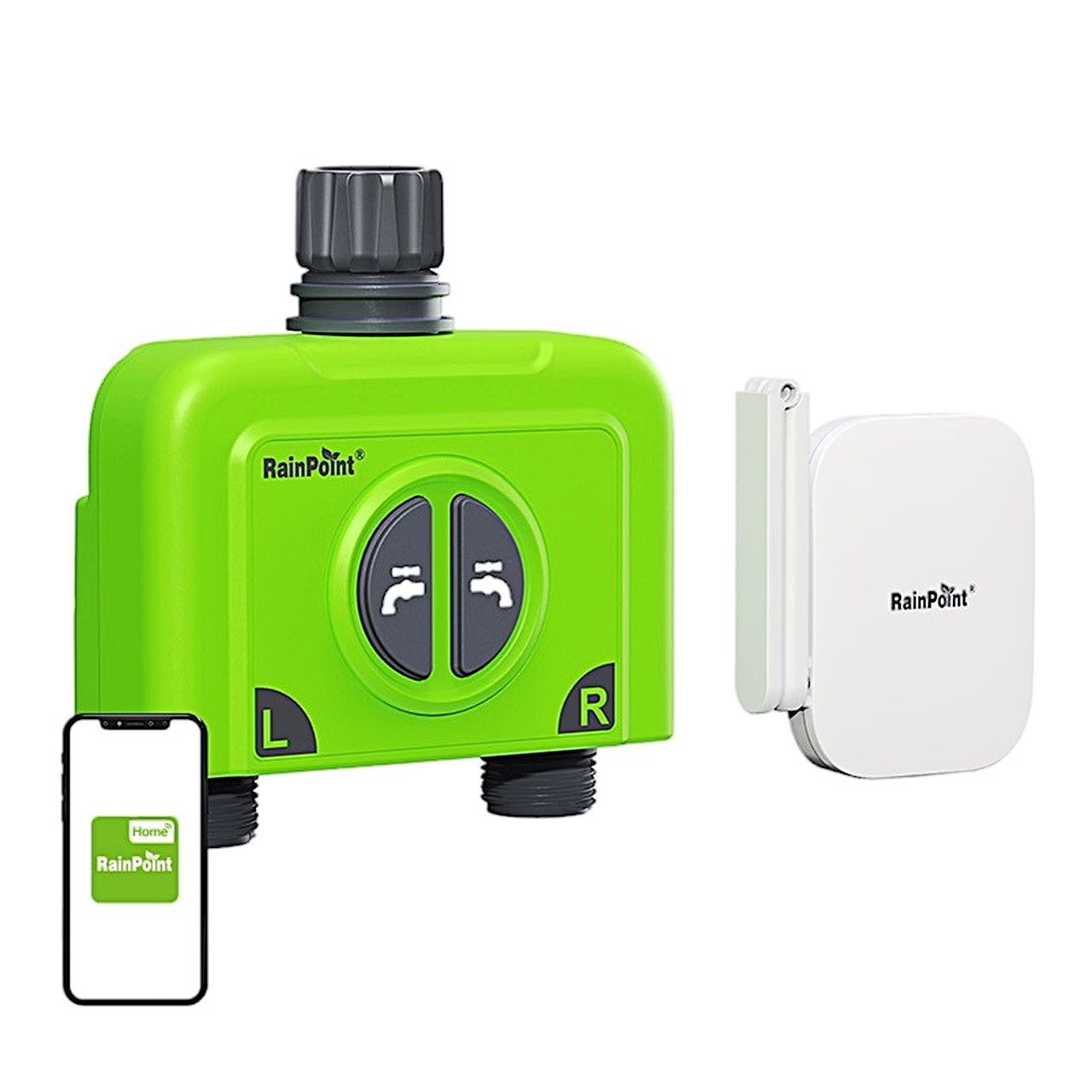
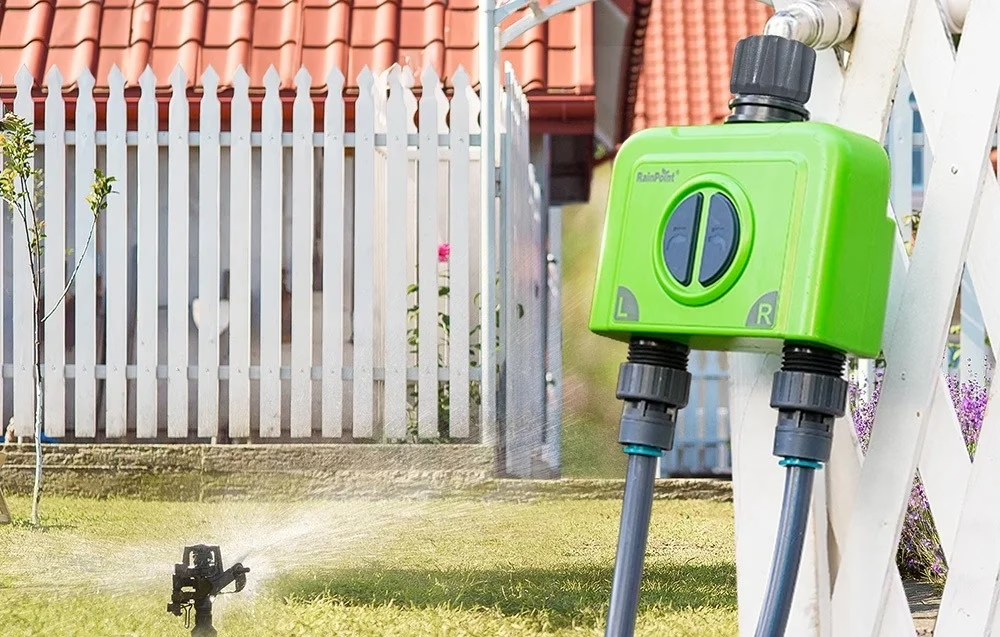
Wi-Fi hose timer for watering two garden areas separately
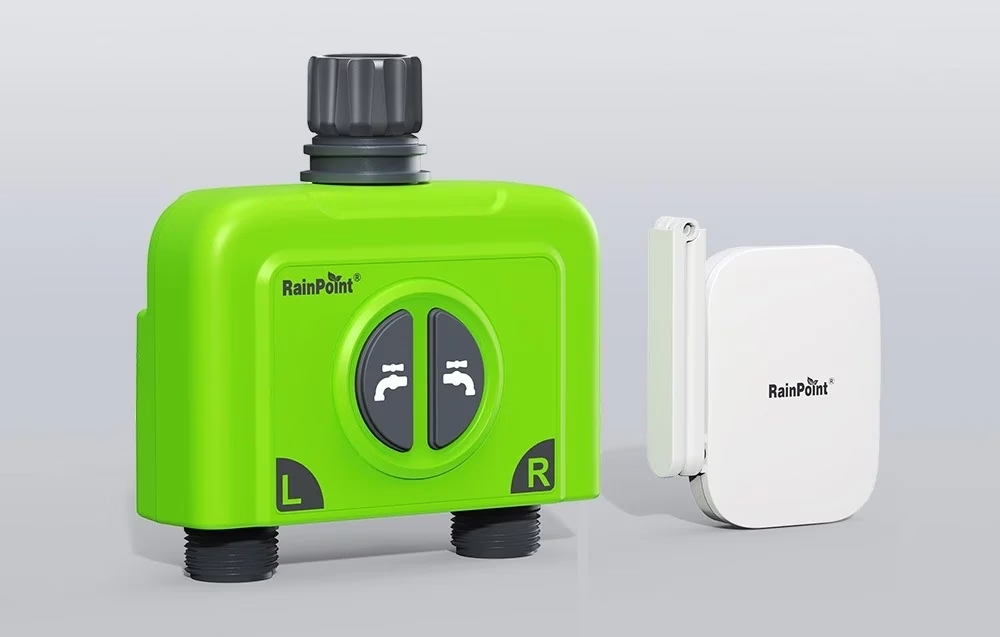
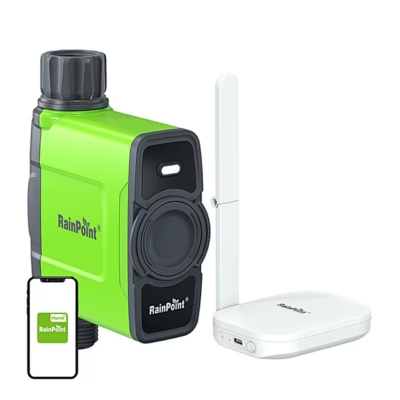
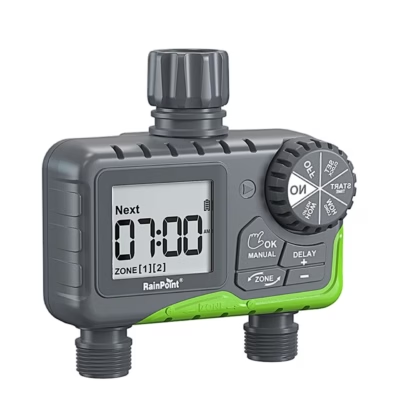
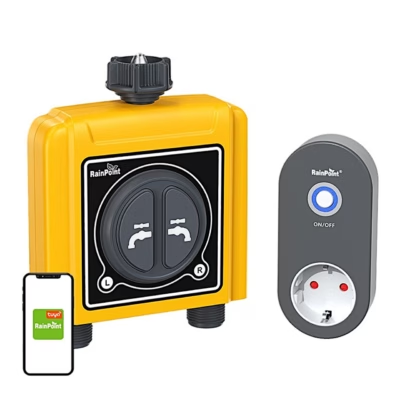
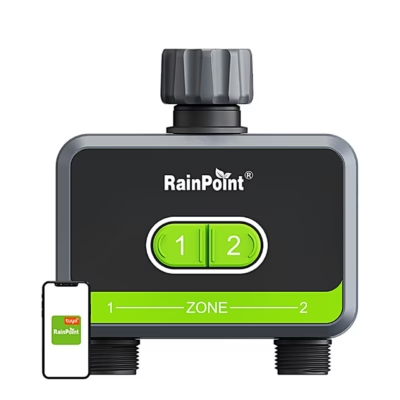
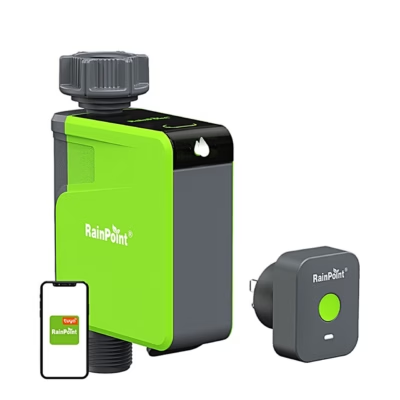
The smart Wi-Fi hose timer RainPoint HTV245FRF fits on a garden tap and waters two zones with separate valves. The included HWG023WBRF Wi-Fi gateway connects the timer to your home 2.4 GHz Wi-Fi network and the RainPoint Home app.
Six plans per zone and three watering modes
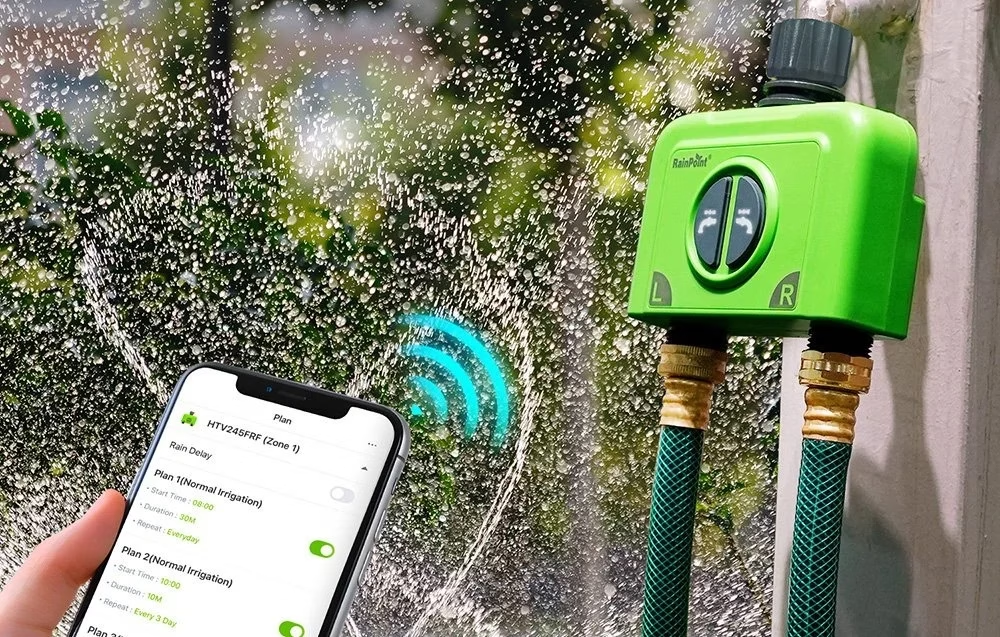
For each zone you can set up to six watering plans in three modes: normal irrigation, interval irrigation, and cycle and soak. Watering frequency can be every day, odd or even dates, a set interval of days or a custom calendar. A zone can be started manually from the app for 1 minute to 12 hours or with the zone button on the timer. Seasonal adjustment changes the watering time within 10–200%.
Rain delay, flow meter and alerts
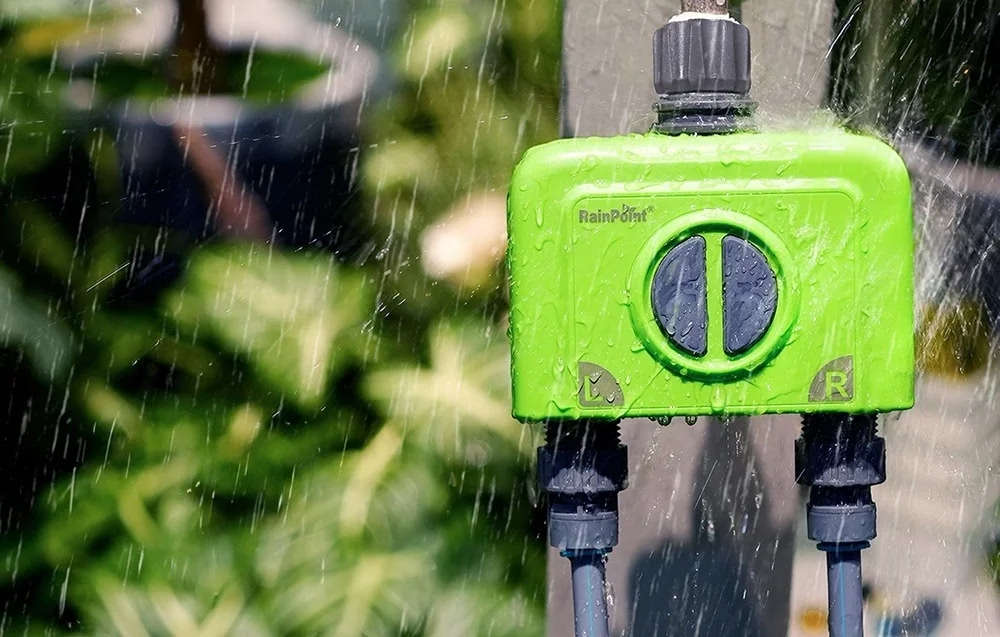
When it rains, rain delay pauses watering for 24, 48 or 72 hours; a smart scene can also link the plans to the local weather forecast. The built-in flow meter records the water used in each watering, with a tolerance of ±5%, and the reading can be corrected in the app by −20 to +20%. The app alerts you to low batteries, water shortage and valve leaks. Each valve can be paired with one RainPoint Wi-Fi soil moisture sensor, you can share management with family members and control the timer with Google Assistant or Amazon Alexa.
Gateway and radio range
The gateway connects to the router from up to 220 m and is powered by a USB-C mains adapter. It talks to the timer over 433 MHz radio at up to 250 m in line of sight; walls and bushes shorten that distance. The same gateway can pair with up to four RainPoint Wi-Fi hose timers.
Fitting and pairing
Attach the inlet to the garden tap hand-tight and connect a garden hose or drip irrigation system to the outlets; the best position for the signal is on a tap 1.2–2.4 m above the ground. To pair, choose “Add Device” and HTV245FRF on the gateway page in the app, insert four AA batteries in the timer and hold the button until the red light flashes rapidly. Before the first watering, test both valves by pressing the zone buttons with the tap slightly open.
Care
Clean debris from the inlet filter regularly so that the plans run without interruption. Before freezing weather, remove the timer from the tap and keep it indoors; take out the batteries for longer storage.
In the box
- Wi-Fi hose timer RainPoint HTV245FRF, 1 pc
- Wi-Fi gateway RainPoint HWG023WBRF, 1 pc
- USB-C cable, 1 pc
- User manual








































Reviews
There are no reviews yet.