
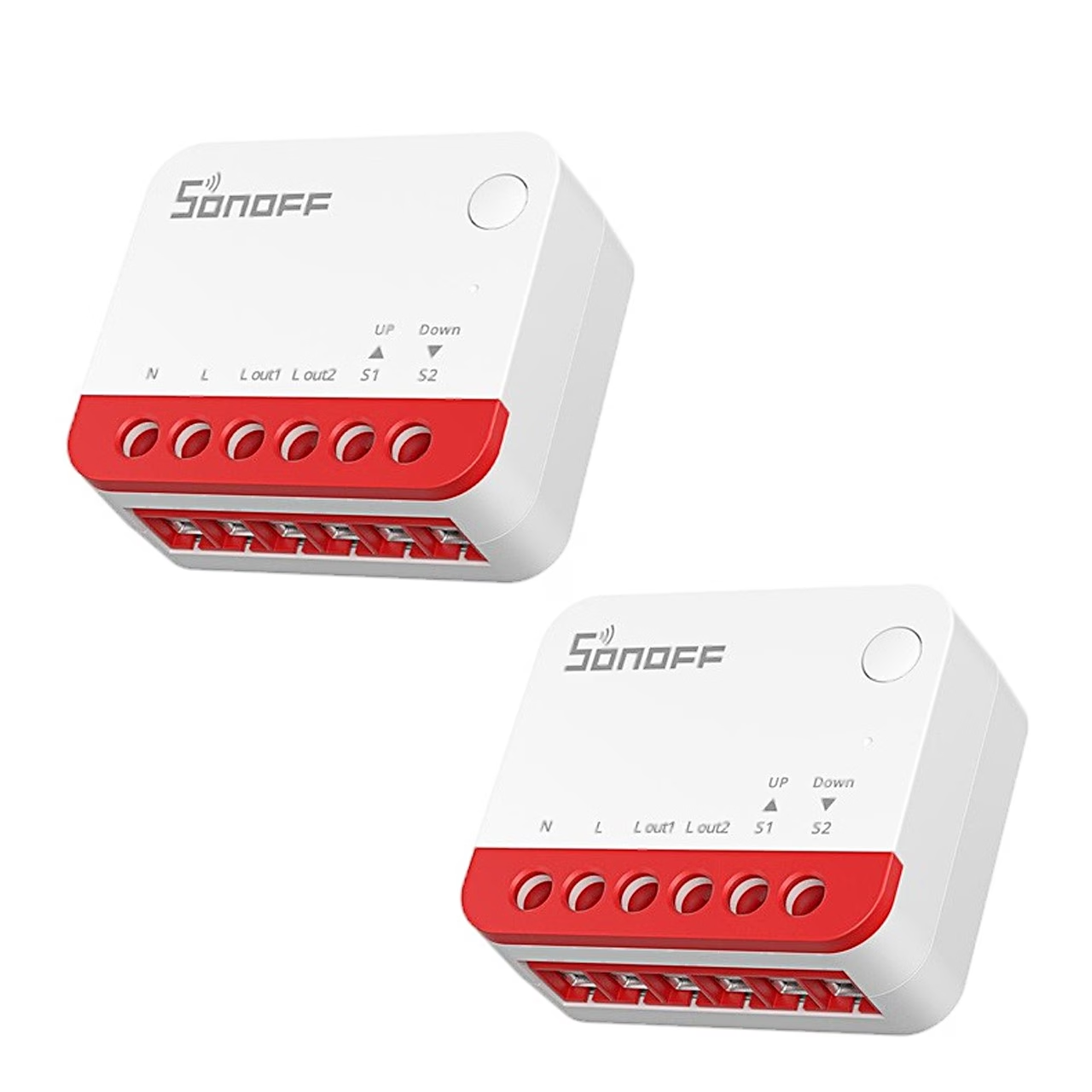

Description
A blind controller for the wall box for controlling a blind motor through Zigbee
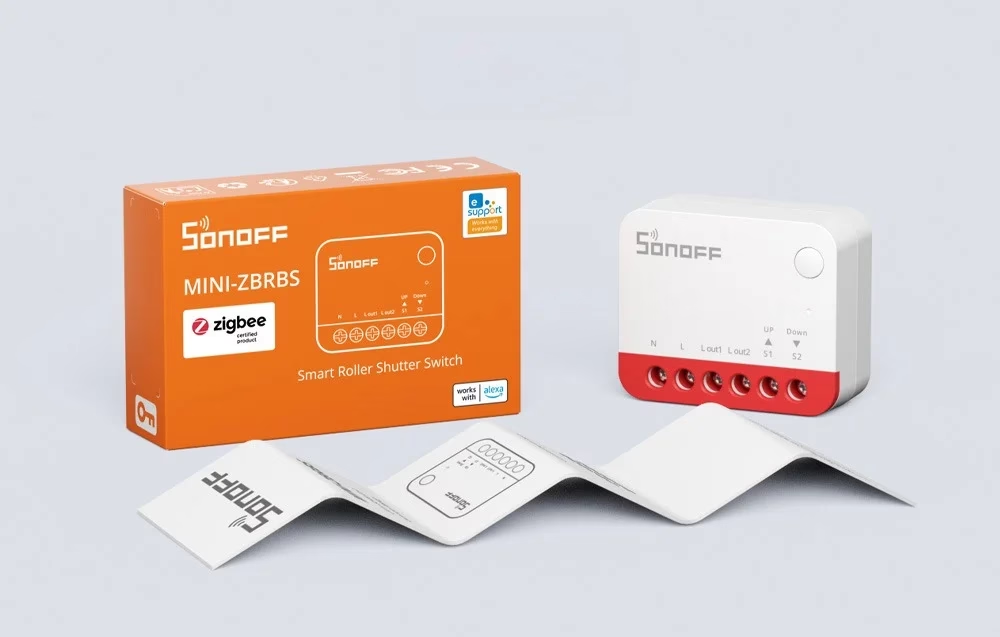
The Sonoff MINI-ZBRBS is a blind controller of the MINI Extreme series, which turns a 100 to 240 V alternating current blind motor into a blind controlled through the smart home.
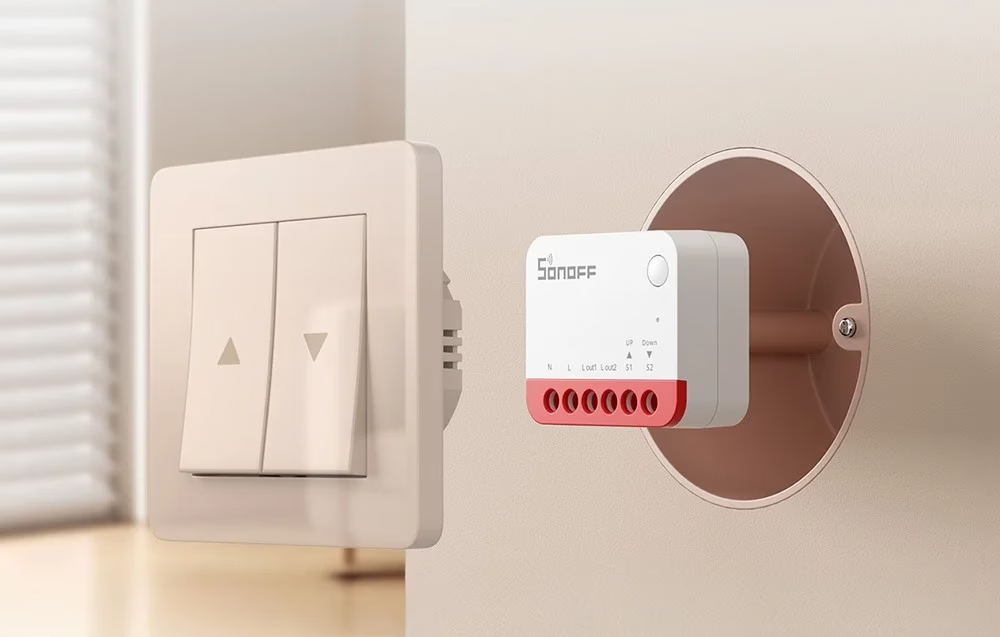
Position by percentage, schedules and calibration
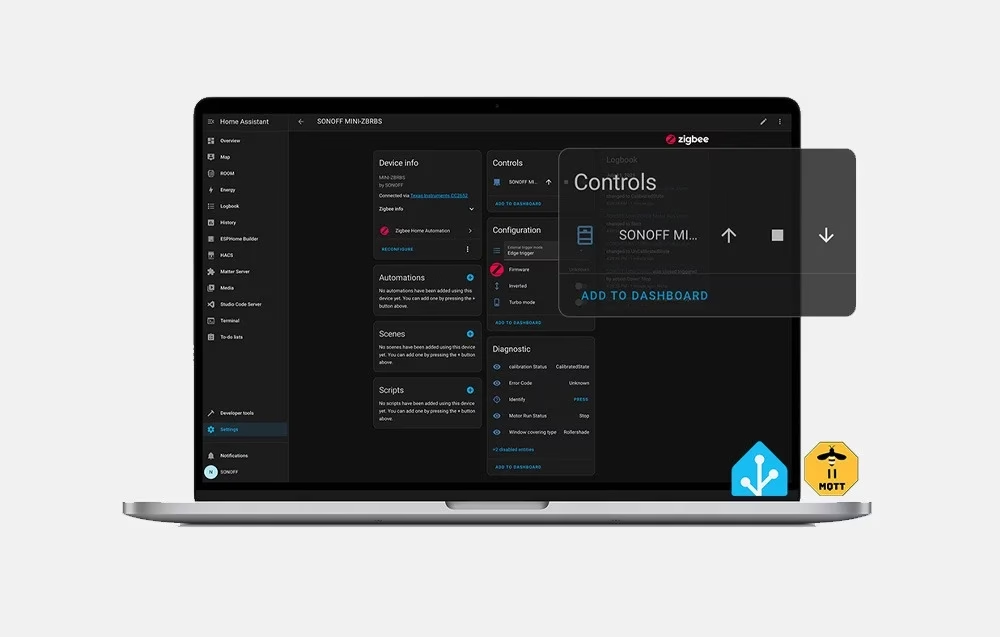
In the app you can open, stop and close the blind and set the exact position by percentage, once the end positions have been set beforehand. In addition, the eWeLink app has schedules, timers, preset positions, smart scenes and reversing the direction of rotation of the motor. During calibration the module learns the full travel of the motor from one end position to the other, and calibration is started by a 10-second press of the button.
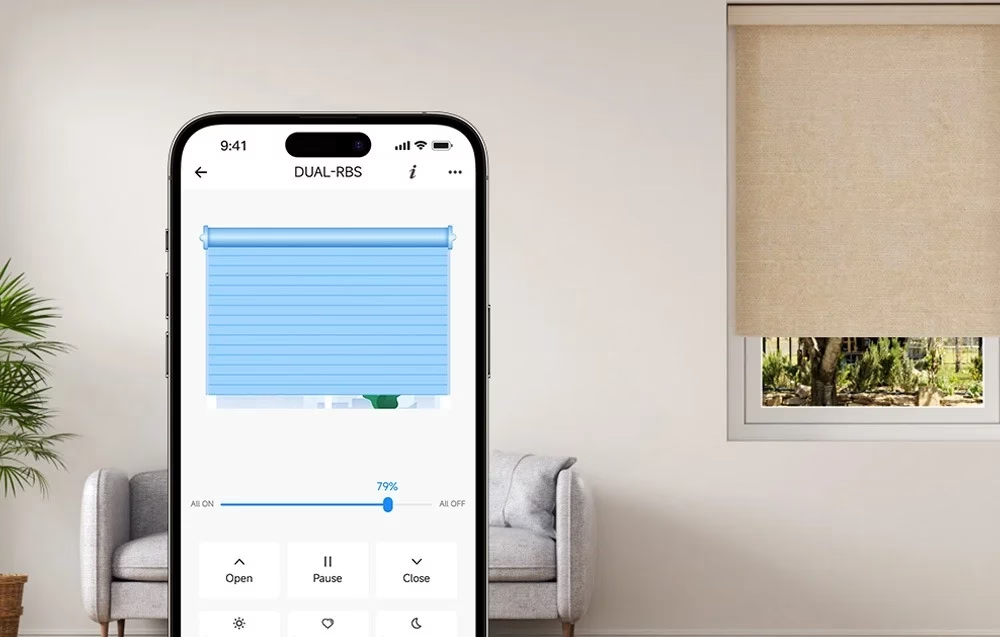

Zigbee hub, Home Assistant and local scenes
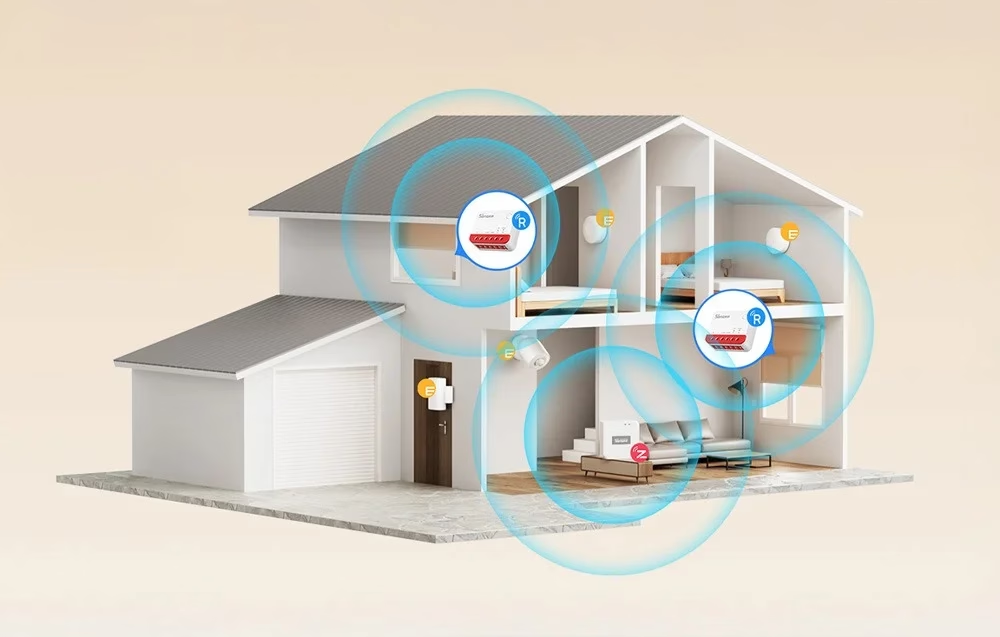
For control the controller needs a Zigbee hub: with eWeLink the ZBBridge-P suits, with Home Assistant through ZHA or Zigbee2MQTT the ZBBridge-U, NSPanel Pro, iHost, ZBDongle-P and ZBDongle-E. Configured Zigbee scenes work in the home network even without an internet connection. The module is also a Zigbee router, which passes on the signal of other Zigbee devices in the mesh network.
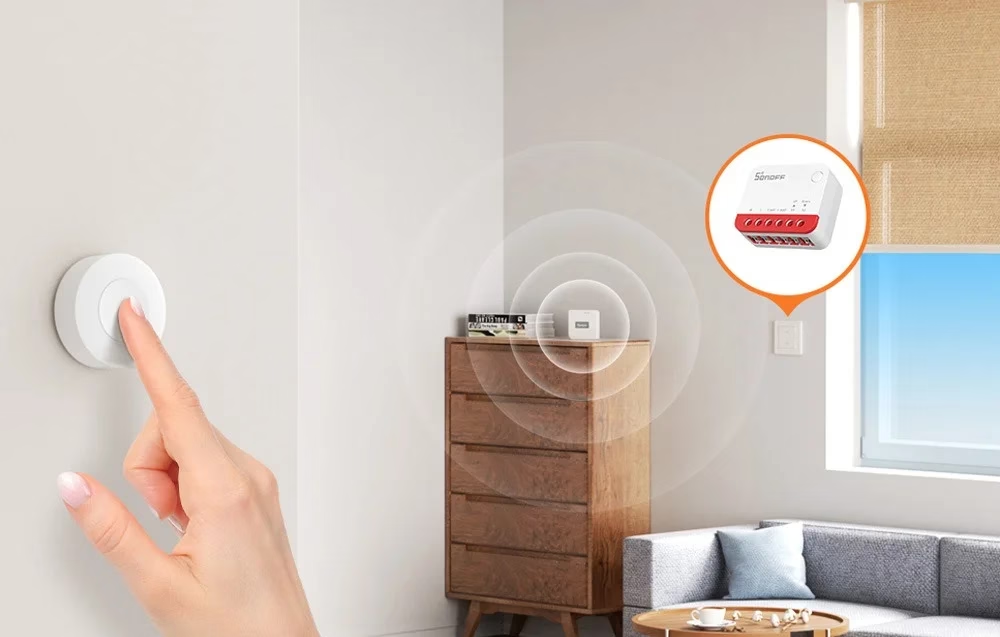
Installation and suitable motors
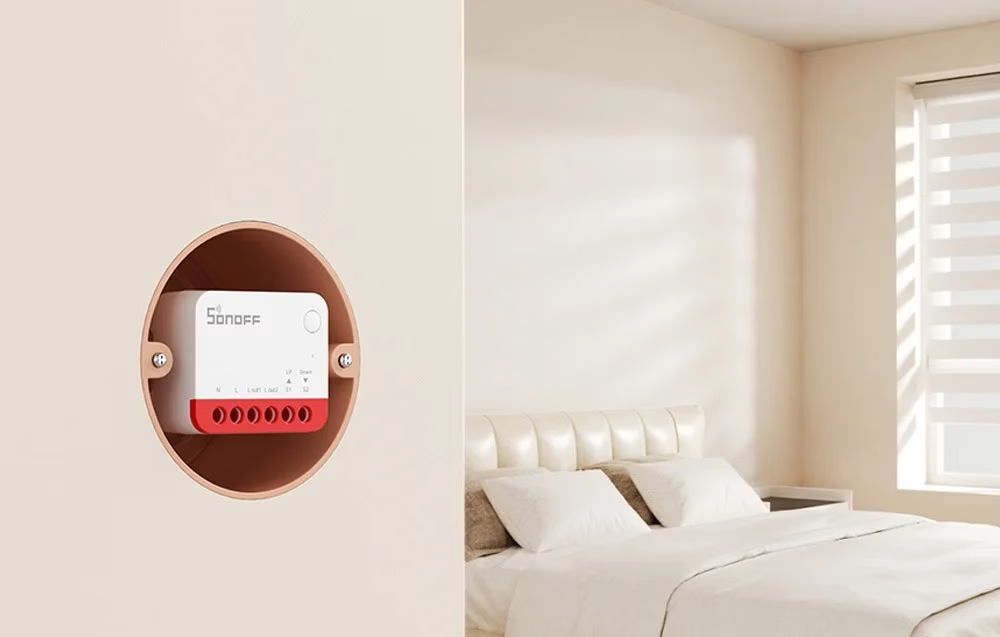
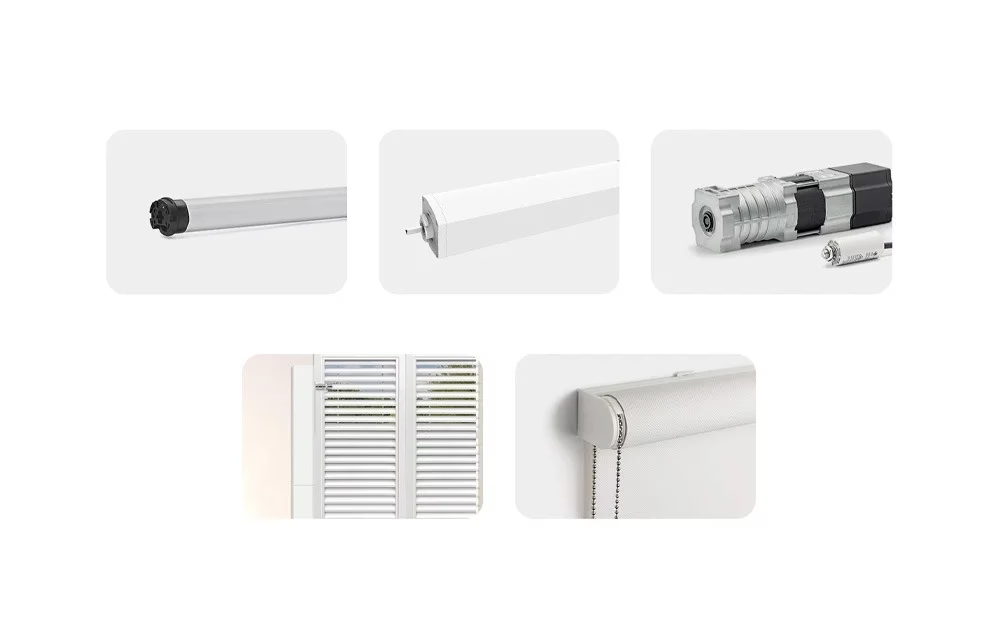
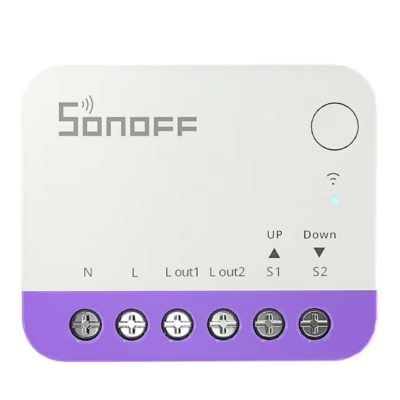
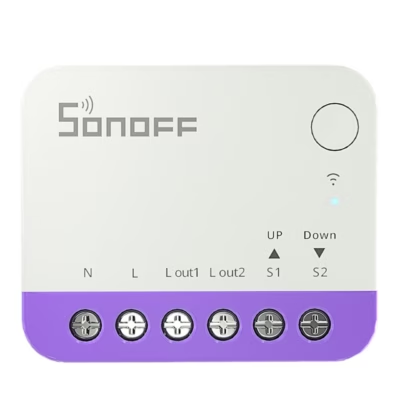
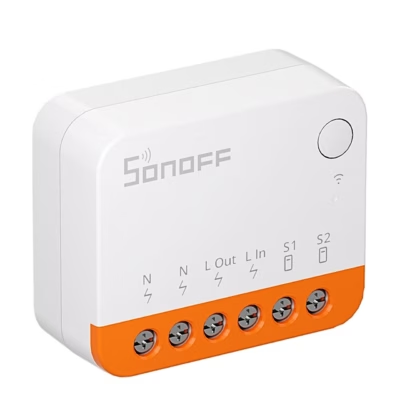
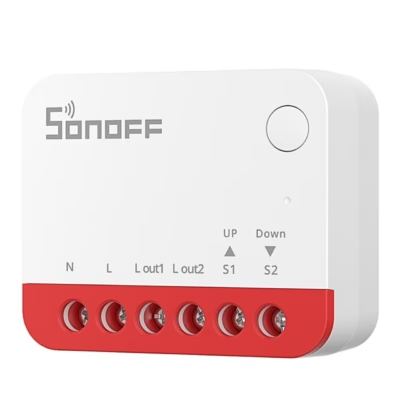
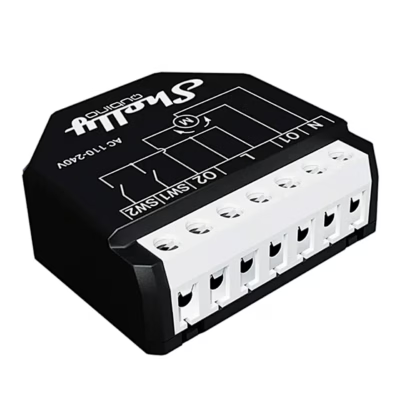
The module with dimensions of 39.5 × 33 × 16.8 mm fits a 60 mm wall box, the manufacturer recommends a box with a depth of at least 60 mm. A 4- or 5-wire alternating current motor suits, for example a tubular motor, whose current consumption is under 1 A and which has built-in limit switches in both directions. The terminals are N for the neutral wire, L for the live wire, L out1 and L out2 for the two directions of the motor and S1 and S2 for the wall switch.
Wall switch and pairing
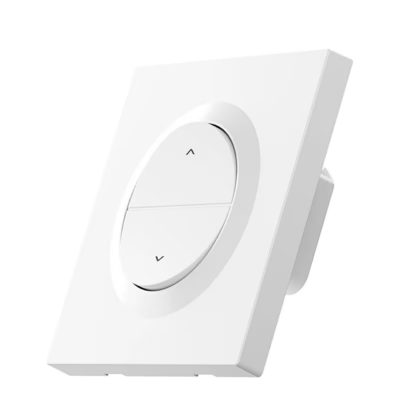
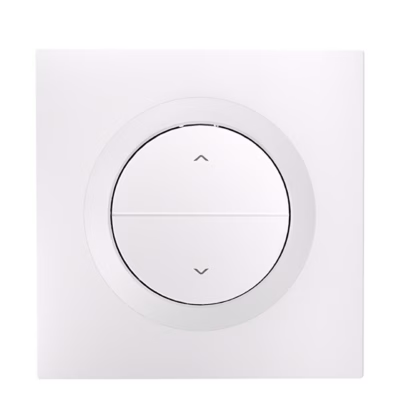
The existing blind switch remains in use for manual control: impulse buttons and switches with two buttons and three positions suit, and the switch type is chosen by pressing the button on the module three times. Pairing mode is started by a 5-second press of the button.
In the set
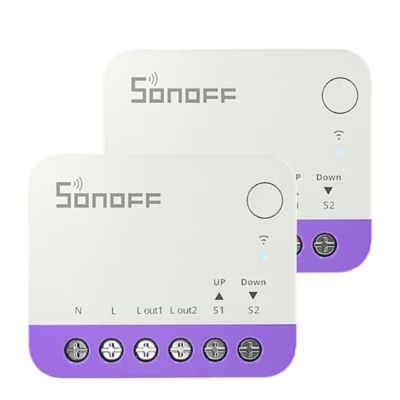
- Blind controller Sonoff MINI-ZBRBS, 2 pcs
- User manual








































Reviews
There are no reviews yet.