
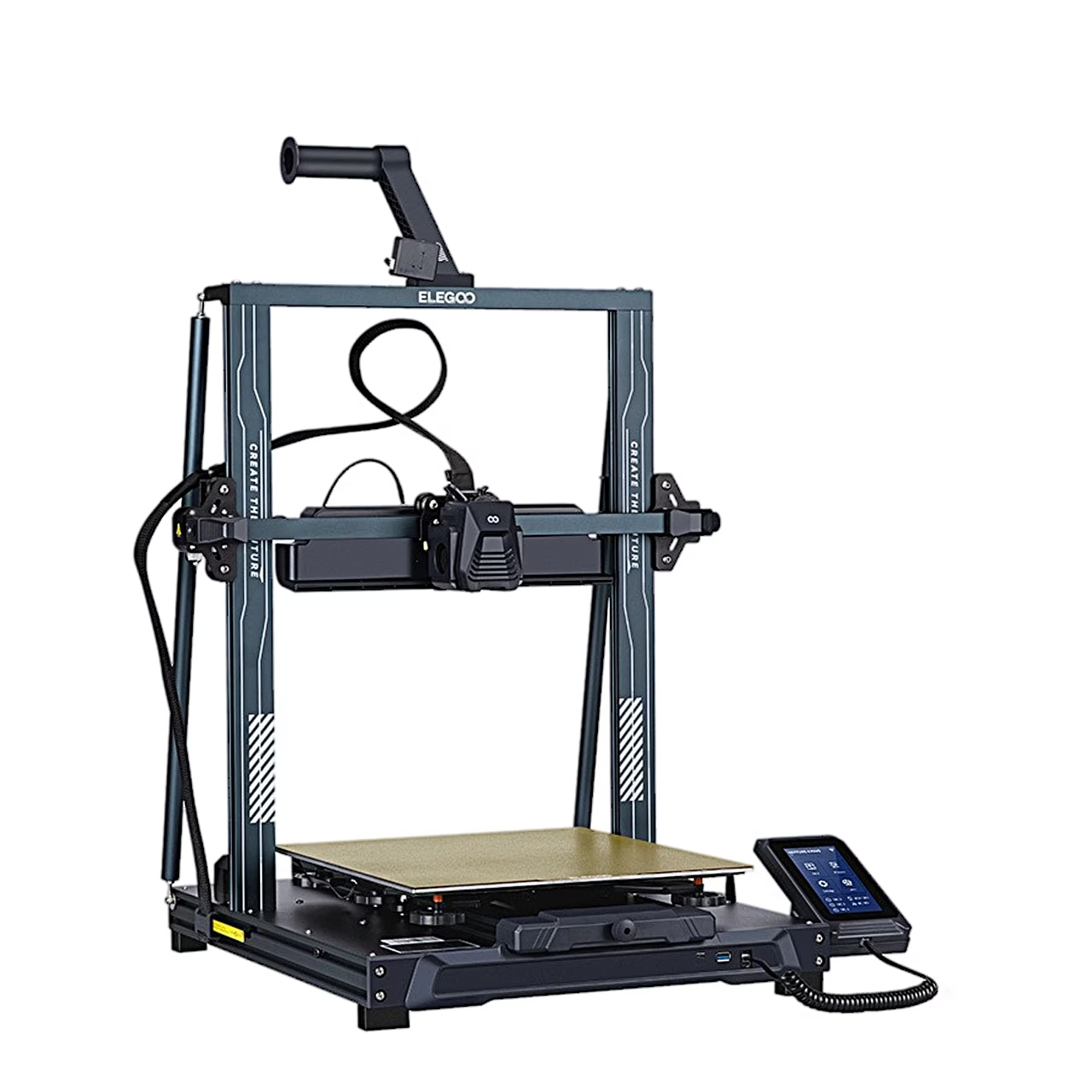

Description
3D printer with a large build volume and automatic levelling
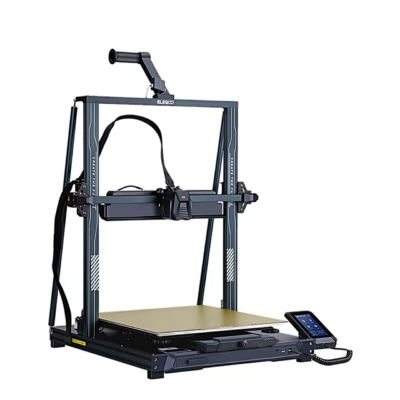
The ELEGOO Neptune 4 Plus 3D printer prints filament with FDM technology and the build volume is 320 × 320 × 385 mm. The nozzle heats up to 300 °C and the heated bed up to 100 °C.
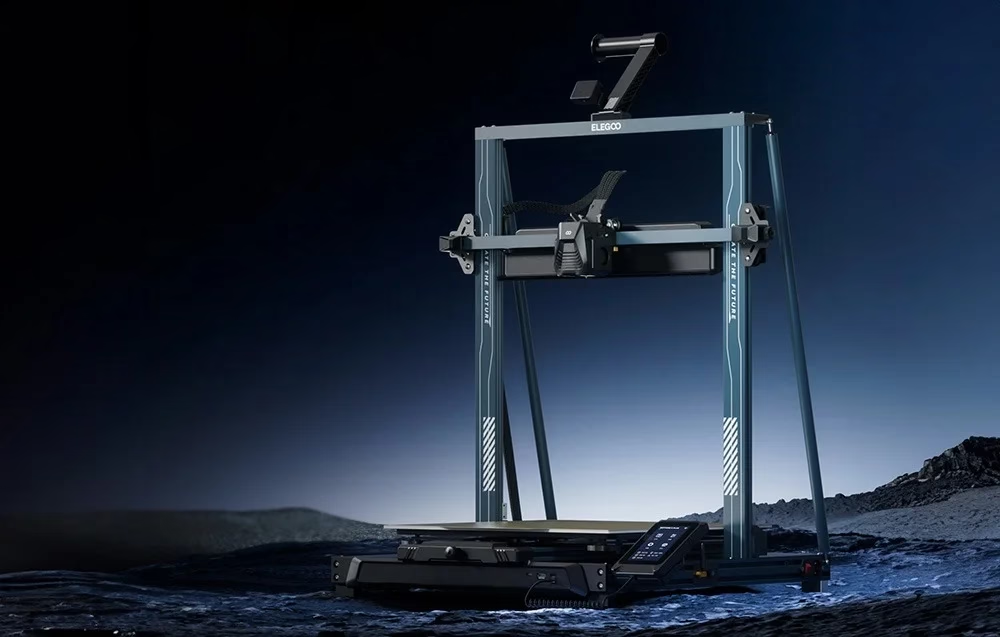
Fast printing and selectable print modes
Print speed is 30–500 mm/s, normal speed 250 mm/s and maximum acceleration 12,000 mm/s². During printing you can pick one of three print modes from the speed icon, each with its own speed, acceleration and fan speed. The rear cooling fan can be set to 60%, 80% or 100%. Vibration optimisation measures X and Y axis resonance and the maker recommends running it after first use, after moving the printer or after replacing parts. Print precision is ±0.1 mm and the nozzle diameter 0.4 mm.
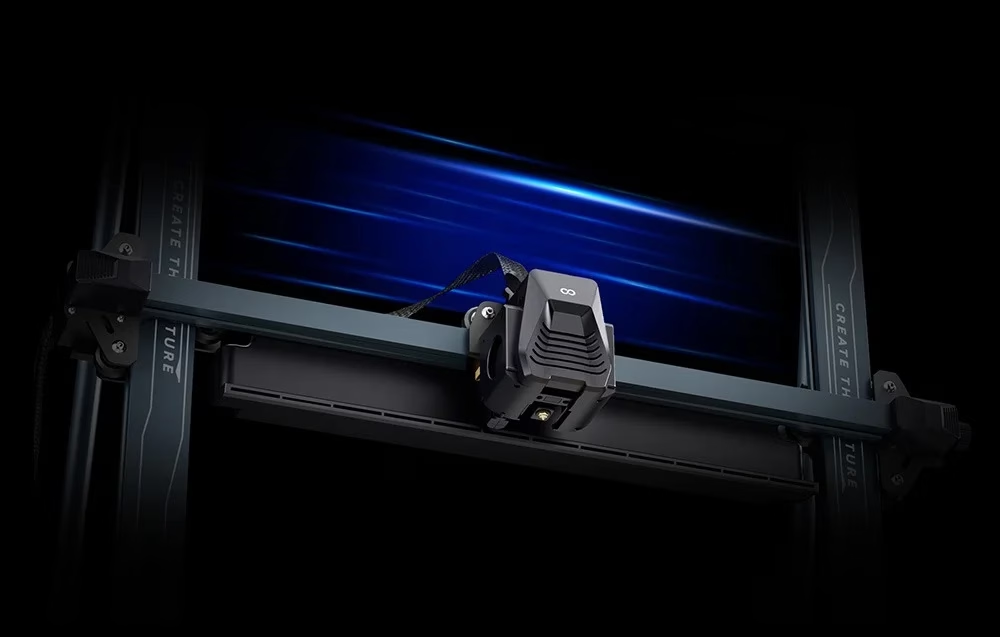
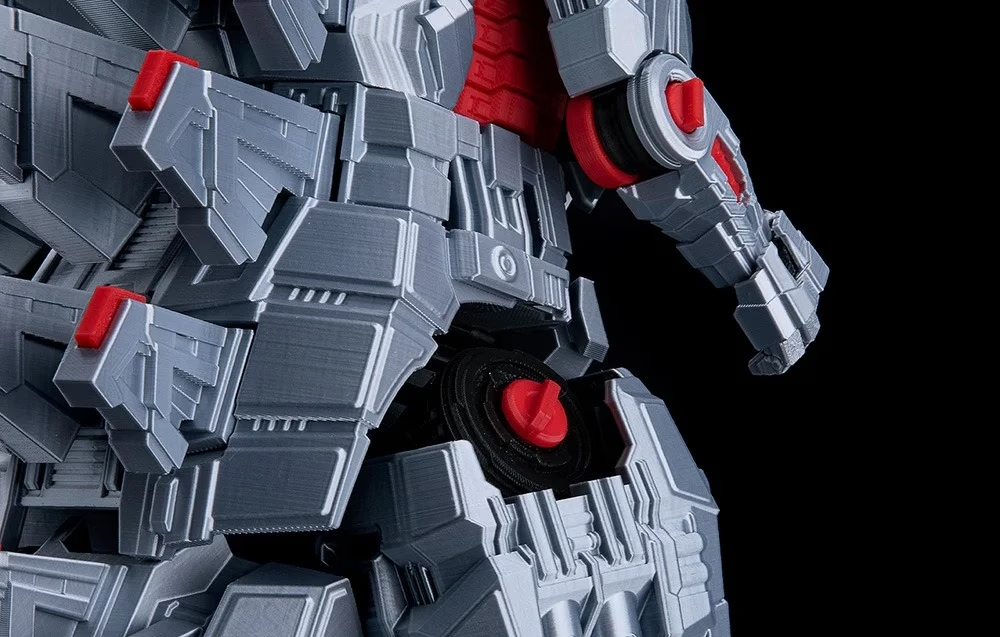
Automatic levelling and resume after power loss
On first start you set the nozzle gap with a sheet of A4 paper, then the printer levels the bed automatically at 36 points, or at 121 points if you choose. The levelling sensor detects the metal build plate, so the magnetic PEI plate stays on the bed during levelling. The filament sensor prompts you to change filament before printing continues. After a power cut you continue printing with Resume on the screen, and the function works without any setup.
Slicer, files and network connection
The included USB stick holds ELEGOO Cura, a version of the Cura slicer that the maker recommends for this printer. The software opens STL and OBJ models and saves the print job as a G-code file. You can move files by USB stick or send them over the local network or Wi-Fi. The control panel of a networked printer opens in a computer browser at the IP address shown on the screen, where you can watch temperatures, control fans and axes and add G-code files to the job list.
Assembly and first use
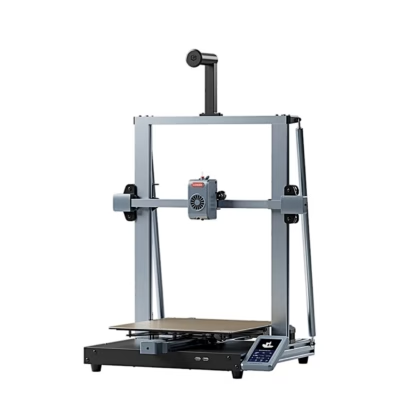
The printer ships in parts: the gantry is fixed to the base with four screws, then the screen, spool holder, filament sensor, support struts and rear fan are fitted and the cables connected. An assembly video is on the included USB stick. Before first start, set the power supply switch to 230 V or 115 V to match your mains. To print, insert the USB stick, choose Print in the menu and pick the model file.
Cleaning and care
Remove filament residue from the nozzle with a tool after printing, using the nozzle’s residual heat. Wipe the frame of the switched-off printer with a dry cloth to remove dust and stuck print material. If the bed or print head wobbles after transport, adjust the roller hex nuts with the flat spanner.
In the box
- 3D printer ELEGOO Neptune 4 Plus, 1 pc
- base with print bed and gantry frame
- print head
- screen with bracket and spiral cable
- spool holder and holder arm
- filament sensor
- rear cooling fan
- Wi-Fi antenna
- 2 support struts
- power cable
- mounting screws
- USB stick
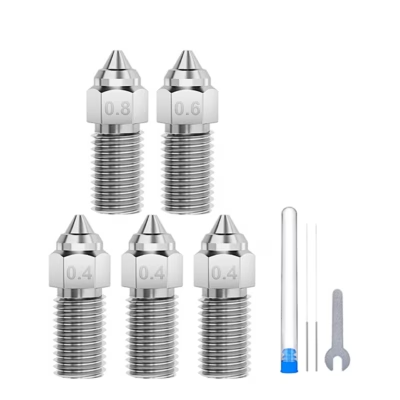
- spare nozzle
- hex keys 1.5, 2.0, 2.5, 3.0 and 4.0 mm
- flat spanner and screwdrivers
- cable ties








































Reviews
There are no reviews yet.