

Description
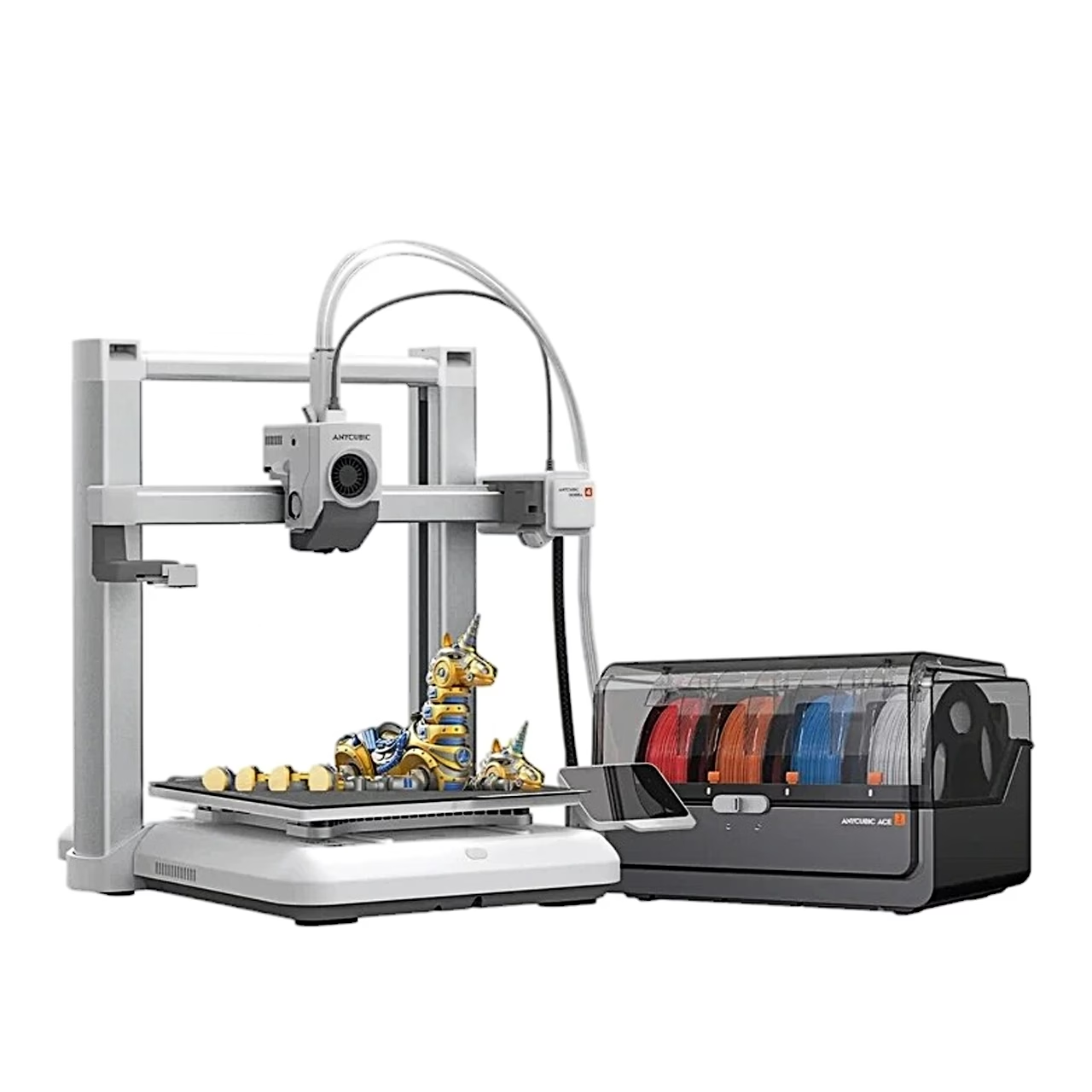
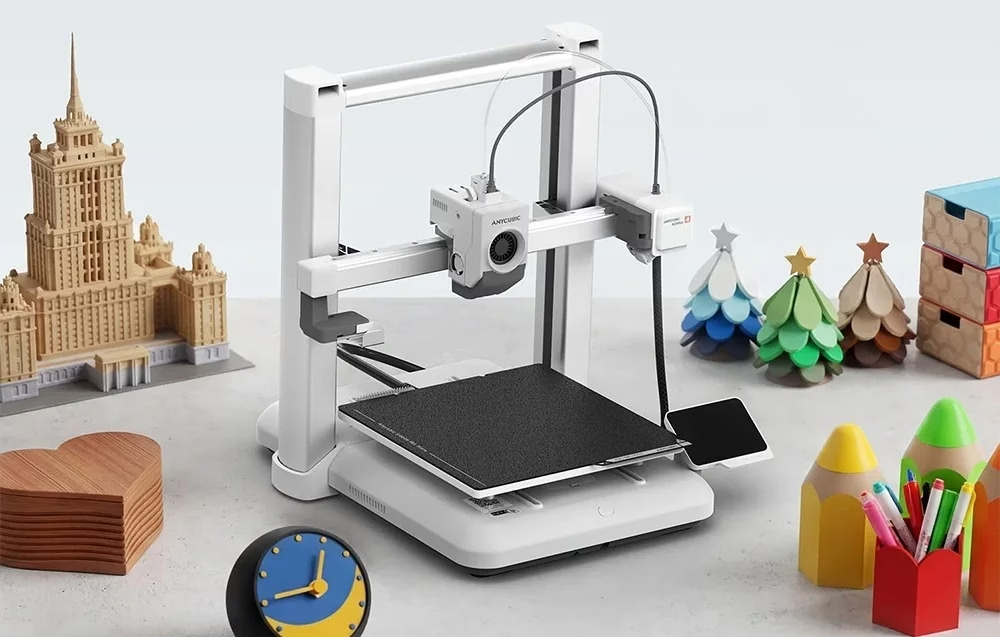
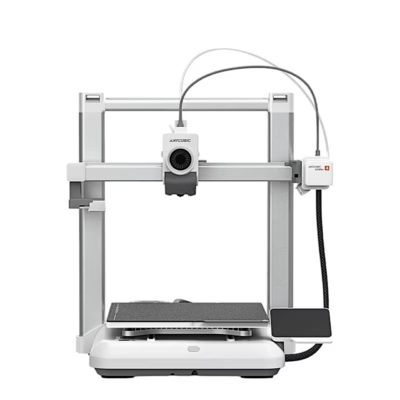
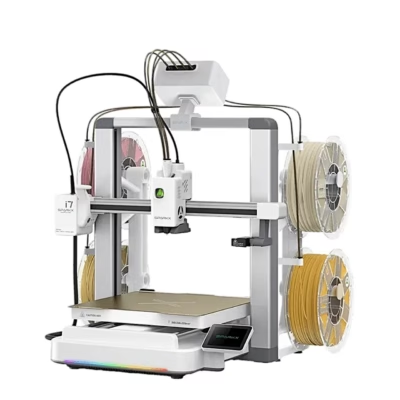
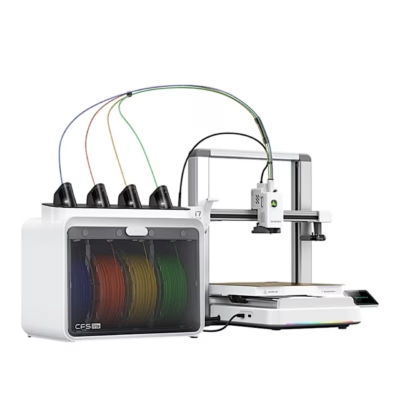
3D printer for four-colour printing with the ACE 2 Pro filament changer
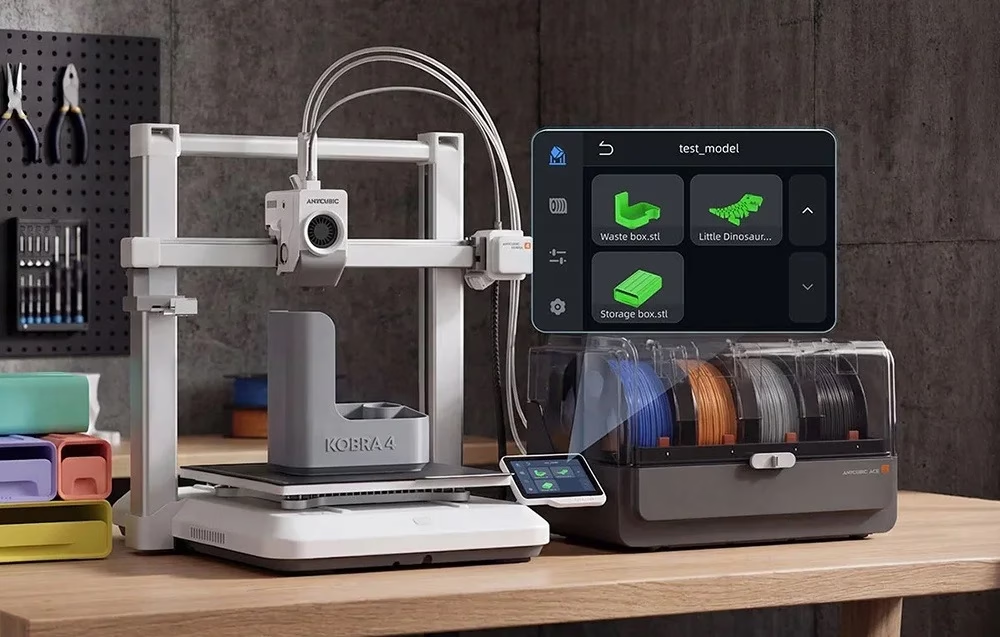
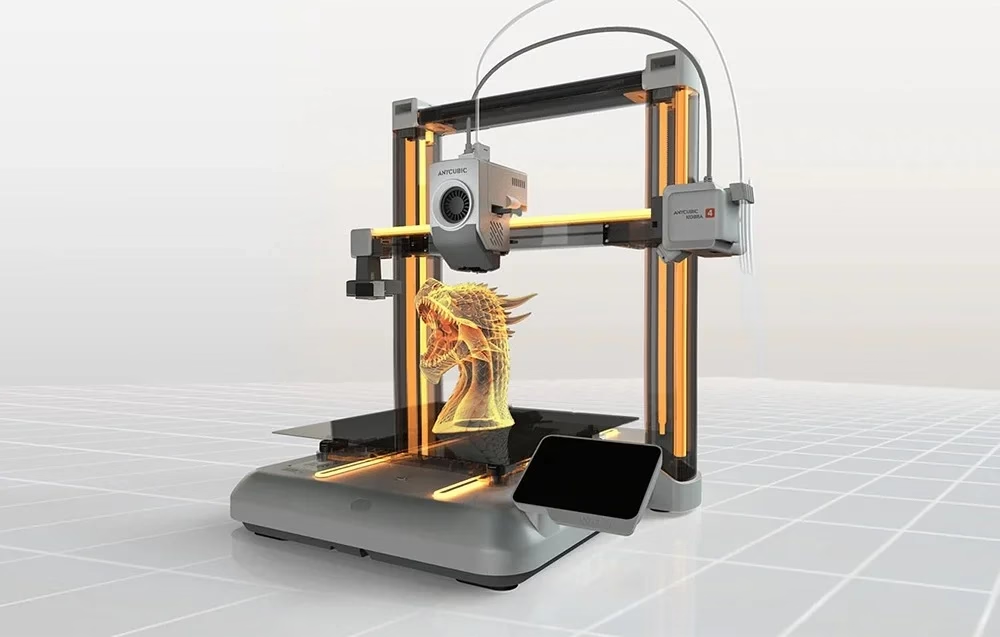
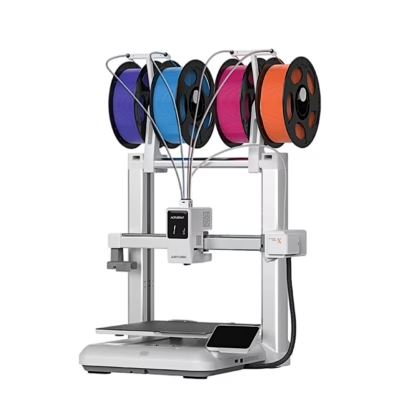
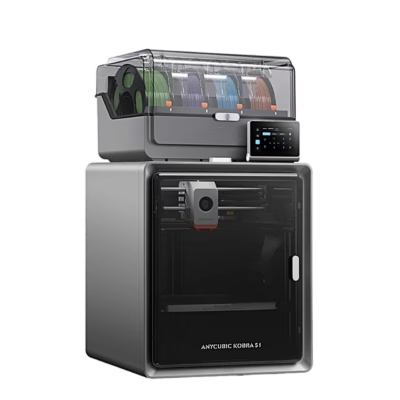
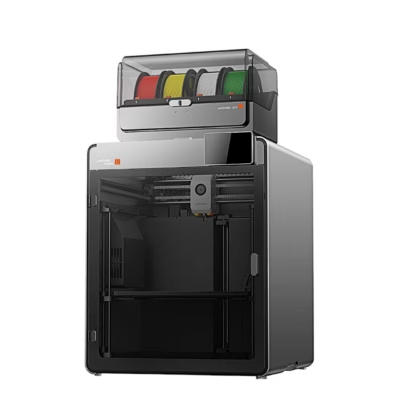
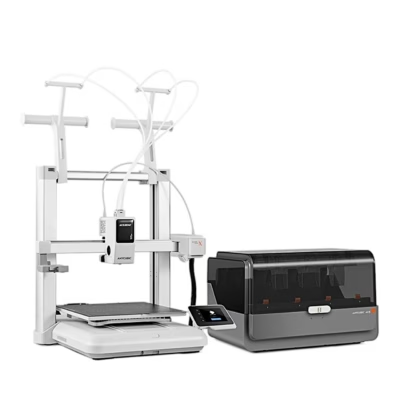
The Anycubic Kobra 4 Combo 3D printer prints with filament using FDM technology, in which the nozzle melts a plastic strand and lays down the part layer by layer, and its build volume is 260 × 260 × 260 mm. With the included ACE 2 Pro filament changer you print in four colours without changing filament by hand. A second ACE 2 Pro unit raises the number of colours to eight.

Automatic levelling and flow calibration
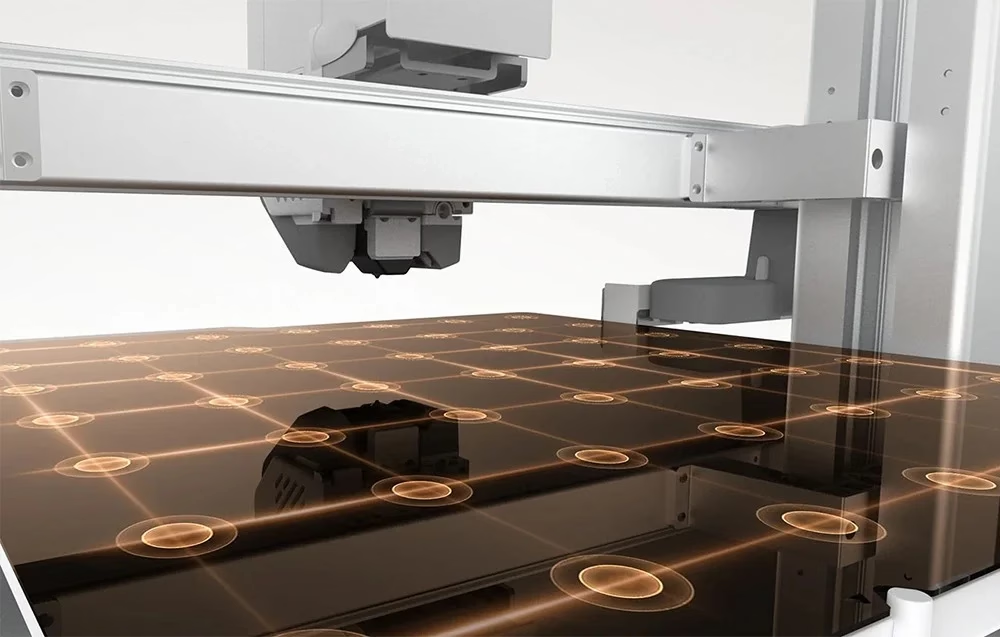
LeviQ 3.0 automatic levelling measures the build plate at 49 points with repeatability below 0.02 mm and corrects X, Y and Z axis deviations itself. Dynamic flow calibration matches the filament feed to the print speed in real time. A built-in accelerometer finds resonance frequencies and compensates for vibration even at high speed.
Fast printing and quiet operation
The recommended print speed is 300 mm/s, the maximum 600 mm/s and acceleration up to 20,000 mm/s². According to the manufacturer, the Benchy test model takes about 14 minutes. The noise level is up to 48 dB in standard mode and up to 45 dB in quiet mode.
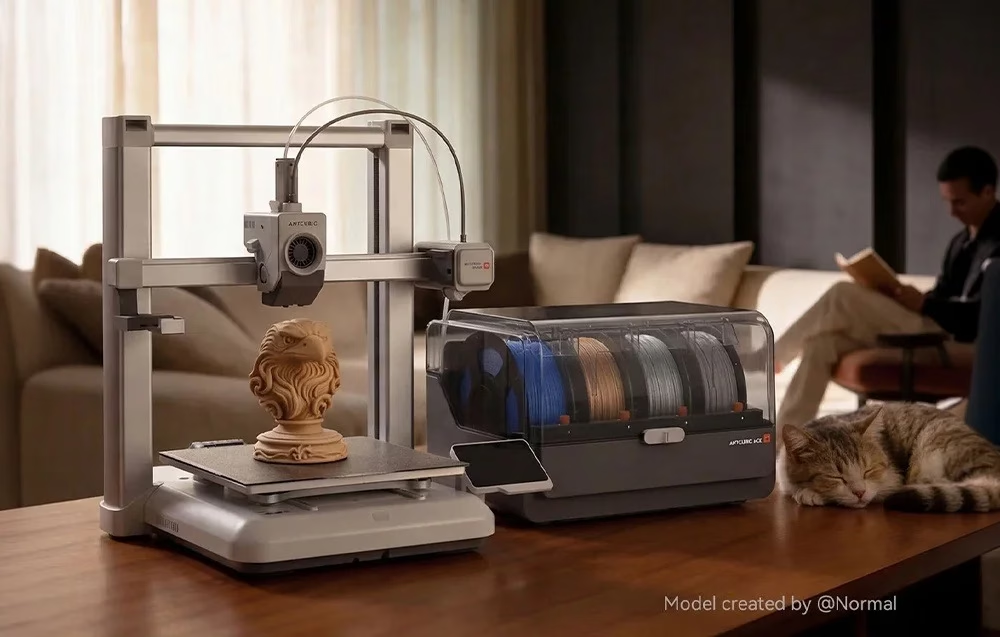
The ACE 2 Pro filament changer dries and recognises filament
The four brushless motors of the ACE 2 Pro feed and retract the filament. The unit dries filament while printing at up to 65 °C; a temperature and humidity sensor monitors the chamber and a solenoid valve releases moist air. When a spool runs out the unit switches to the next spool automatically, the screen shows the estimated remaining filament, and the unit recognises the colour and type of Anycubic RFID filament itself. It takes 1 kg spools with an outer diameter of 195–200 mm and a width of 60–68 mm.
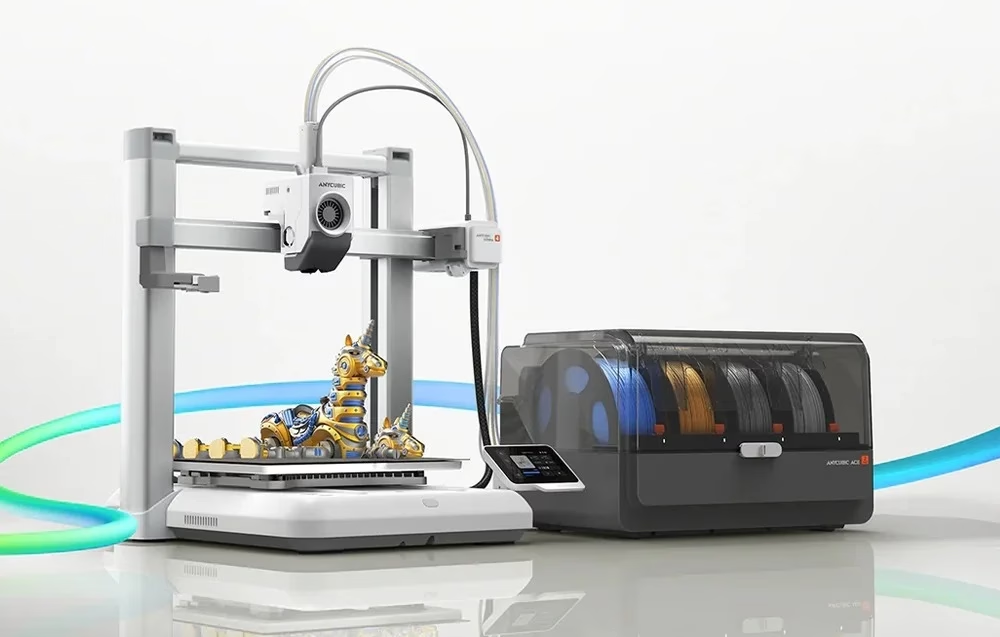
Interchangeable nozzle and camera monitoring
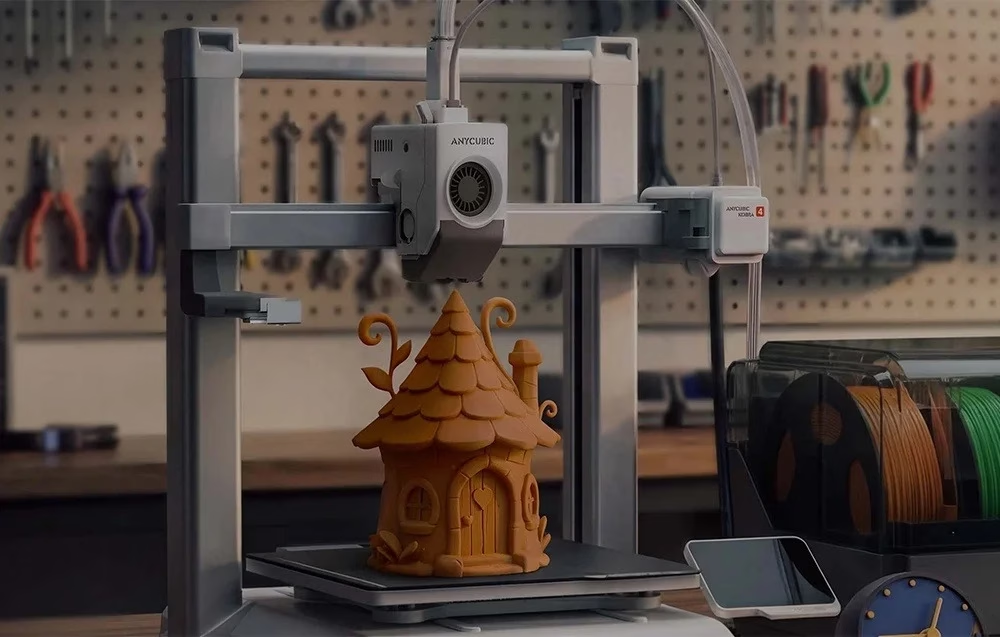
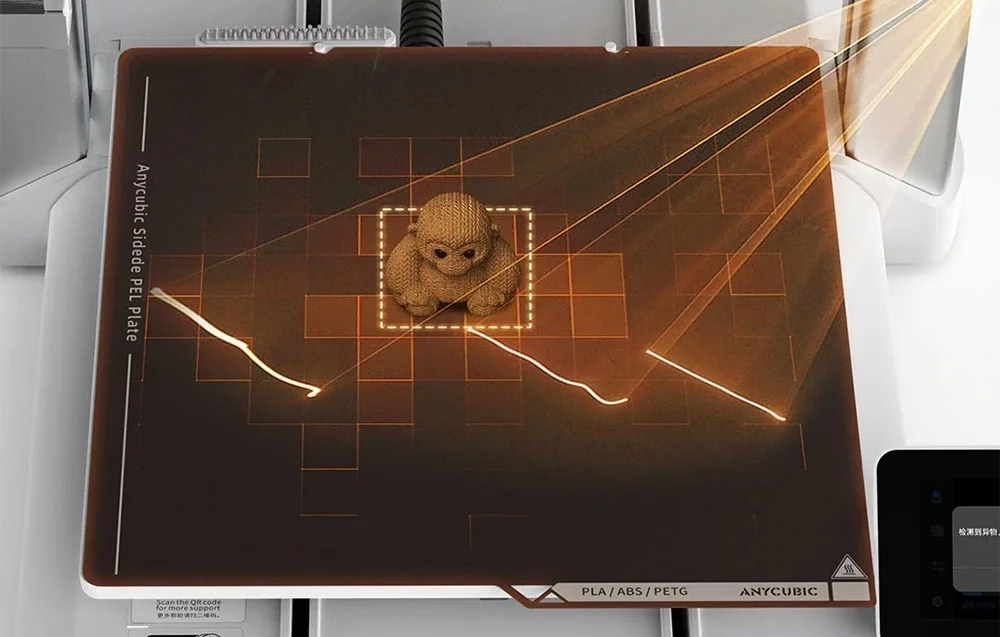
The factory-fitted 0.4 mm nozzle is hardened steel, and 0.25, 0.6 and 0.8 mm nozzles also fit: the smaller for fine detail, the larger for printing bigger parts faster. The nozzle heats up to 300 °C and the heated bed up to 100 °C. The 720p camera and AI monitoring detect foreign objects and tangled filament during printing, alert you and record a time-lapse video on request.
Control through the app and slicer software
You control the printer from the 3.5-inch touchscreen, the Anycubic APP or the Anycubic Slicer Next software. Files travel over dual-band Wi-Fi (2.4 and 5 GHz) or LAN, and you choose between cloud mode and the local network. The software has ready material profiles, PrusaSlicer and Cura also work as slicers, and model files are in STL or OBJ format.
Installation
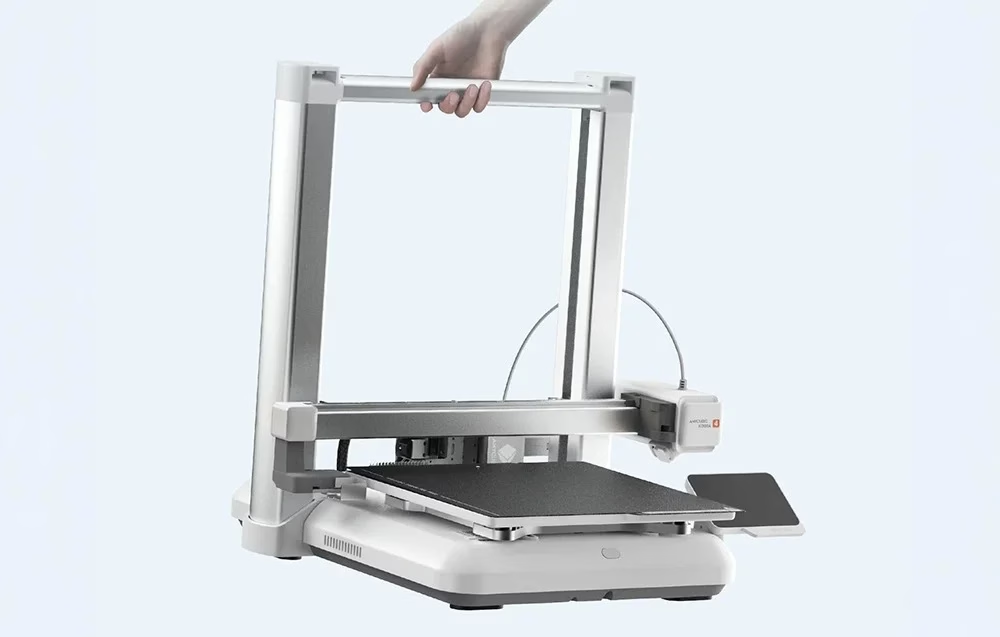
Before connecting power, release the six Z-axis fixing screws with the H2.0 hex key and the heated bed transport locks with the H2.5 key, replacing them with the decorative covers. The print head fixes to the X axis with four M3 × 6 screws. The ACE 2 Pro sits on the right side of the printer, connects with the signal cable, and four Teflon tubes lead the filament to the inlets above the print head. At first start the printer homes, runs input shaping, automatic levelling and active noise cancellation and calibrates itself.
Cleaning and maintenance
The lead screw, linear rods, guide rails, idler pulley and extruder wheel need regular lubrication: oil for the rail, rods and pulley, grease for the lead screw and extruder. Check plastic and rubber parts and replace silicone wipers and Teflon tubes as needed. Clean the fan with compressed air and wipe the camera lens with a lint-free cloth and isopropyl alcohol.
In the box
- Anycubic Kobra 4 3D printer, 1 pc
- ACE 2 Pro filament changer, 1 pc
- spool holder, 1 pc
- M3 × 6 screws, 4 pcs
- Teflon tubes, 4 pcs
- signal cable, 1 pc
- power cords, 2 pcs
- hex keys 4.0, 2.5, 2.0 and 1.5 mm and a magnet
- filament samples
- nozzle cleaning needle
- cable clip, 1 pc
- application brush
- decorative covers, 2 pcs
- grease
- PTFE tube coupler







































Reviews
There are no reviews yet.