

Description
3D printer for carbon-fibre reinforced filaments
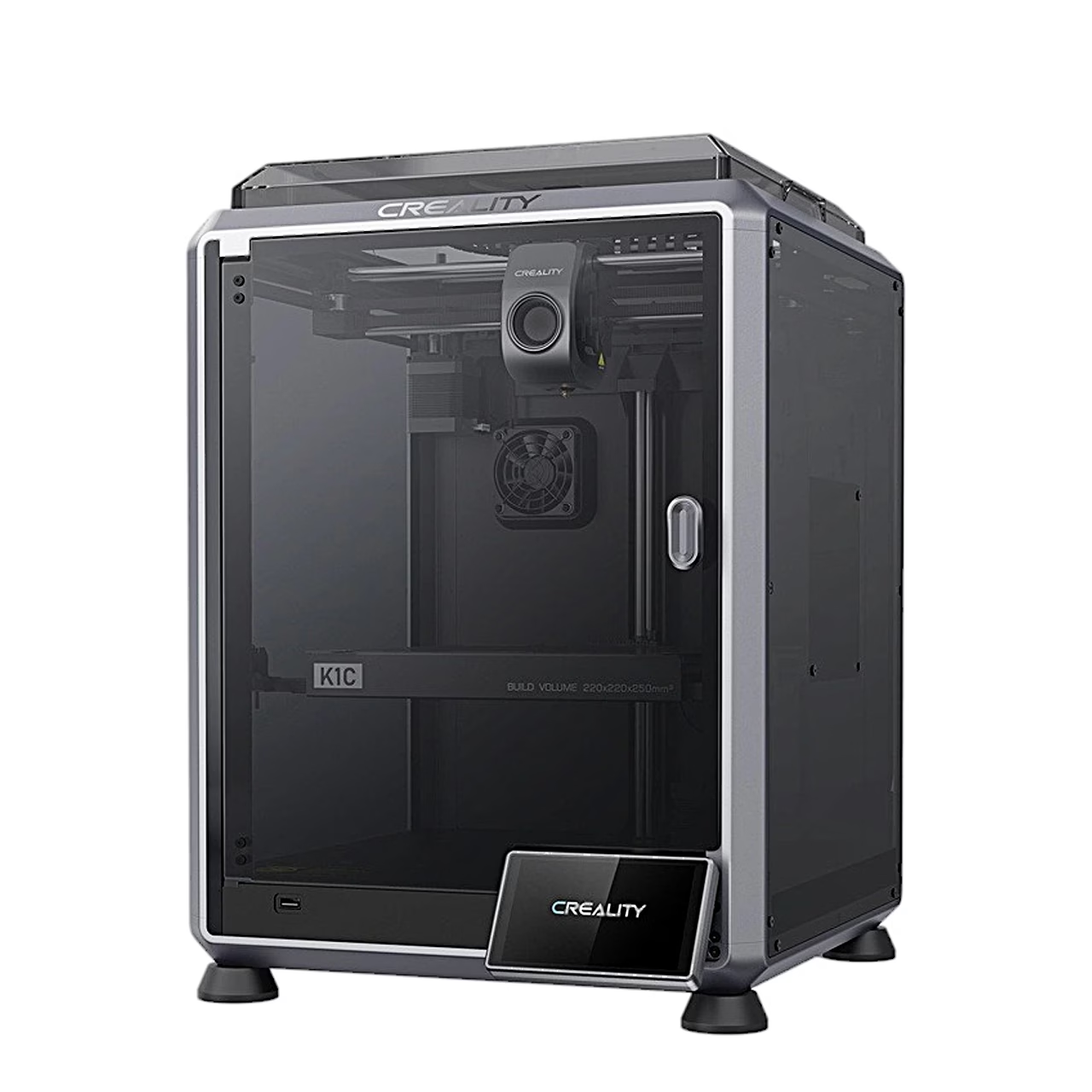
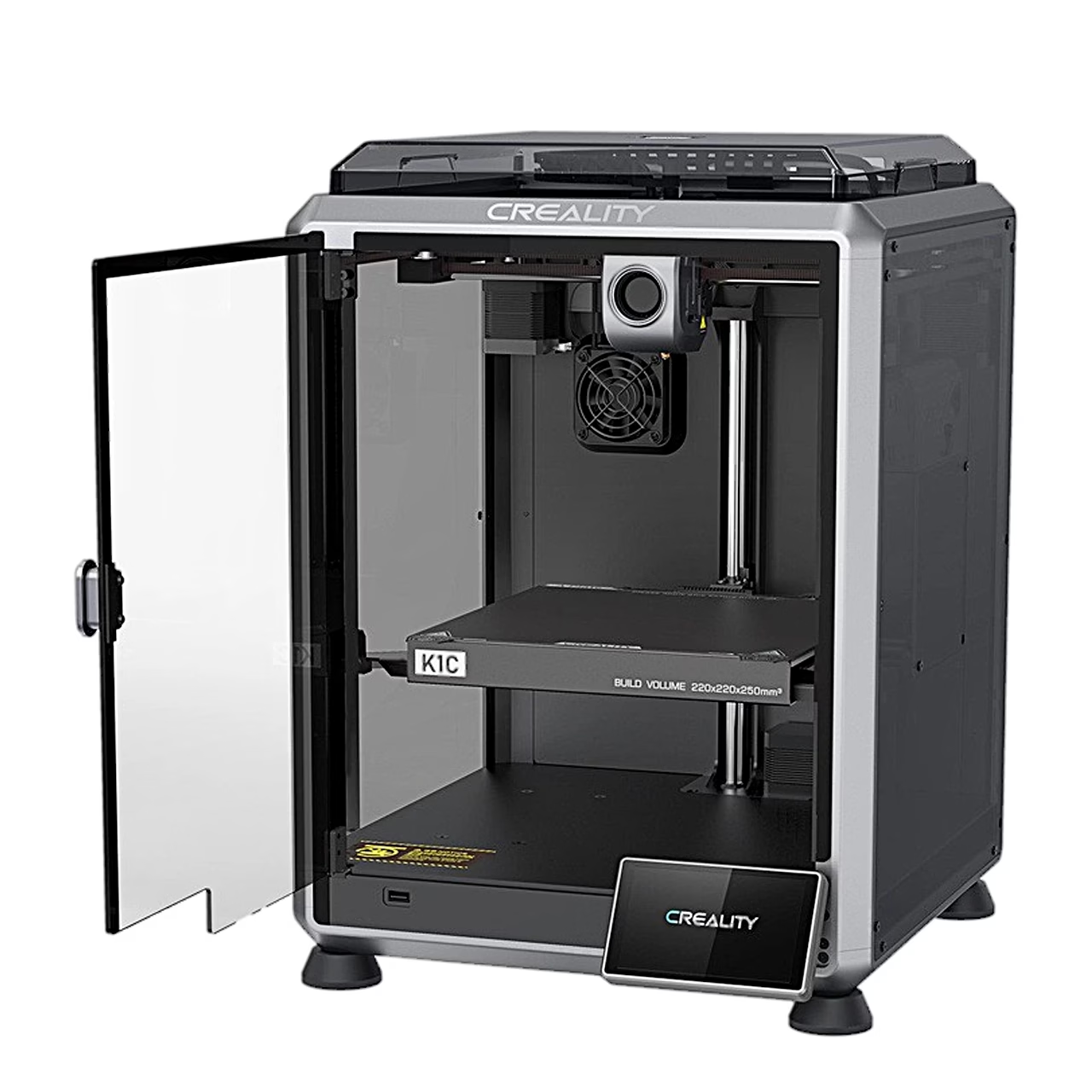
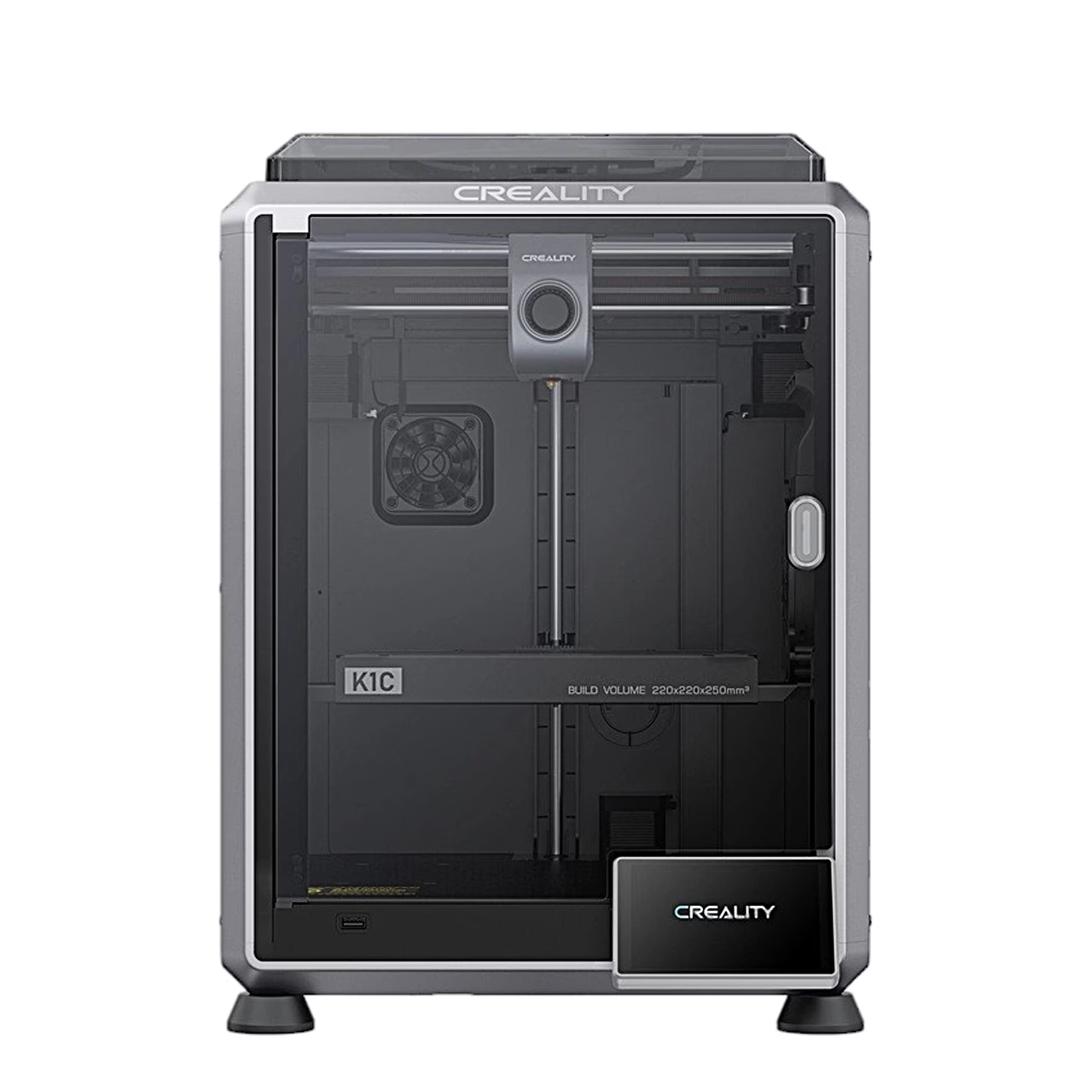
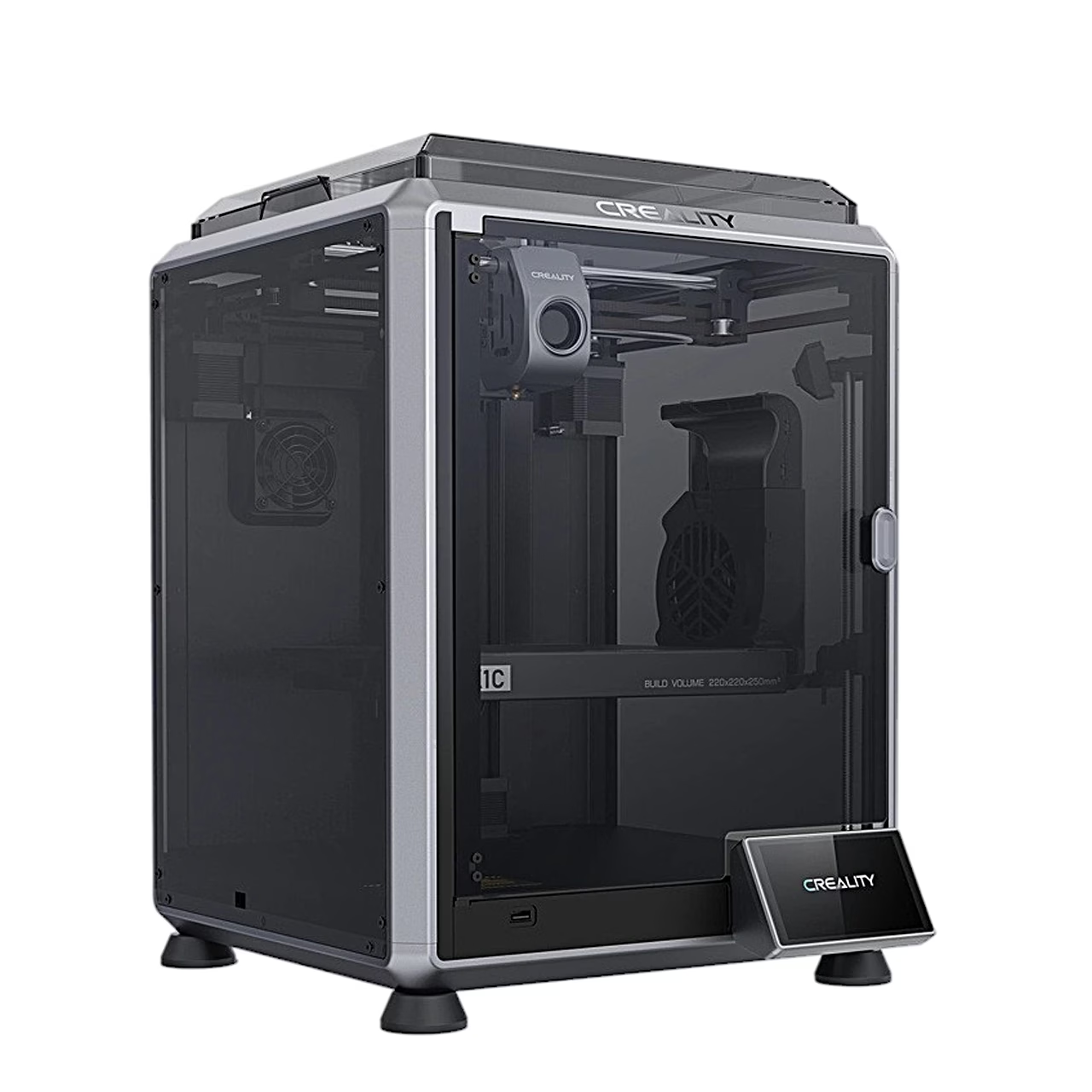
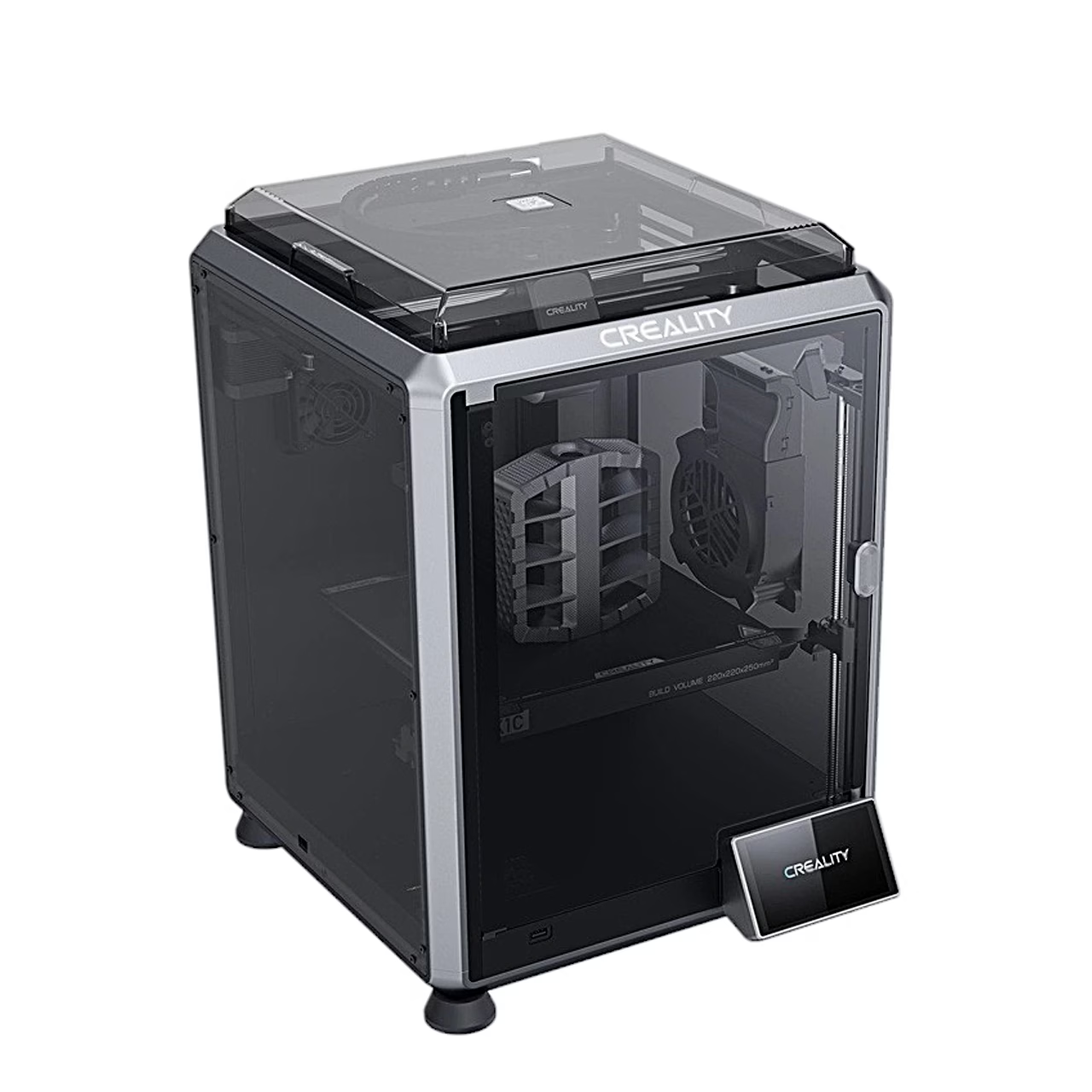
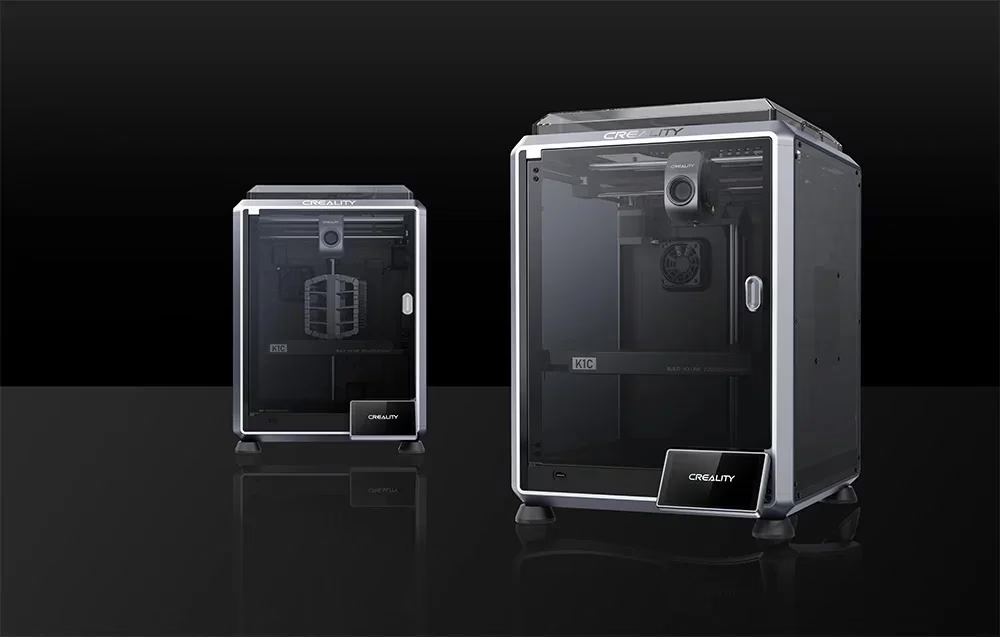
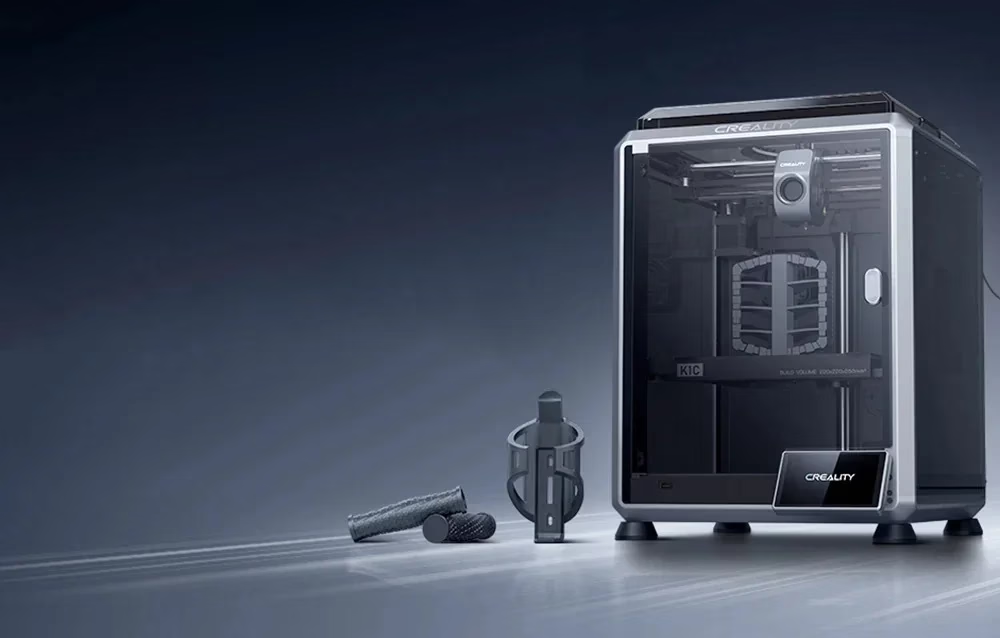
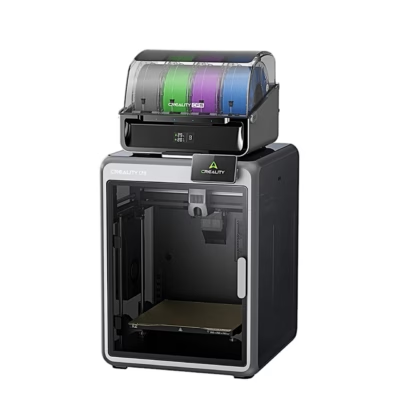
The enclosed 3D printer Creality K1C 2025 prints with 1.75 mm filament using FDM technology, with a build volume of 220 × 220 × 250 mm. The nozzle heats to 300 °C and the bed to 100 °C, so the printer also handles carbon-fibre reinforced filaments. Supported filaments are PLA, TPU, PETG, ASA, ABS, PET, PLA-CF and PA-CF.
Dual-gear extruder and three fans
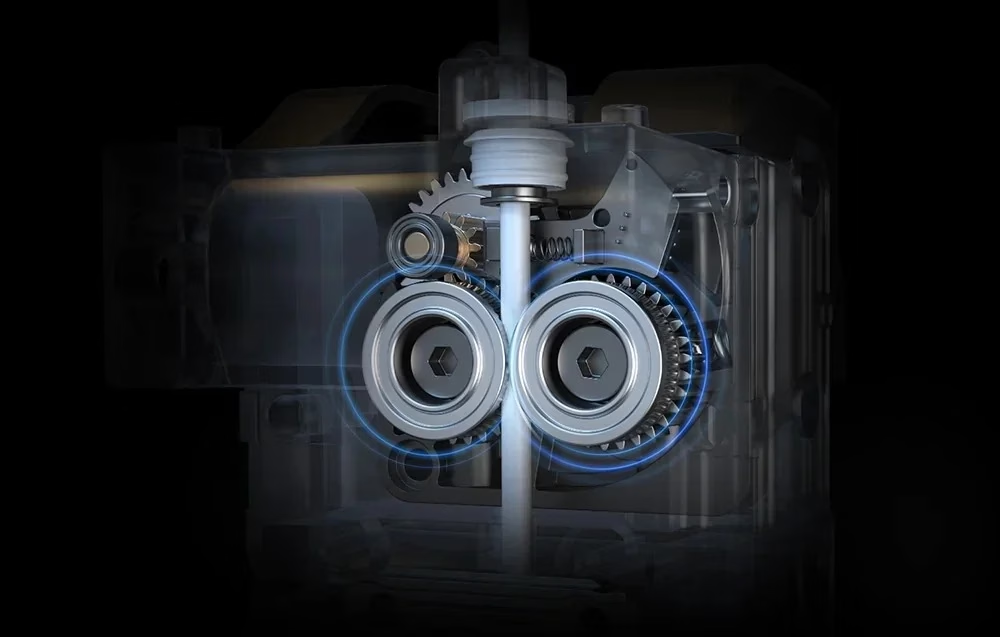
The Sprite direct extruder drives the filament with two drive gears straight into the hotend. The Unicorn nozzle is made of copper, steel and titanium and can be swapped quickly.
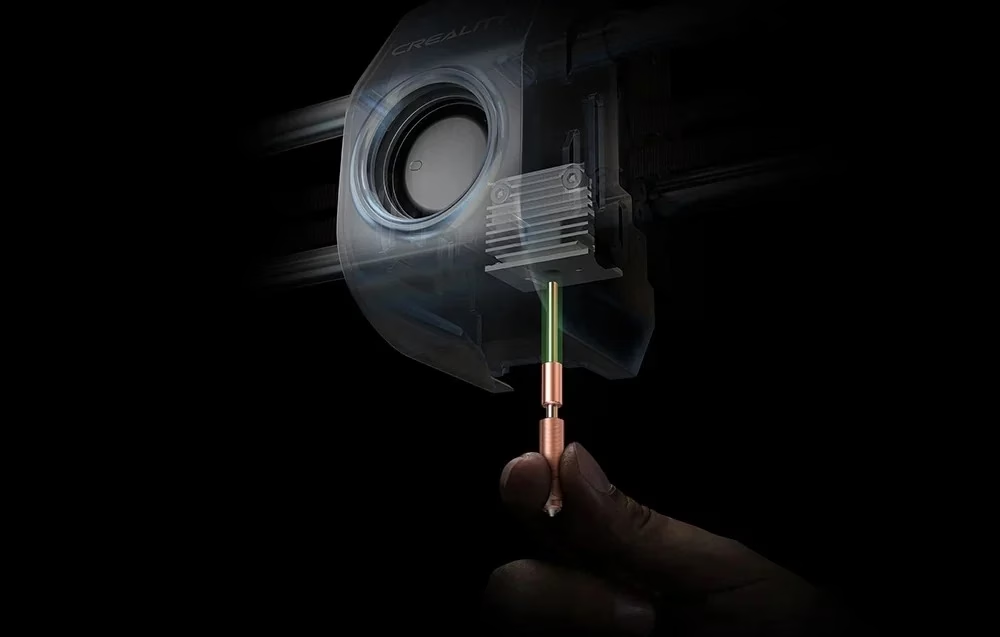
The printer has three cooling fans. The print head fan cools the filament before the nozzle, the second fan cools the freshly printed layer and the chamber fan cools the whole model evenly.
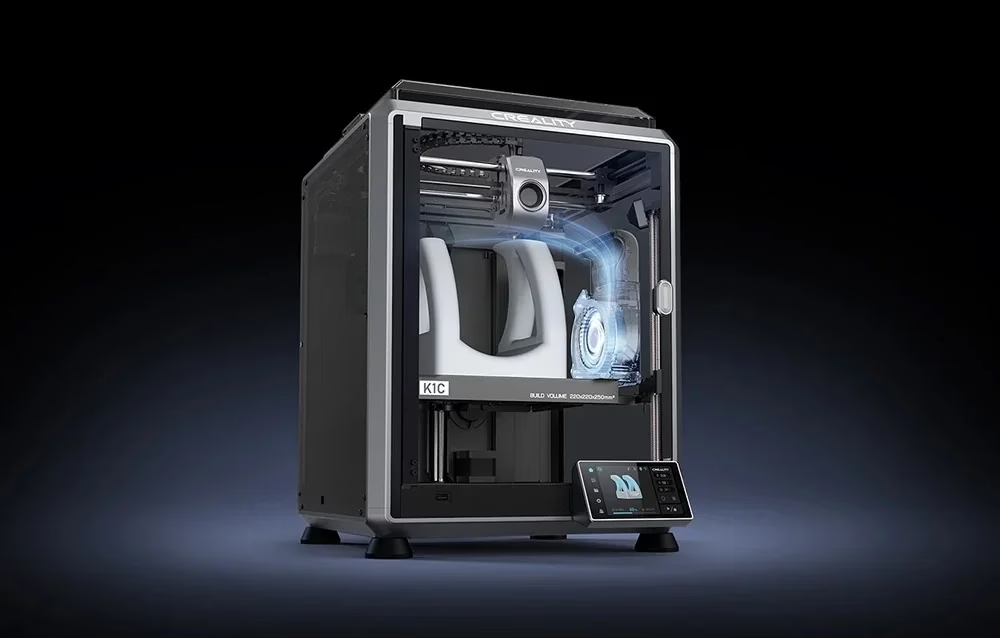
Fast printing and automatic calibration
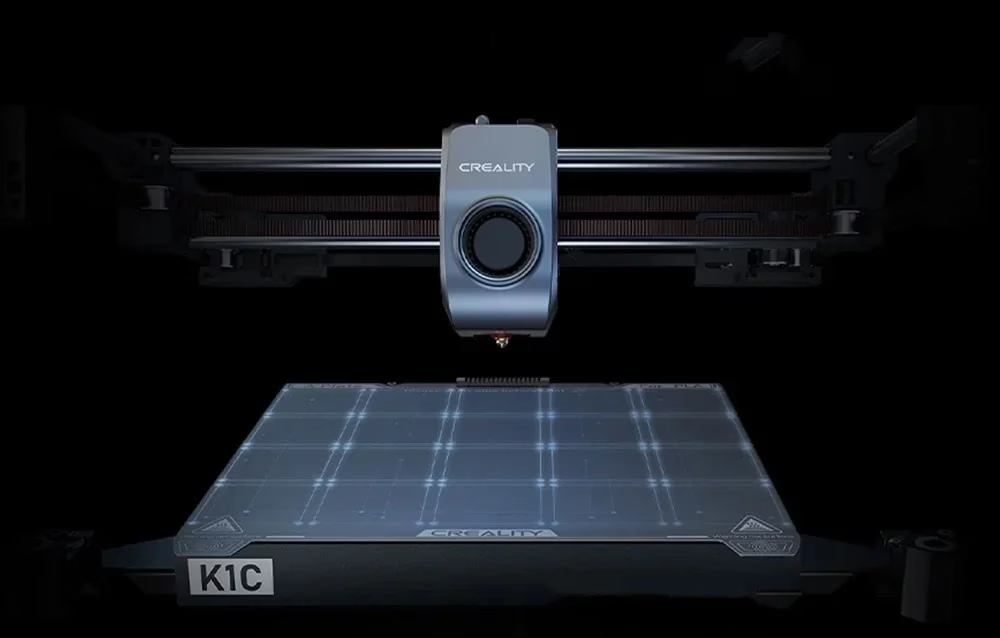
The CoreXY printer prints at up to 600 mm/s with acceleration up to 20,000 mm/s². During calibration it levels the bed automatically and sets the Z-axis home height. Creality OS compensates for vibration at high speed with Input Shaping.
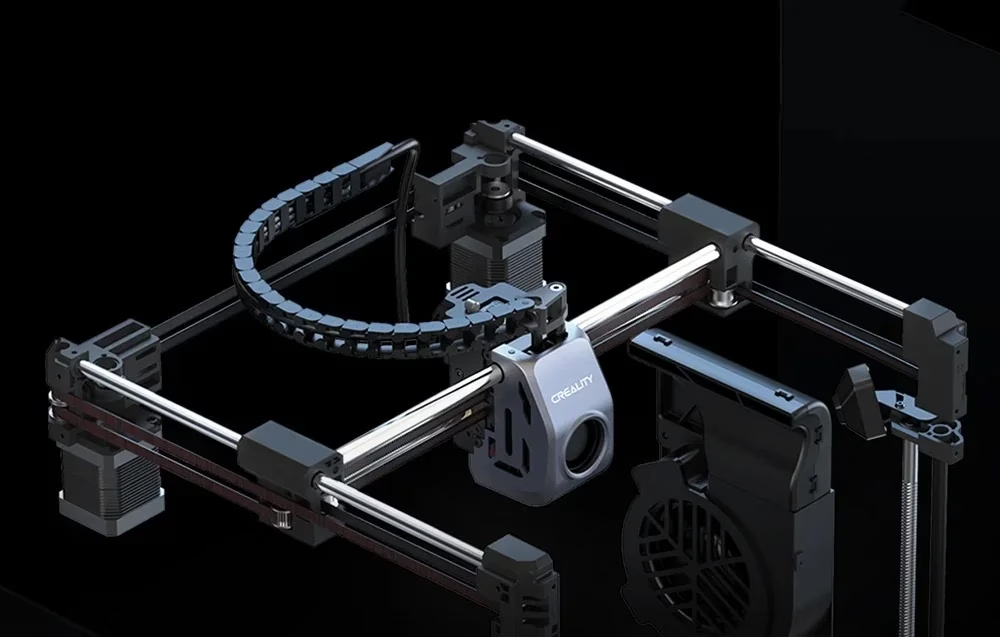
The AI camera detects tangled filament and foreign objects on the plate, stops the print if there is a fault and notifies the user. The camera feed can be viewed remotely and used for time-lapse videos of the print.
Enclosed chamber with carbon filter and LED lighting
The chamber with transparent walls has an activated carbon filter that reduces the smell of melting filament. The touchscreen shows the chamber temperature, switches the LED lighting and selects quiet mode.
When printing PLA and flexible filaments, remove the transparent top cover if the chamber temperature exceeds 35 °C. For higher-temperature filaments keep the cover closed, so the chamber stays warm and the model stays free of cracks.
FDM printer files and software
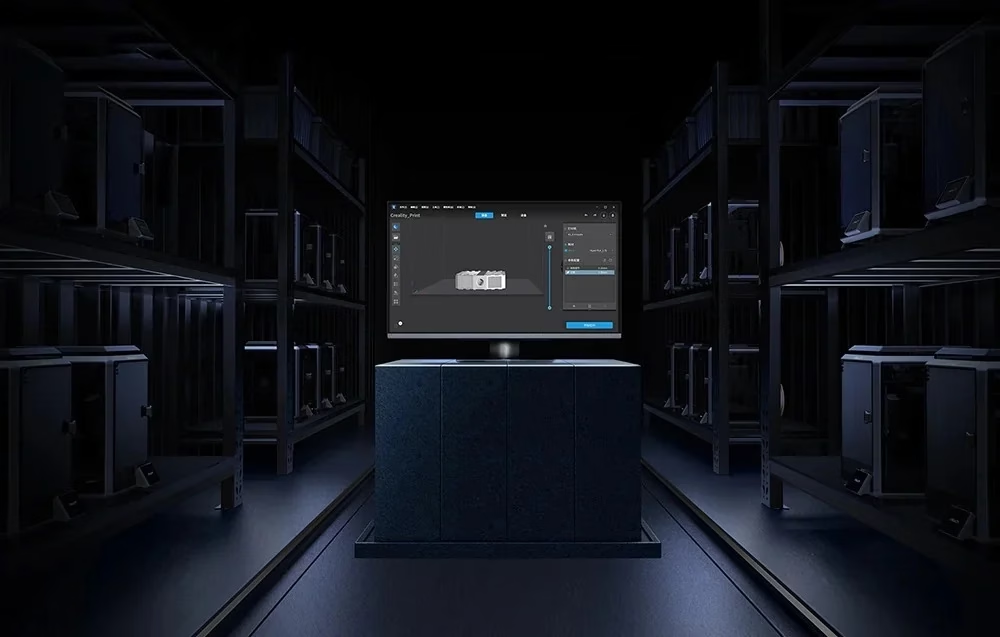
Print jobs can be sent from a USB flash drive, over LAN or Wi-Fi and from the Creality Cloud app. Models can be sliced in Creality Print, Cura and PrusaSlicer, and STL, OBJ and 3MF model files are supported. If one model in a batch print fails, Creality Print can skip it and finish the rest. The printer runs the Klipper-based Creality OS.

Setup and first start
After unpacking, fit the handle to the front door, install the air filter cartridge, connect the touchscreen to the ribbon cable from the base and press it into its slot. Then fit the spool holder, connect the power cable, push the filament fully into the PTFE tube, attach the buffer strip to the inner edge of the top cover and put the cover on. The power switch is set to 230 V by default; for 100–120 V mains turn it to 115 V with a flat screwdriver. At first start you select the language on screen and remove three transport screws.
Cleaning and care
After switching off, clean the housing with a dry cloth and wipe dust and filament residue off the guide rails. A finished model comes off when you gently bend the cooled flexible build plate, and filament left on the plate can be scraped off with a blade. Grease the X, Y and Z guide rods and lead screws regularly. After 300 hours of printing or after changing the nozzle or plate, calibrate the bed again.
In the box
- 3D printer Creality K1C 2025, 1 pc
- touchscreen, 1 pc
- filament
- hex keys and screwdriver
- scraper, 1 pc
- spool holder, 1 pc
- side cutters, 1 pc
- 1.2 mm nozzle cleaning needle, 1 pc
- USB flash drive, 1 pc
- power cable, 1 pc
- M6 socket spanner, 1 pc
- door handle, 1 pc
- air filter cartridge, 1 pc
- spool holder screws M3 × 18, 3 pcs, and M3 × 12, 1 pc
- quick guide and after-sales card








































Reviews
There are no reviews yet.