

Description
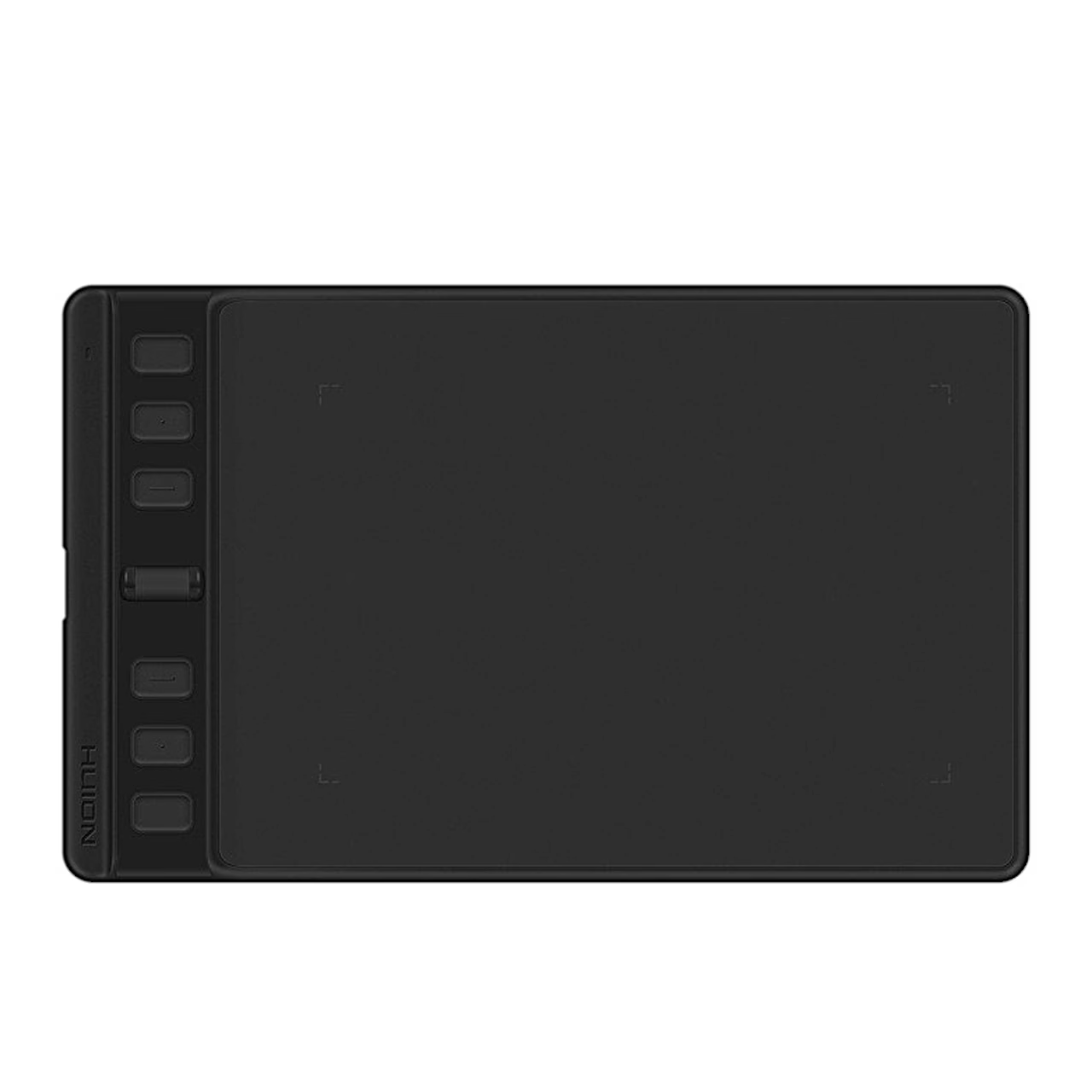
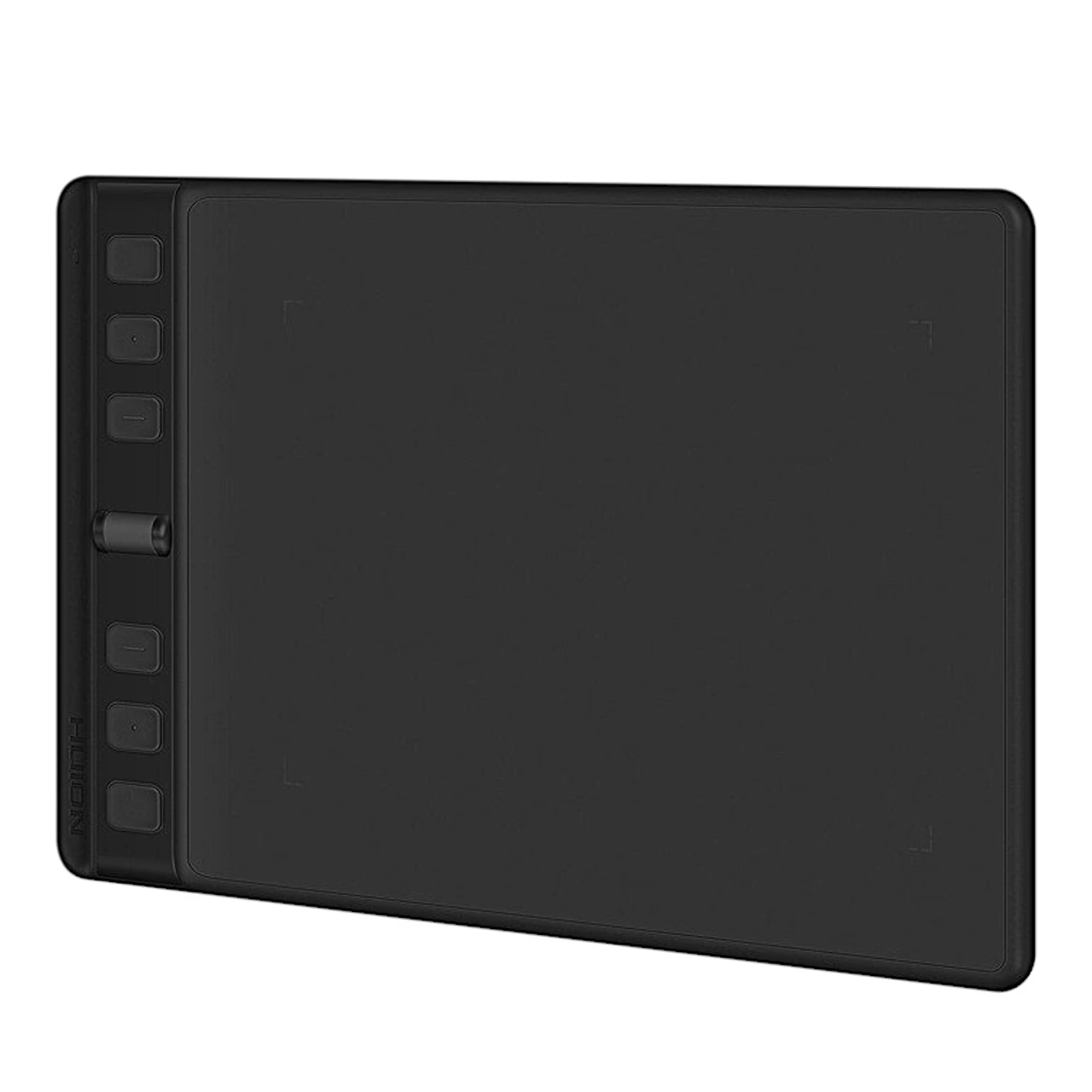
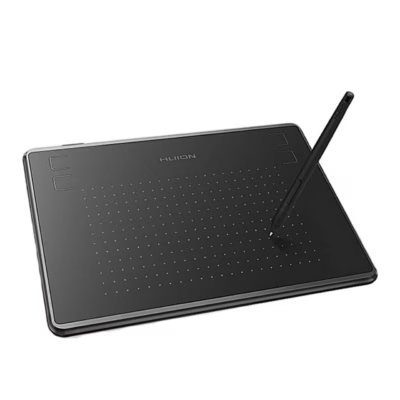
Graphics tablet with six keys and a scroller for drawing on a computer and phone
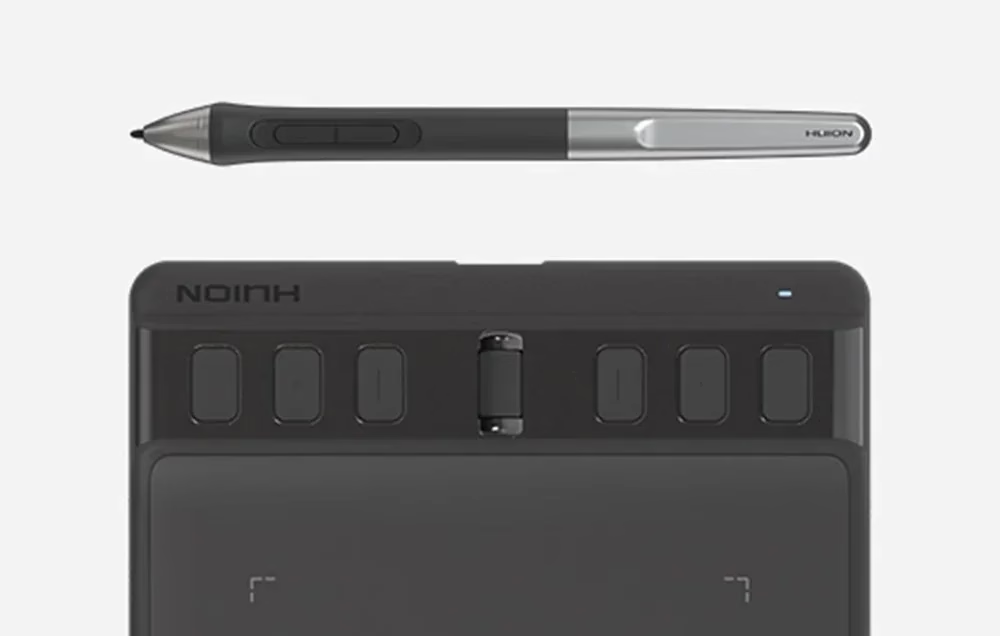
The Huion Inspiroy 2 S H641P graphics tablet has a 160 × 100 mm working area and the battery-free PW110 pen, which detects 8192 pressure levels. The six programmable keys sit 2 mm above the working surface and are separated by ridges, so you can find them without looking. The scroller works like a mouse wheel and by default zooms, changes the brush size or scrolls. Its sensitivity can be set in five steps in the driver.
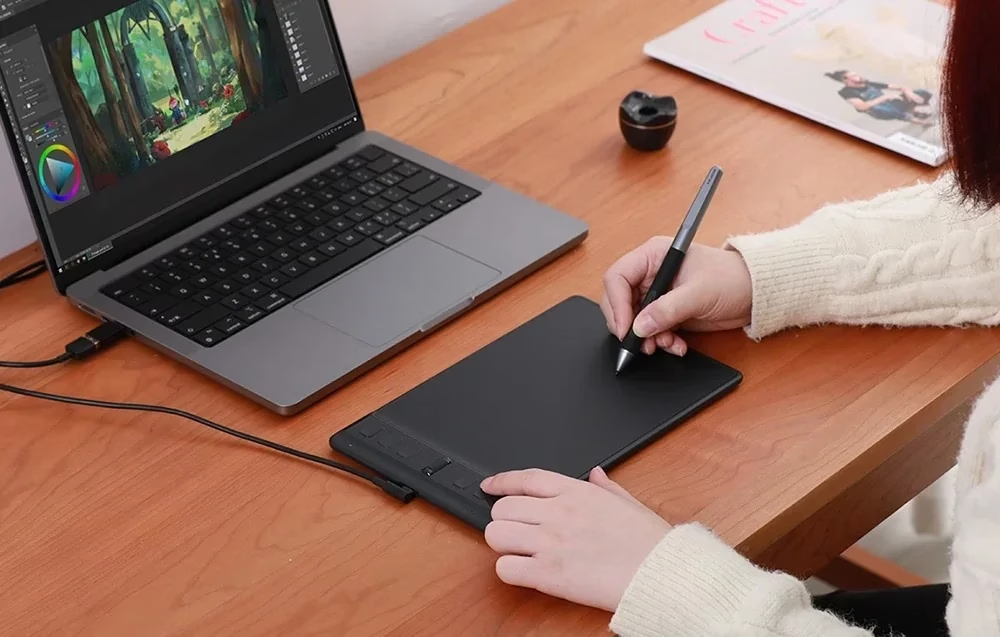
The PW110 pen works without a battery or charging
The pen uses EMR (electromagnetic resonance) technology, so it needs no battery or charging. Its two keys can be assigned shortcuts in the driver and work while the tip is within 10 mm of the tablet. Pressure sensitivity can be adjusted in the driver with a slider or five presets from soft to firm, and checked straight away in the test area.
Matte surface with a paper-like feel
The surface friction is 20% higher than on the previous generation, so the pen moves as it does on paper. In the driver you can map the working area to the whole monitor, to the monitor’s aspect ratio or to an area you choose.
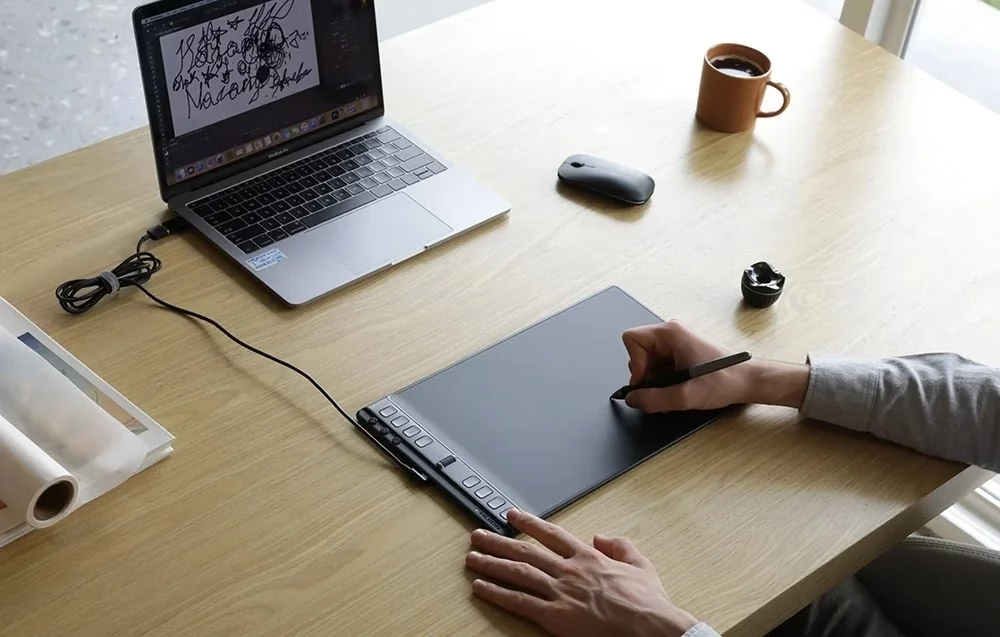
Use with a computer and an Android phone
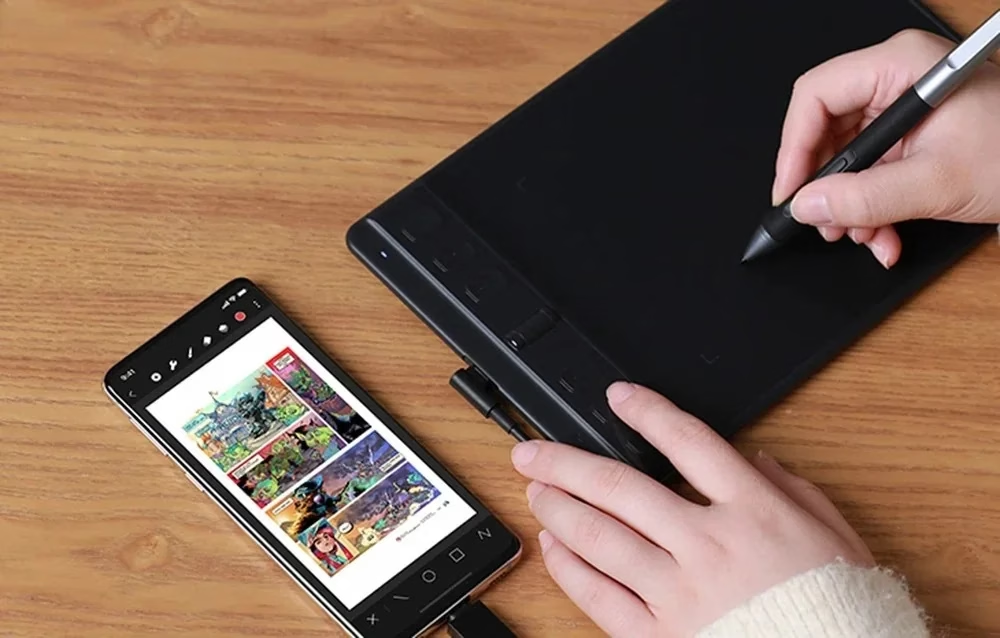
The tablet connects to a computer with a USB-C cable and works with Windows 7 and later, macOS 10.12 and later, ChromeOS 88 and later and Linux (Ubuntu 20.04 LTS). To start, connect the tablet, download the Inspiroy 2 driver from the Huion website and open it: when the driver shows a picture of the tablet, the connection is made. To connect to a phone or tablet running Android 6.0 or later or HarmonyOS, the device must support OTG (connecting a USB device directly to the phone), and the tablet connects through the USB-C adapter.
Symmetrical key row for either hand
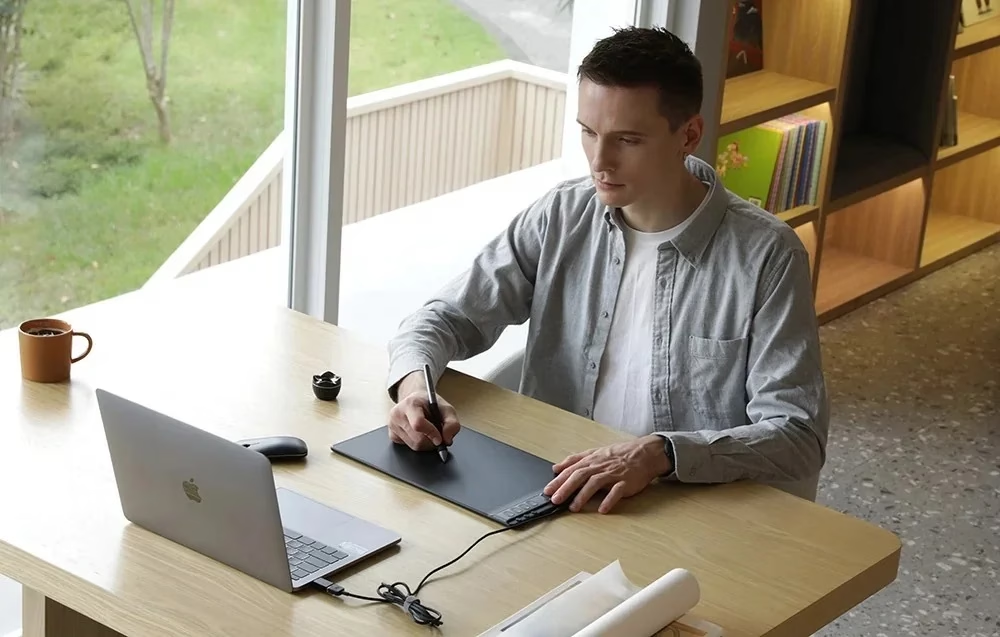
The keys and scroller are placed symmetrically and the USB-C port is on the left edge, so the tablet can be used left-handed: turn it 180° and select the same rotation in the driver. The working area can also be rotated 90° and 270° for a monitor in portrait orientation.
Replacing the pen nib and care
Spare nibs are kept inside the pen holder: to replace a worn nib, unscrew the holder anticlockwise, pull the old nib out with the nib clip and push the new nib into the pen until it stops. When the pen is not in use, keep it on the desk, because a pen left on the working area interferes with the mouse and keeps the computer from going to sleep.
In the box
- Graphics tablet Huion Inspiroy 2 S H641P, 1 pc
- Battery-free pen PW110, 1 pc
- Pen holder PH04, 1 pc
- Spare nibs, 10 pcs
- USB-C cable, 1 pc
- USB-C adapter, 1 pc
- Quick start guide, 1 pc








































Reviews
There are no reviews yet.