
Description
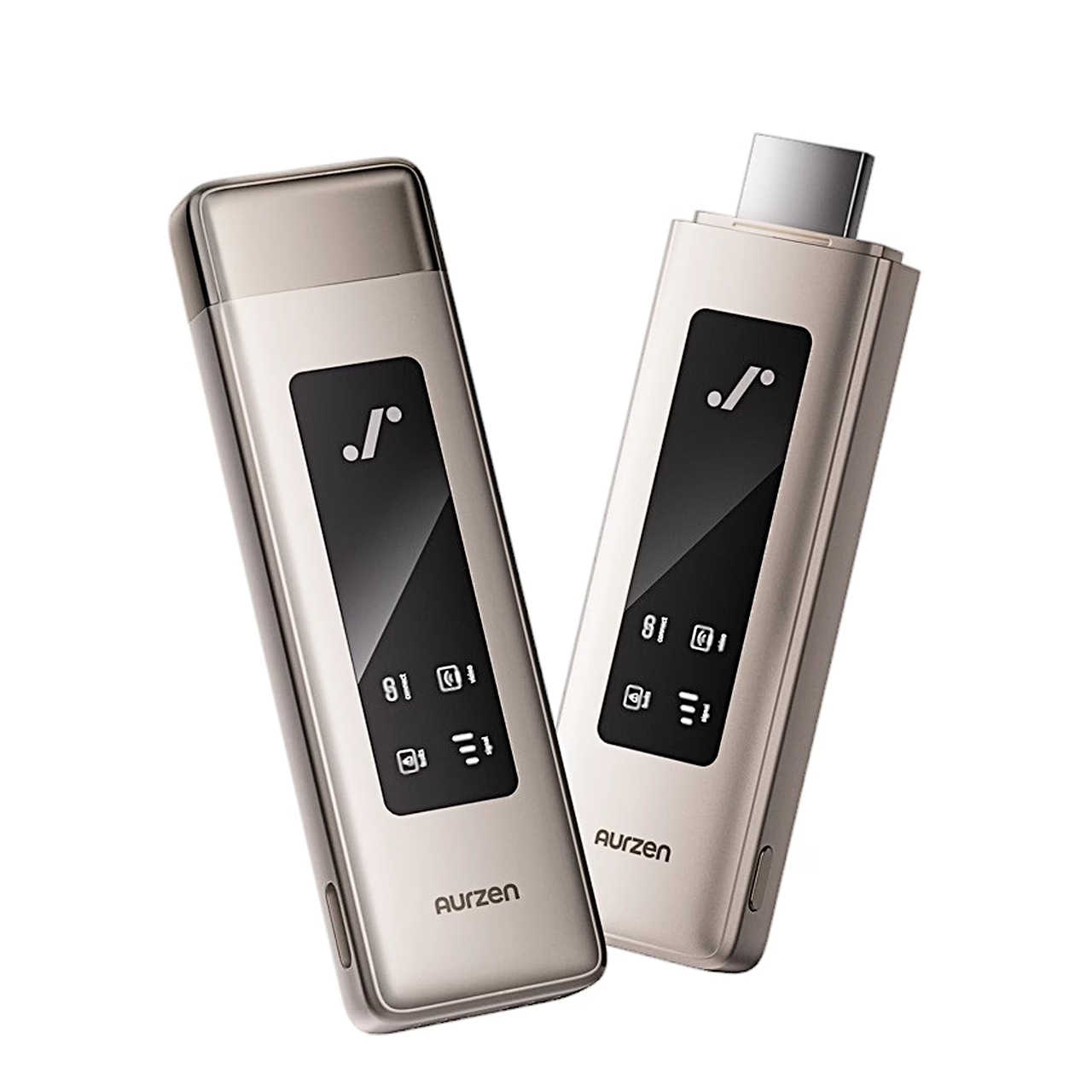
Wireless HDMI video adapter for sending picture and sound to a projector
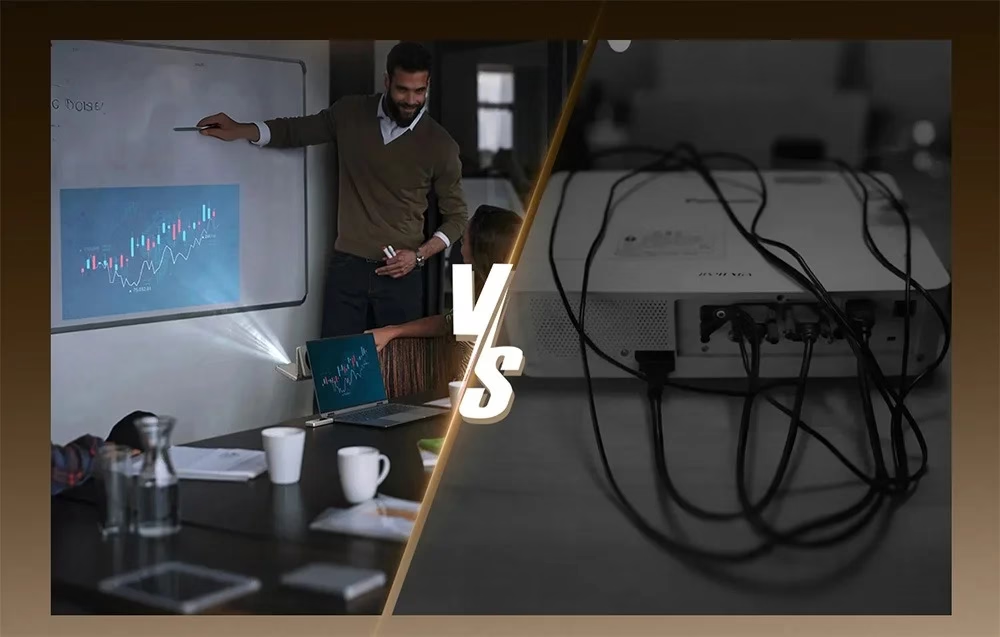
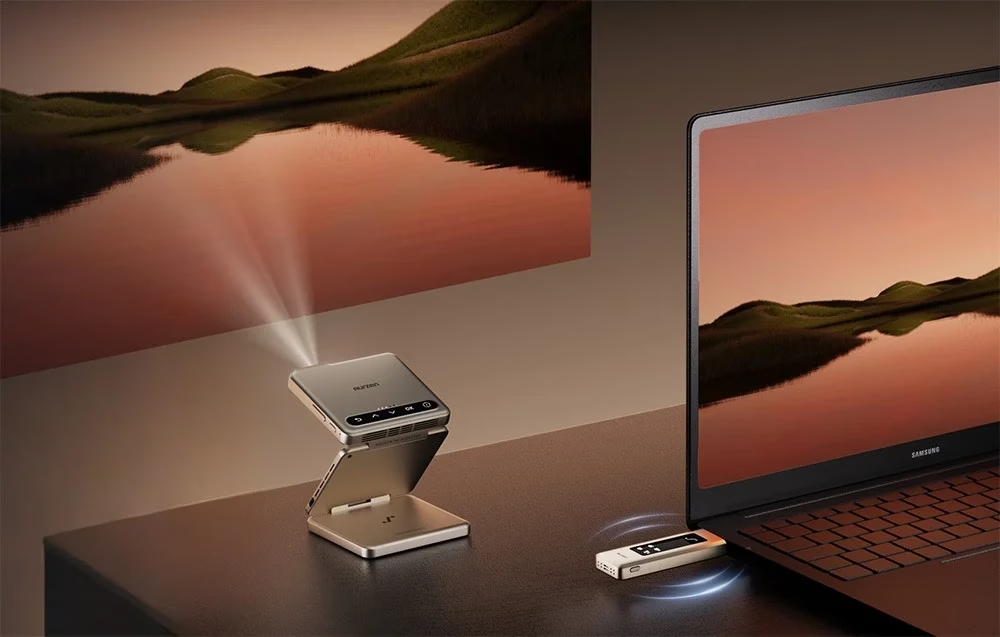
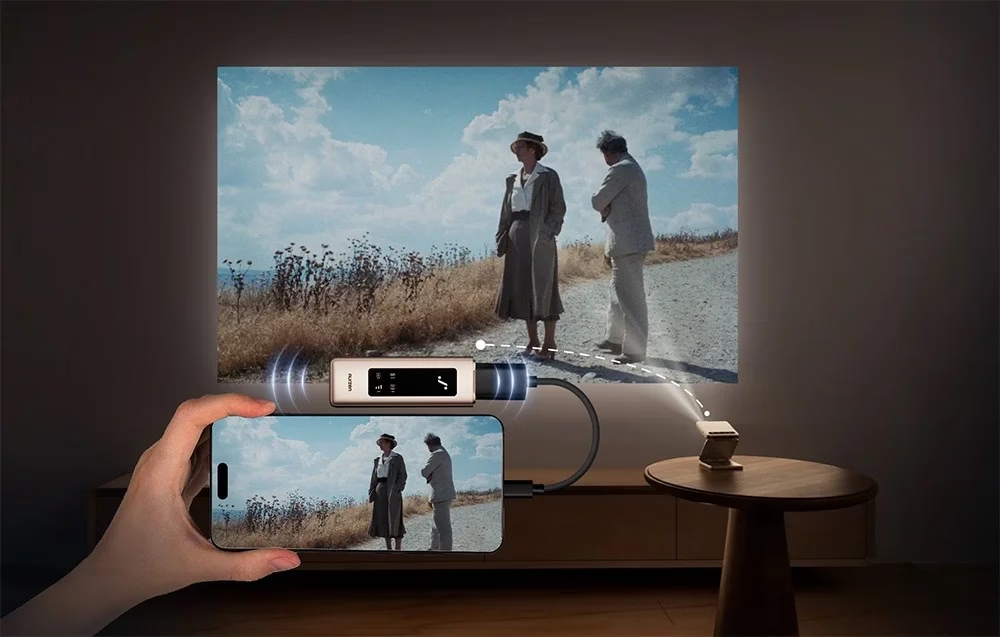
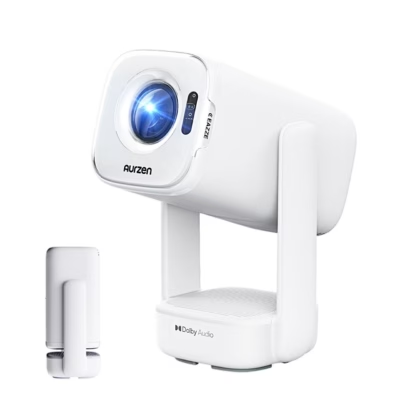
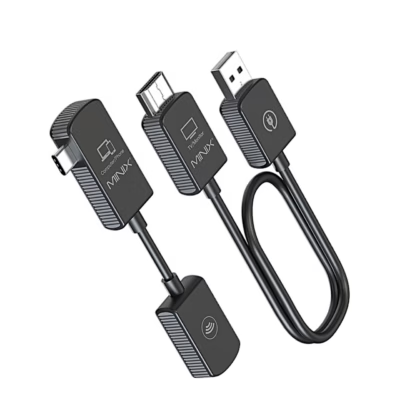
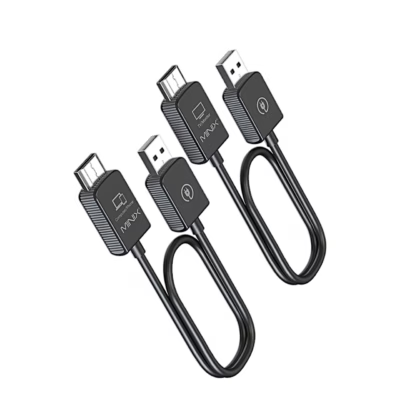
Plugged into the HDMI port of a computer or games console, the Aurzen CastPlay wireless HDMI video adapter sends picture and sound to the Aurzen ZIP projector up to 30 m away. Output resolution is 1080p at 60 Hz and the adapter also accepts a 4K signal.
Use and pairing
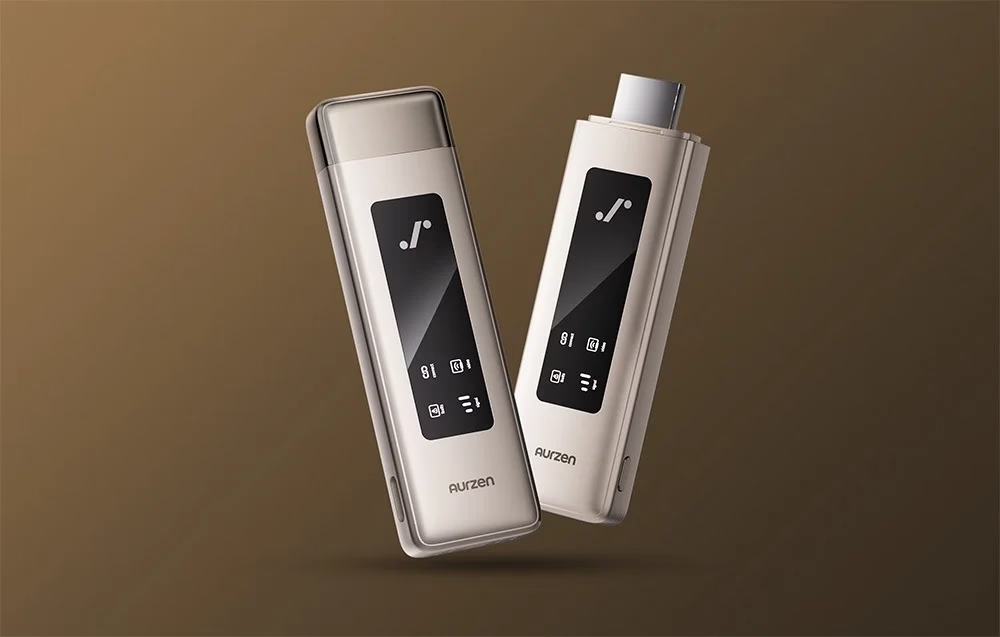
Plug the adapter’s HDMI connector into a computer or other device with HDMI output. Hold the pairing button for 10 seconds until the connection light flashes, then on the ZIP projector’s home screen press OK, choose AirLink in the side menu and confirm. Pairing is needed only the first time; after that the adapter starts casting once plugged in and the pairing button is pressed. The same button pauses and resumes screen mirroring.
Signal range and power
Range in open space is up to 30 metres. Indicator lights show power sufficiency, connection, signal strength in three bars and video output. If the power light stays on, connect the adapter via USB-C to a 5 V, 2 A supply using the supplied cable.
Mirroring and extending the desktop
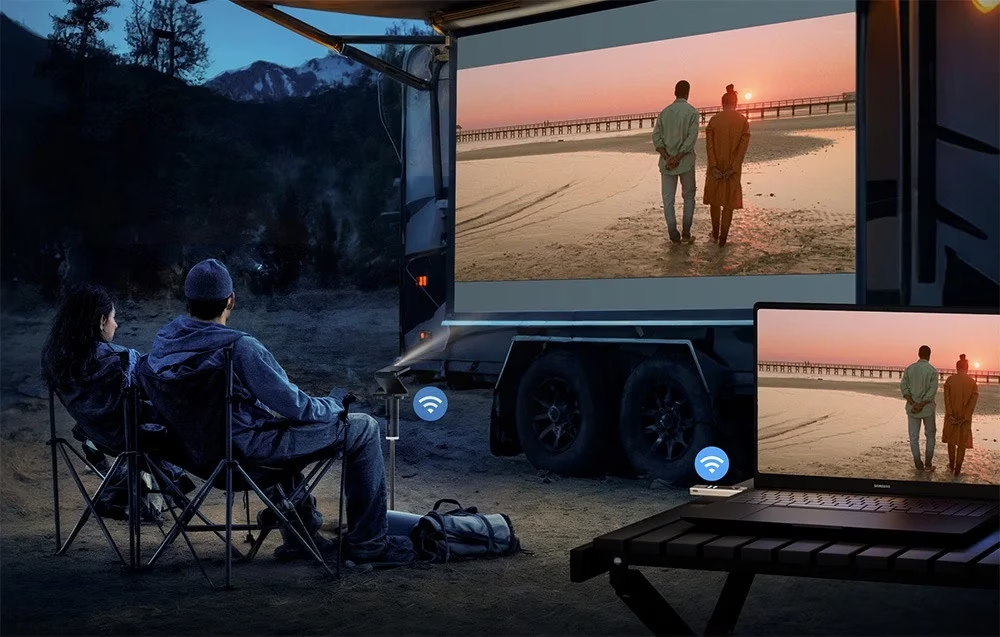
You can mirror or extend the computer screen to the projector, so the projector shows a separate desktop while you take notes on the main screen.
Compatible devices
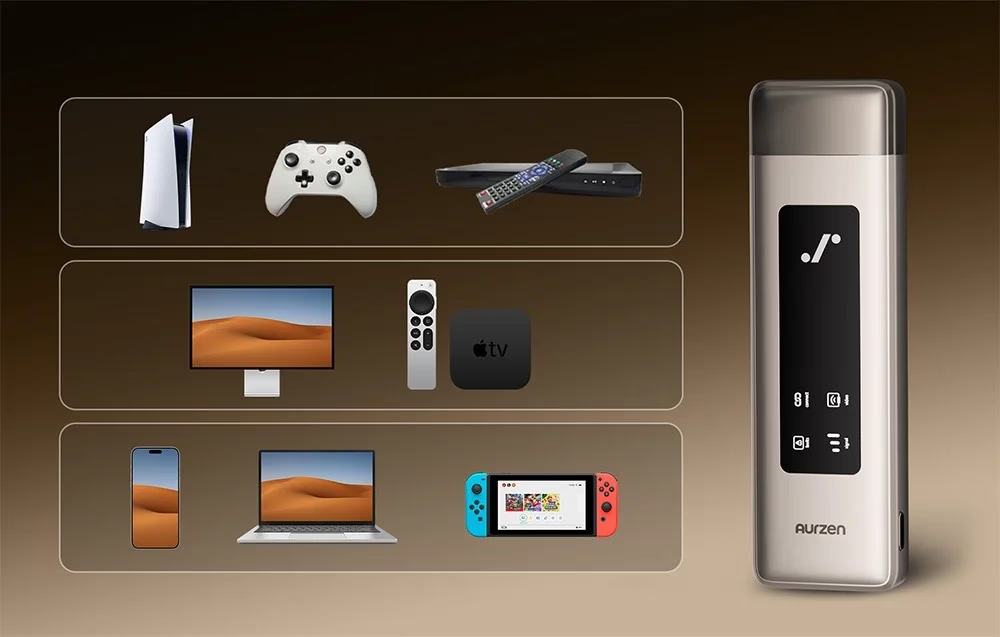
Picture sources include laptops, desktop computers, PS4, PS5, Xbox and Switch consoles, and TV boxes. An Apple device connects through a Lightning to Digital AV adapter with HDCP support, into whose HDMI port CastPlay plugs to send an iPhone picture too.
In the box
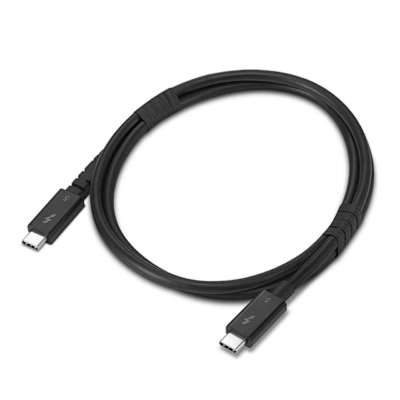
A USB-C power cable is supplied for extra power.
- Wireless HDMI video adapter Aurzen CastPlay, 1 pc
- USB-C power cable, 1 pc











































Reviews
There are no reviews yet.