
Description
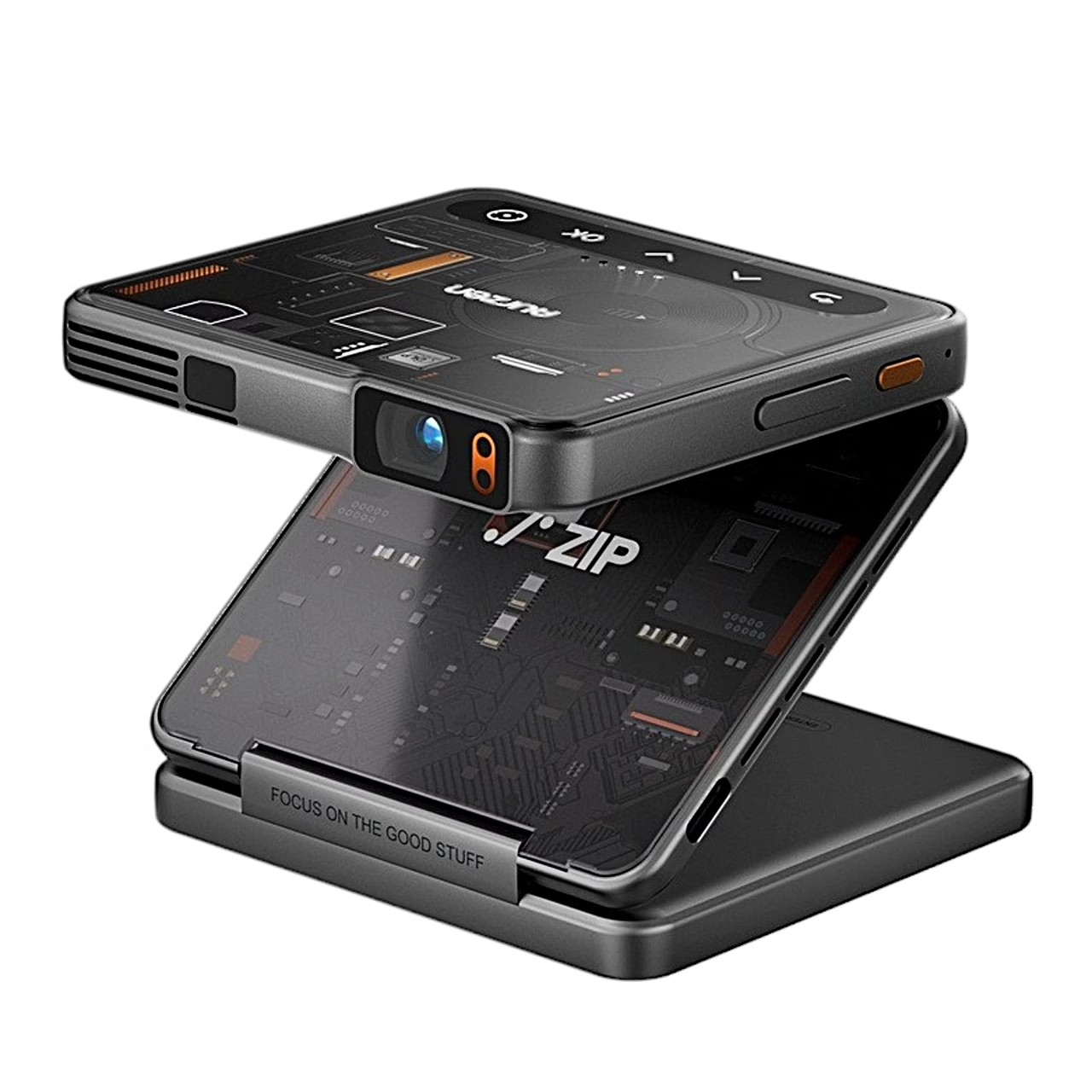
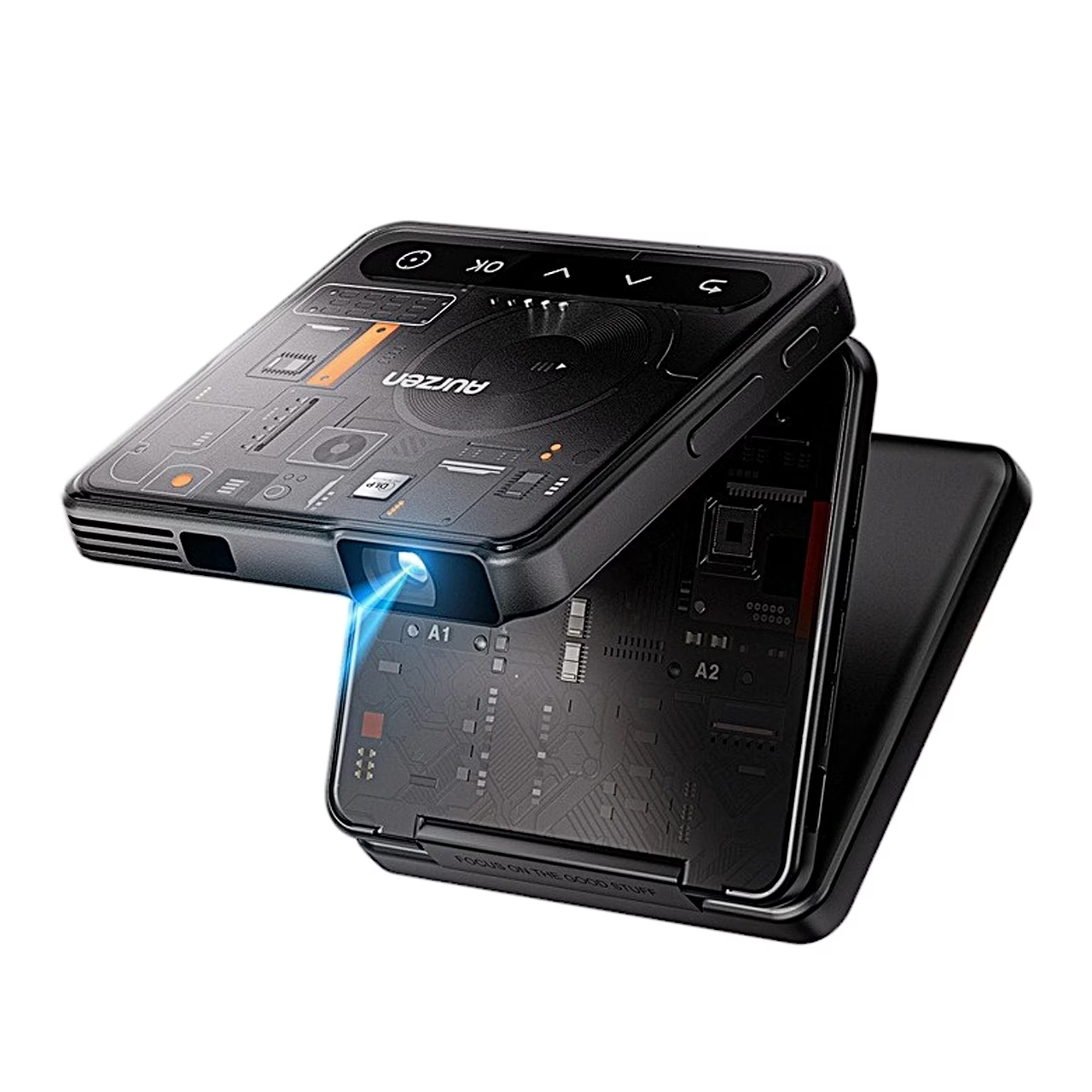
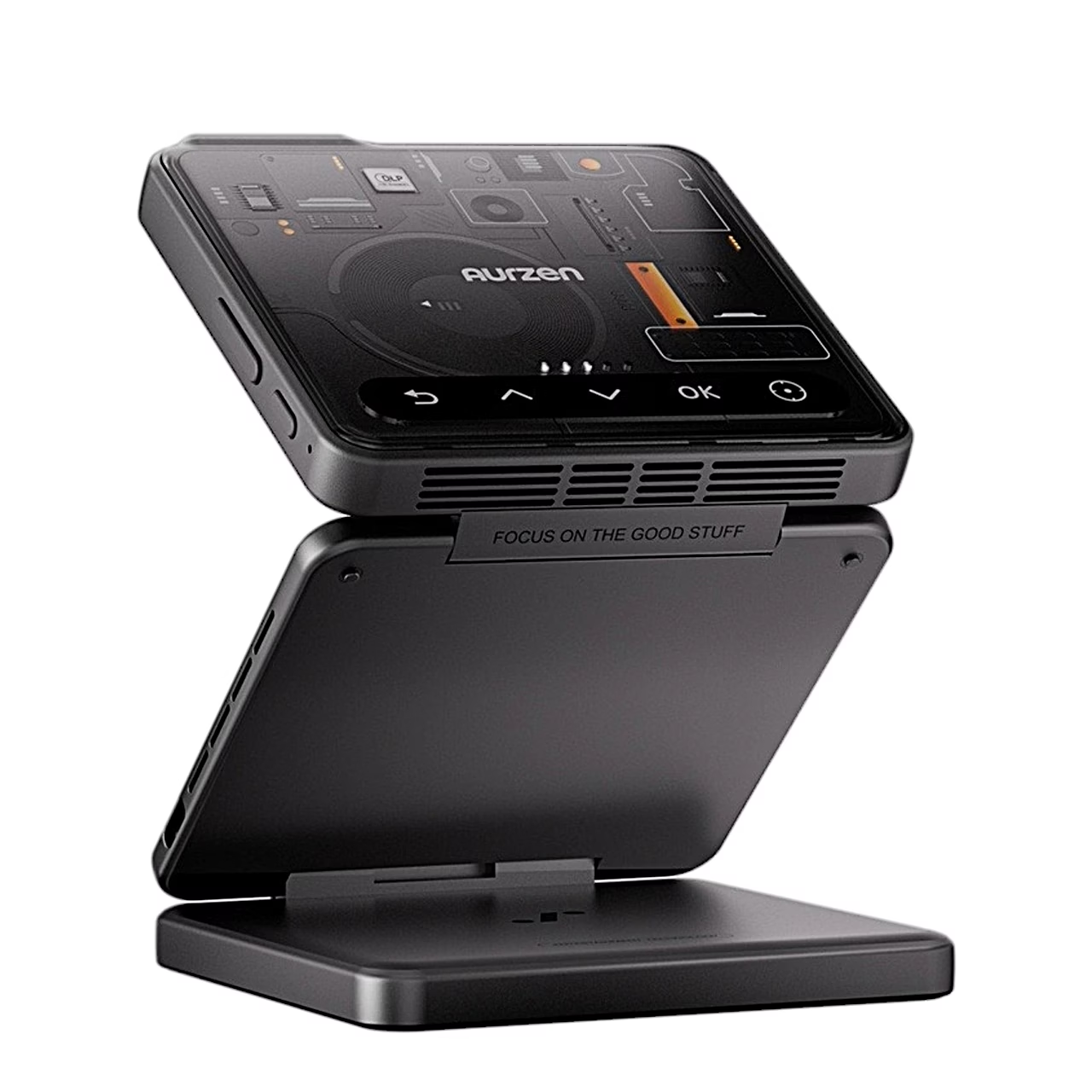
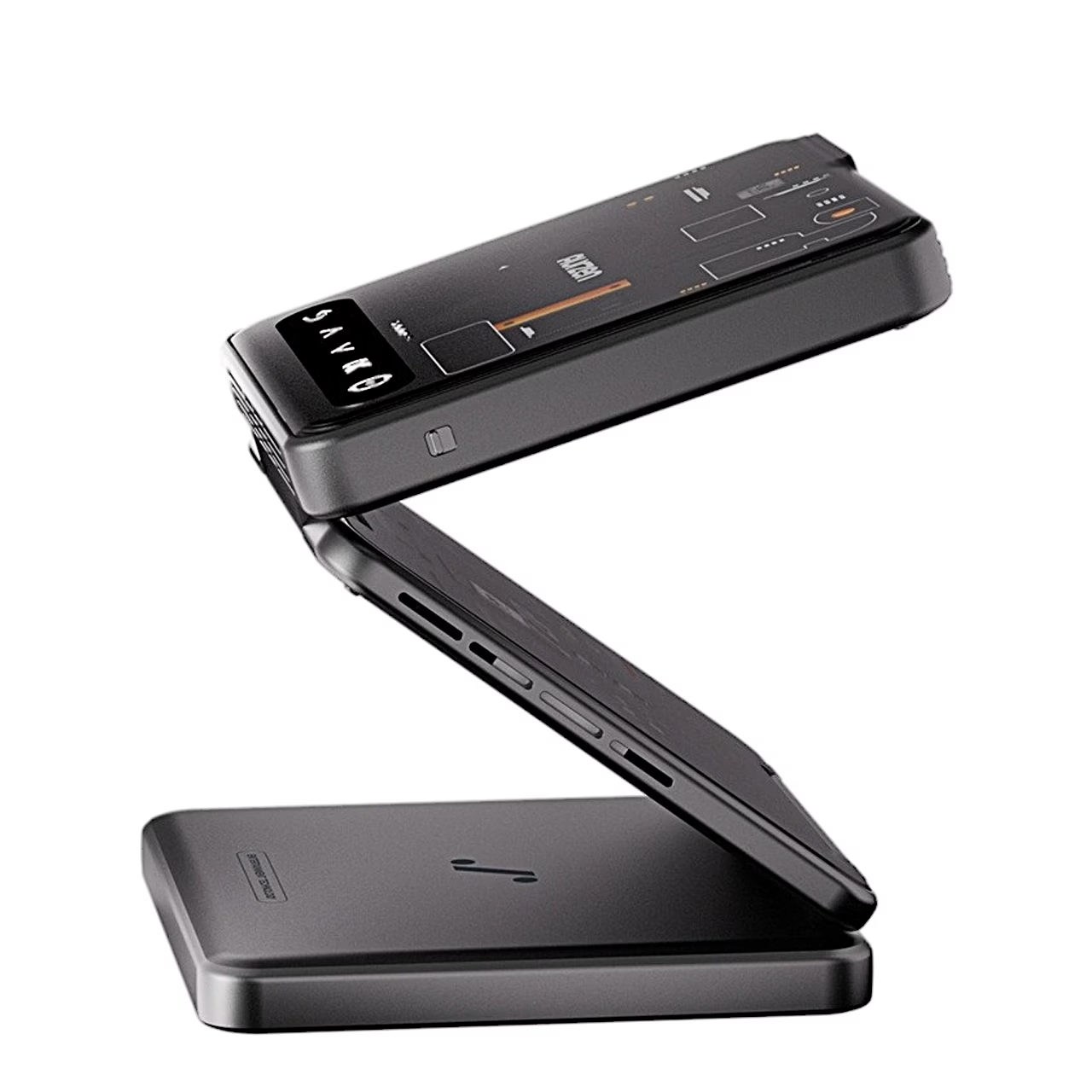
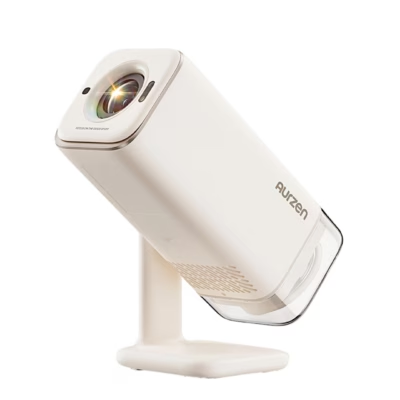
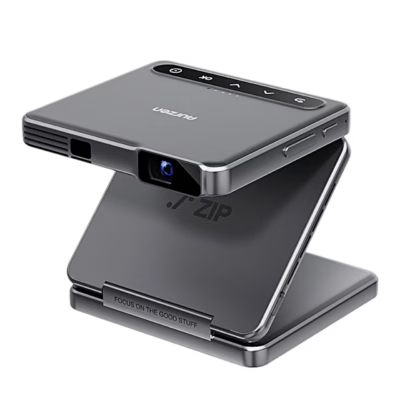
Portable projector with a tri-fold body
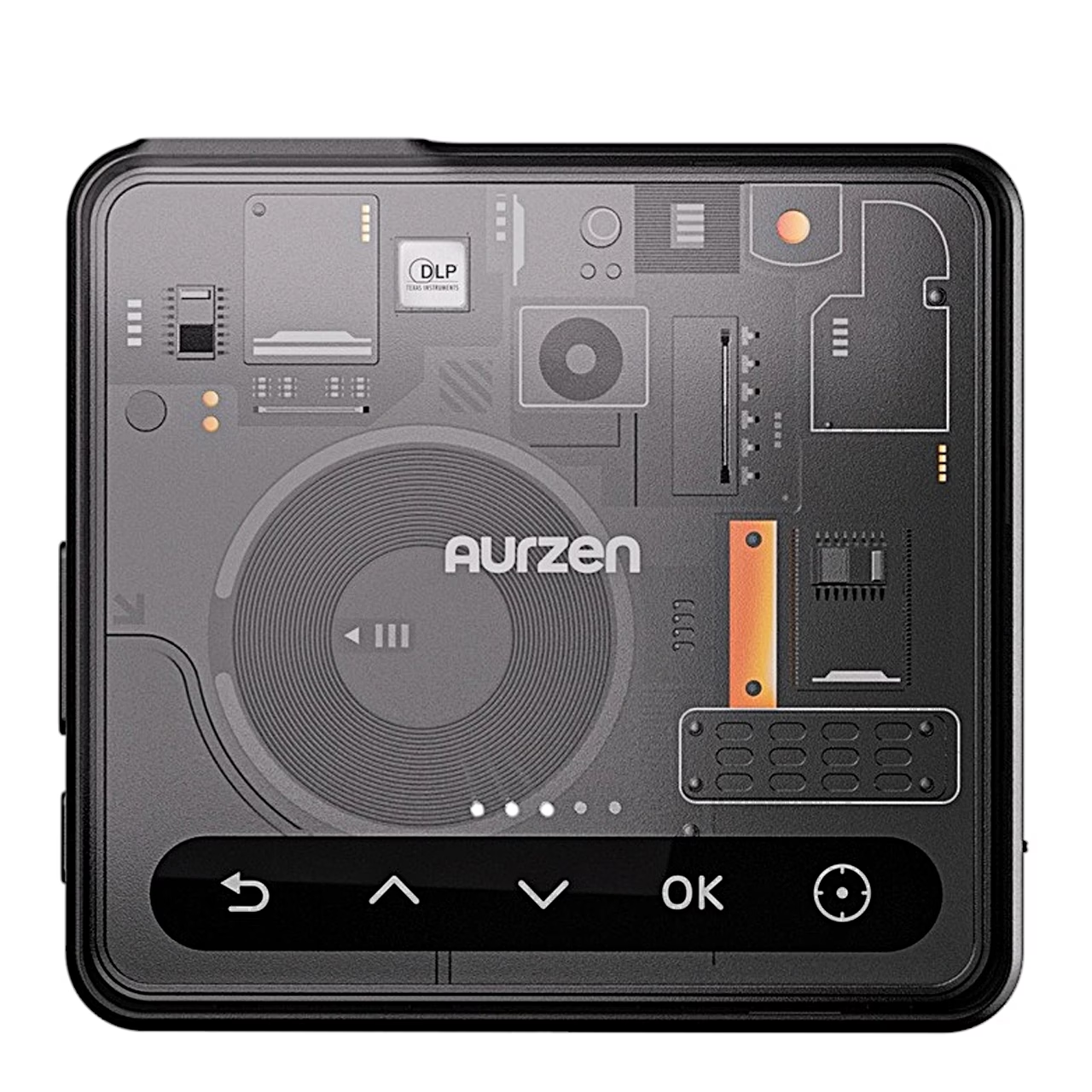
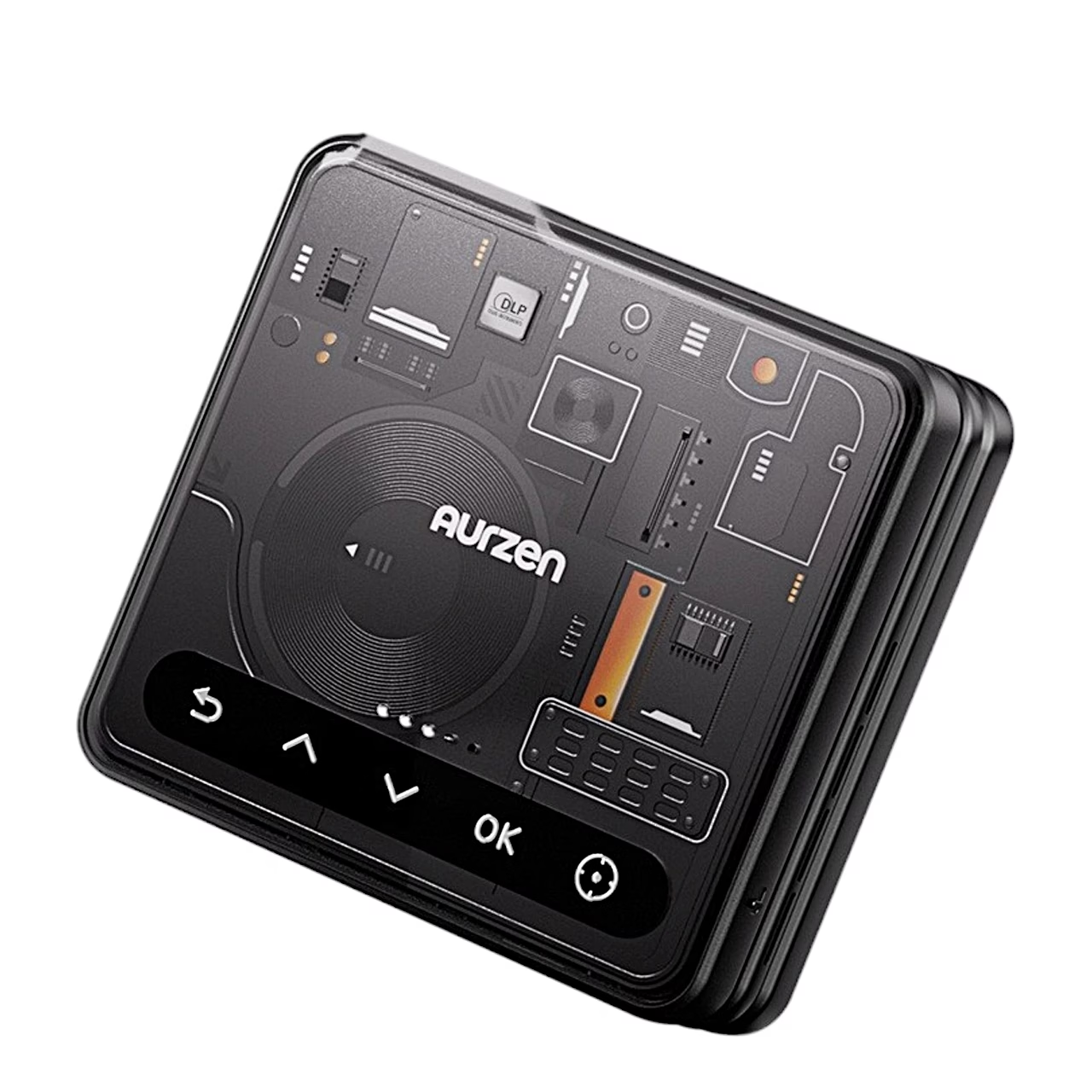
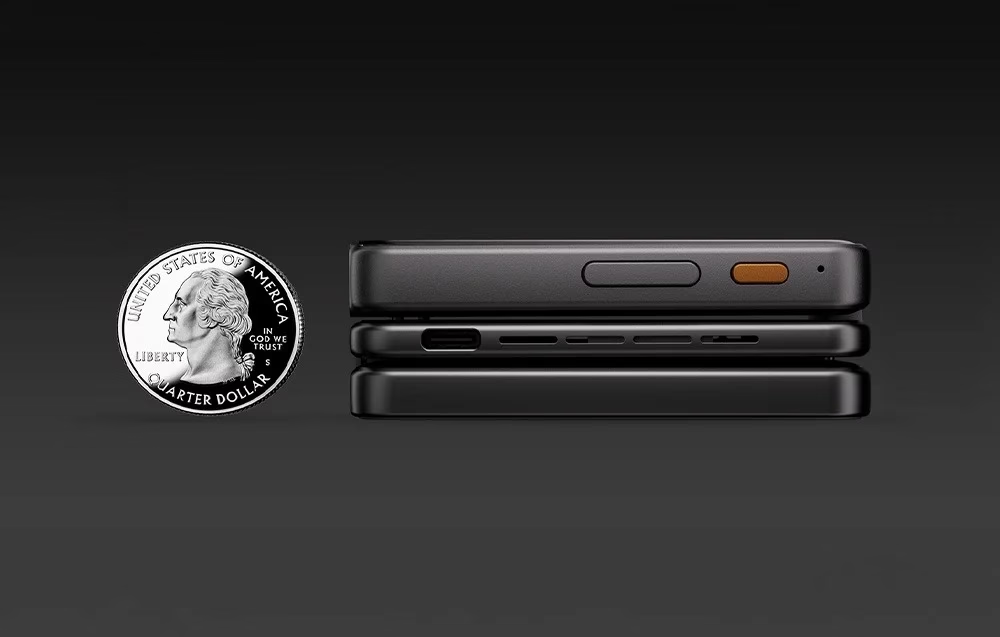
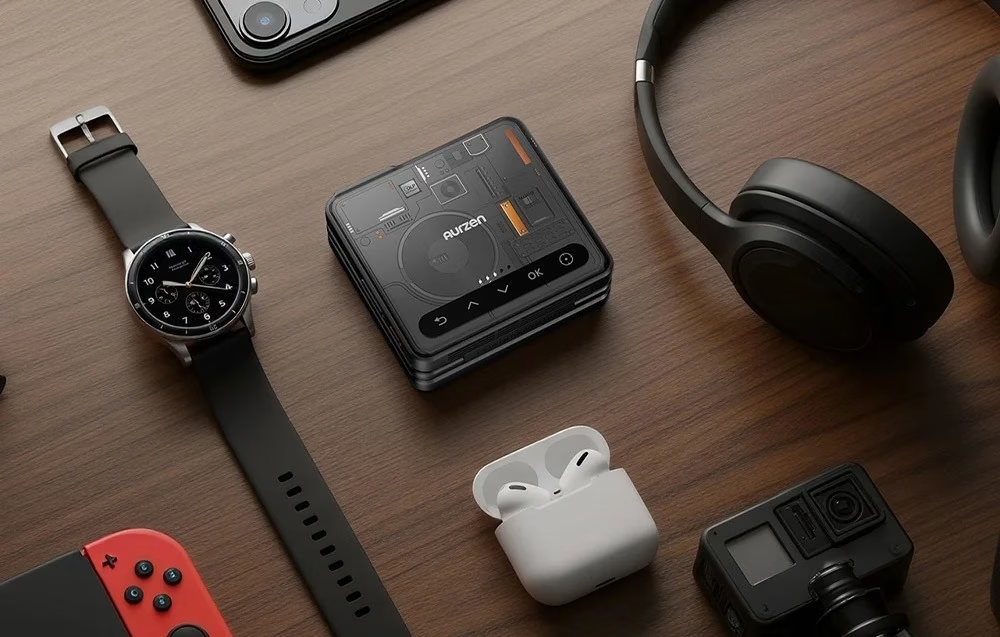
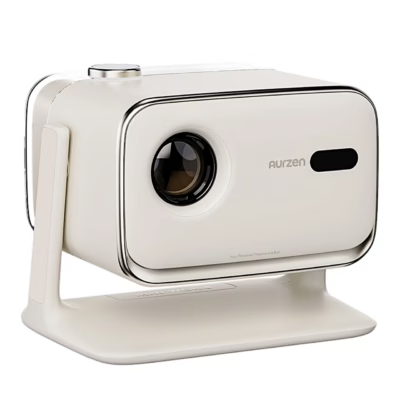
Folded, the Aurzen ZIP Cyber is a portable projector with a volume of 170 cm³. The DLP projector shows a 720p picture at 100 ANSI lumens with a 300:1 contrast ratio.
Picture on the wall, ceiling or table
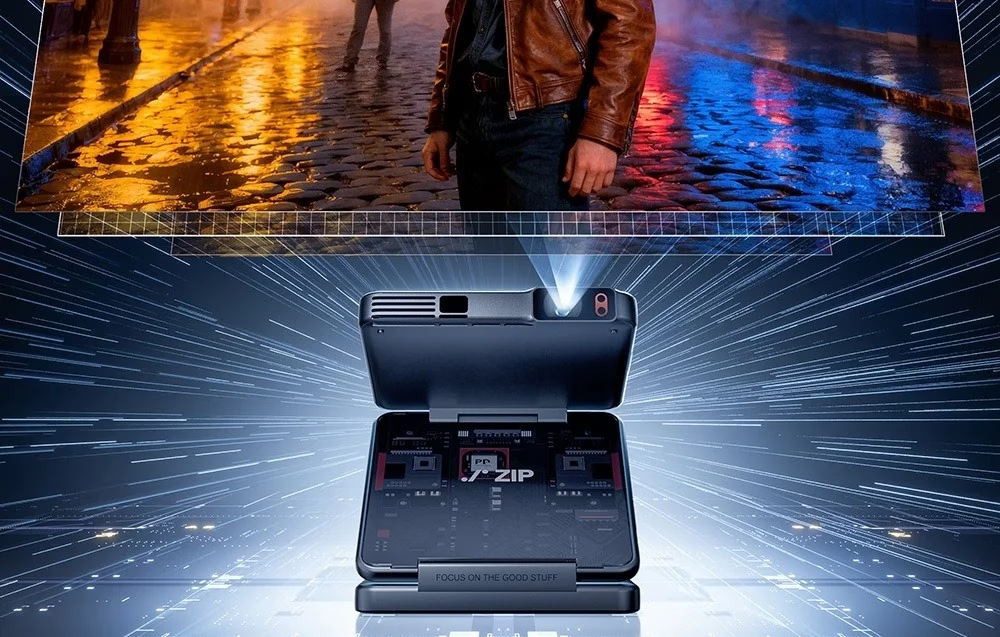
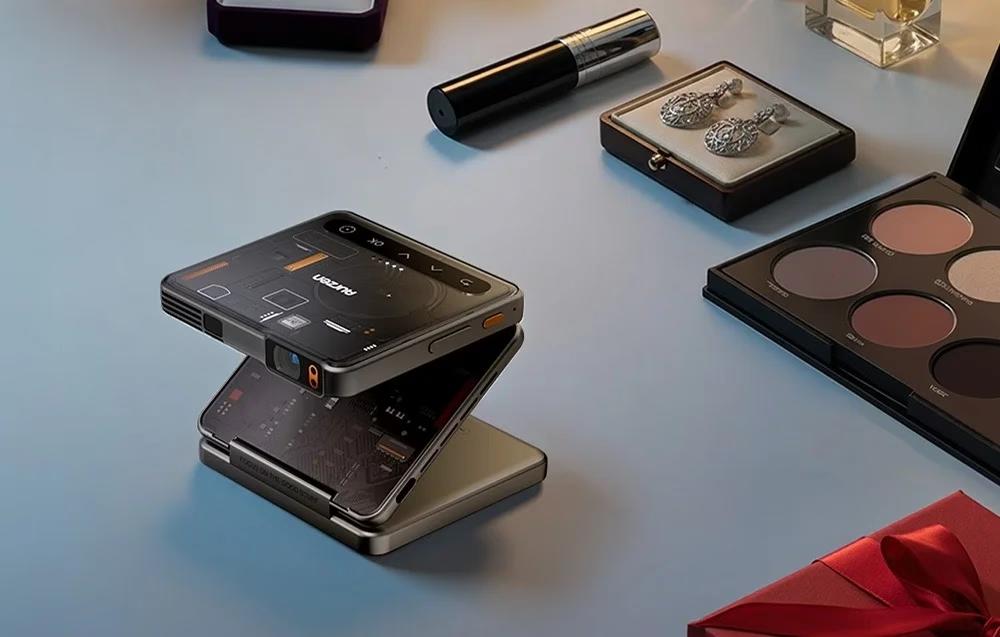
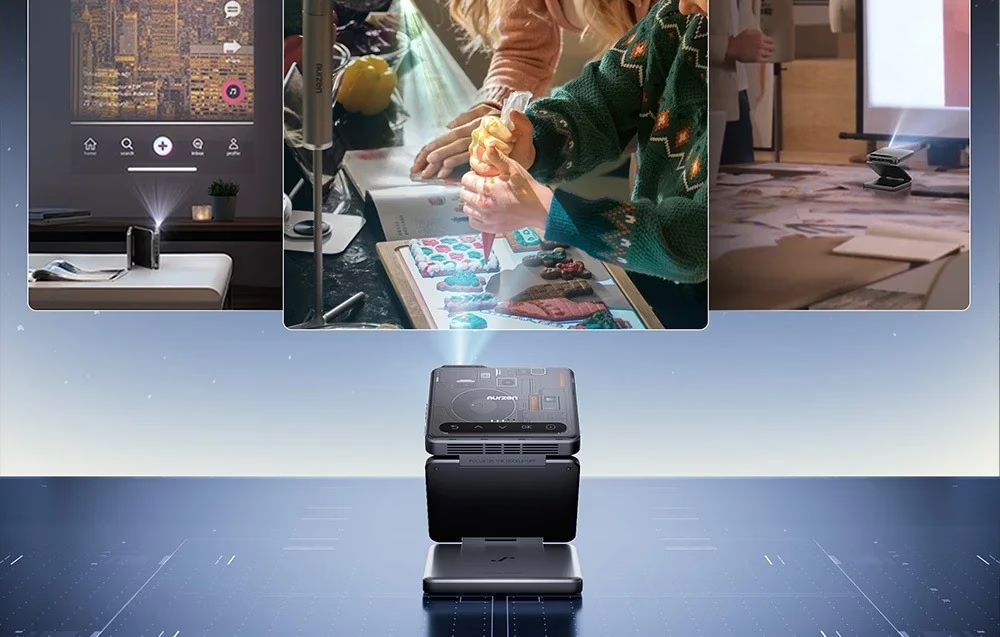
The two hinges of the Z-shaped body each open up to 90°, so the projector projects onto a wall, the ceiling or a table. The picture flips automatically to match the projector’s position. Standing upright, it shows phone videos in portrait format and enlarges them up to 3.2 times.
ToF focus and keystone correction
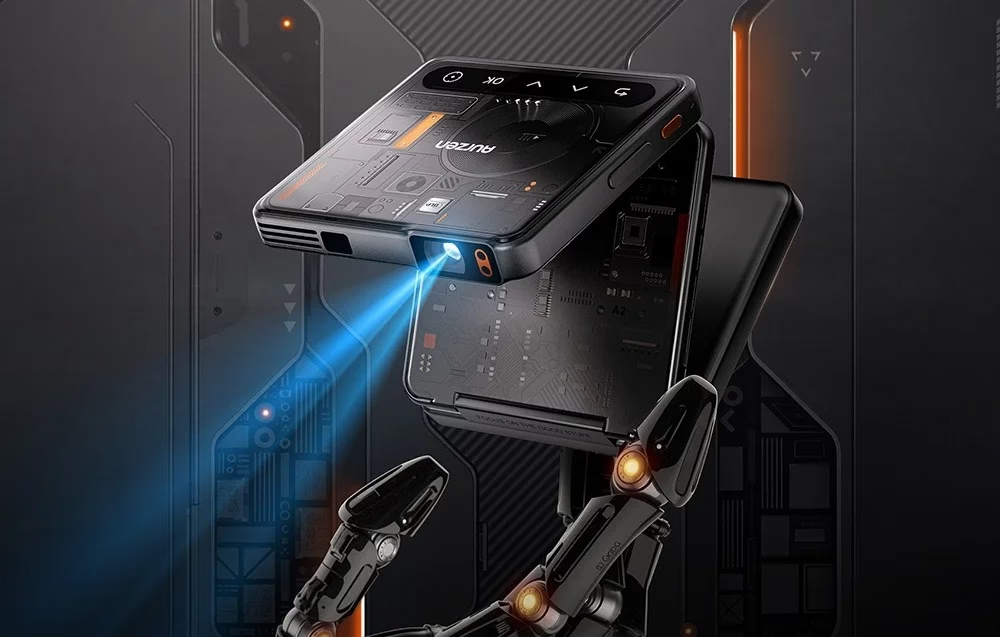
A ToF (time-of-flight) camera focuses the picture in 0.3 seconds when the projector is moved, and automatic keystone correction fixes vertical distortion up to ±25°. A throw ratio of 1.09:1 means 1.09 m of distance for every metre of picture width. The maker rates the LED light source at 20,000 hours.
Screen mirroring straight from a phone
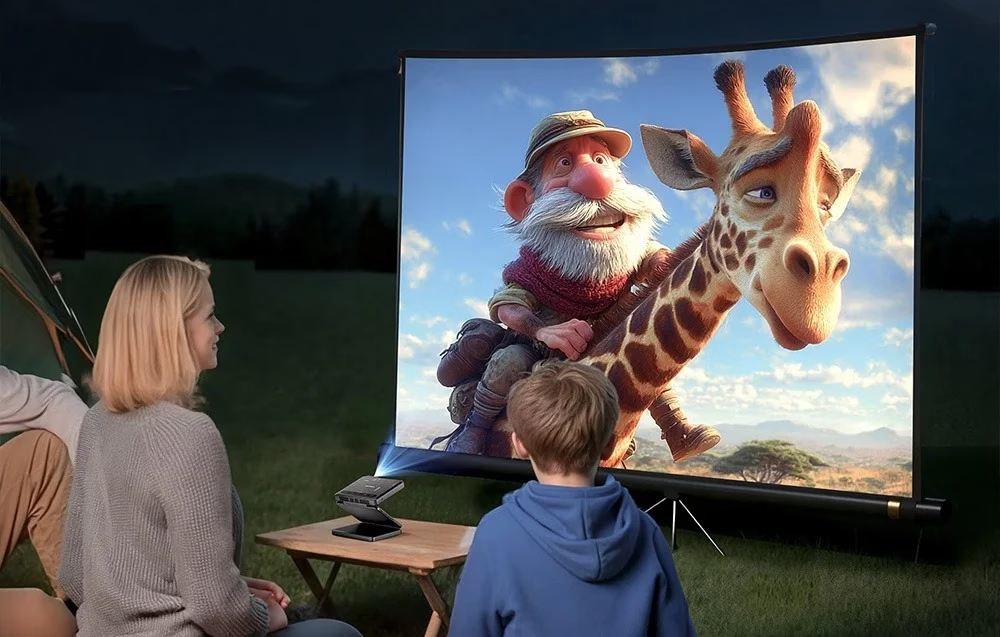
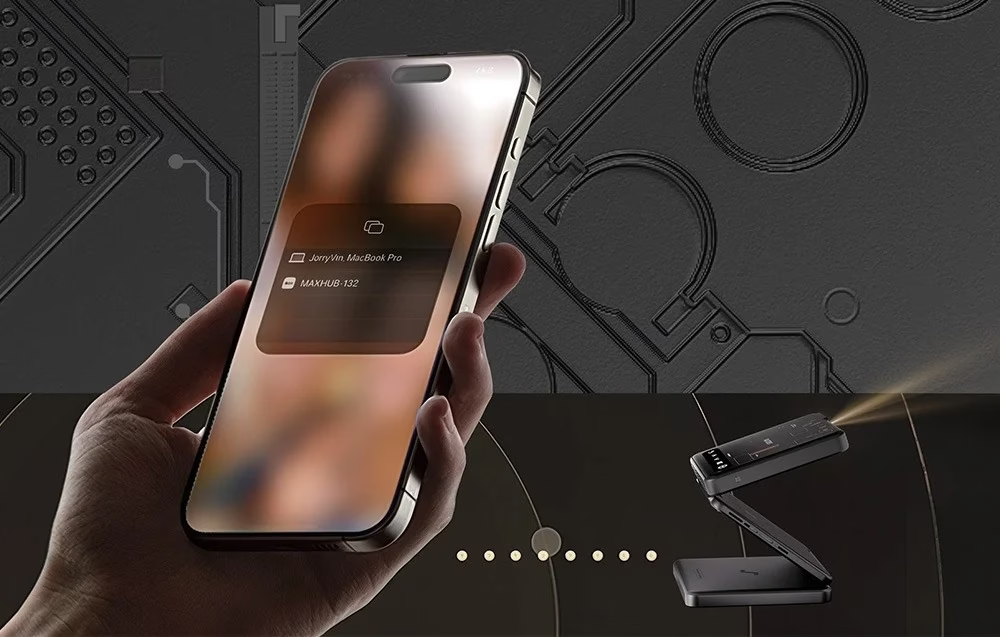
AirLink mirroring sends the picture straight to the projector without a Wi-Fi network, so it also works on trips and at outdoor presentations. Mirroring works with iOS, macOS, Windows and Android devices, including Samsung, Xiaomi and OnePlus phones. Bluetooth 5.4 pairs a Bluetooth device with the projector, and it can also be controlled with the AurzenHub app.
Stereo sound and USB-C fast-charging battery
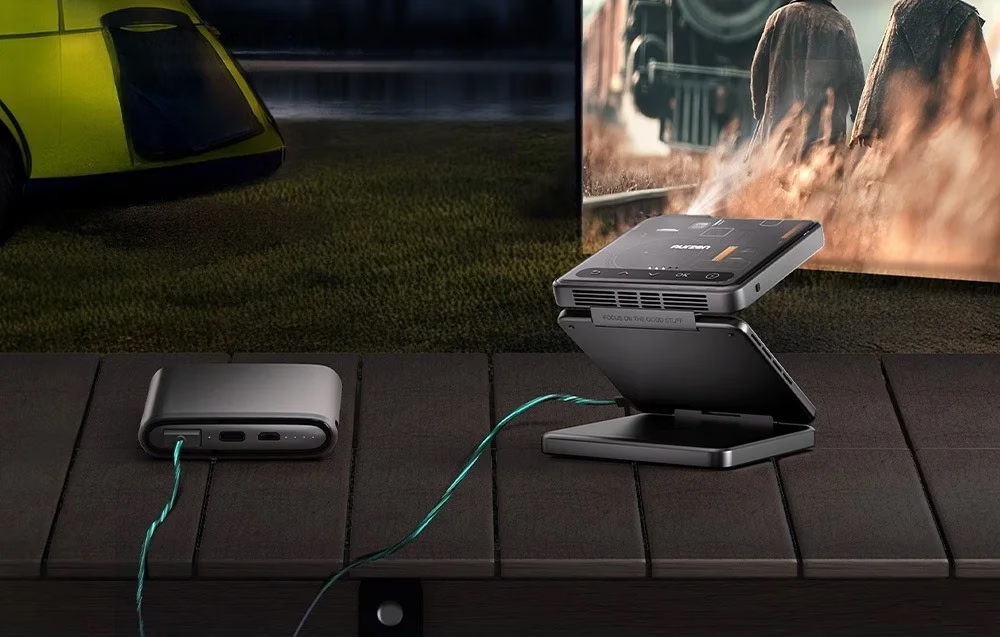
Two 1 W speakers give stereo sound without external speakers. The built-in 5000 mAh battery lasts up to 1.5 hours, and USB-C PD fast charging also lets a power bank run the projector. An Eco/Turbo switch sets the brightness; fan noise is up to 28 dB in Eco mode and up to 35 dB in Turbo mode.
Use
Before first use charge the projector with the supplied USB-C cable: a white light blinks while charging and all four lights, each standing for 25% charge, stay on when full. Charging while the projector is on needs a power source of at least 12 V / 2 A. Hold the power button for 3 seconds to switch the projector on or off, and choose your region on first start. For manual focus open the side menu with OK and choose Common Settings > Manual Focus.
Cleaning and care
Remove dust from the lens with a soft cloth or soft brush. To restore factory settings open the side menu and choose Common Settings > Factory Reset.
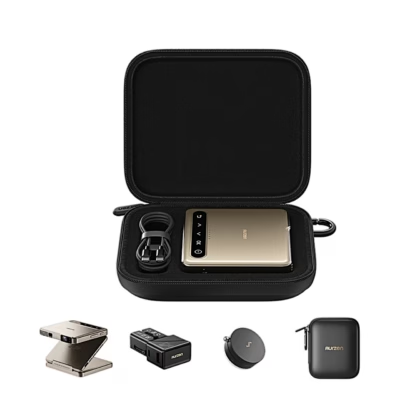
In the box
- Projector Aurzen ZIP Cyber, 1 pc
- USB-C charging cable
- User manual
- Charger not included







































Reviews
There are no reviews yet.