
Description
Projector with Google TV and automatic picture setup
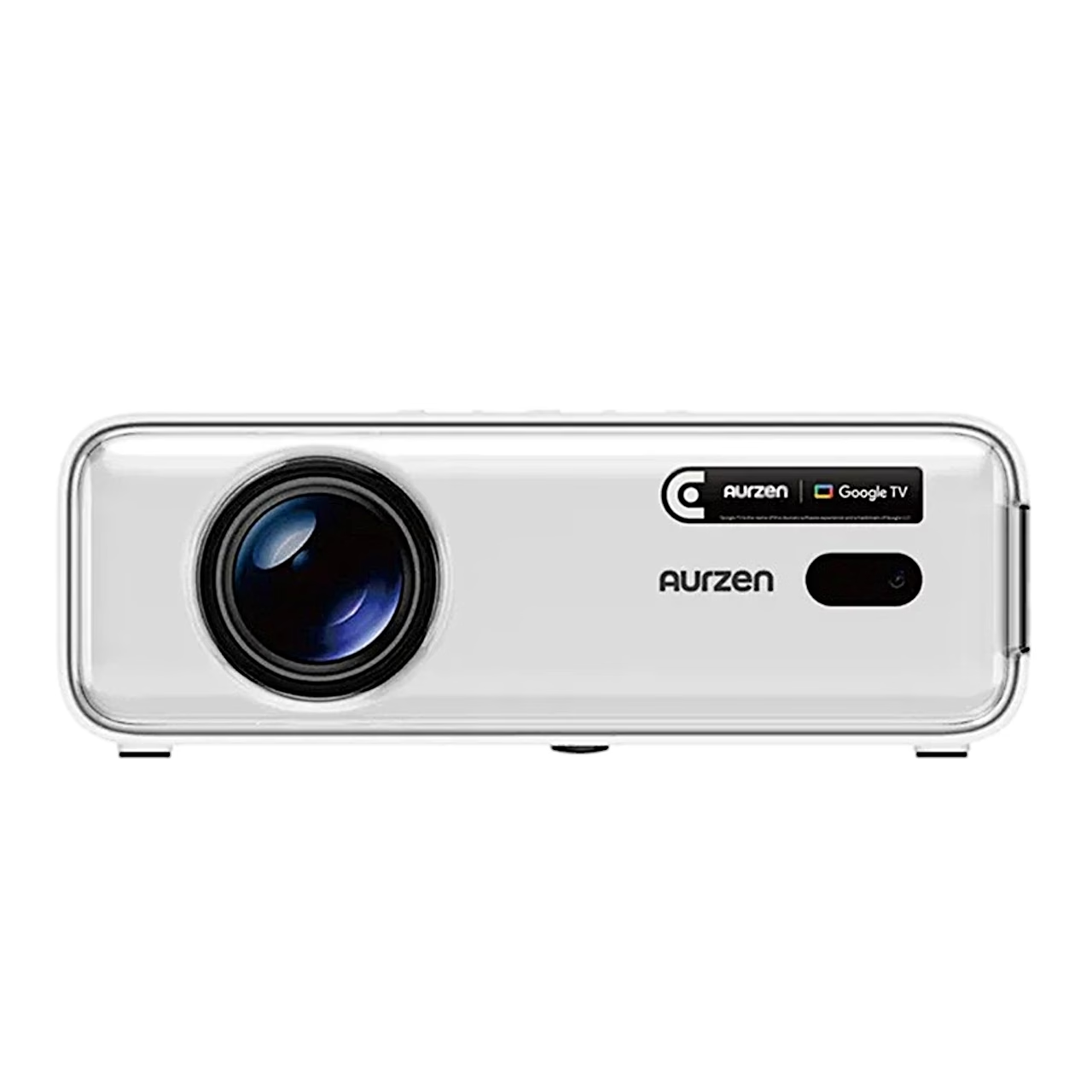
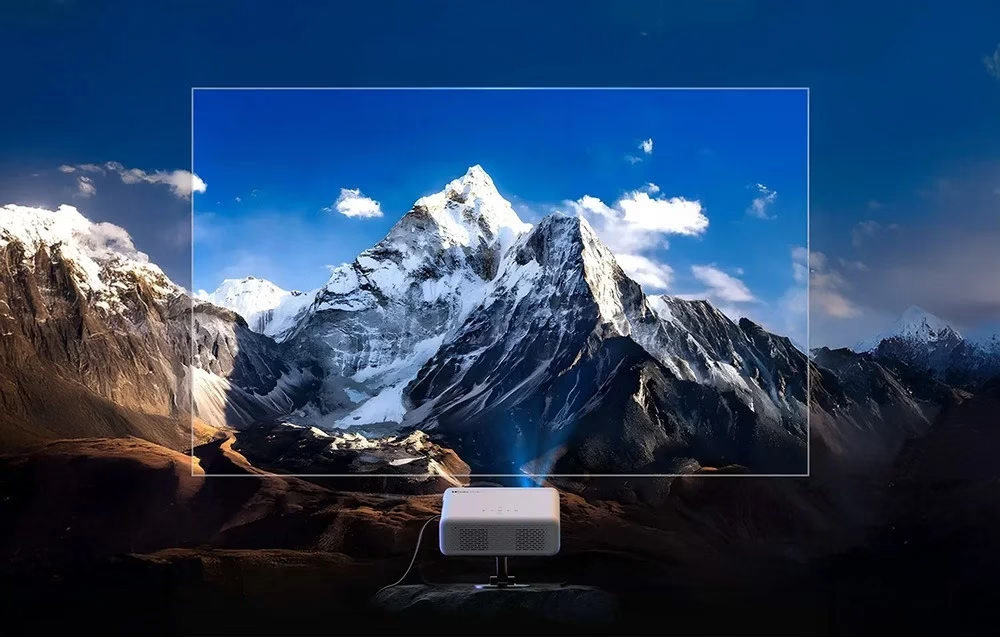
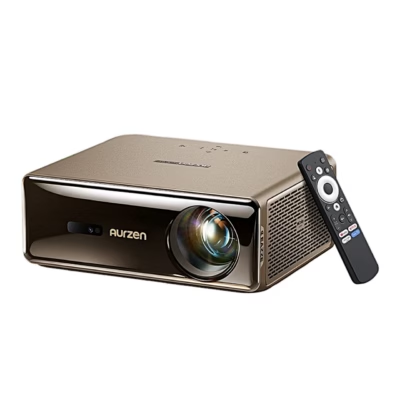
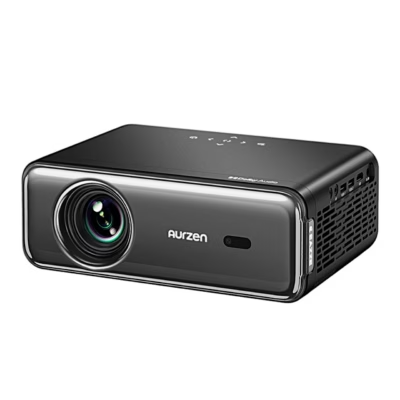
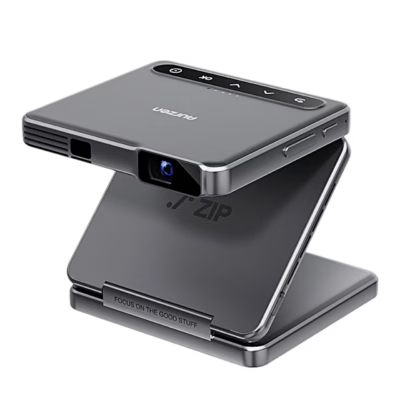
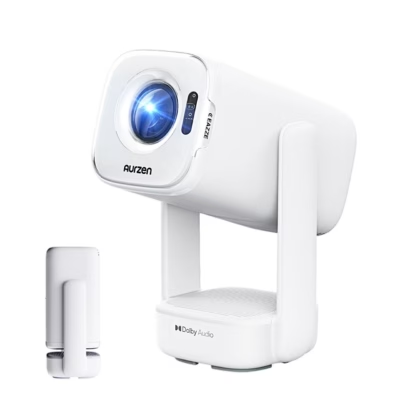
The Google TV projector Aurzen Eazze D1G shows a 1920 × 1080 picture at 200 ANSI lumens. It shows HDR10 content with a wider brightness range and also accepts a 4K signal over HDMI, displayed at Full HD resolution.
Google Play apps and voice search
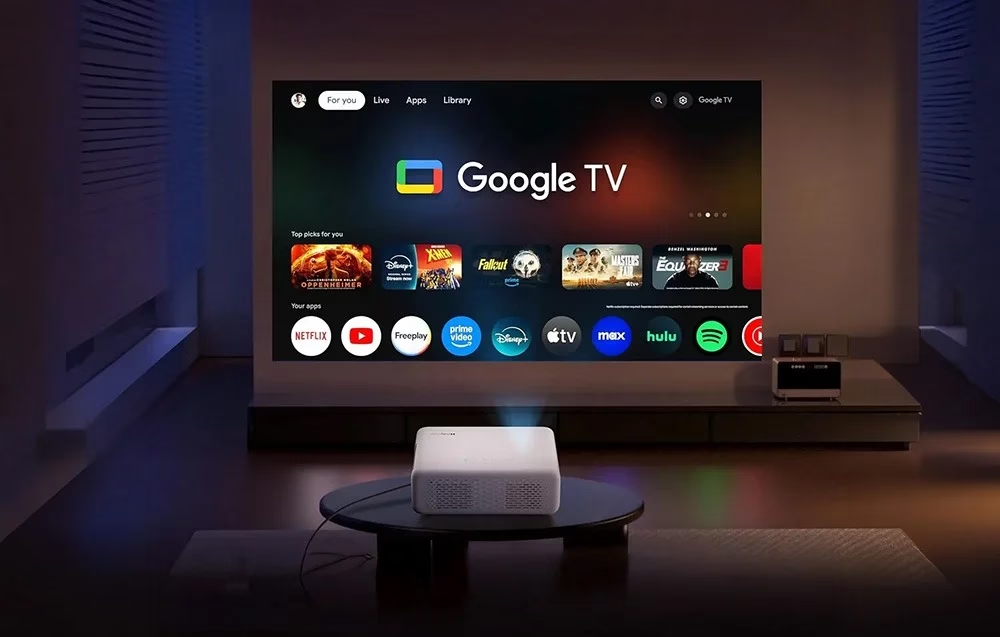
Google TV gives access to over 10,000 Google Play apps, such as Netflix, YouTube and Disney+. Family members can have their own profiles, and Kids Mode limits content and screen time. Voice commands are given by holding the Google Assistant button on the remote, and a phone or laptop can send its screen via Google Cast.
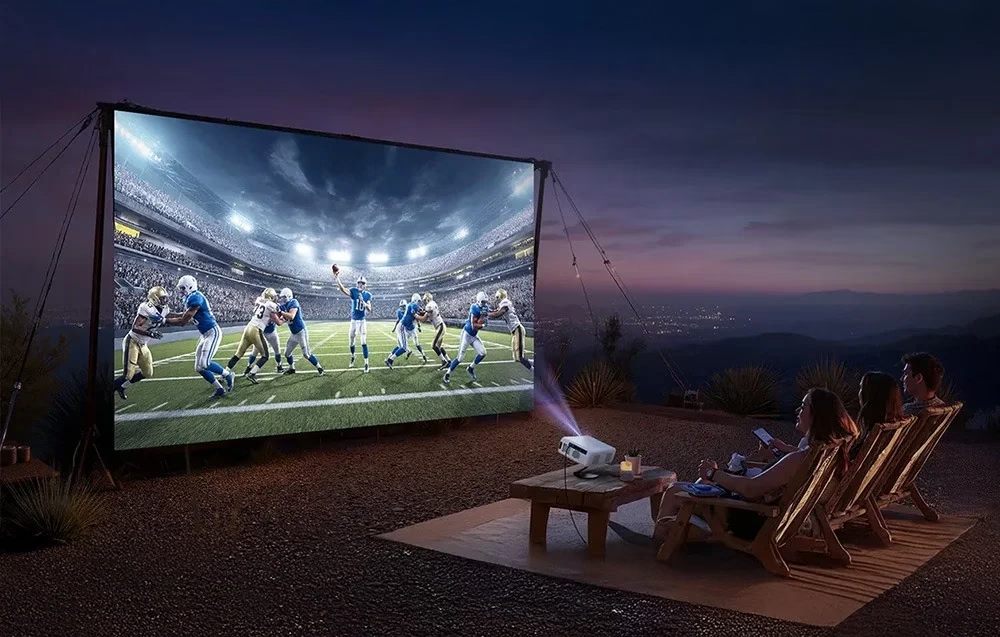
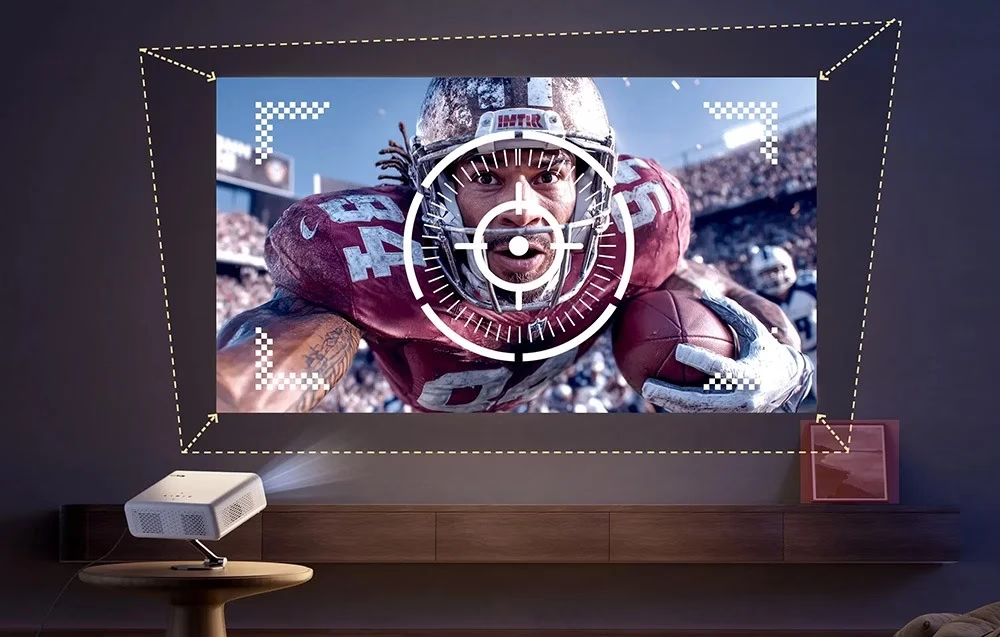
Auto focus and screen fit
When the projector is moved, it focuses the picture automatically. Automatic four-corner keystone correction fixes the picture shape at angles of up to ±45°, screen fit places the picture inside the screen frame and obstacle avoidance steers the picture around an object. Digital zoom changes the picture size between 50 and 100% without moving the projector.
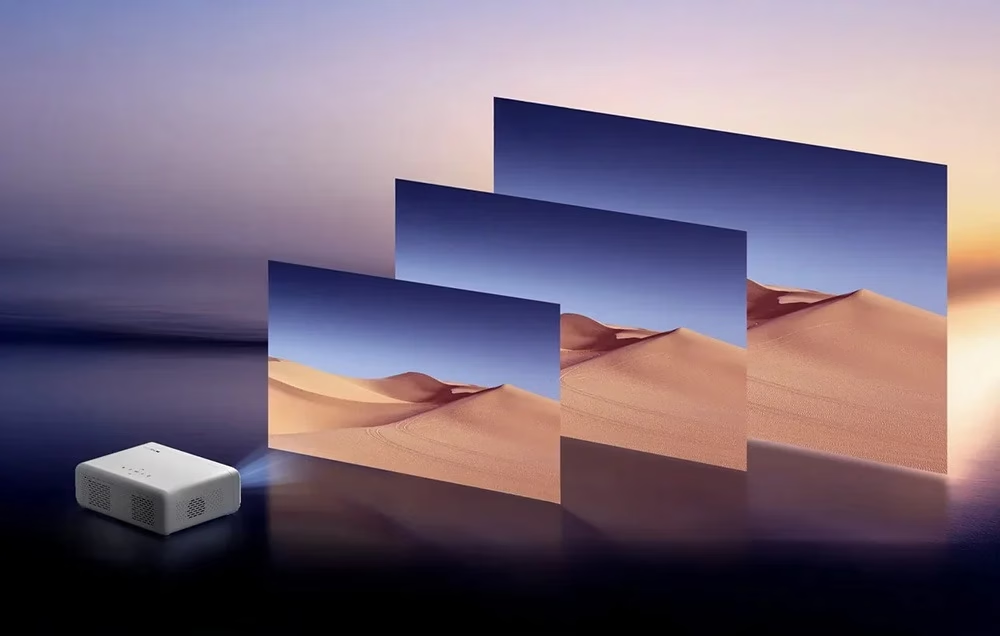
Dolby Audio speakers and ports
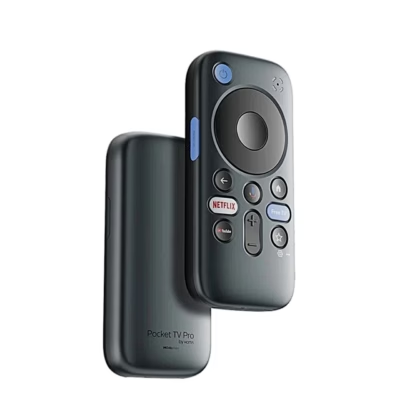
The projector has two 8 W Dolby Audio speakers and a Bluetooth speaker mode, and two-way Bluetooth 5.1 sends sound to an external speaker or headphones. On the back are an HDMI input for a laptop or games console, two USB ports for playing files from external storage and a 3.5 mm audio output. The remote has an HD key for the HDMI input and shortcut keys for Netflix, YouTube and Prime Video, and Wi-Fi works on the 2.4 and 5 GHz bands.
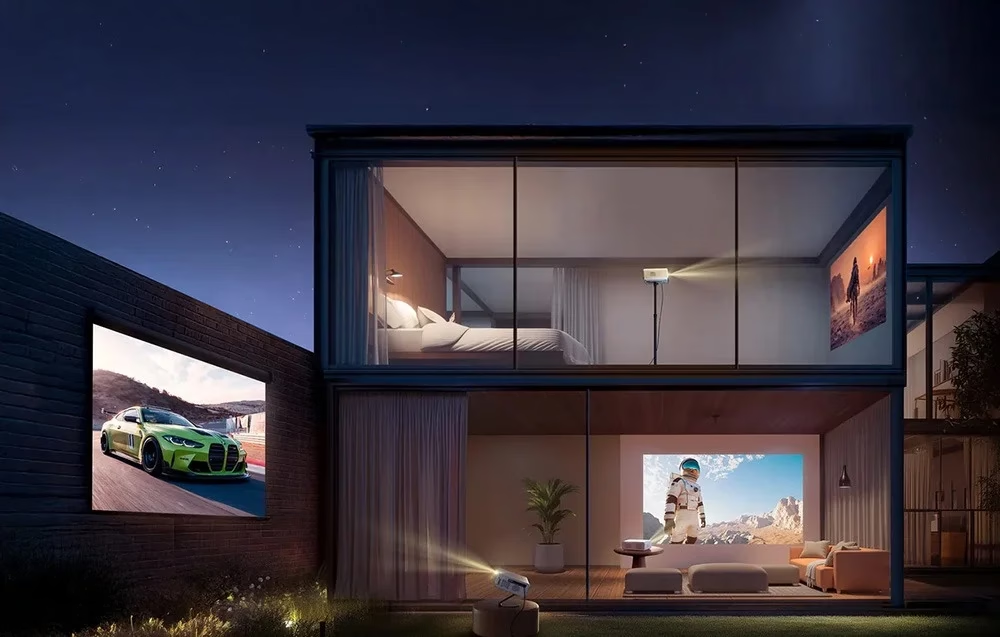
Mounting
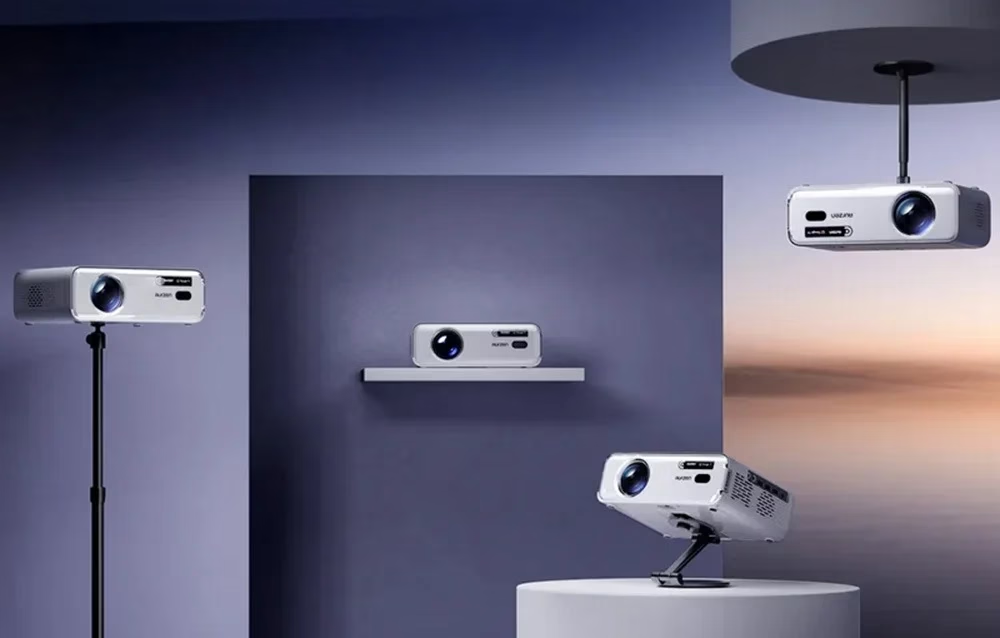
The projector can stand on a table or on the ceiling, in front of or behind the screen, and the projection mode is chosen in the setup wizard or under Projector > Projection Mode. Ceiling mounting needs a 1/4-inch mounting screw, and a kickstand raises the front.
First start
On first start take the cover off the lens, connect the power adapter and press the power button. To pair the remote, bring it within 10 cm of the projector and hold the Back and Home keys together. In the setup wizard choose the language and region and sign in with a Google account or choose basic TV mode; the remote runs on two AAA batteries.
Cleaning
Clean the lens with a blower or a soft brush.
In the box
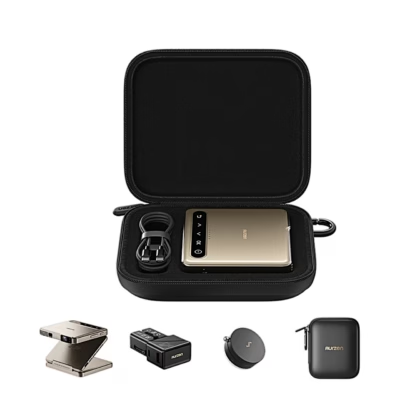
- Projector Aurzen Eazze D1G, 1 pc
- Remote control
- Power adapter
- User manual







































Reviews
There are no reviews yet.