
Description
Projector with Google TV and HDR10 support for home cinema
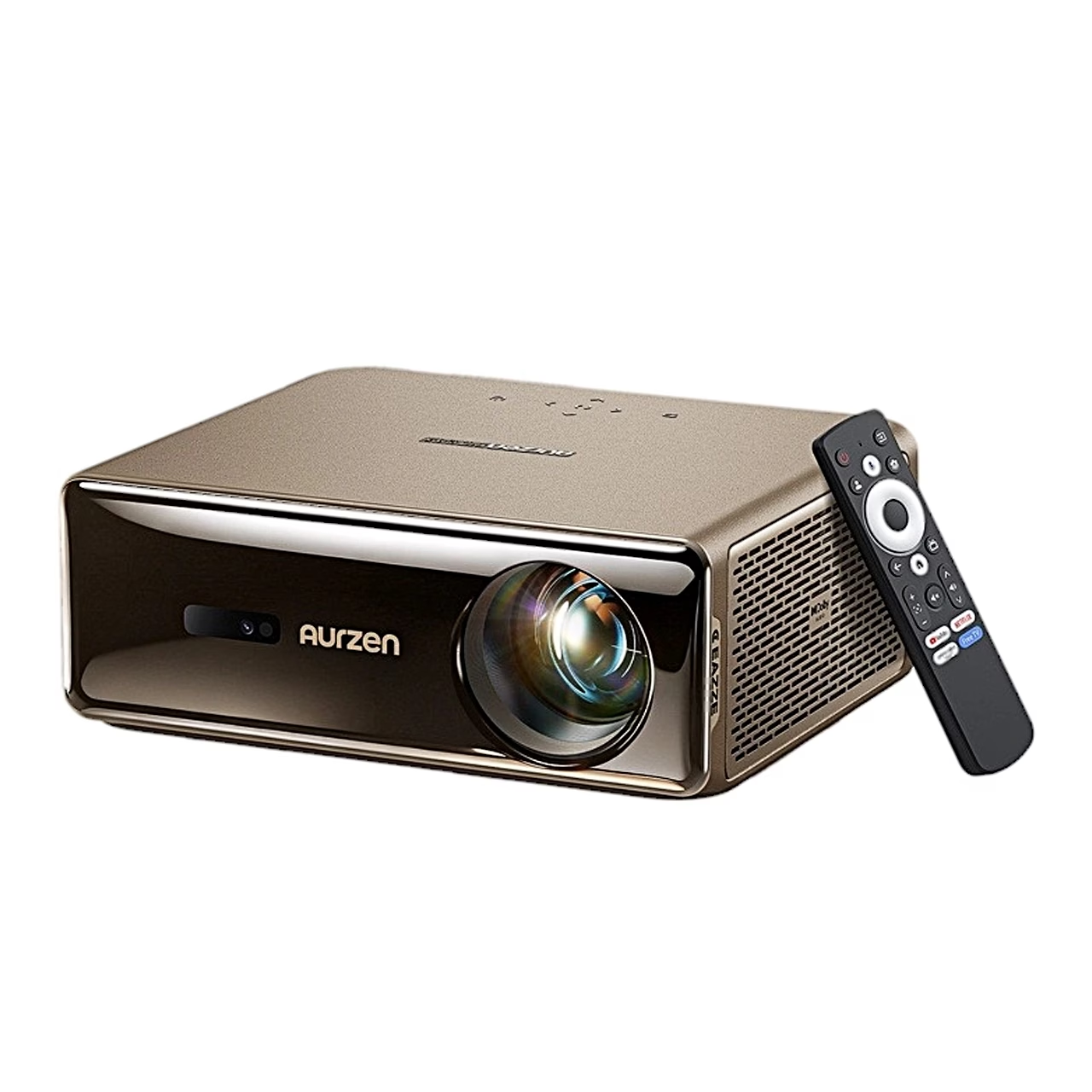
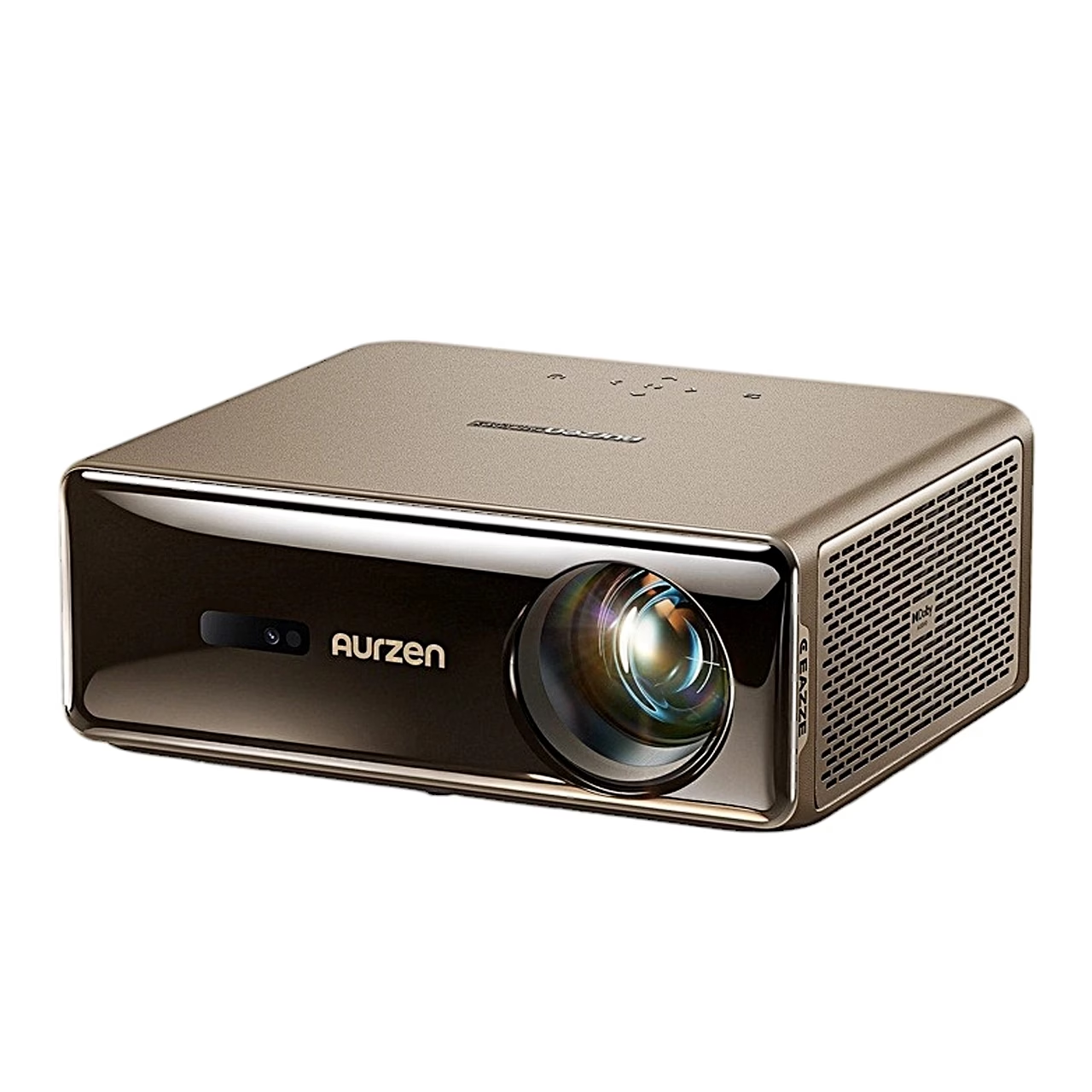
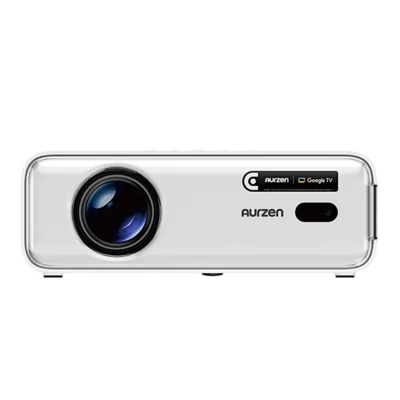
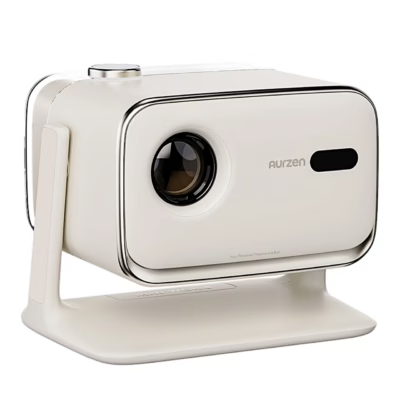
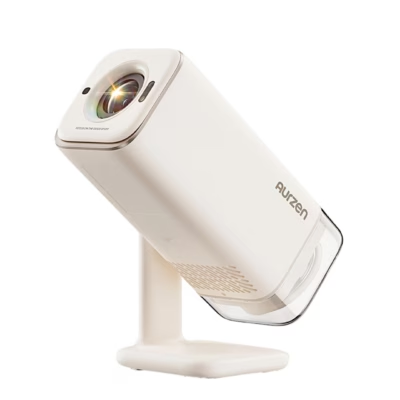
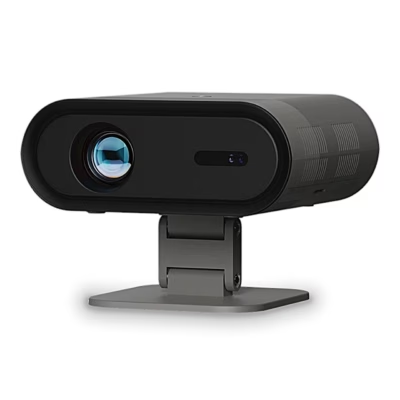
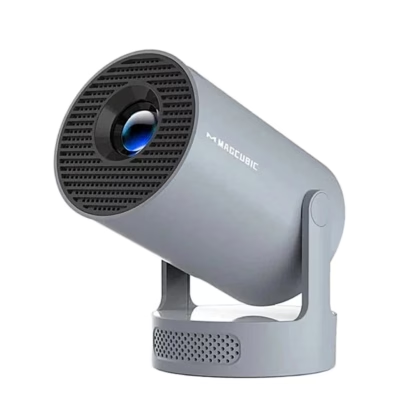
The Google TV projector Aurzen Eazze D1 Max shows a 1920 × 1080 picture with LCD technology and an LED light source. Contrast is 2000:1 and the projector plays HDR10 video.
Three brightness modes and a picture up to 200 inches
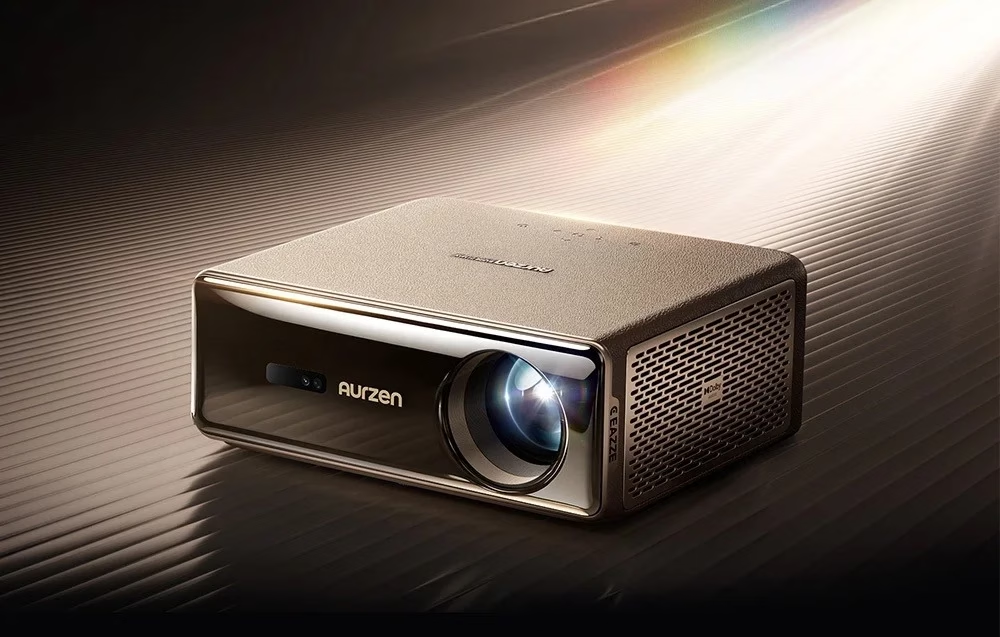
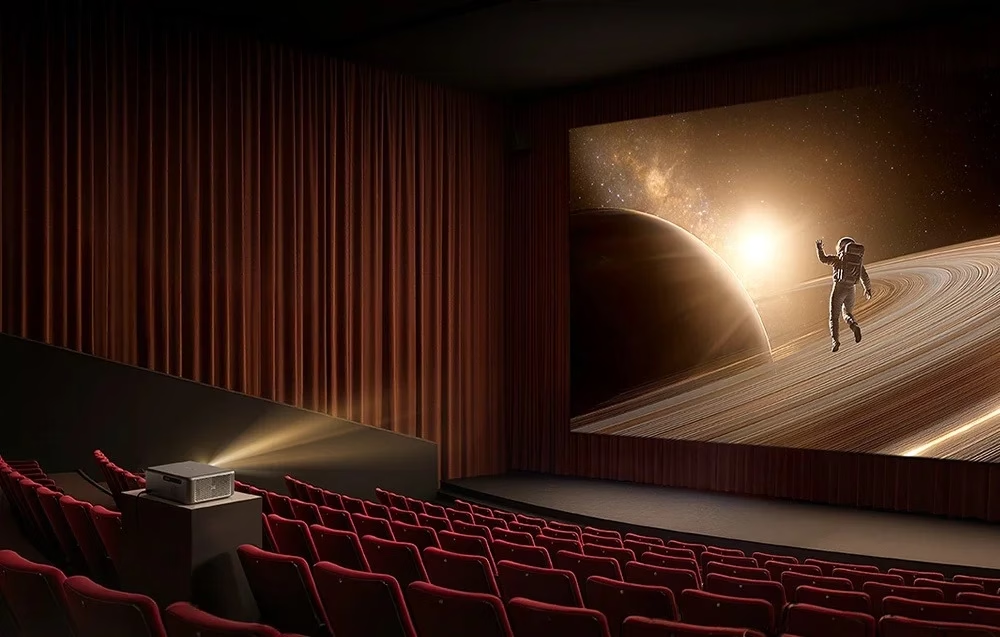
The brightness modes are High 1000, Standard 800 and Eco 680 ANSI lumens, and the strongest mode suits partly lit rooms and outdoor viewing. A throw ratio of 1.28:1 means 1.28 m of distance for every metre of picture width. The maker recommends an 80–120-inch picture from 2.24–3.47 m, the largest picture diagonal is 200 inches and digital zoom reduces the picture between 60 and 100%.
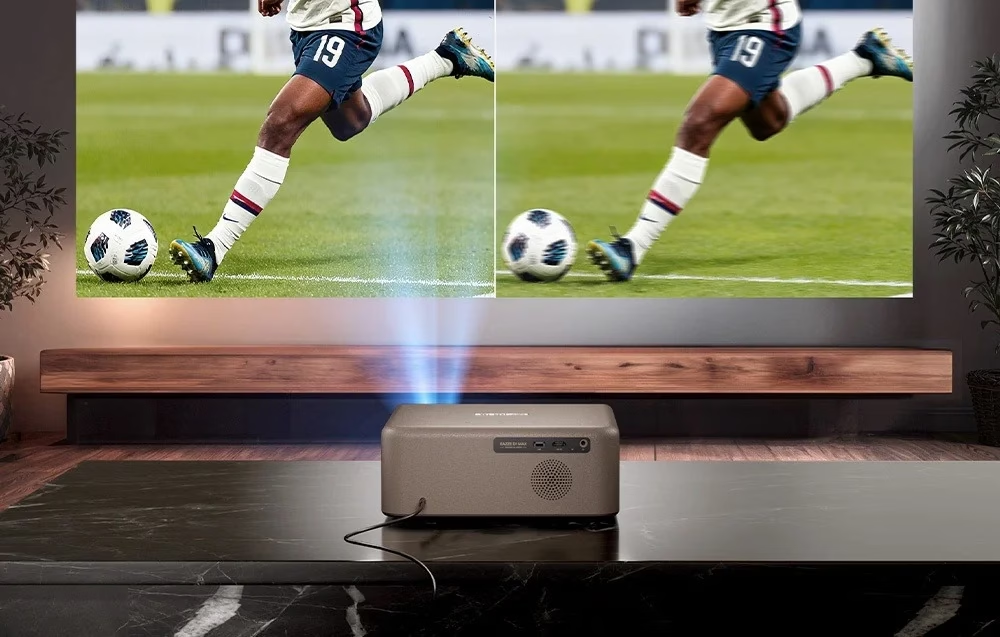
MEMC for smoother motion
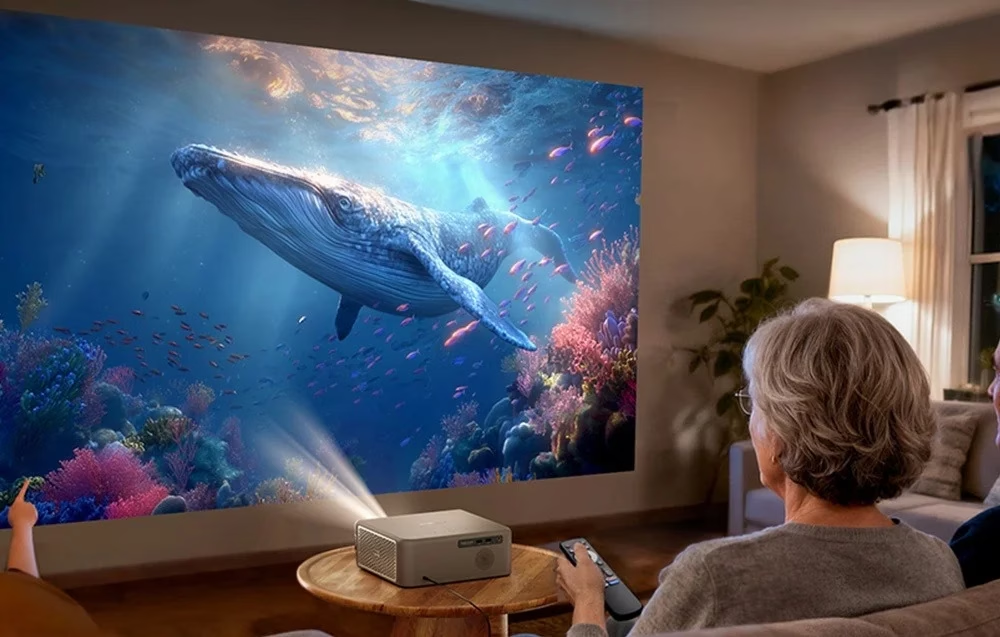
MEMC (motion estimation and motion compensation) makes fast motion smoother in sport and action films, so details in fast shots do not blur.
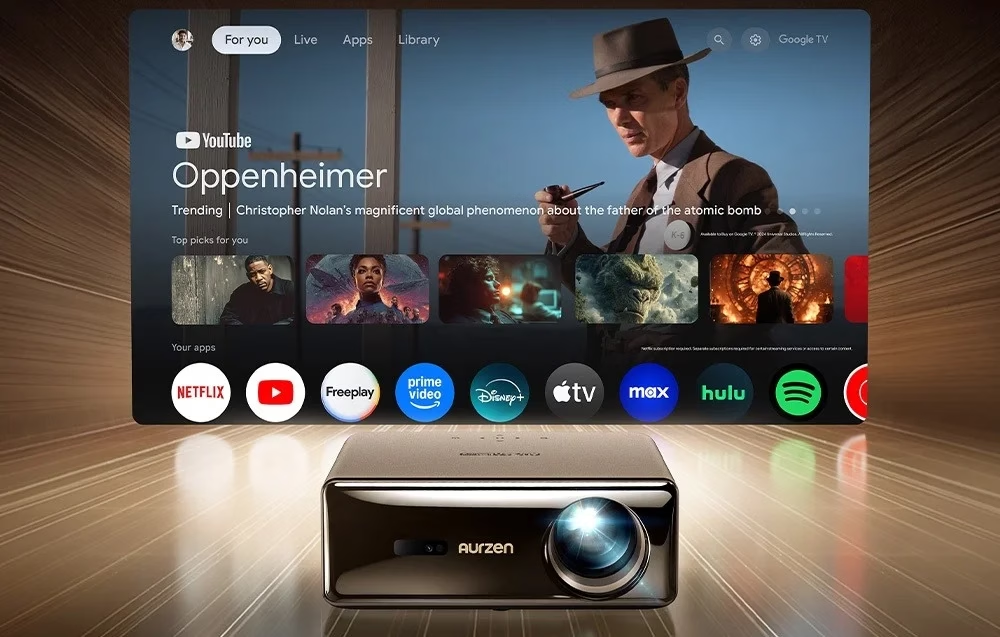
Streaming apps, voice search and screen casting
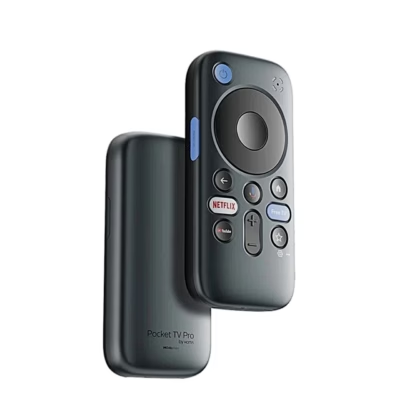
Google TV offers Netflix, YouTube, Disney+, Prime Video and Apple TV, and the remote has shortcut keys for YouTube, Netflix and Prime Video. With the Google Assistant button on the remote you search by voice, and a phone can send its screen via Google Cast. Apps have 2 GB of RAM and 8 GB of storage.
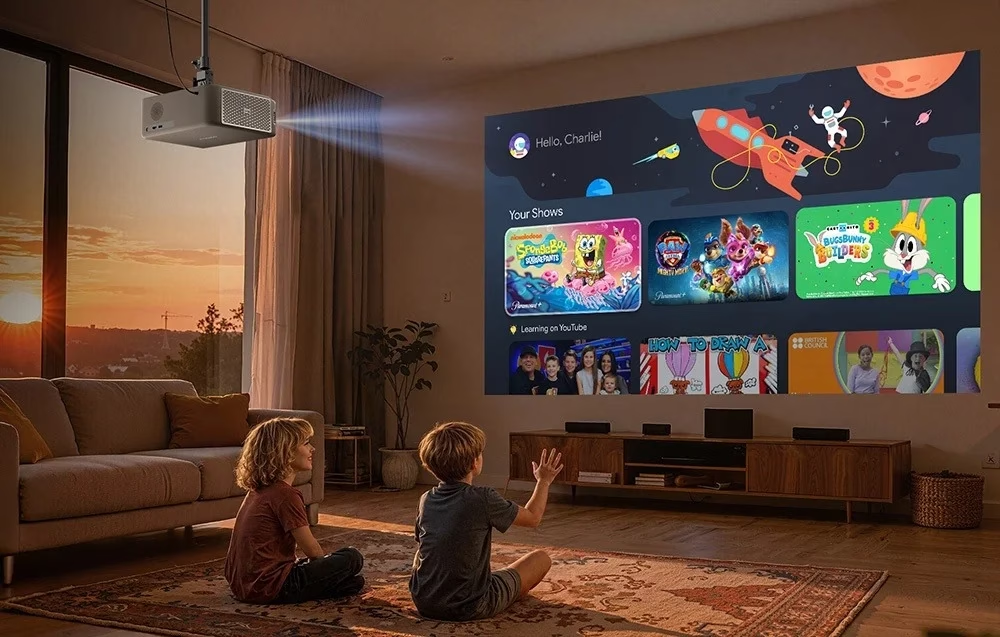
A PIN code protects accounts and settings, parental controls limit content and viewing time, and the remote’s battery level is shown on screen.
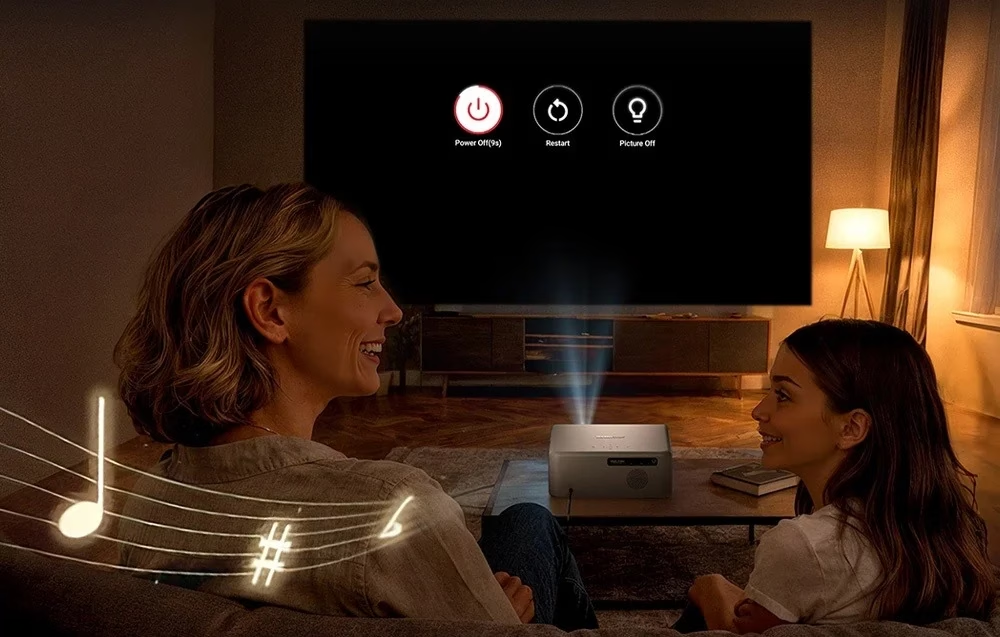
Dolby Audio speakers and Bluetooth speaker mode
The back holds two 10 W Dolby Audio speakers, and the picture can be switched off while the sound keeps playing. In Bluetooth speaker mode the projector plays music from a phone, and two-way Bluetooth also connects external speakers or headphones. The noise level is up to 40 dB at 1 m.
The rear panel has an HDMI input, a USB port and an audio output, and the HD key on the remote switches straight to the HDMI input. Wi-Fi works on the 2.4 and 5 GHz bands.
Setting up and use
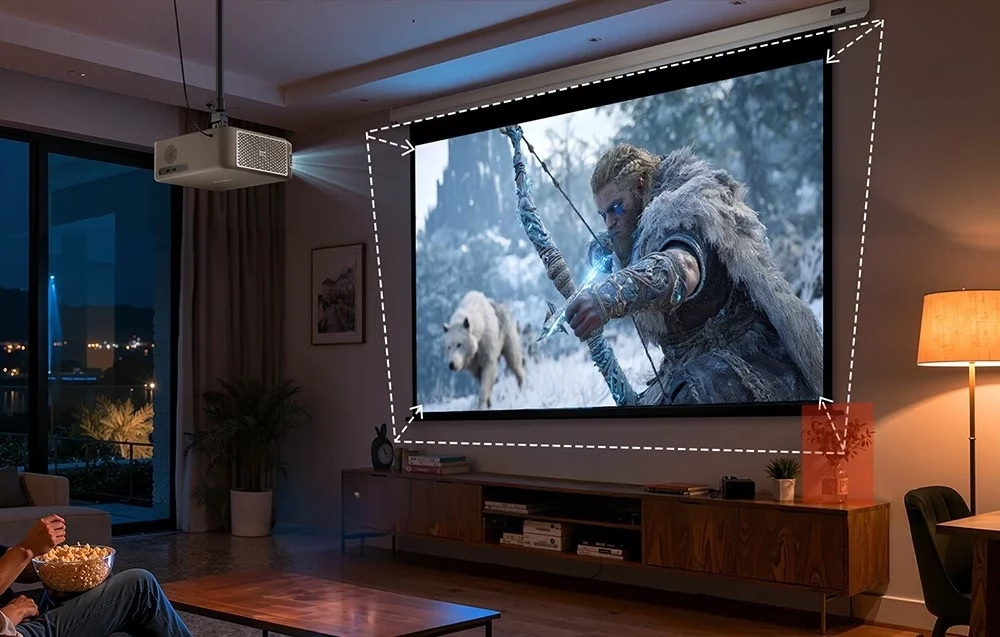
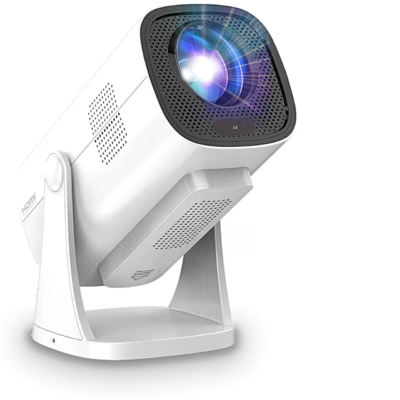
The projector can stand on a table or on the ceiling, in front of or behind the screen, and the projection mode is chosen under Settings > Projector > Advanced Settings > Projection Mode. For ceiling mounting there are threaded holes for four M4 screws under the feet, and a kickstand raises the front. Auto focus and keystone correction work when the projector is tilted up to ±30° vertically and ±15° horizontally to the screen.
First start
On first start remove the lens cover, connect the power adapter and press the power button. To pair the remote, hold it within 10 cm of the projector and press the Back and Home keys together. The remote runs on two AAA batteries.
Cleaning and care
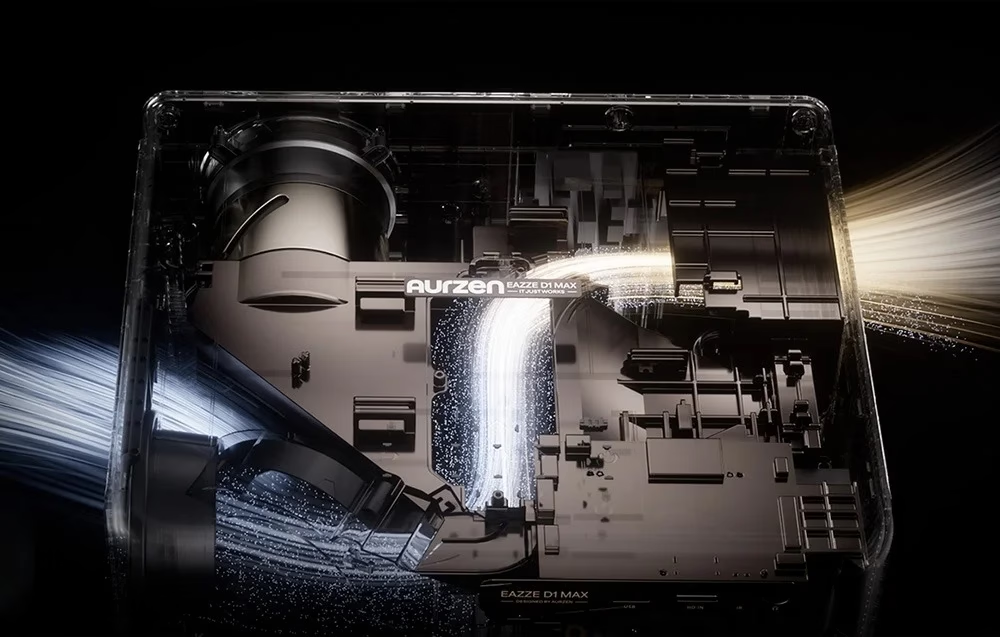
Remove dust from the lens with a soft cloth or a soft brush. One-button optical cleaning removes dust from inside the projector.
In the box
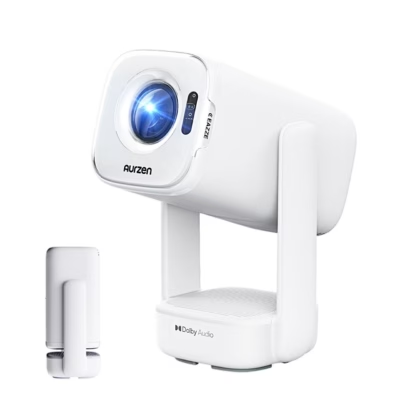
- Projector Aurzen Eazze D1 Max, 1 pc
- Remote control
- Power adapter
- User manual







































Reviews
There are no reviews yet.