

Description
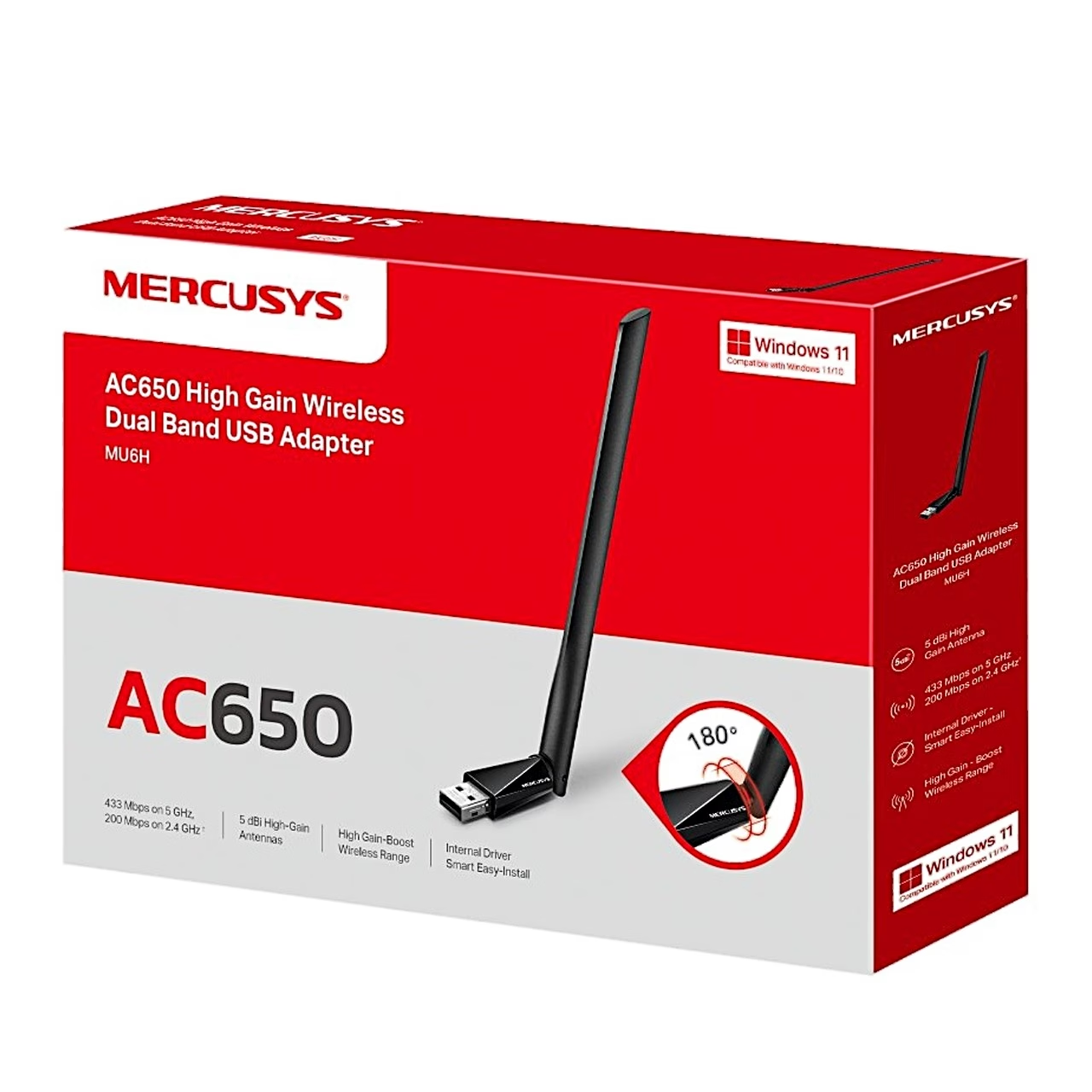
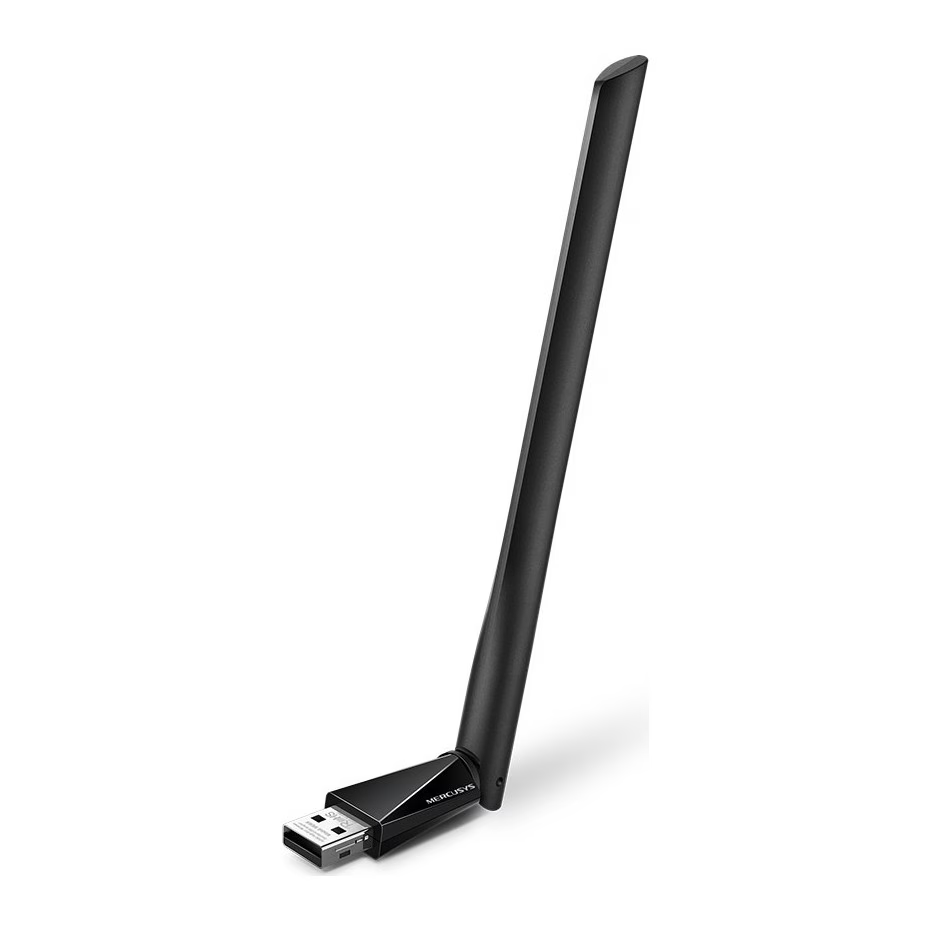
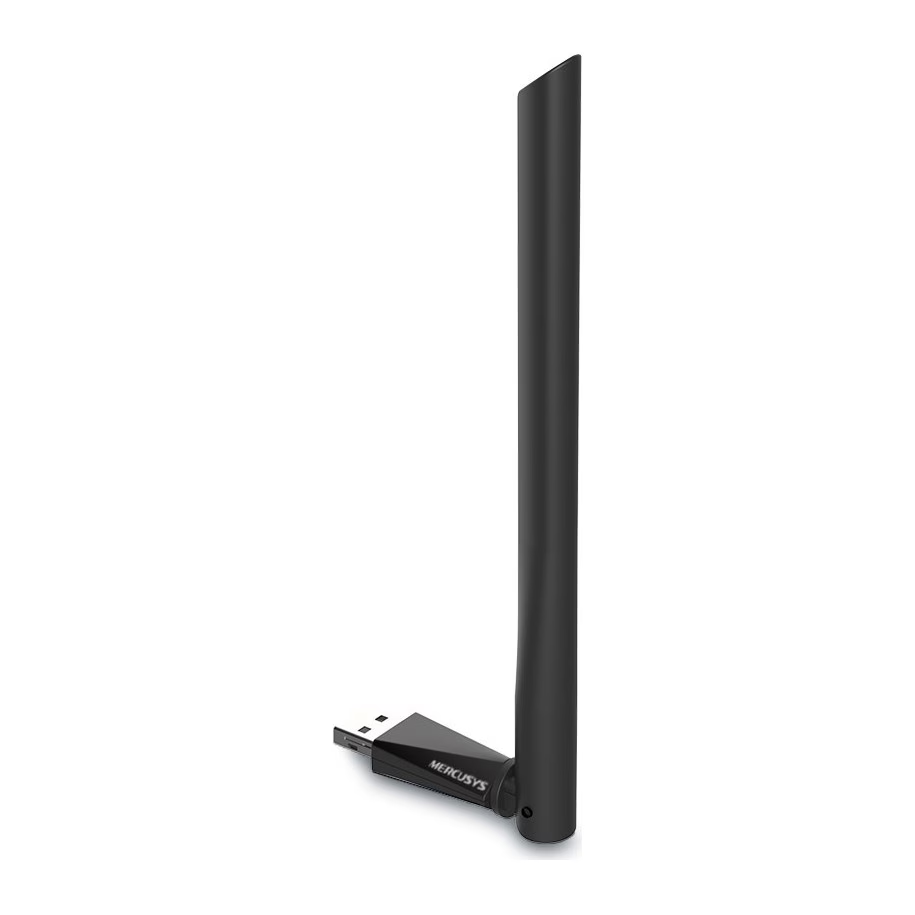
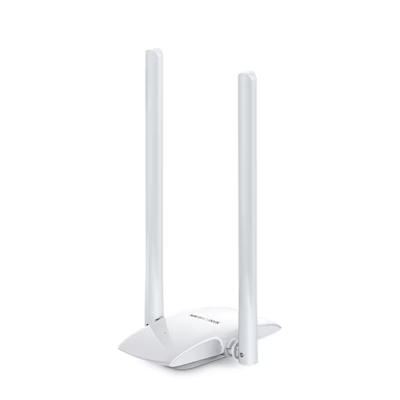
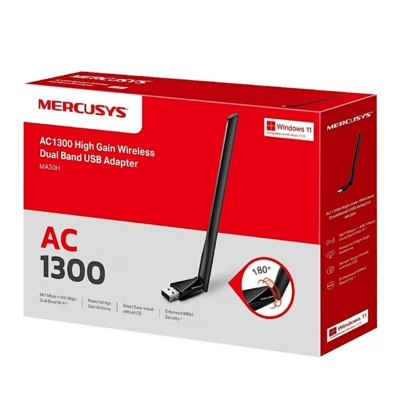
Wi-Fi adapter with a rotating antenna
Plugged into a USB 2.0 port, the Mercusys MU6H Wi-Fi adapter connects your computer to a wireless network on the 2.4 GHz and 5 GHz bands. On 2.4 GHz the adapter supports 802.11b, g and n; on 5 GHz it supports 802.11a, n and ac. According to the manufacturer, the maximum data rate is 433 Mbit/s on 5 GHz and 200 Mbit/s on 2.4 GHz. 256-QAM modulation raises the 2.4 GHz rate from 150 Mbit/s to 200 Mbit/s when the router also supports 256-QAM. The manufacturer recommends 2.4 GHz for browsing and 5 GHz for HD video streaming and gaming.
Antenna, security and status light
For signal reception, the adapter has an external 5 dBi antenna that rotates through 180°. To protect the network, the adapter supports WPA and WPA2 encryption and 802.1x authentication. The LED blinks when the driver is installed and the adapter is working.
Installation and use
The adapter supports Windows 11 and the 32-bit and 64-bit versions of Windows 10, 8.1, 8, 7 and XP. Plug the adapter directly into a USB port on the computer. Open This PC, double-click the Mercusys disk and run SetupInstall.exe to install the driver. The driver can also be downloaded from www.mercusys.com/support. Then select your network from the wireless icon on the taskbar, click Connect and enter the Wi-Fi password. The adapter operates at 0–40 °C and 10–90% relative humidity, non-condensing.
In the box
- Mercusys MU6H Wi-Fi adapter
- quick installation guide



















































Reviews
There are no reviews yet.