

Description
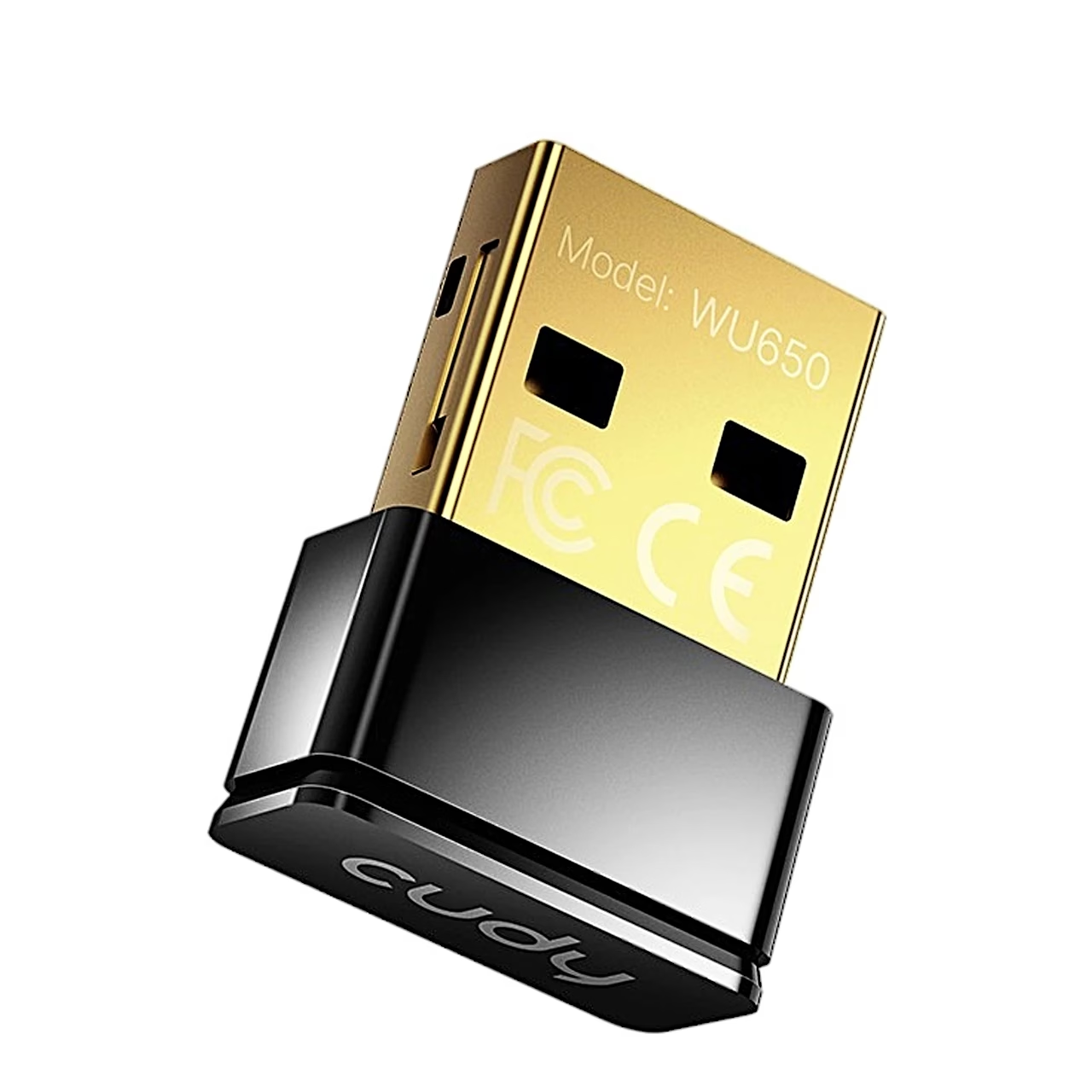
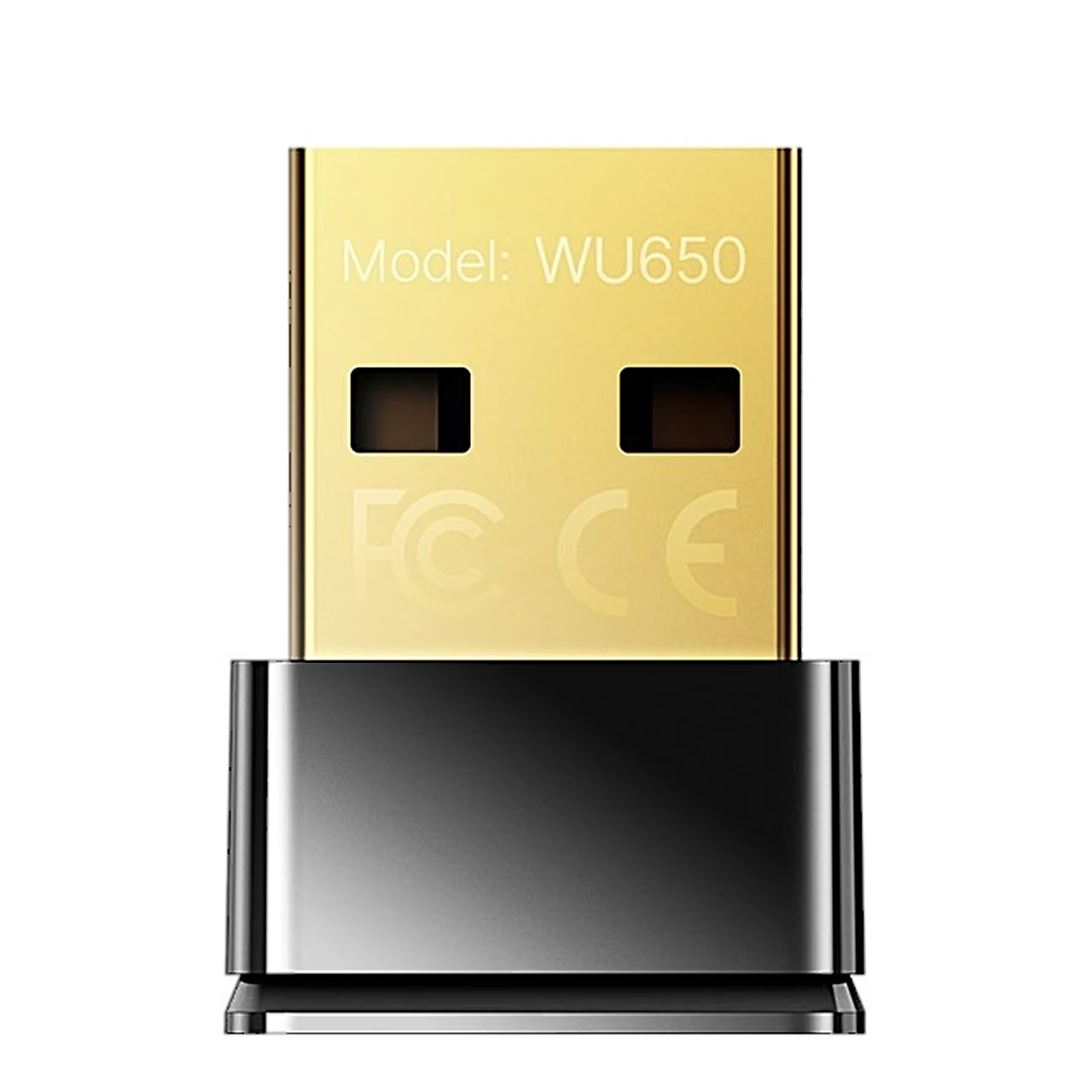
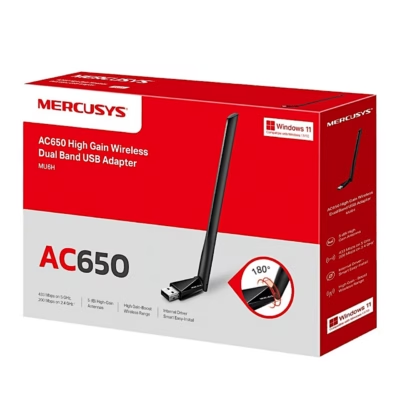
WiFi adapter with Wi-Fi 5 and two bands
The dual-band WiFi adapter Cudy WU650 supports Wi-Fi 5 (802.11ac) and works on the 2.4 GHz and 5 GHz bands, with a maximum data transfer rate of 433 Mbit/s. Support for 802.11a, b, g and n lets it connect to older routers as well. To protect the network it supports WEP, WPA, WPA-PSK, WPA2 and WPA2-PSK encryption. The internal antenna has a gain of 2 dBi.
Supported operating systems
The adapter supports Windows XP to Windows 10 and macOS 10.6–10.15. It connects to the computer over USB 2.0.
Installation
- Plug the adapter directly into a USB port on the computer.
- Put the driver CD into the computer’s disc drive, open the driver folder, double-click Setup.exe and click Next.
- When the installation is finished, the Realtek management software icon appears in the lower right corner of the taskbar.
The latest driver can be downloaded from www.cudytech.com/download.
Connecting to a network and access point mode
To connect, open Realtek USB Wireless LAN Utility, choose the network under Available Network and enter the network password. Once connected, the utility shows the signal strength and link quality.
In Soft AP mode the adapter shares the computer’s internet connection over Wi-Fi: choose Access Point in the Mode menu, set the network name, channel, encryption and password under Configuration, and choose the connection to share under ICS.
In the box
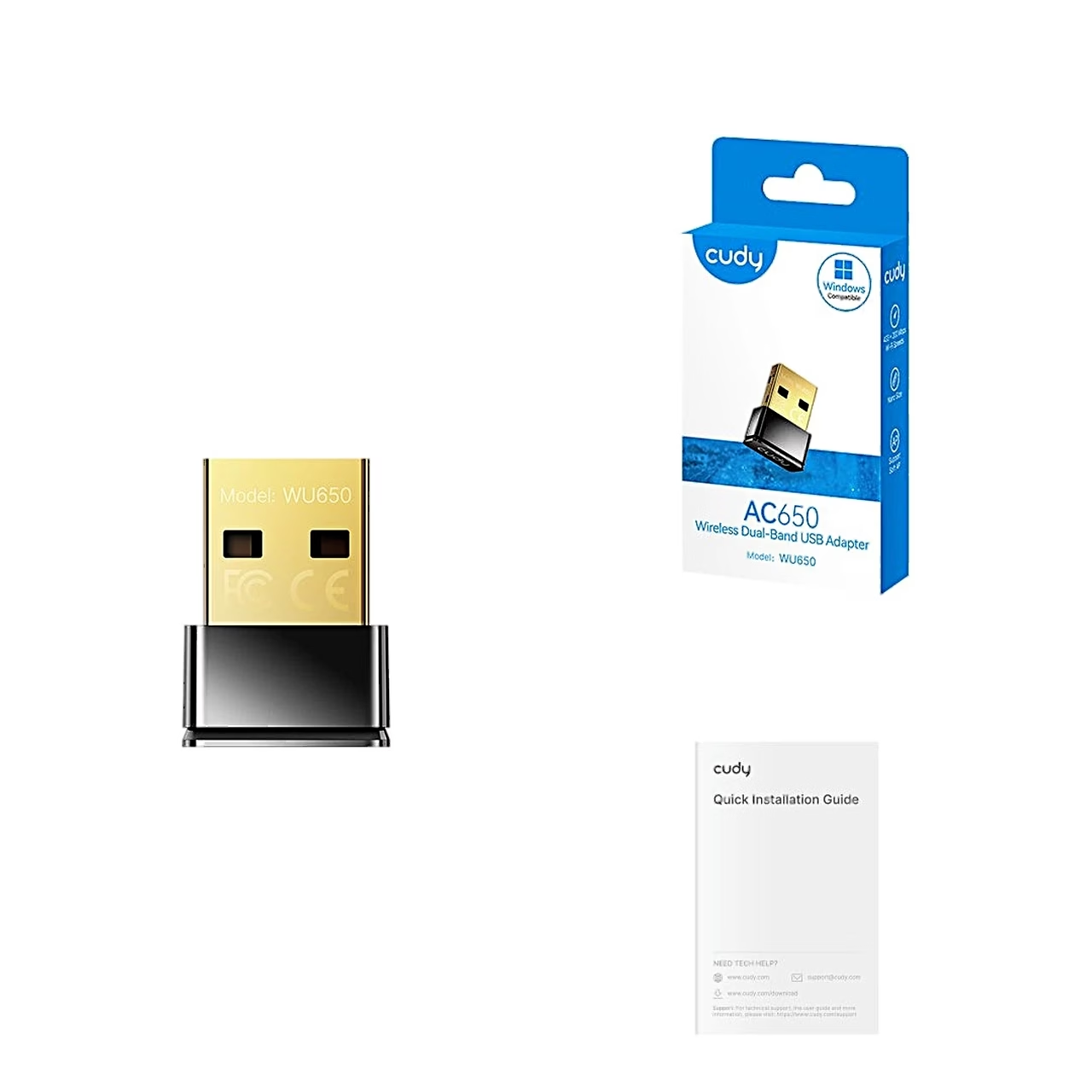
- WiFi adapter Cudy WU650
- Driver CD
- Quick installation guide
















































Reviews
There are no reviews yet.