


Description
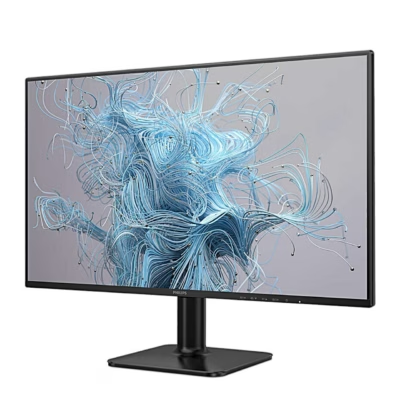
Computer monitor with IPS panel and Adaptive Sync
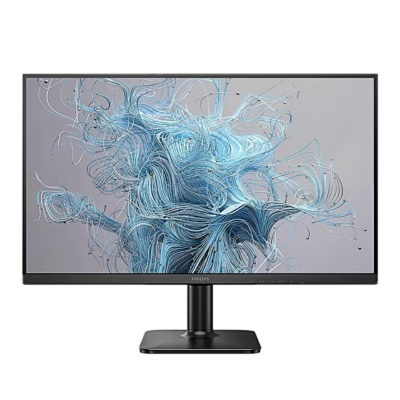
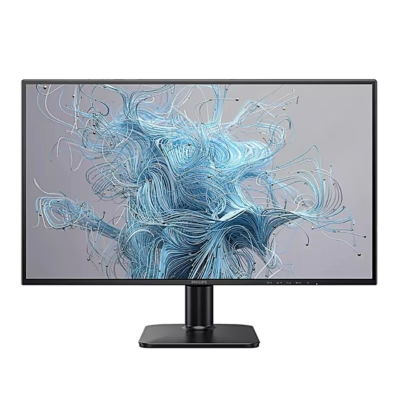
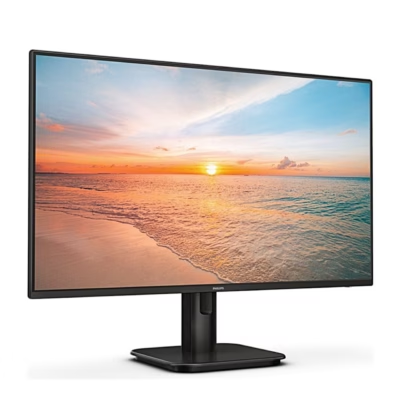
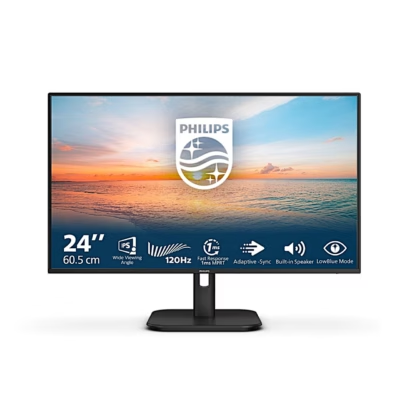
This 27-inch Full HD computer monitor shows a 1920 × 1080 pixel picture with a 178° viewing angle both horizontally and vertically. Over HDMI the refresh rate reaches 100 Hz, over VGA 60 Hz. Adaptive Sync (AMD FreeSync) lets the graphics card update the picture as soon as a new frame is ready, so moving images stay free of tearing.
Picture modes and settings
The SmartImage presets EasyRead, Office, Photo, Movie, Game, Economy and LowBlue Mode adjust brightness, contrast, colour and sharpness to the content on screen. LowBlue Mode has four levels for reducing short-wave blue light, and the backlight is flicker-free. For games the menu offers three SmartResponse overdrive levels and MPRT motion blur reduction, which works from a 75 Hz refresh rate.
Connections and sound
On the back are an HDMI 1.4 input (HDCP 1.4), a VGA input, an audio input and a headphone audio output. Two built-in 2 W speakers play sound from HDMI or the audio input, selected in the menu. The power supply is built in and runs on 100–240 V AC. A Kensington slot takes an anti-theft lock.
Installation and use
Place the monitor face down on a soft, smooth surface, slide the base column onto the monitor until it clicks, then push the base stand firmly onto the column. Connect the power cord and the video cable, then switch on the computer and the monitor. For wall or arm mounting, remove the base with the release buttons: the back has a VESA 100 × 100 mm mount for M4 screws. The screen tilts from -5° to +20°.
A joystick-style control button on the back runs all settings: a press switches the monitor on and a press of more than 3 seconds switches it off. Tilting the button opens the menu, changes the volume, switches the input and selects the SmartImage mode.
Cleaning and care
Before cleaning, unplug the power cord and wipe the monitor with a soft, slightly damp cloth; the switched-off screen may also be wiped with a dry cloth. Do not use ethyl alcohol, acetone or ammonia-based liquids. Unplug the power cord if the monitor will not be used for a long time.
In the box
- Philips 27E1N1100A monitor
- Base stand and base column
- Power cord
- HDMI cable
- Quick start guide









































Reviews
There are no reviews yet.