


Description
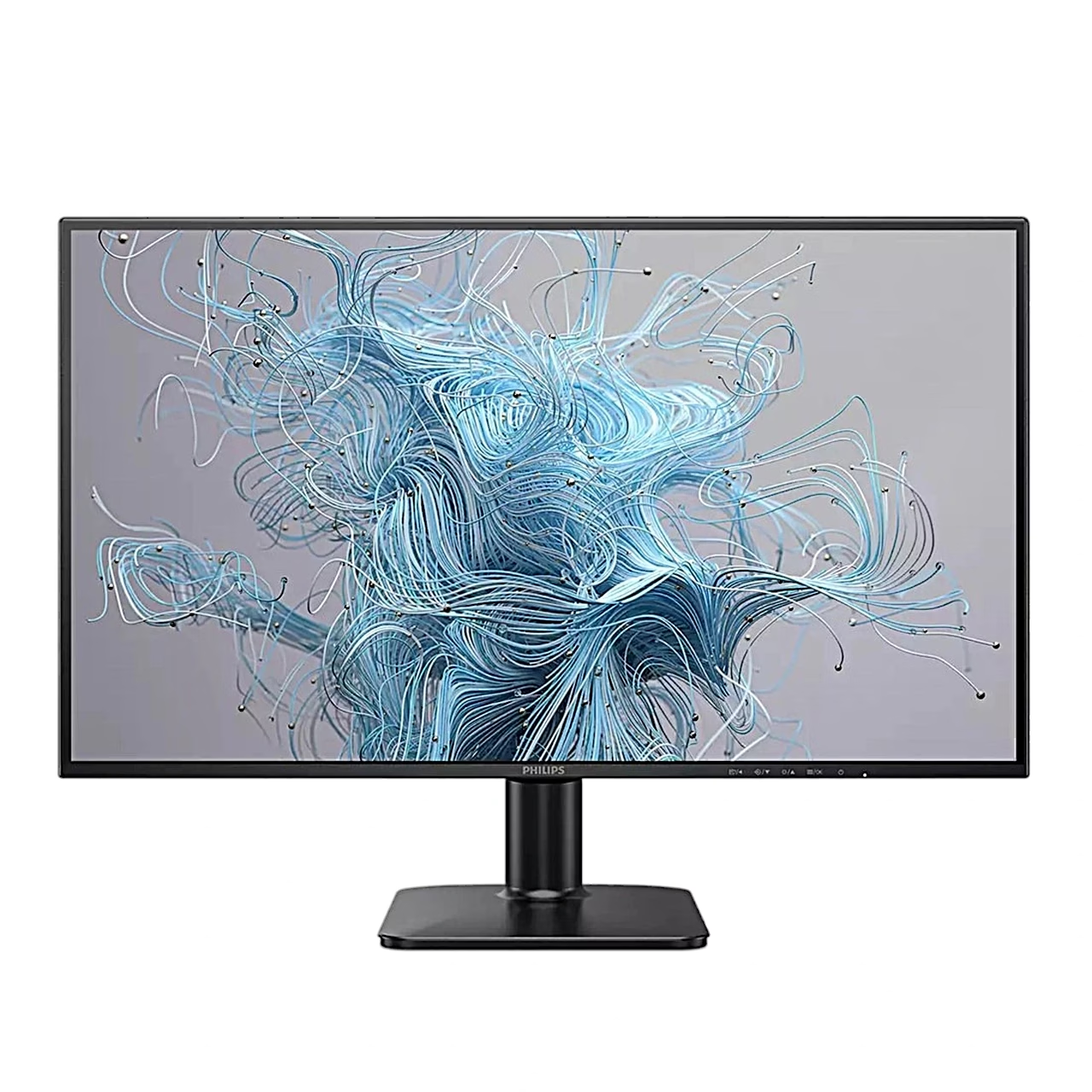
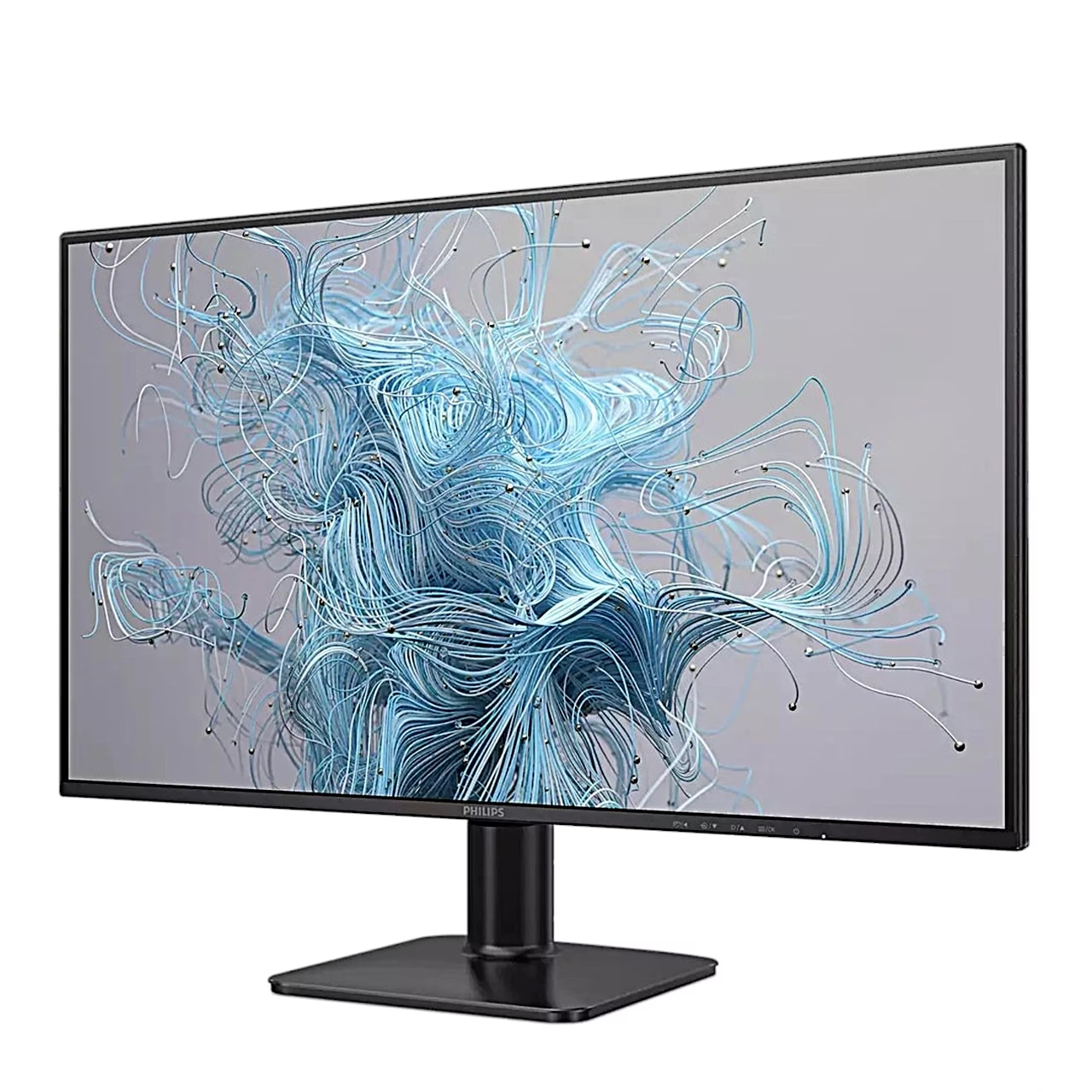
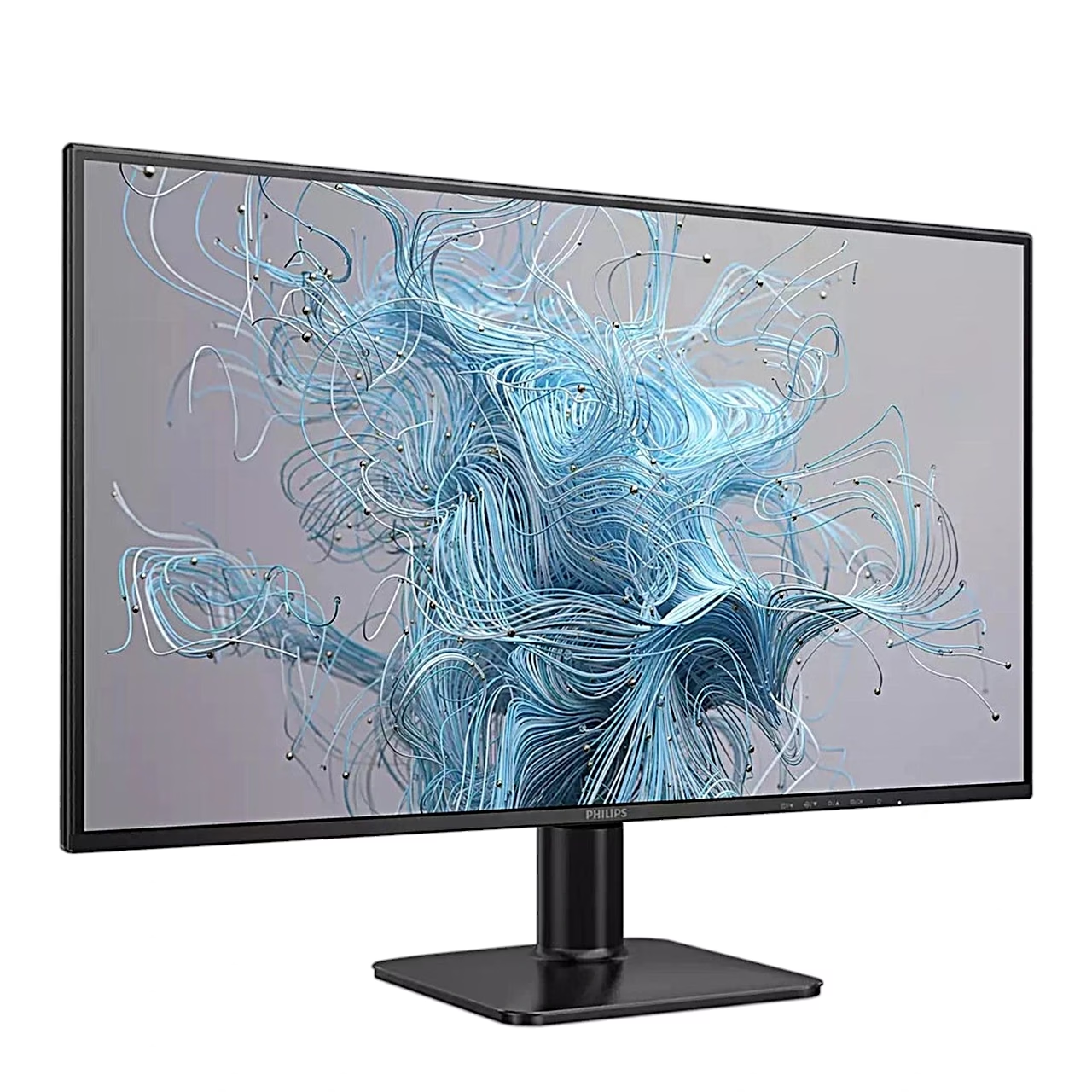
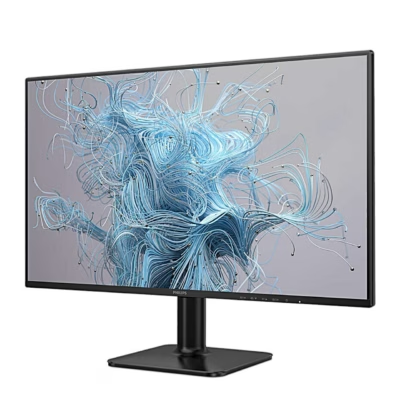
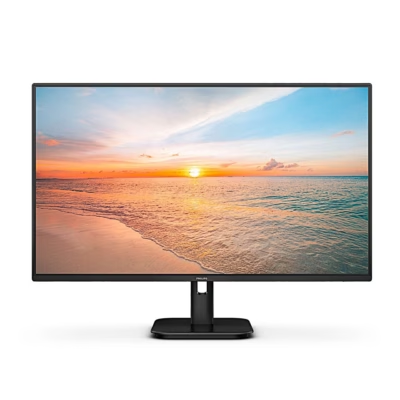
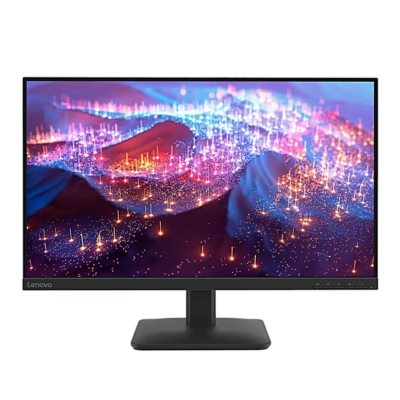
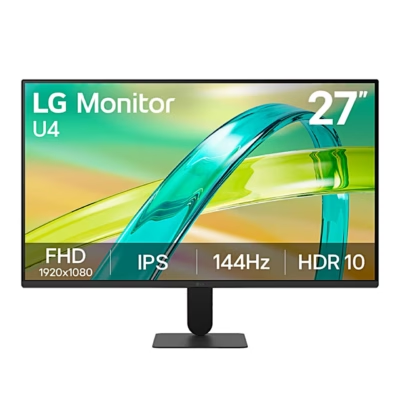
Computer monitor with an IPS panel and an anti-glare surface
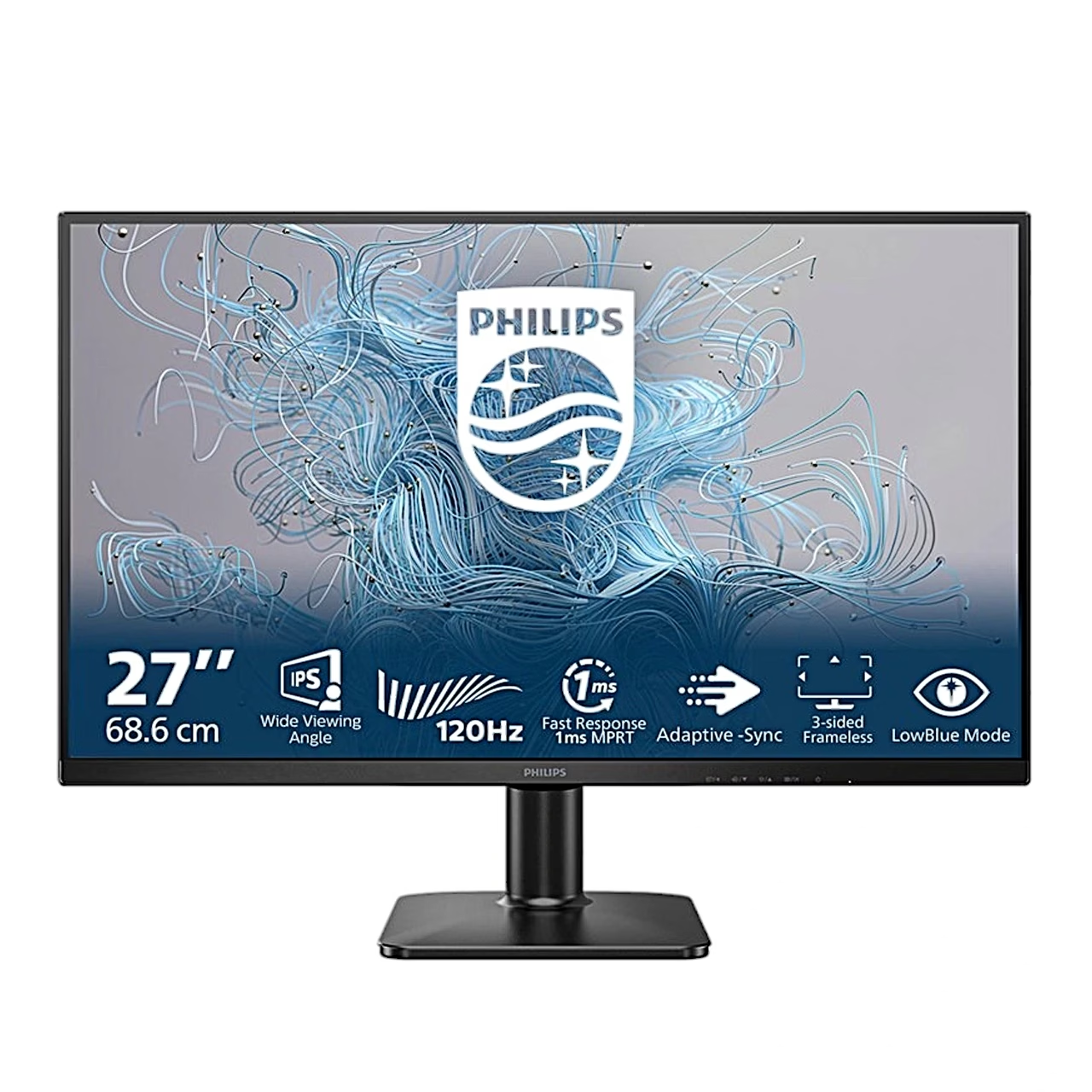
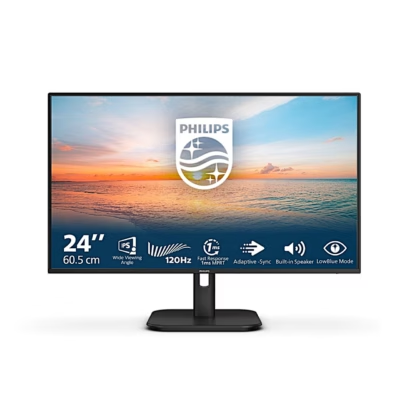
The 120 Hz computer monitor has an IPS panel showing 16.7 million colours and covering 104% of sRGB. Brightness is 250 cd/m², contrast 1500:1 and the viewing angle 178° in both directions. The anti-glare screen surface has a 3H hardness rating.
Game settings
Adaptive Sync lets the graphics card refresh the screen as soon as a new frame is ready, so the picture does not tear. In MPRT mode you can set motion blur reduction in 21 steps (0–20), and SmartResponse speeds up the panel response at three levels. Response time in normal mode (GTG) is 4 ms.
SmartImage and LowBlue Mode
The SmartImage presets EasyRead, Office, Photo, Movie, Game and Economy adjust brightness, contrast, colour and sharpness to the content. LowBlue Mode reduces short-wave blue light, and the backlight is flicker-free.
Use
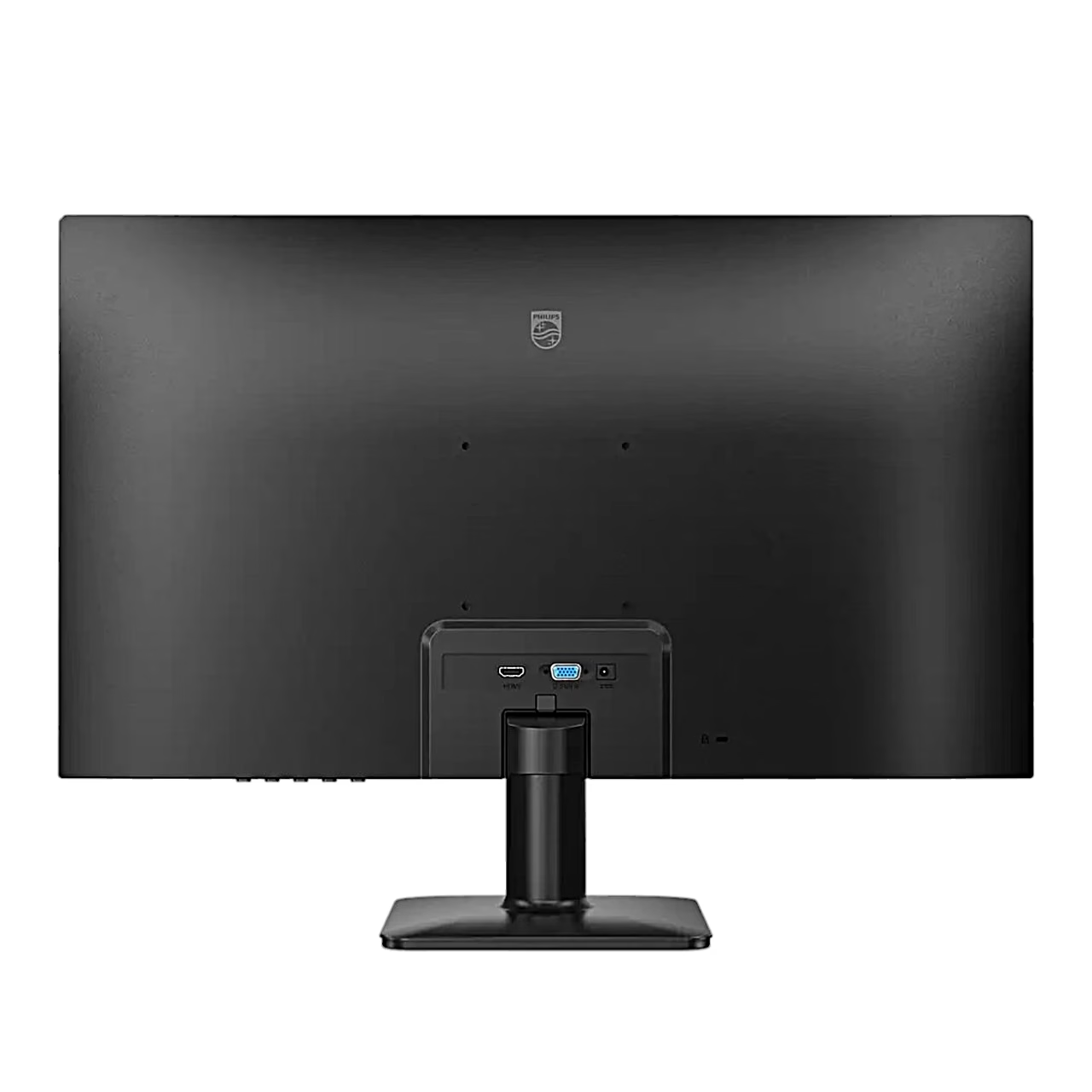
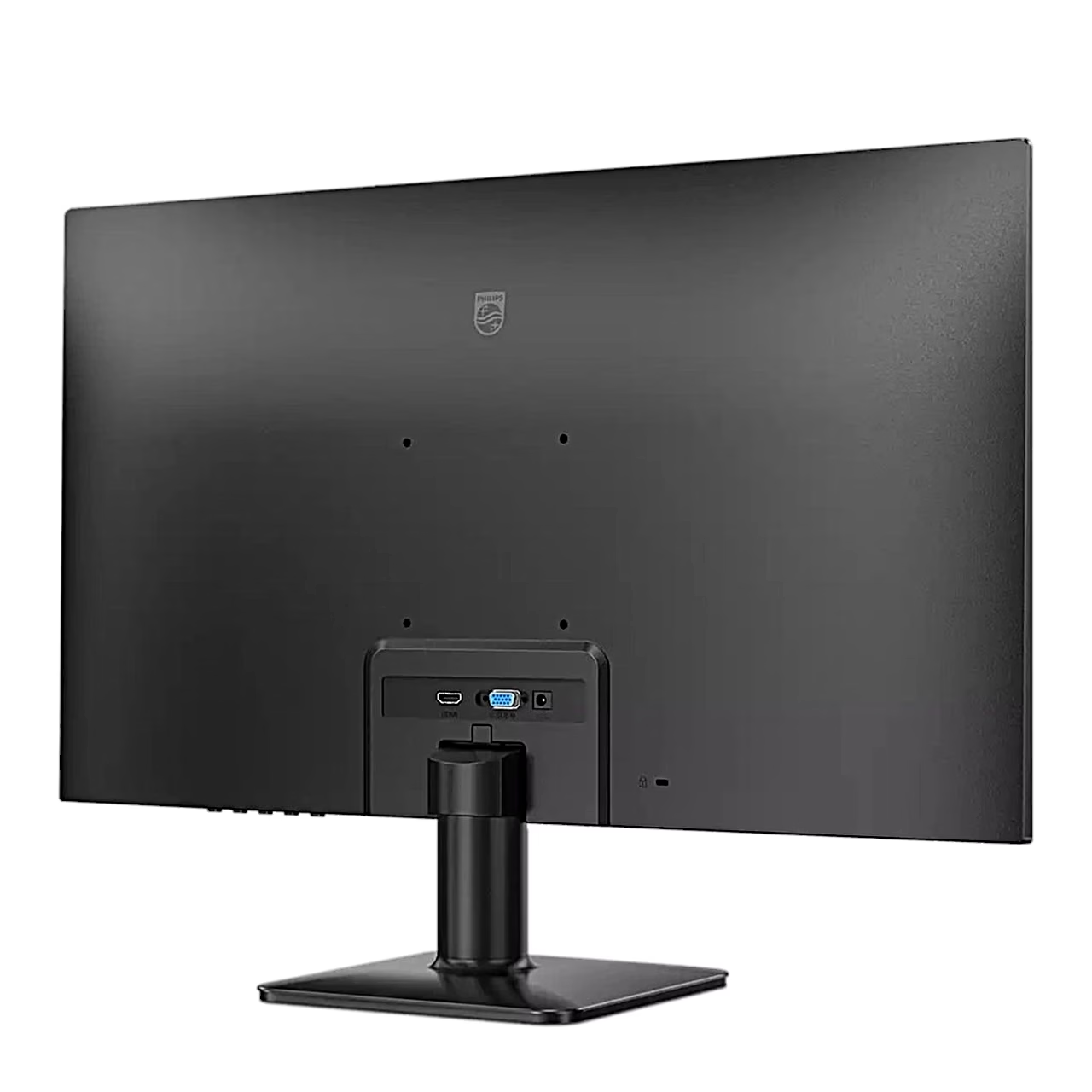
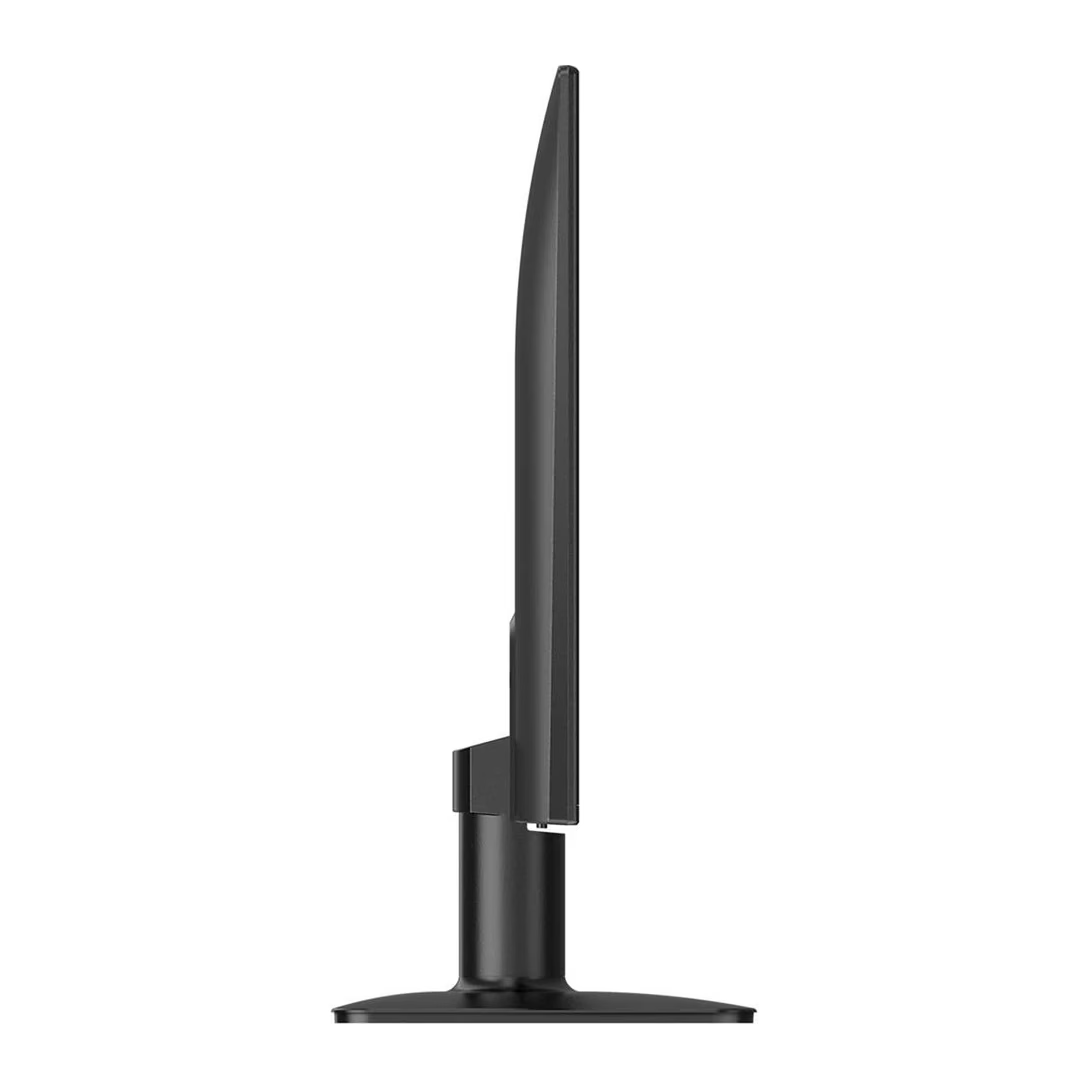
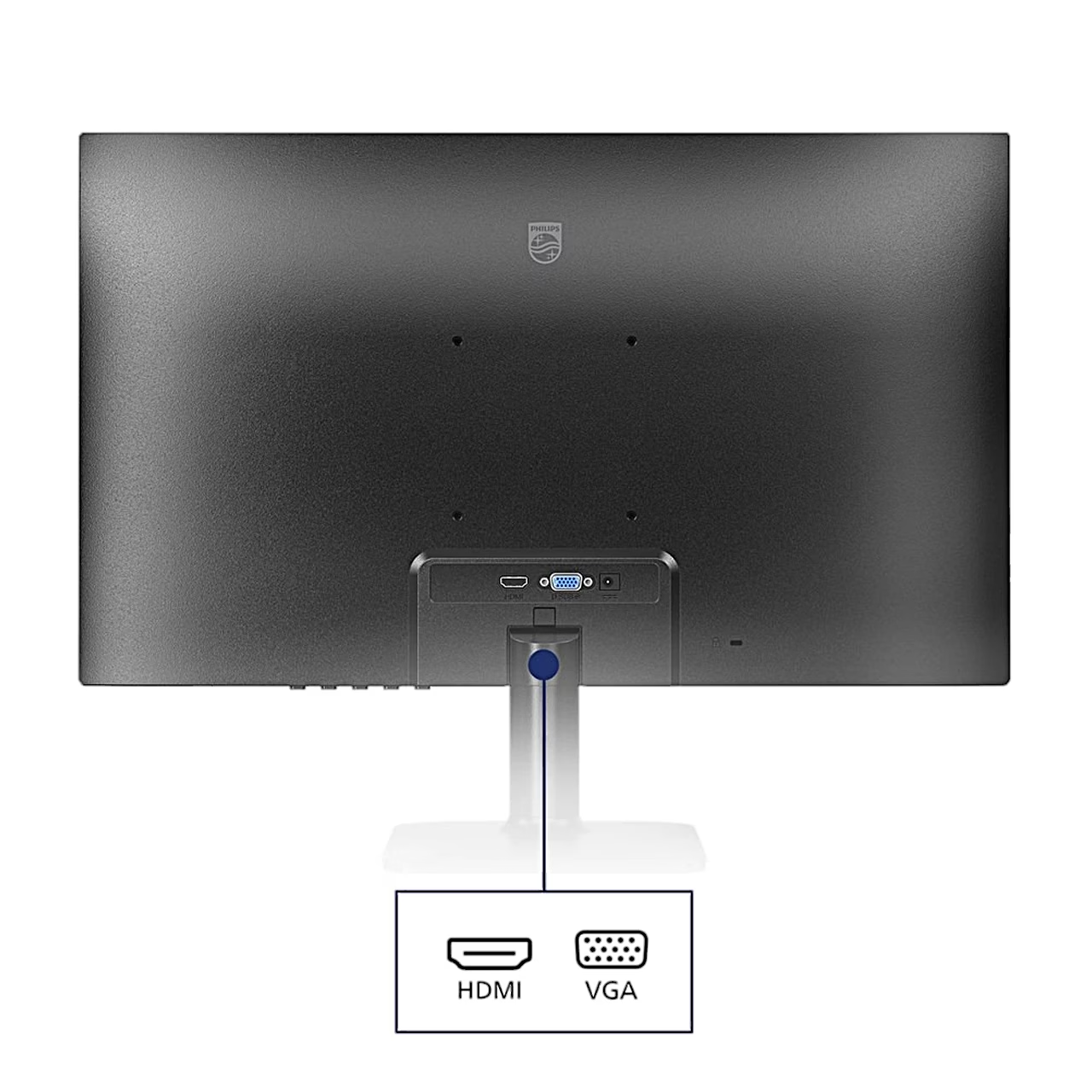
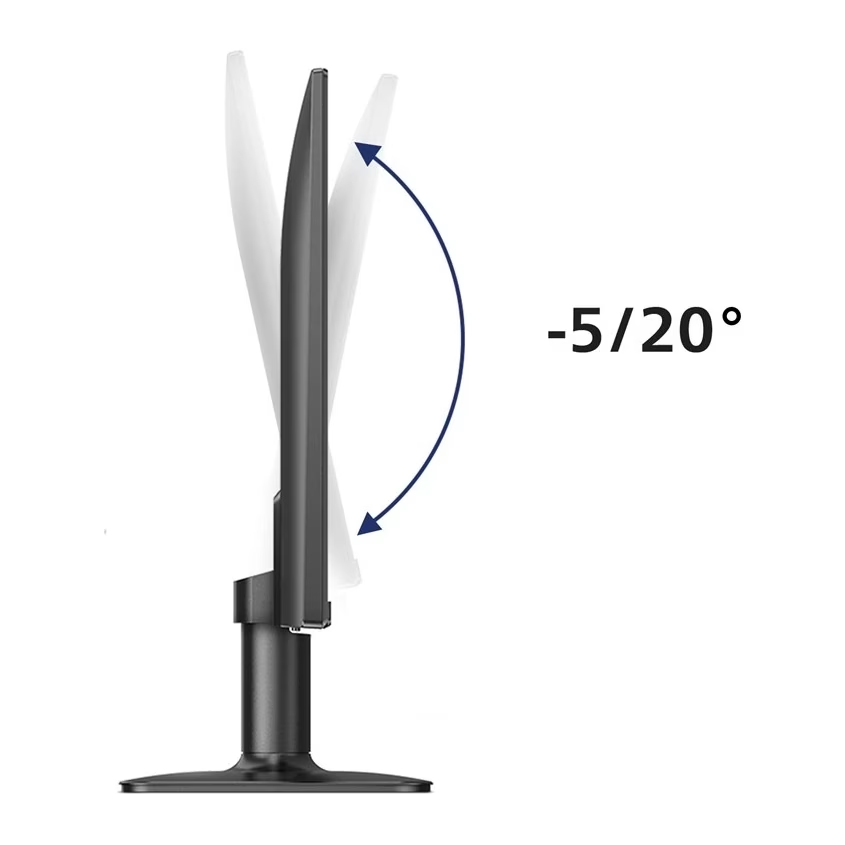
Lay the monitor face down on a soft, smooth surface, slide the stand column onto the monitor until it clicks, and press the base firmly into the column. Connect the power cord to the monitor, switch the computer off, connect the signal cable to the computer’s video output, then switch on the computer and the monitor. The screen tilts from −5° to 20°.
Cleaning and care
Unplug the monitor before cleaning it with a damp cloth; when it is switched off, the screen can be wiped with a dry cloth. Use cleaners free of organic solvents, alcohol and ammonia.
In the box
- Monitor
- Stand column
- Base
- Power adapter
- HDMI cable
- VGA cable
- Quick start guide










































Reviews
There are no reviews yet.