

Description
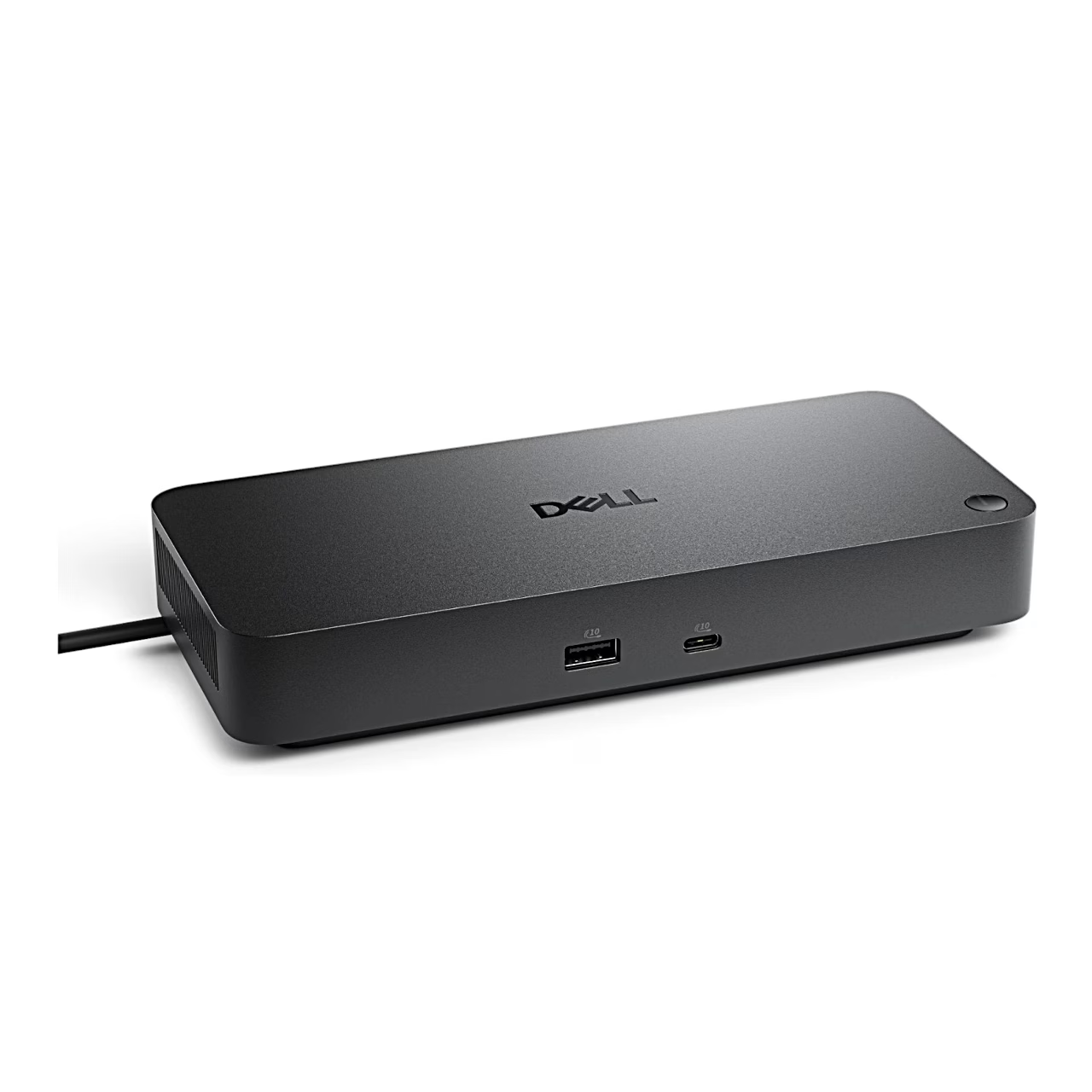
Docking station for monitors and a network connection
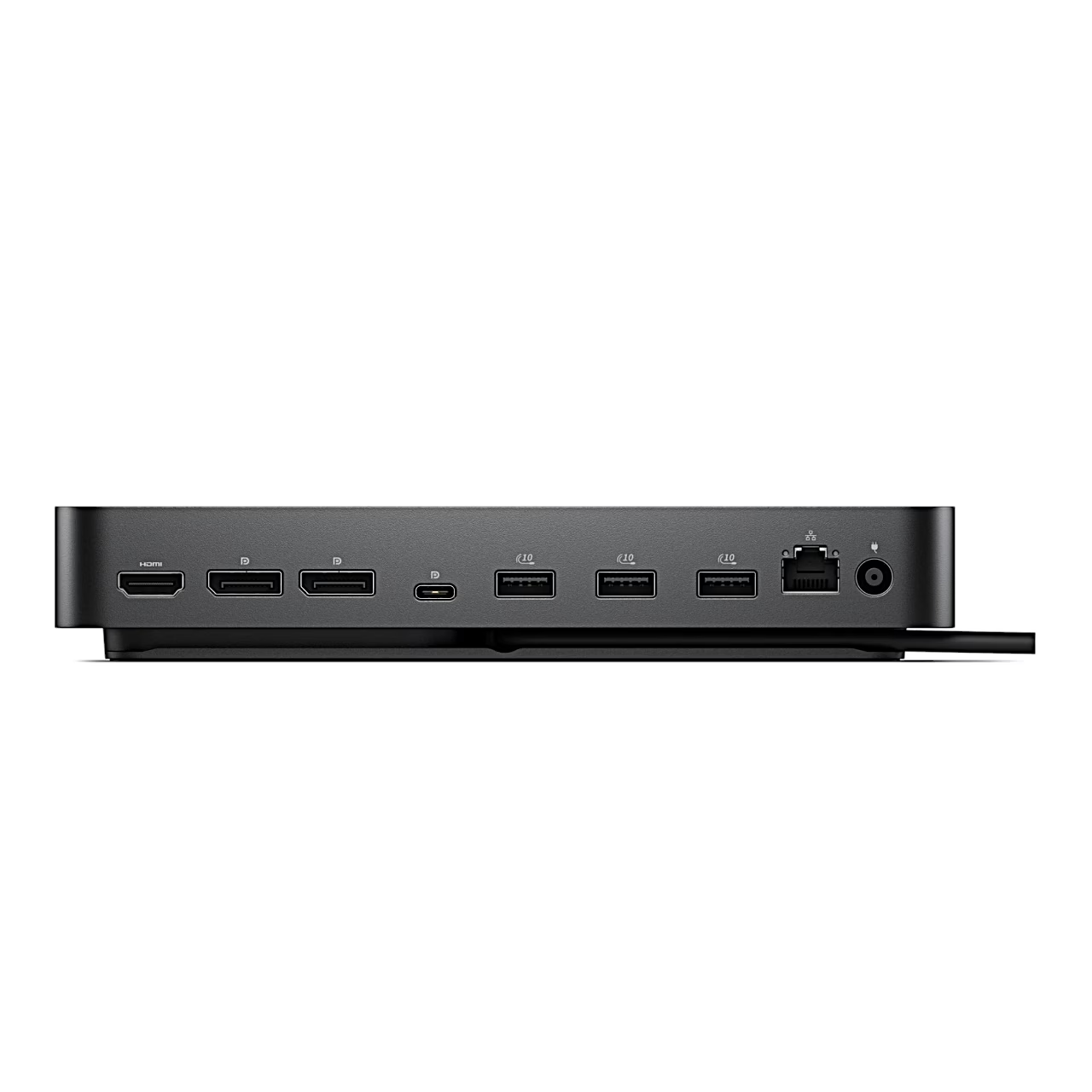
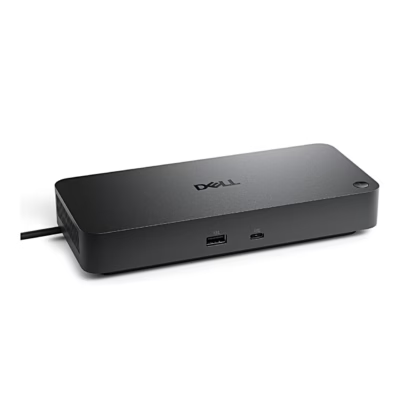
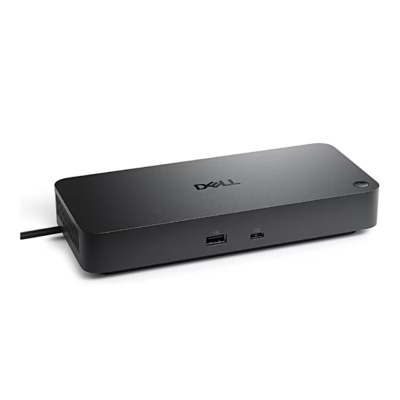
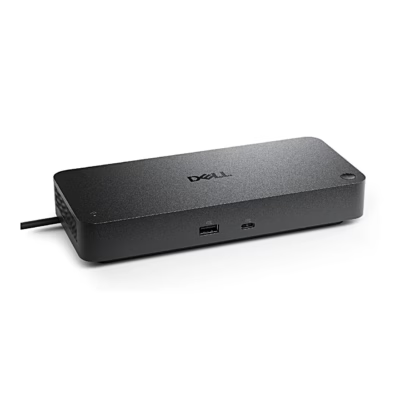
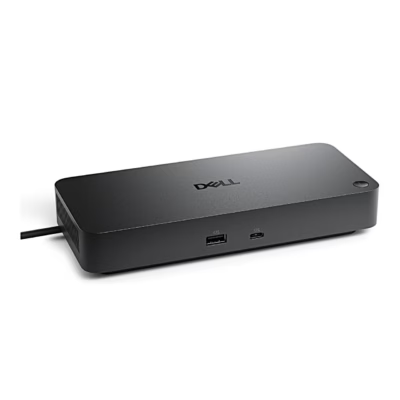
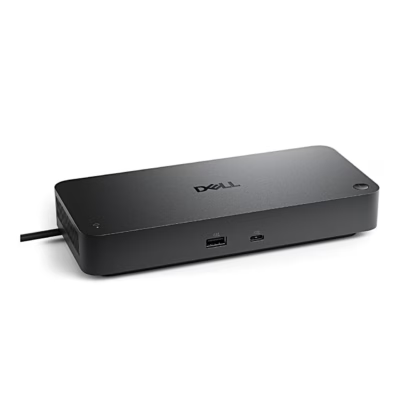
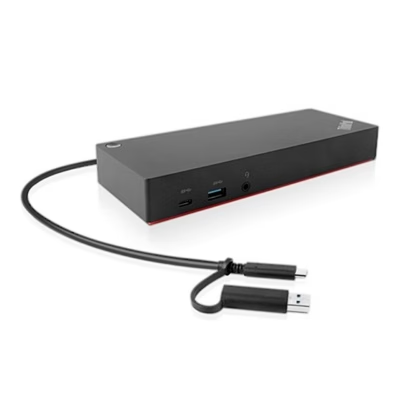
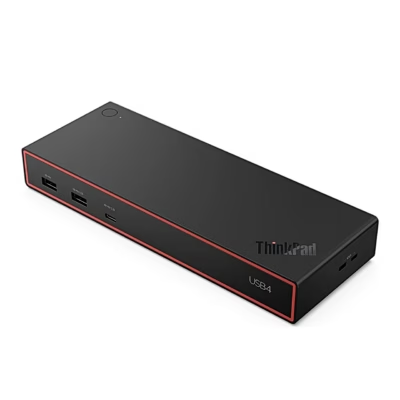
The docking station with three monitor ports keeps all ports but two on the rear, so monitor, network and power cables stay behind the desk.
Video outputs
For monitors, the rear has one HDMI port and two DisplayPorts. The USB-C port next to them also carries the DisplayPort symbol.
USB ports and network
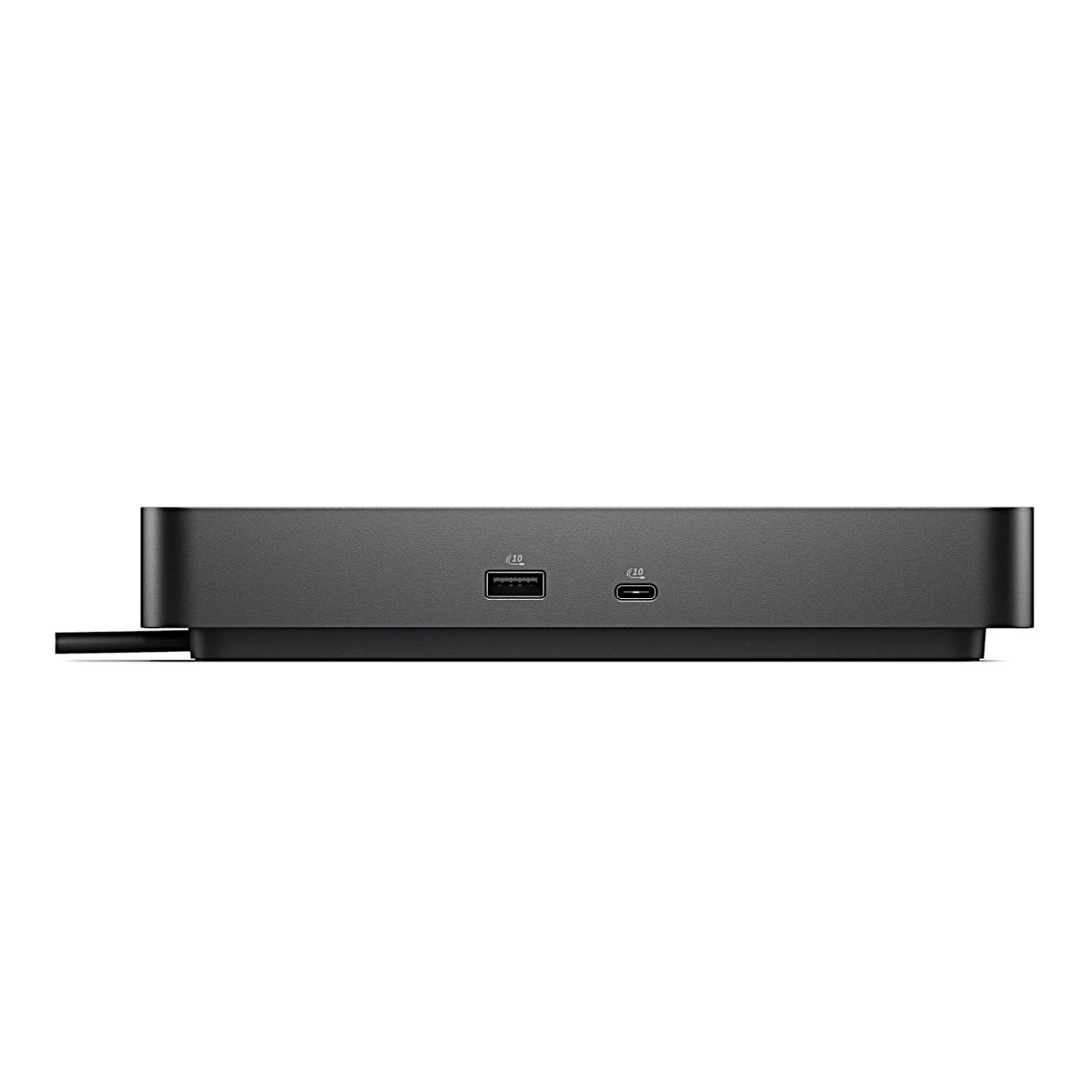
There are six USB ports in total: three USB-A ports and a DisplayPort-marked USB-C port on the rear, and one USB-A port and one USB-C port on the front. For a wired network connection there is an RJ45 network port on the rear.
Power and connection
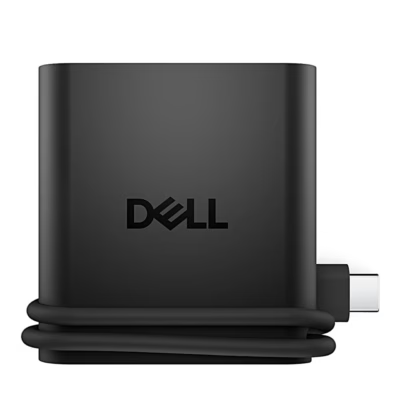
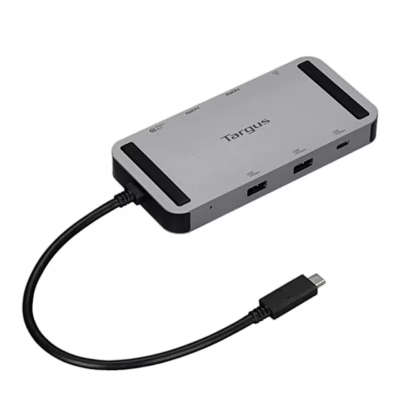
The power lead plugs into the round power socket at the right-hand end of the rear panel. For the connection to the computer, the docking station has a cable fixed to the housing, so there is no separate cable to carry.










































Reviews
There are no reviews yet.