


Description
Wired router with SFP+ slots and two power supplies
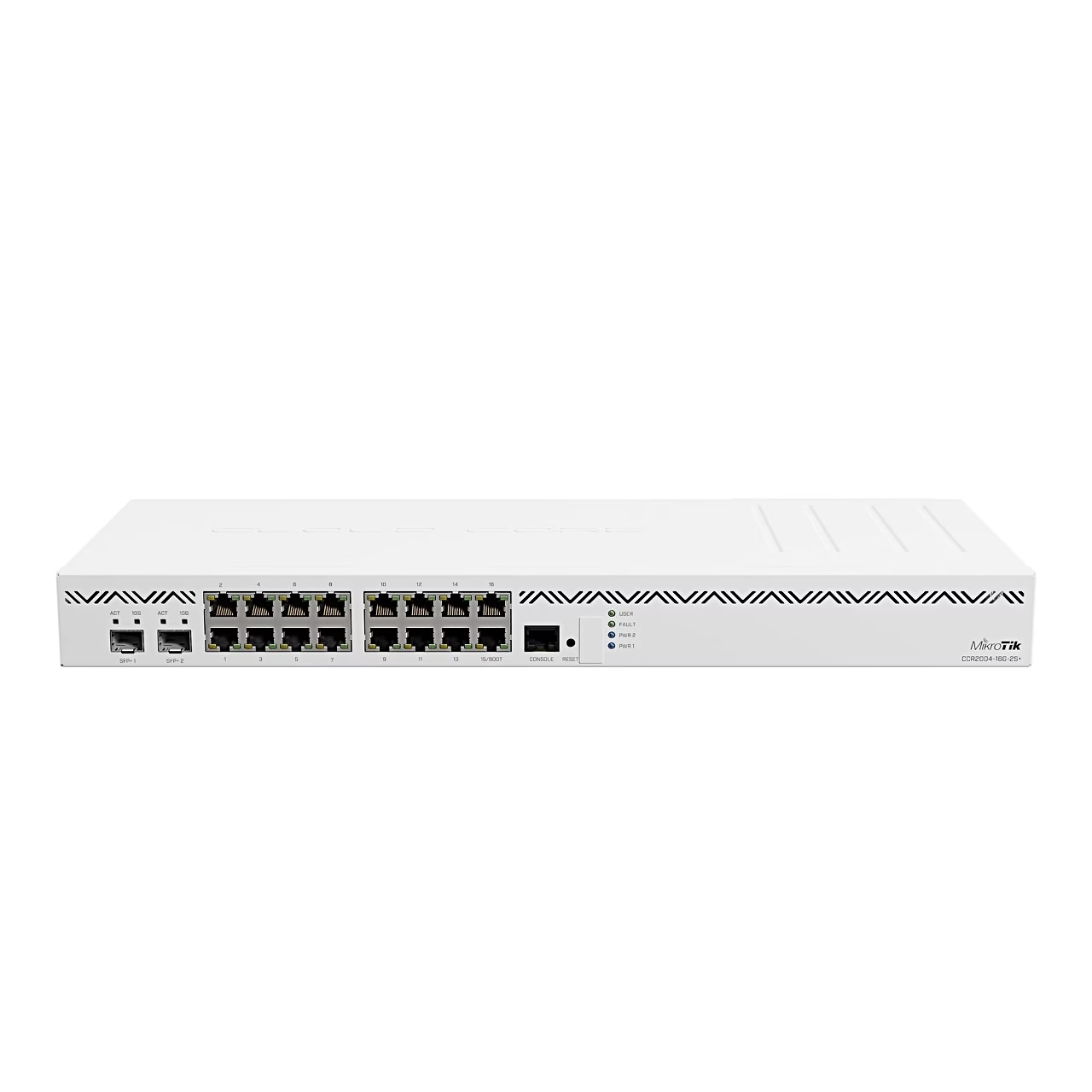
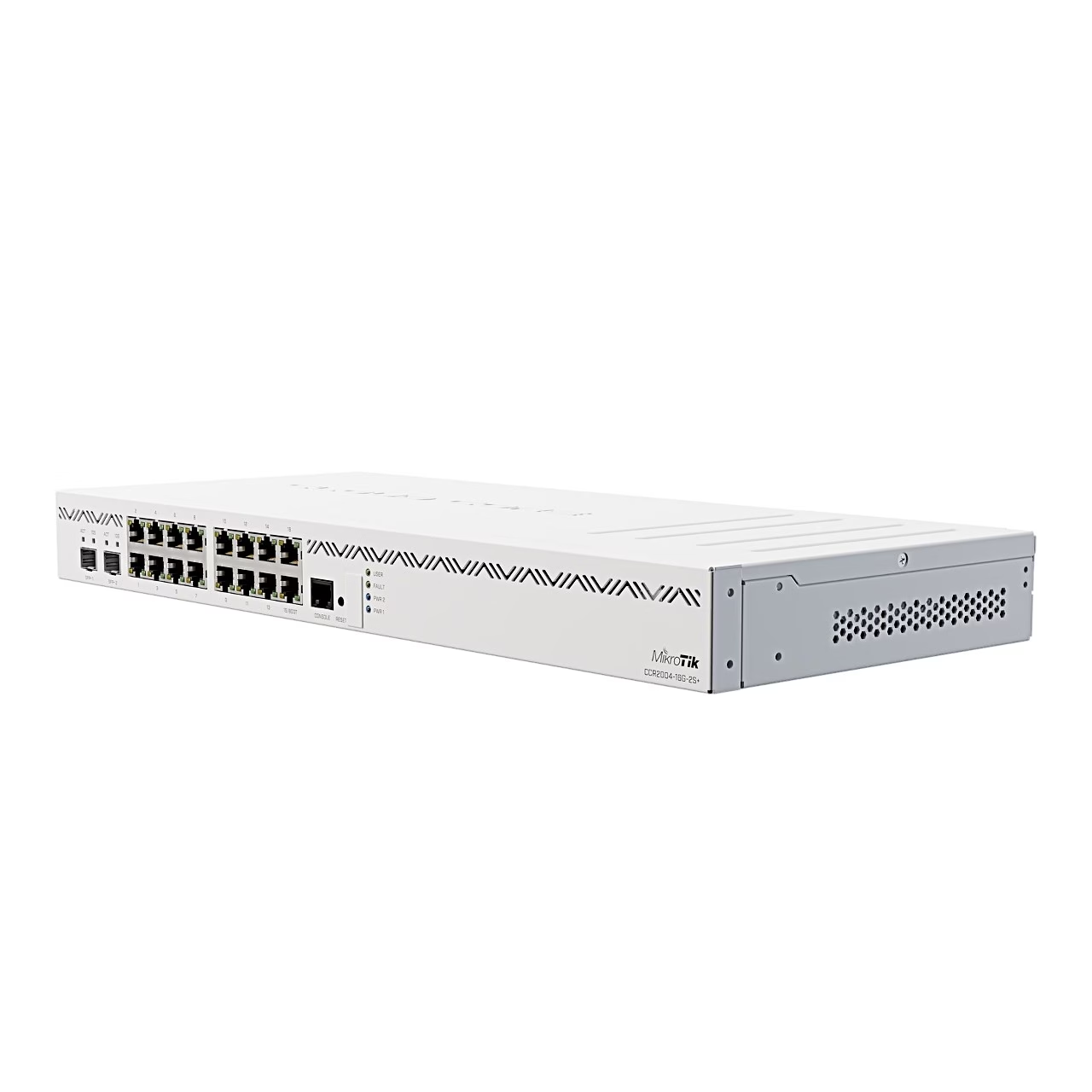
The MikroTik CCR2004-16G-2S+ has 16 Gigabit Ethernet ports at 10/100/1000 Mbit/s and two 10G SFP+ slots. It also has a USB 3.0 Type-A port and an RJ45 serial port. The quad-core ARM 64-bit AL32400 processor runs at 1.7 GHz, with 4 GB of DDR4 RAM and 128 MB of NAND storage. The router runs RouterOS (licence level 6), version v7.0.4 and later.
Power and monitoring
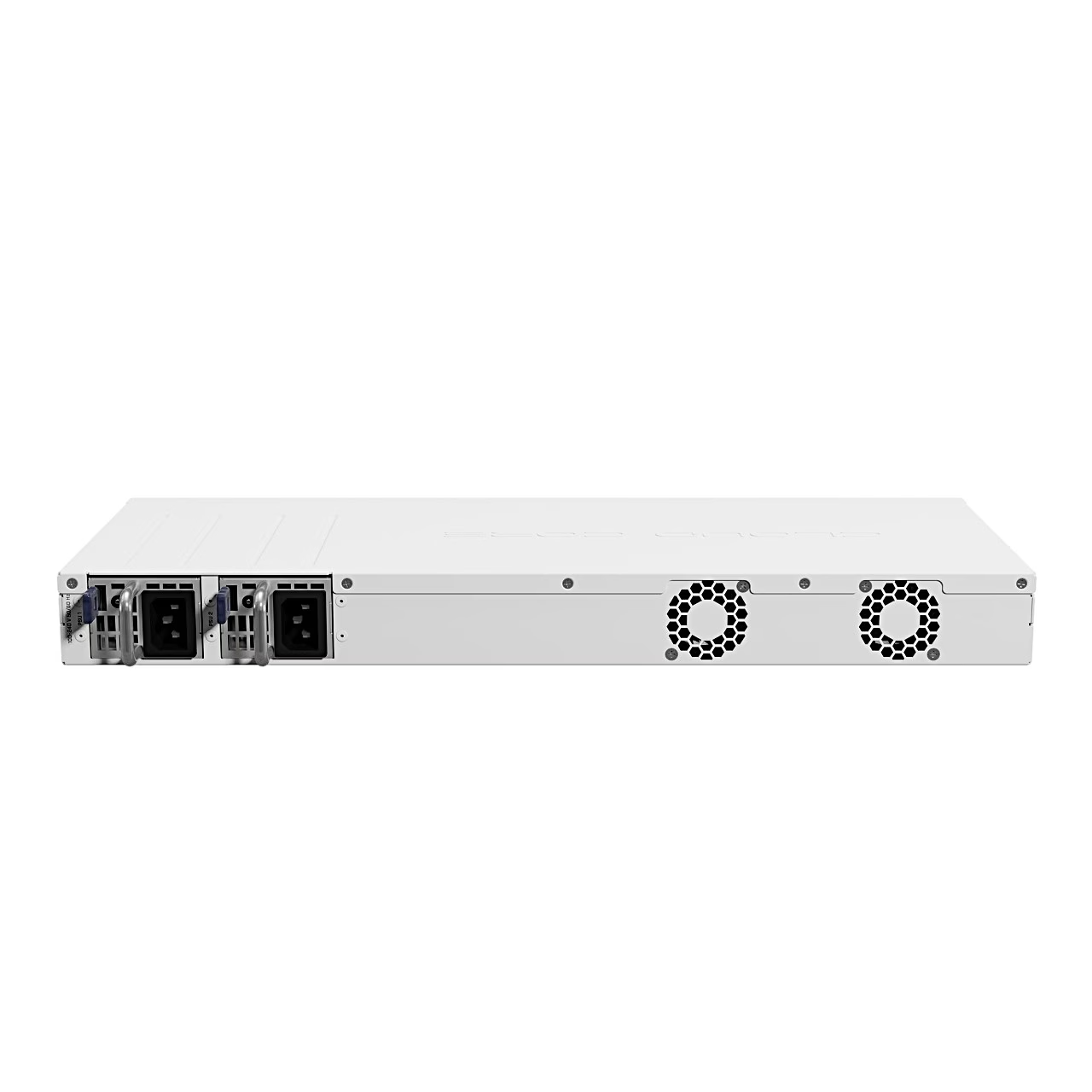
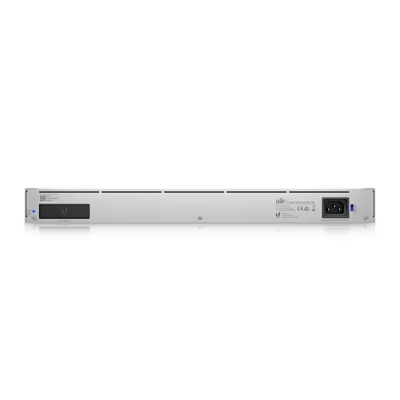
The router has two redundant power supplies for 100–240 V, each with a standard IEC socket. Maximum power consumption is 48 W. The router monitors processor and circuit board temperature and the supply voltage.
Installation in a rack or on a desk
The router is for indoor use and can be installed in a rack as a 1U unit or placed on a desk. Rack mounting requires a Phillips screwdriver.
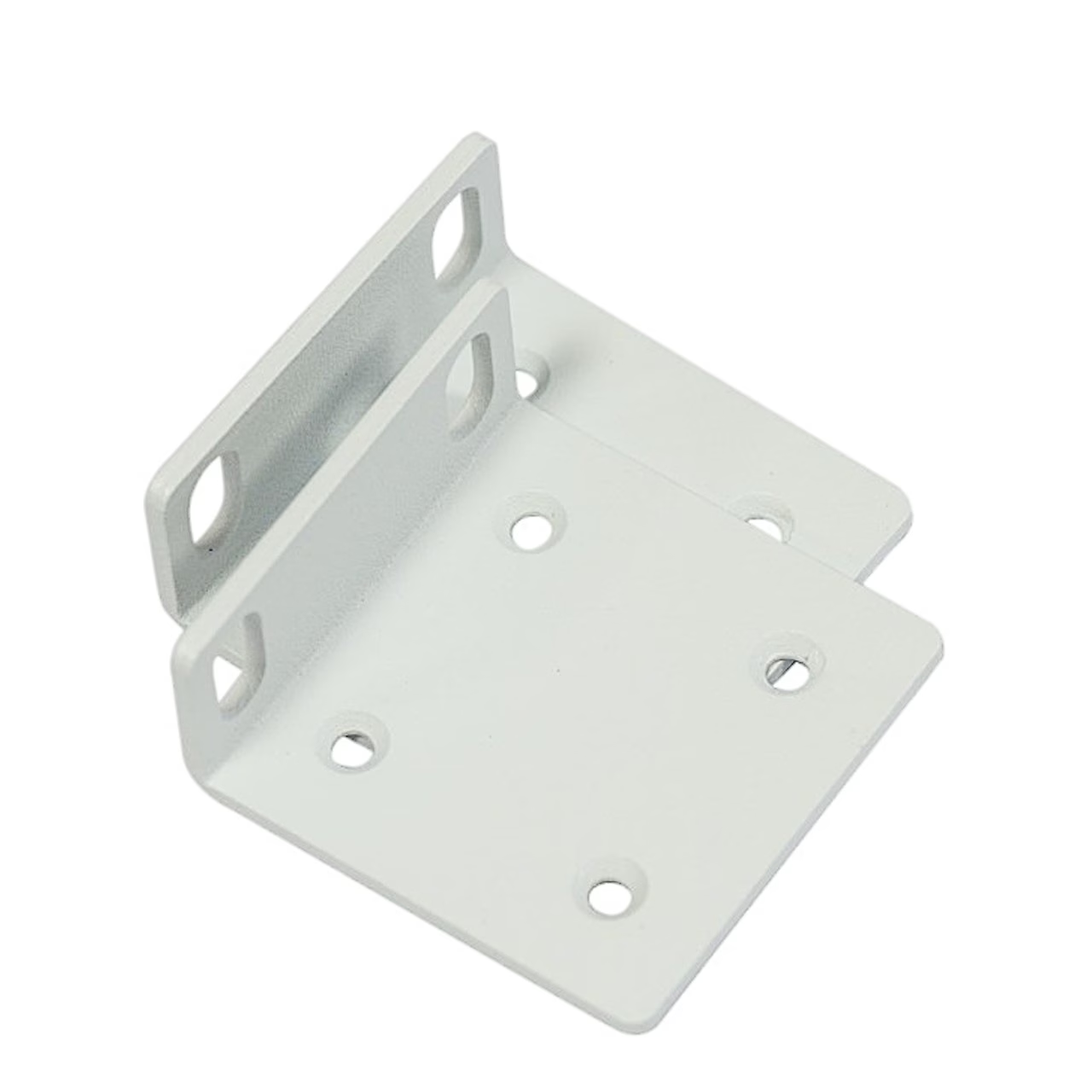
- Attach the rack ears to both sides of the device and secure them with four screws.
- Place the device in the rack and align it with the mounting holes.
- Tighten the screws.
The manufacturer recommends Cat6 cables.
Setup and maintenance
Ethernet port 15 has the default IP address 192.168.88.1, the user name is admin and there is no password. No other configuration is applied: set the WAN IP addresses and user passwords and update the software. If no IP connection is available, connect from the LAN side to the device’s MAC address with the WinBox tool.
To update RouterOS, download the ARM64 packages from mikrotik.com/download, upload them to the router through WinBox and restart the router. To reset the RouterOS configuration, hold the Reset button during start-up until the light starts flashing. If you hold it for 5 more seconds until the light goes out, the router looks for a Netinstall server to reinstall the software.
In the box
- Router MikroTik CCR2004-16G-2S+
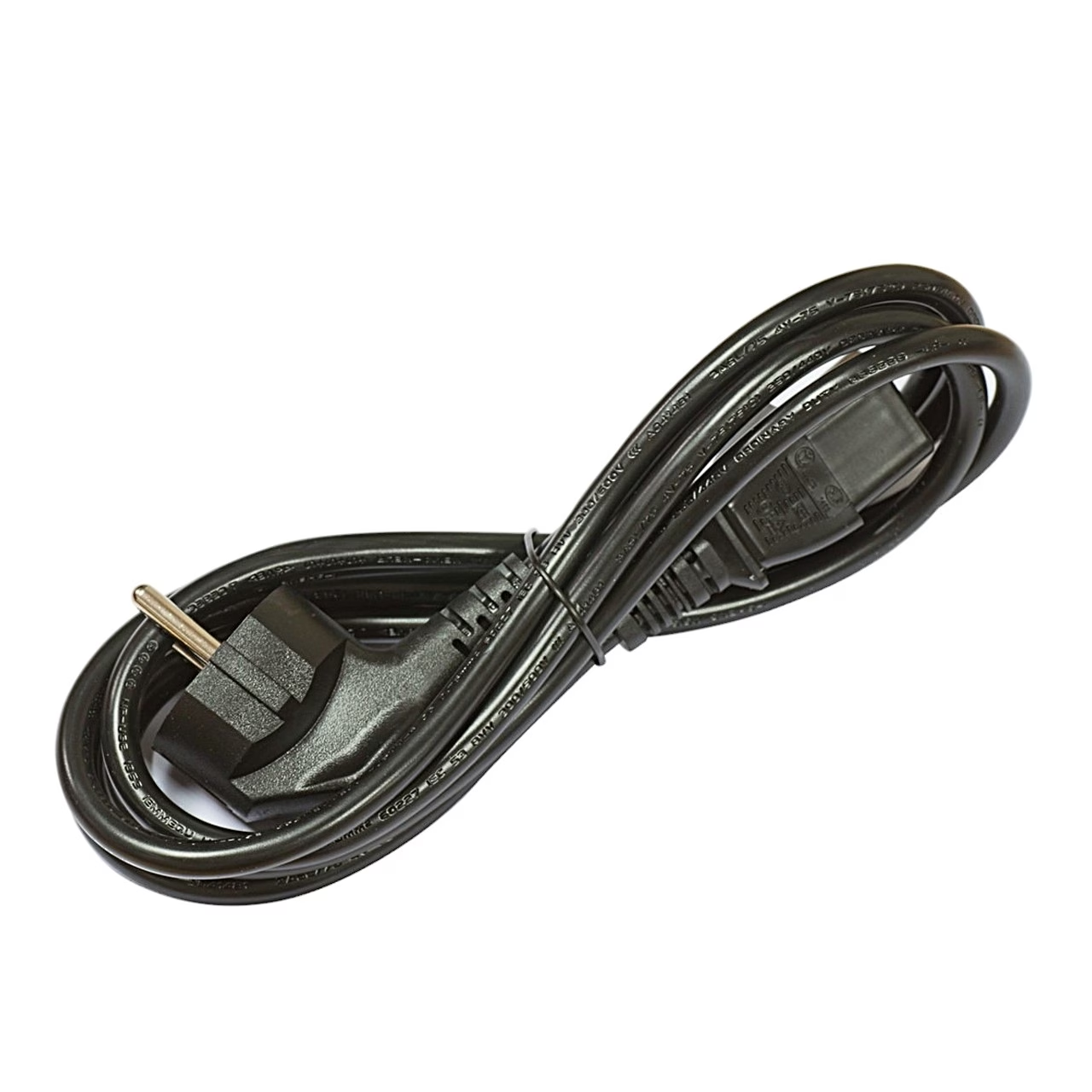
- 2 power cords (1.83 m)
- 1U rack ears
- Fastening set with screws and rubber feet
















































Reviews
There are no reviews yet.