

Description
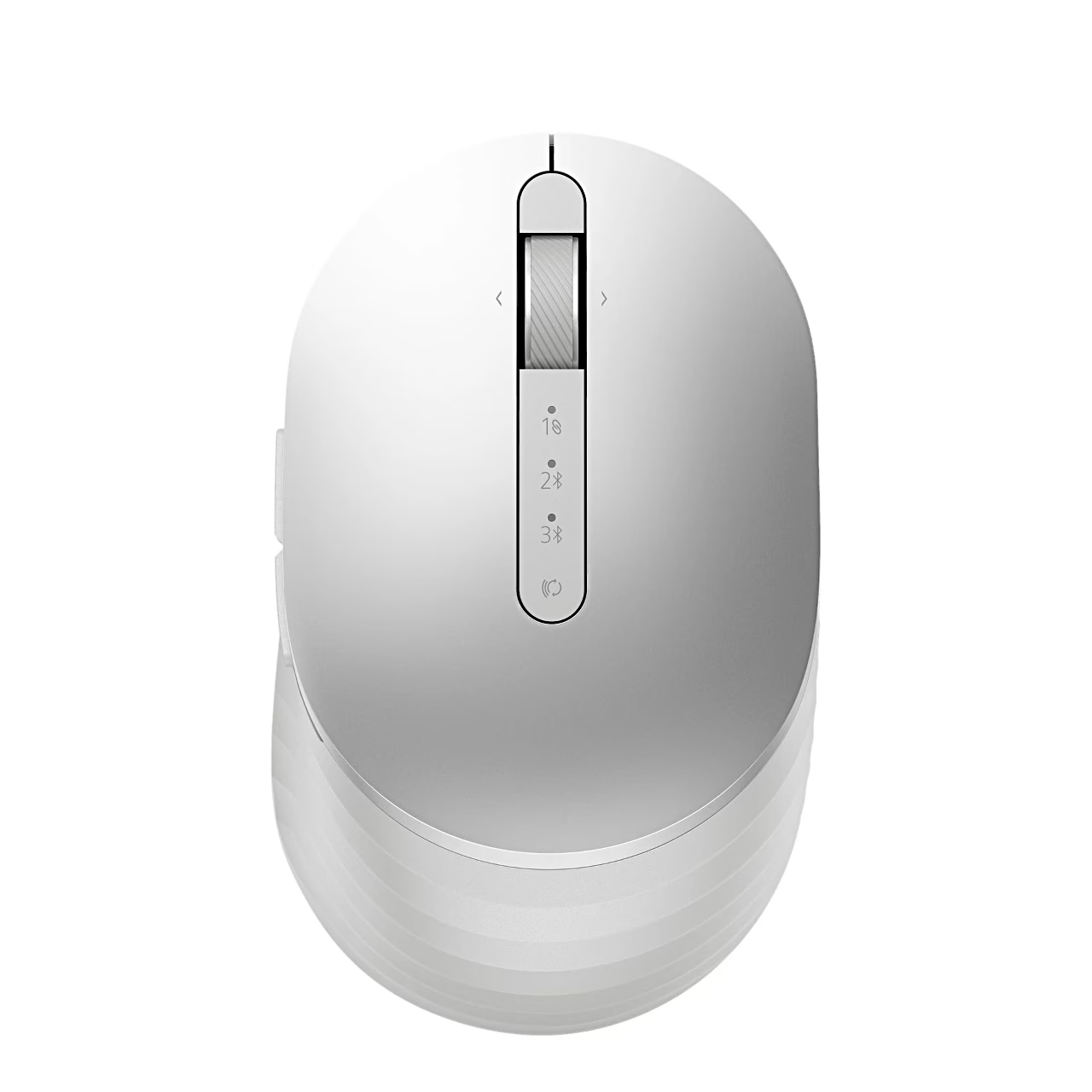
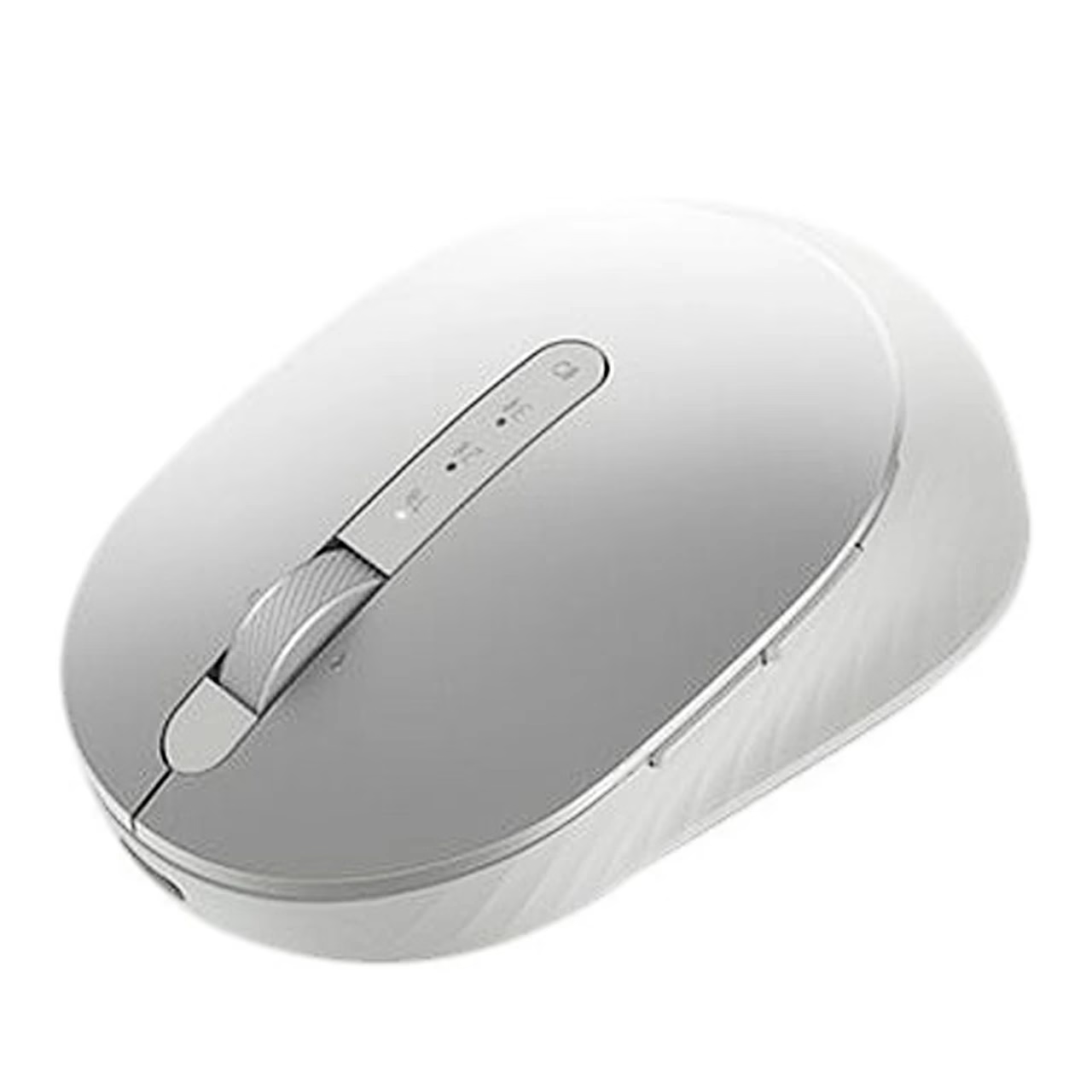
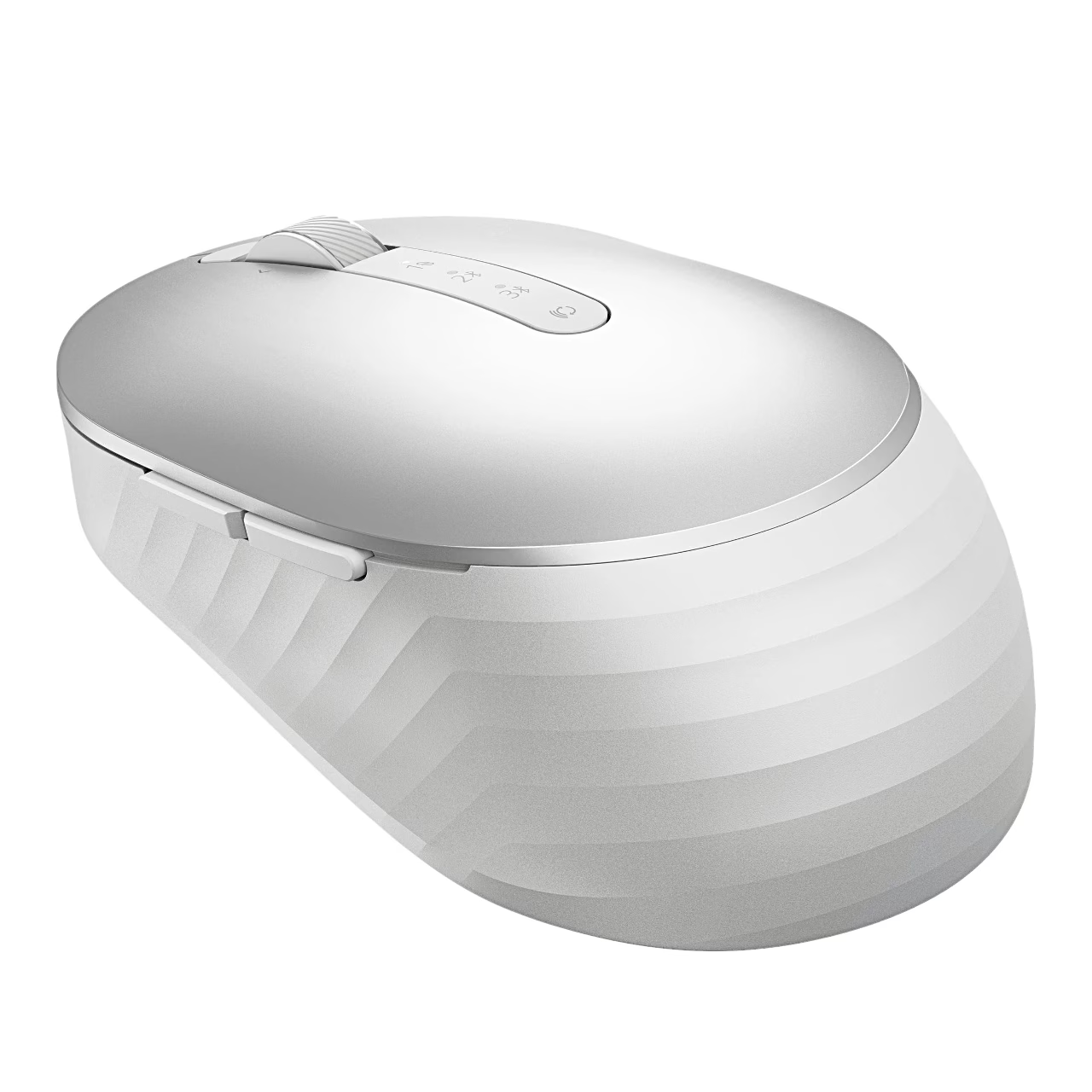
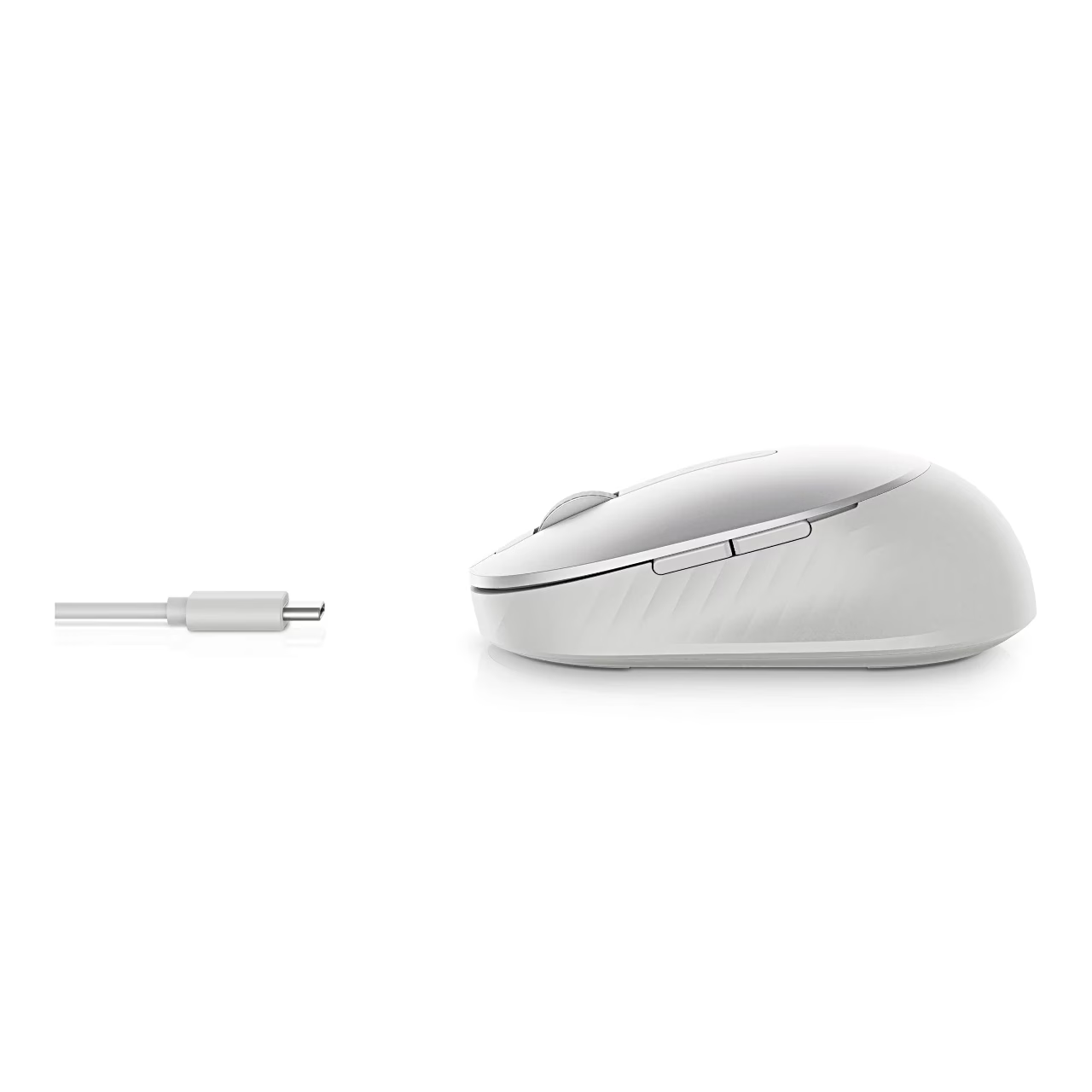
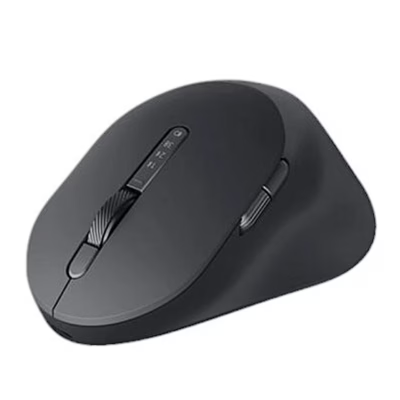
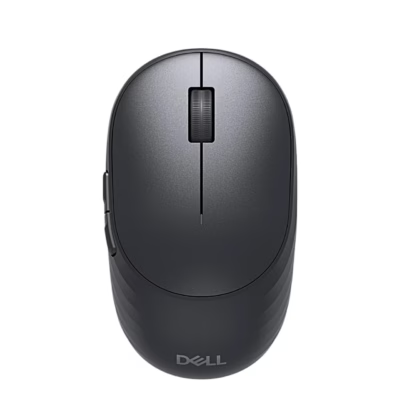
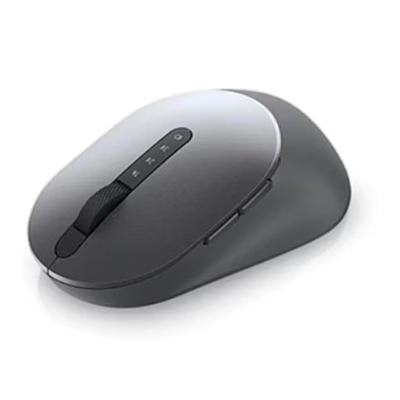
The Dell Premier MS7421W wireless mouse connects to devices through a 2.4 GHz USB receiver or Bluetooth 5.0. It is powered by a built-in rechargeable battery that you charge with a USB-C cable. The silver body has seven buttons, a scroll wheel and an optical sensor.
Wireless mouse with three connection channels
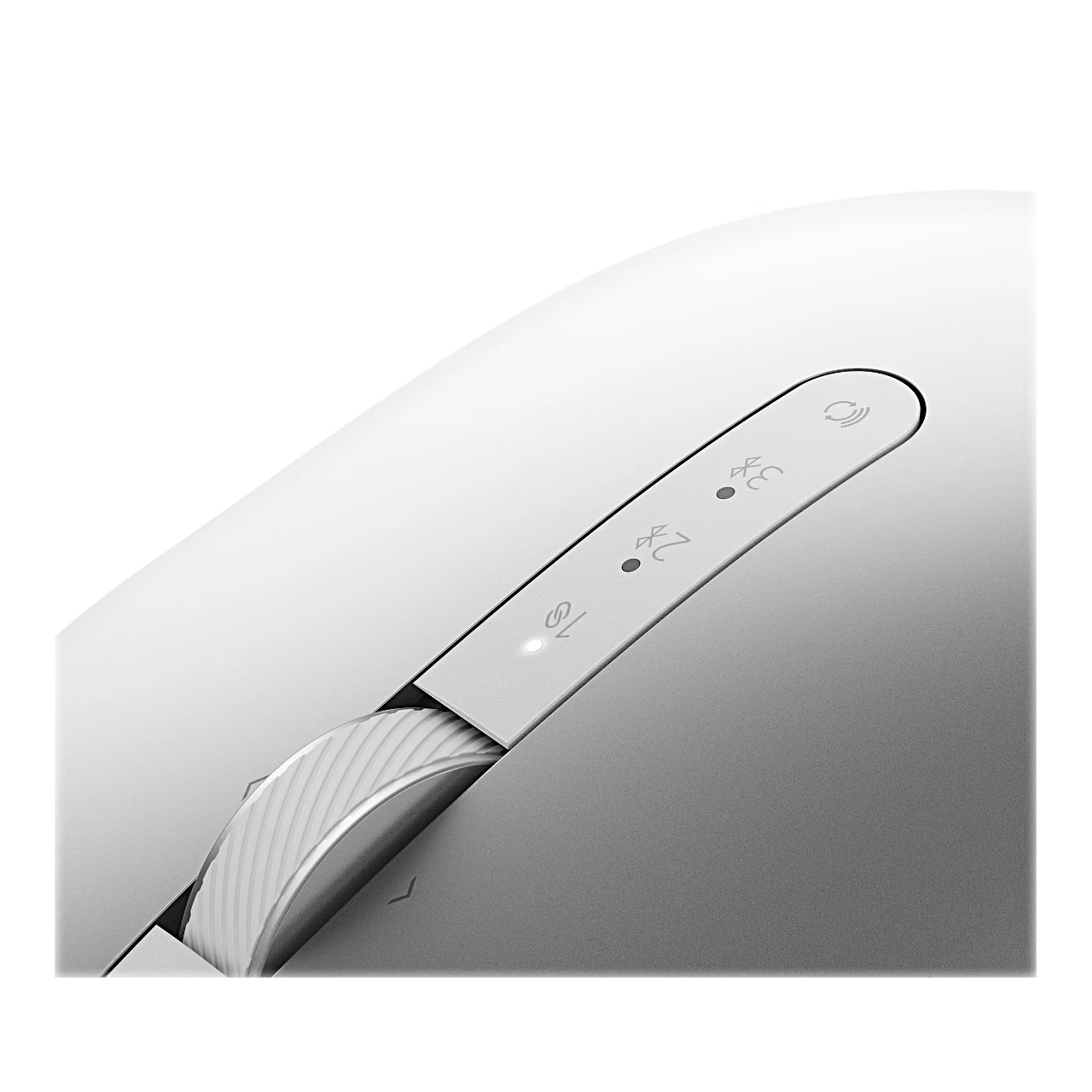
Channel 1 is for the supplied USB receiver, channels 2 and 3 are for Bluetooth connections. The connection button on top of the mouse switches the channel, and the channel light shows which device is in use.
Getting started
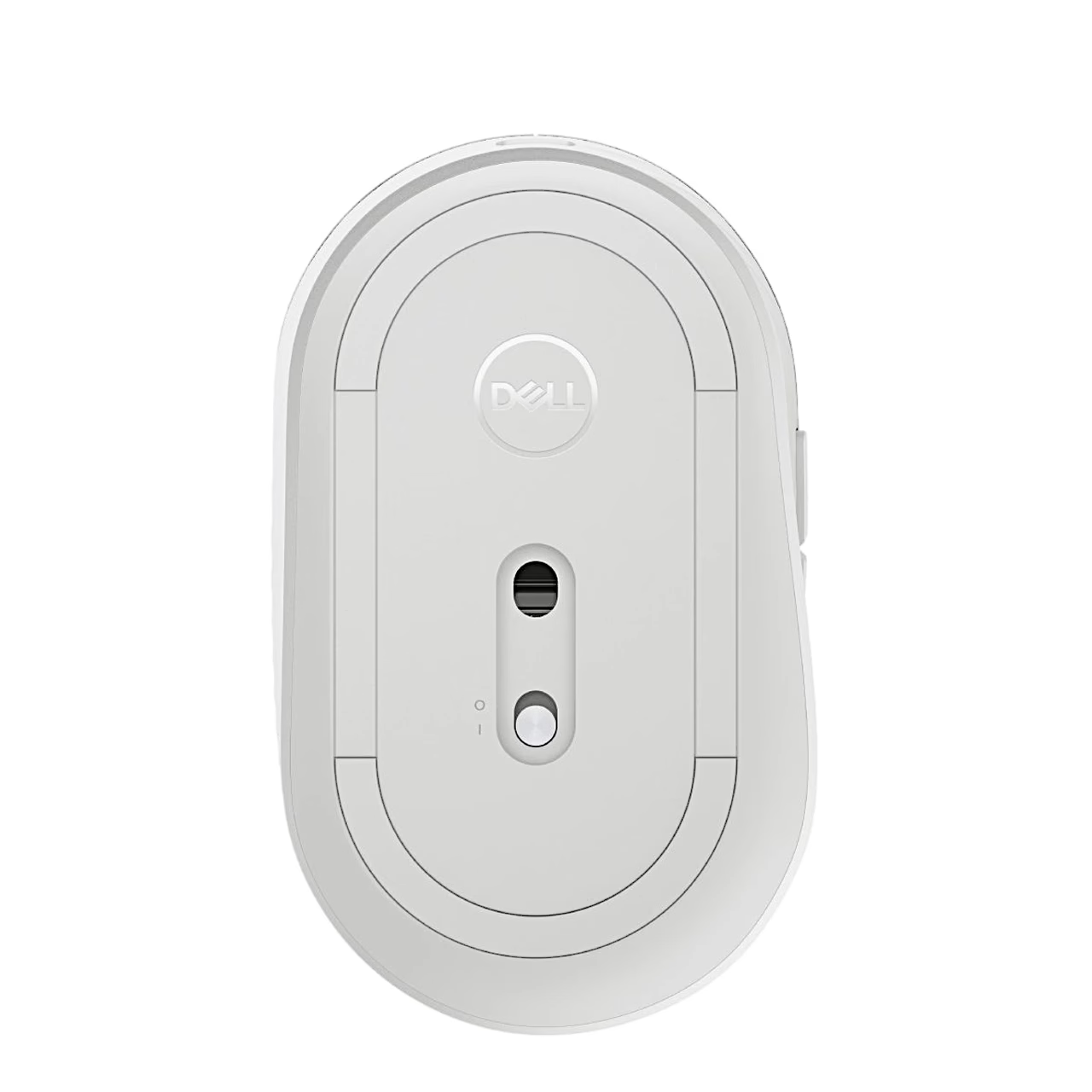
- Lift off the top cover, take out the USB receiver and put the cover back.
- Switch the mouse on with the switch on the underside.
- Plug the receiver into a USB port on the computer: the mouse works on channel 1.
- For Bluetooth, select channel 2 or 3 with the connection button and hold the button for 3 seconds until the light flashes.
- Select MS7421W in the Bluetooth device list of the computer or tablet.
The mouse software can be downloaded from Dell.com/support/MS7421W/downloads.
Charging with the USB-C cable
When the battery light flashes, connect the supplied USB-C cable to the port at the front of the mouse and to a USB-C port on the computer.
In the box
- Dell Premier MS7421W mouse
- Dell Universal USB receiver
- USB-C charging cable
- Documents
Charger not included.
















































Reviews
There are no reviews yet.