

Description
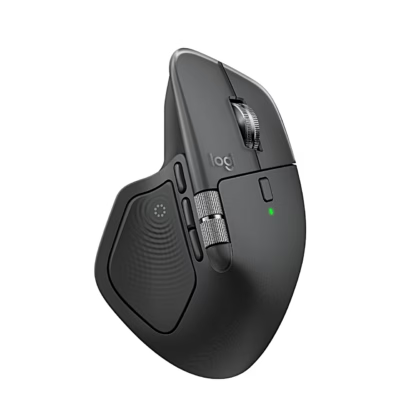
Wireless mouse with haptic feedback
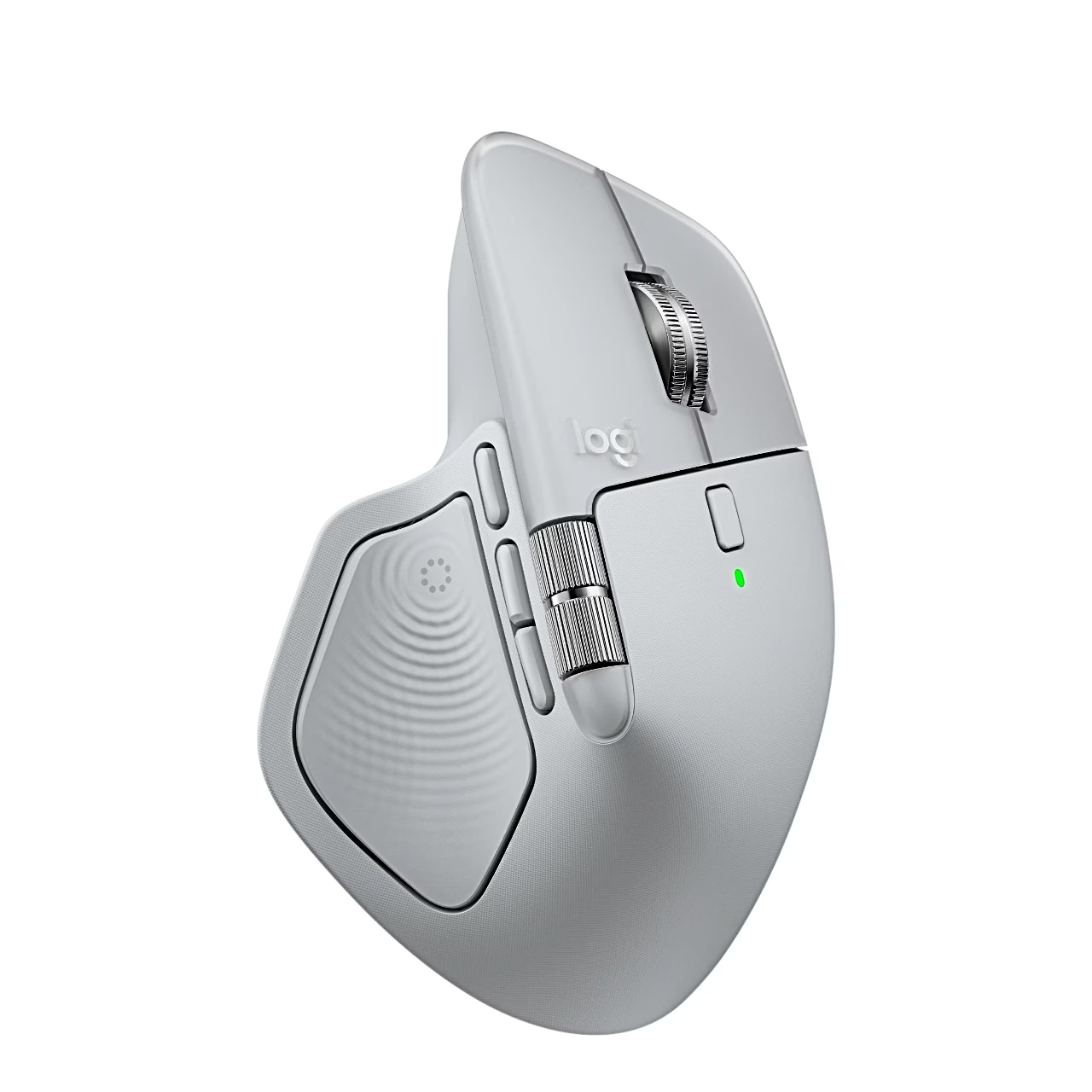
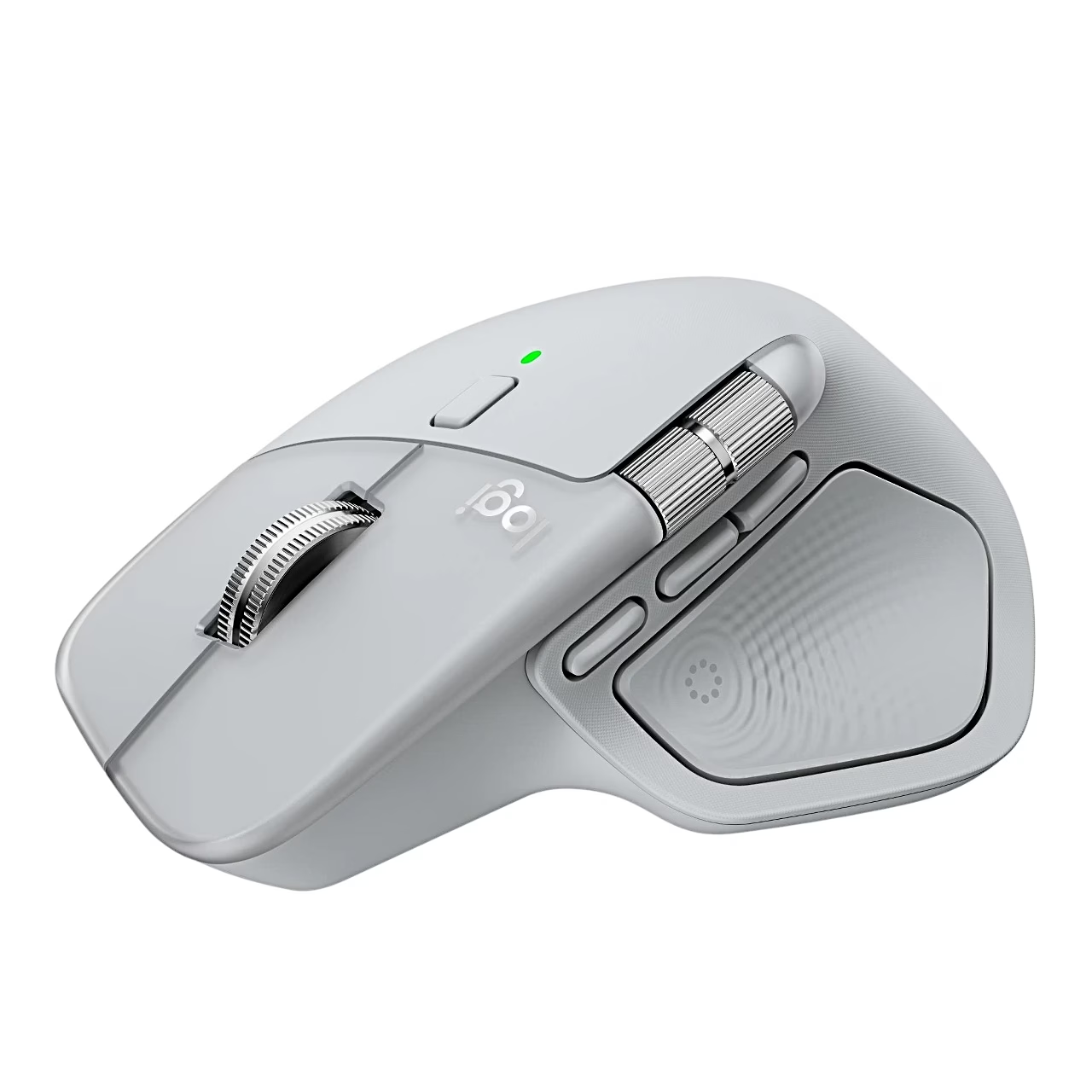
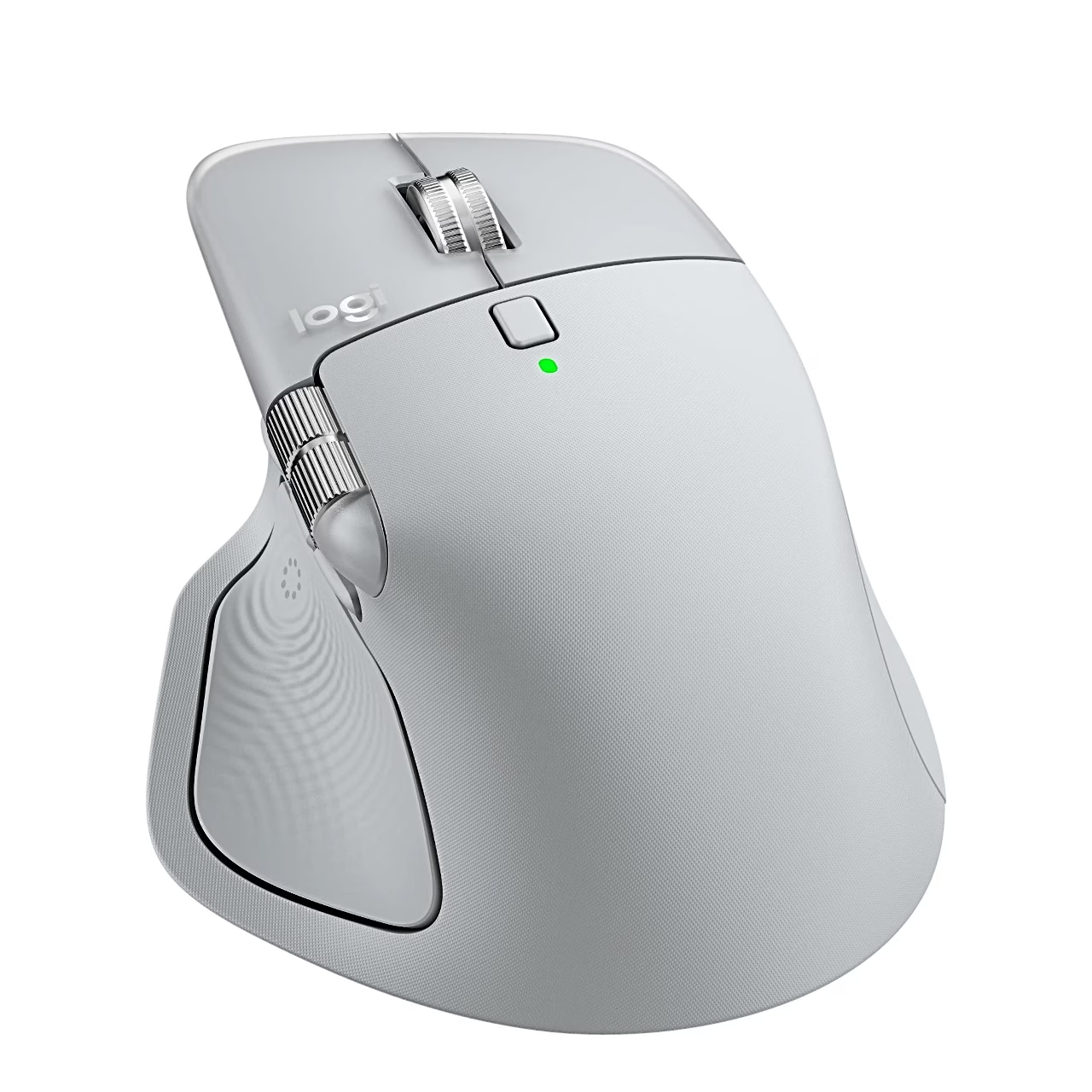
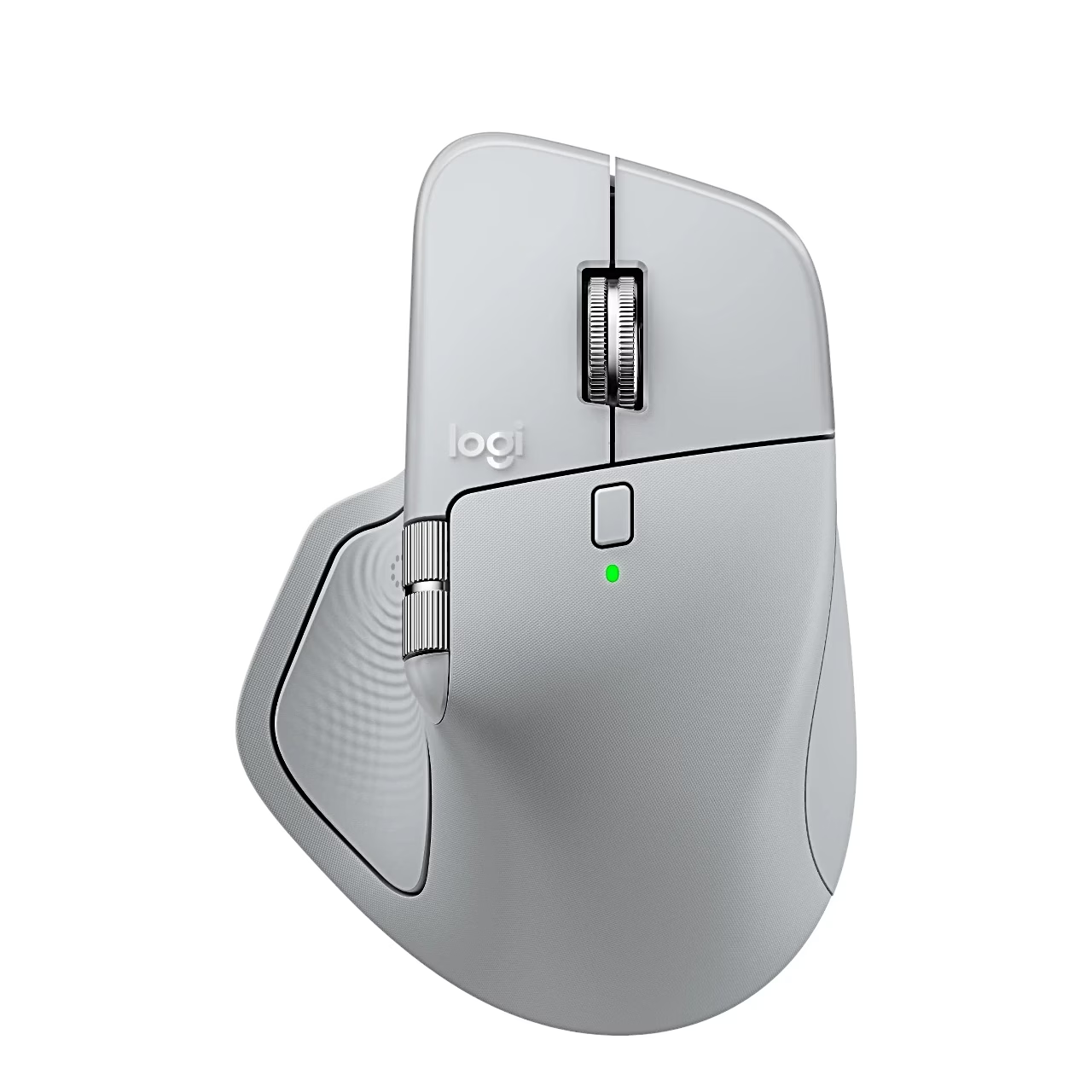
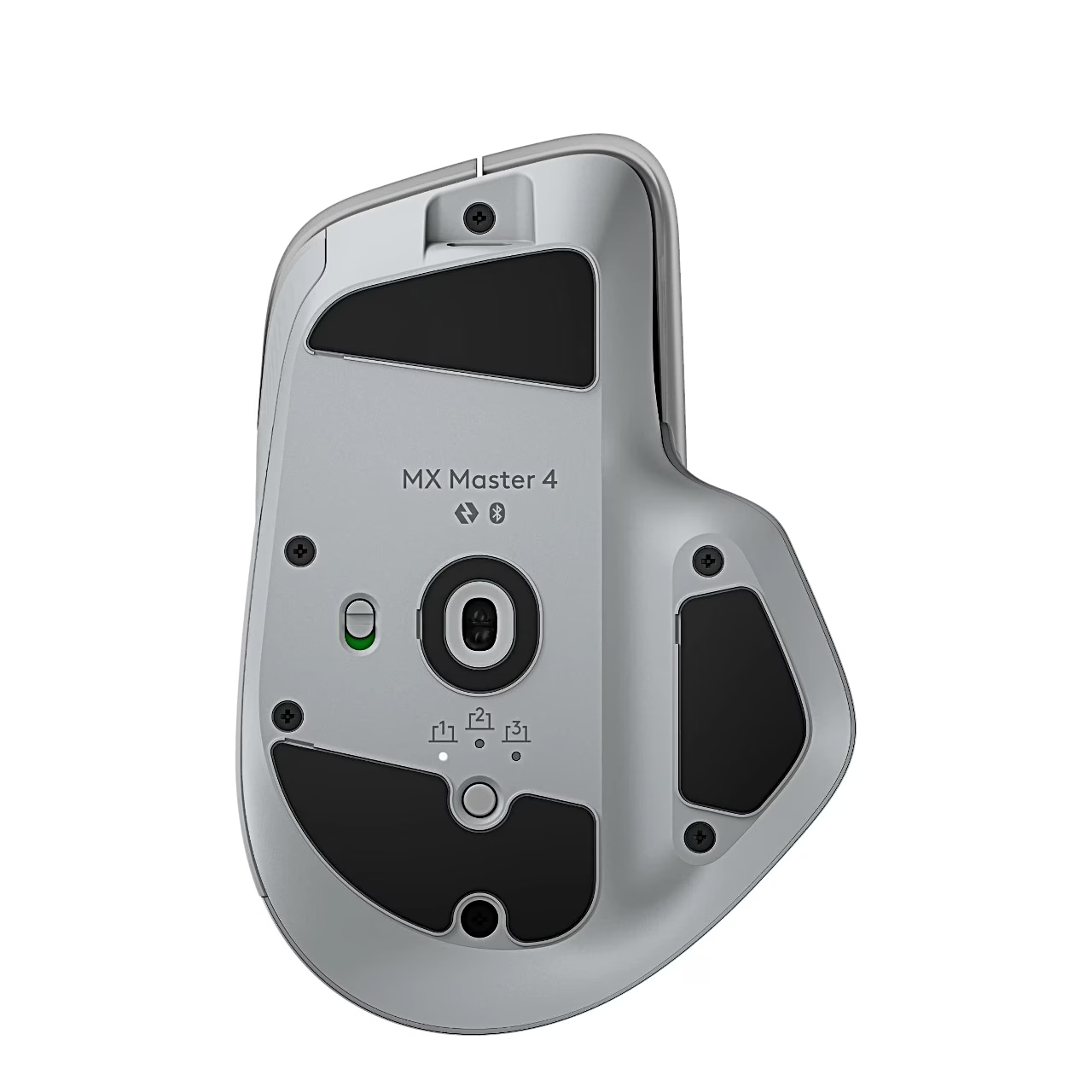
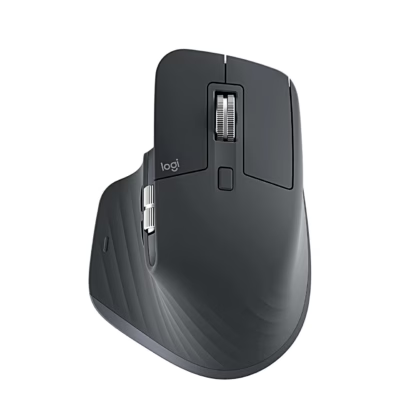
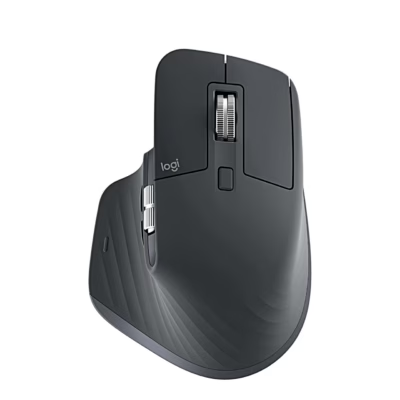
The wireless mouse Logitech MX Master 4 connects to a computer up to 10 m away via Bluetooth Low Energy or the included USB-C receiver. Next to the Easy-Switch button on the underside are indicator lights for channels 1, 2 and 3. The body is grey (Pale Gray) and the mouse weighs 150 g.
Haptic panel, buttons and scroll wheels
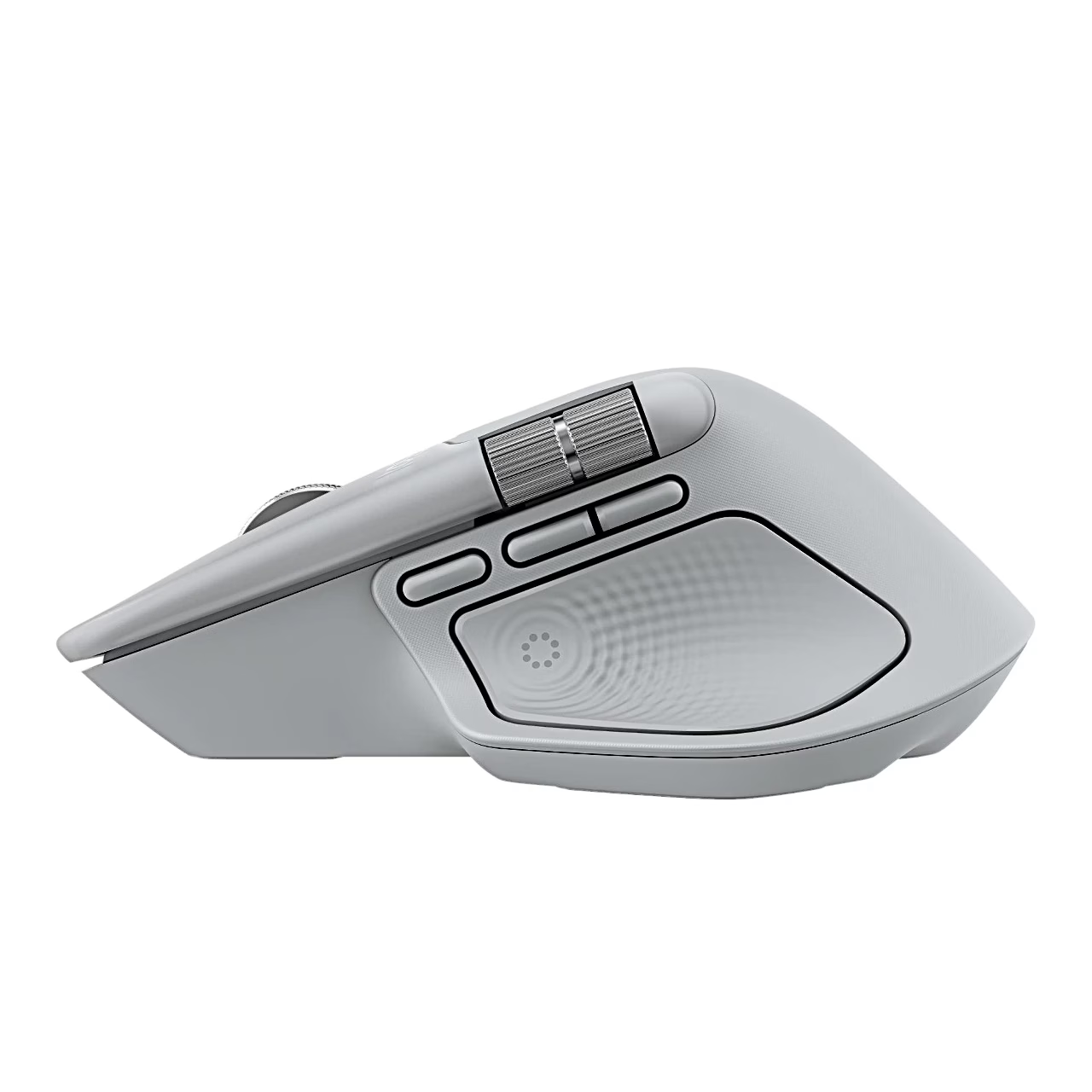
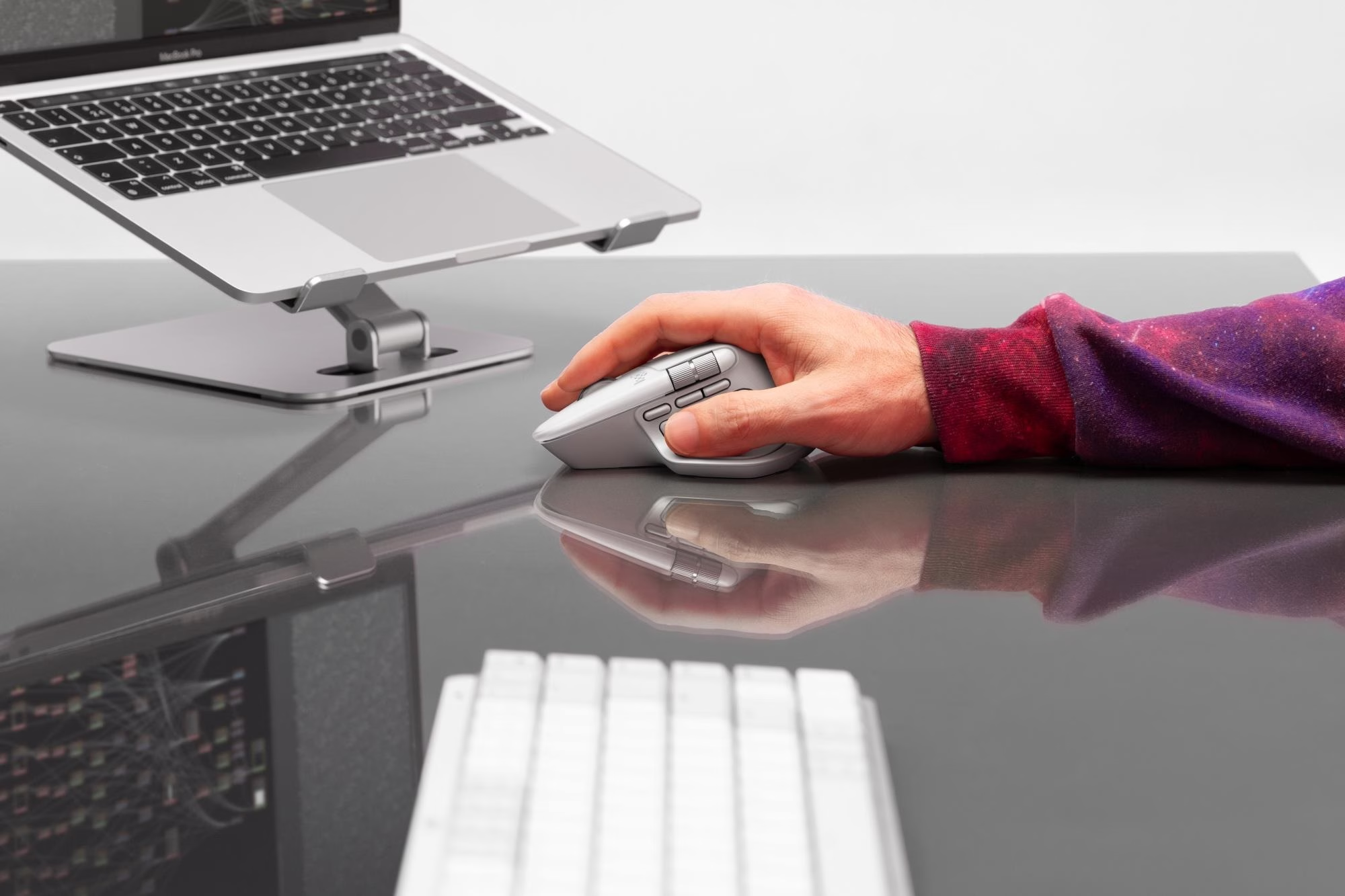
The Haptic Sense Panel under the thumb gives haptic feedback on selected actions and, when pressed, opens the Actions Ring, where tools and filters can be picked next to the cursor. The mouse has 8 buttons, including a gesture button, forward and back buttons and a top button, and 6 of them can be reassigned in the Logi Options+ app. The MagSpeed scroll wheel and the thumb wheel scroll vertically and horizontally. The Darkfield sensor has a sensitivity of 200–8000 DPI.
Battery and charging
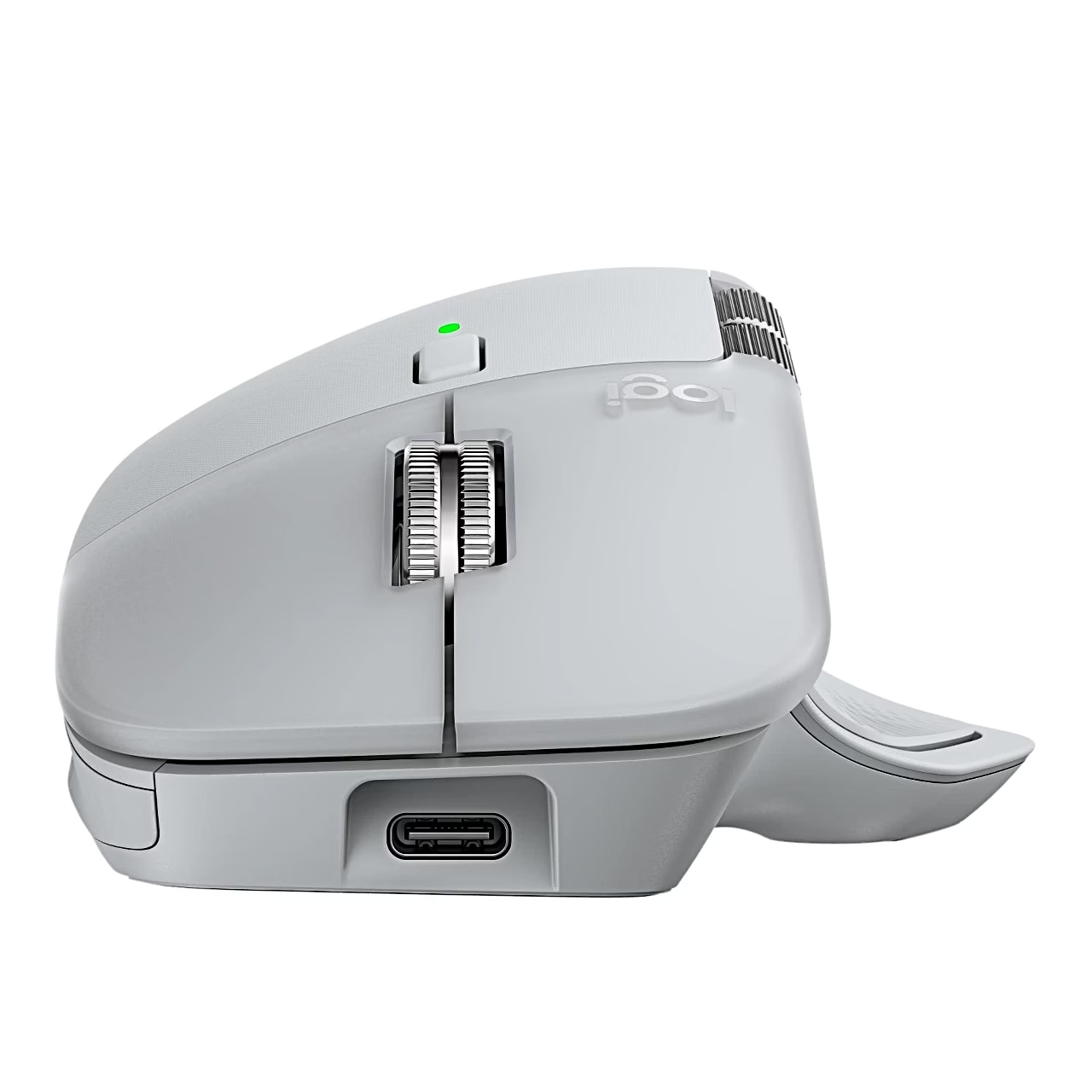
The built-in 650 mAh lithium polymer battery is charged through the USB-C port at the front of the mouse. According to the manufacturer, a full charge lasts up to 70 days and 1 minute of charging gives 3 hours of use. The battery status LED glows red when the battery is running low and green when it is full. A charger is not included.
Getting started
Slide the switch on the underside to ON. To pair via Bluetooth, hold the Easy-Switch button for 3 seconds until the light blinks fast, then select the mouse in the Bluetooth settings of the computer. To use the receiver, plug the USB-C receiver into a USB-C port of the computer. Install the Logi Options+ app to set up the buttons and haptic feedback.
In the box
- Logitech MX Master 4 mouse
- USB-C receiver
- User guide

















































Reviews
There are no reviews yet.