

Description
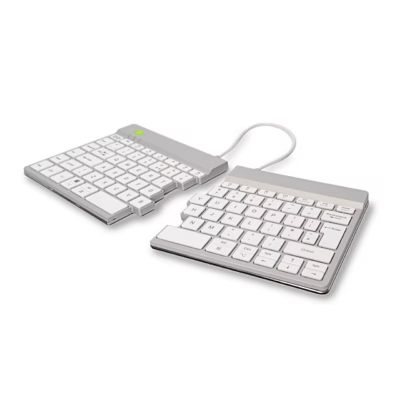
Wireless split keyboard with a break indicator
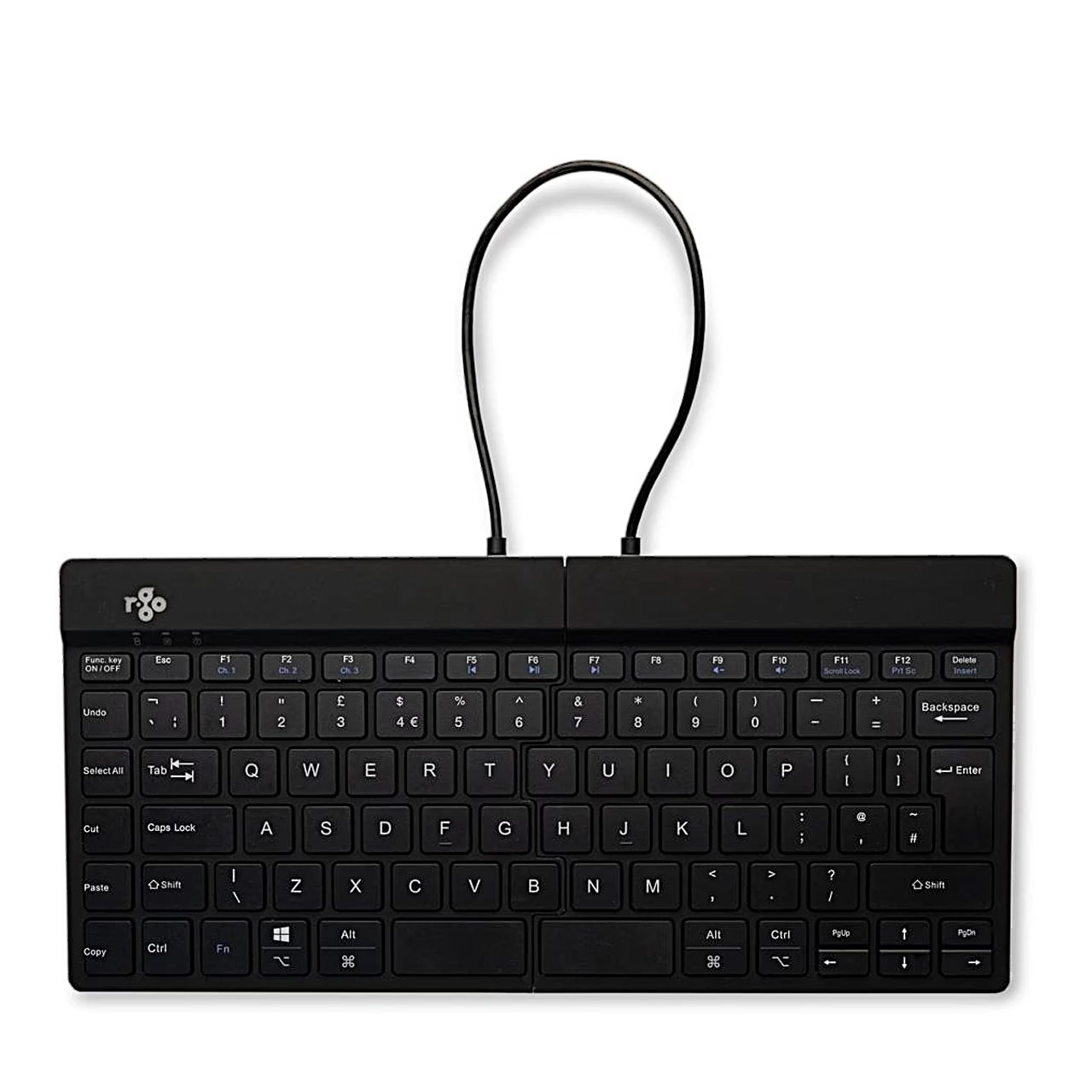
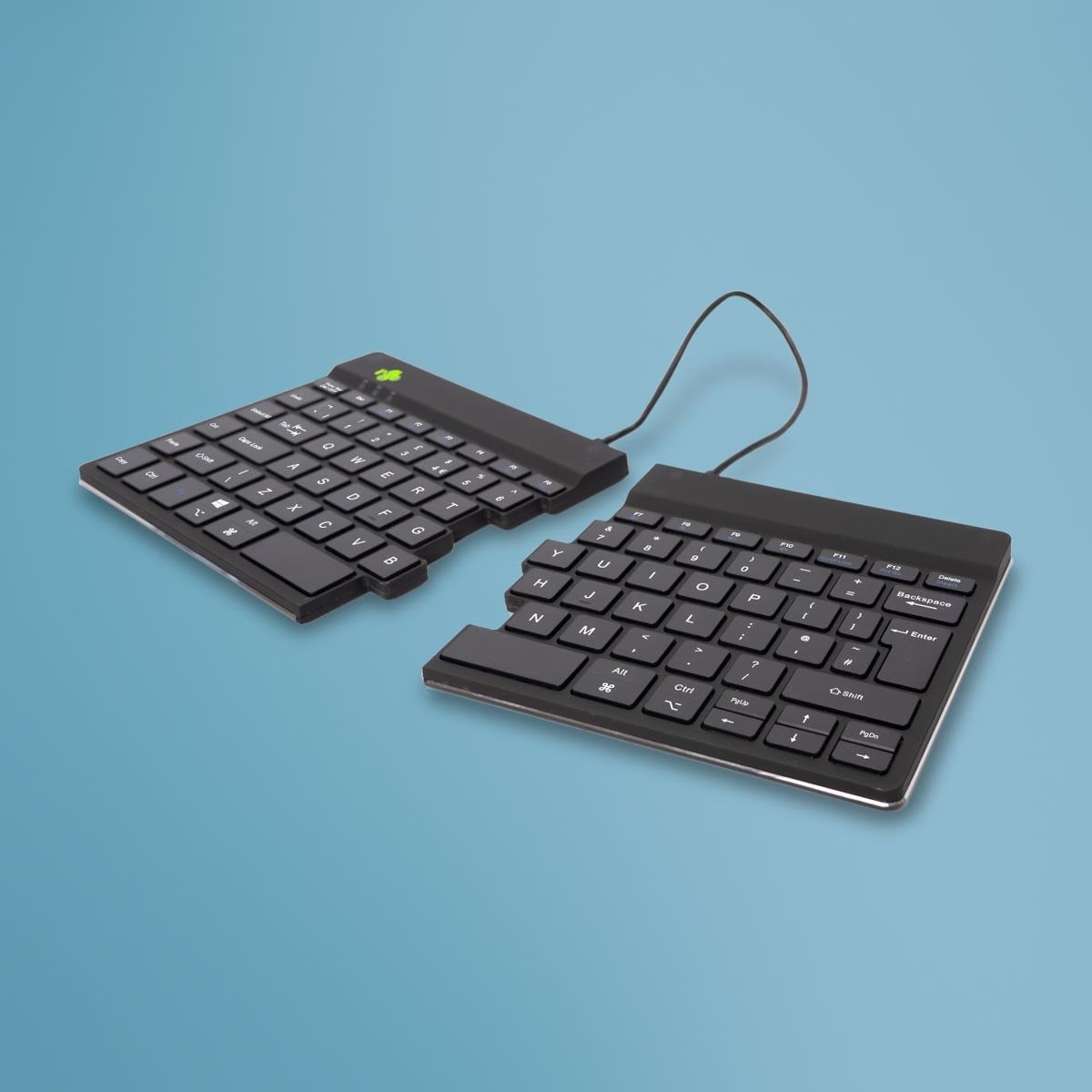
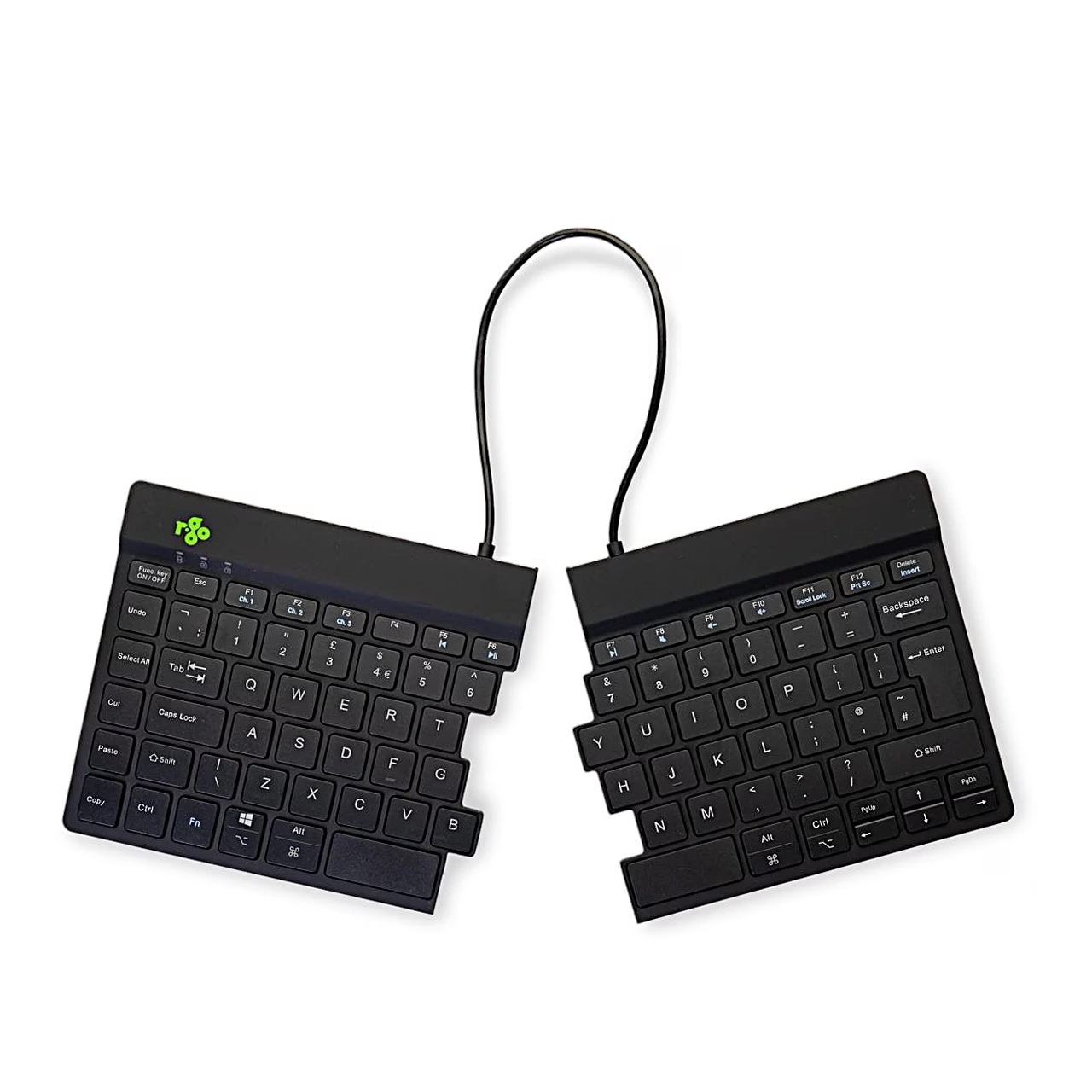
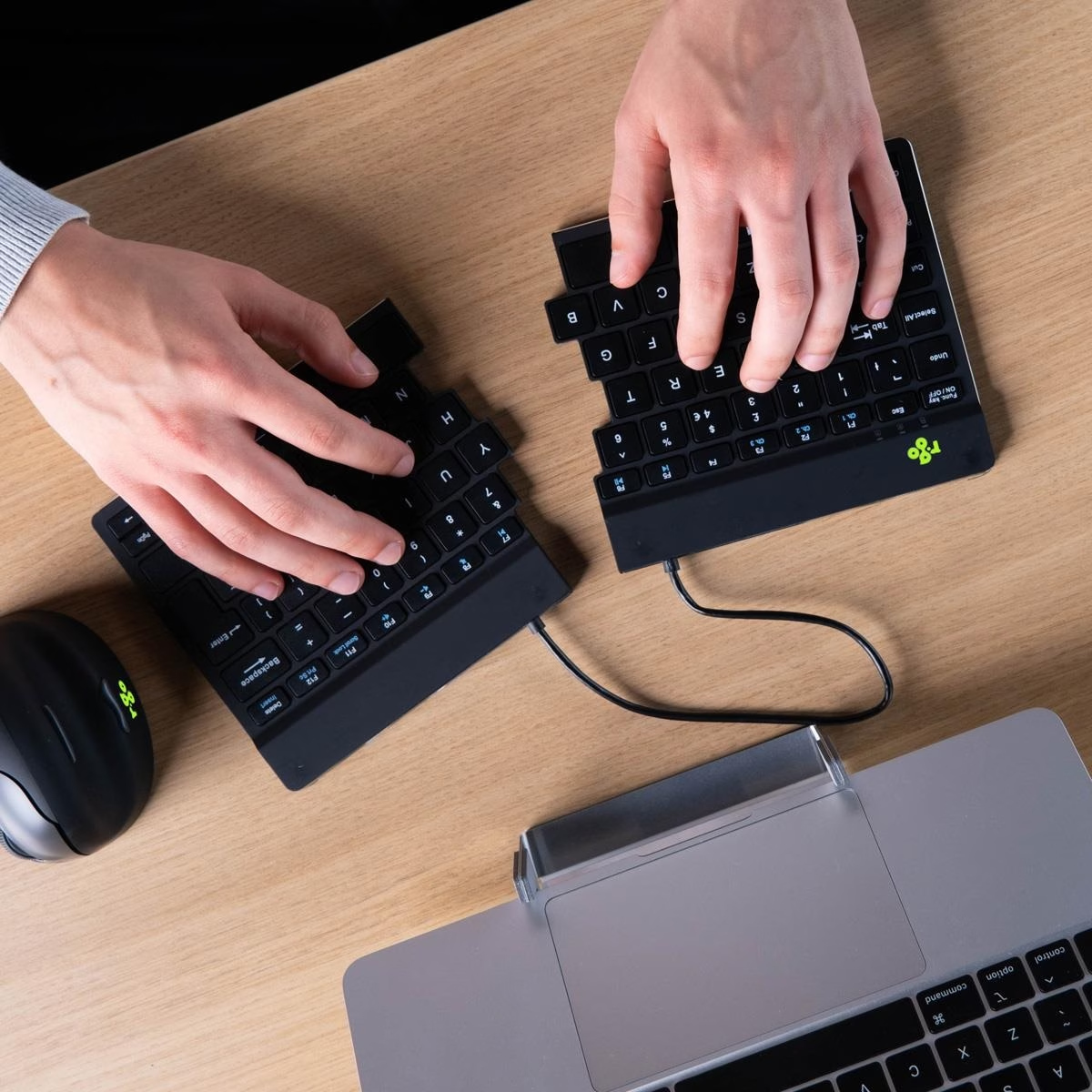
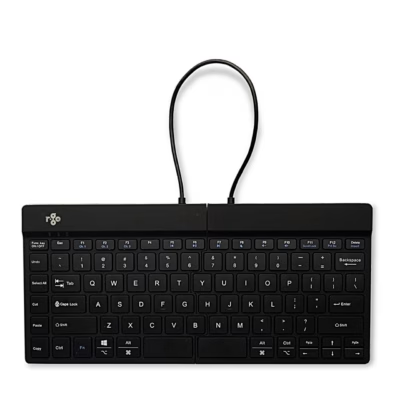
The Bluetooth split keyboard R-Go Split Break v2 consists of two cable-linked halves that you can position on the desk as you like. The keyboard is 12 mm thick, with an aluminium and plastic body.
Scissor keys and Fn functions
The scissor mechanism keeps the keys low with a light keystroke. Functions marked in blue, including the media keys, are used together with the Fn key. The Caps Lock and Scroll Lock lights show the lock status.
R-Go Break indicator
With the R-Go Break software the keyboard’s indicator light changes colour like a traffic light. Green means your break rhythm is fine, orange signals time for a short break and red shows you have been working too long. Switch the light on and off with Fn + A.
Bluetooth for up to three devices
Turn the keyboard on with the switch at the back. To pair, hold Fn together with the channel key F1, F2 or F3 for at least 3 seconds until the Bluetooth light flashes, then select the keyboard in your computer’s Bluetooth settings. Each of the three channels pairs one device, such as a PC, laptop and phone, and a short press of Fn + F1, F2 or F3 switches between them. The Bluetooth 5.0 connection has a range of up to 10 m.
Battery and charging
Charge the built-in 500 mAh battery from your computer with the included USB-C cable; a full charge takes 2 hours. Battery life is up to 140 hours according to the manufacturer. When the battery is running low a red light comes on, and after at least 5 minutes of charging you can reconnect the keyboard.
In the box
- R-Go Split Break v2 split keyboard
- USB-C charging cable
- USB-C to USB-A adapter
















































Reviews
There are no reviews yet.