


Description
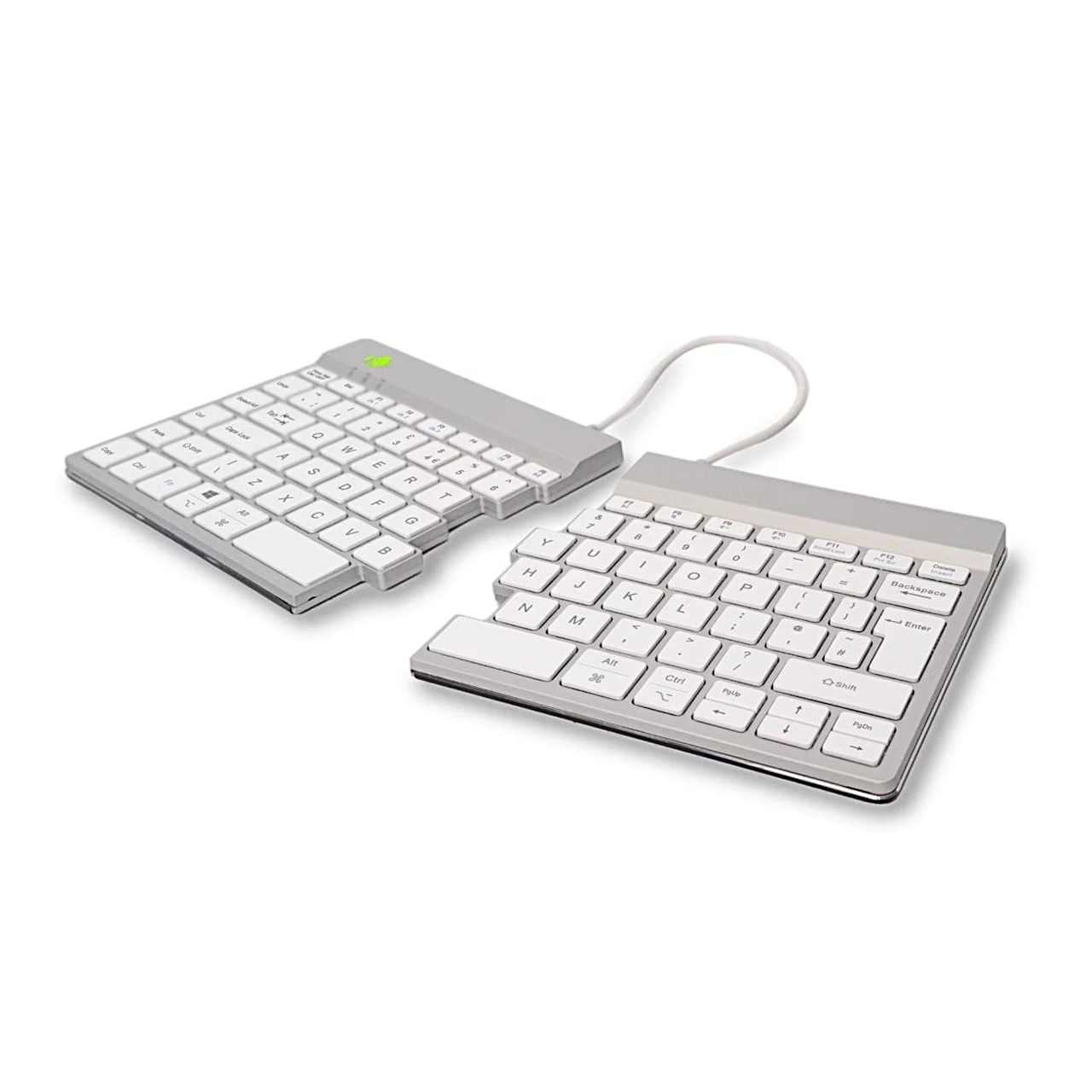
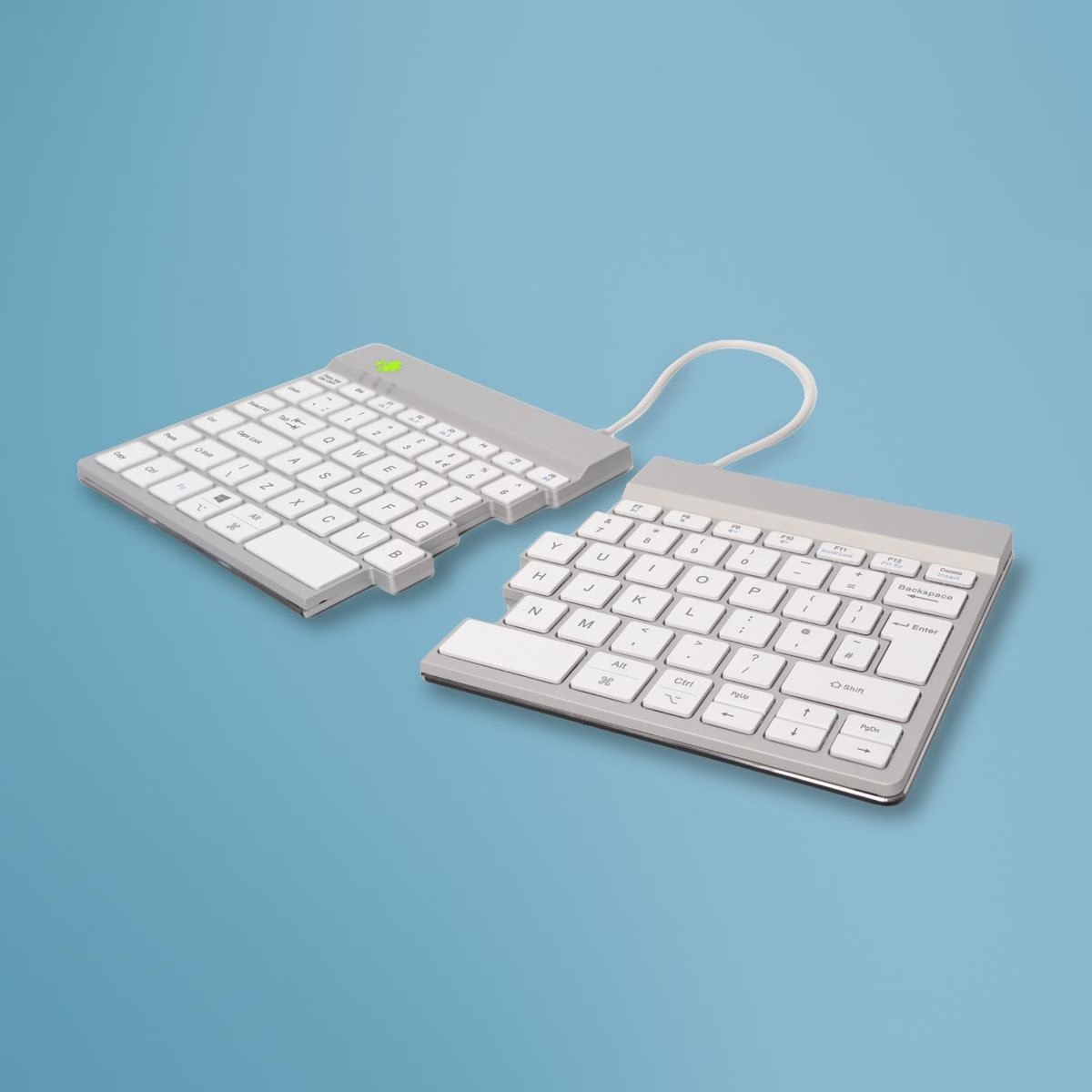
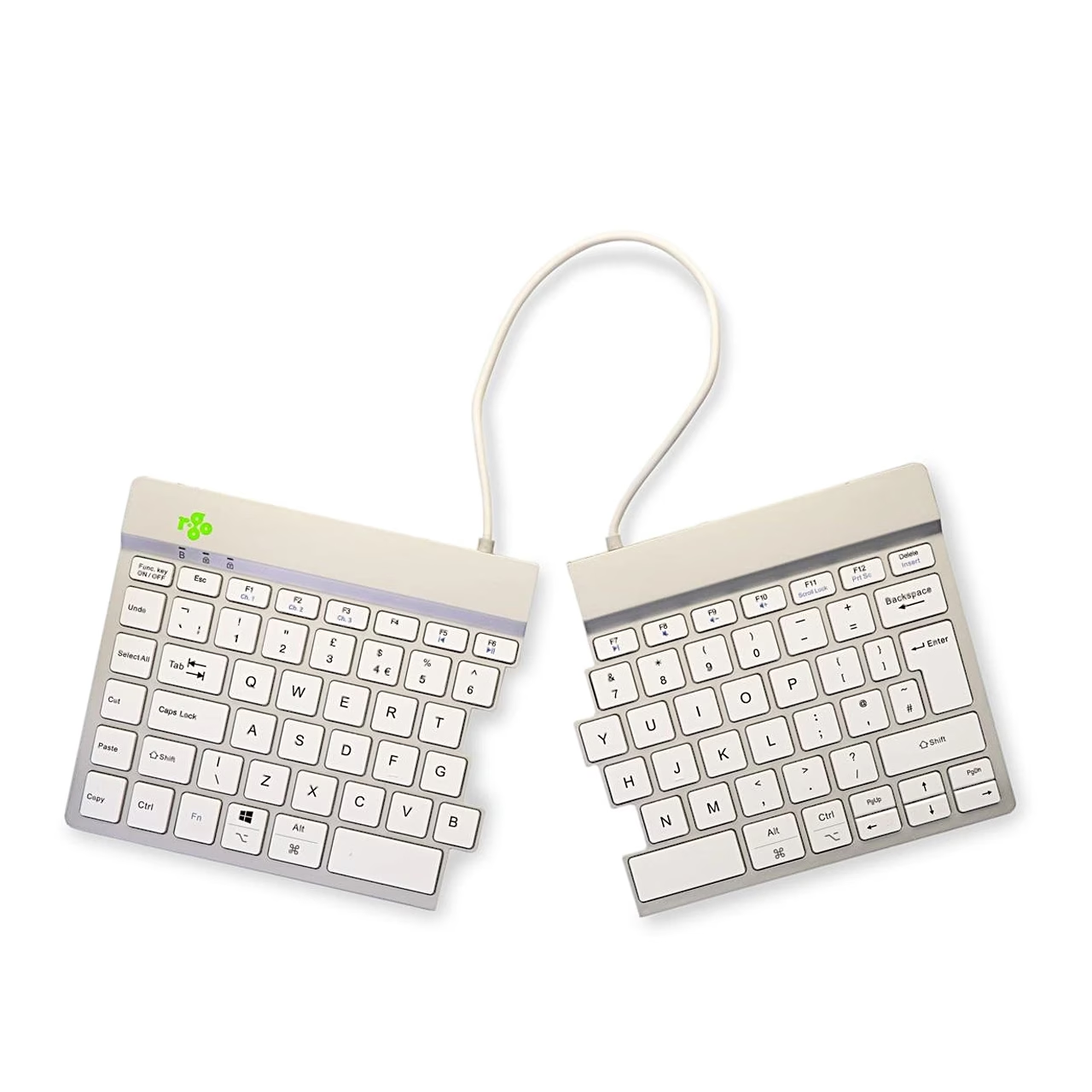
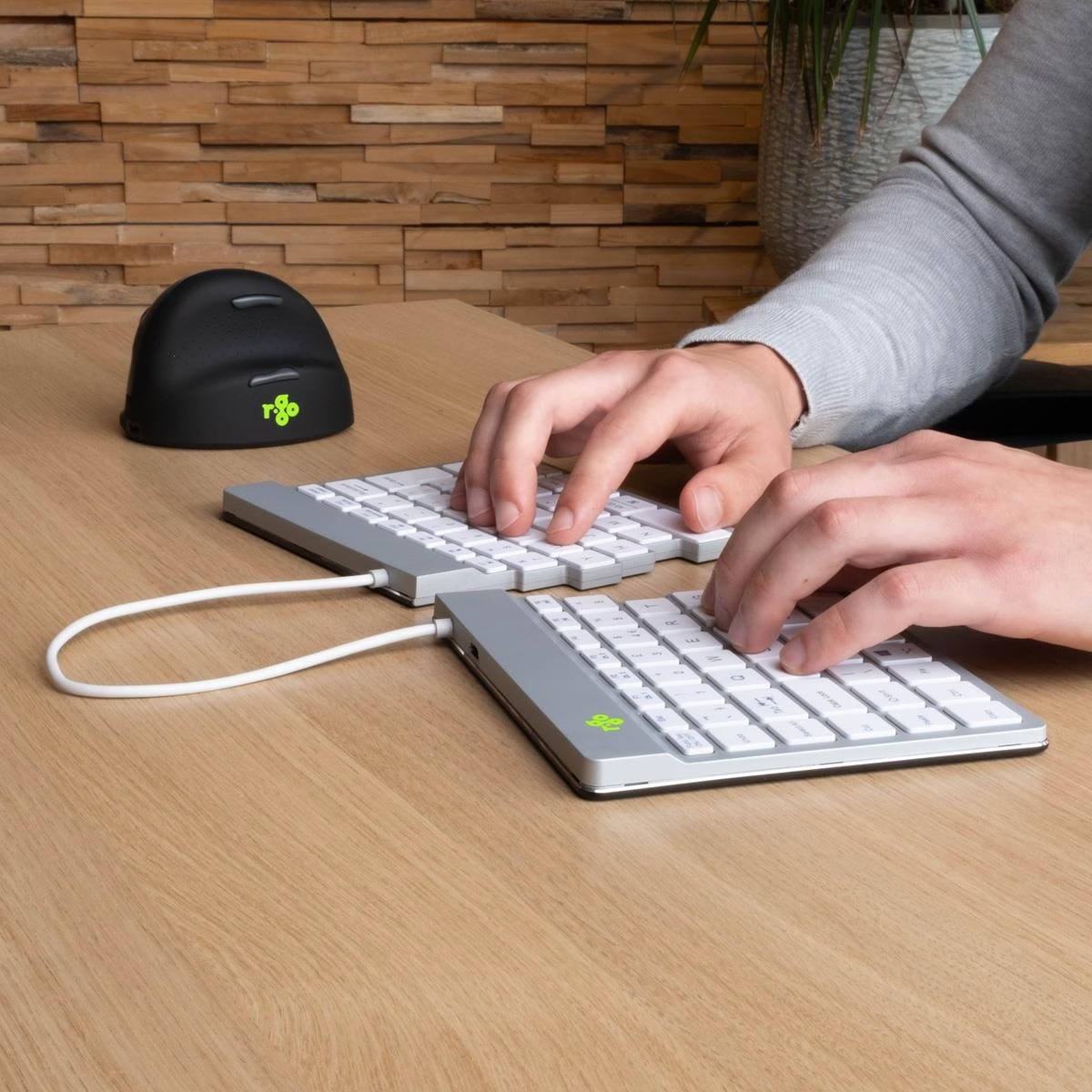
Wireless keyboard with two separately positioned halves
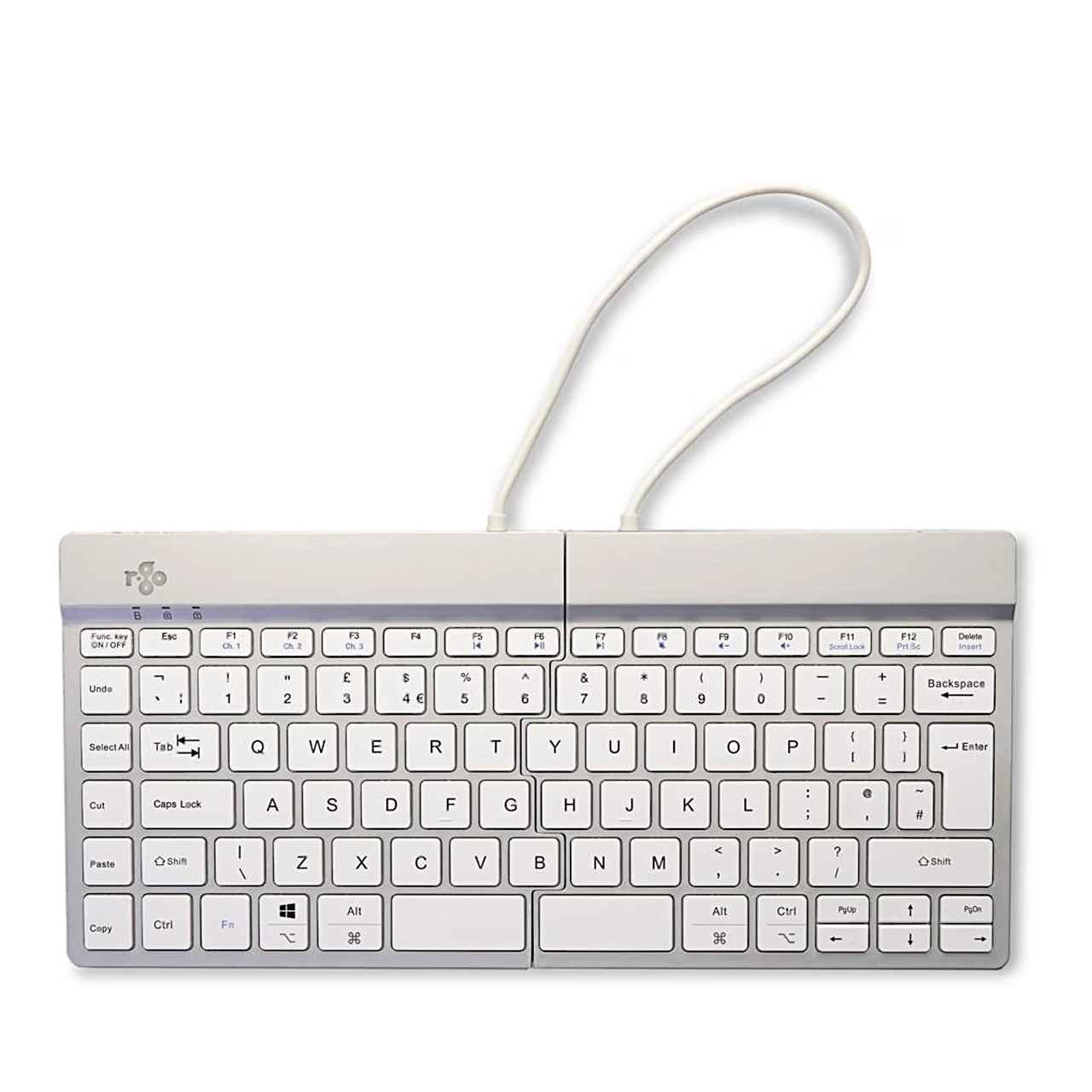
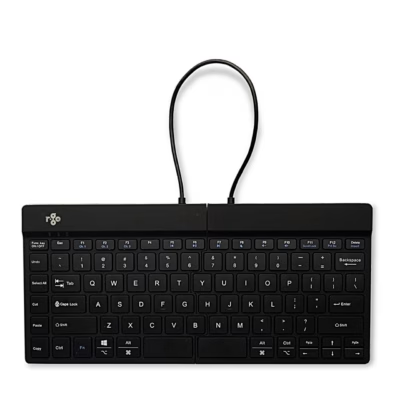
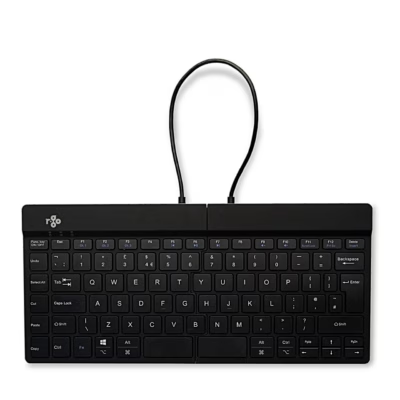
The two-piece wireless keyboard R-Go Split Break v2 connects to your device via Bluetooth 5.0, and you can place its two halves in the position you want on your desk. The halves are connected by a cable, and the keys use a scissor mechanism.
Connecting to multiple devices
You can pair the keyboard with up to 3 devices, for example a computer, a laptop and a smartphone, each on its own channel F1, F2 or F3. To pair, hold the Fn key and the key of the chosen channel for at least 3 seconds, until the Bluetooth indicator light starts flashing. To switch between devices, briefly press the Fn key together with the channel key. According to the manufacturer, the radio connection range is up to 10 m.
Break indicator and status lights
The colour of the R-Go Break break indicator is controlled by the R-Go Break software: an orange light signals that it is time for a short break, and red that you have been working without a break for too long. You switch the indicator on and off with the Fn and A keys. Caps Lock, Scroll Lock and pairing status are shown by separate indicator lights.
Battery and charging
The built-in battery capacity is 500 mAh, and according to the manufacturer a full charge takes 2 hours. To charge, connect the keyboard to a computer using the USB-C cable included in the set. The power switch is located on the back of the keyboard.
Included in the set
- R-Go Split Break v2 keyboard
- USB-C charging cable
- USB-C to USB-A adapter
- Charger not included





















































Reviews
There are no reviews yet.