
Description
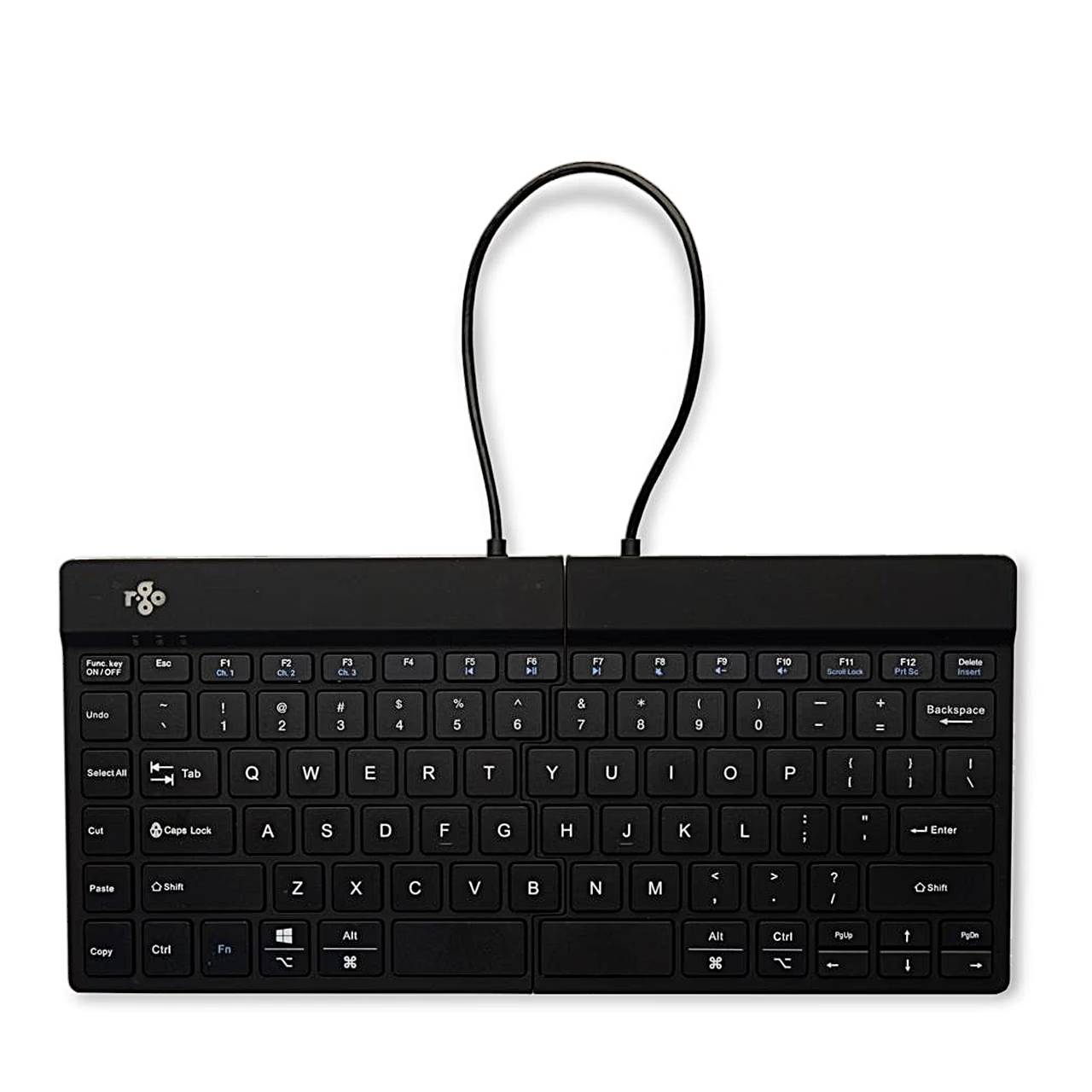
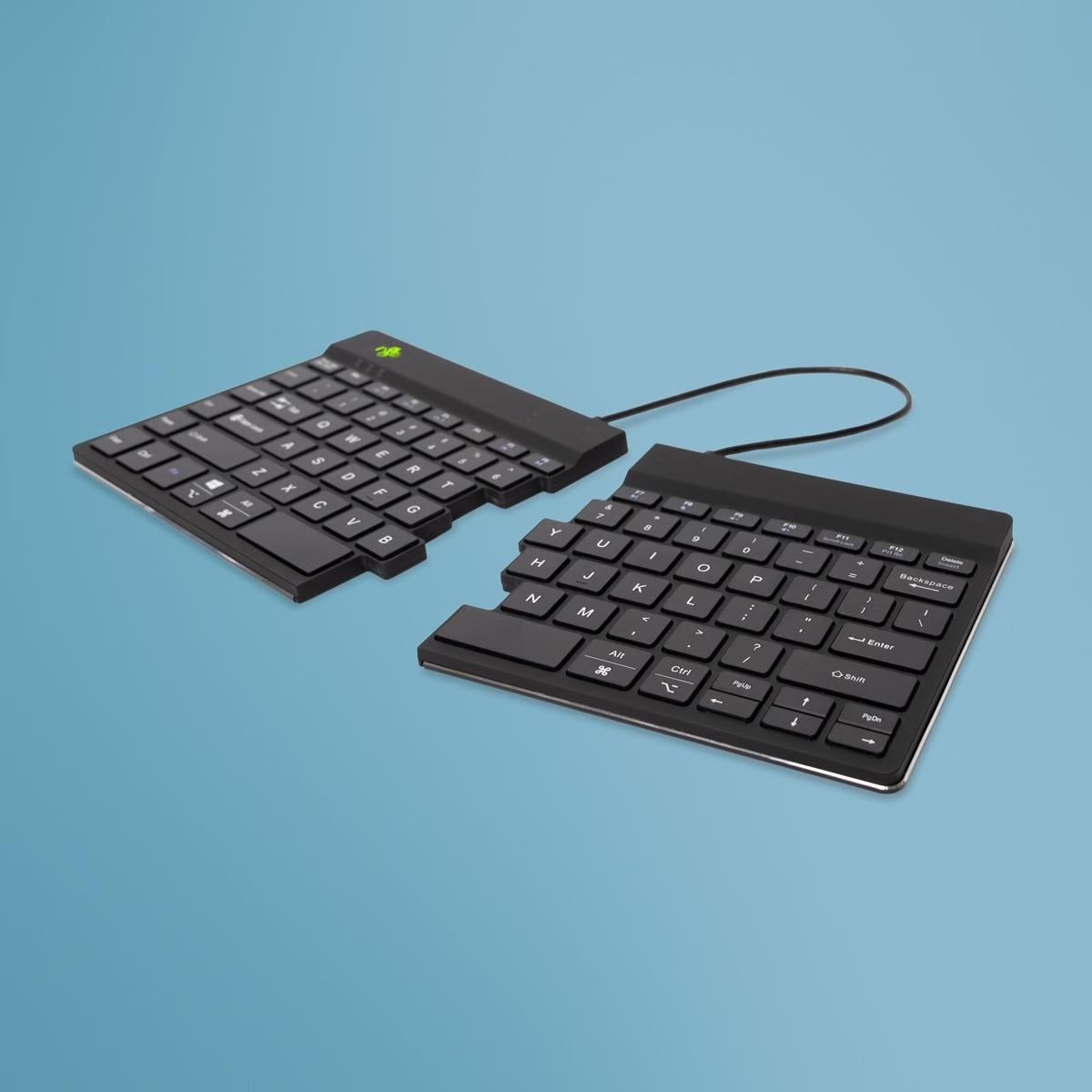
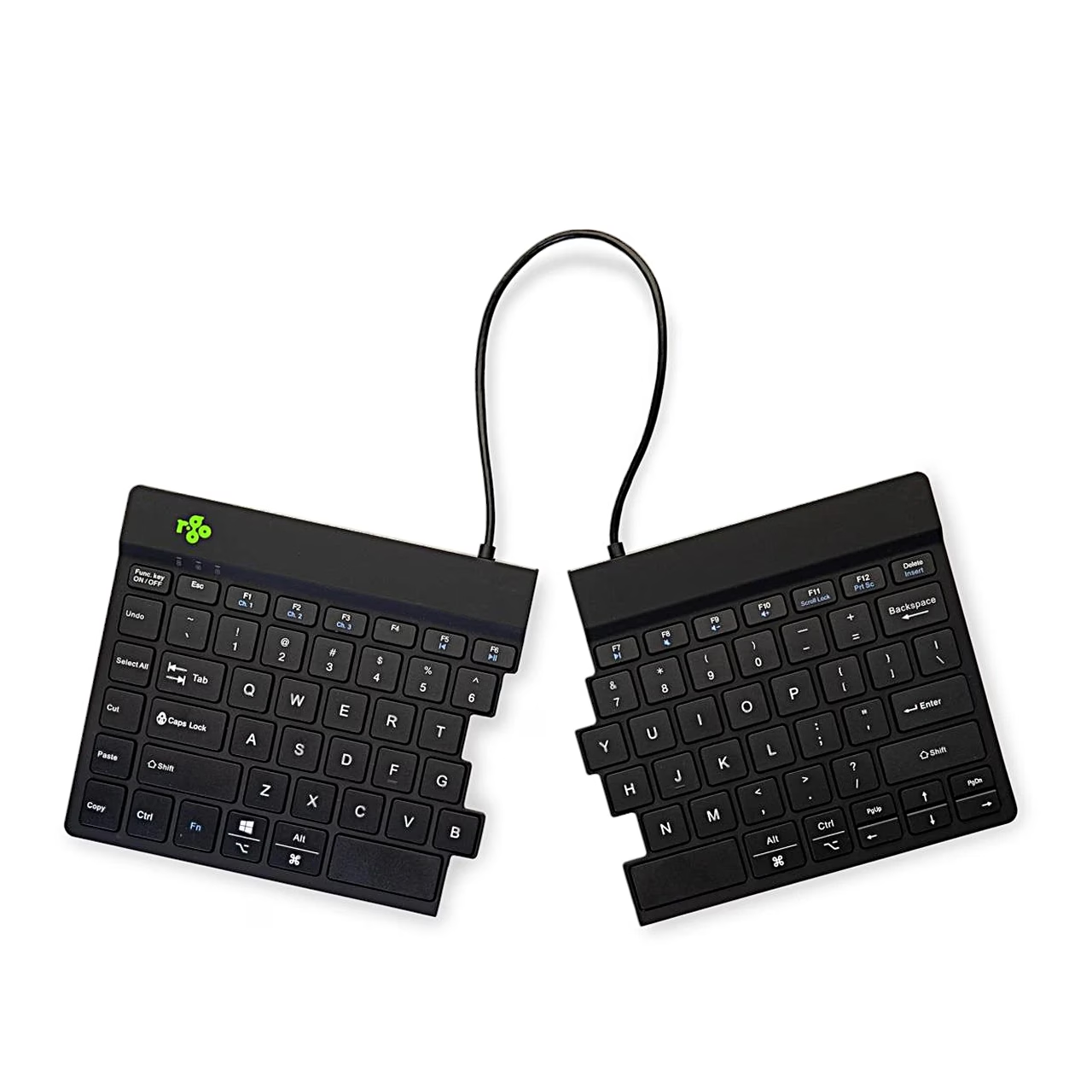
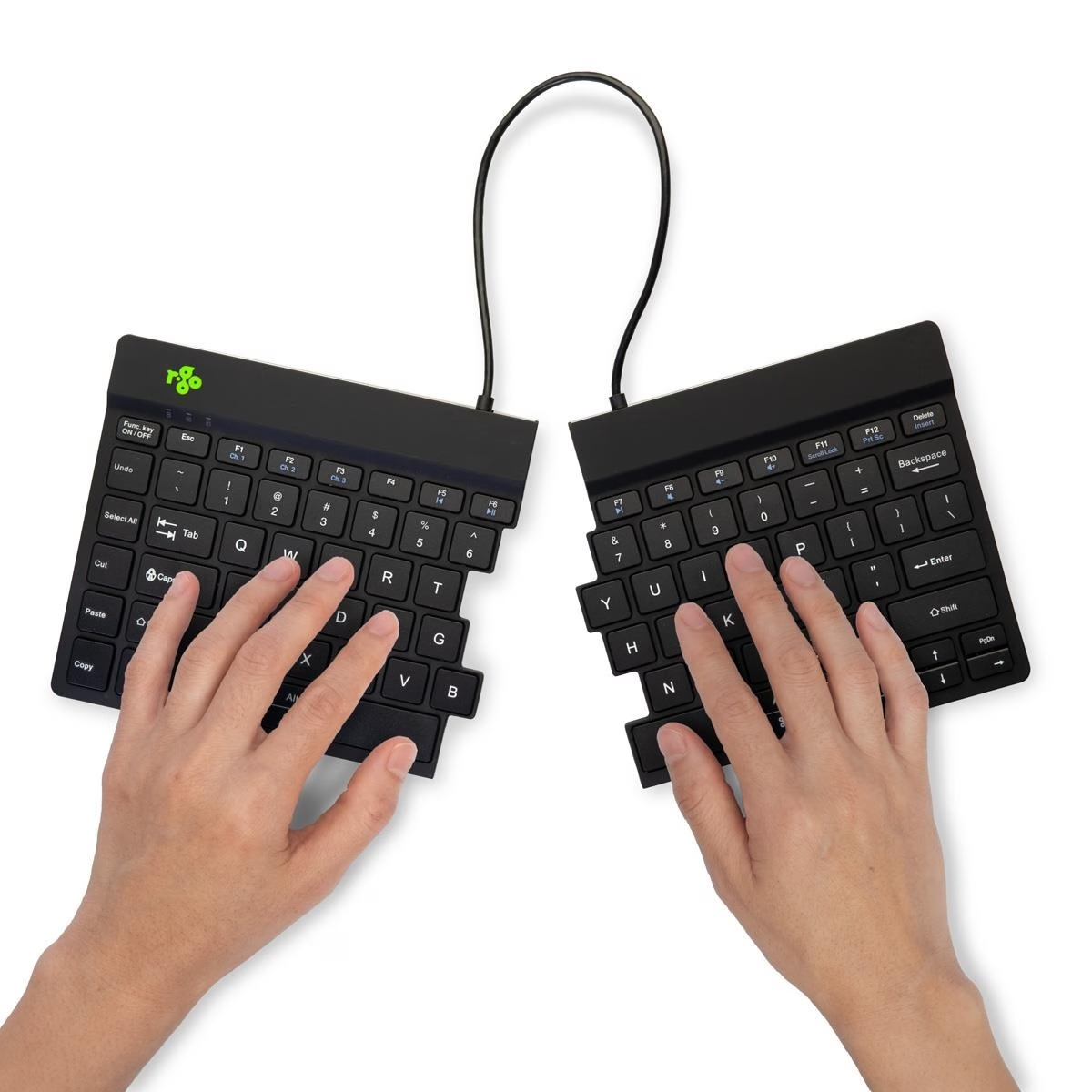
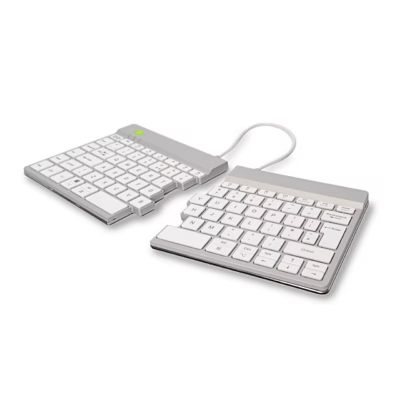
Split keyboard with separately placed halves for office work
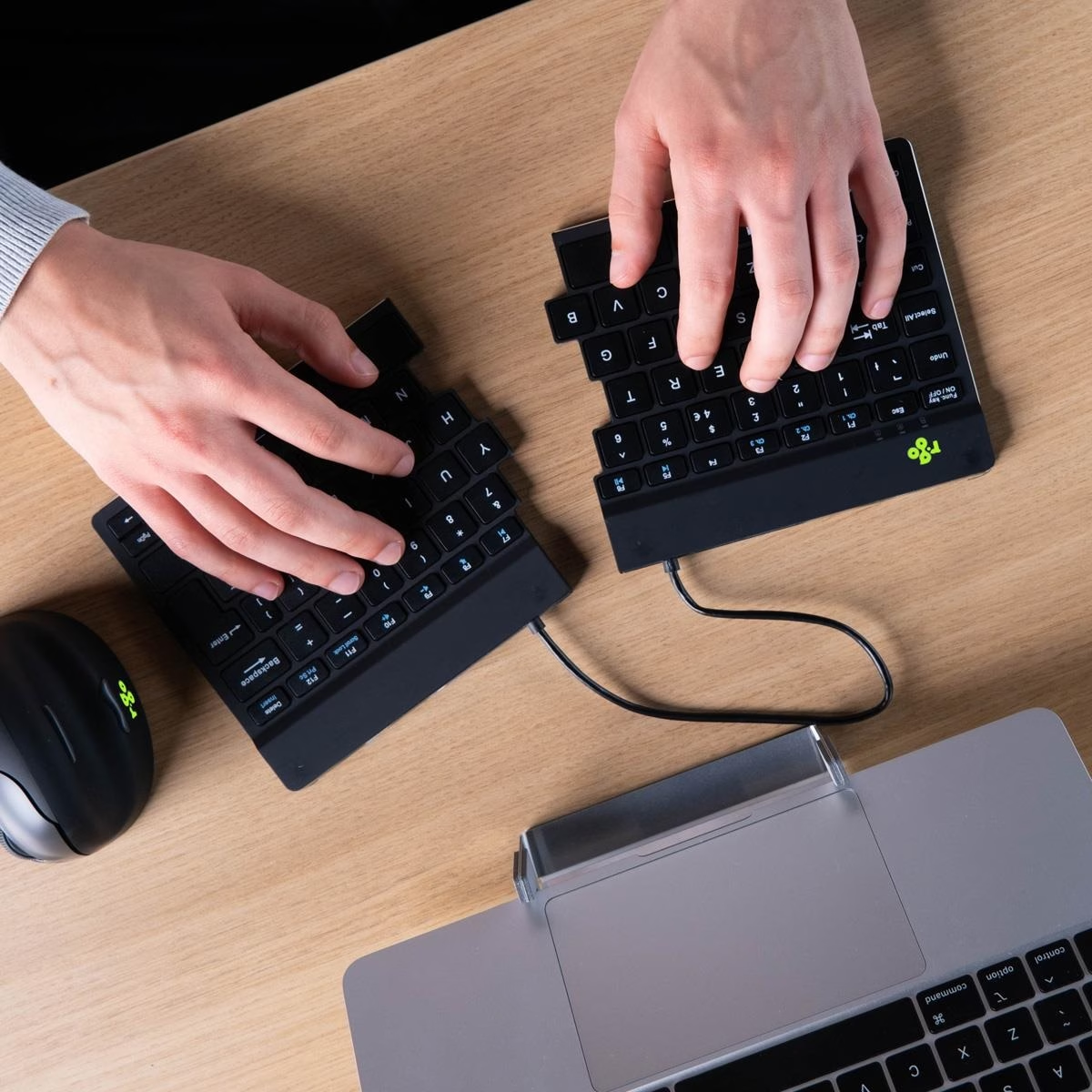
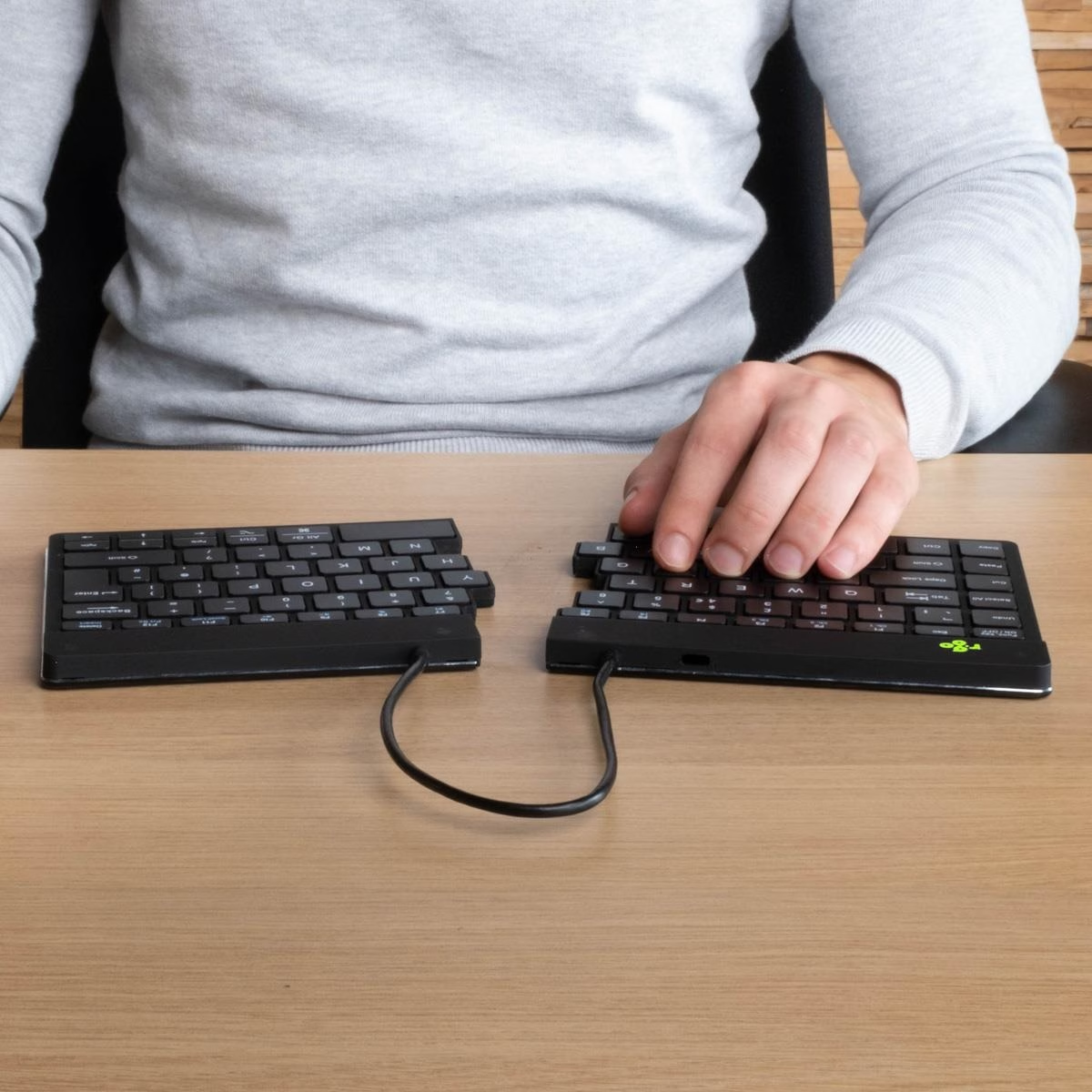
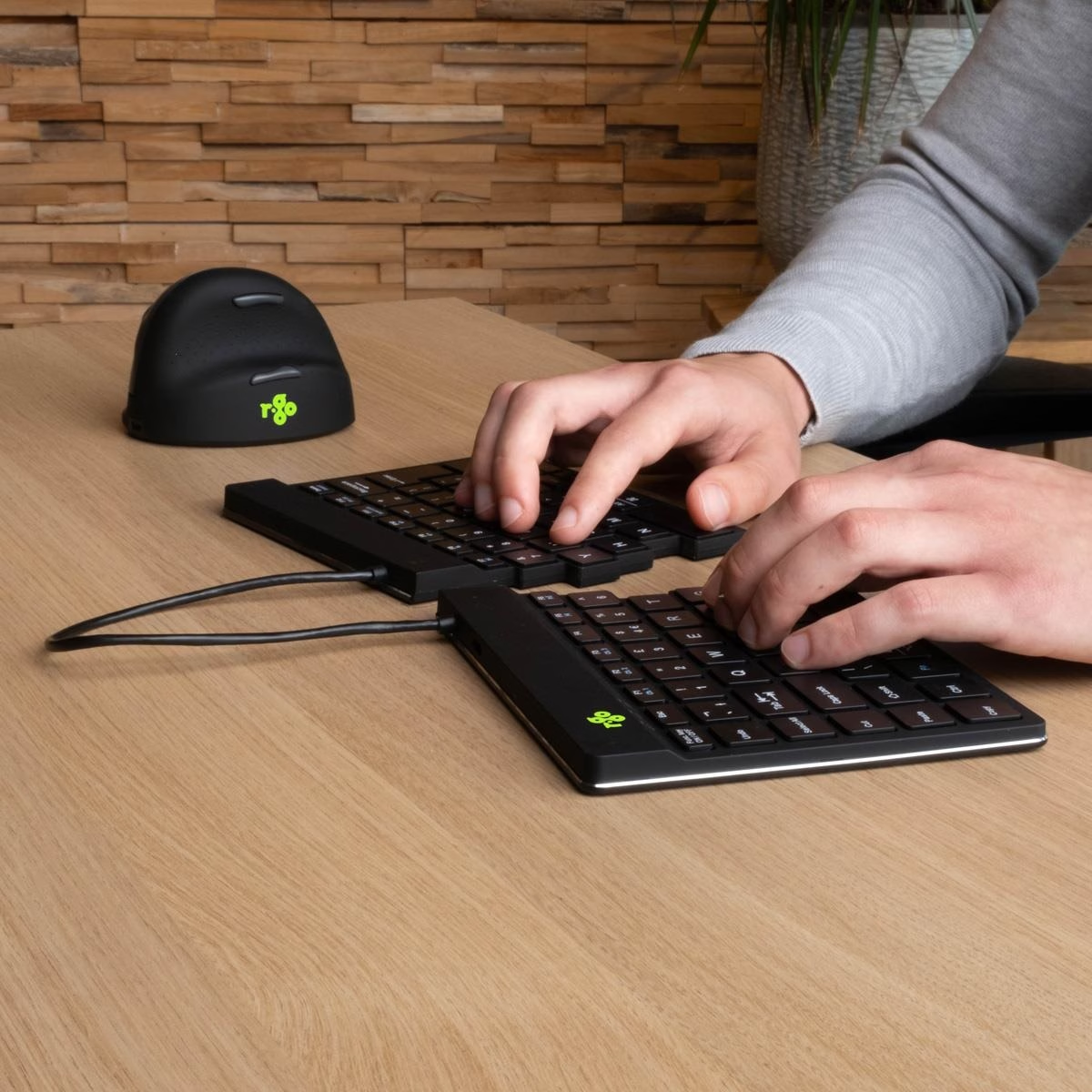
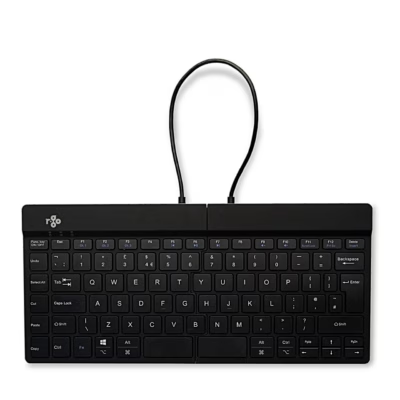
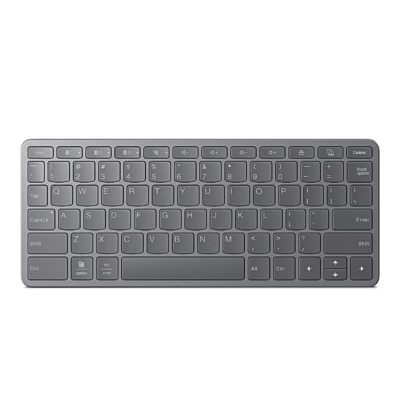
The halves of the split keyboard R-Go Split Break can be set in any position on the desk and are joined by a cable. The keyboard is 12 mm high and its scissor-switch keys need a light press. The keyboard has a US layout.
Use and pairing
The keyboard is switched on with the switch on the back. To pair, hold Fn with the channel key F1, F2 or F3 for at least 3 seconds until the Bluetooth light flashes, then choose the keyboard in the computer’s Bluetooth settings. Each of the three channels pairs one device, and a short press of Fn and the channel key switches the active device. The Bluetooth 5.0 connection works up to 10 m away.
Ergonomic keyboard with break indicator
The keyboard’s LED break indicator is controlled by the R-Go Break software: orange marks time for a short break and red too long a stretch of work. Fn + A turns the indicator on or off. Shortcut keys sit on the left edge, and the functions marked in blue work together with the Fn key.
Battery and charging
The built-in 500 mAh lithium-ion battery charges from a computer over a USB-C cable in about 2 hours. When the battery runs low, a red light comes on on the keyboard.
Compatibility
The keyboard works with Windows, macOS and Linux. On a Mac it is paired in the Bluetooth section of System Settings under Nearby Devices.
In the box
- R-Go Split Break keyboard
- USB-C charging cable
- USB-C to USB-A adapter











































Reviews
There are no reviews yet.