

Description
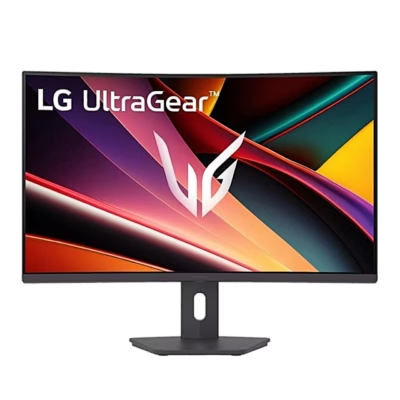
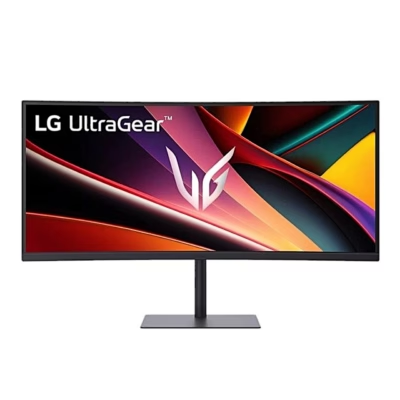
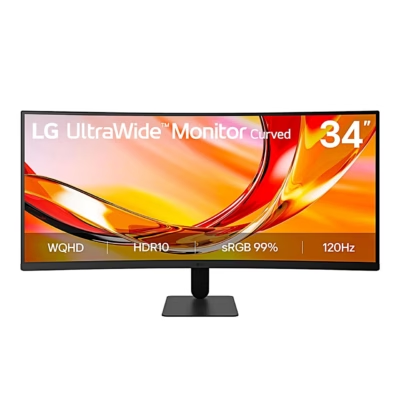
Curved USB-C computer monitor with an ultra-wide picture
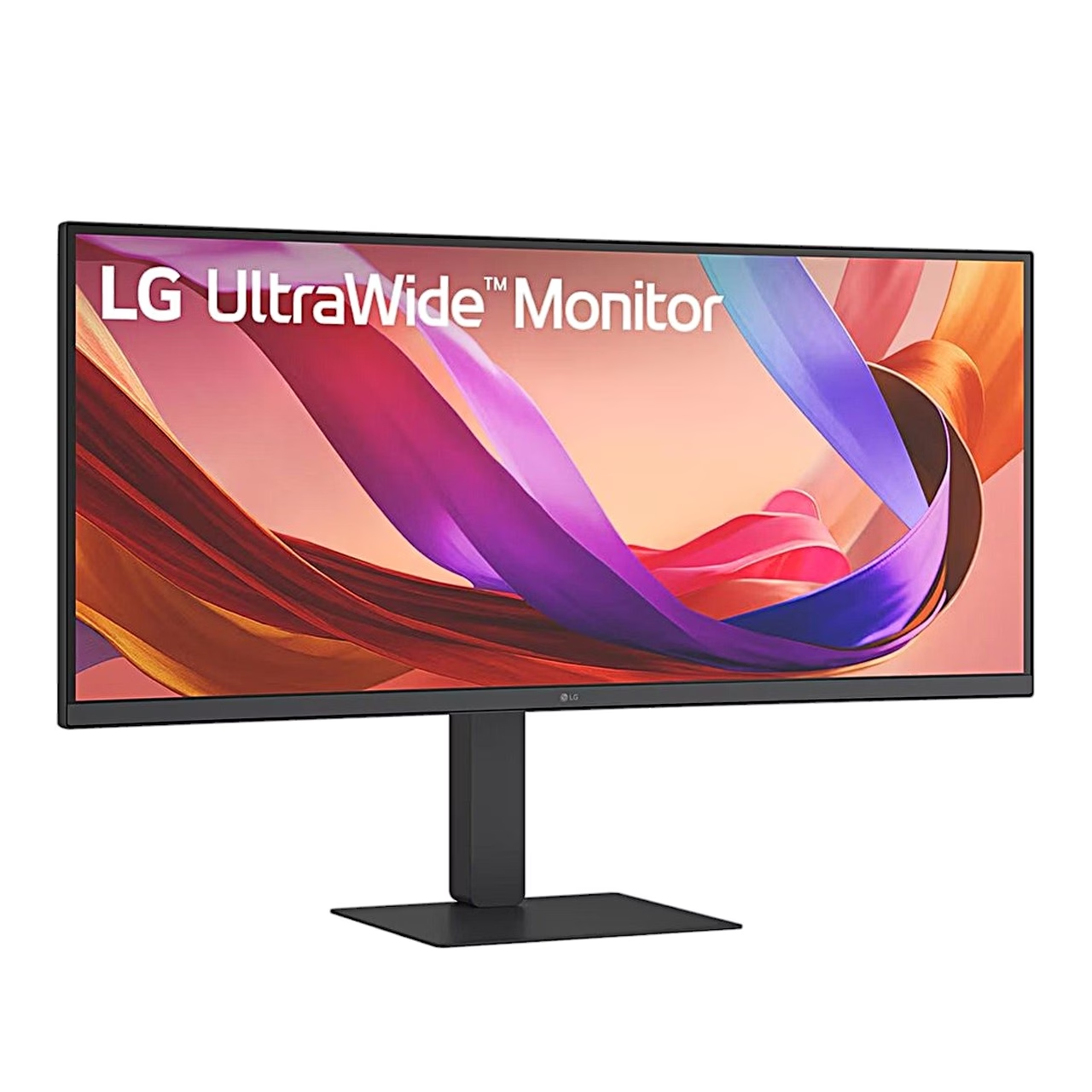
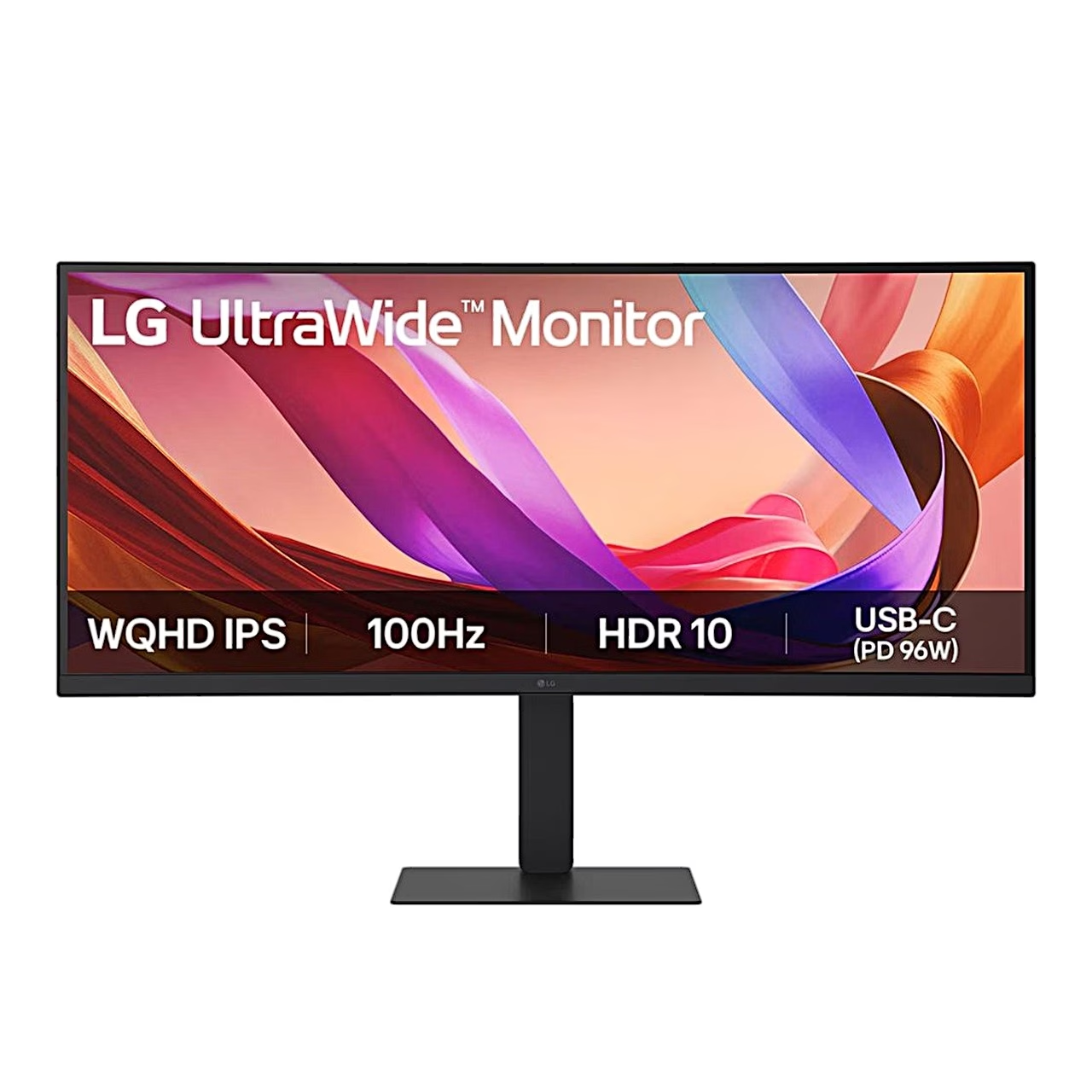
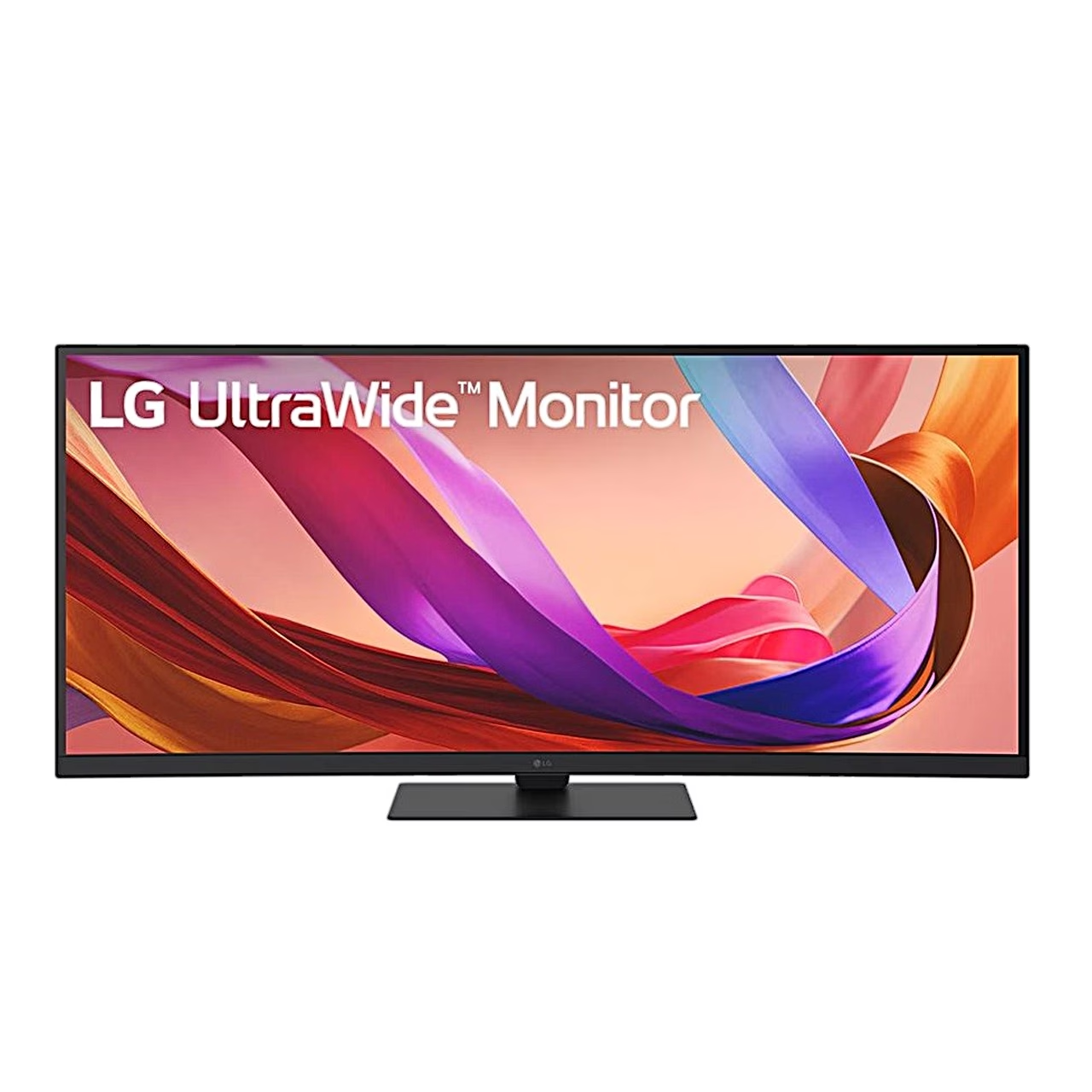
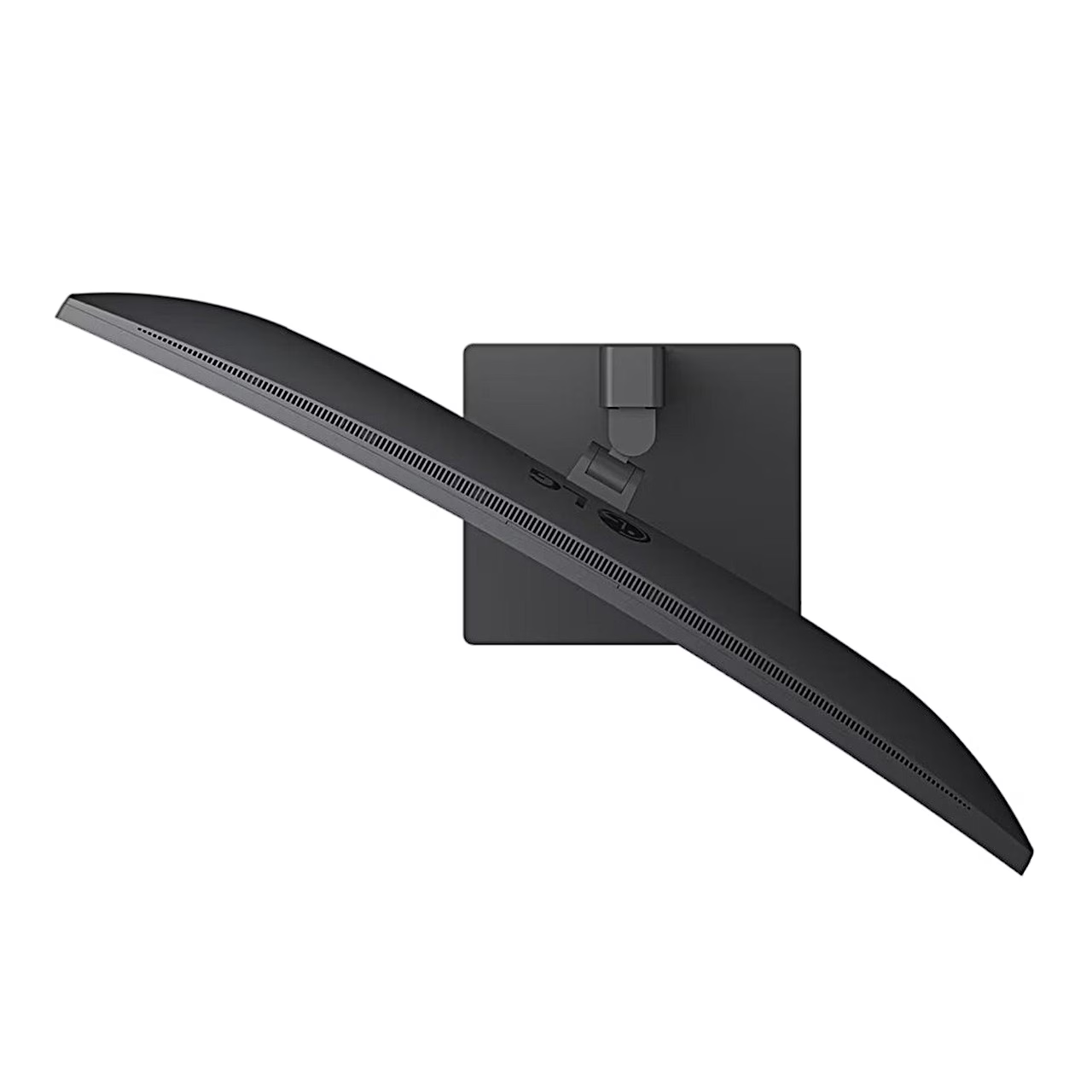
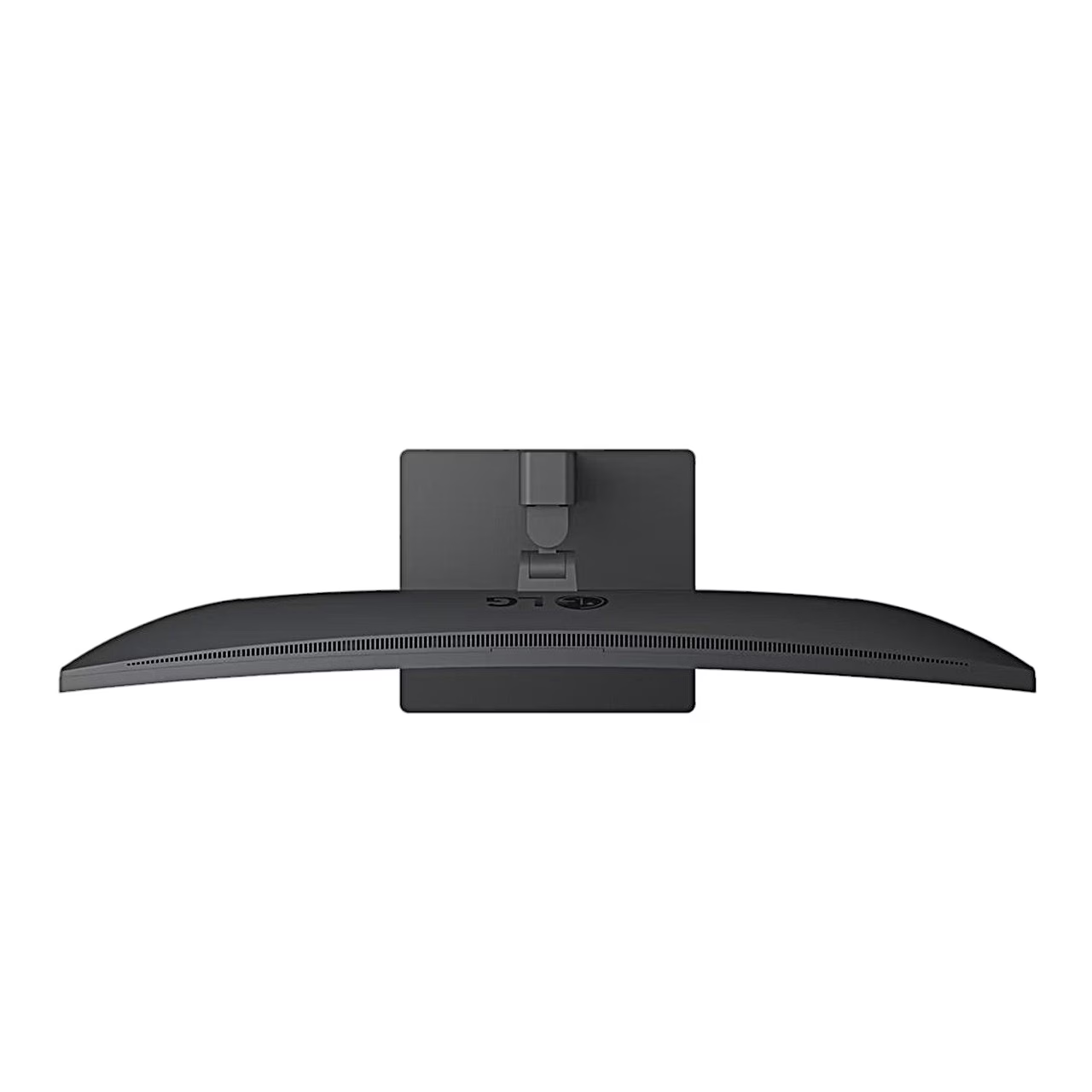
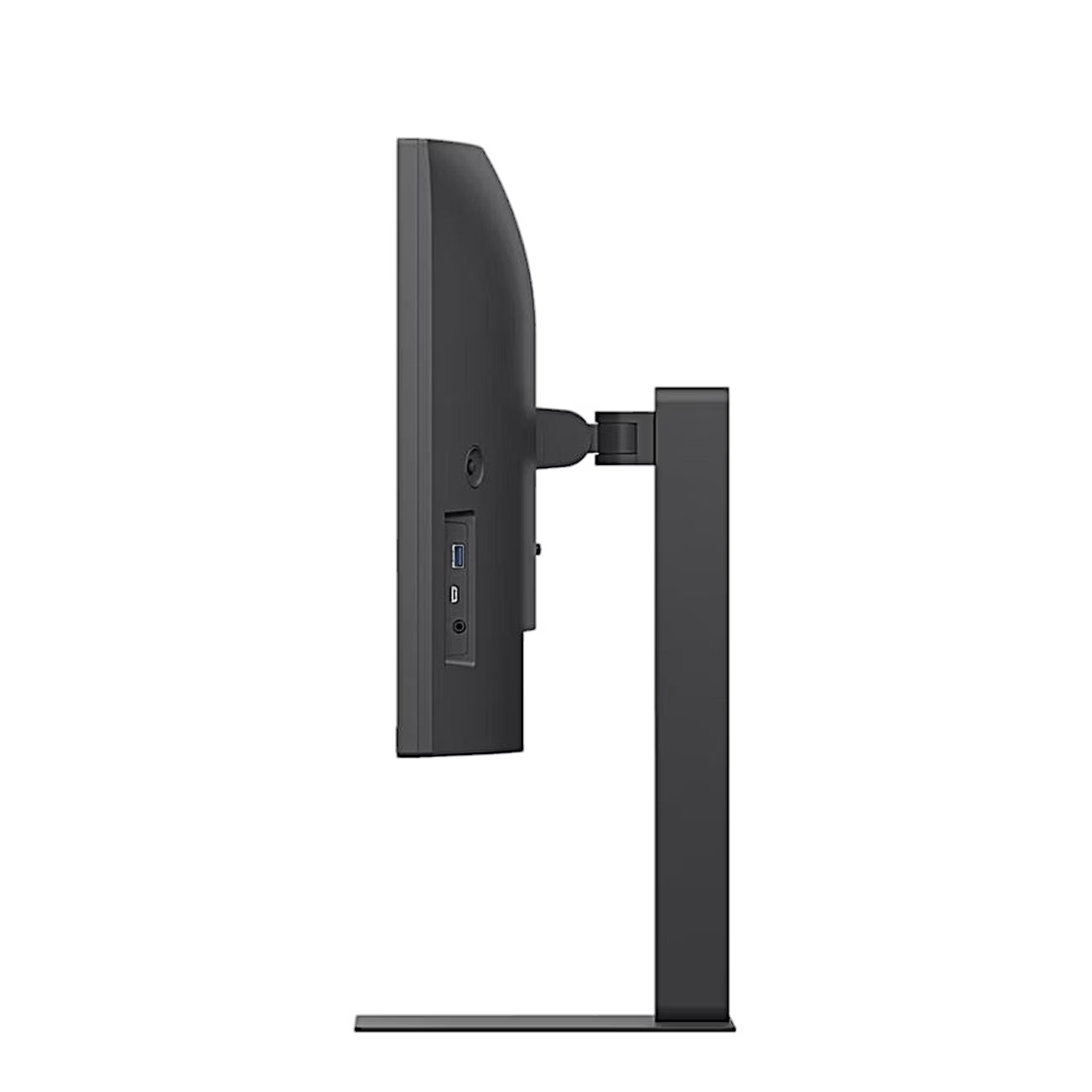
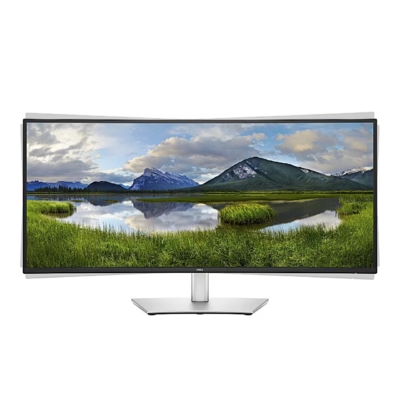
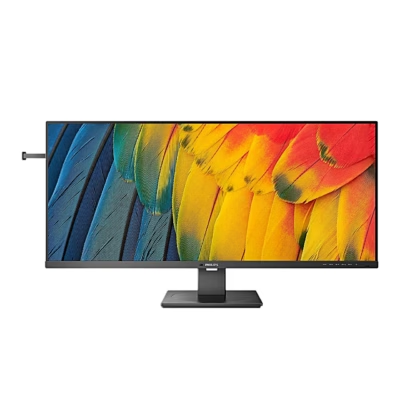
The curved USB-C computer monitor LG 34U650A-B shows an UltraWide QHD (3440 × 1440) picture on a 34-inch 21:9 screen at a 100 Hz refresh rate. A 3800R curvature means the screen bends like a circle with a 3800 mm radius. A USB-C cable carries video, audio and USB data from the laptop to the monitor and charges the laptop at up to 96 W, so the desk connects with one cable.
Accurate colours from the side come from the IPS panel
An IPS panel is a liquid crystal display whose crystals move parallel to the glass, so colours and brightness stay the same when viewed at an angle. This panel has a 178° viewing angle, typically covers 99% of the sRGB colour space and supports 10-bit colour depth. A TN panel responds faster and uses less power; an IPS panel suits photo editing and office work.
Two computers’ pictures and a KVM switch on one monitor
In PBP and PIP mode the screen shows two inputs at once, side by side or as a smaller picture inside the main one. The built-in KVM switch moves the keyboard and mouse connected to the monitor’s USB ports to the computer on the other input from the menu. A wired network reaches the computer through the monitor’s LAN socket when the computer is connected by USB-C.
The stand adjusts height, tilt and swivel
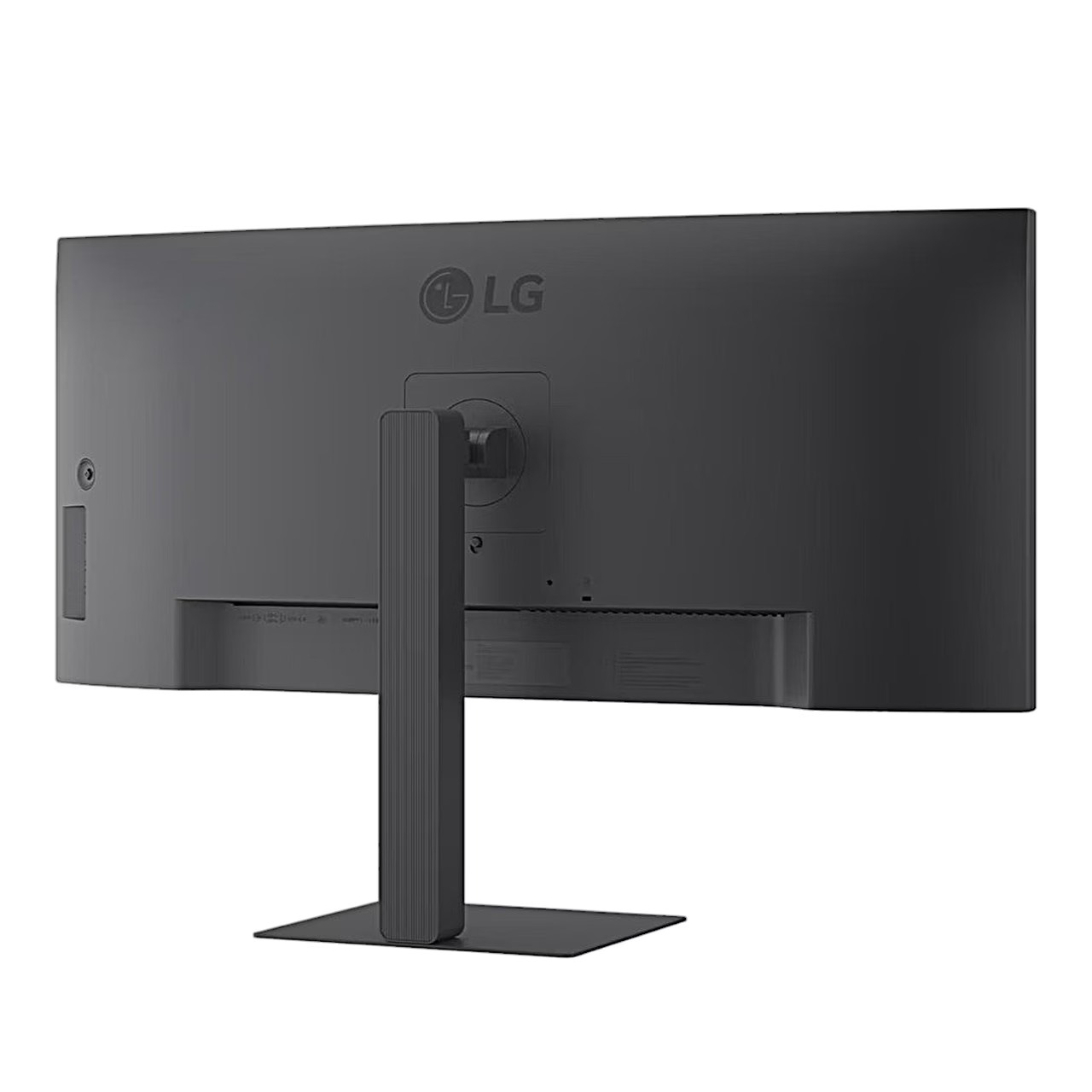
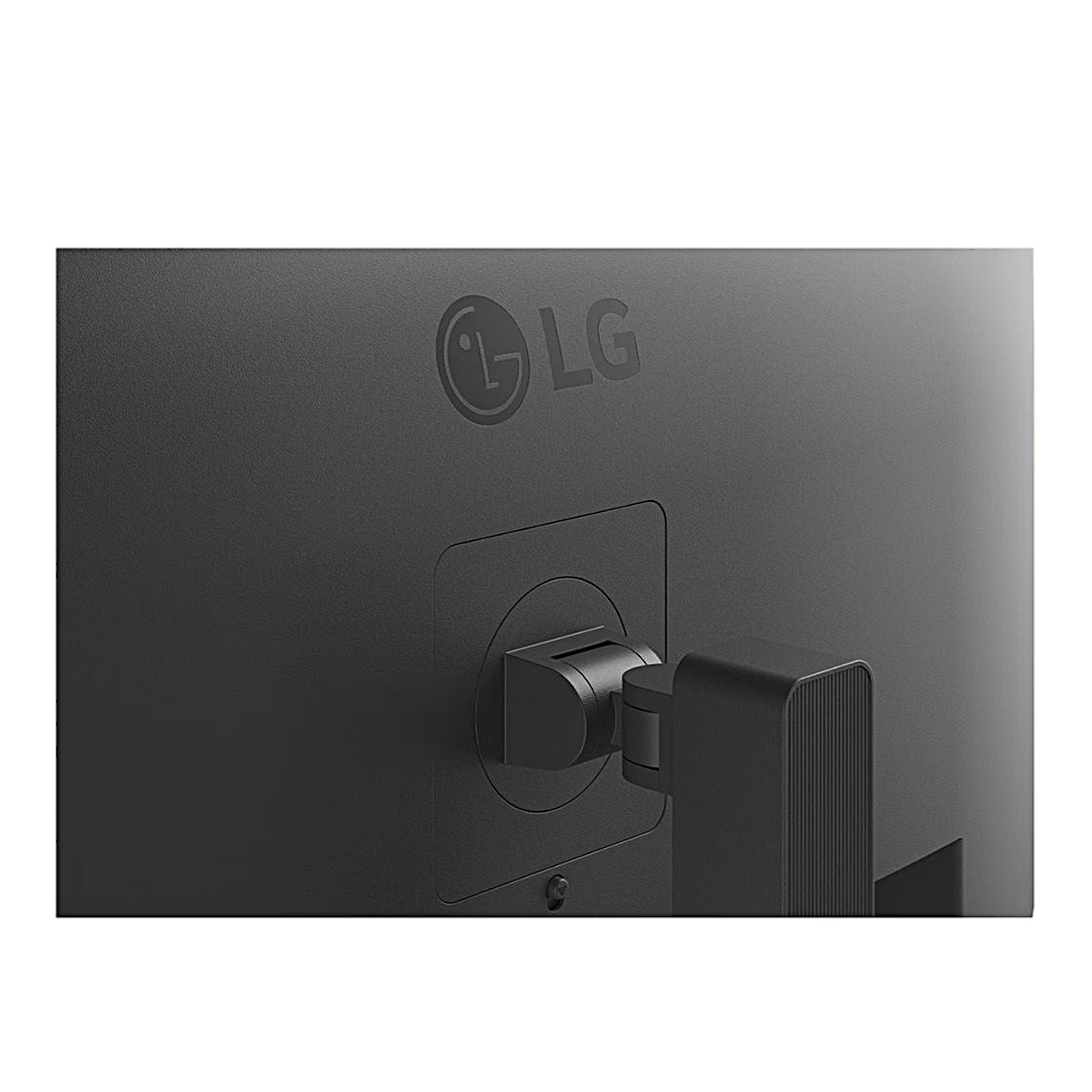
The stand raises the screen over 150 mm, tilts it from –5° to 21° and swivels it up to 30° to either side. The screen level can be fine-tuned by up to 3°. The screen mounts on a wall or a monitor arm with a VESA 100 × 100 mm interface and four M4 × 10 mm screws.
Picture modes and DepthSound audio
Reader mode sets the screen up for documents, Cinema for video, and FPS and RTS for those game types. Color Weakness mode helps tell red and green apart. DepthSound emphasises low tones in the 2 × 7 W speakers.
Installation and use
Lay the monitor face down on the packaging base, slide the stand into the socket on the back and tighten the stand base with the hand screw. Place the monitor at least 100 mm from the wall and connect the power cord to an earthed socket. The joystick on the right of the back switches the monitor on with a press and off with a three-second press; moved sideways it sets the volume.
In the box
- Computer monitor LG 34U650A-B, 1 pc
- Stand and stand base
- Power cord







































Reviews
There are no reviews yet.