

Description
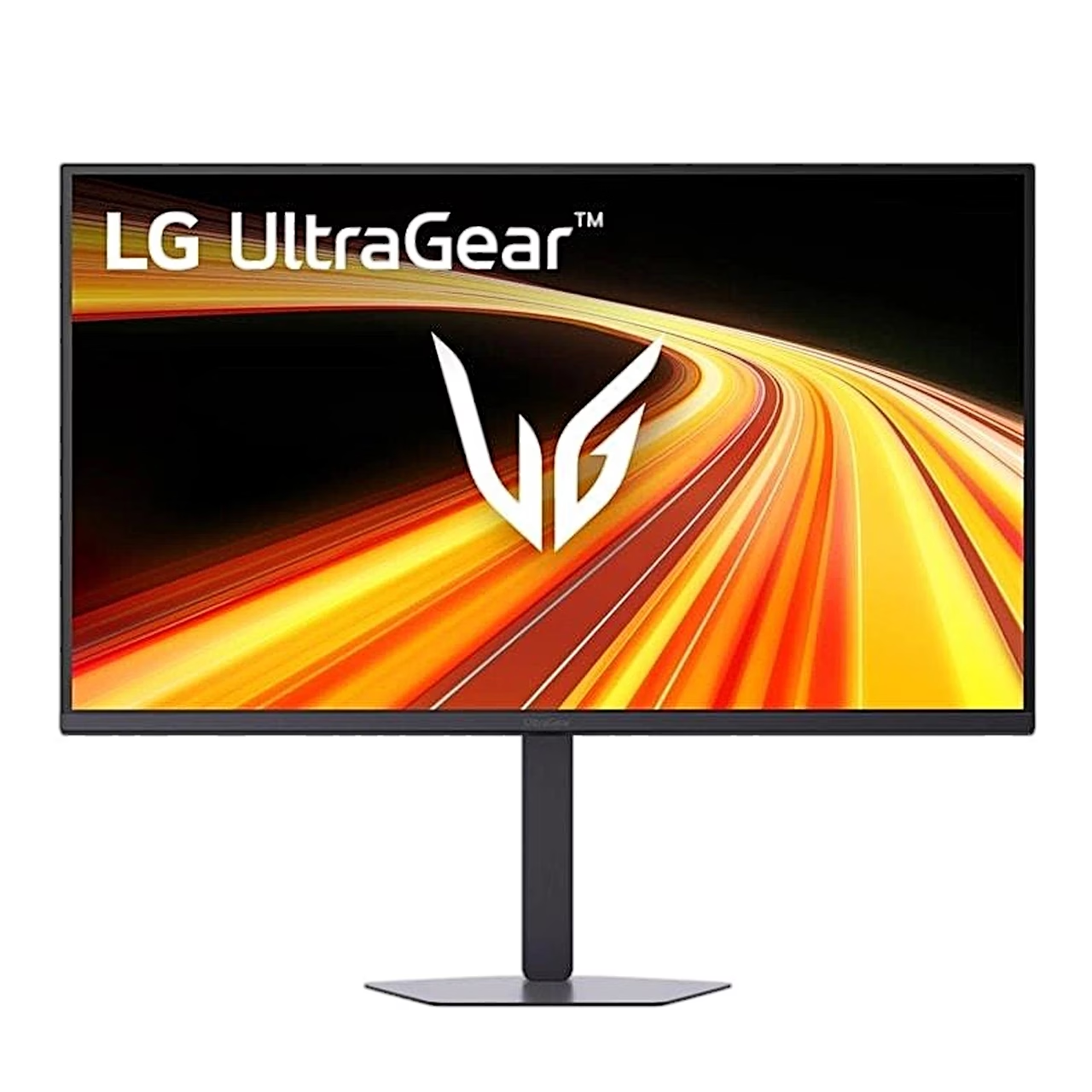
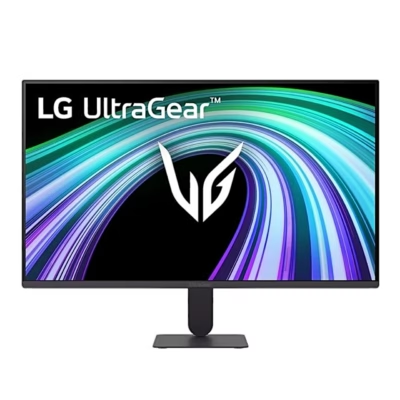
Gaming monitor with an IPS screen and aiming aids
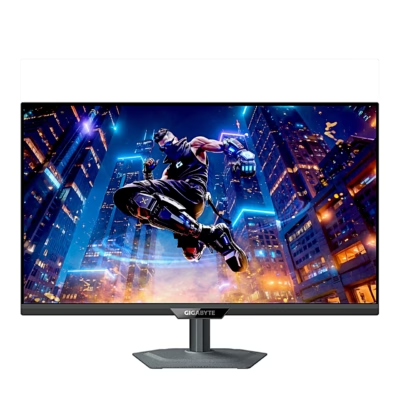
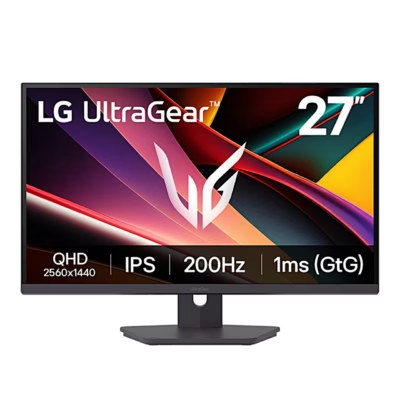
The height-adjustable gaming monitor LG UltraGear 32G620B-B covers 99% of the sRGB colour space and supports the HDR10 standard. For games, the menu has Crosshair, which shows one of four aiming marks in the centre of the screen, and FPS Counter, which shows the actual frame rate of the input in the top left corner. Black Stabilizer makes dark scenes easier to read, and the Gamer 1 and Gamer 2 modes store two custom settings.
Adaptive sync keeps frames even
AMD FreeSync and NVIDIA G-SYNC are adaptive sync technologies that make the monitor’s refresh rate follow the graphics card’s frame rate, so the game image does not tear. The LG 32G620B-B uses AMD FreeSync Premium over HDMI and Adaptive-Sync over DisplayPort, and it is NVIDIA G-SYNC Compatible. FreeSync is based on DisplayPort Adaptive-Sync and also works over HDMI, G-SYNC is NVIDIA’s own technology.
Connections
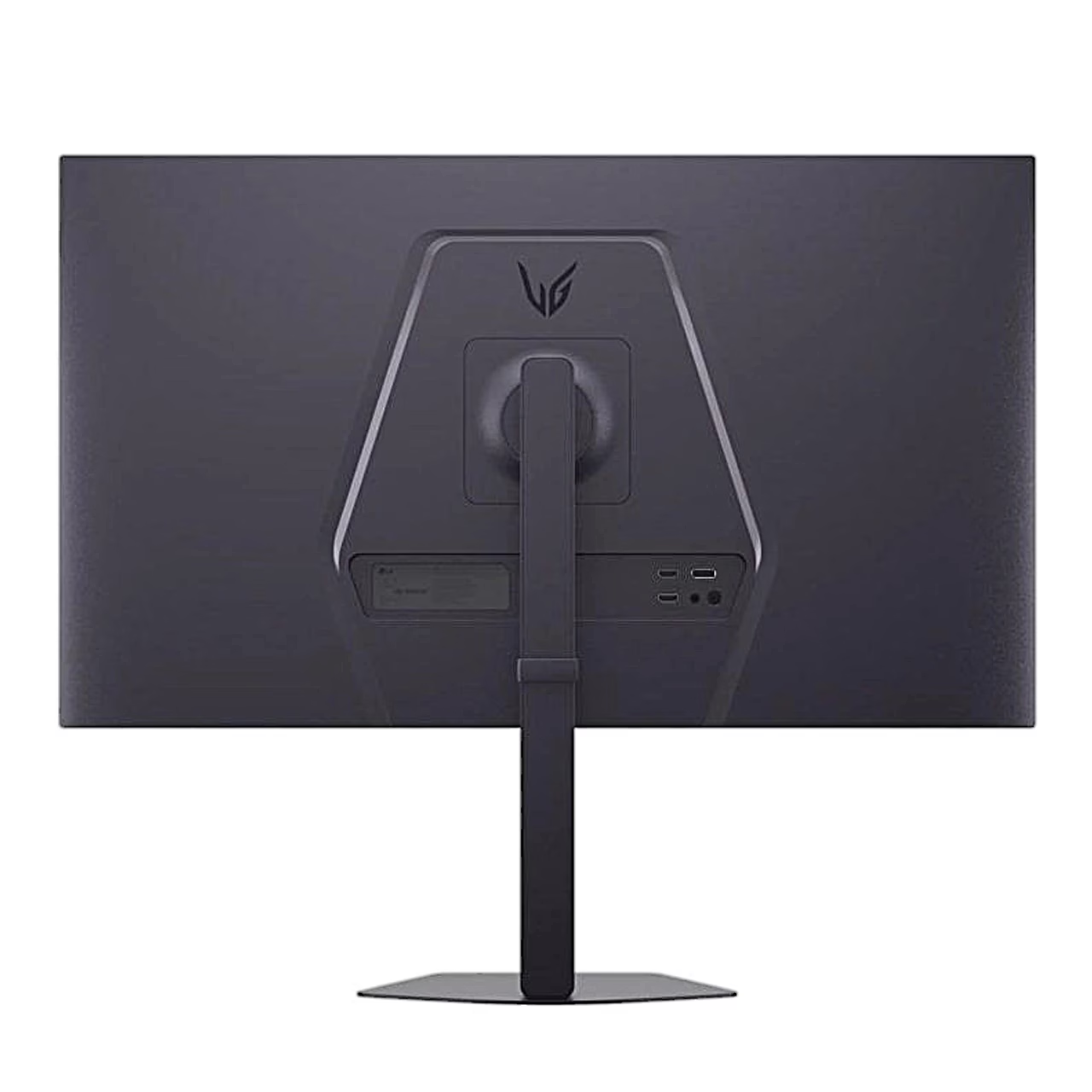
The monitor has 2 HDMI 2.0 ports, 1 DisplayPort 1.4 port with DSC and a 3-pole headphone output. Power comes from an external 19 V power adapter.
Installation and stand
The stand body attaches to the back of the monitor and the base to the stand body with the two supplied M4 × L12 screws. For air circulation, leave at least 100 mm between the monitor and the wall. The stand raises the screen by 130 mm, tilts it from –5° to 15° and swivels it from –15° to 15°. To pivot to portrait orientation, raise the screen to its highest position, tilt it and turn it 90° clockwise.
The wall mount uses the VESA 100 × 100 mm pattern and 4 M4 × L10 screws, whose length measured from the back of the monitor is at most 8 mm. The LSW149 wall mount plate is sold separately.
Operation with the joystick
The joystick button is under the monitor. One press turns the monitor on and a press longer than 5 seconds turns it off. A move left or right changes the volume, up or down the screen brightness.
Cleaning and care
Unplug the power cord before cleaning. Wipe the screen with a soft, slightly damp cloth and do not spray water or aerosol directly onto the screen. To clean the front frame, spray water onto the cloth 2 to 4 times and wipe in one direction. Do not use benzene, thinner or alcohol.
In the box
- Monitor
- Stand (body and base)
- 2 M4 × L12 screws
- Power adapter and power cord
- DisplayPort cable
- User manual










































Reviews
There are no reviews yet.