

Description
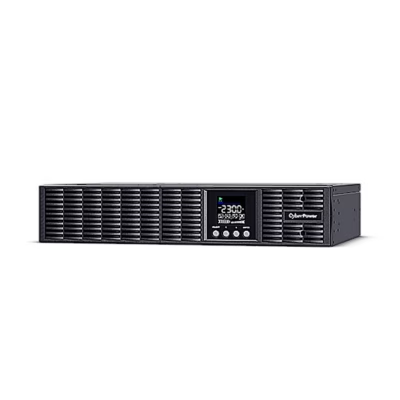
Line-interactive UPS for a computer system
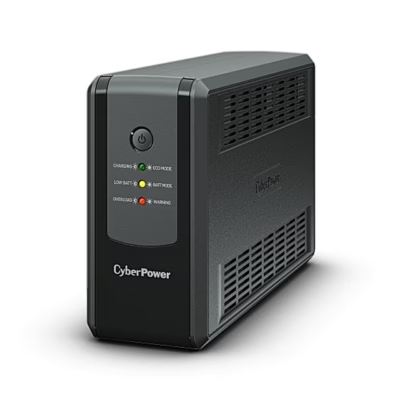
Designed to power a computer, the line-interactive UPS CyberPower UT2200EG-FR evens out inconsistent mains voltage with automatic voltage regulation (AVR) and supplies battery power during a power cut. The input voltage range is 167–295 V, and on battery the output is a simulated sine wave at 230 V ±10%.
Sockets and USB charging
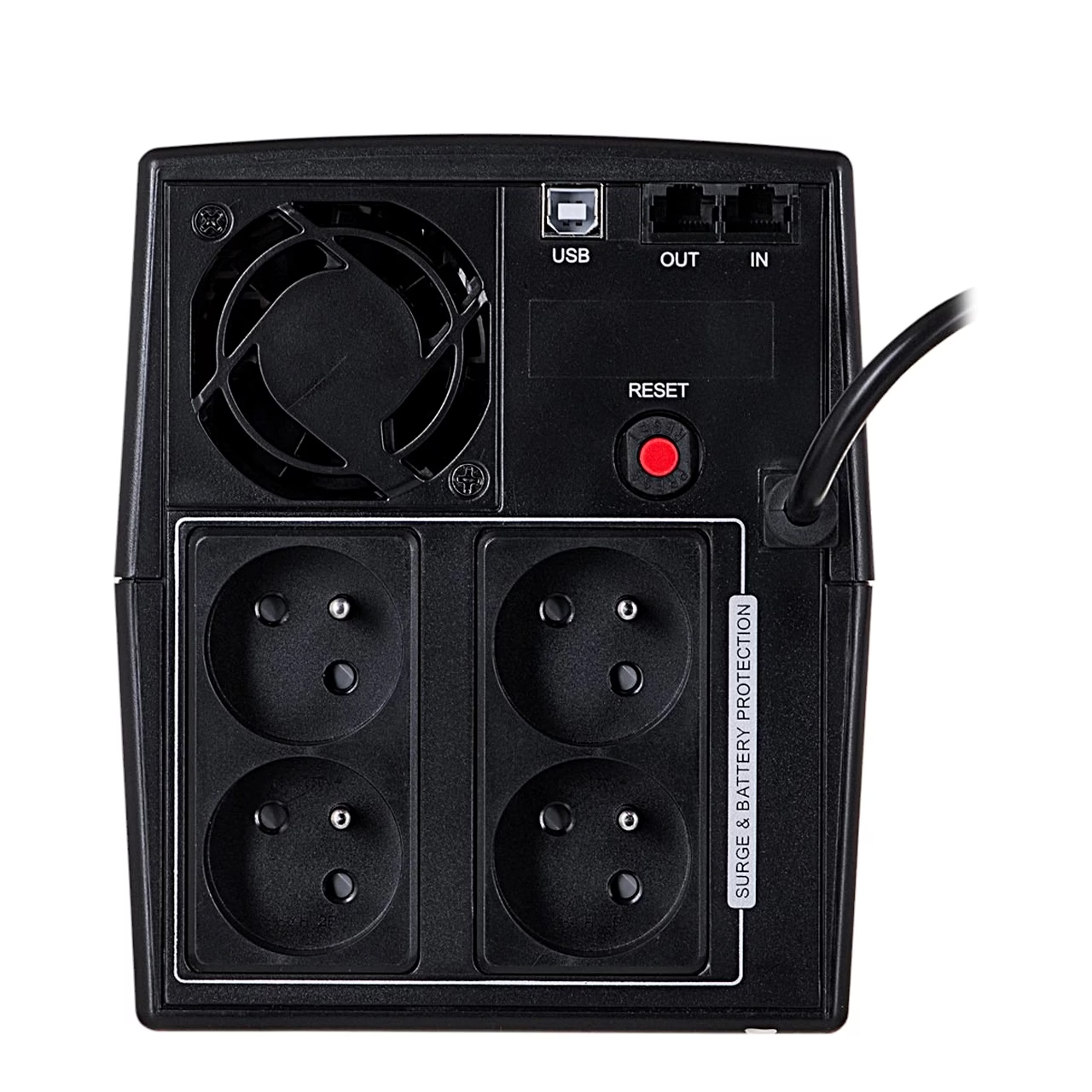
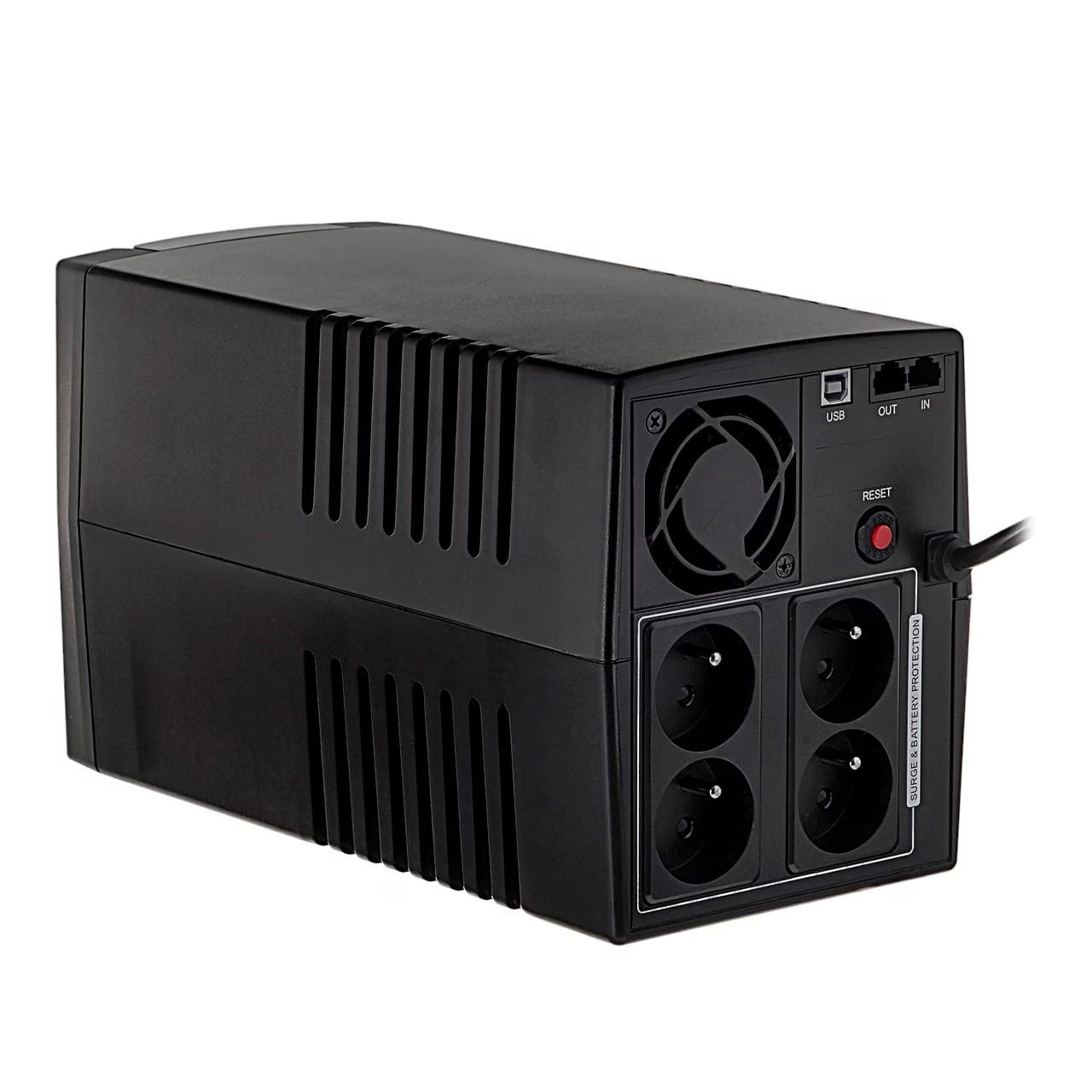
The rear panel has 4 French-type sockets, all with battery backup and surge protection. The USB-A and USB-C ports on the front charge external devices with a shared 2.1 A. An RJ45 input and output protect a network, telephone, fax or modem line. Through the USB-B port the UPS reports its status to the PowerPanel Personal software on the computer.
Indicators and audible alarms
LED indicators on the front show ECO mode, charging, battery mode, low battery, overload and fault. The audible alarm signals battery power, low battery, overload and fault, and it can be switched off or on by pressing the power button twice quickly.
Installation and use
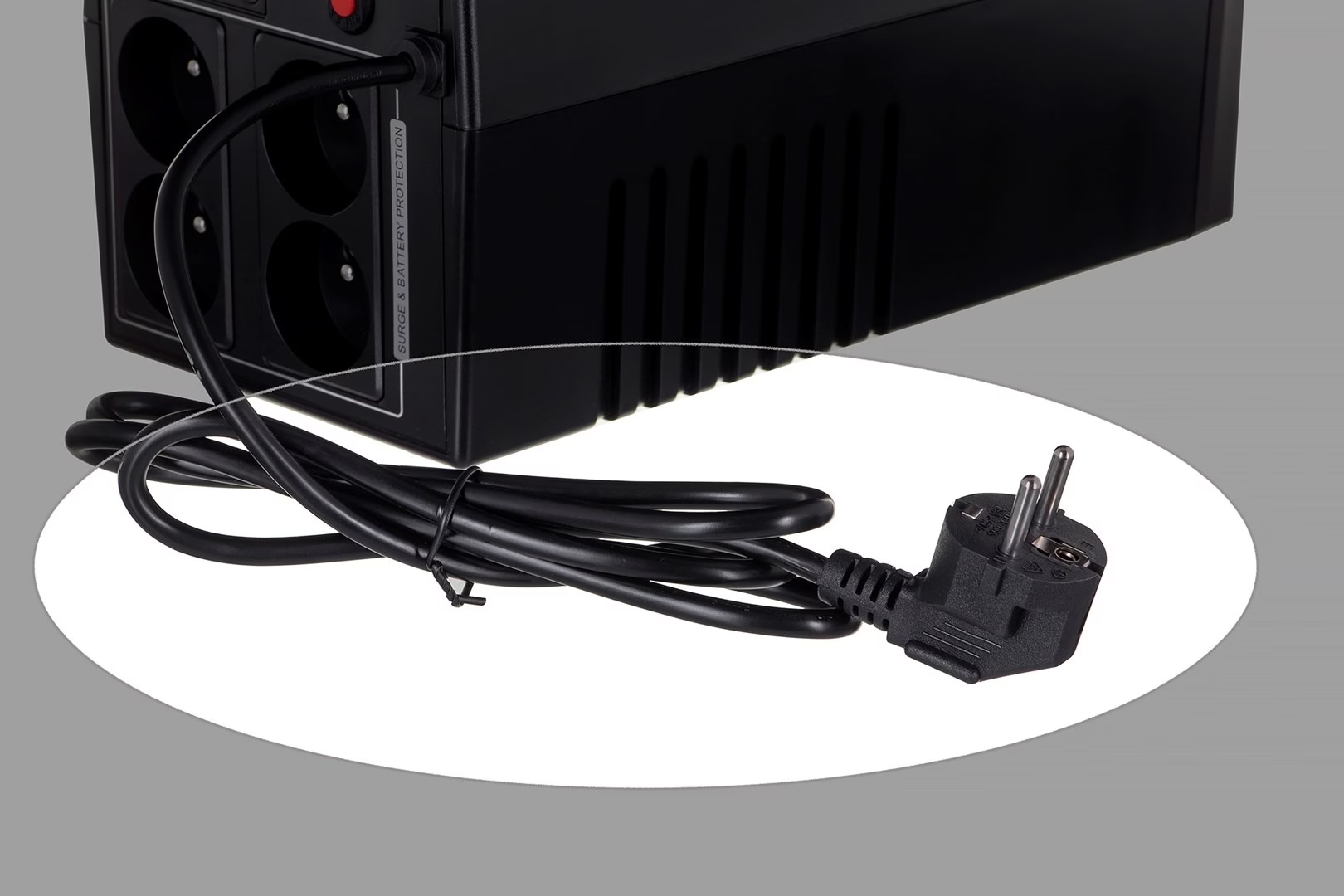
The UPS can be used straight away, but for full battery charge let it charge on the mains for at least 8 hours. With the UPS switched off, connect the computer, monitor and externally powered storage devices, then plug the UPS into an earthed wall socket. Pressing the power switch for 2 seconds turns the UPS on or off. For longer storage, cover the UPS, keep the battery fully charged and recharge it every three months.
Cleaning and maintenance
Unplug the UPS before cleaning and do not use liquid or spray cleaners. To keep the battery charged, leave the UPS plugged in at all times. Replace the batteries only with the same number and type of batteries.
In the box
- UPS CyberPower UT2200EG-FR
- User manual









































Reviews
There are no reviews yet.