

Description
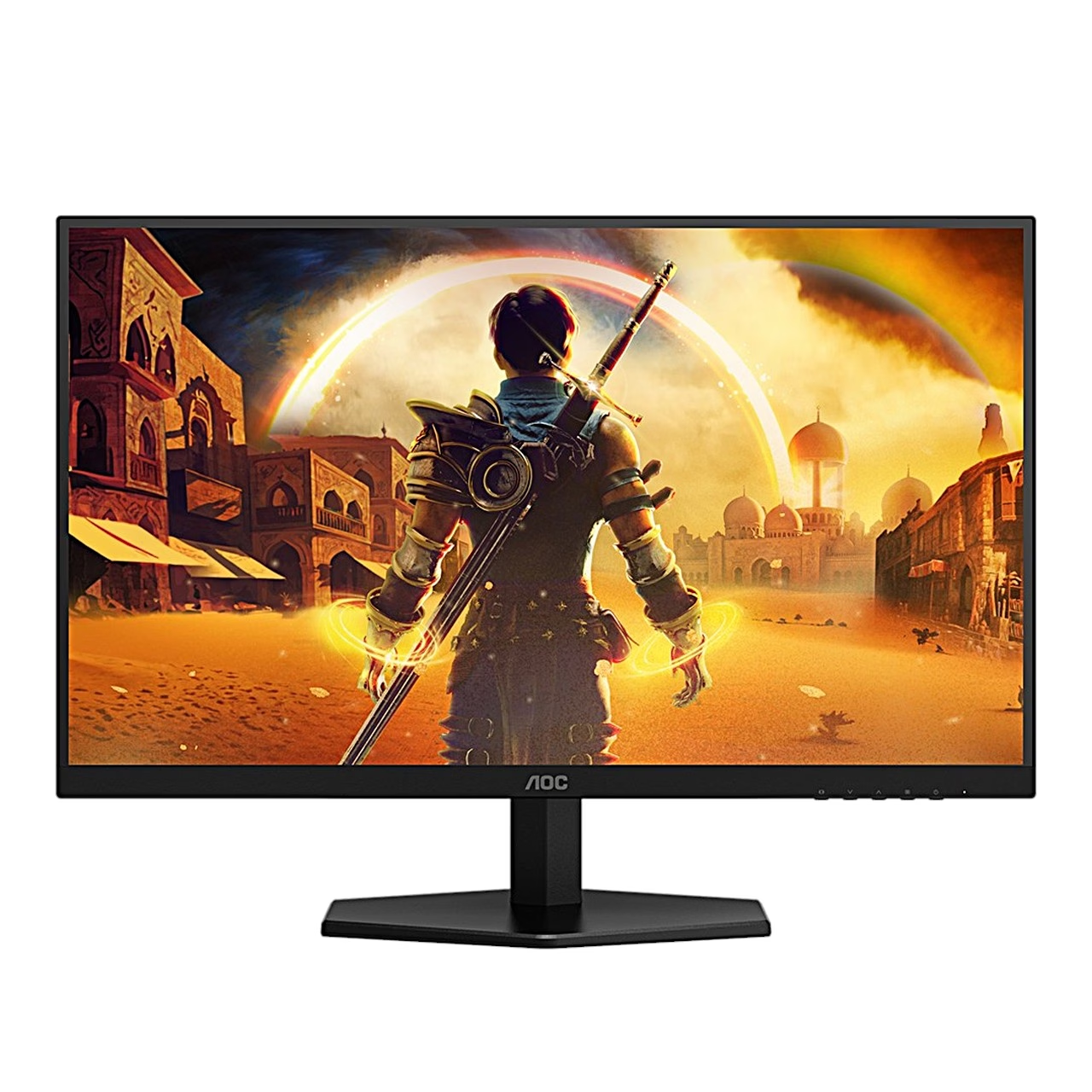
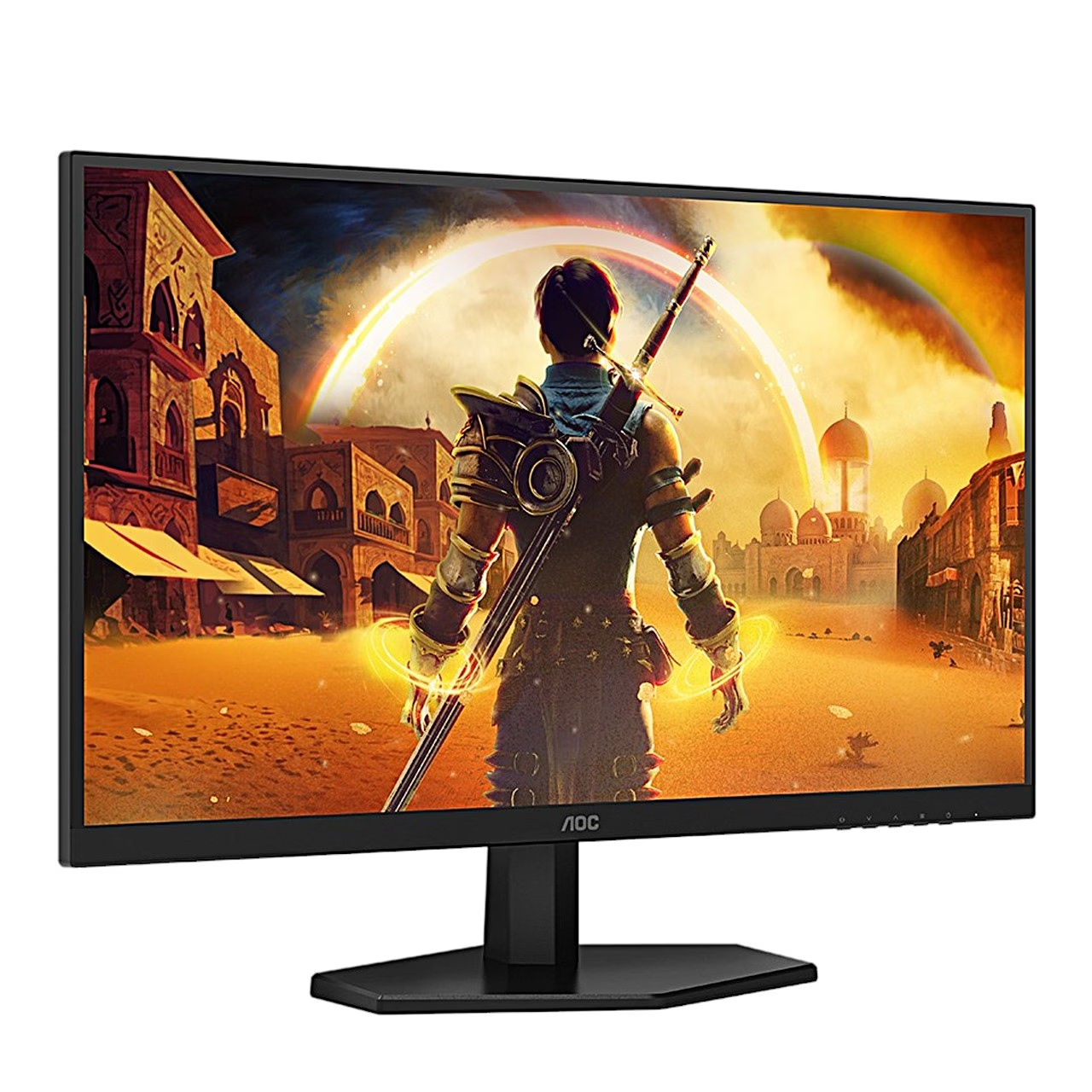
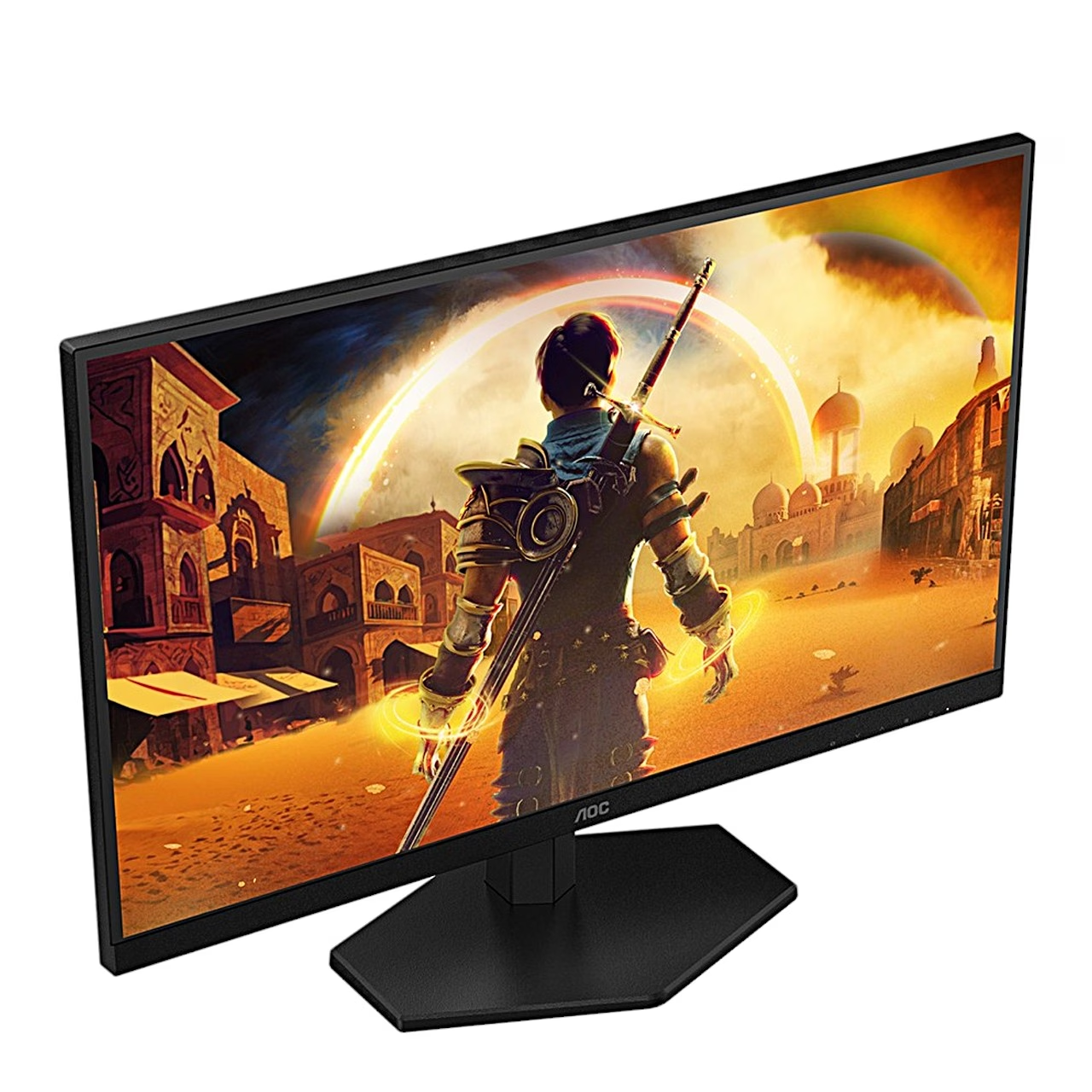
Gaming monitor with a Fast IPS panel for fast games
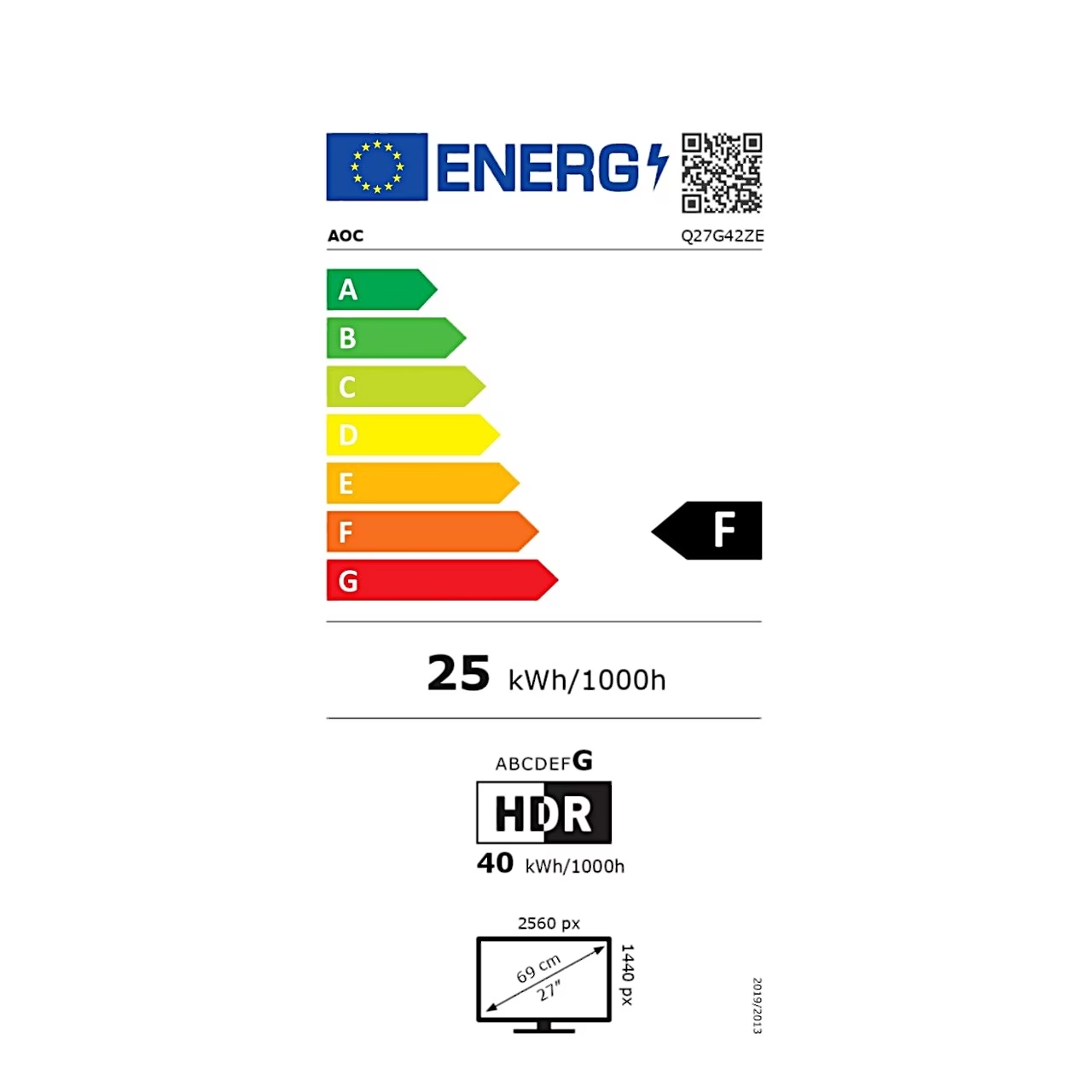
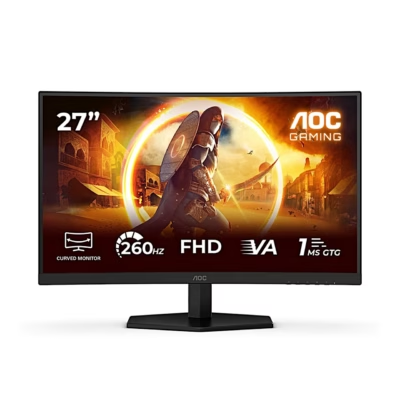
The AOC Q27G42ZE gaming monitor shows a Quad HD picture (2560 × 1440) on a 27-inch Fast IPS panel. Over DisplayPort the refresh rate reaches 260 Hz with overclocking; the native rate is 240 Hz and HDMI carries up to 144 Hz.
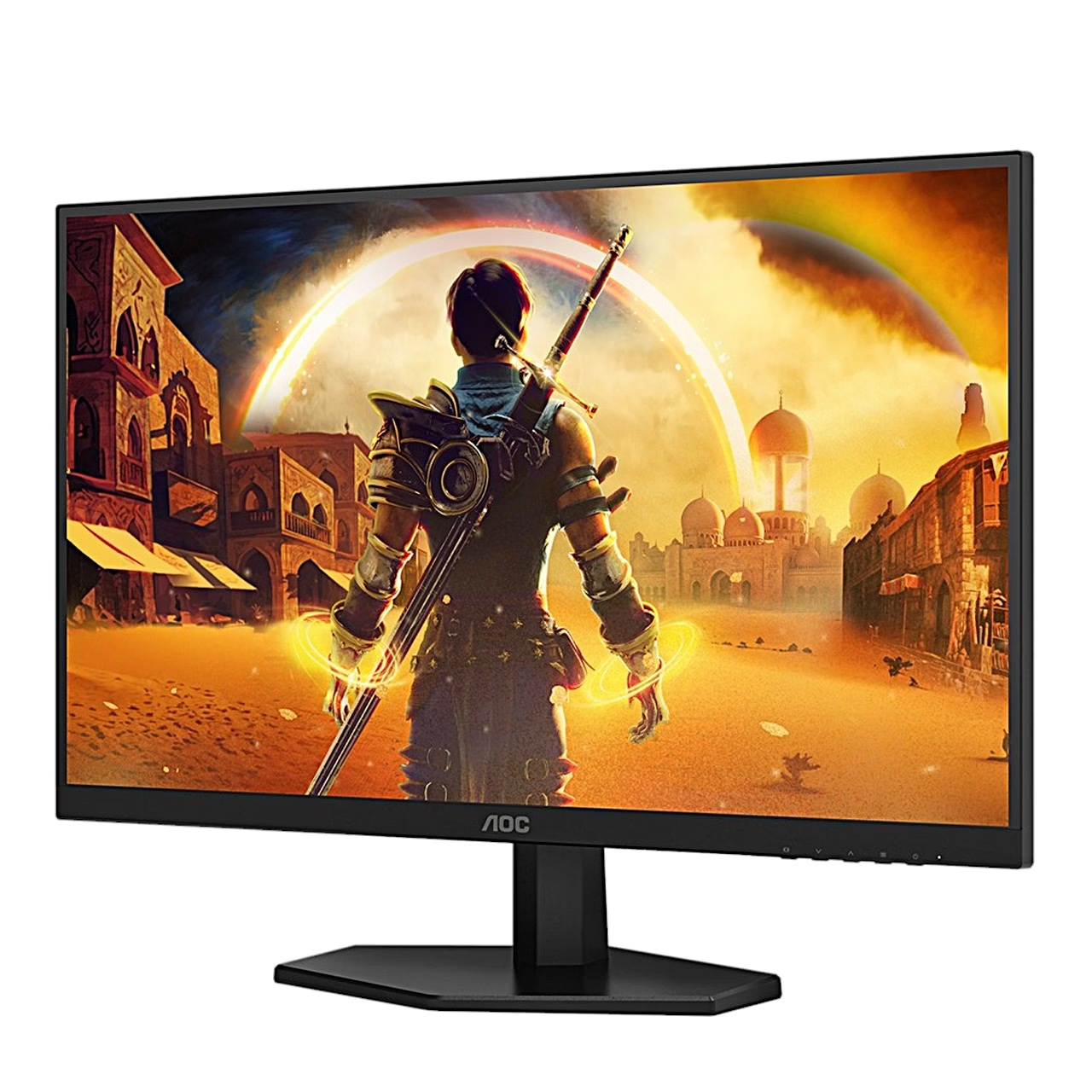
The Fast IPS panel shows accurate colours from an angle too
An IPS panel is a liquid crystal display whose crystals rotate in the same plane as the glass, so the colours stay the same when viewed from the side. This model has a 178° viewing angle in both directions. A TN panel looks best straight on; an IPS panel also suits side-by-side multi-monitor use and photo editing.
Game settings for aiming and motion
The Gaming Mode button selects the Standard, FPS, RTS or Racing preset or one of three custom profiles, Gamer 1–3. Dial Point places a crosshair in the centre of the screen and Sniper Scope magnifies the centre of the picture 1.5 or 2 times. MBR reduces motion blur on a 0–20 scale, Shadow Control brings out detail in dark areas and Frame Counter shows the frame rate in the chosen corner. Low Input Lag turns off the frame buffer and reduces input lag.
HDR10 and a wide colour gamut
The monitor accepts HDR10 signals and covers 95.2% of the DCI-P3 colour space, 123.6% of sRGB and 91.4% of Adobe RGB (CIE 1976). LowBlue Mode reduces the share of blue light by changing the colour temperature, and the backlight is flicker-free.
Connection and installation
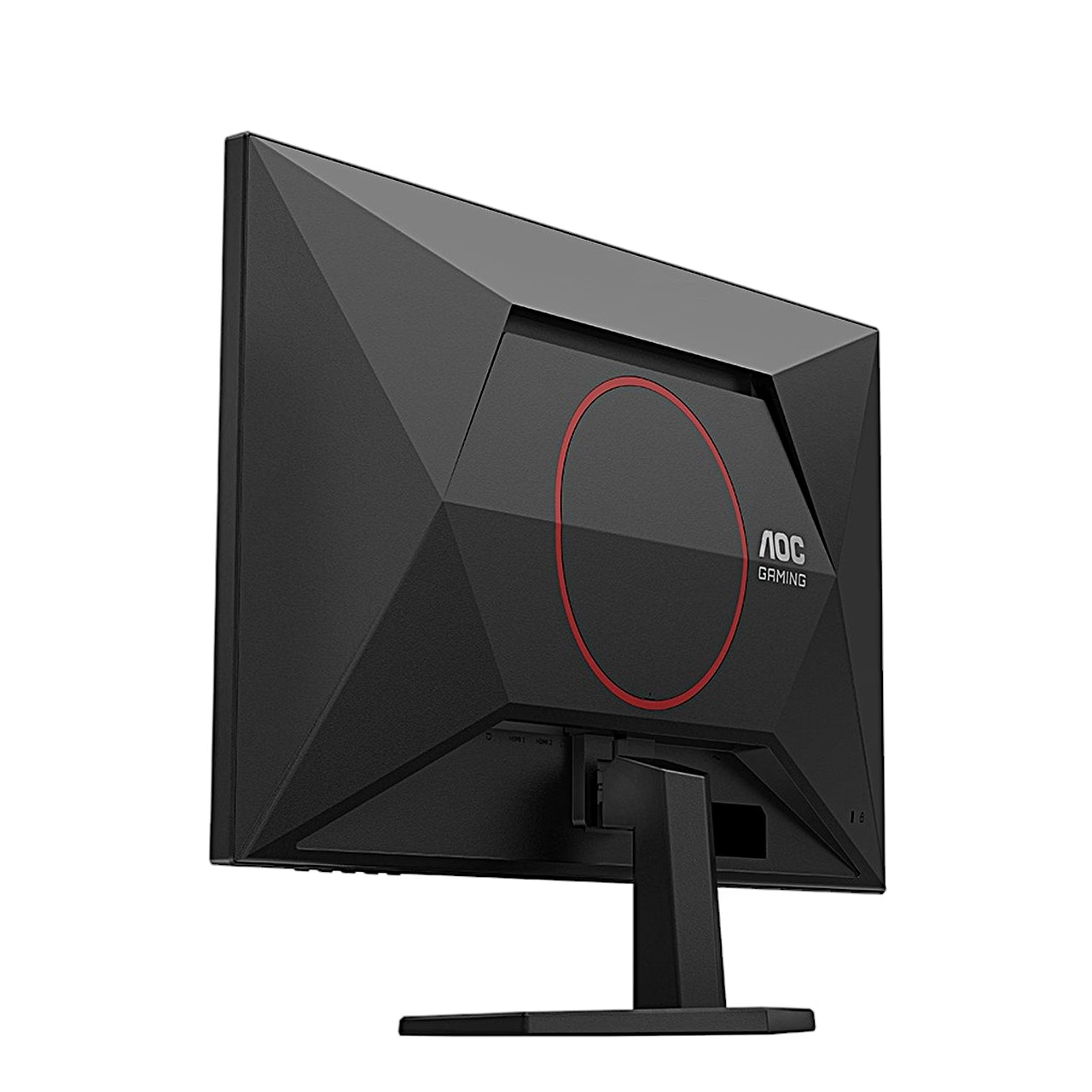
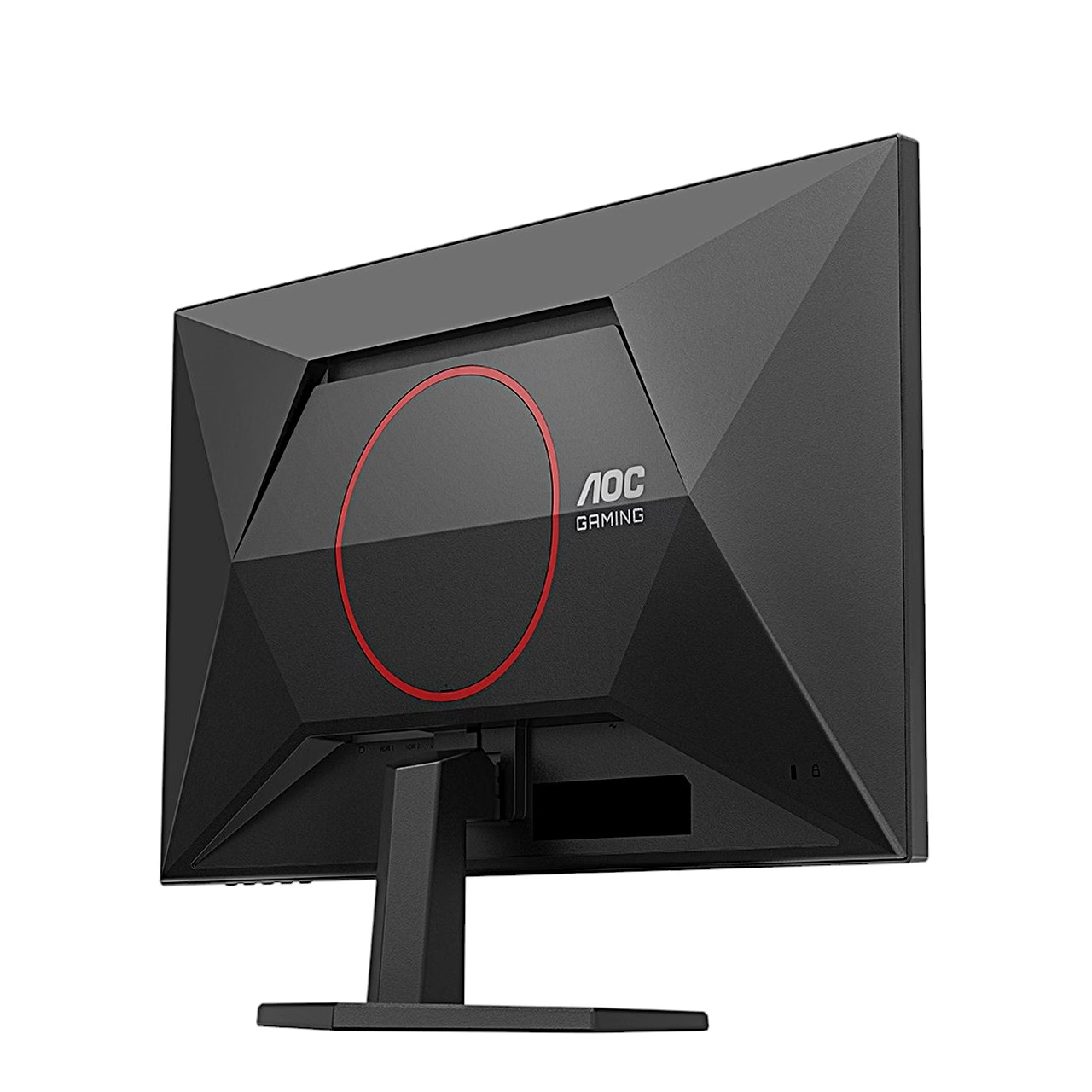
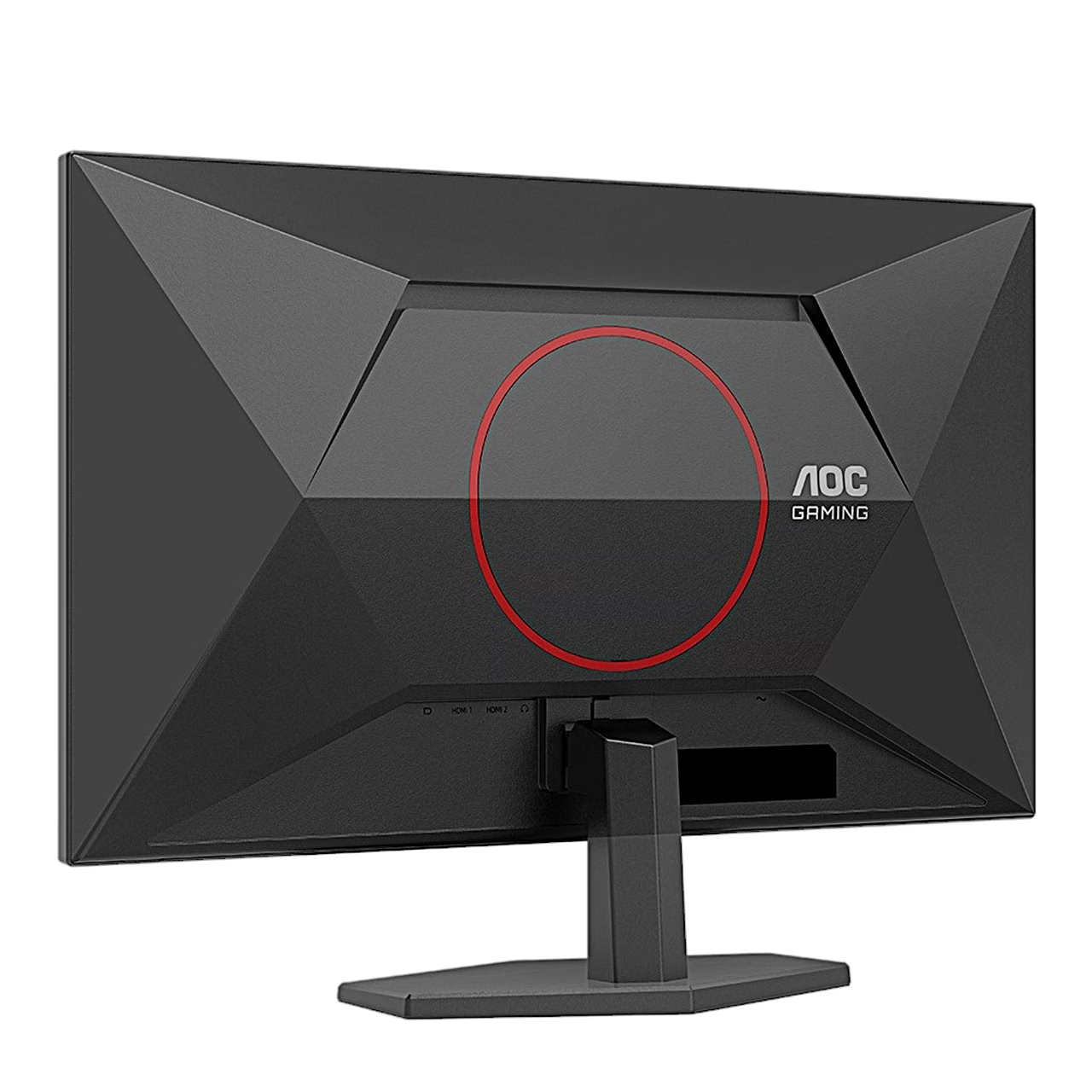
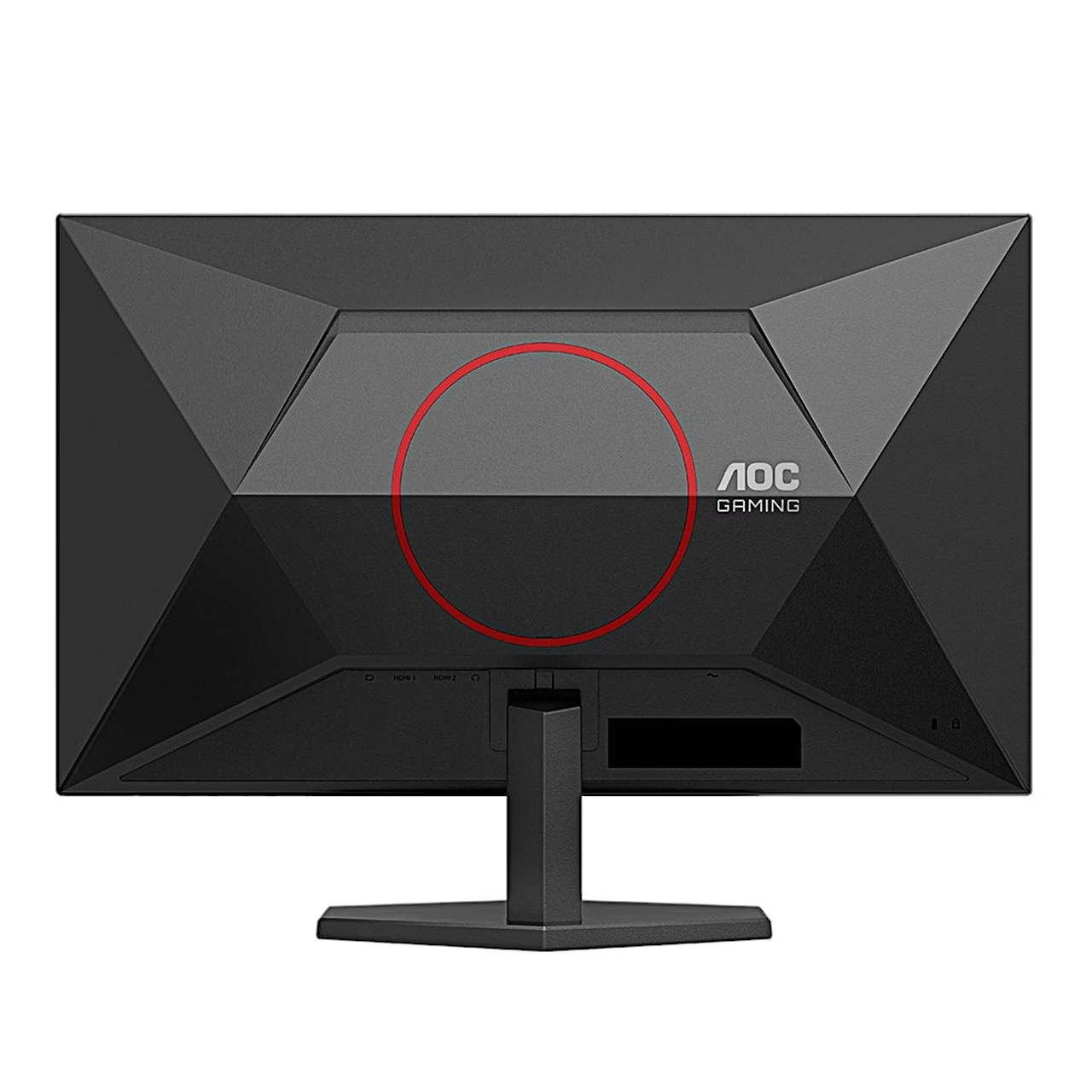
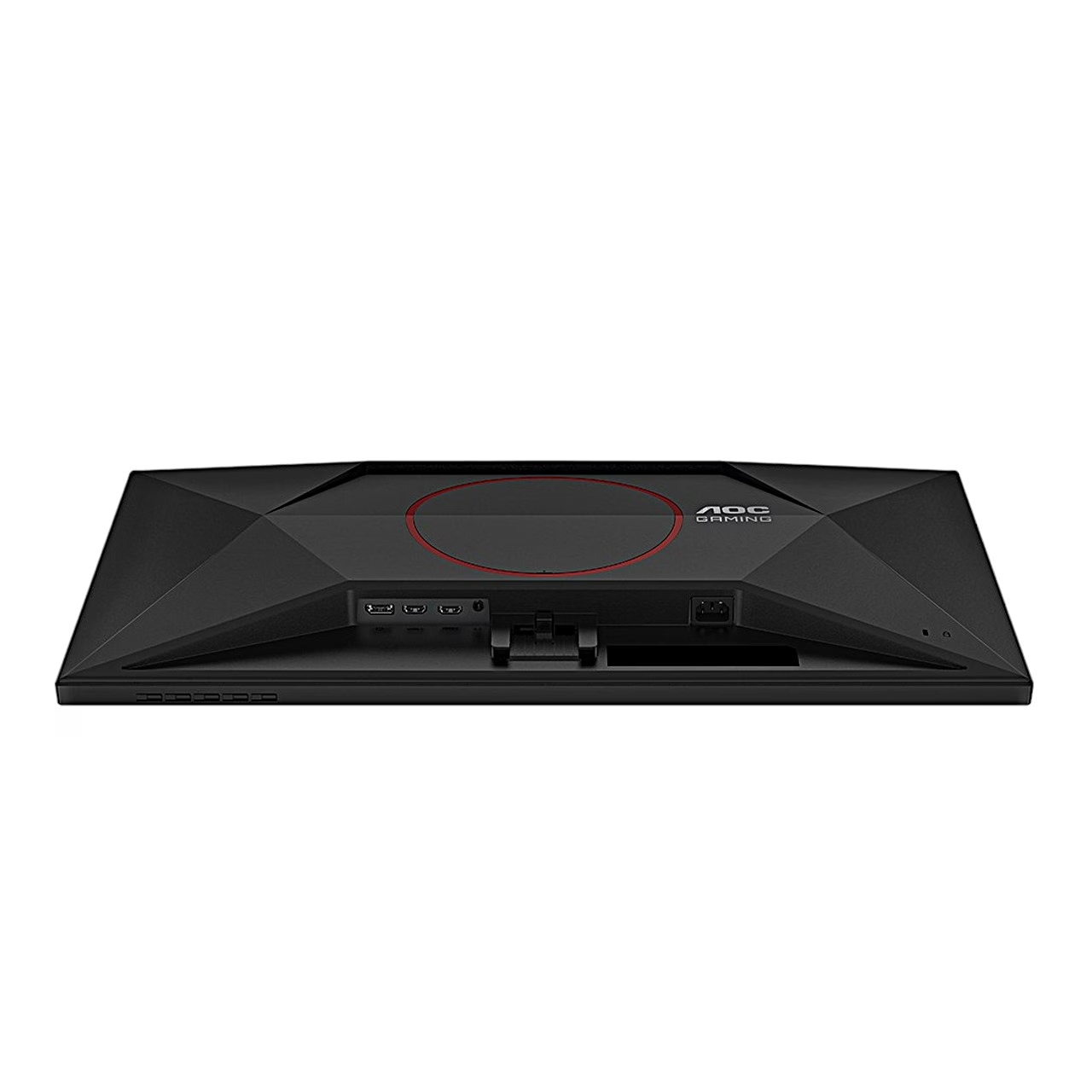
The rear panel has DisplayPort 1.4, HDMI 2.0 and a 3.5 mm headphone output; the power supply is built in. To connect, attach the power cable to the monitor, switch the computer off, connect the signal cable to the computer’s video output, then plug in both power cords and switch on the computer and the monitor.
Tilt and wall mounting
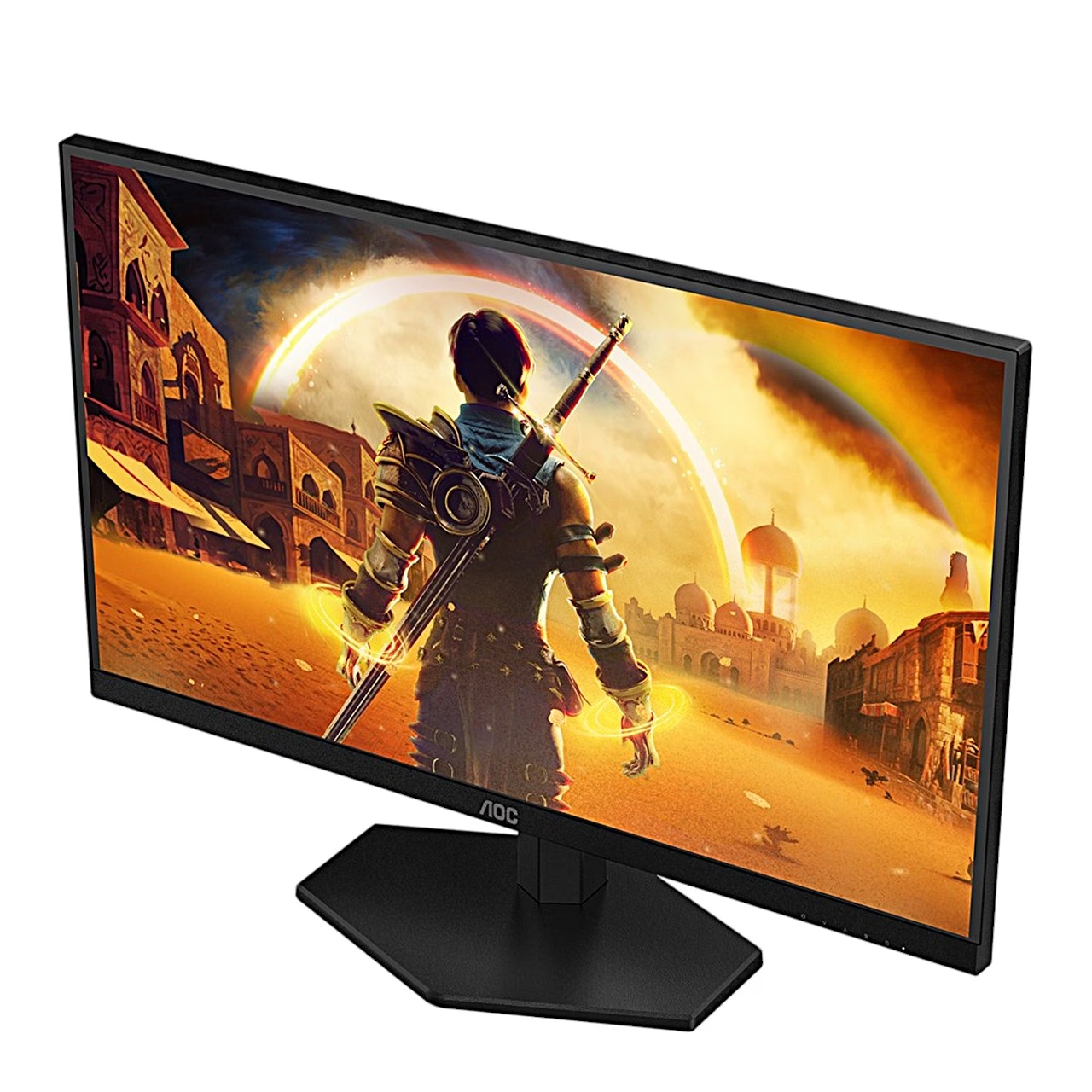
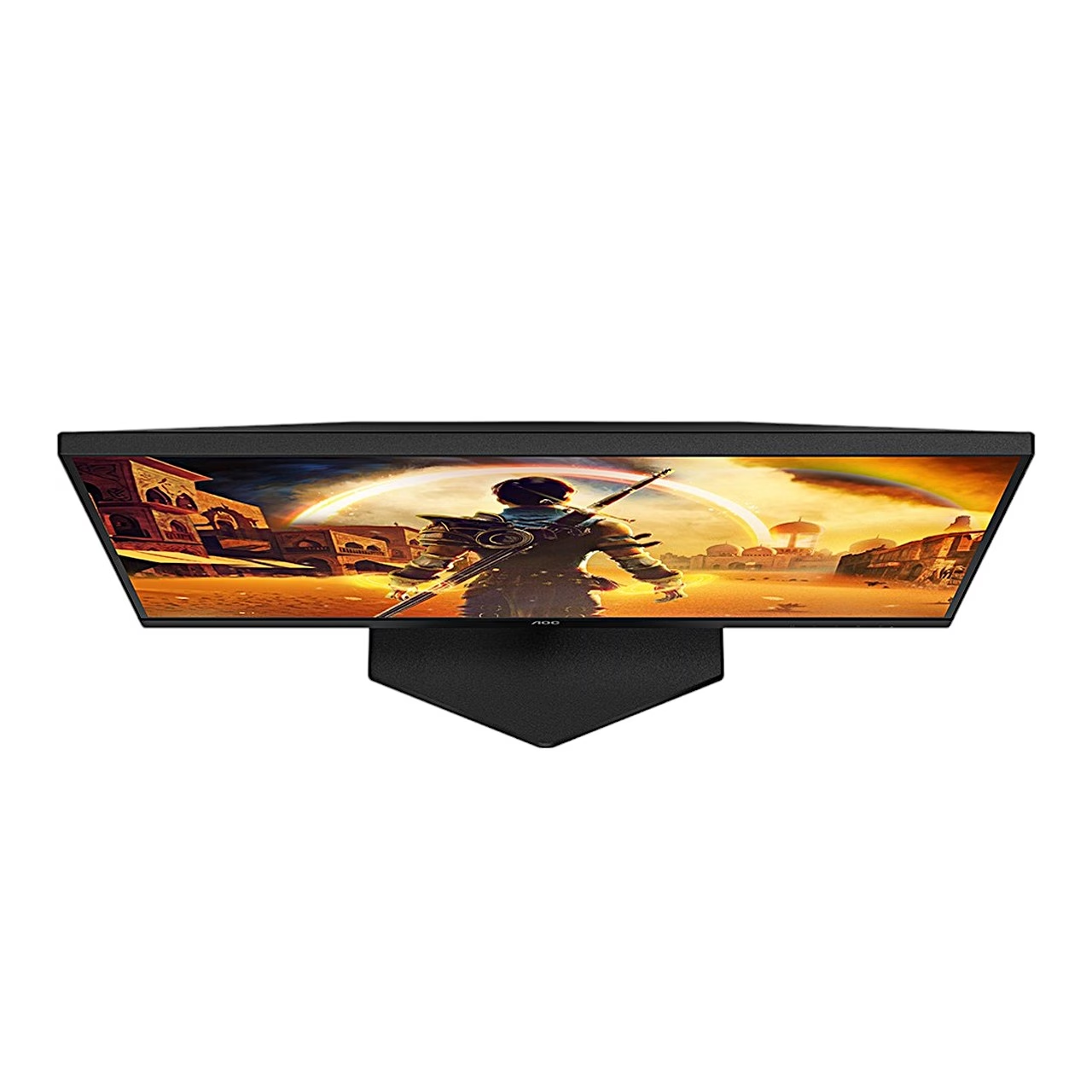
The tilt is adjustable from −3° to 21°. The base is removable, and the monitor fits a VESA 100 × 100 mm wall mount or monitor arm with M4 screws 10 mm long plus the thickness of the mounting plate. Leave at least 30 cm of free space above the monitor and at least 10 cm at the sides and back.
Cleaning and care
Unplug the power cord before cleaning. Wipe the cabinet and screen with a soft cotton or microfibre cloth dampened with water and almost dry, and keep liquid out of the cabinet.
In the box
- Gaming monitor AOC Q27G42ZE, 1 pc
- Monitor stand and base
- Power cable
- HDMI cable, 1.8 m
- DisplayPort cable, 1.8 m







































Reviews
There are no reviews yet.