

Description
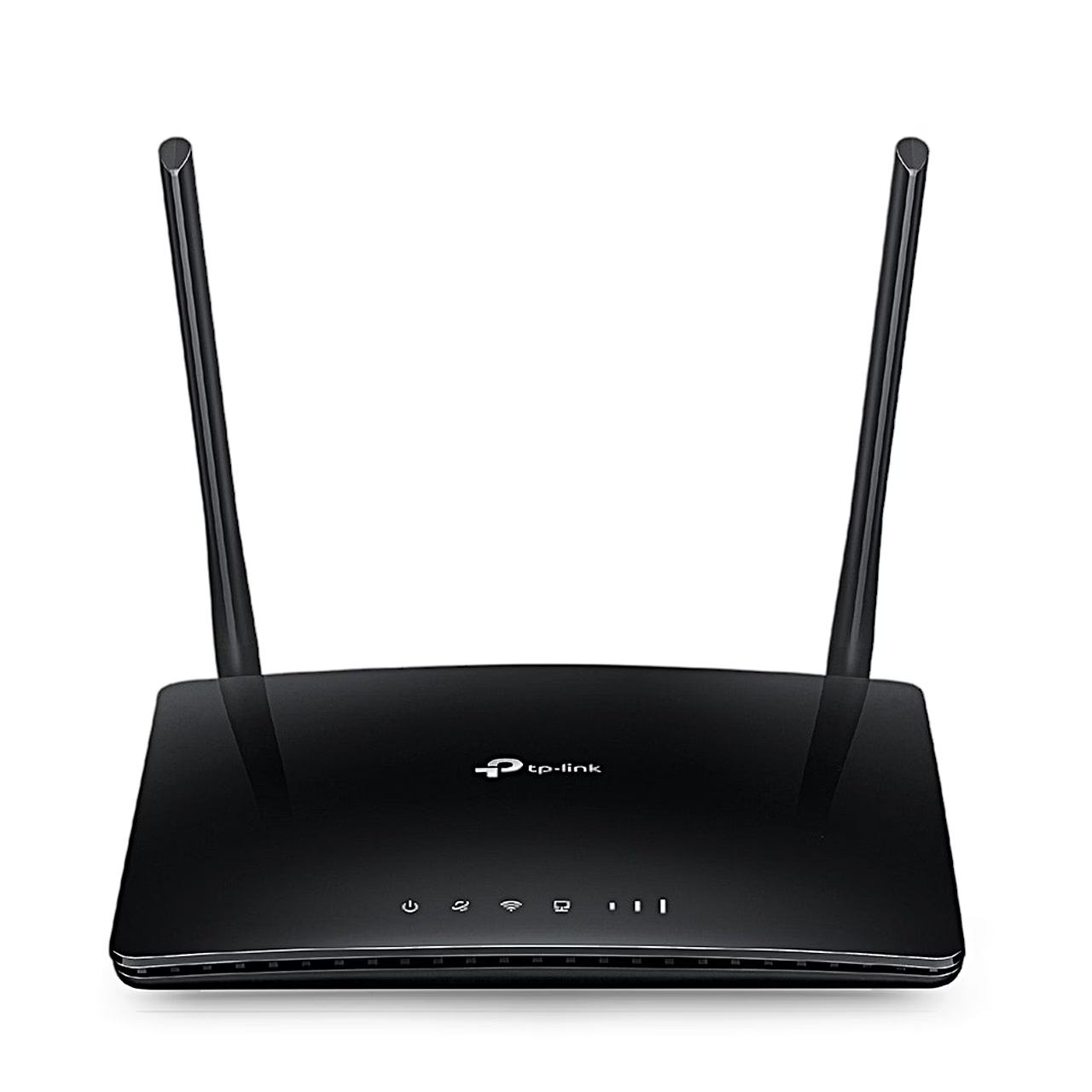
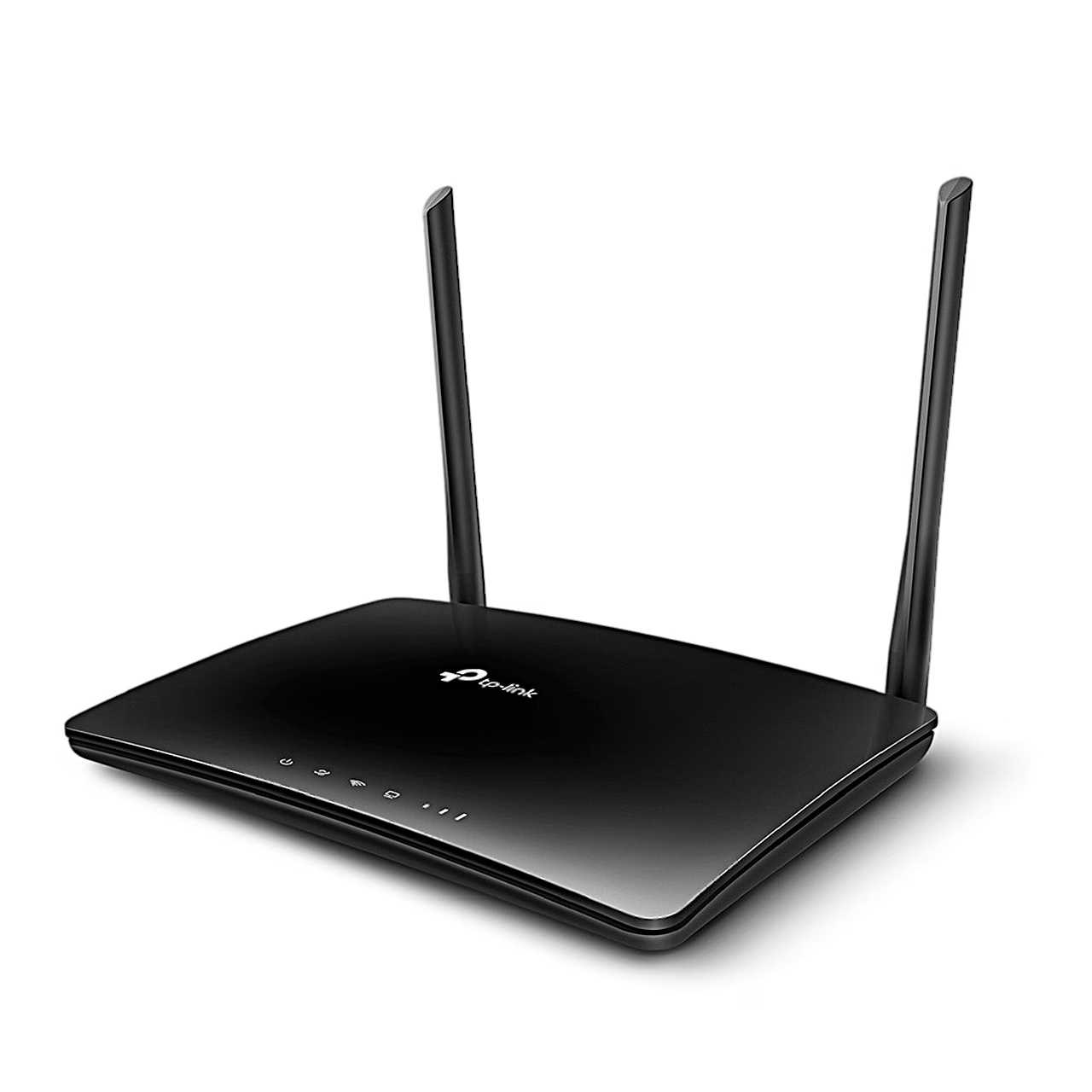
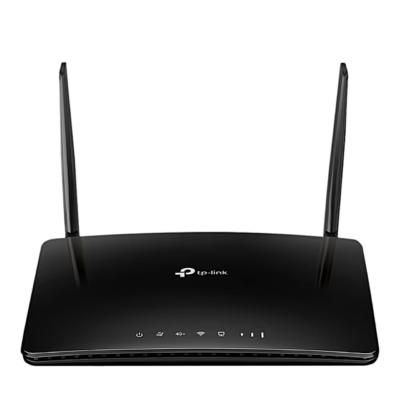
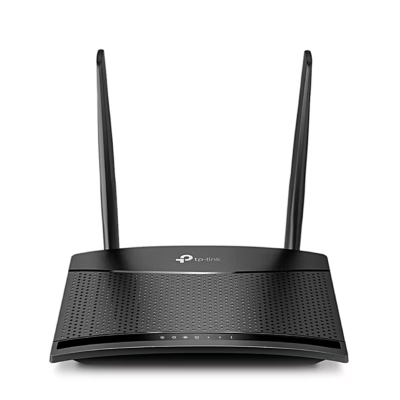
4G router with an LTE Cat4 modem and two external antennas
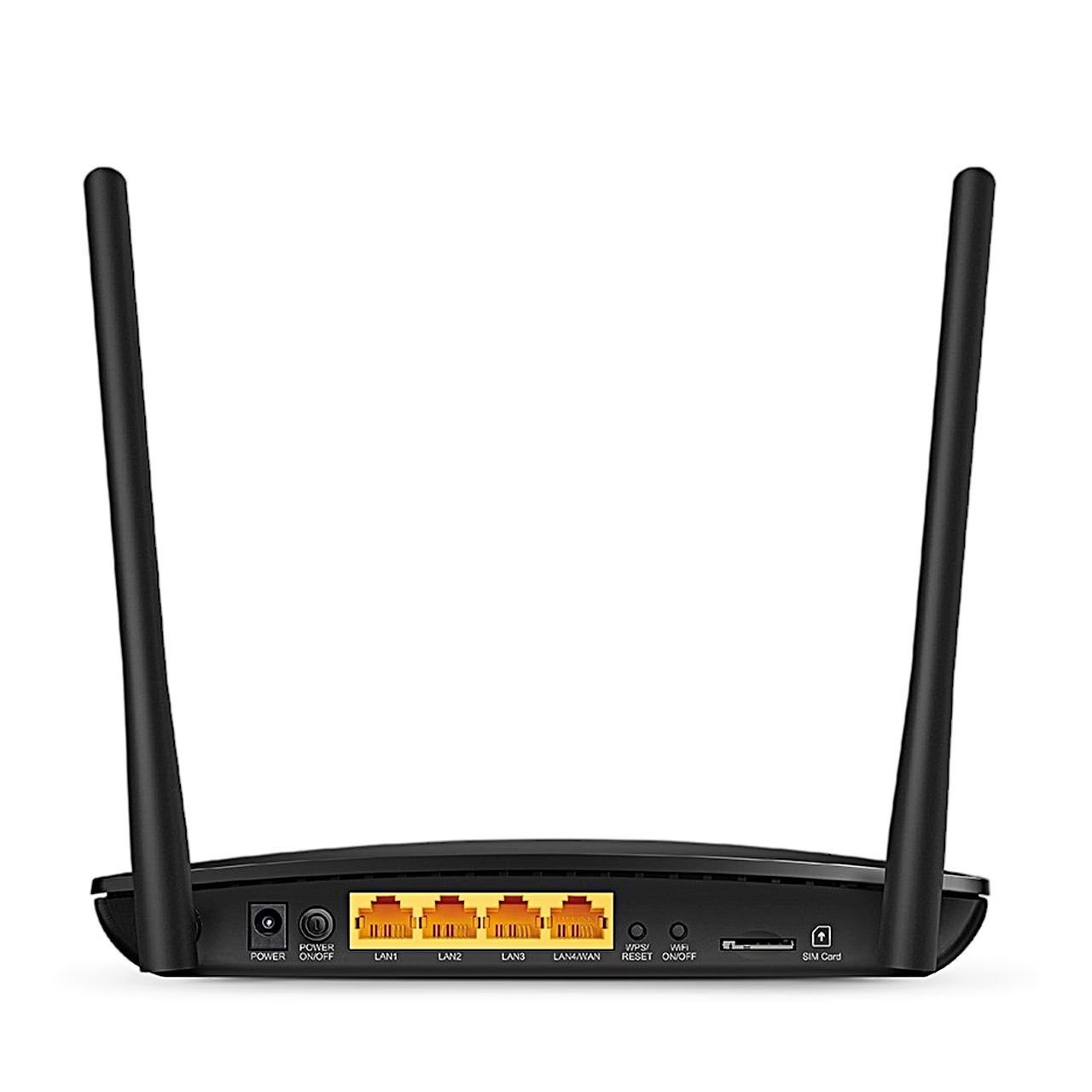
The internet comes in through the 4G router with SIM slot TP-Link TL-MR6400, which takes it from a 4G LTE or 3G network and passes it on to wireless and wired devices. To connect, insert a micro SIM card into the slot on the rear panel and switch the router on.
LTE Cat4 speed and supported bands
The LTE Cat4 modem gives up to 150 Mbit/s download speed and up to 50 Mbit/s upload speed on the mobile network. On FDD-LTE networks the router supports 800, 900, 1800, 2100 and 2600 MHz, on TDD-LTE networks 1900, 2300, 2500 and 2600 MHz. Alongside 4G the router also works on 3G (DC-HSPA+, HSPA+, HSPA and UMTS on 900 and 2100 MHz).
Wi-Fi coverage and wired ports
The Wi-Fi network runs on 2.4 GHz at up to 300 Mbit/s and takes up to 32 wireless devices at once. Two high-gain external antennas extend the coverage, and a power amplifier and a low-noise amplifier strengthen sending and receiving. Wired devices have three 10/100 Mbit/s LAN ports and one WAN/LAN port, through which the router connects to a cable, fibre or DSL modem and can use wired internet as a backup connection.
Setup and management
You set up the router in the web interface or in the TP-Link Tether app for Android and iOS. The WPS button creates an encrypted Wi-Fi connection with one press, and a separate button switches Wi-Fi on or off. You can create a separate 2.4 GHz guest network, and parental controls limit the internet time and content of children’s devices. QoS (traffic prioritisation) shares bandwidth between connected devices, and the built-in VPN server (PPTP, IPSec and OpenVPN) provides remote access.
In the box
- 4G router TP-Link TL-MR6400, 1 pc
- Power adapter
- RJ45 Ethernet cable
- Quick installation guide























































Reviews
There are no reviews yet.