

Description
Wi-Fi range extender stretches the router’s network straight from the wall socket
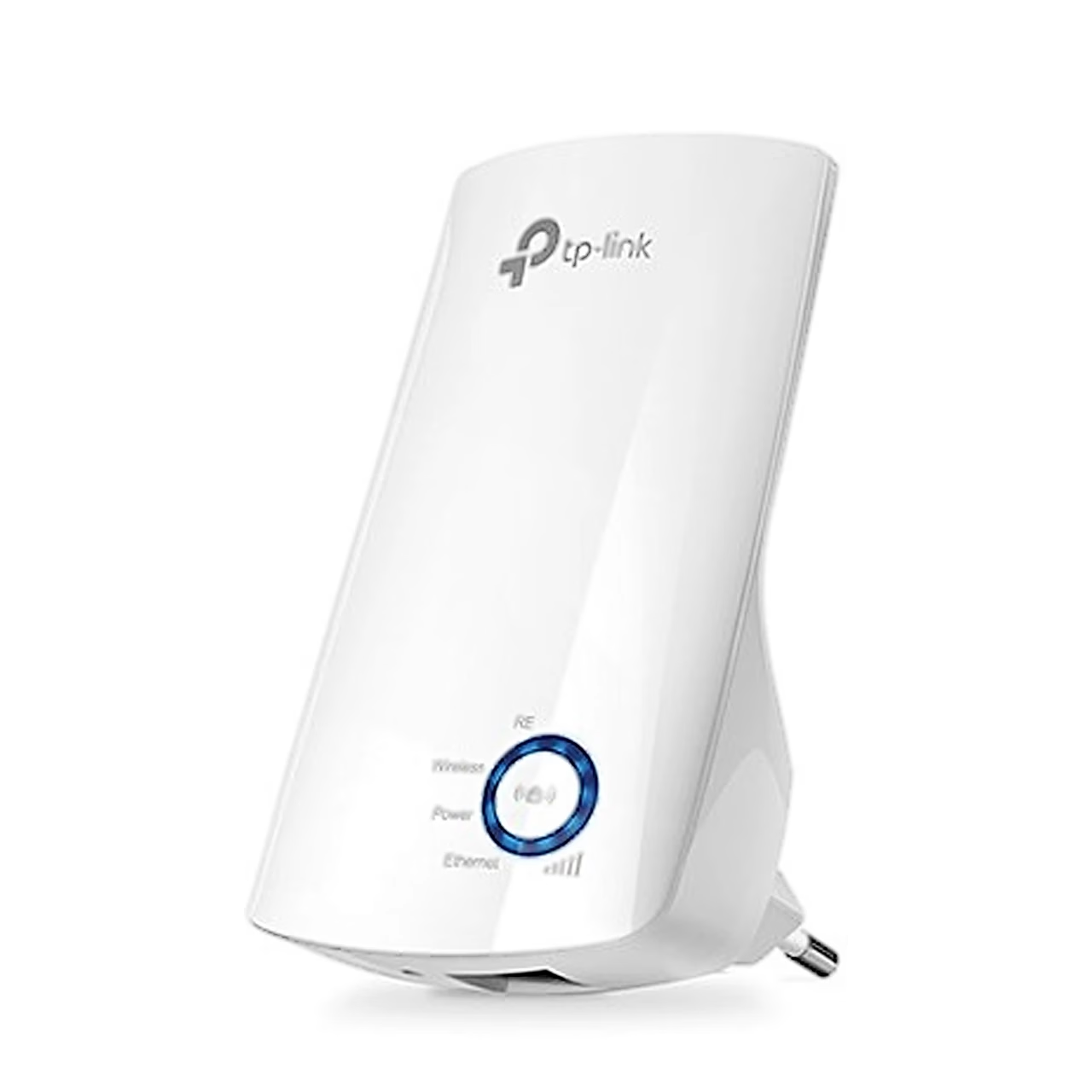
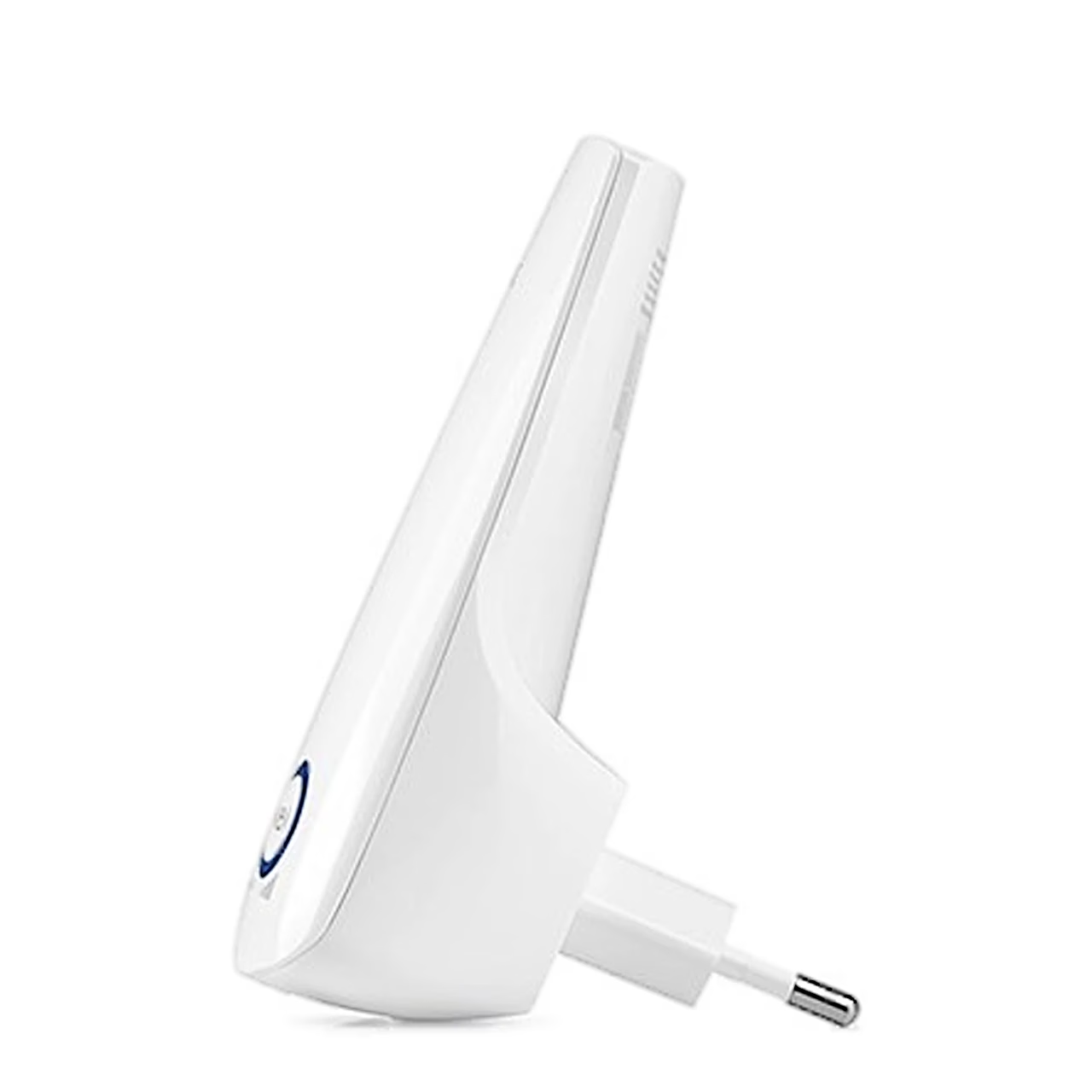
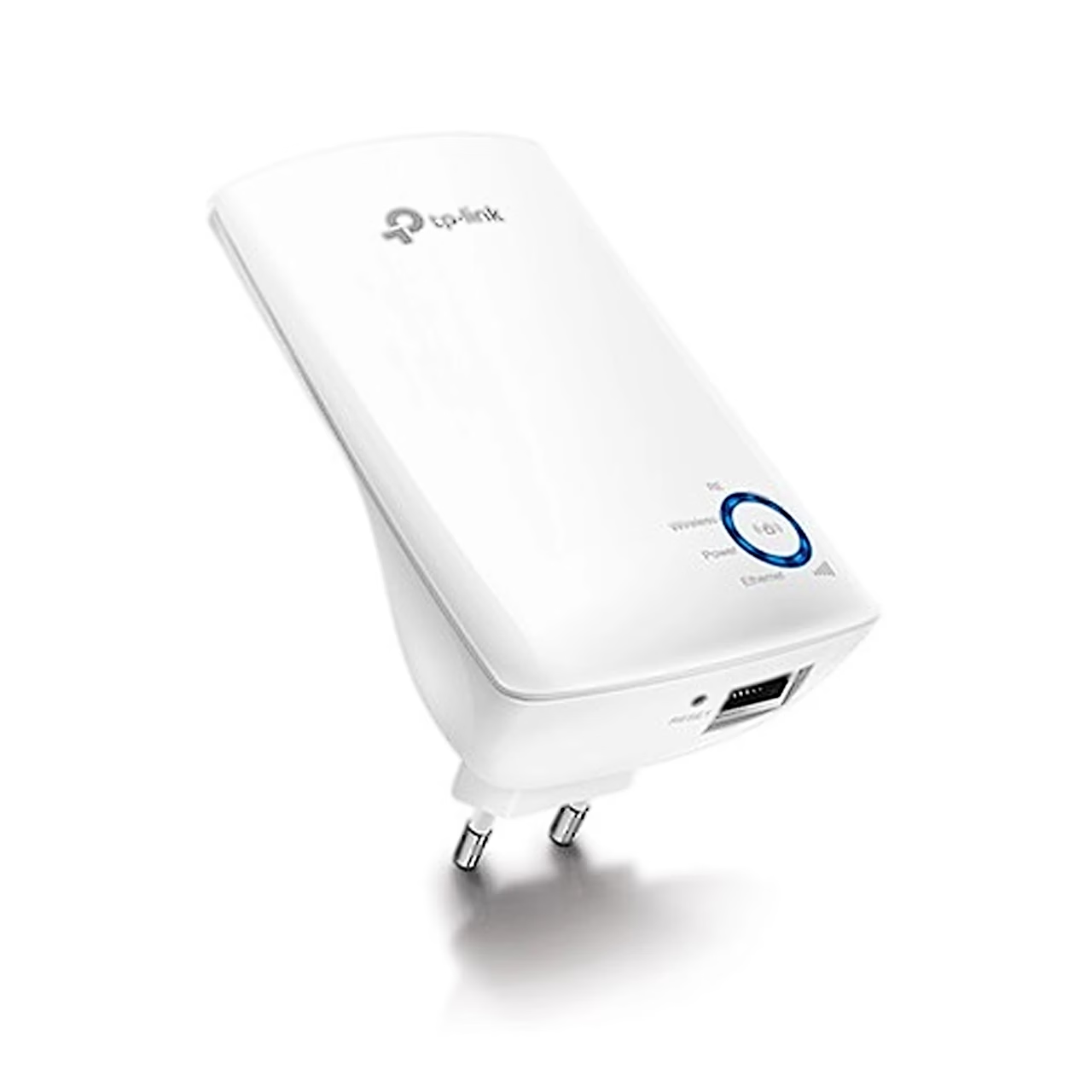
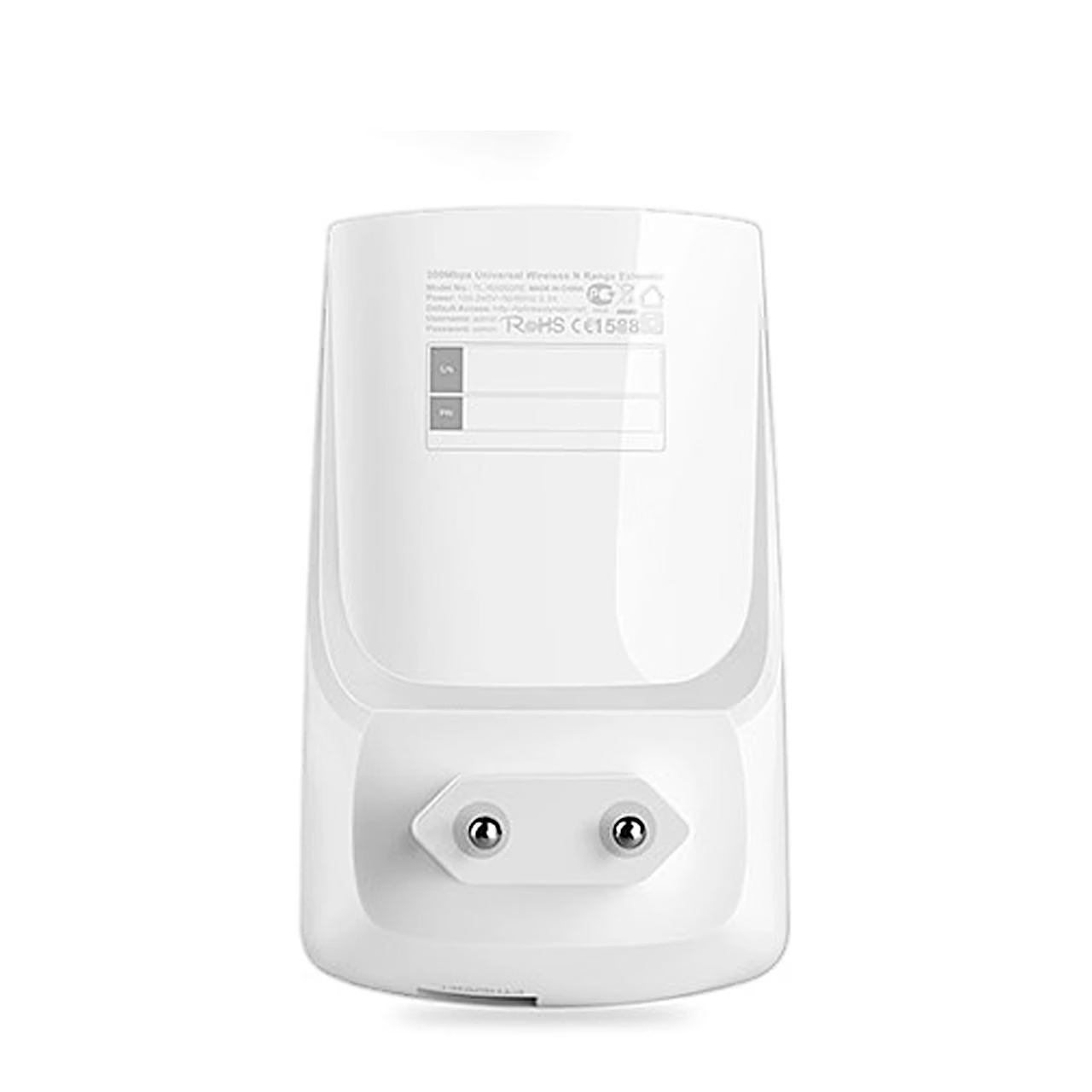
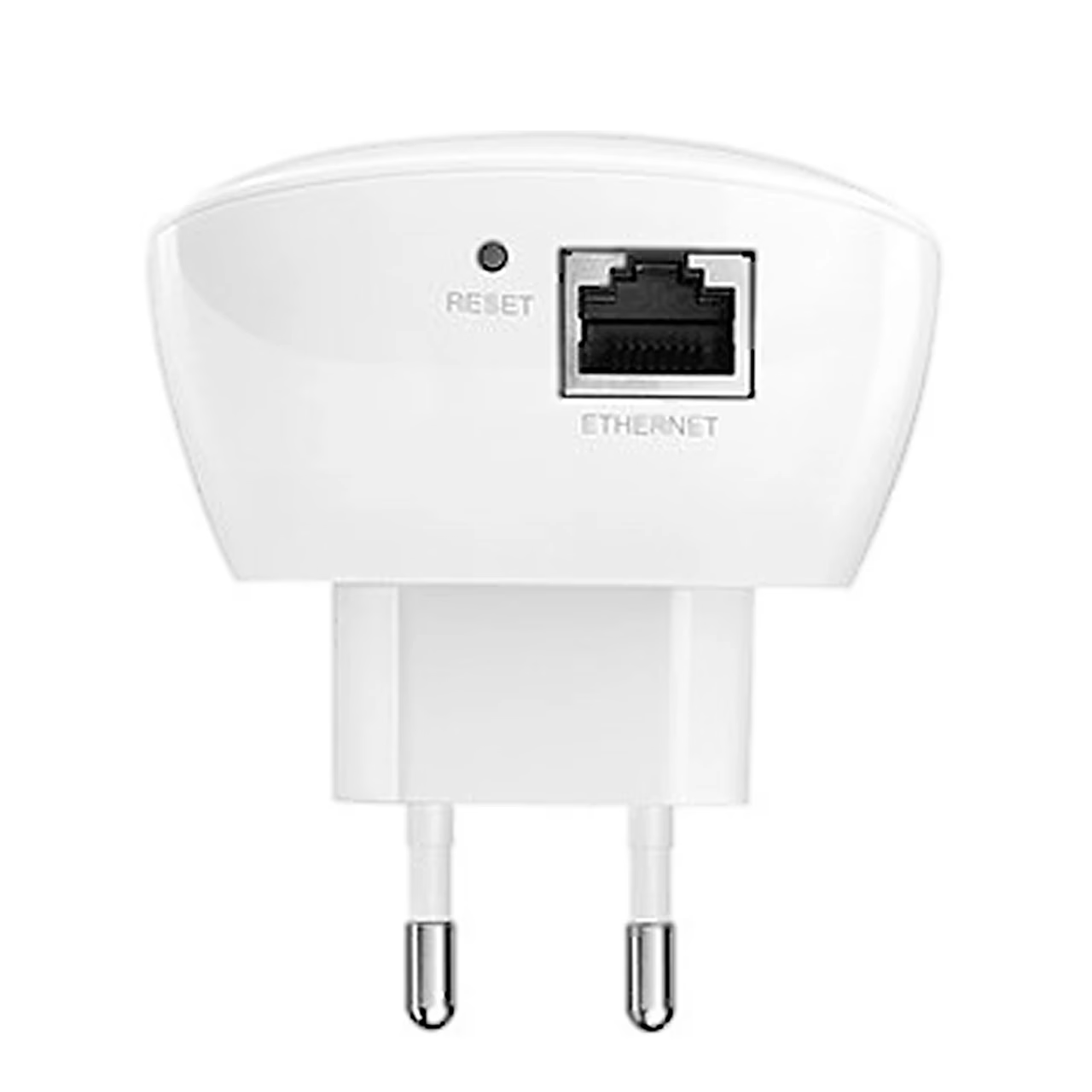
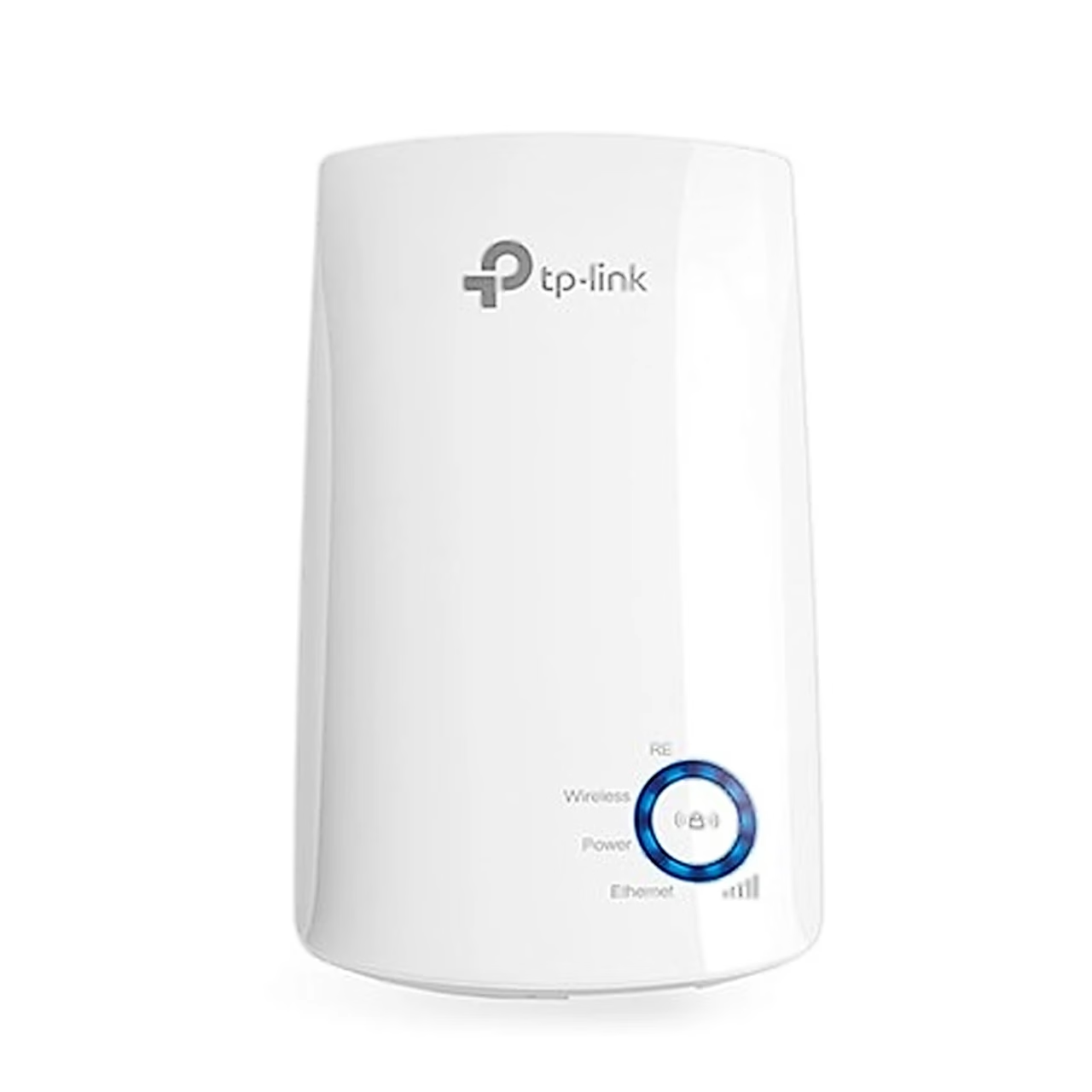
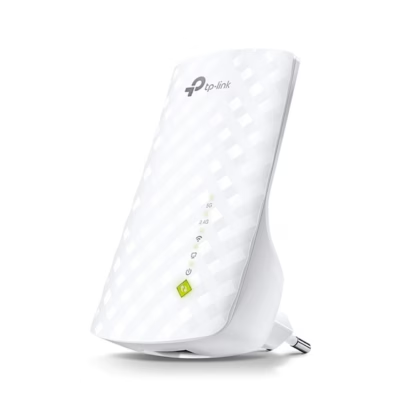
The TP-Link TL-WA850RE Wi-Fi range extender plugs straight into a wall socket, connects to your router wirelessly and extends its Wi-Fi 4 network (IEEE 802.11b/g/n) on the 2.4 GHz band at up to 300 Mbit/s. Two internal antennas spread the signal. Through its 10/100 Mbit/s Ethernet port the extender works as a wireless adapter that connects an Ethernet-only device, such as a Blu-ray player, games console, video recorder or smart TV, to the Wi-Fi network. In access point mode the extender turns a wired network into a Wi-Fi network.
Setup with the app, a browser or the WPS button
For browser setup, plug the extender into a socket near the router, connect the computer to the extender’s TP-Link_Extender network or with an Ethernet cable, and create a login password at tplinkrepeater.net or 192.168.0.254. The same settings can be made with the Tether app by following its instructions. For WPS setup, press the router’s WPS button and then, within two minutes, the extender’s button. The extended network’s default password is the same as the router’s network.
Location and indicator lights
For a better signal, plug the extender in about halfway between the router and the area with weak coverage. Five LED lights show signal strength to help you find a suitable spot. In the Tether app you can control the LEDs and switch on Night Mode.
In the box
- TP-Link TL-WA850RE Wi-Fi range extender
- Quick installation guide


















































Reviews
There are no reviews yet.