

Description
Powerline adapter brings the internet to another room with Wi-Fi
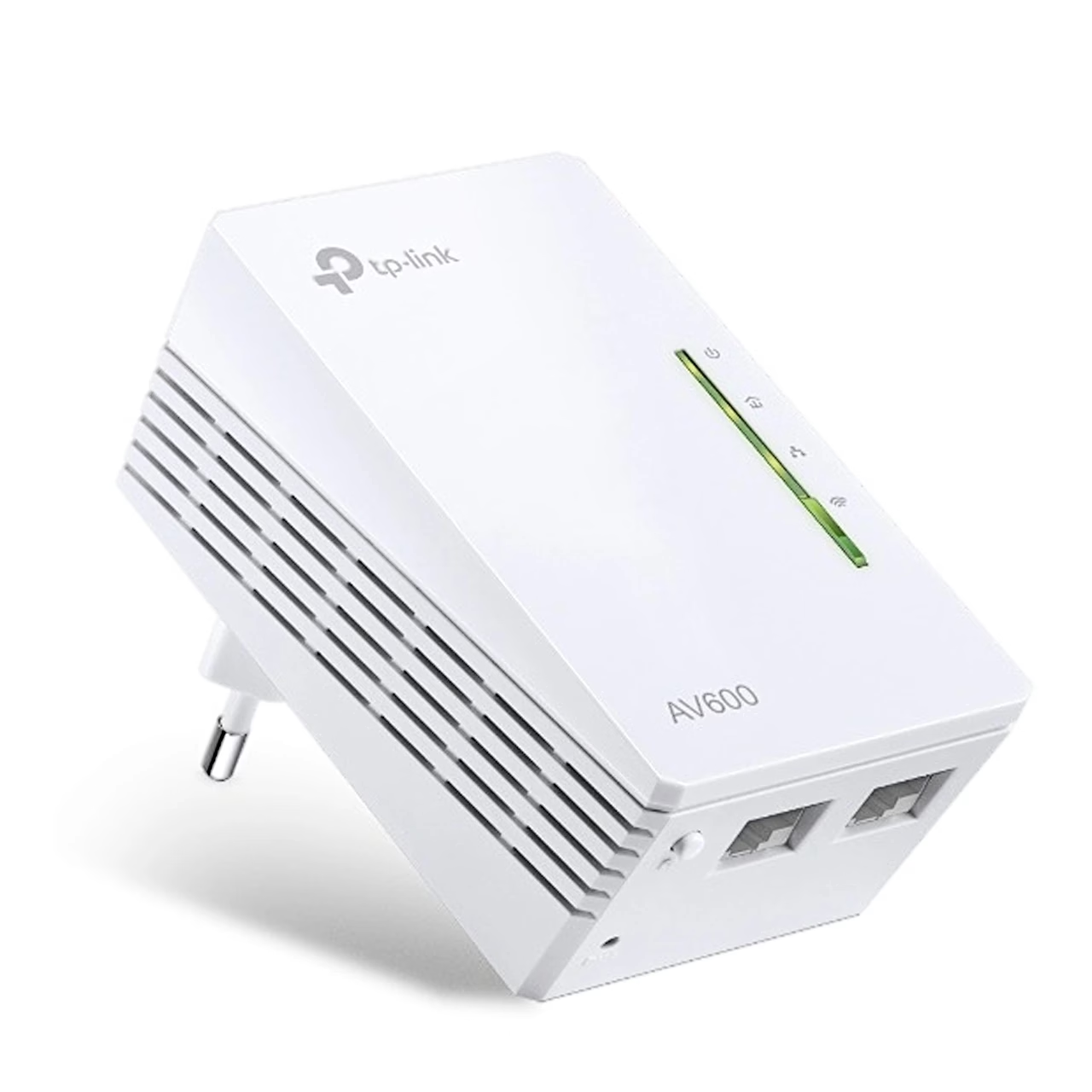
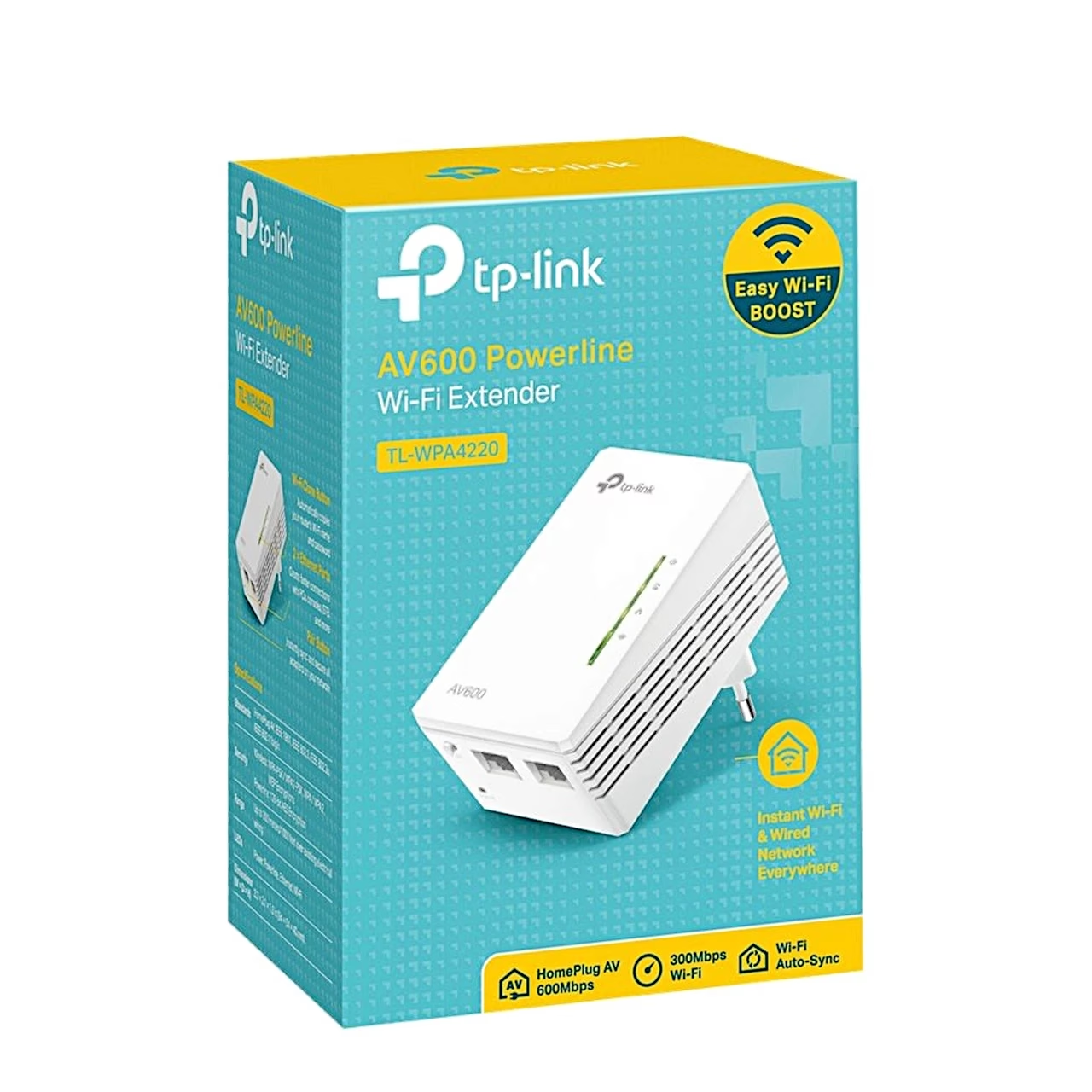
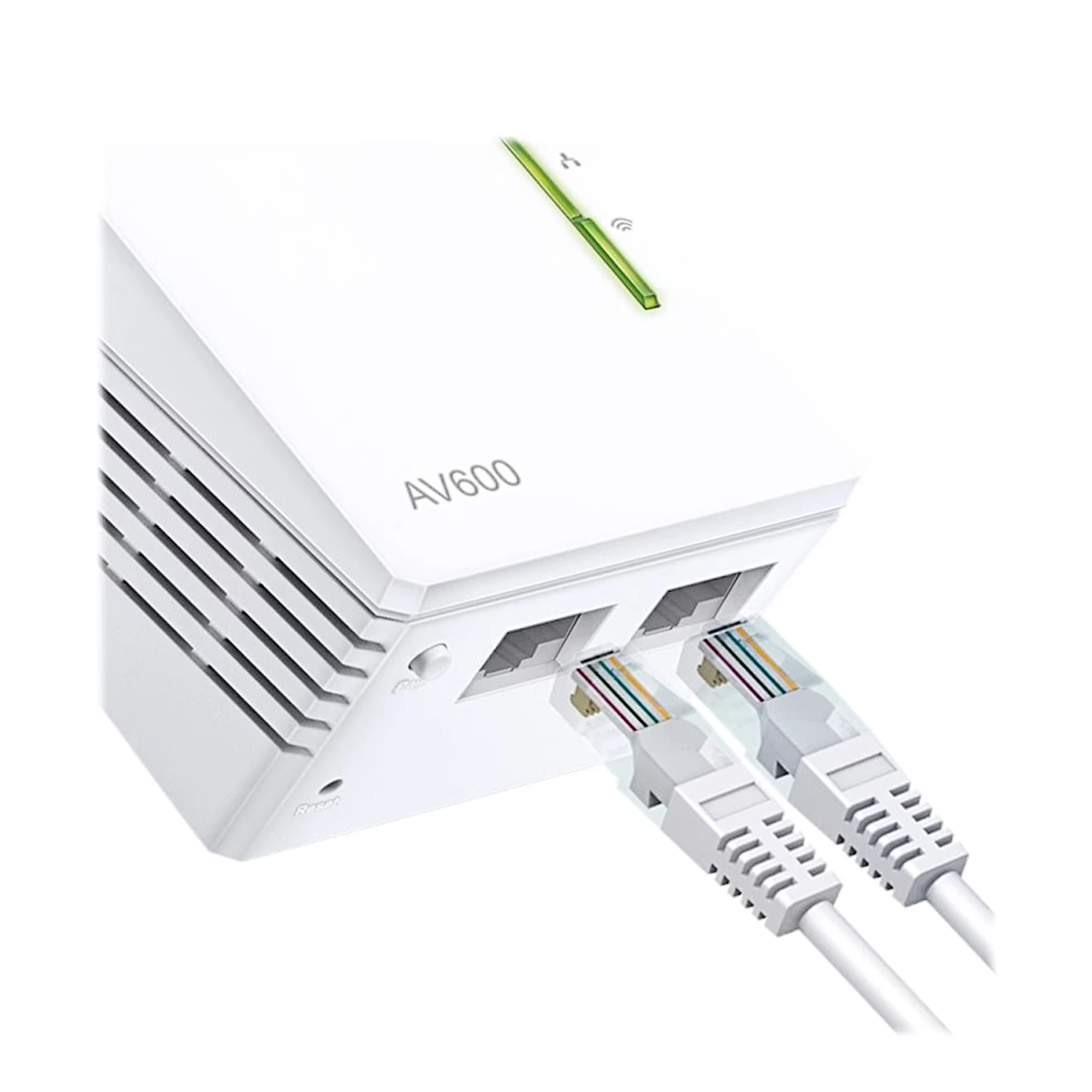
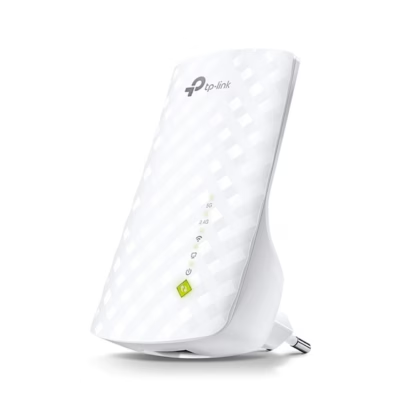
The TP-Link TL-WPA4220 is a single AV600 Powerline adapter with Wi-Fi that transfers data over the electrical wiring at up to 600 Mbit/s and creates a Wi-Fi network of up to 300 Mbit/s in the room where it is plugged in. The Wi-Fi network follows the Wi-Fi 4 standard (IEEE 802.11b/g/n). For wired devices such as a games console or a smart TV the adapter has two 10/100 Mbit/s LAN ports.
The internet travels along the mains with a Powerline adapter
A Powerline adapter is a device that carries an internet connection from one room to another through the building’s electrical wiring: one adapter plugs into a socket next to the router, the other where the connection is needed. The TL-WPA4220 is the far-end half of that pair and uses the HomePlug AV2 standard for data over electrical wiring. At the router it works with any HomePlug AV or AV2 Powerline adapter.
Wi-Fi setup and management
One press of the Wi-Fi Clone button copies the network name and password from the router, and later setting changes apply to the whole Powerline network automatically. Wi-Fi Auto-Sync keeps the network name, password and the Wi-Fi and LED schedules the same across adapters added with the Pair button. You manage the adapter through the web interface, the tpPLC Utility computer program or the tpPLC phone app. Data on the electrical wiring is protected by 128-bit AES encryption, and the Wi-Fi network by WPA-PSK, WPA2-PSK or WEP.
Use and indicator lights
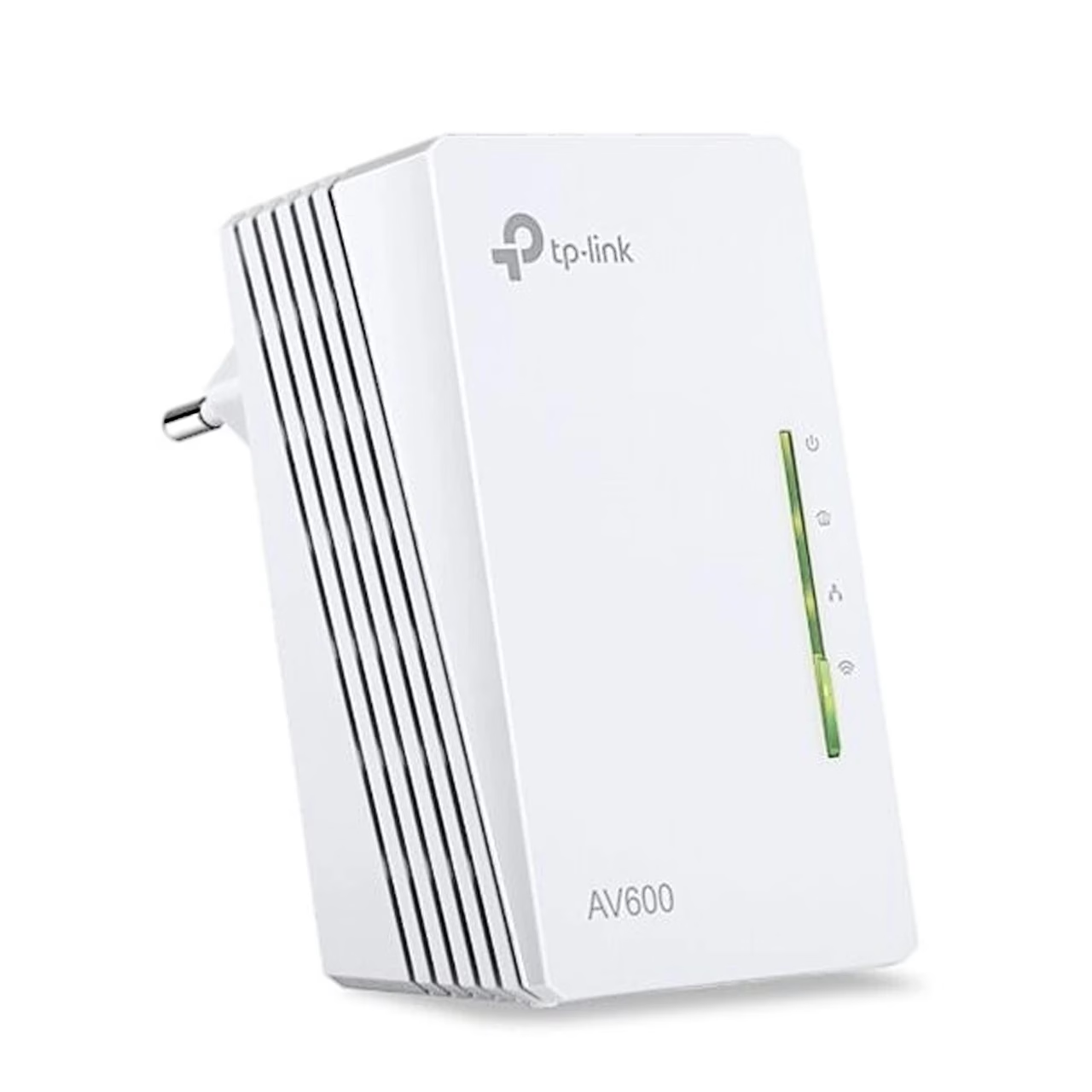
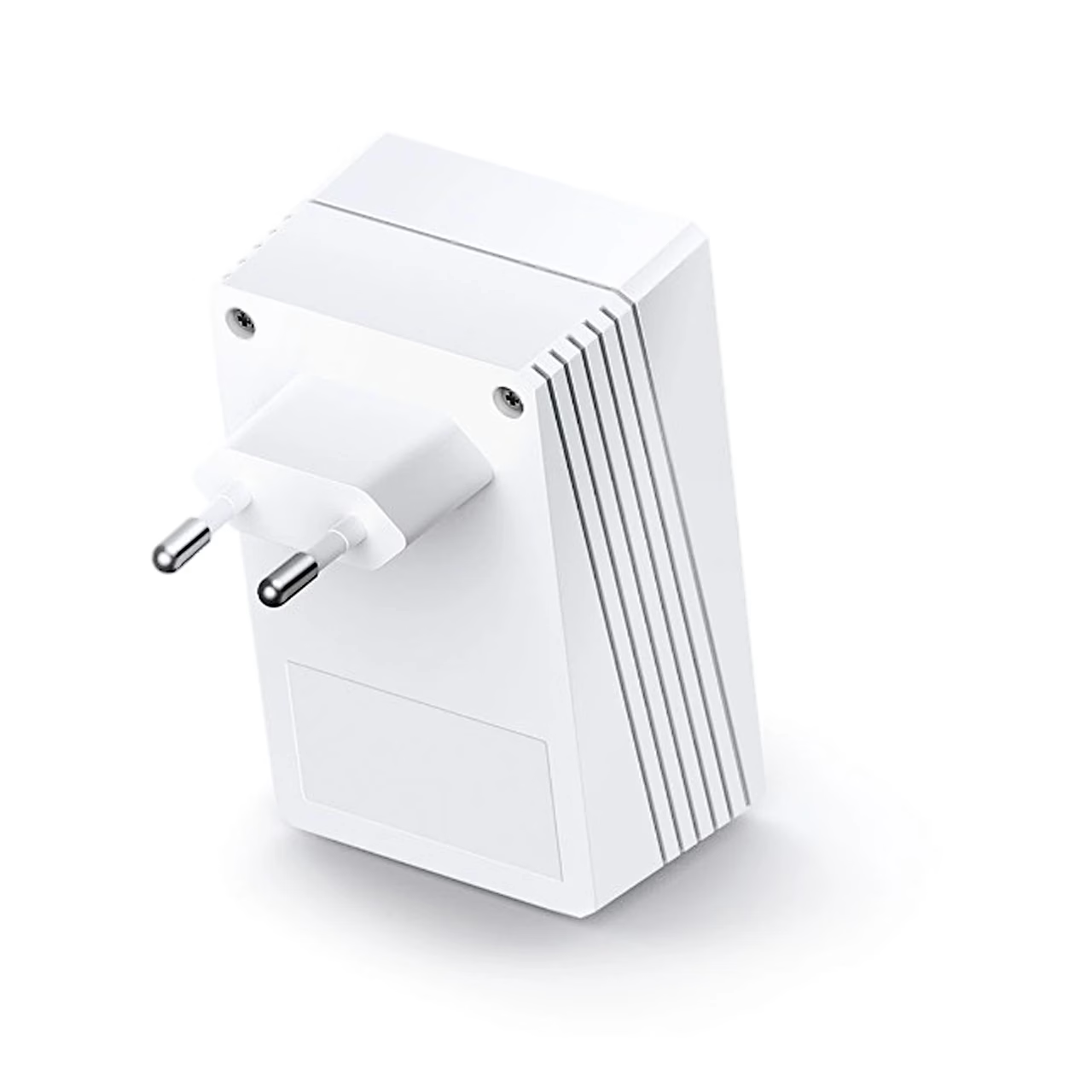
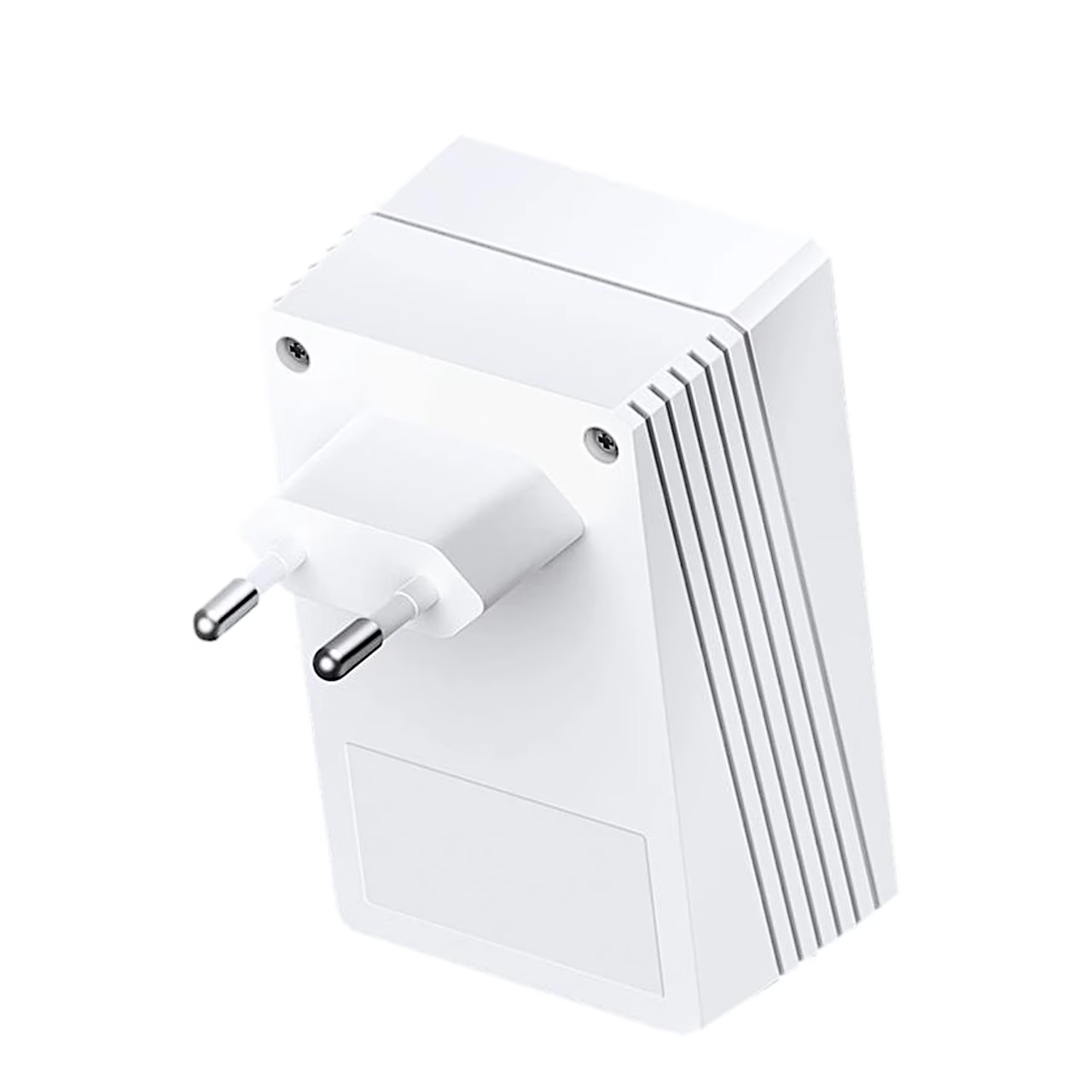
The adapter plugs straight into a wall socket and pairs with another Powerline adapter using the Pair button. The front lights show the status of power, the Powerline connection, Ethernet and Wi-Fi. According to the manufacturer, the connection reaches up to 300 metres over existing electrical wiring, and the actual speed depends on distance, electrical noise and the condition of the wiring.
In the box
- TP-Link TL-WPA4220 Powerline adapter
- Ethernet cable
- Quick installation guide


















































Reviews
There are no reviews yet.