

Description
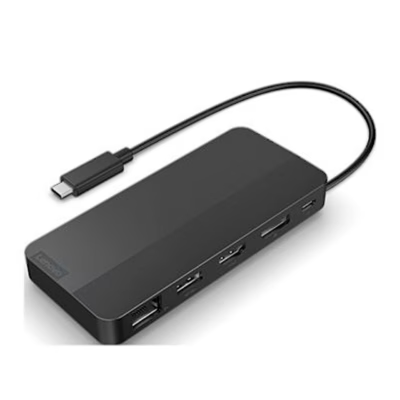
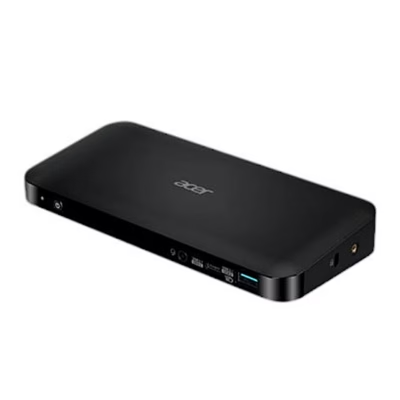
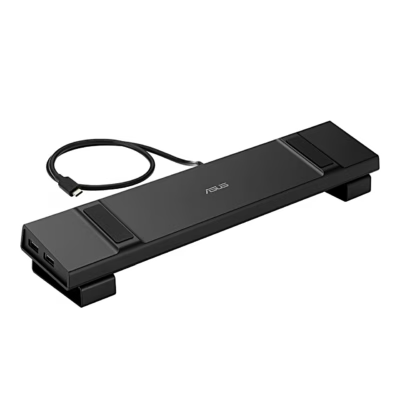
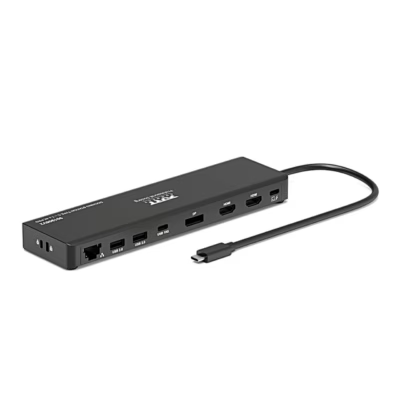
USB-C docking station for two monitors
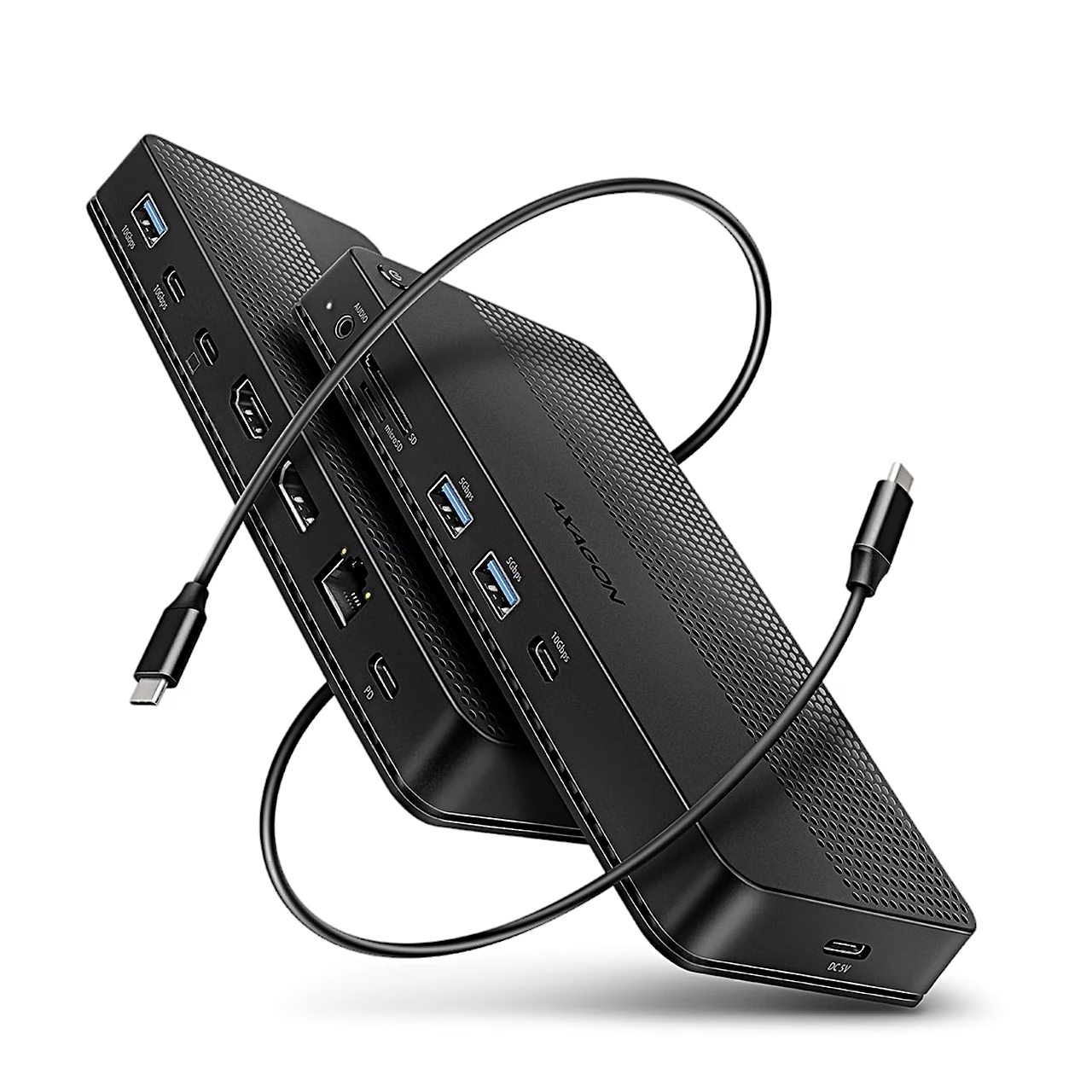
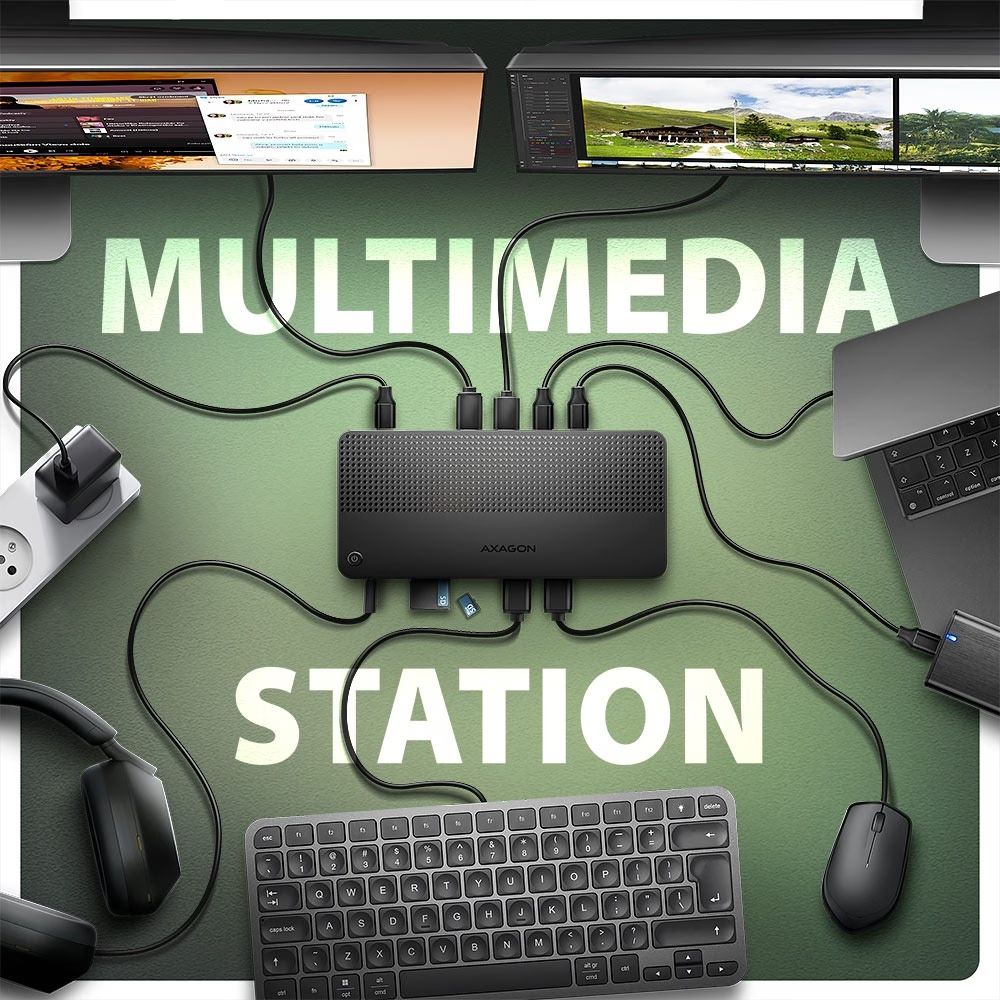
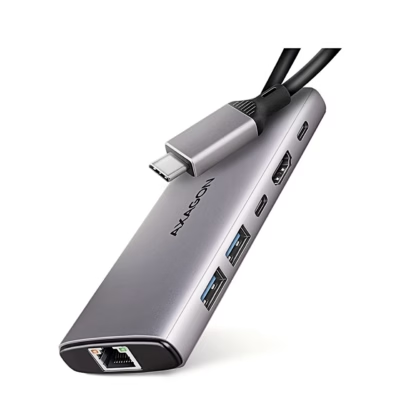
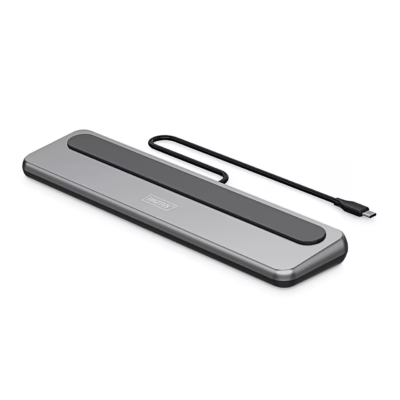
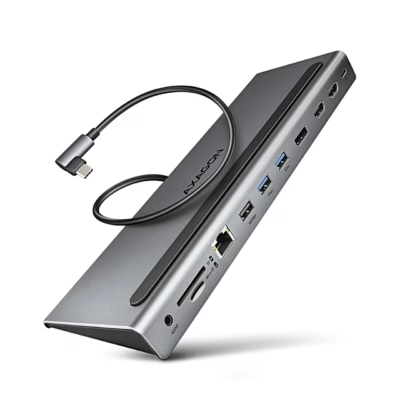
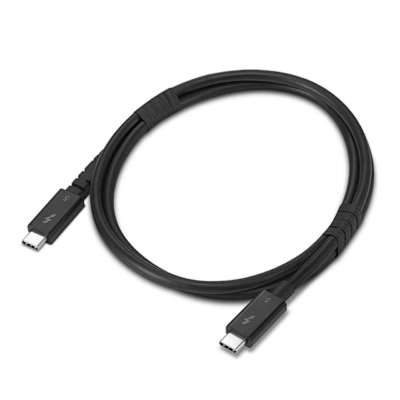
The USB4 USB-C docking station connects to a laptop, tablet or phone through an 80 cm detachable USB-C cable. The connection is also compatible with Thunderbolt 3 and 4 and with USB 10 Gbit/s and 5 Gbit/s ports. You switch the dock on and off with the button on top, and hot plug support lets you connect devices while the computer is running.
HDMI and DisplayPort outputs
A single monitor runs at up to 8K 30 Hz or 4K 144 Hz, as well as 2K 240 Hz or 1080p 360 Hz. With a USB4 or Thunderbolt 4 computer, two monitors run at once at 4K 144 Hz via DisplayPort and 4K 60 Hz via HDMI; with a USB 10 Gbit/s computer this is 2 × 4K 60 Hz. The outputs support HDR (10 bit) and HDCP 2.3. For the highest values, the computer’s USB-C port must support DisplayPort Alt Mode version 1.4 or Thunderbolt 4; on macOS computers the refresh rate is usually up to 60 Hz.
USB ports, card reader, network and audio
Two USB-C ports and one USB-A port run at 10 Gbit/s and two USB-A ports at 5 Gbit/s; the USB-A ports charge a phone or tablet at up to 1.5 A. The SD slot supports UHS-II at up to 312 MB/s, the microSD slot UHS-I at up to 104 MB/s, cards can hold up to 2 TB and you use both slots at once. The Gigabit Ethernet port (10/100/1000 Mbit/s) gives a wired network connection, and the 3.5 mm jack is for headphones, a headset or active speakers (output 384 kHz / 24 bit).
Power and laptop charging
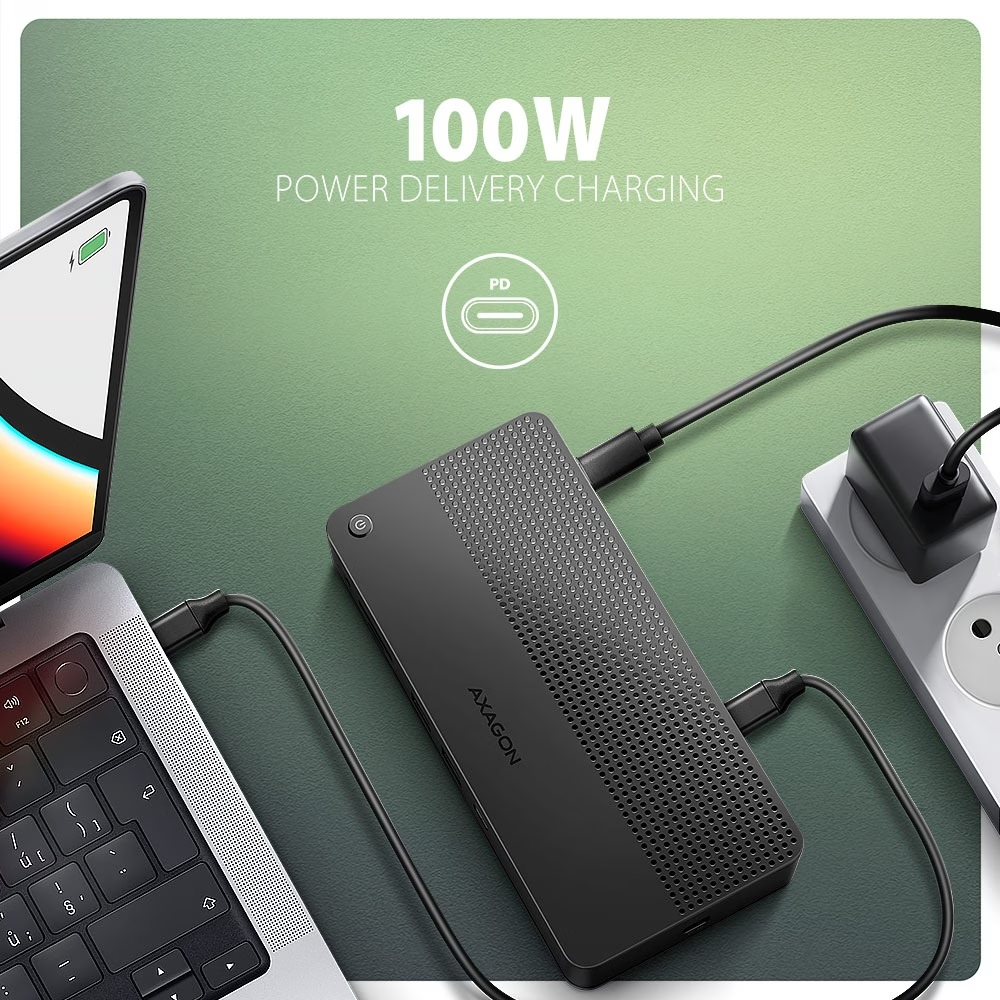
A Power Delivery 3.0 charger connected to the USB-C input marked PD powers the dock and the laptop at the same time, when both the computer and the charger support PD. For powering two external drives there is a separate DC 5 V USB-C input, which takes a 5 V / 2 A USB charger and the supplied power cable.
In the box
- USB-C docking station
- USB-C to USB-C data cable, 80 cm
- USB-A to USB-C power cable, 100 cm
- multilingual user manual











































Reviews
There are no reviews yet.