

Description
USB-C docking station for three monitors
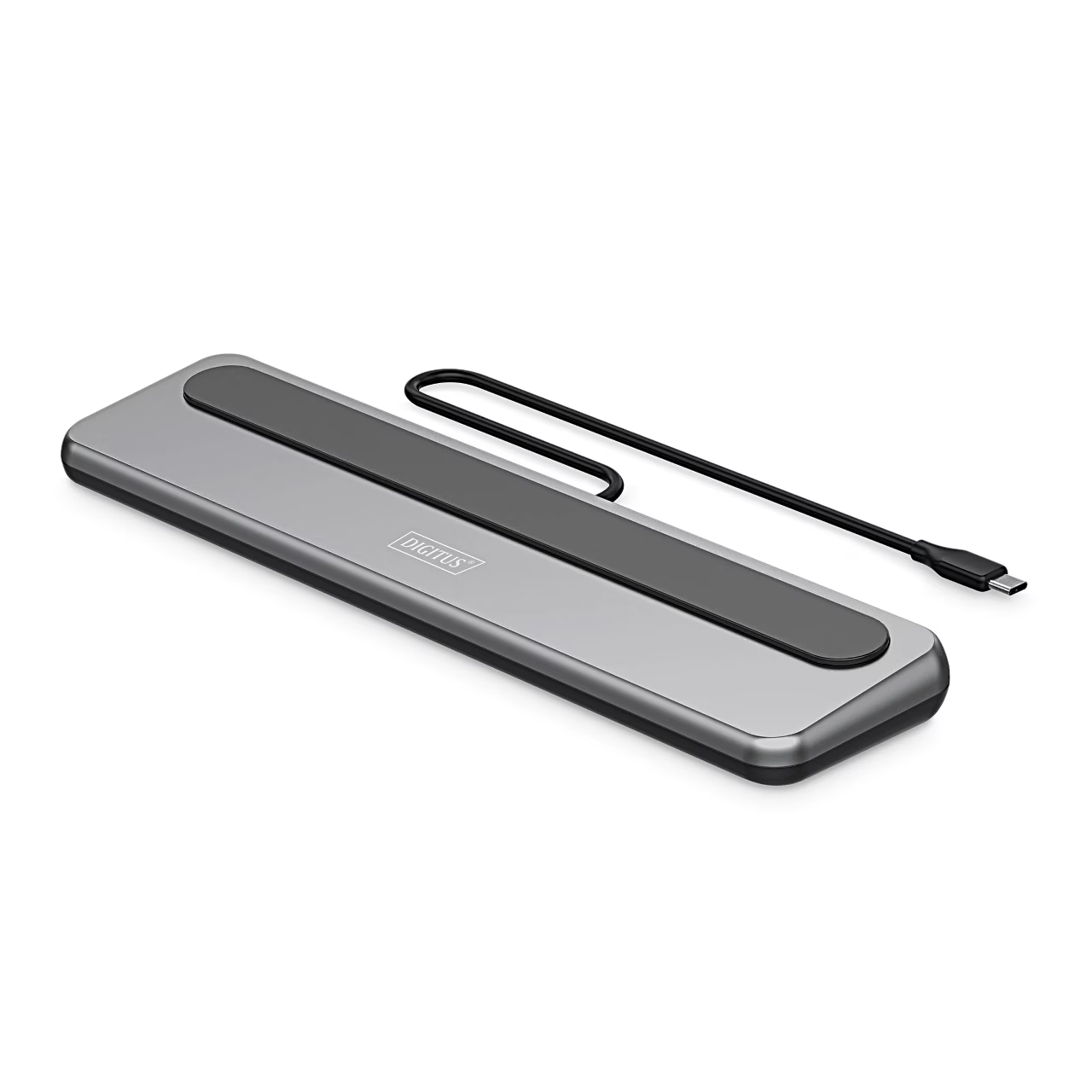
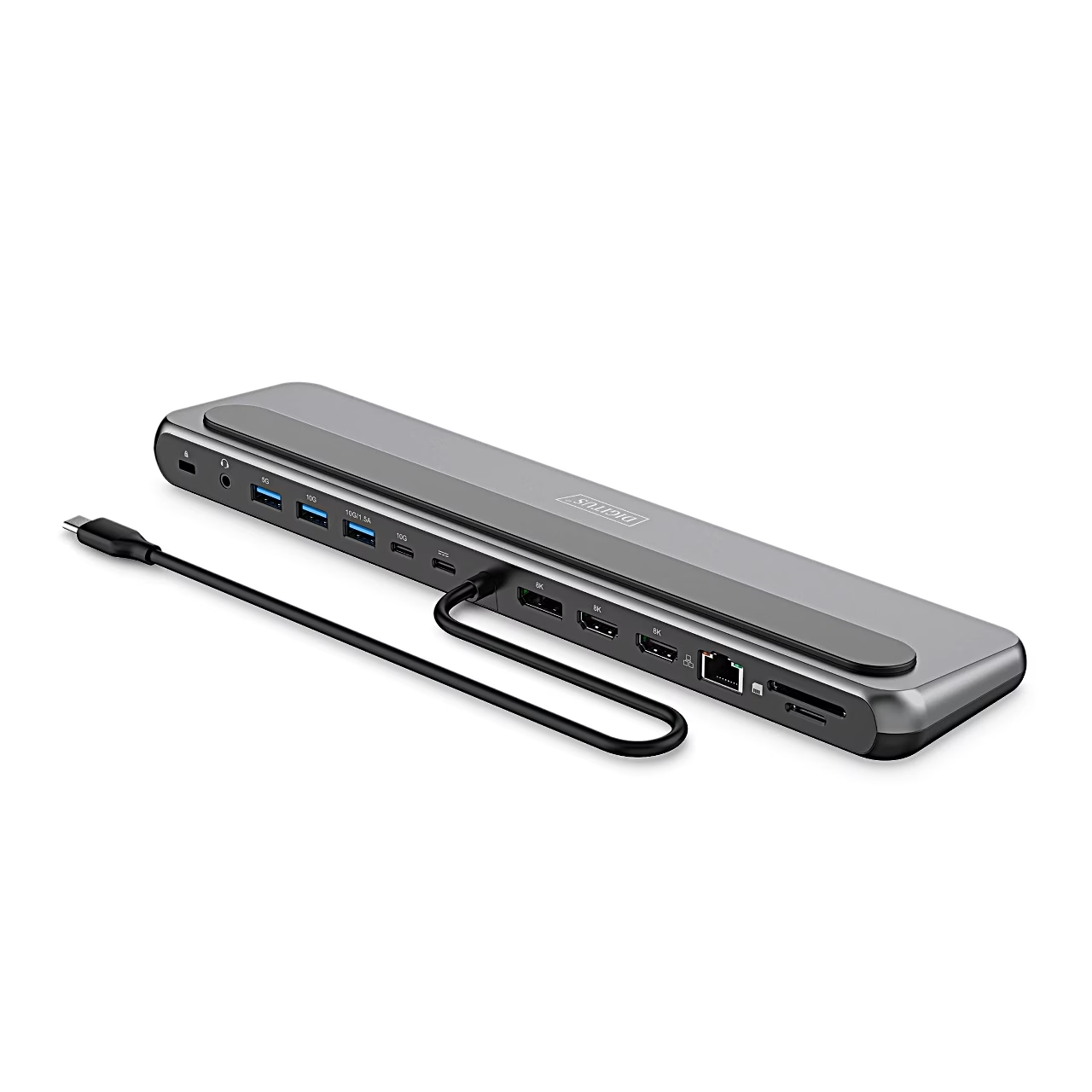
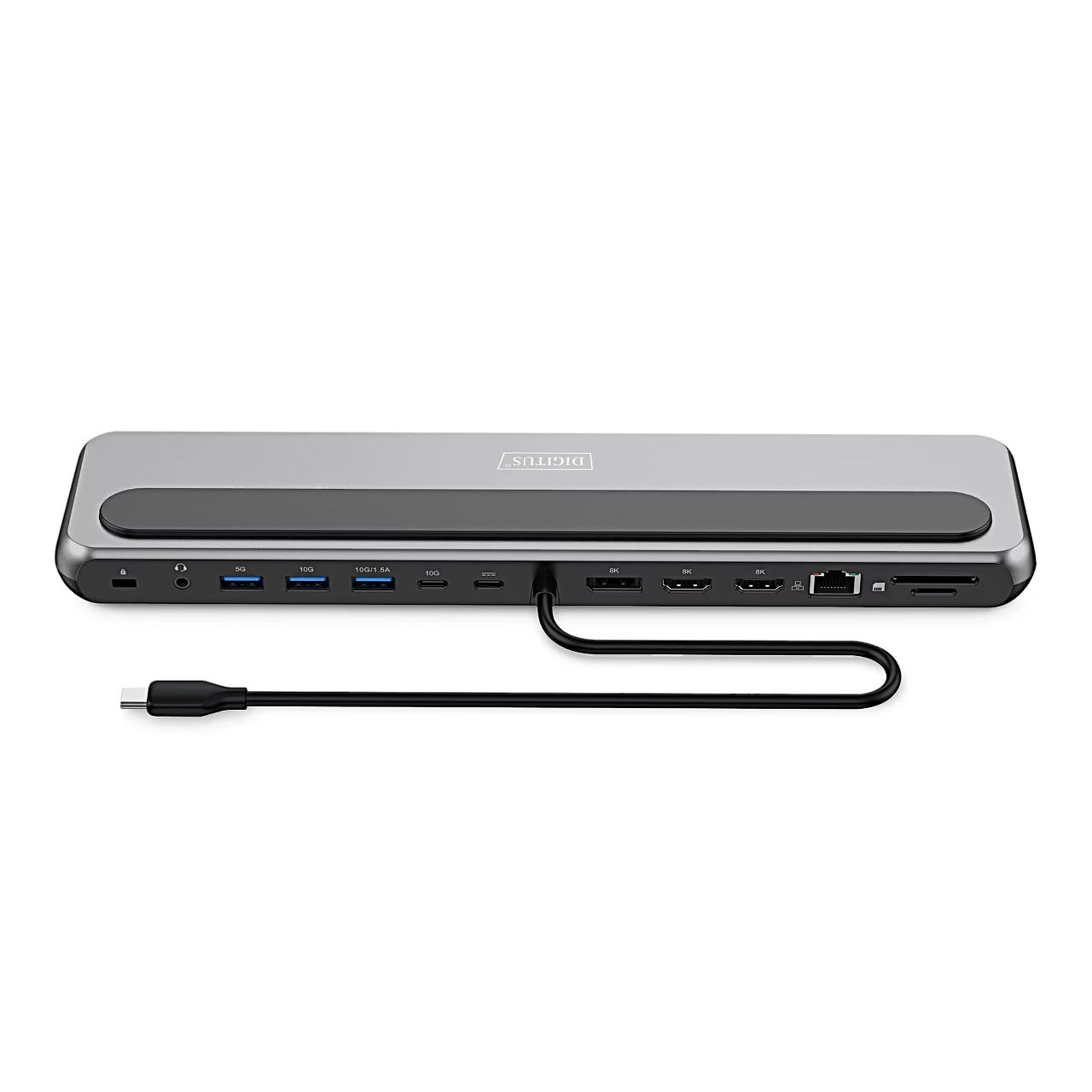
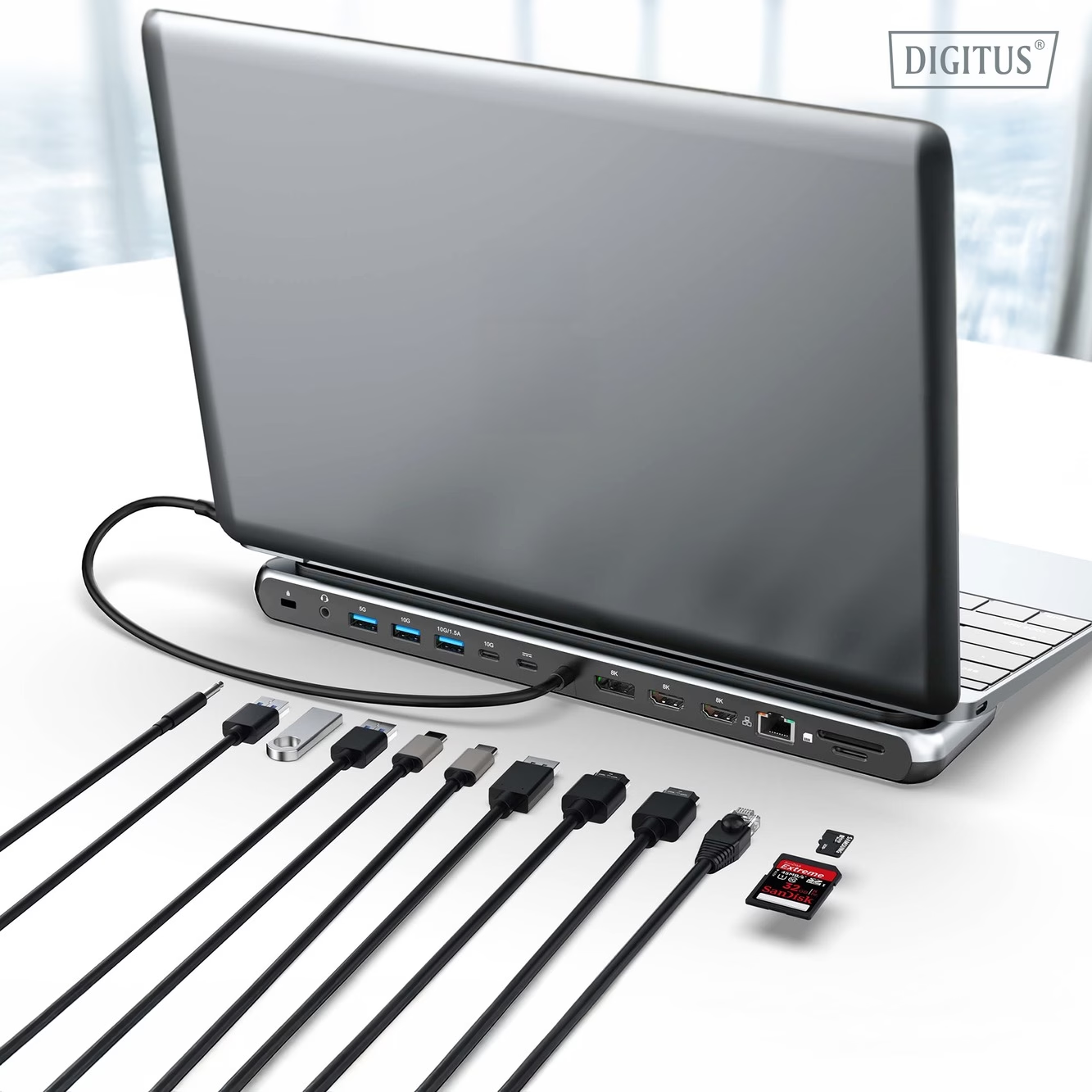
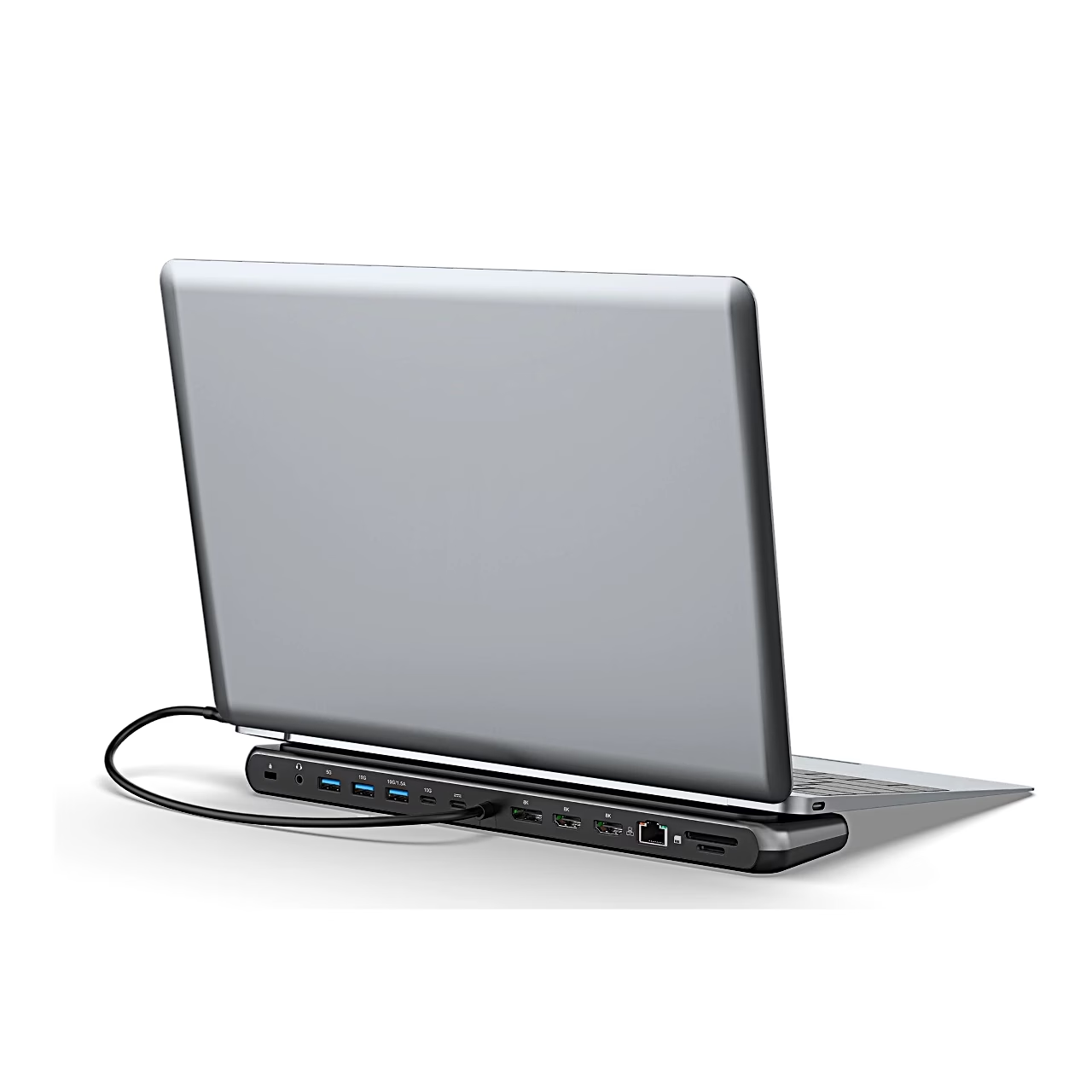
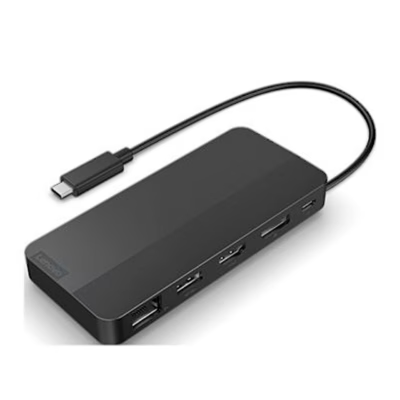
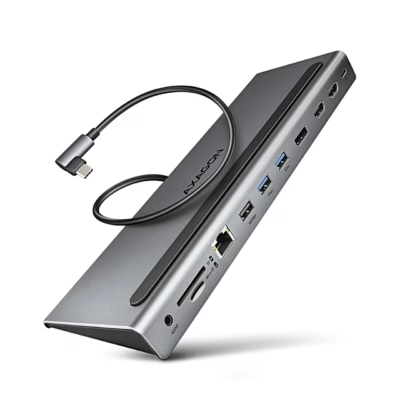
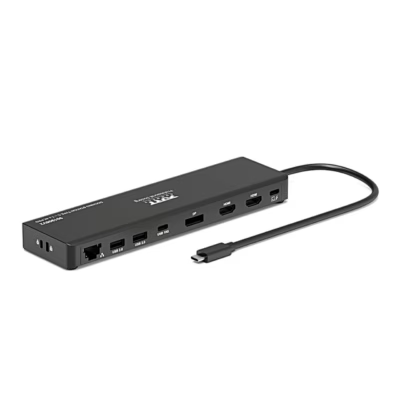
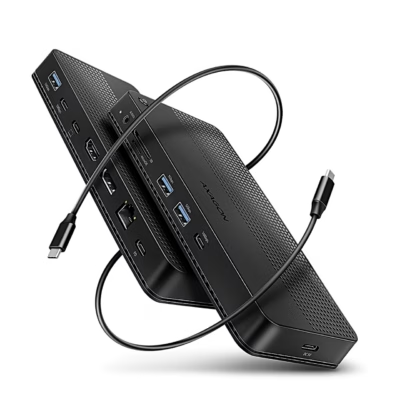
The USB-C docking station Digitus DA-70919 connects to the laptop with a 35 cm USB-C cable (USB 3.2 Gen 2). There are 3 video outputs: 2 HDMI ports and 1 DisplayPort. With one monitor the resolution reaches 8K (7680 × 4320) at 30 Hz, with two or three monitors up to 4K at 60 Hz. The dock supports HDR and HDCP 2.2 and 2.3.
Using several monitors
With Windows and ChromeOS the dock extends the desktop in MST mode: 2 monitors run at 4K 60 Hz; with 3 monitors, 1 runs at 4K 60 Hz and 2 at 4K 30 Hz. With macOS, iPadOS, Android and from iPhone 15 Pro, the monitors show the same image in SST mode, at 4K 60 Hz with 2 or 3 monitors. To use every function, the laptop’s USB-C port must support DP 1.4 Alt Mode with DSC and USB Power Delivery.
Ports and data transfer
For data there are 2 USB-A 3.2 Gen 2 ports and 1 USB-C 3.2 Gen 2 port at up to 10 Gbit/s, and 1 USB-A 3.2 Gen 1 port at up to 5 Gbit/s. One USB-A port and the USB-C port charge mobile devices at 1.5 A (7.5 W); the other 2 USB-A ports supply 0.9 A (4.5 W). There is a Gigabit Ethernet port (RJ45, 10/100/1000 Mbit/s) and an SD and microSD reader at up to 104 MB/s. A 3.5 mm audio jack and a security lock slot complete the set.
Power and laptop charging
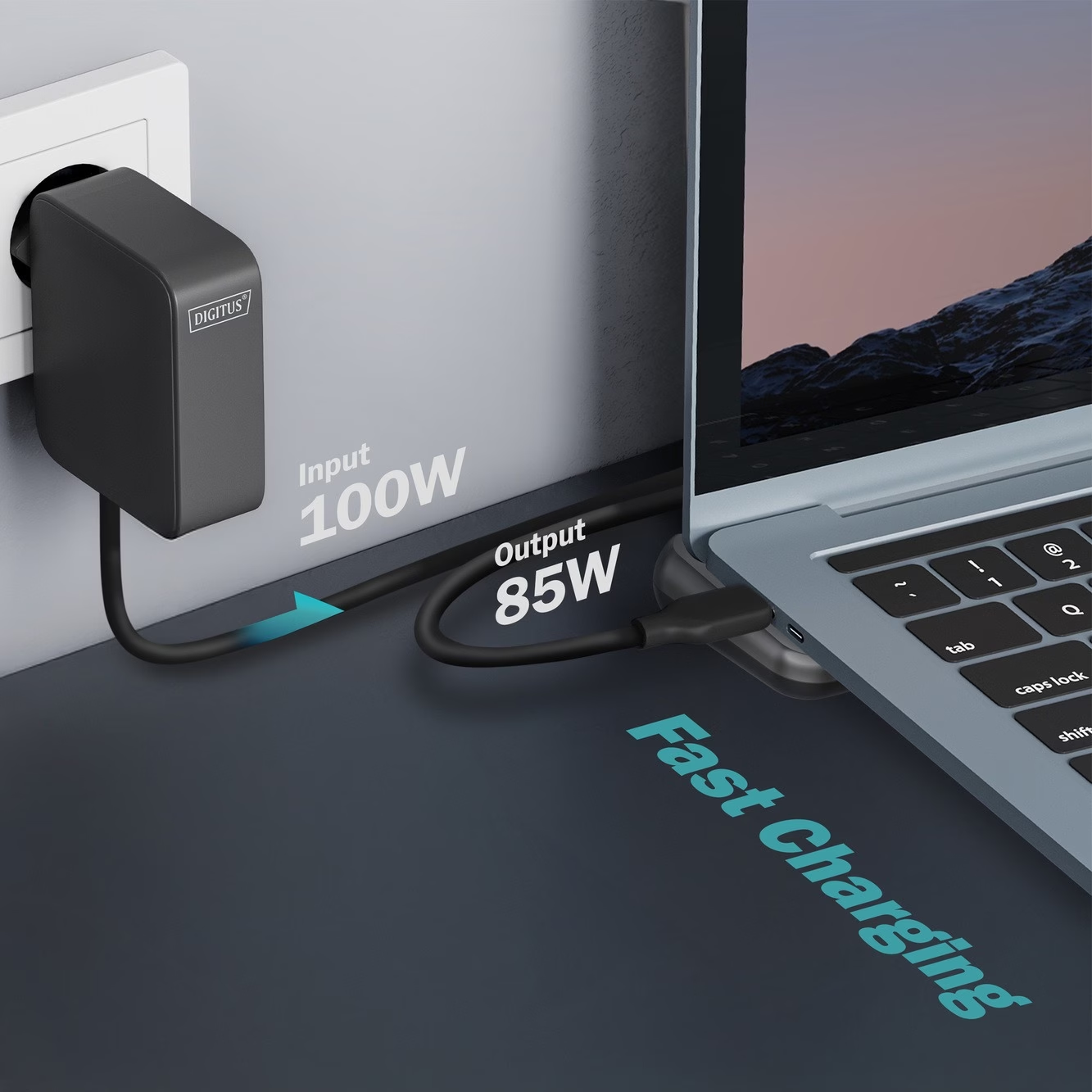
The dock is powered through its USB-C Power Delivery 3.0 port, located to the right of the 10 Gbit/s USB-C port, into which a USB-C charger of at least 100 W is connected. Of the charger’s power, the dock sends up to 85 W to the laptop and uses 15 W itself. The dock has short-circuit and overcurrent protection.
Compatibility
The dock works with Windows 7, macOS 12, iPadOS 16, Android 14, ChromeOS 116.0.5845.120 and Linux 22.04 LTS or later, and with iPhone 15 or later. The actual resolution depends on the laptop’s graphics card, the connected monitor and the DisplayPort mode.
Cleaning and care
Before cleaning, disconnect the dock from the power supply and the connected devices. Clean the housing with a dust-free cloth.
In the box
- USB-C docking station Digitus DA-70919
- Quick installation guide









































Reviews
There are no reviews yet.