

Description
USB-C docking station for one external display
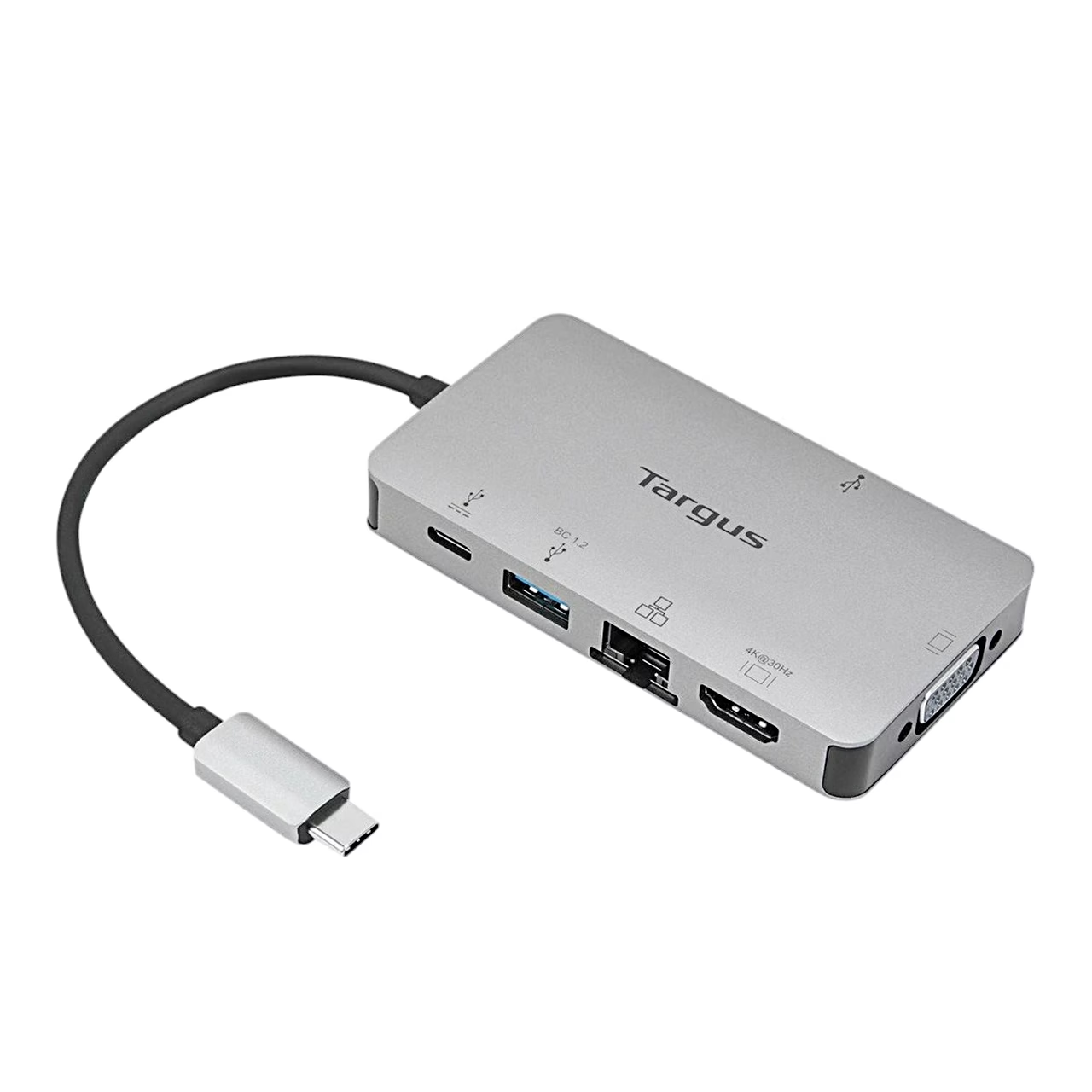
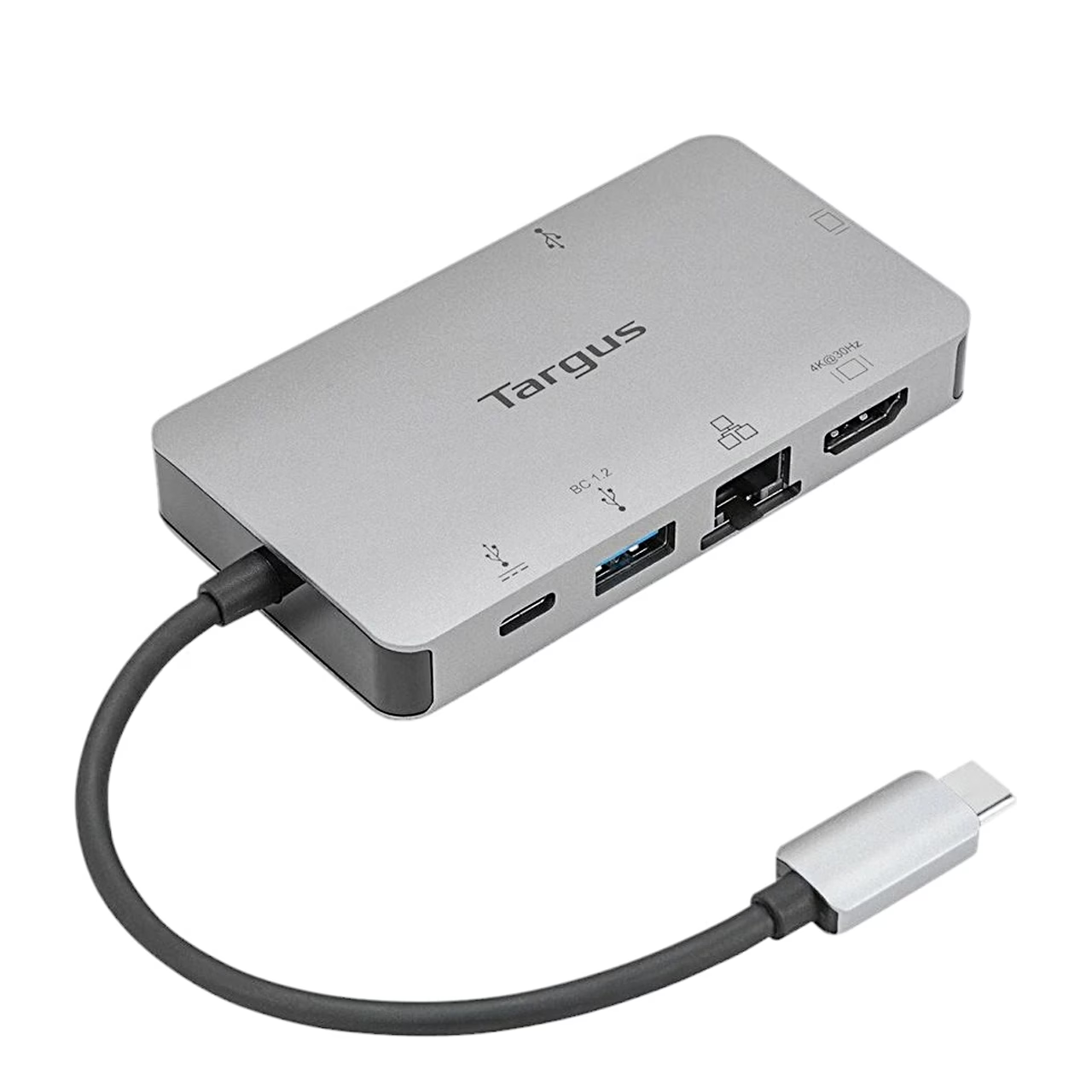
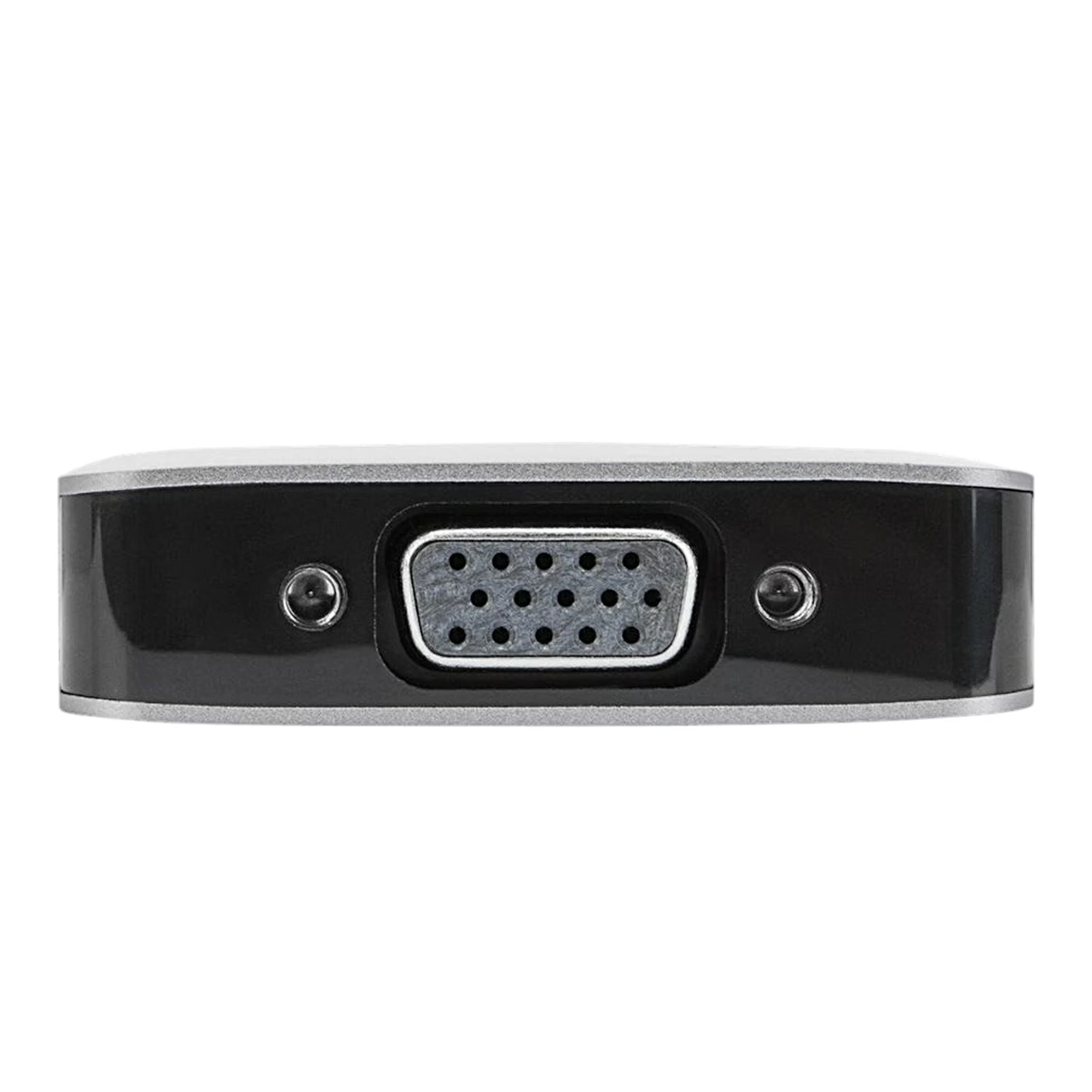
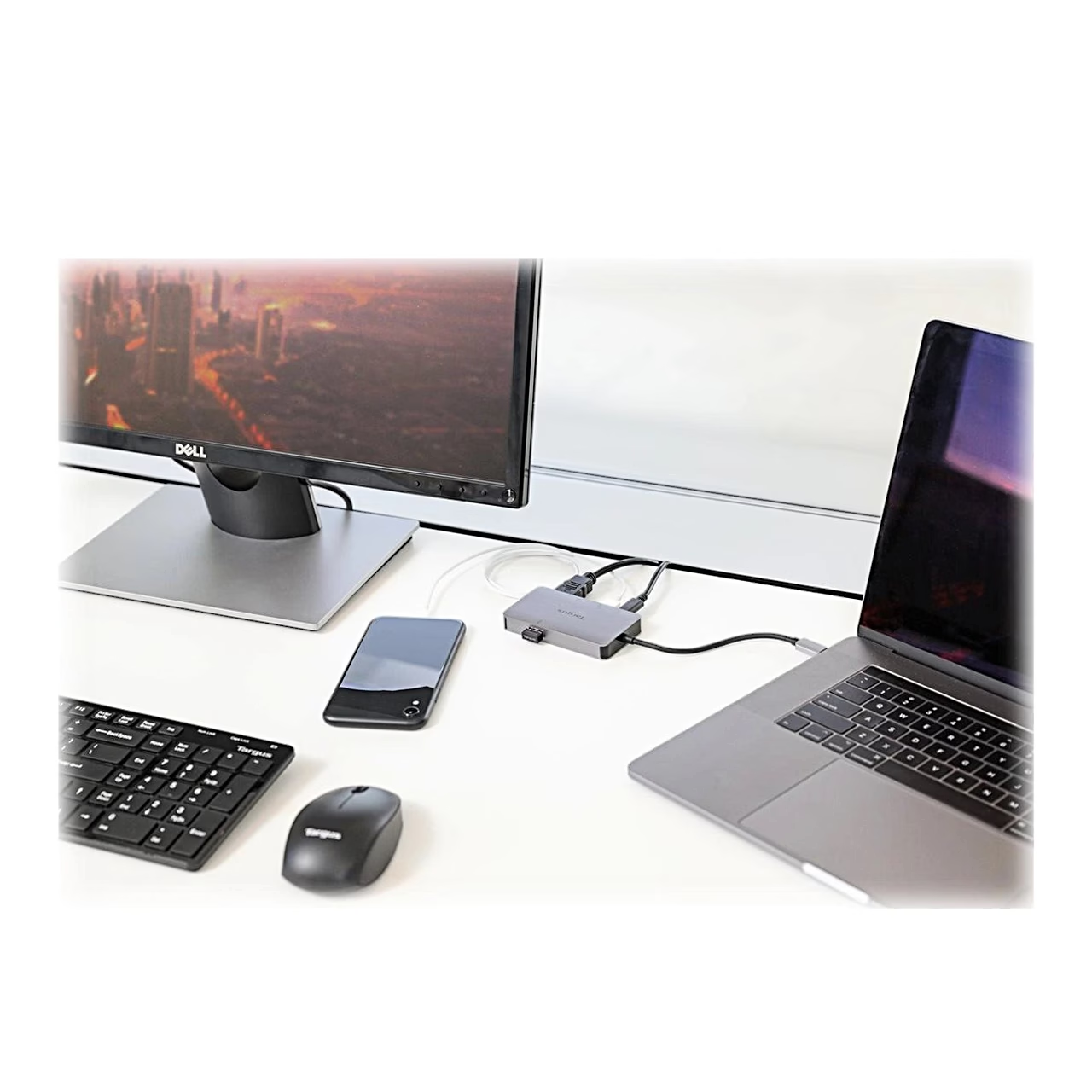
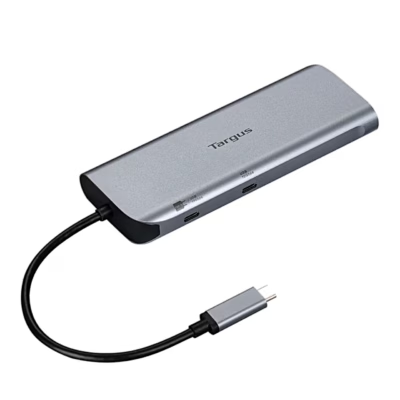
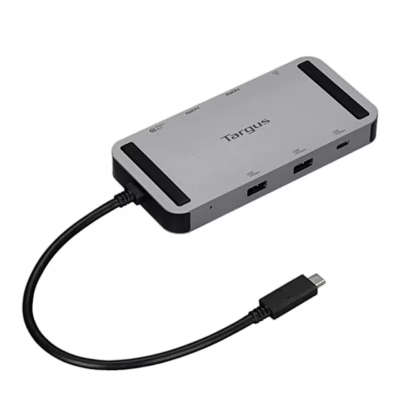
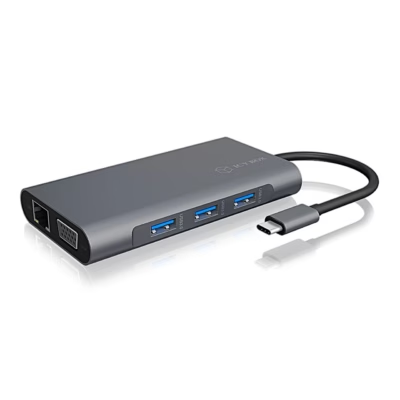
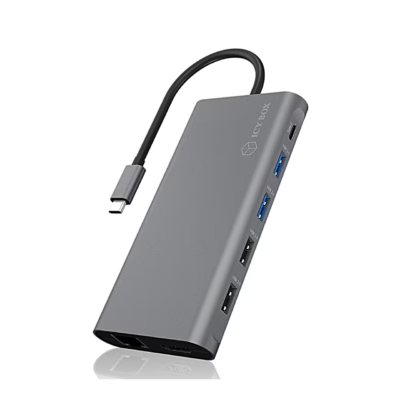
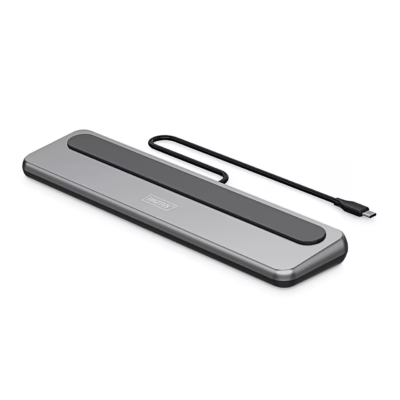
The USB-C docking station with pass-through charging connects to the laptop with the USB-C cable fixed to its housing. You connect an external display through either the HDMI or the VGA port: the dock supports one external display and 4K resolution. DisplayPort Alt Mode (DP Alt Mode) is a USB-C port mode in which the port also carries a DisplayPort video signal, so a laptop without it does not send video through the dock.
Pass-through charging and ports
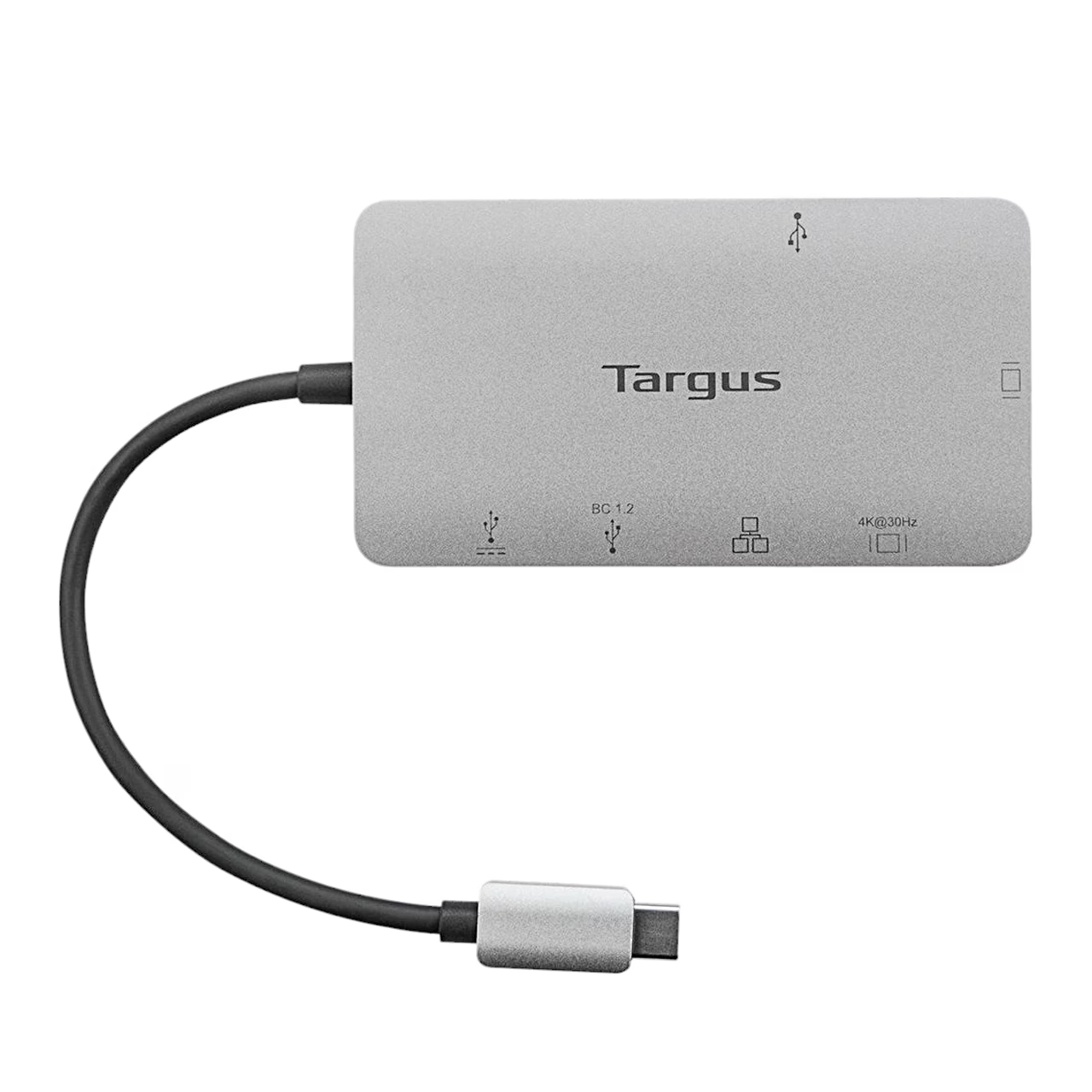
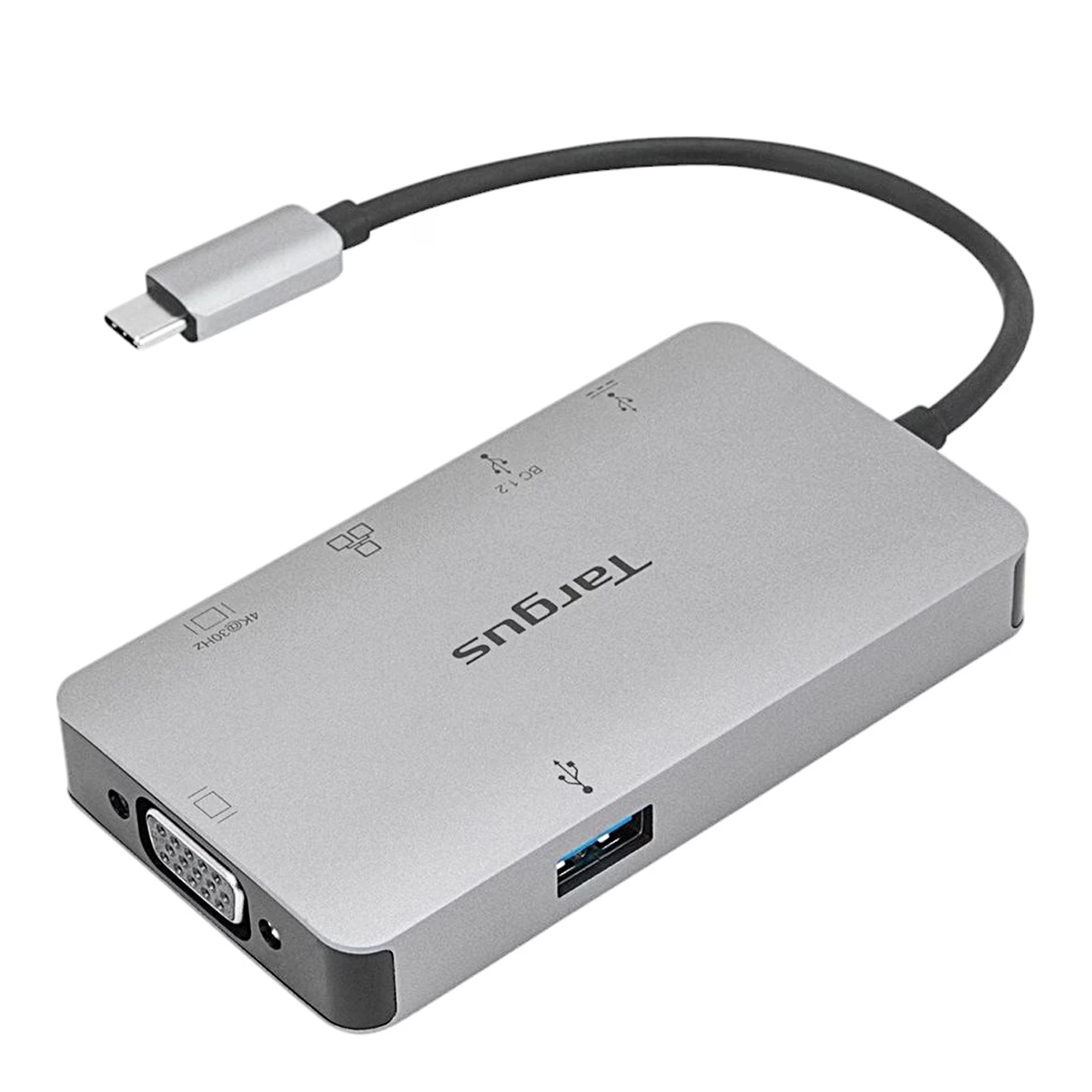
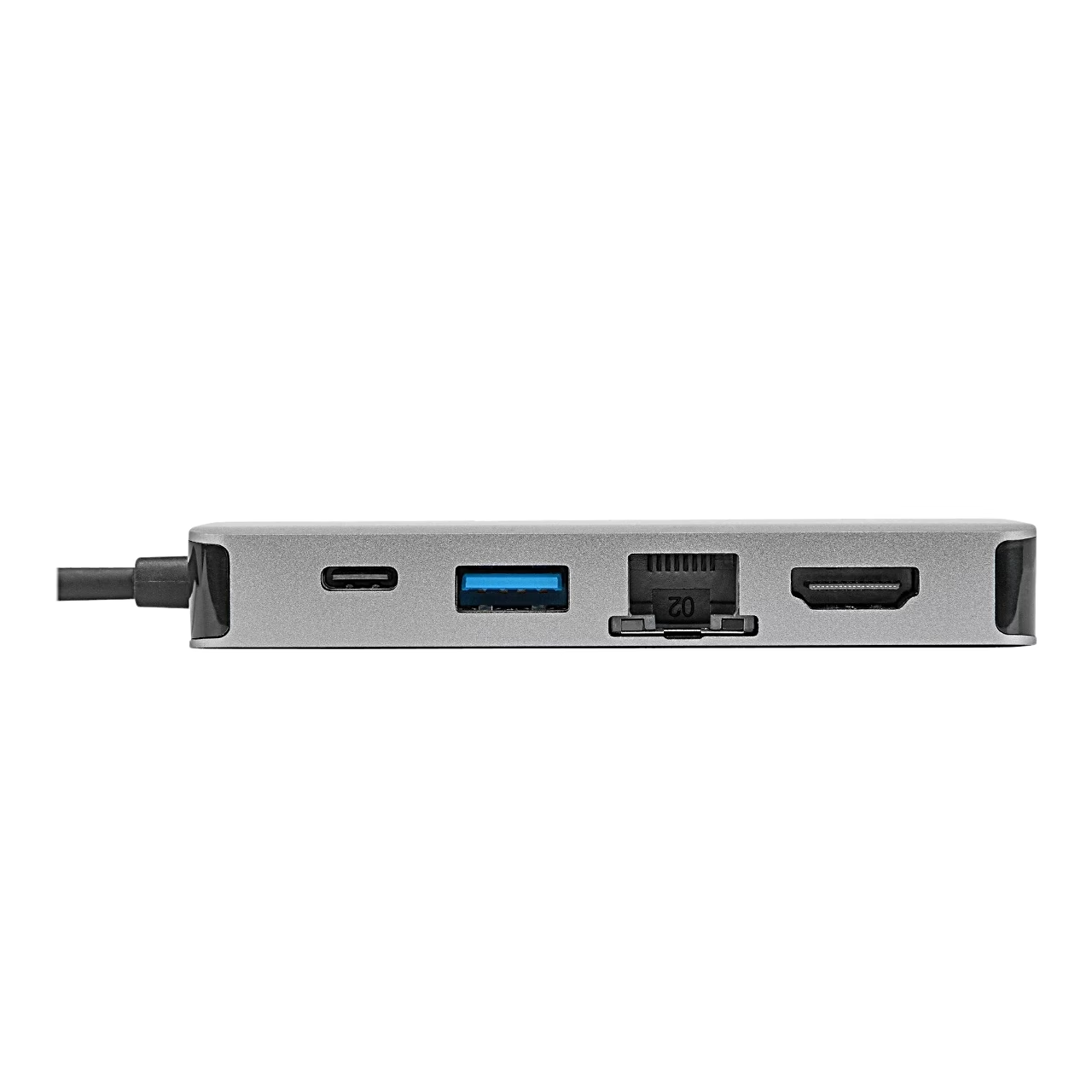
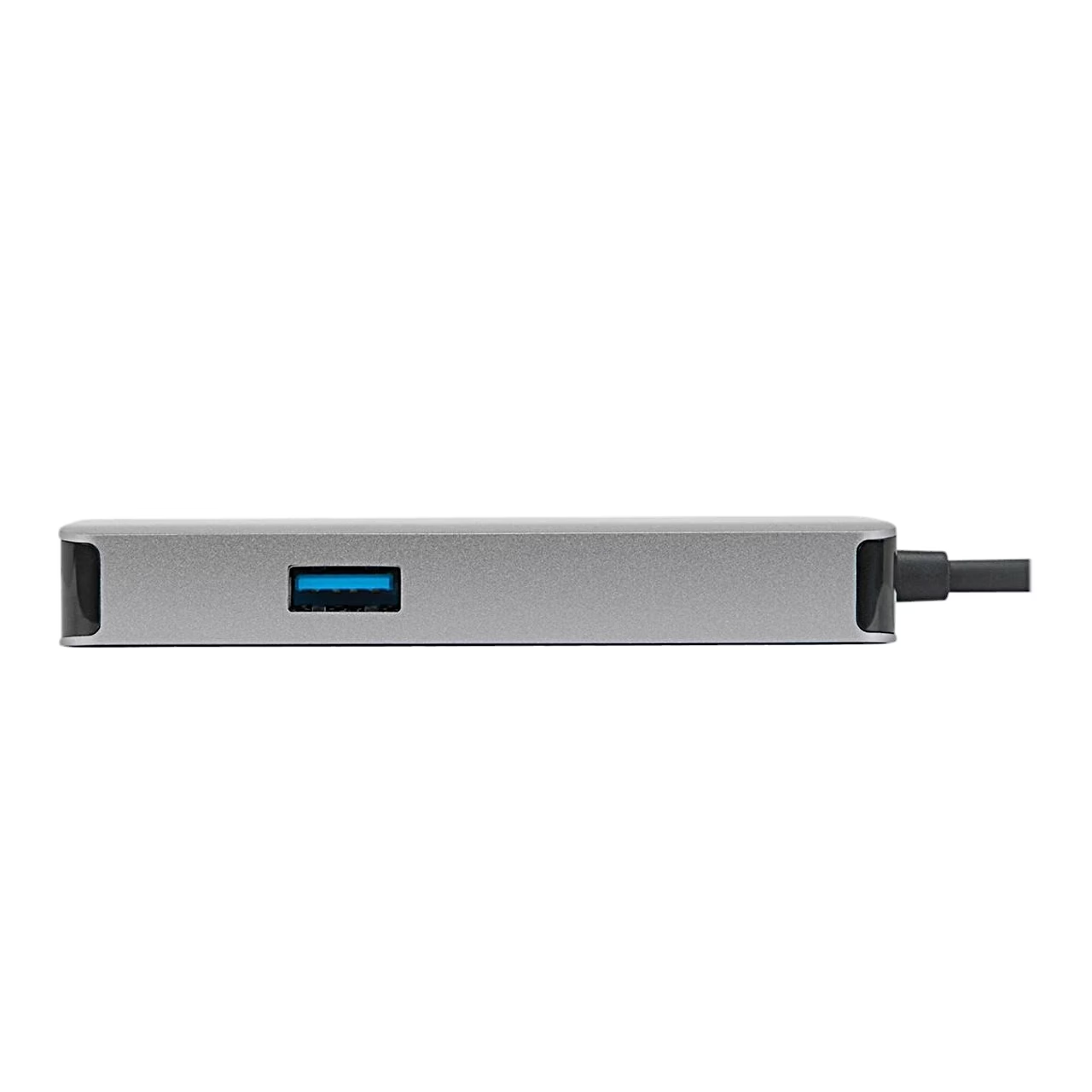
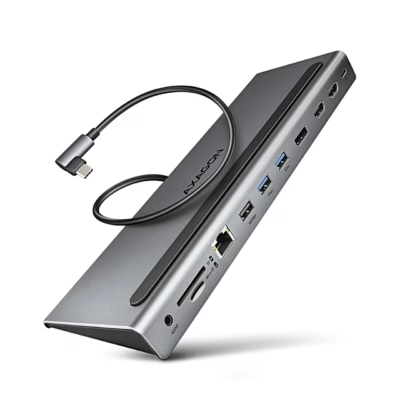
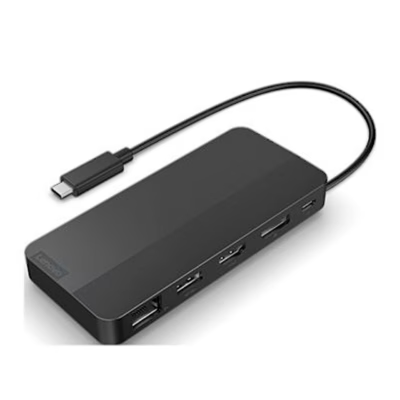
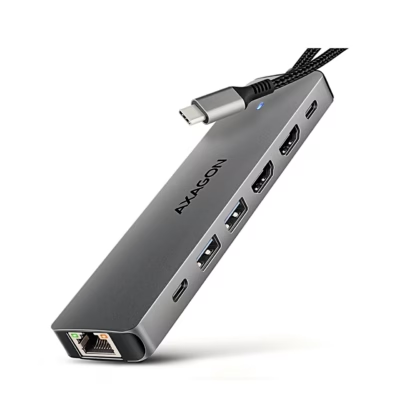
When a USB PD power adapter is plugged into the dock’s USB-C port, it also charges the laptop through the dock with 100 W USB PD pass-through charging. For data, the dock has two USB-A ports and one USB-C port. The RJ-45 network port takes a network cable for a wired internet connection.
Port layout
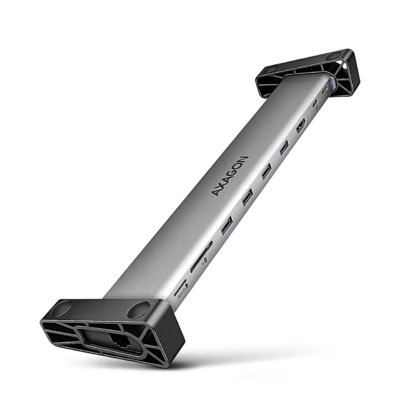
One long side of the dock has the USB-C, USB-A, RJ-45 and HDMI ports, and the opposite side has the second USB-A port. The USB-C cable leaves the housing at one end and the VGA port sits at the other end, between two screw sockets.










































Reviews
There are no reviews yet.