

Description
Smart power strip with three individually controlled outlets and USB charging
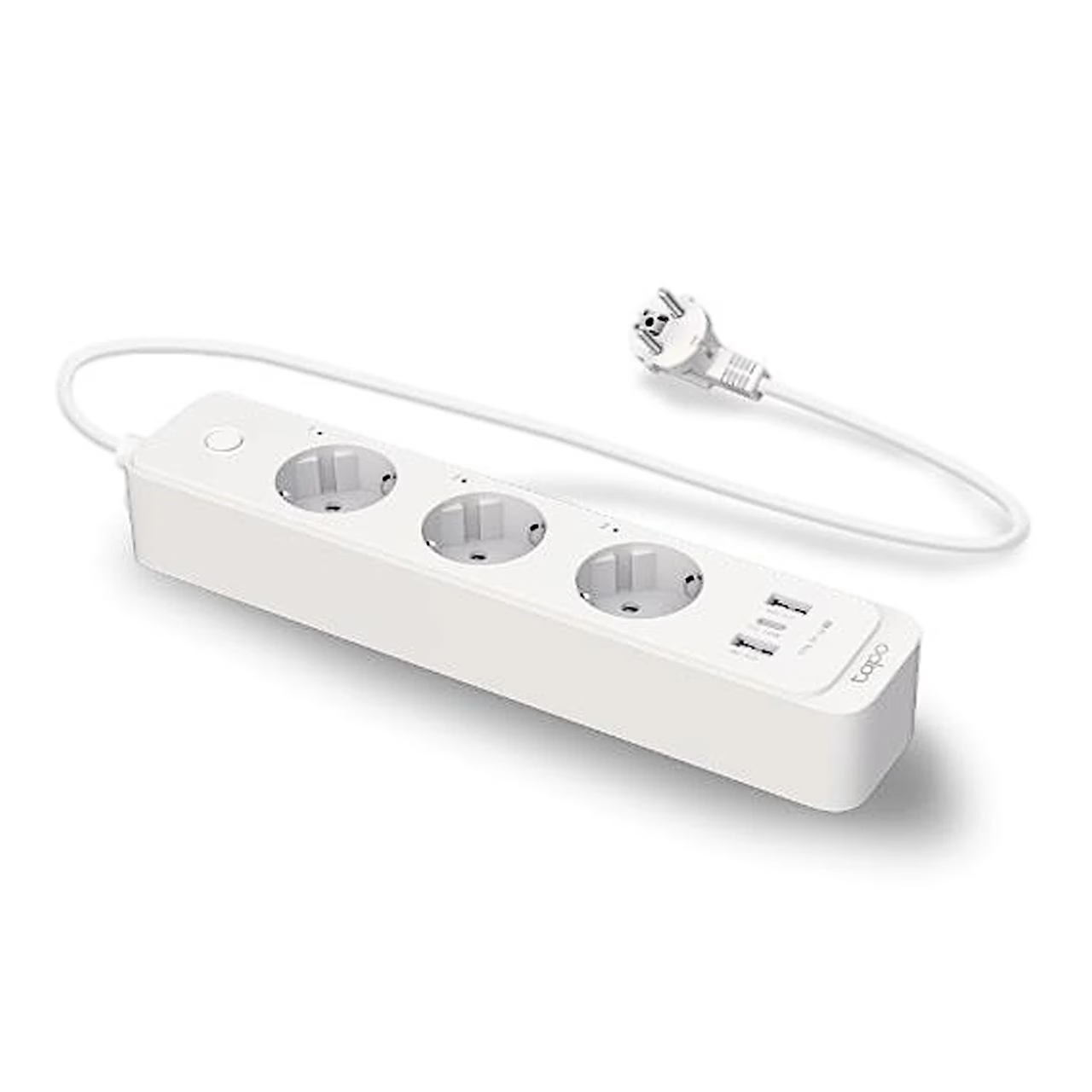
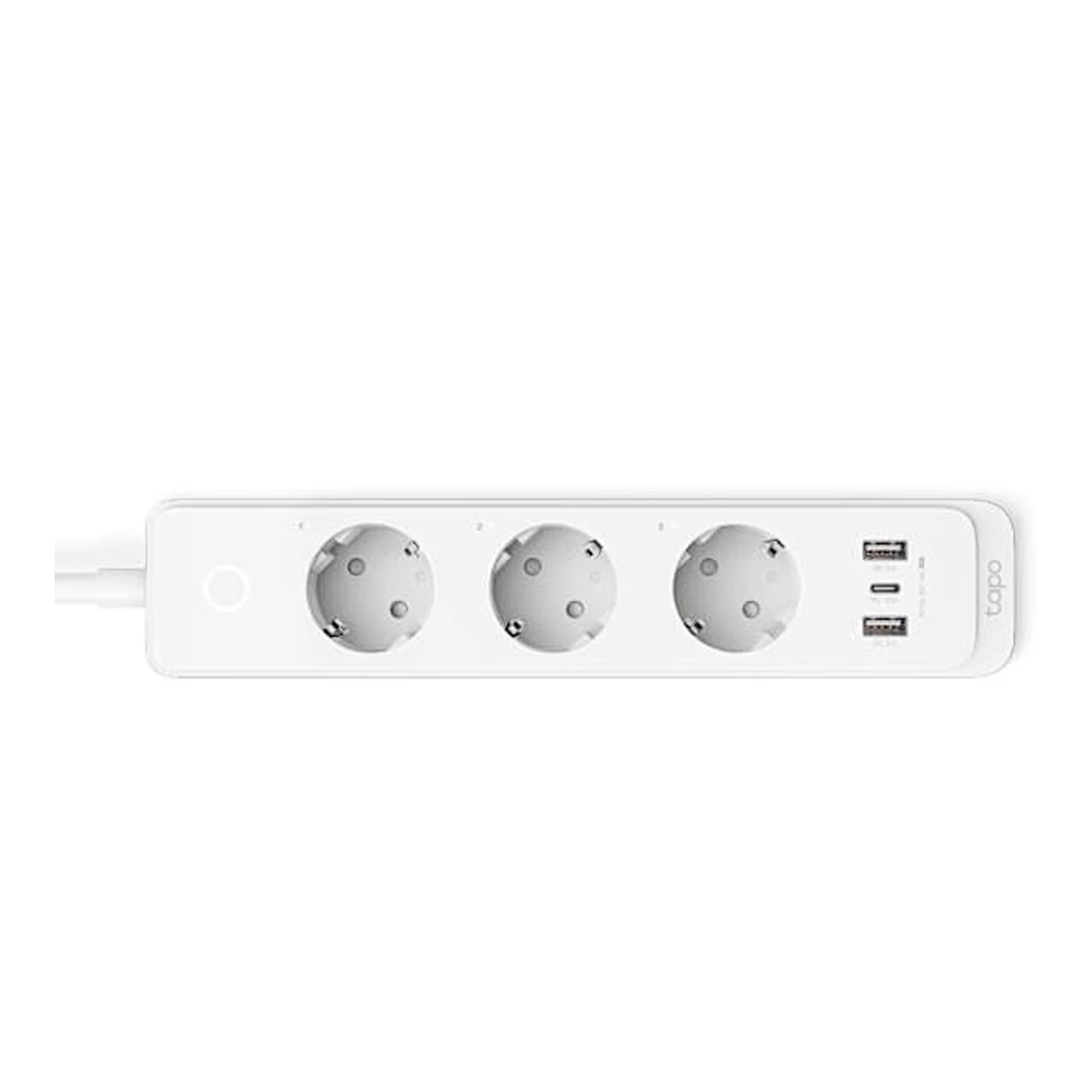
The smart power strip with USB ports TP-Link Tapo P300 connects to your 2.4 GHz home Wi-Fi network and its three outlets switch individually. The outlets are 57 mm apart, so larger plugs fit side by side. The strip connects directly to the router, without a separate hub.
Charging from the USB-C and USB-A ports
The strip has one USB-C port (PD) and two USB-A ports (QC 3.0), which stay powered when the smart outlets are switched off. A single port delivers 5 V / 3 A, 9 V / 2 A or 12 V / 1.5 A, up to 18 W in total. When several devices charge at once, the combined USB output is 5 V and 3 A. PD and QC 3.0 are fast-charging standards that let compatible devices charge at higher power.
Control from the app and by voice
In the Tapo app you can set a schedule, a timer and an away mode for each outlet; away mode switches the selected outlet on and off at random during a set period. The app shows the runtime of each outlet for today and for the past 30 days. The strip can also be added to the Apple Home app and controlled by voice through Siri, Amazon Alexa and Google Assistant. Control can be shared with family members via their TP-Link ID.
Placement and setup
The strip can stand on a shelf or desk or hang on the wall from two screws 188 mm apart. To set it up, download the Tapo app, log in with your TP-Link ID, add a new device, select Tapo P300 from the list and follow the in-app instructions. Holding the power button for 5 seconds resets the Wi-Fi settings and holding it for 10 seconds restores the factory settings.
Cleaning and care
To remove dust, unplug the strip from the socket and wipe it with a dry cloth. Unplug the strip if it will not be used for a long time.
In the box
- TP-Link Tapo P300 smart power strip
- Quick start guide








































Reviews
There are no reviews yet.