
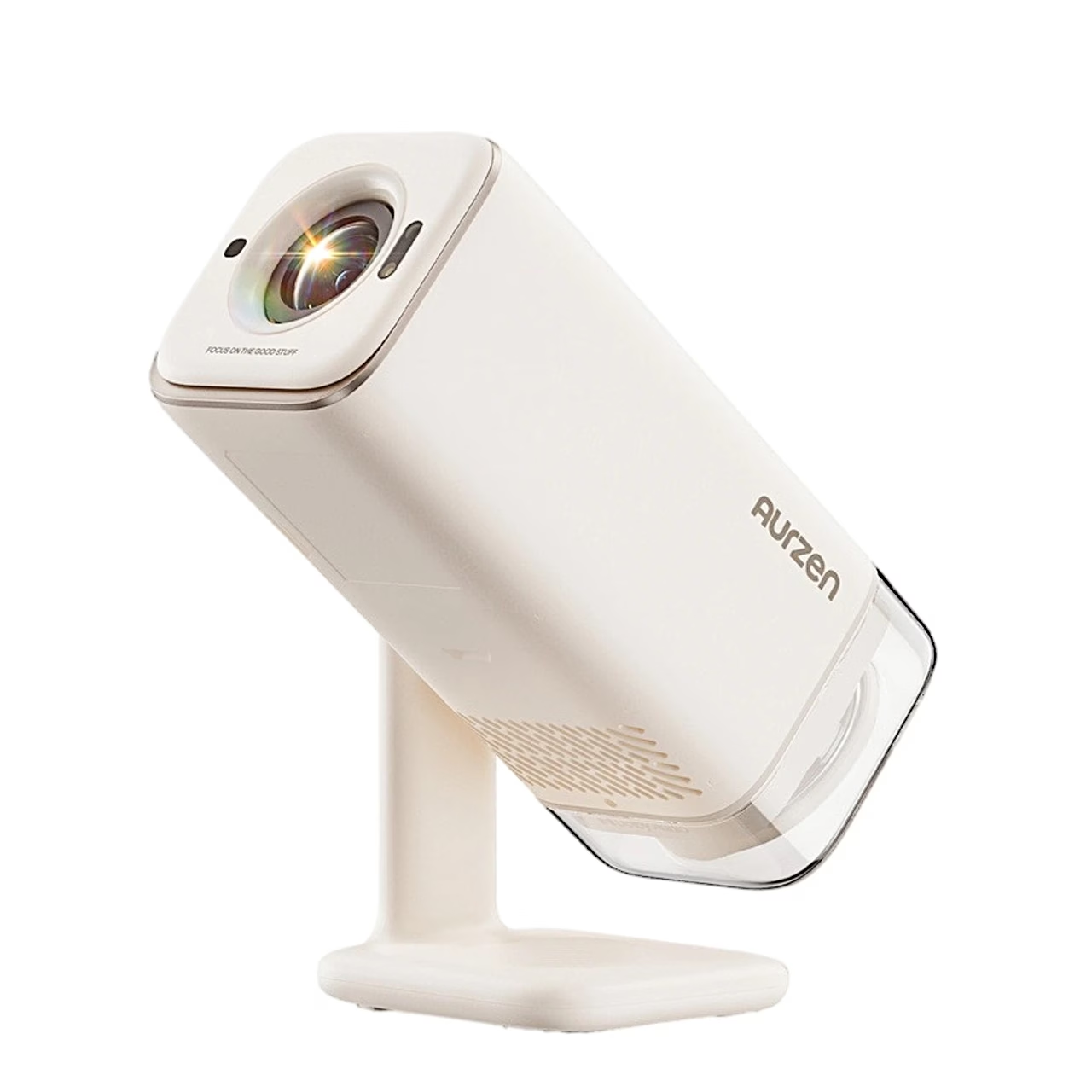
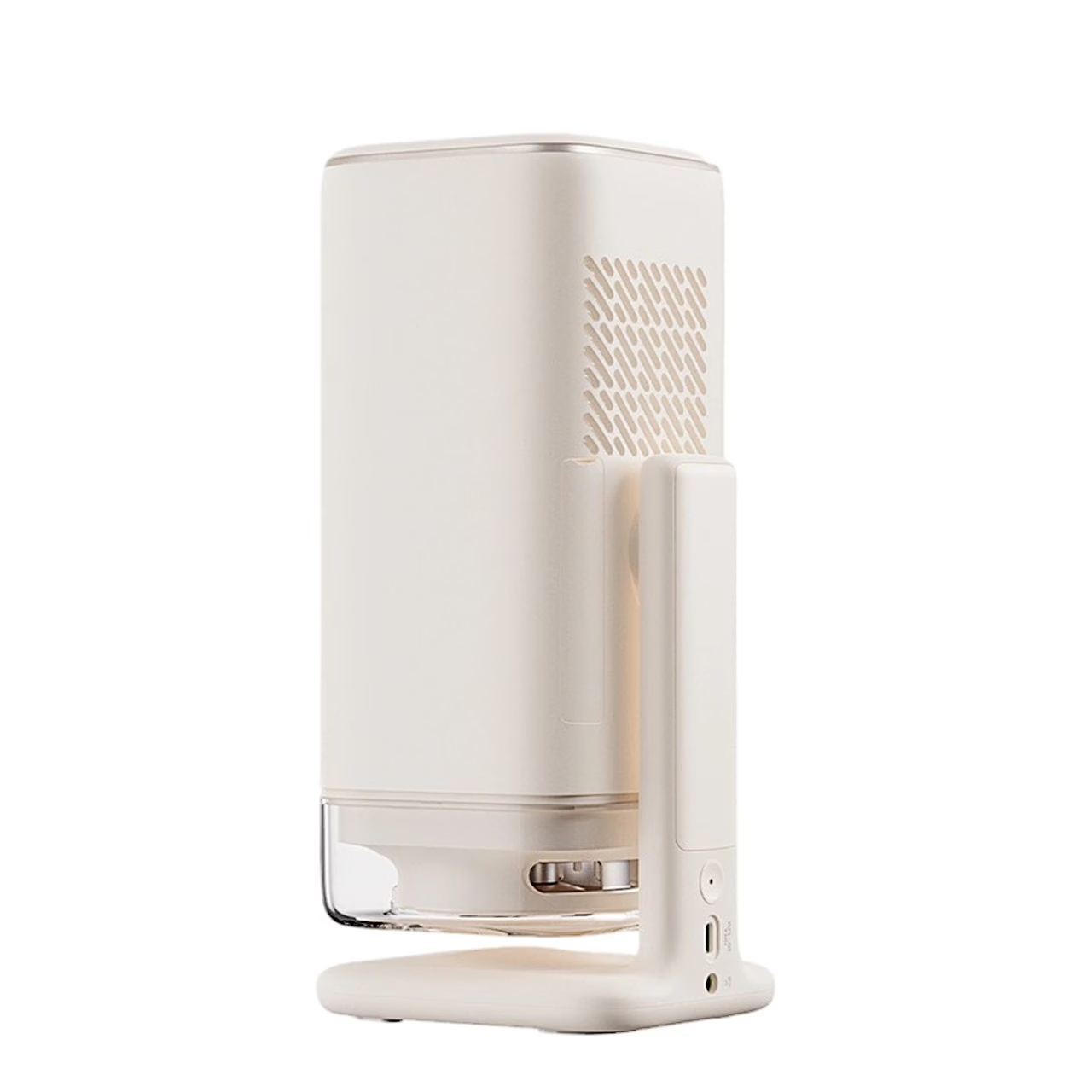
Description
Projector with Google TV and a Full HD image for streaming
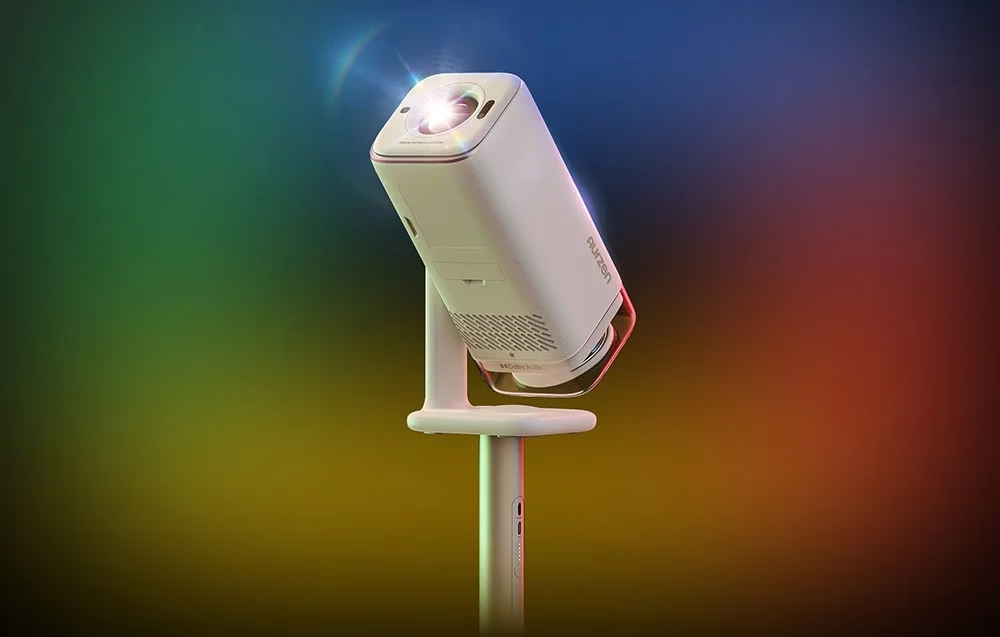
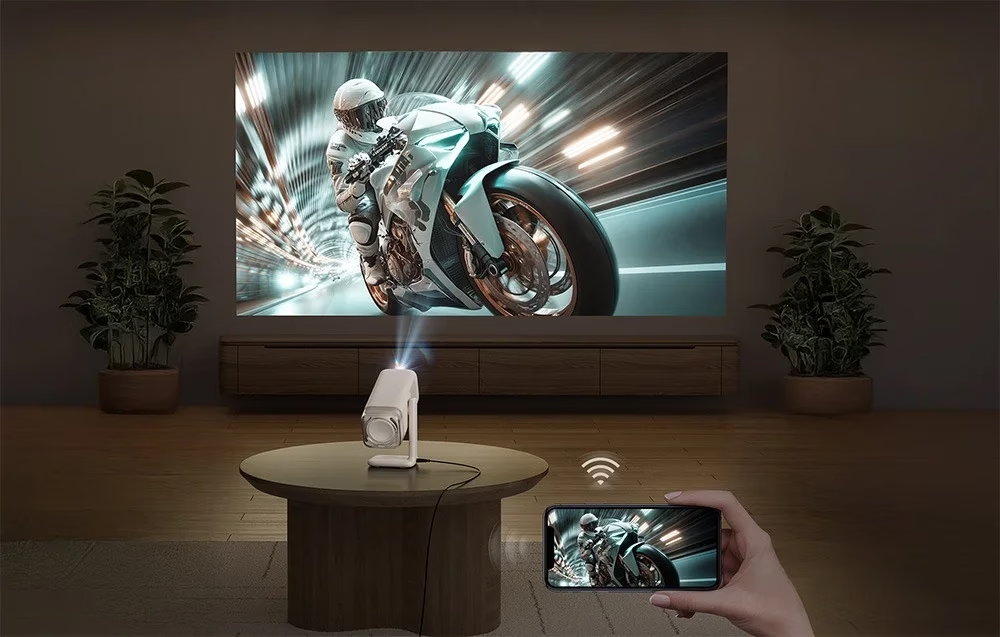
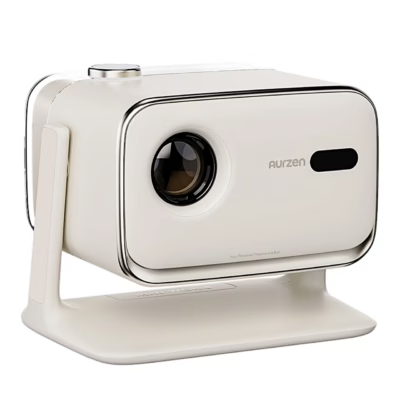
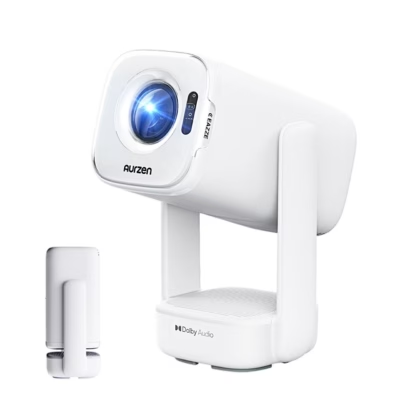
The Google TV projector AURZEN Boom Air shows a 1920 × 1080 pixel image at 300 ANSI lumens using LCD technology and an LED light source. Netflix, YouTube, Disney+ and Prime Video run directly on the projector, and a remote button gives voice commands to Google Assistant.
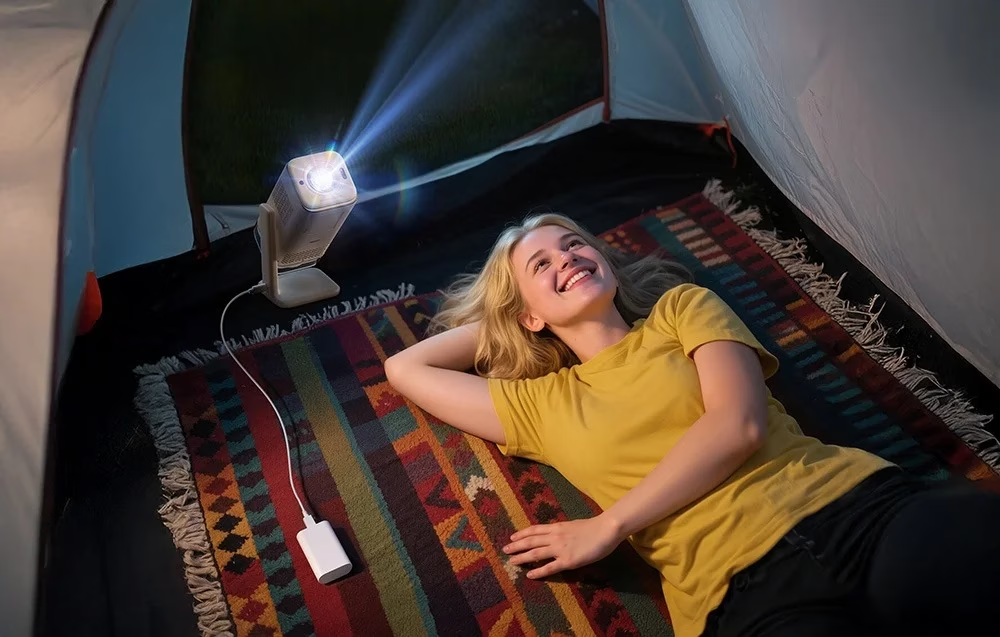
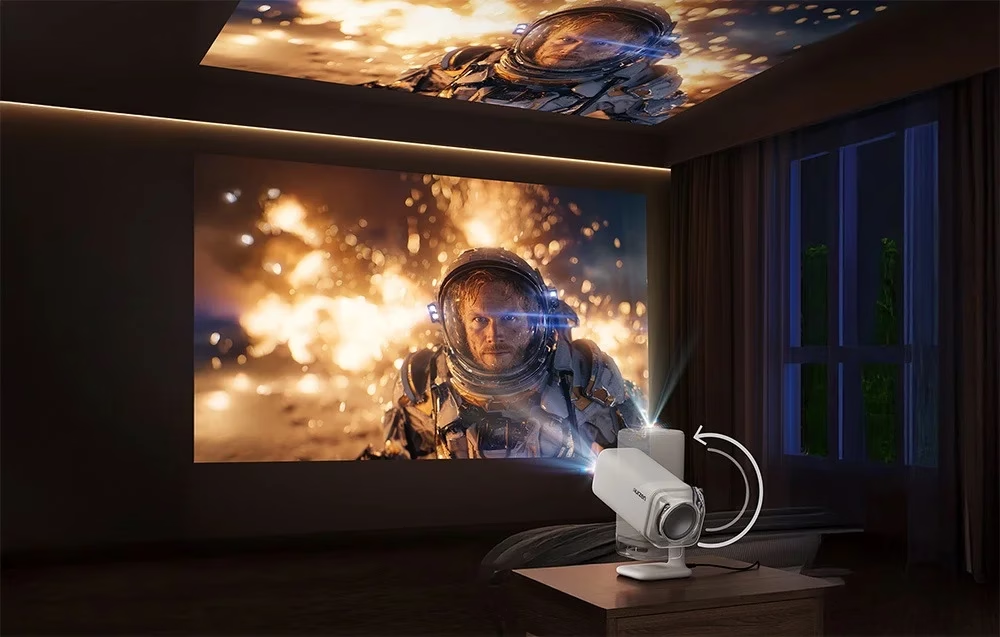
Rotating stand aims the image at a wall or the ceiling
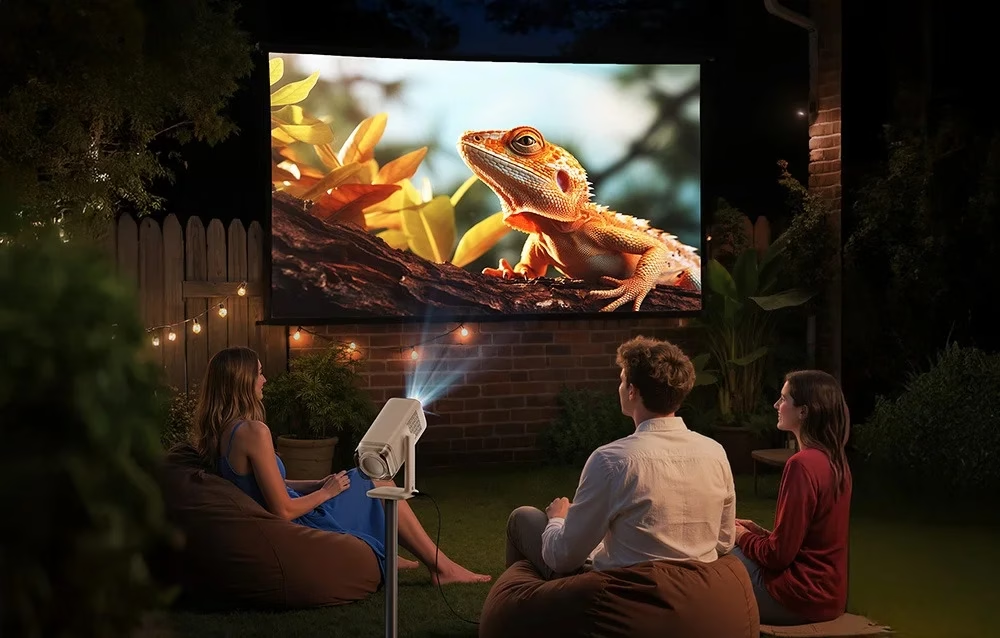
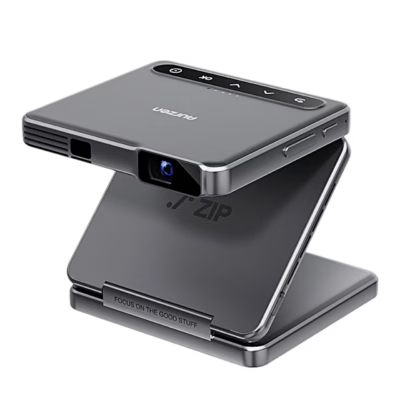
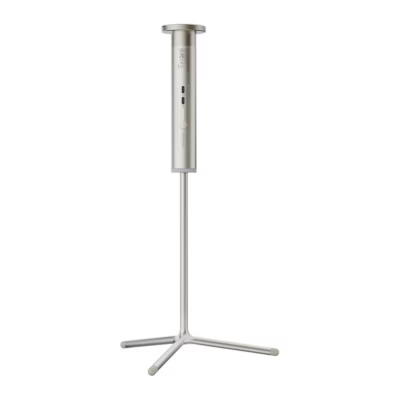
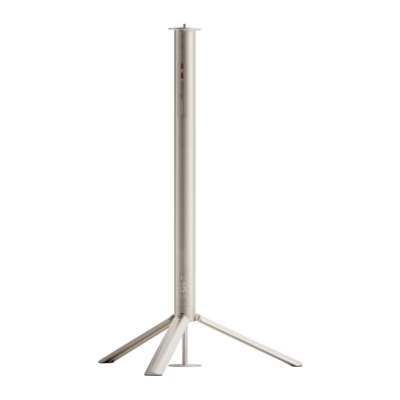
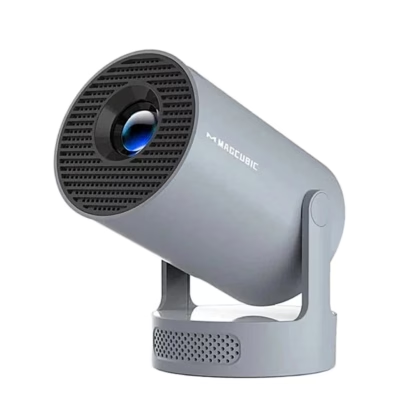
The projector’s stand rotates through 110°, so the image can be aimed at a wall or straight at the ceiling without an extra mount. In Projection Mode you choose front or rear projection from a table or the ceiling. For a tripod or ceiling mount the body has a 1/4-inch thread.
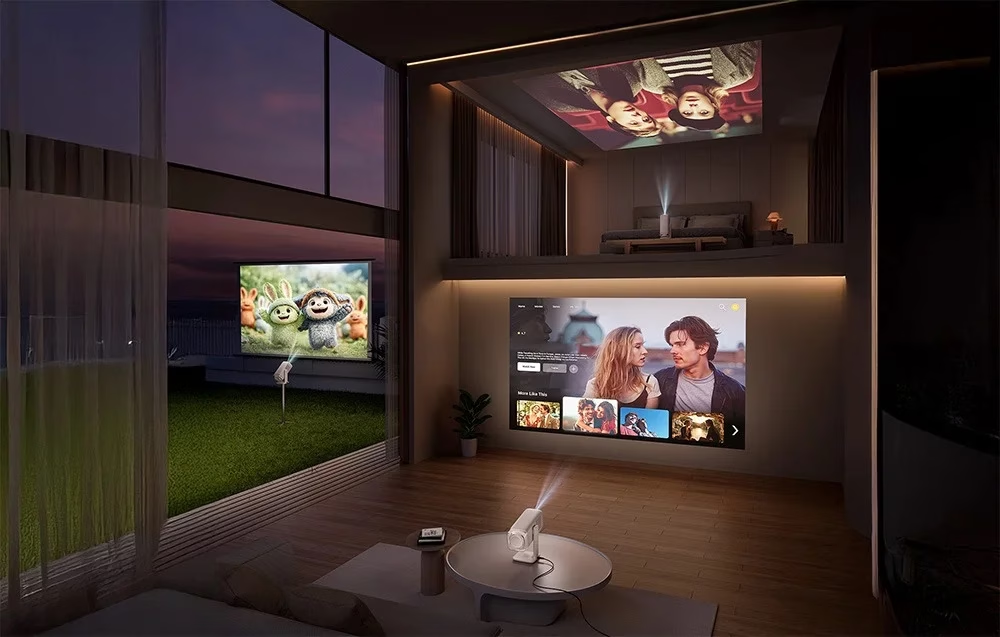
Automatic focus and keystone correction
A ToF sensor measures the distance to the surface by the time of flight of light and the projector focuses the image itself. The projector corrects keystone distortion automatically by up to ±20° vertically and ±15° horizontally. Auto Screen Alignment fits the image to the projection surface, and Auto Obstacle Avoidance steers the image around obstacles on the wall. Of the picture modes, Highlight is meant for a brighter room and ECO for evening viewing.
Sound and Bluetooth
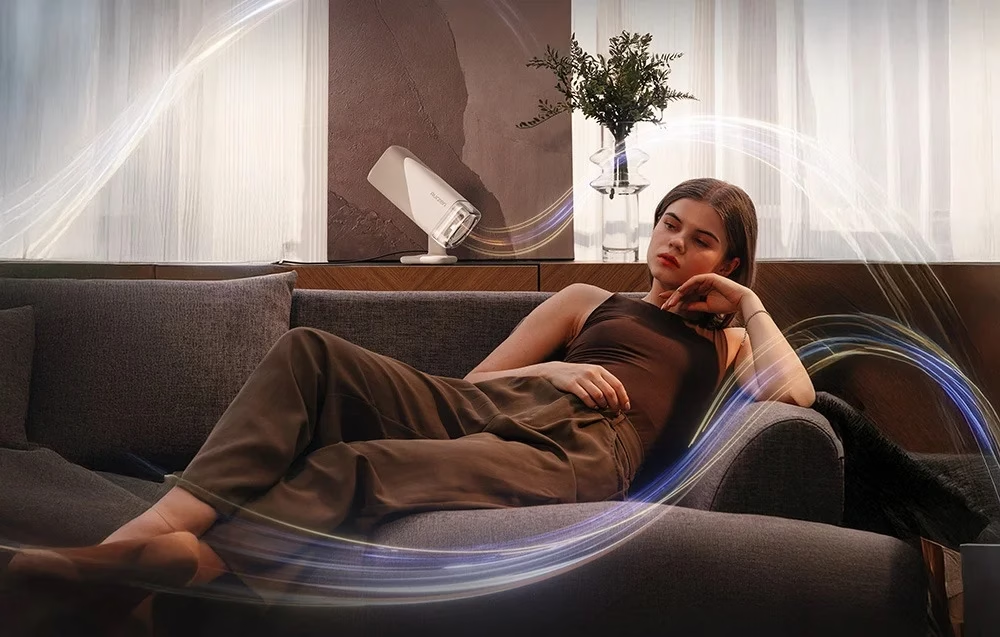
The built-in 10 W speaker supports Dolby Audio. Two-way Bluetooth lets you send the sound to a soundbar or headphones, and in BT speaker mode the projector plays music from your phone.
Connections and screen sharing
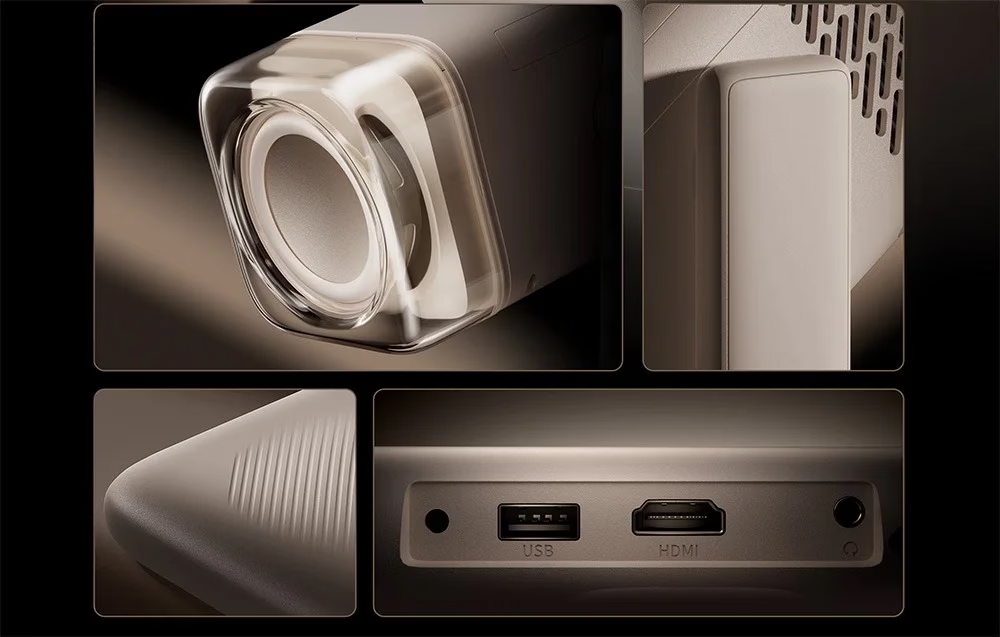
A games console, laptop or set-top box connects to the HDMI input, the USB port plays files from external storage, and the audio output connects an external sound system. The projector accepts signals up to 4K 60 fps and supports HDR10 and HLG. Wi-Fi works on the 2.4 and 5 GHz bands, and Google Cast shows an Android phone’s screen wirelessly.
Power at home and outdoors
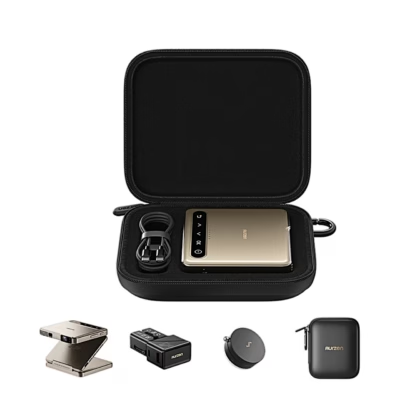
The projector runs on the supplied 24 V / 3.75 A power adapter. Via the USB-C port it can also be powered from a power bank that delivers at least 65 W PD (20 V / 3.25 A). Measuring 100 × 100 × 260 mm, the projector fits in a travel bag.
Use
Before first use, remove the protective film from the lens, connect the power adapter and press the power button; to switch off, hold the power button. To pair the remote, hold it within 10 cm of the projector and press the Back and Home buttons together.
Cleaning and care
Remove dust from the lens with a soft cloth or a soft brush. For cleaning the LCD panel there is a separate dust-proof cover on the back of the body, and the air filter has its own cover.
In the box
- Projector AURZEN Boom Air, 1 pc
- remote control, uses two AAA batteries
- power adapter
- user manual






































Reviews
There are no reviews yet.