
Description
3D printer for multi-colour printing and technical filaments
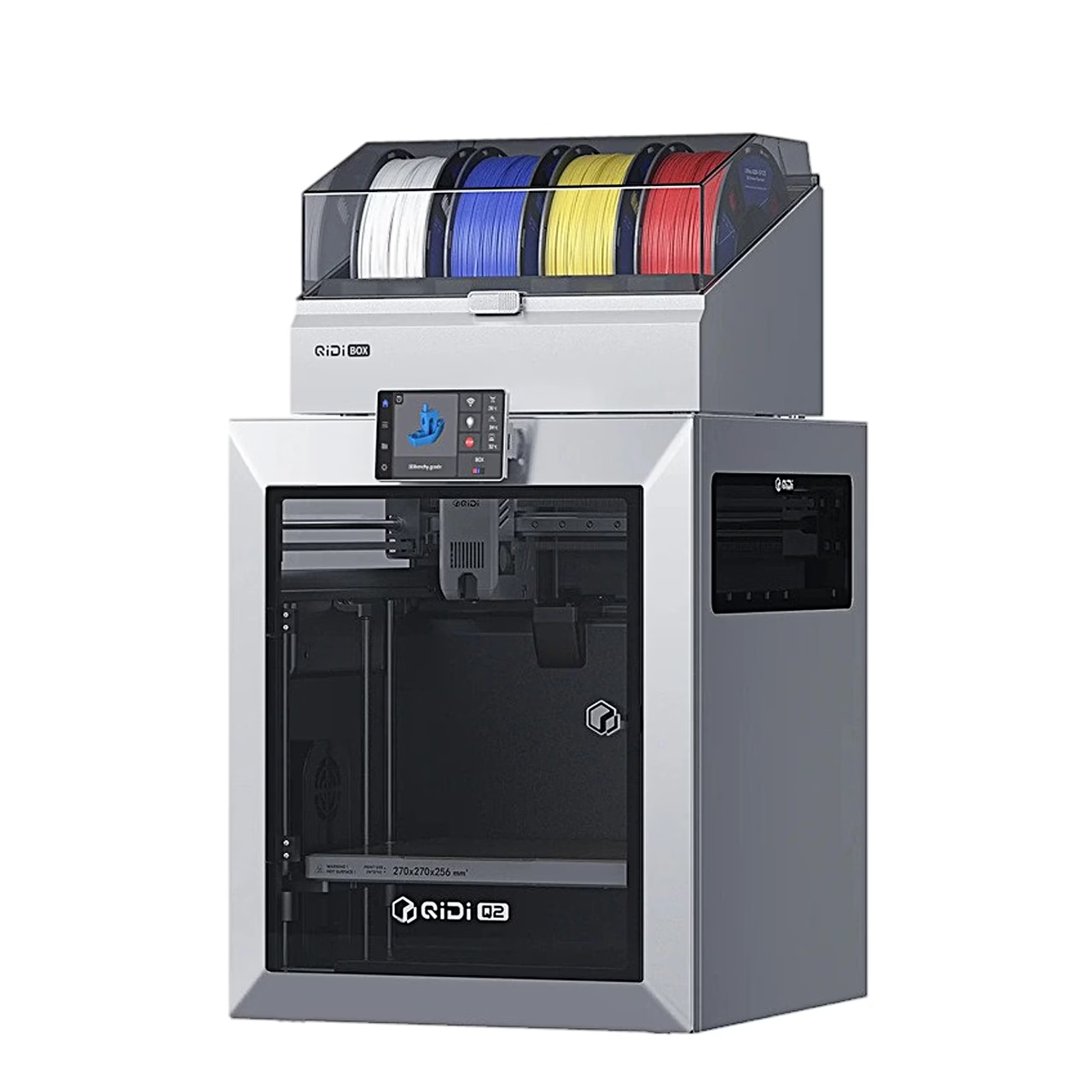
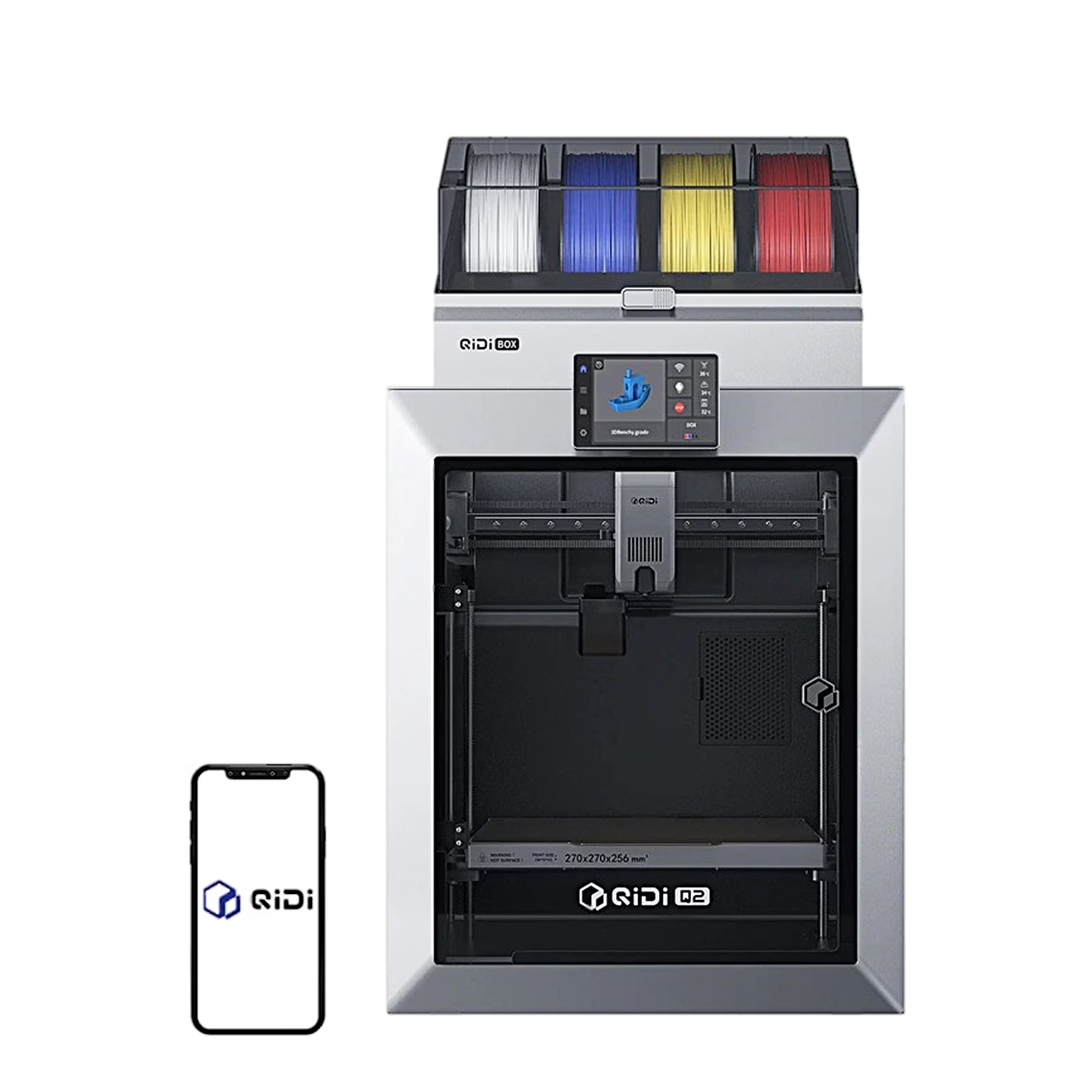
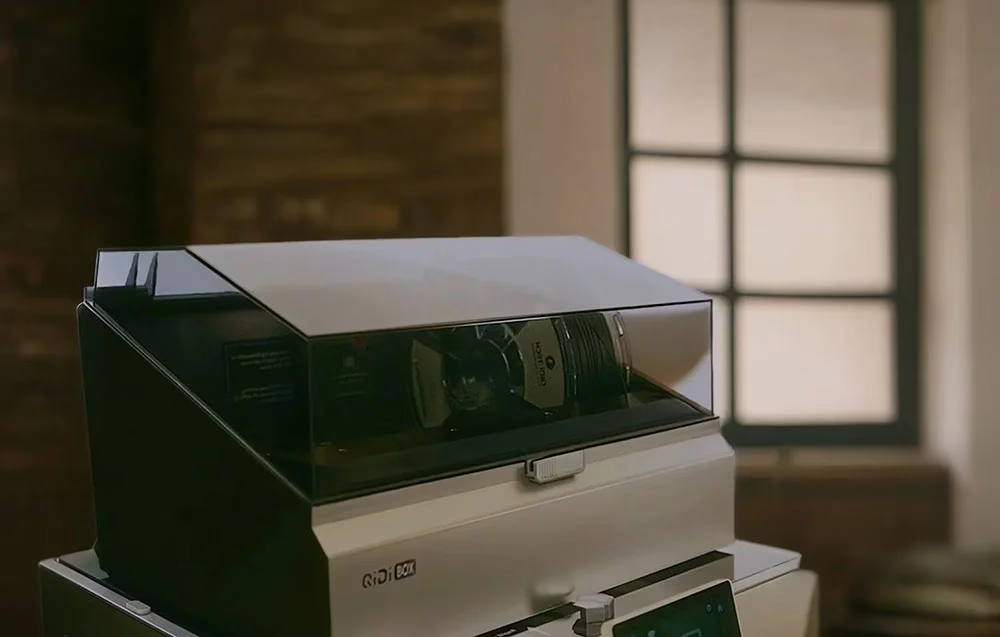
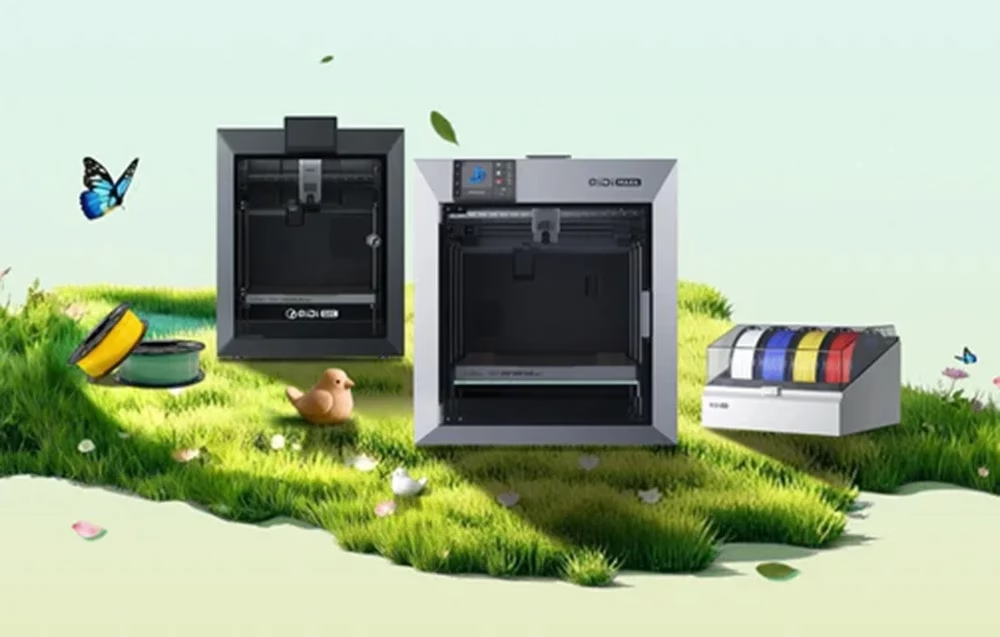
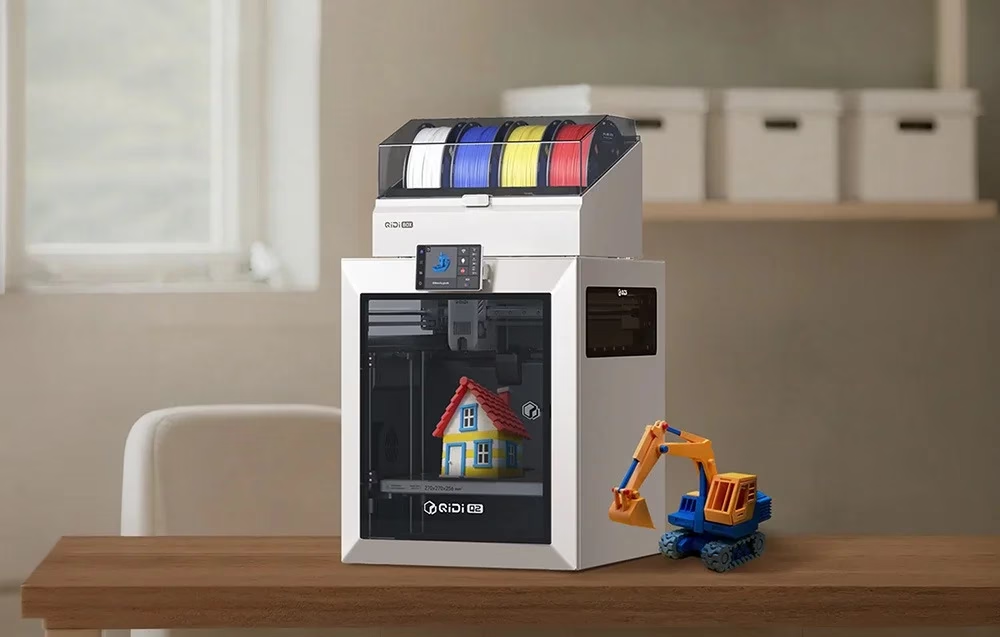
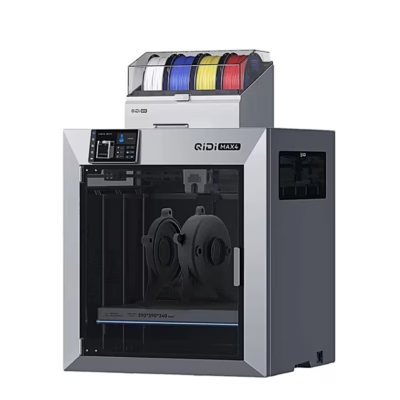
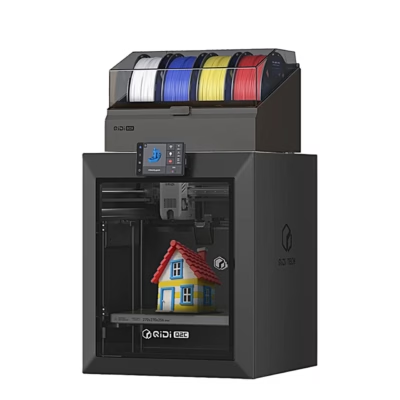
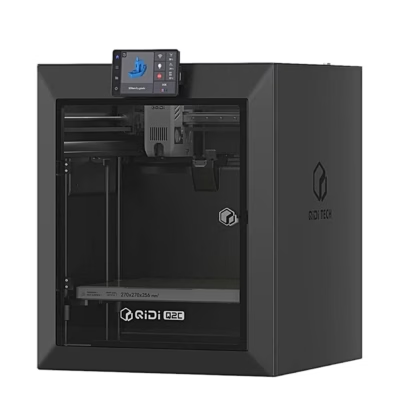
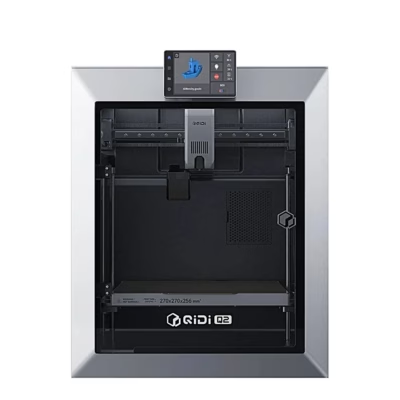
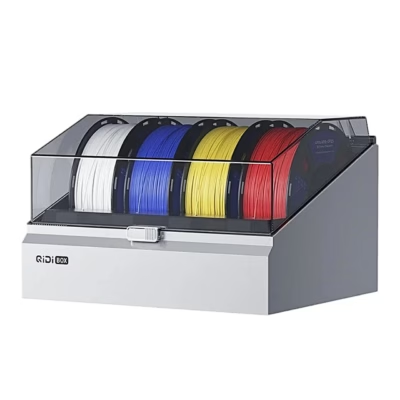
The multi-colour 3D printer QIDI Q2 Combo prints filament using FDM technology and has a build volume of 270 × 270 × 256 mm. The supplied QIDI Box filament changer lets you print several colours in one model and detects filament tangles.
Hotend and chamber heating for technical filaments
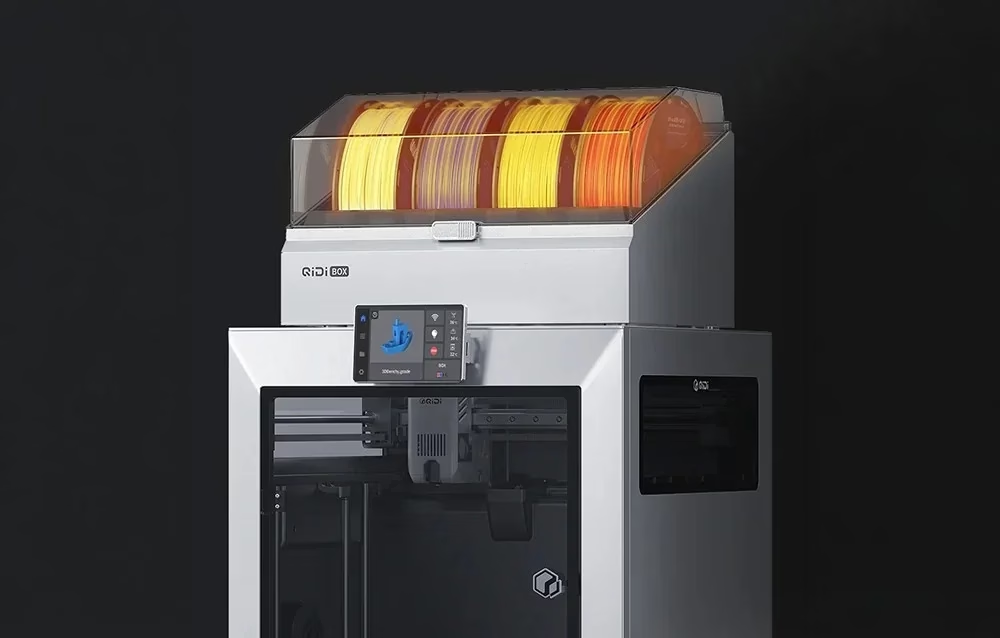
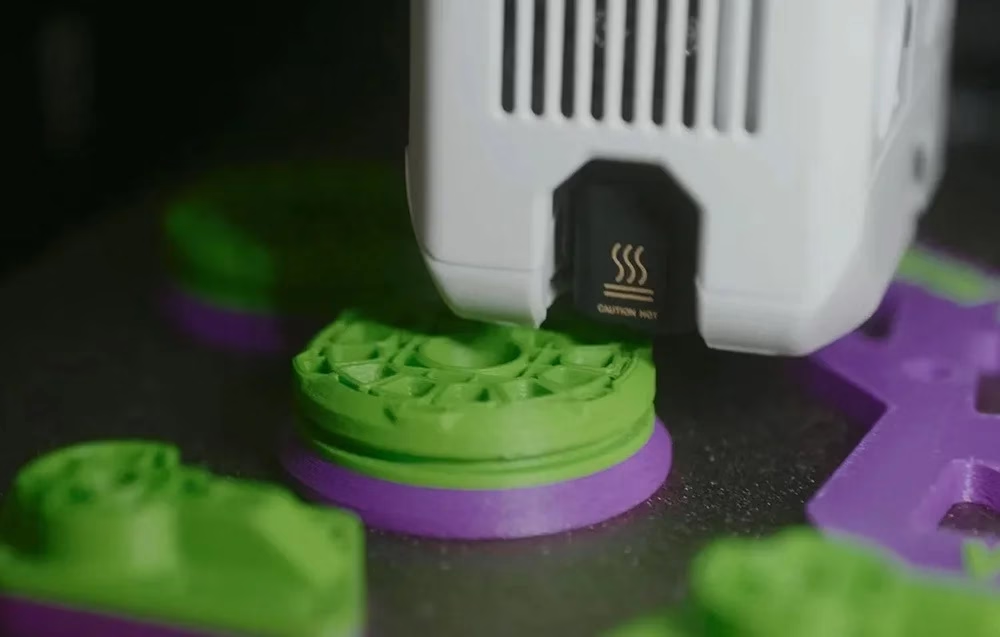
The ceramic-heated hotend reaches up to 370 °C and its bimetal nozzle is 0.4 mm, with 0.2, 0.6 and 0.8 mm nozzles available. Second-generation independent chamber heating warms the enclosure to up to 60 °C and the bed reaches up to 120 °C. The printer handles PLA, ABS, ASA, PETG, TPU, PA and PC as well as glass and carbon fibre composite filaments.
CoreXY frame and automatic levelling
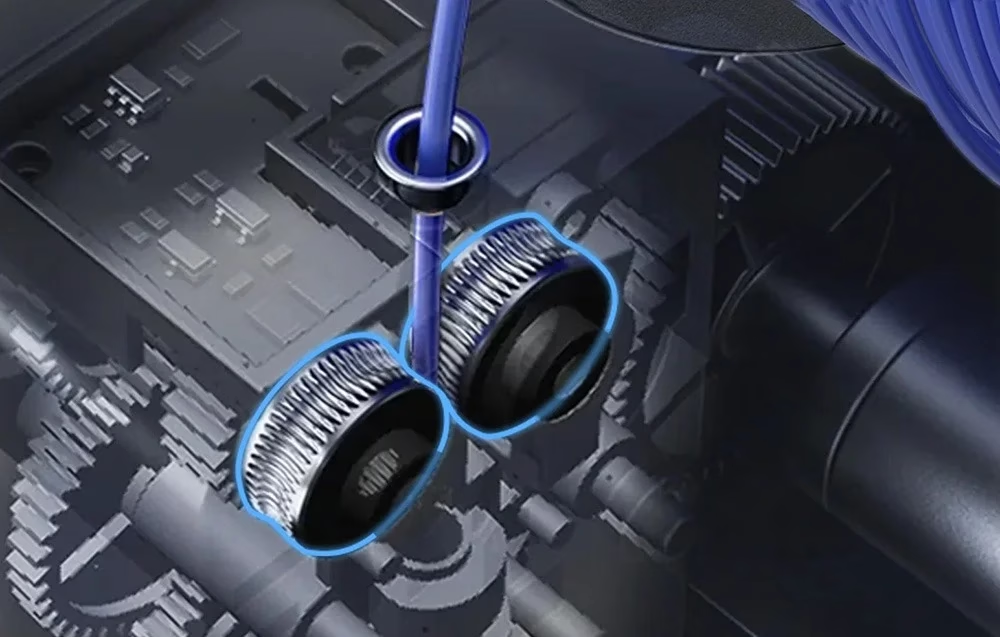
The print head moves at up to 600 mm/s with an acceleration of 20,000 mm/s². The X axis has a high-hardness linear rail and automatic belt tensioning; the Z axis is driven by two independent lead-screw motors on 10 mm steel shafts. Automatic bed levelling uses a load cell integrated into the hotend, and vibration compensation damps oscillation during movement. The direct drive extruder has hardened steel dual gears.
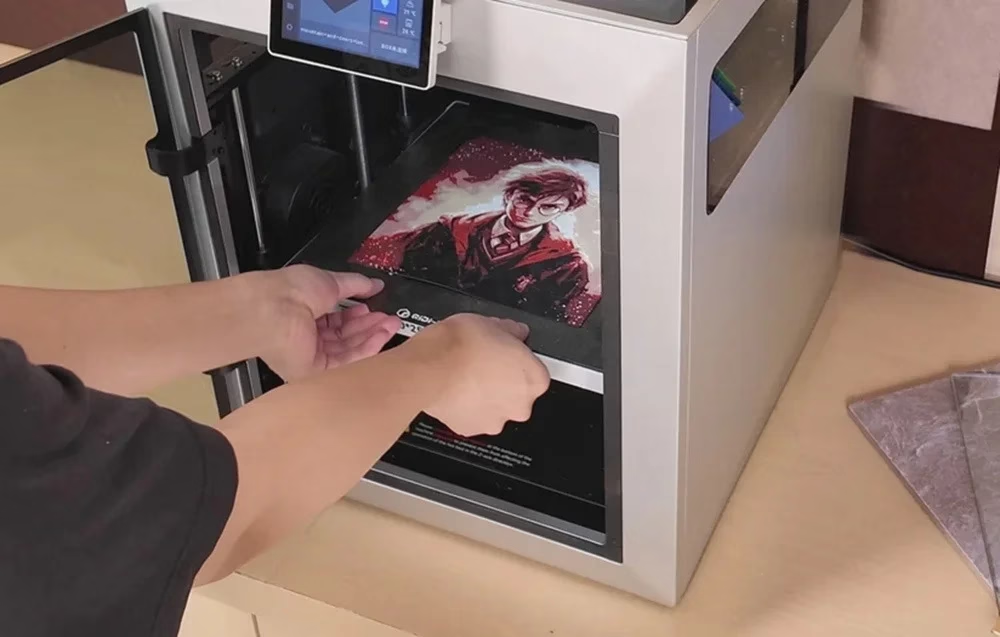
The heated aluminium bed carries a double-sided textured PEI plate.
Print monitoring and air filter
The AI camera detects print failures and records up to 1080p video and timelapses. The printer has a filament run-out sensor, clog detection and a filament cutter, and resumes an unfinished job after a power cut. The three-stage air filter combines a G3 pre-filter, a HEPA H12 filter and activated carbon.
Controls, connectivity and software
The printer is operated from a 4.3-inch 480 × 272 touchscreen. Files reach the printer over 2.4 GHz Wi-Fi, a network cable or a USB flash drive and are stored in 32 GB of eMMC memory. The supplied USB flash drive holds the QIDI Studio slicer, which runs on Windows, macOS and Linux; OrcaSlicer and PrusaSlicer also work. Supported file formats are STL, OBJ, 3MF, STEP and STP.
Setting up
To fit the screen, pull the ribbon cable out about 50 mm, connect it to the screen and slide the screen into its slot down and to the right until it locks. To release the bed, undo the four screws, wait for the bed to rise and remove the foam underneath. Remove the cardboard and foam from the print head. To load filament, attach the holder extension and spool holder to the side of the printer, place the spool on the holder and feed the filament through the pneumatic head into the inlet and on to the print head. For the first print you can choose a preloaded model on the screen.
Cleaning and care
With the printer unplugged, clean it with a dry cloth and remove dust, filament residue and debris from the guide shafts. Clean and lubricate the linear rails and Z lead screws regularly; lubricating oil is included. After printing, clean the nozzle with a tool while it is still warm. Clean the camera lens with a cotton bud or microfibre cloth moistened with alcohol.
In the box
- 3D printer QIDI Q2, 1 pc
- QIDI Box filament changer, 1 pc
- Touchscreen
- Glass top cover
- Filament holder extension with pneumatic head
- Filament spool holder and cap
- Power cord
- Network cable
- USB flash drive
- Silicone nozzle wiper
- Spare parts bag
- Lubricating oil
- 7 mm spanner
- Scraper
- Flat screwdriver
- Glue stick
- Set of hex keys







































Reviews
There are no reviews yet.