

Description
Pen display with QHD+ resolution
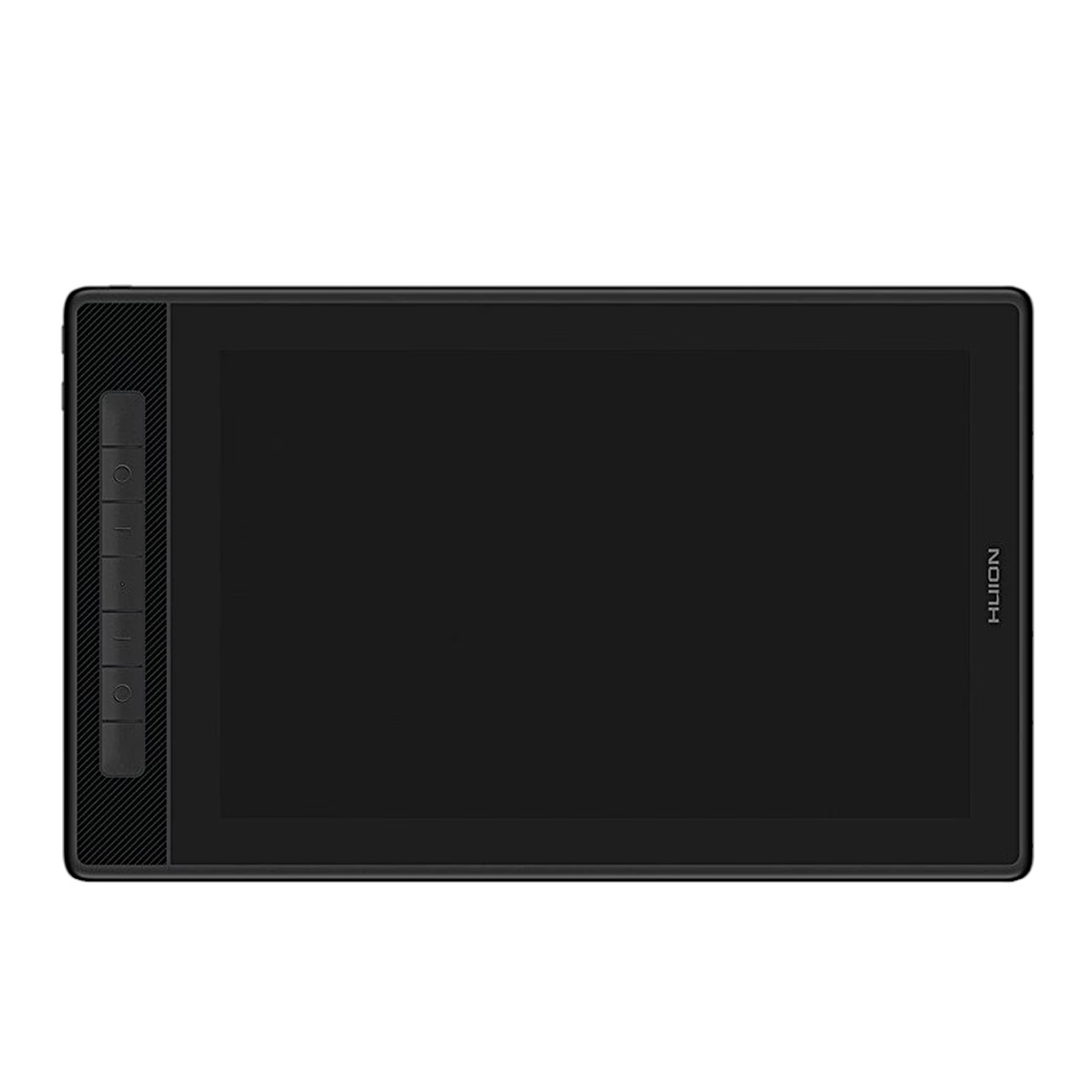
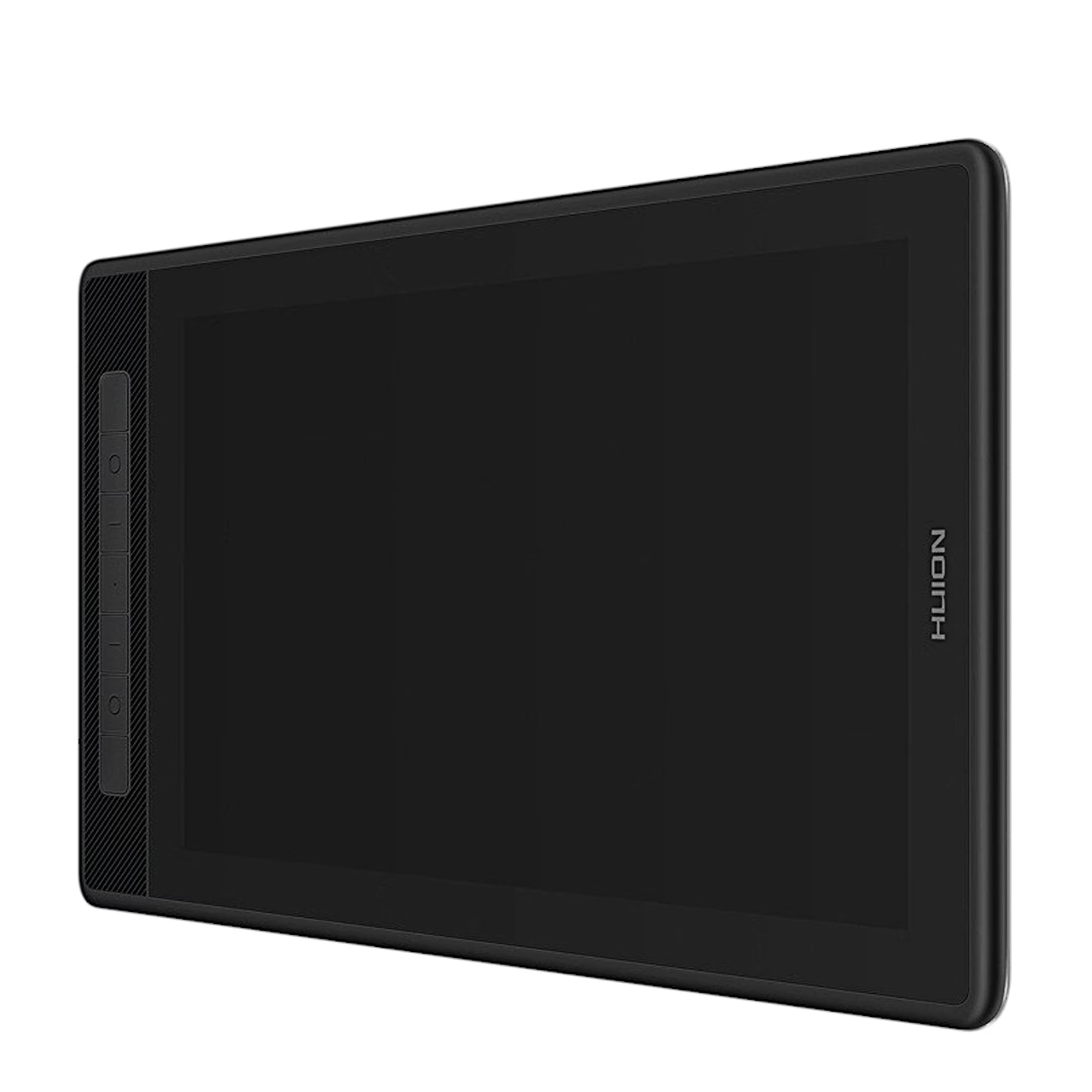
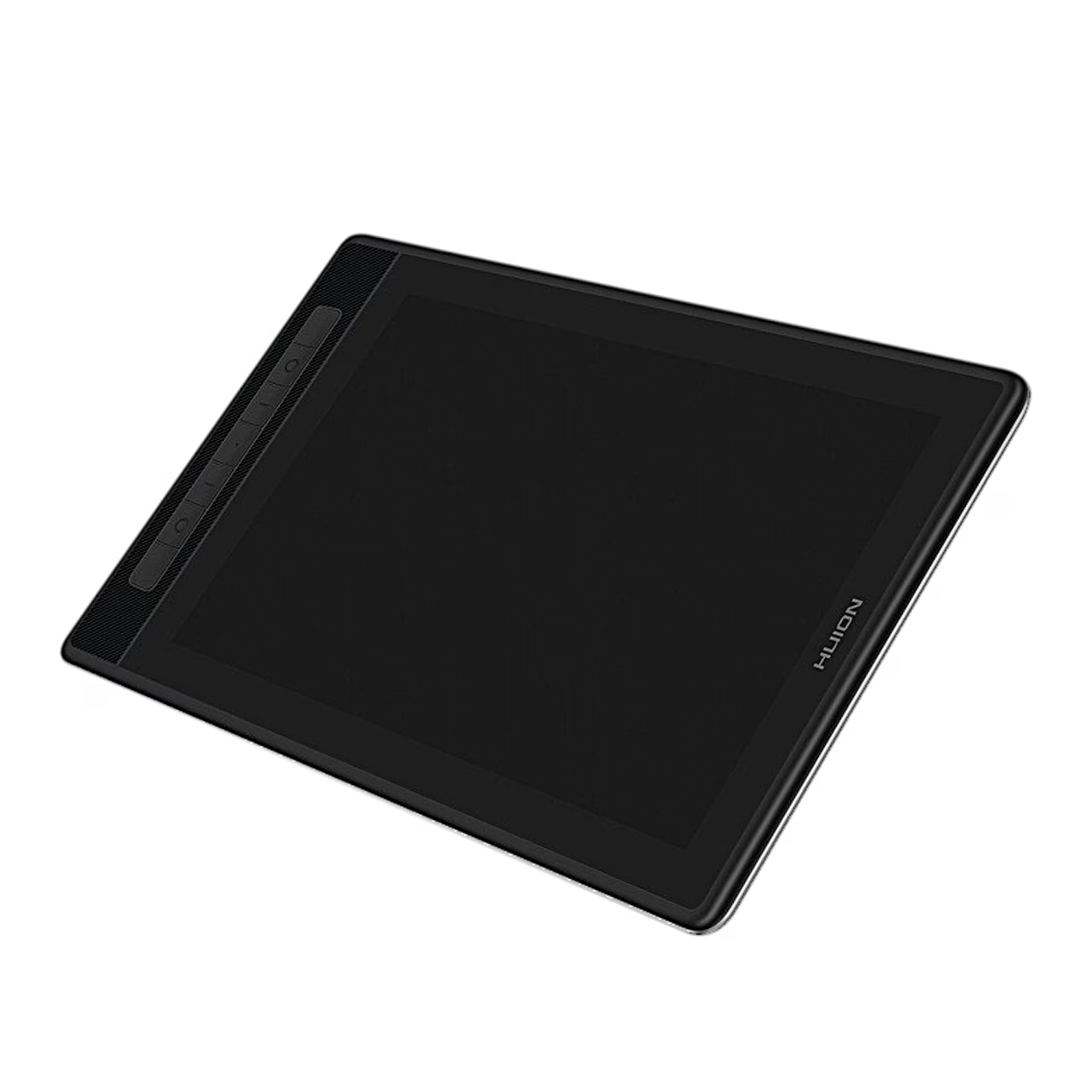
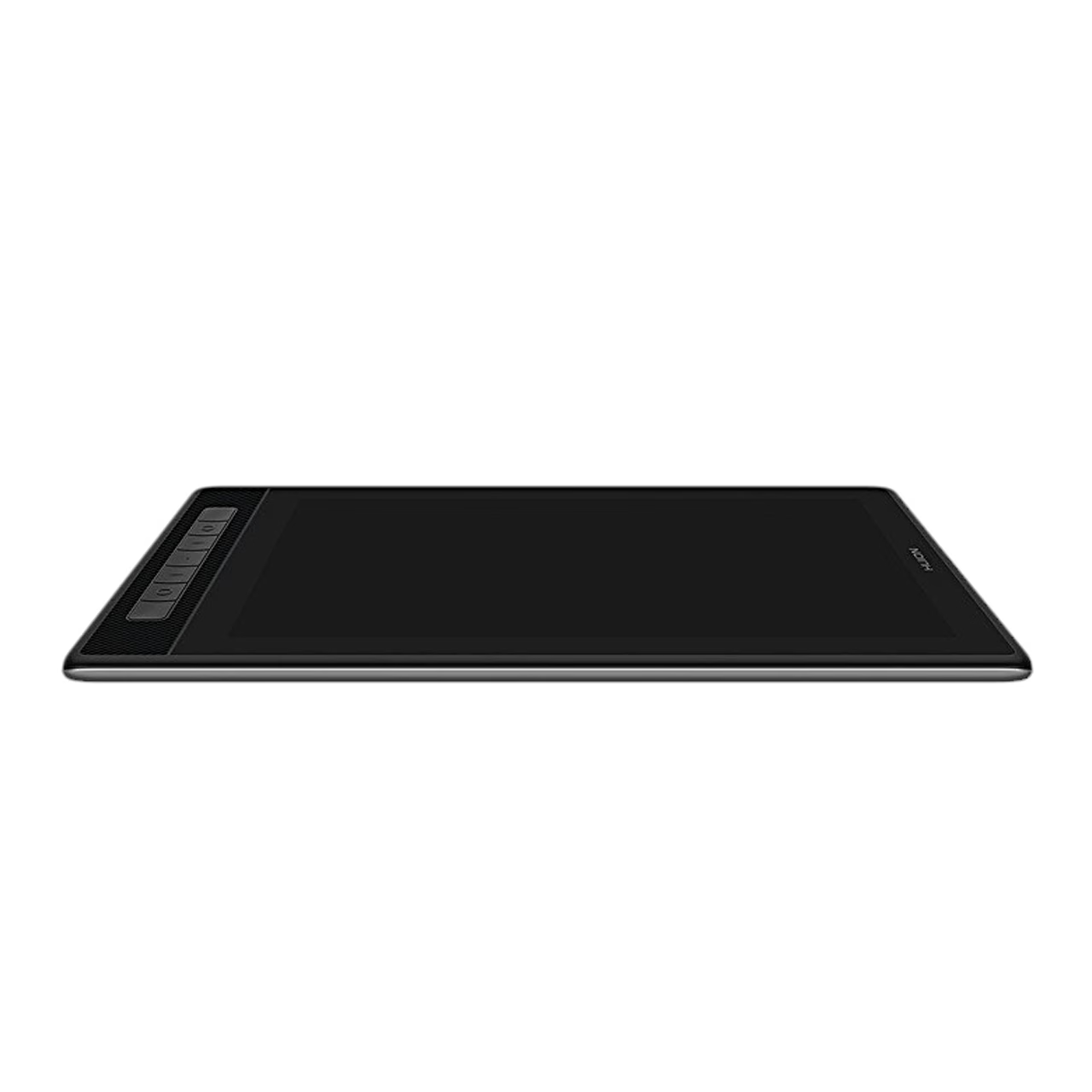
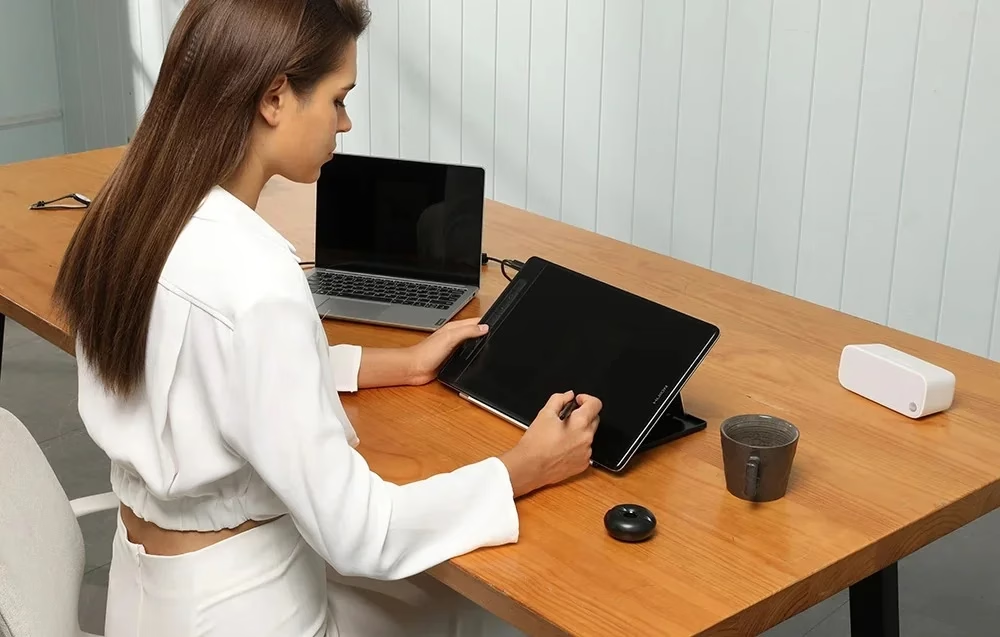
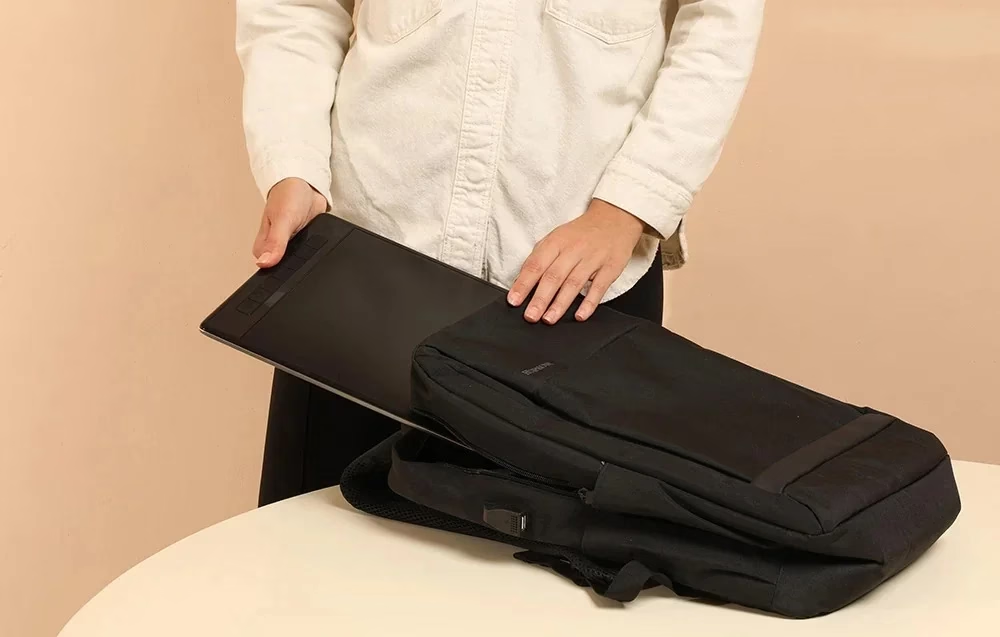
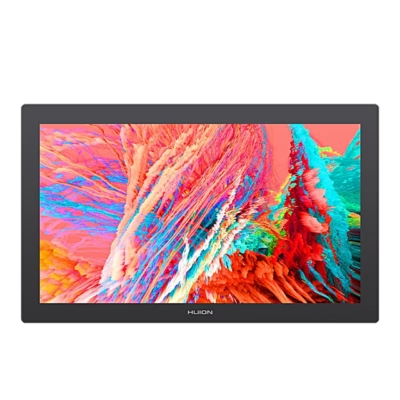
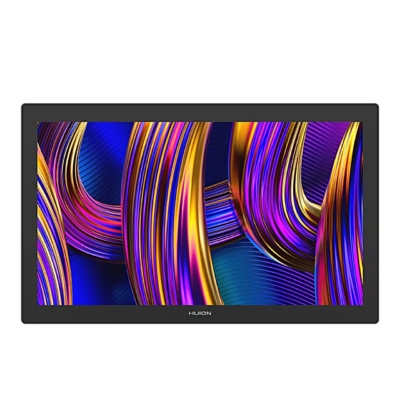
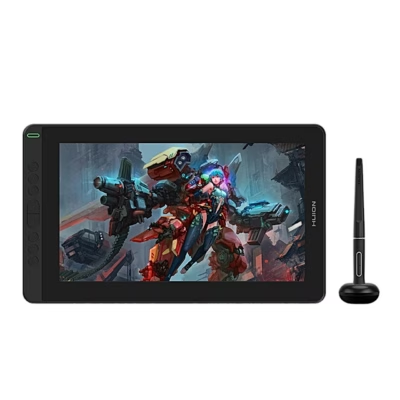
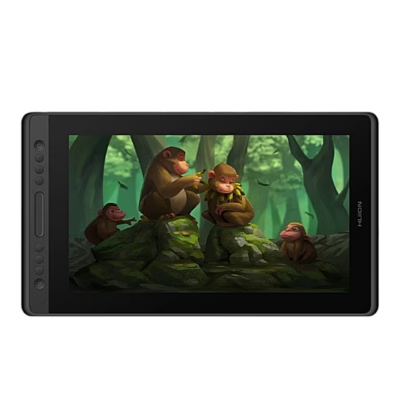
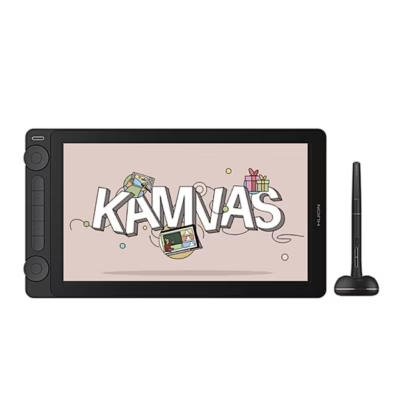
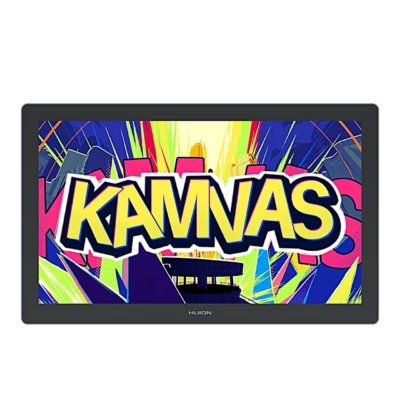
The Huion Kamvas Pro 13 2.5K GT1302 is a pen display whose 13.3-inch IPS screen shows 2560 × 1600 pixels in a 16:10 format. The pen working area is 286.5 × 179 mm. With its anodised aluminium back the tablet is 10 mm thick and weighs 1 kg.
Quantum-dot IPS screen with etched anti-glare glass
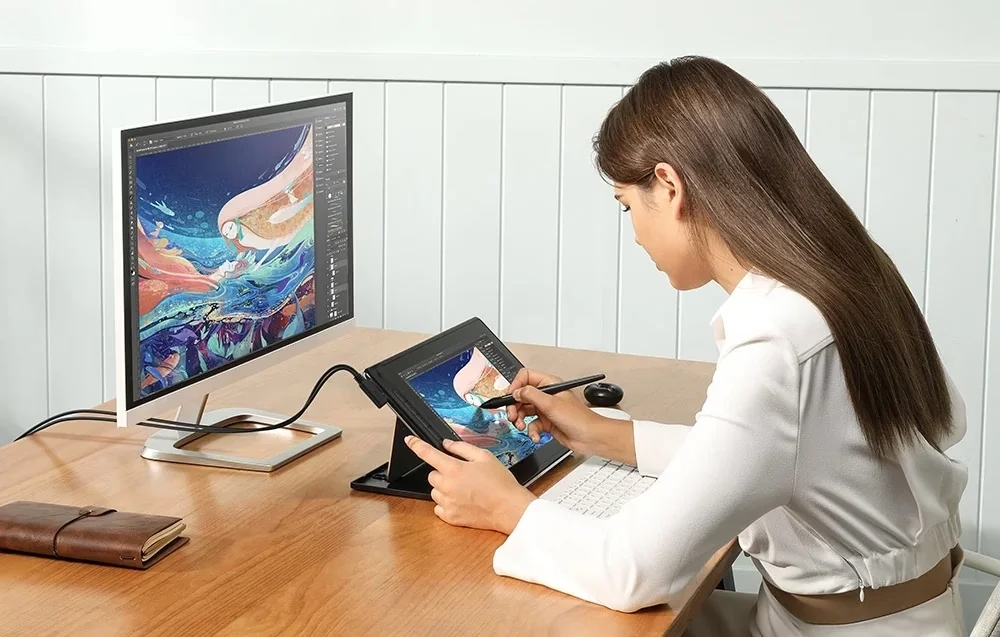
The quantum-dot screen covers 145% of sRGB, and the on-screen menu also has sRGB and Adobe RGB modes covering 99% of sRGB and 99% of Adobe RGB respectively. Contrast is 1200:1, brightness 220 cd/m² and the viewing angle 89° in every direction. Full lamination reduces parallax, the offset between the pen tip and the cursor, and the etched glass diffuses reflections.
PW517 pen with felt nibs for a paper-like feel
The battery-free PW517 pen uses PenTech 3.0 electromagnetic resonance and is charge-free. It senses 8192 pressure levels and tilt up to ±60°, with a resolution of 5080 LPI and a report rate above 300 PPS. Alongside five standard nibs the box holds five felt nibs that give a paper-like feel. The two pen buttons can be set to precision mode, scrolling or fixed pressure, for example.
Full-featured USB-C port for image and data
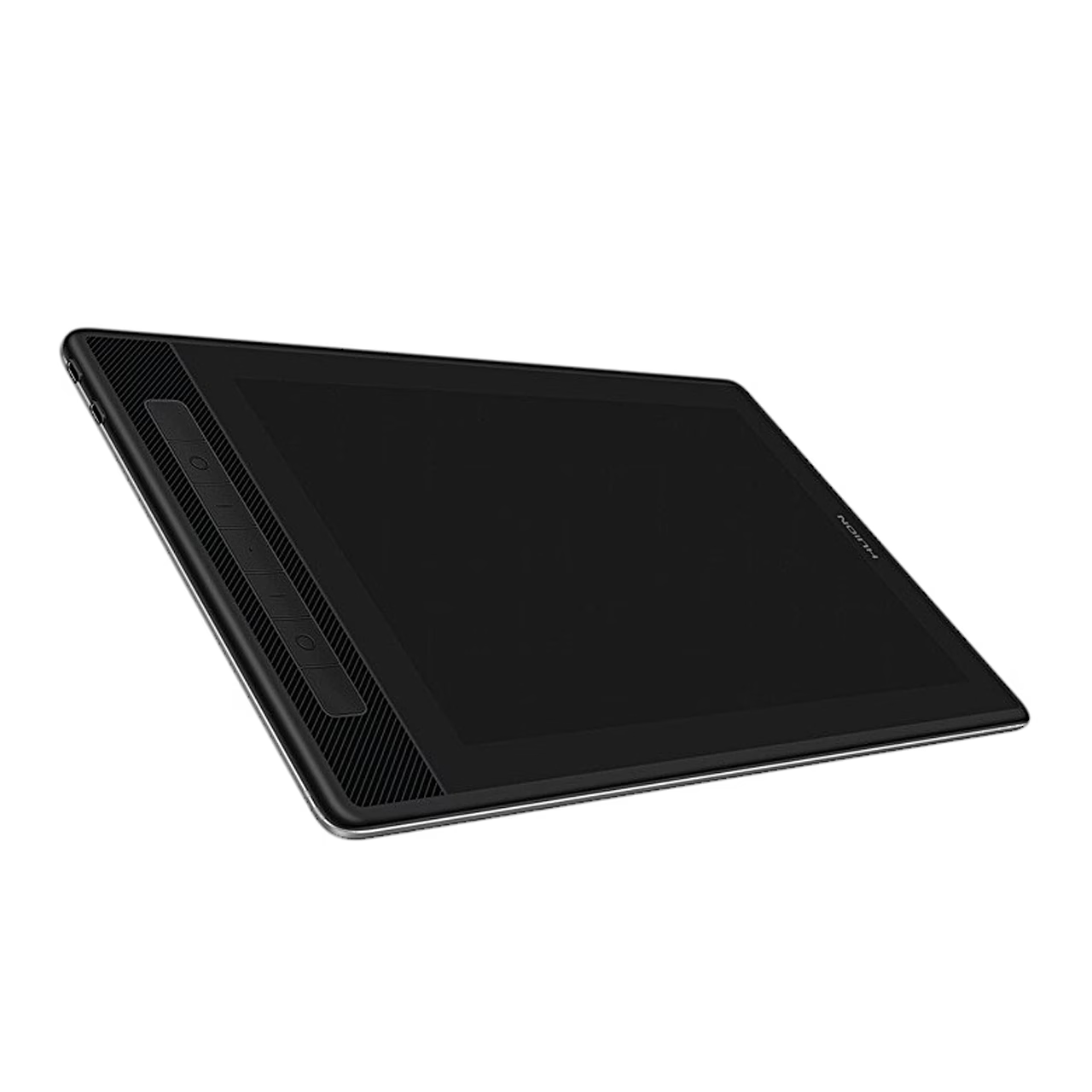
The tablet has two USB-C ports on its side: one for image and data, one for power. It connects to a computer or Android device with a single USB-C to USB-C cable, and to a computer also with the supplied 3-in-2 cable. Any USB power adapter with a 5 V, 2 A output can power it, and an Android device’s USB-C port must support at least USB 3.1 Gen 1 and DP 1.2.

Seven programmable keys and a foldable stand
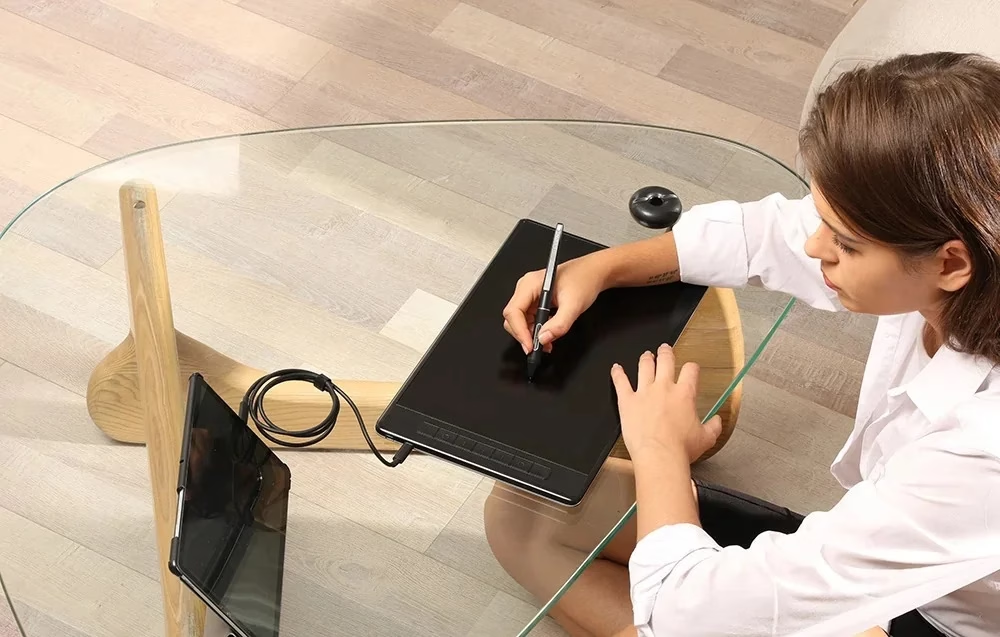
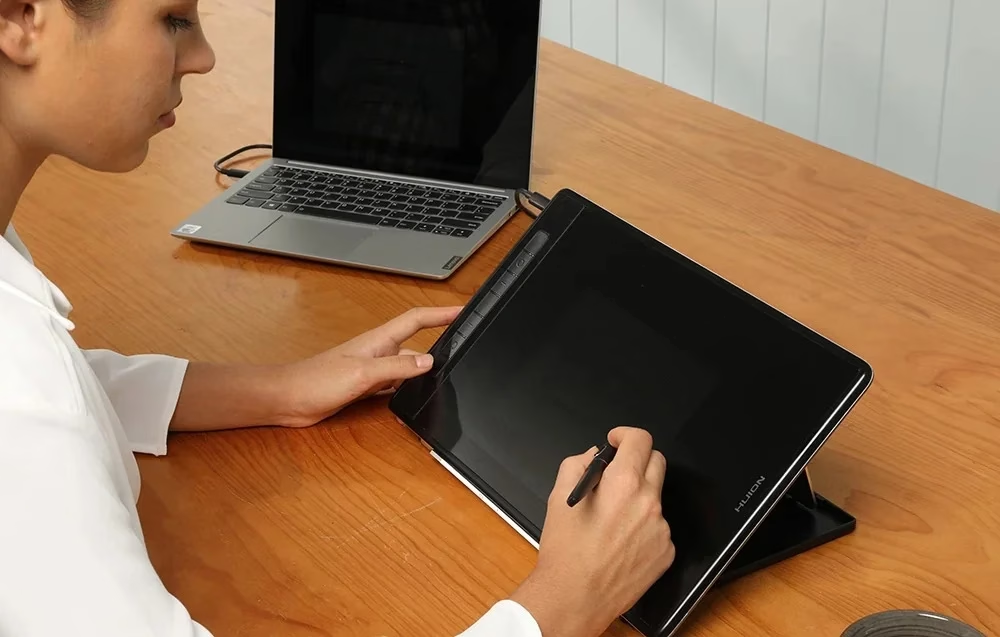
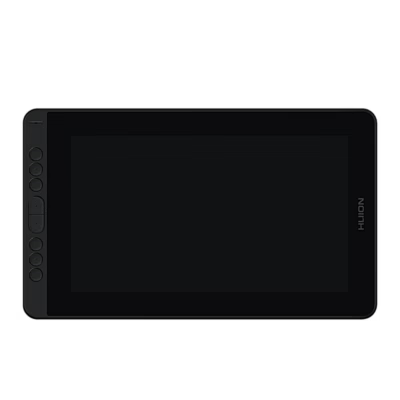
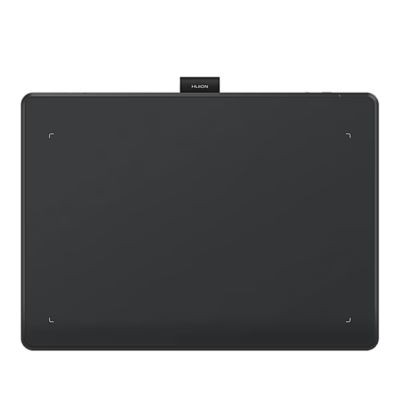
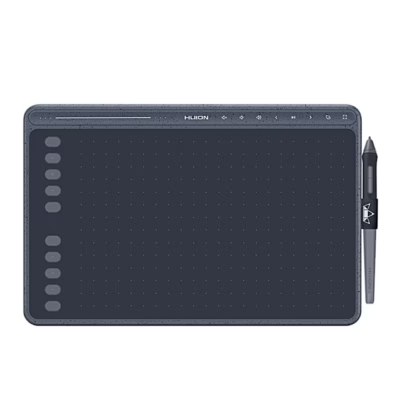
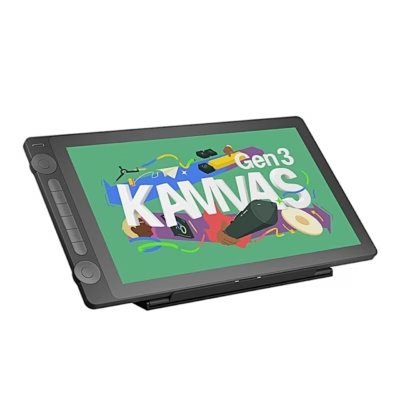
The seven keys along the screen edge can be set in the driver to a key combination, a mouse button, launching a program, a quick menu or a media function, with settings saved separately for each program. The foldable ST200 stand holds the tablet at 20° or 45°. With the screen switched off the Kamvas Pro 13 works as a screenless graphics tablet.
Driver, on-screen menu and nib replacement
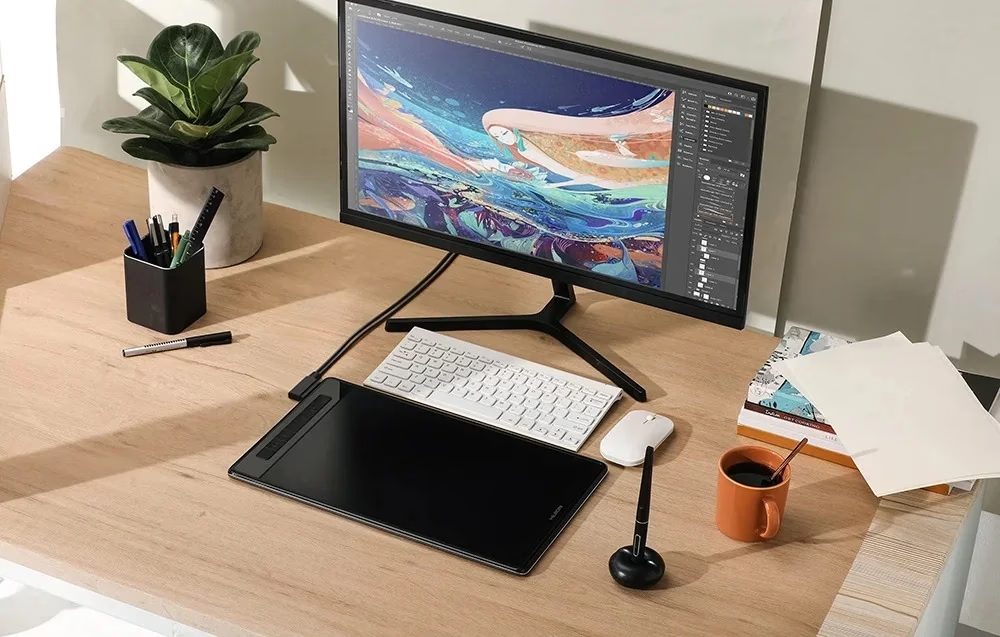
The Huion driver is available for Windows, macOS and Linux (Ubuntu); close graphics programs and antivirus software before installing it. A long press of the power button opens the on-screen menu, where you can adjust with the pen brightness, colour temperature (6500 K, 7500 K, 9300 K or your own RGB value) and colour space. On macOS the display settings in the driver are available when the tablet is connected with a full-featured USB-C cable. To change a nib, open the pen holder anticlockwise, remove the worn nib with the nib clip and push the new nib fully into the pen.
In the box
- Pen display Huion Kamvas Pro 13 2.5K GT1302, 1 pc
- battery-free pen PW517, 1 pc
- pen holder, 1 pc
- standard nibs, 5 pcs
- felt nibs, 5 pcs
- nib clip, 1 pc
- foldable stand ST200, 1 pc
- 3-in-2 cable, 1 pc
- USB extension cable, 1 pc
- full-featured USB-C cable, 1 pc
- USB power cable, 1 pc
- quick start guide, 1 pc
- cleaning cloth, 1 pc









































Reviews
There are no reviews yet.